Ship your game
with real
animations.
AI-powered motion capture, character pre-visualization, and animation from any video. Extract game-ready skeletal data, or see your character concepts in motion — no mocap studio, no manual cleanup.
From video to game-ready assets in seconds · Unity & Unreal ready · Powering Fight Anyone
See your characters move before you build
Start freeGenerate character concepts from a prompt. Drop them into a motion reference. Animate a still image with any video. Viggle handles the entire pre-production pipeline — from idea to moving character.
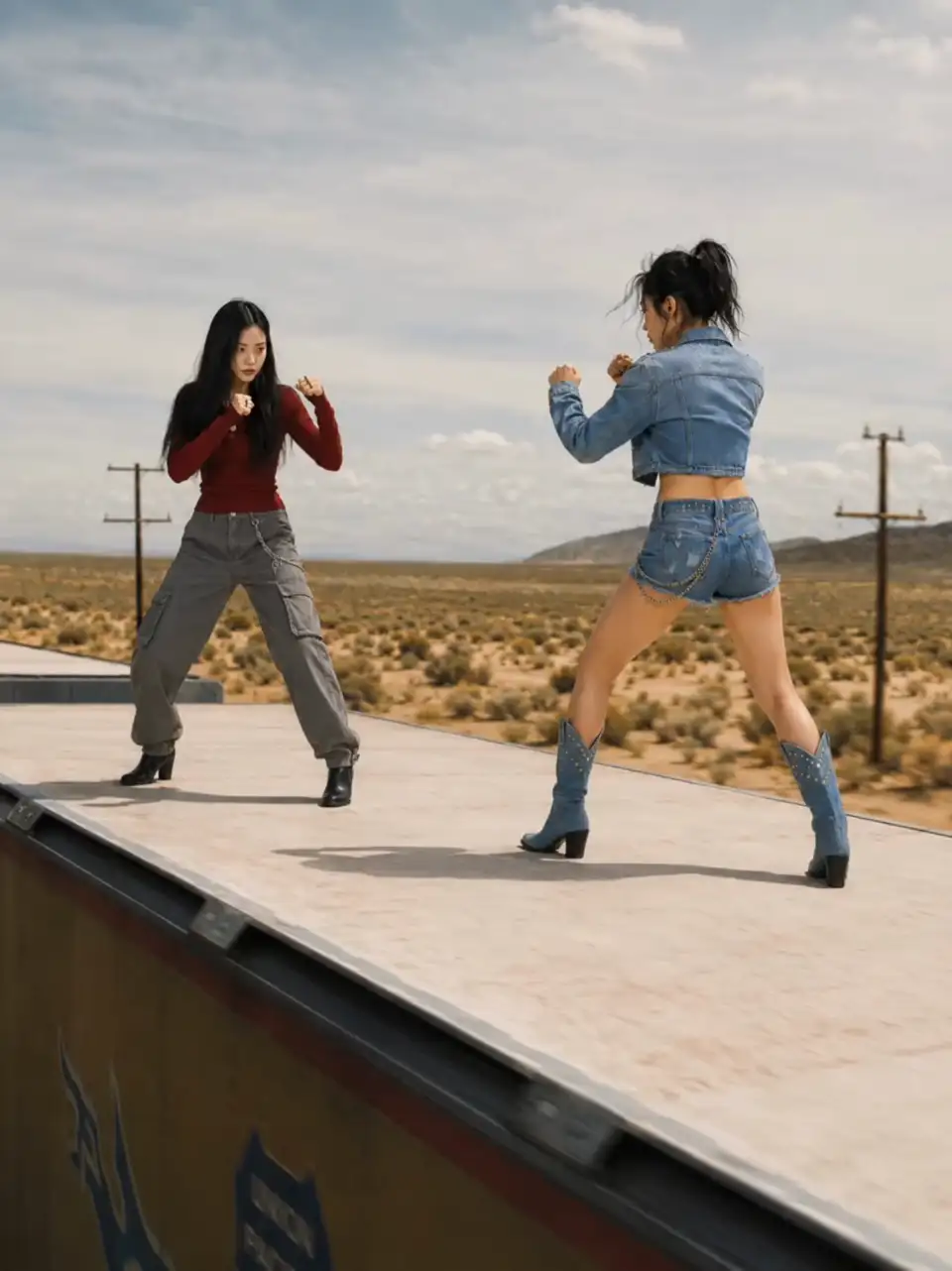
Image & Video: create from scratch
Generate characters, environments, or reference footage from a text prompt. No assets needed to start.
Concept art generation · Reference footage · Marketing assets
Try Image & VideoMix: character into motion
Drop your character into any motion video. See how they look in combat, idle, or cutscene — before you build.
Combat previews · Cutscene blocking · Character auditions
Try MixMove: animate any still image
Upload concept art, add a motion reference. Your character animates to match — instantly.
Pitch deck animations · Devlog content · Internal reviews
Try Move
Pre-viz outputs are video. Need skeletal animation data? Use the sandbox below to extract game-ready GLB files.
Try it right now
Start freePick a motion preset or upload your own footage. See the skeletal animation in real time — no account needed.
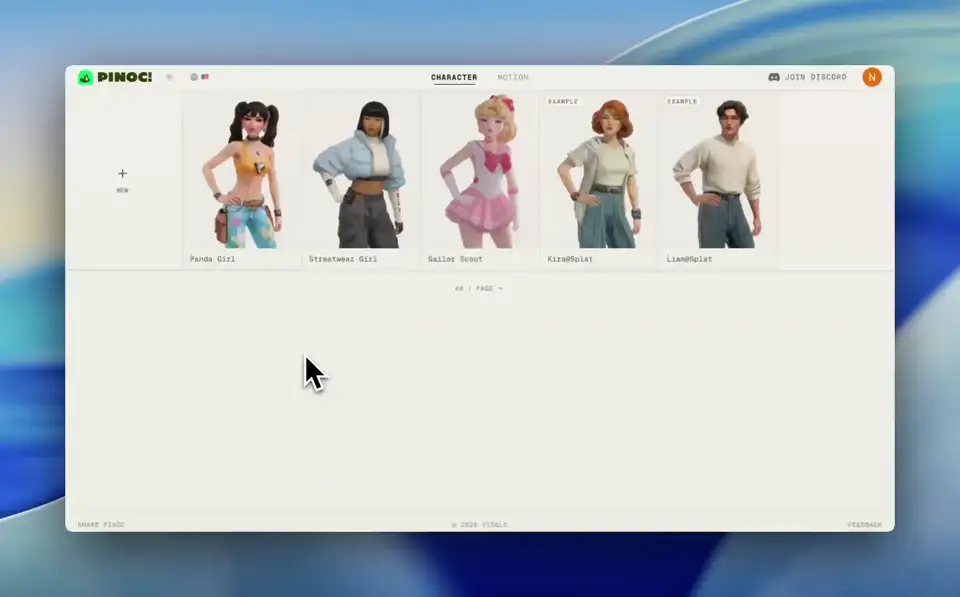
Want to see this tech in a full game? Try Fight Anyone
We shipped a game with it
Play Fight AnyoneFight Anyone is a fighting game we built using Viggle's animation pipeline — the same one available to you. Every character animation is AI-generated from video. No mocap studio. No manual cleanup.
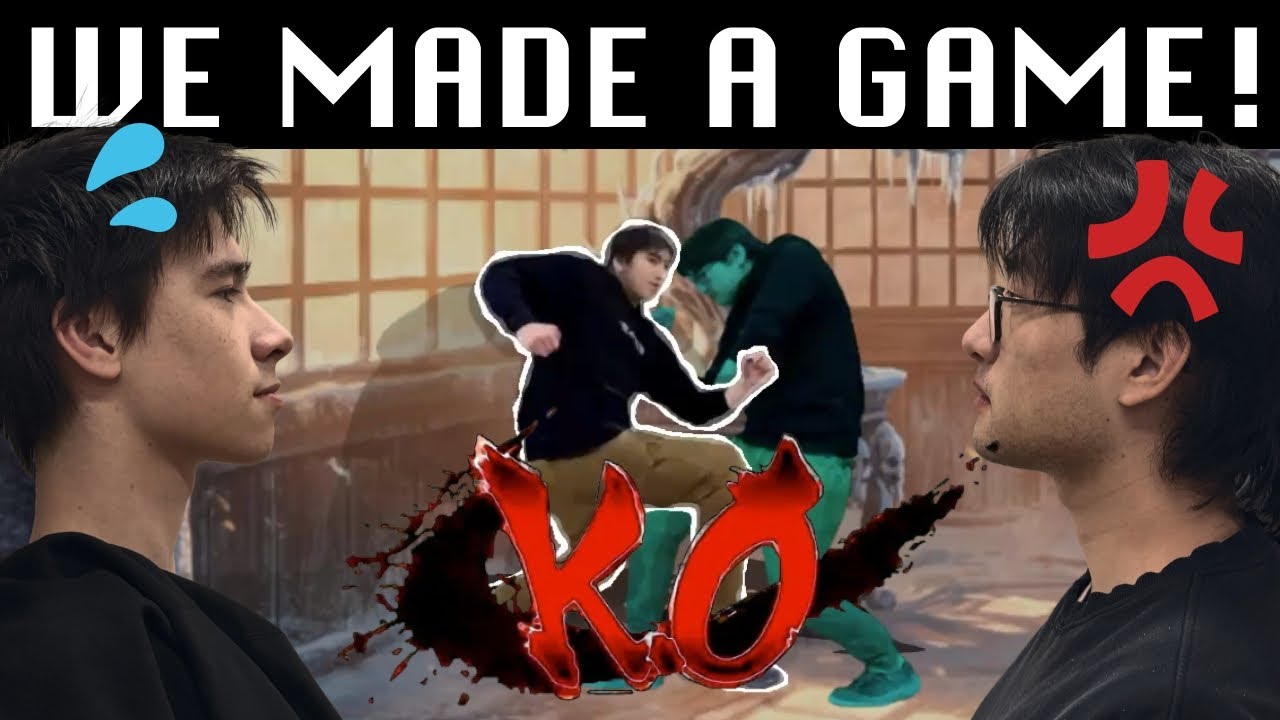
Any Image. Any Fighter.
Fight Anyone lets players upload any photo and turn it into a playable fighting game character — instantly. The avatar system is powered by the same Viggle motion pipeline you can use in your own game.
- Dynamic avatar system — any image becomes an animated character
- Same AI motion pipeline you can integrate via API
- Proof it works in production — shipped and live
- Ship character animations faster — with or without an animation team
Built for game developers
Whether you're a solo dev, a small studio, or an AAA team prototyping — get studio-quality animations at a fraction of the cost.
Prototyping
- Block out combat, traversal, and idle animations in hours
- Test game feel before committing to expensive mocap
- Iterate on movement mechanics without waiting on artists
- Preview character designs in motion with Mix before modeling
- Animate concept art for pitch decks and internal reviews
Shipping animations
- Generate final-quality animations for your indie title
- Fill your animation state machine without blowing your budget
- Custom moves that set your game apart from asset-store clones
NPCs & Enemies
- Unique animations for every enemy type — not recycled loops
- Populate your world with distinct background character motion
- Scale from 5 animations to 500 without scaling your team
Game trailers
- Cinematic character reveals for your Steam page
- Gameplay teasers that actually show your vision
- Kickstarter and crowdfunding campaign videos
Devlogs & marketing
- TikTok and Twitter clips that show real in-game motion
- Fast turnaround for weekly devlog updates
- Build a following before your game ships
Avatar systems
- Let players use any image as a game character — like Fight Anyone
- Real-time avatar animation from a single photo, no 3D pipeline
- Ship a character creator without hiring a single animator
Game jams
- Custom animations in minutes — not days
- Stand out from other jam entries with real motion
- No animator on your team? No problem.
Your budget, reimagined
$500–$1,500 per animation clip
~$0.03 per custom animation
$5,000–$15,000 per mocap session
Plans from $9.99/mo — less than one asset pack
2–3 weeks before you get files
Results in seconds, not weeks
Need to book a studio in advance
Works from your laptop, anywhere
Requires a professional actor
Film a reference video yourself — that's all you need
Drops right into your pipeline
GLB output that works with Unity, Unreal, Godot, Blender — FBX export coming soon.
Engine compatibility
- Unity: Auto-detected Humanoid, Mecanim ready
- Unreal: Retarget to any UE5 skeleton
- Godot: Native GLB import, or via Blender
- Blender & Maya: Direct GLB/glTF import
- Mixamo-compatible bone naming
- Tested: Unity 2022–2024, UE 5.x
Animation output
- 60+ bone standard human skeleton
- Motion-only GLB — retarget to any rig
- 30 fps standard output
- Root motion included and configurable
- Loop-optimized for idle, walk, run cycles
- File size: 5–15 MB typical
Streamlined workflow
- Batch process animations via API
- Speed up or slow down any motion (API)
- Foot contact correction for ground alignment
- Extract up to 5 characters from one video (API)
- No rigging or cleanup required
- Drag into your engine and play
Frequently asked questions
Common questions from game developers
Can I use Viggle animations in my commercial indie game?
Yes. All animations you generate with Viggle are yours to use in commercial projects — no royalties, no attribution required. Ship them in your Steam release, itch.io game, or console title.
How does the video-to-animation process work?
Film a reference video of someone performing the motion you need — even smartphone footage works. Viggle's AI detects the human skeleton, tracks joint positions frame by frame, and exports a clean GLB animation file you can drag straight into your engine.
Will these animations work in Unity / Unreal / Godot?
Yes. Viggle exports GLB with Mixamo-compatible bone naming. In Unity, it auto-detects as Humanoid and works with Mecanim out of the box. For Unreal, retarget to any UE5 skeleton. For Godot, import via Blender. Also works directly in Maya, Blender, and MotionBuilder.
I'm a solo dev with no animation experience. Can I use this?
Absolutely — that's who we built this for. No rigging, no cleanup, no animation knowledge required. Upload a video, download a GLB, drag it into your engine. The whole process takes about 20 seconds.
How does pricing work for indie developers?
There's a free tier with 5 animations per day — enough to prototype. Most developers start on PRO at $9.99/month (or $7.99/month yearly), which gives you 80 credits. That's roughly 80 custom animations per month for less than the cost of one asset store pack.
Are these good enough to ship, or just for prototyping?
Both. The quality is production-ready for most indie games. Many developers use Viggle animations as final assets — especially for action games, platformers, and RPGs where unique character motion matters. You can also use them as a starting point and polish in Blender if needed.
Can I preview how my character designs will look animated?
Yes. Viggle Mix lets you drop your character concept art into any motion reference video to see how it would look in action. Viggle Move animates a still image to match a motion reference. Both are great for pre-visualization before you commit to production animation.
Can I see a real game built with Viggle?
Yes — we built Fight Anyone, a fighting game where players use any image as their fighter avatar. The entire avatar animation system is powered by the same Viggle pipeline available to you. No 3D modeling, no animators — just AI. Try it at https://test.viggle.ai/fight-anyone.