
Free Gaming HighlightVideo Maker
Gaming highlight video maker workflows need quick detection of clutch, funny, and high-impact moments. Start from stream VOD or match footage, cut short variants, then keep the strongest hook per platform. Tight pacing usually beats heavy effects for performance. This process works for ai gaming clip generator, twitch highlight generator, and viral gaming clips.
How to get better gaming highlight video maker results
Find top moments first, generate short edits, then publish channel-specific cuts. It is reliable for gaming clip generator, vod to clips ai, and esports highlight maker pipelines.
Choose one clutch or reaction moment
Focus on a clear gameplay payoff first (ace, win, fail, or reaction). This creates stronger short-form hooks.

Draft multiple opening variants
Try different in-points and pacing styles to see which version communicates the moment fastest.

Polish and export vertical clips
Finalize timing, then export social-ready cuts for Shorts, Reels, TikTok, or community posts.
Why gaming highlight video maker creators pick Viggle
Clutch-first editing workflow
Viggle is optimized for short, high-impact moments where slow intros hurt retention. This fits the way gaming highlights are consumed on social platforms. You can move from stream segment to publishable cut faster.
See WhyFast hook testing under creator cadence
Generate and compare multiple intros quickly to find the strongest version. This is useful for daily stream clip pipelines. It reduces guesswork in high-volume posting.
Use ItTemplate consistency across games
8,000+ templates help keep channel style stable while switching titles and gameplay contexts. That improves brand continuity for gaming pages. It also saves setup time per clip.
Keep StableMulti-Track refinement for cleaner flow
Adjust sequence timing and transitions after generation without restarting all edits. This speeds up polishing when deadlines are tight. Teams can keep quality and velocity together.
Refine FasterPractical scale with free daily access
Up to 5 free videos/day helps creators test formats before scaling volume. Combined with fast workflows, this supports steady publishing. It is useful for both solo streamers and team operators.
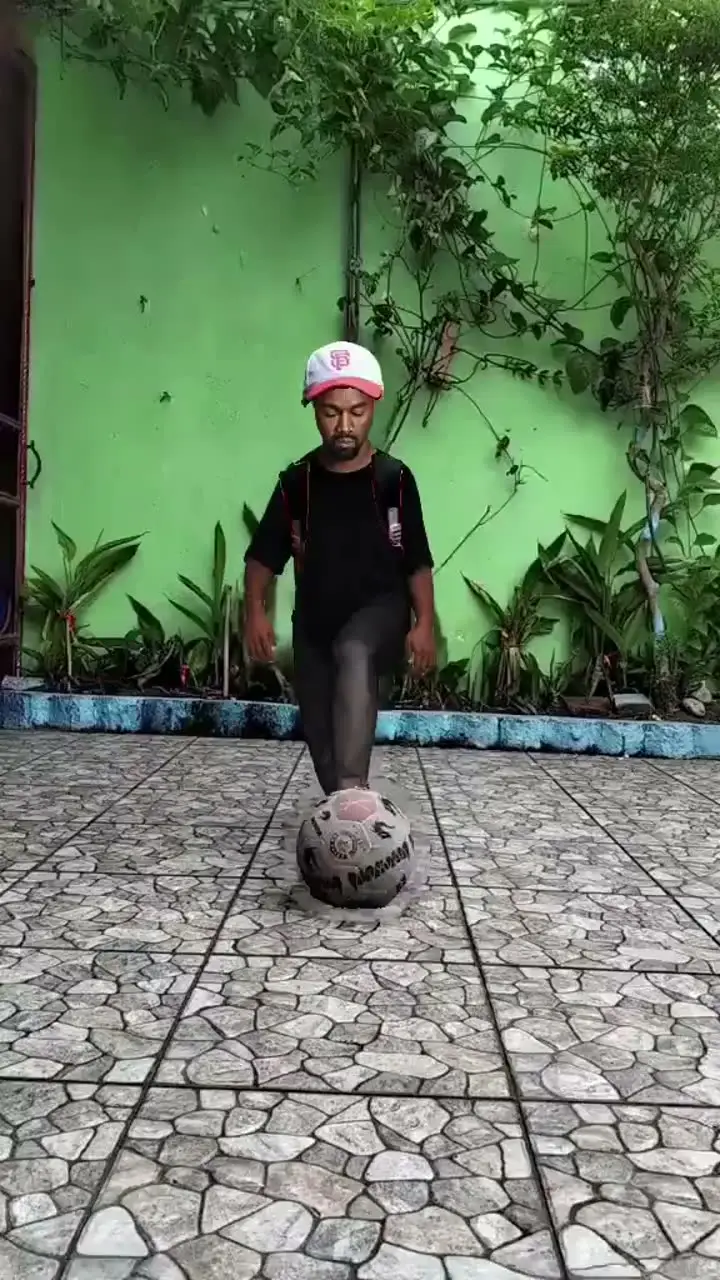
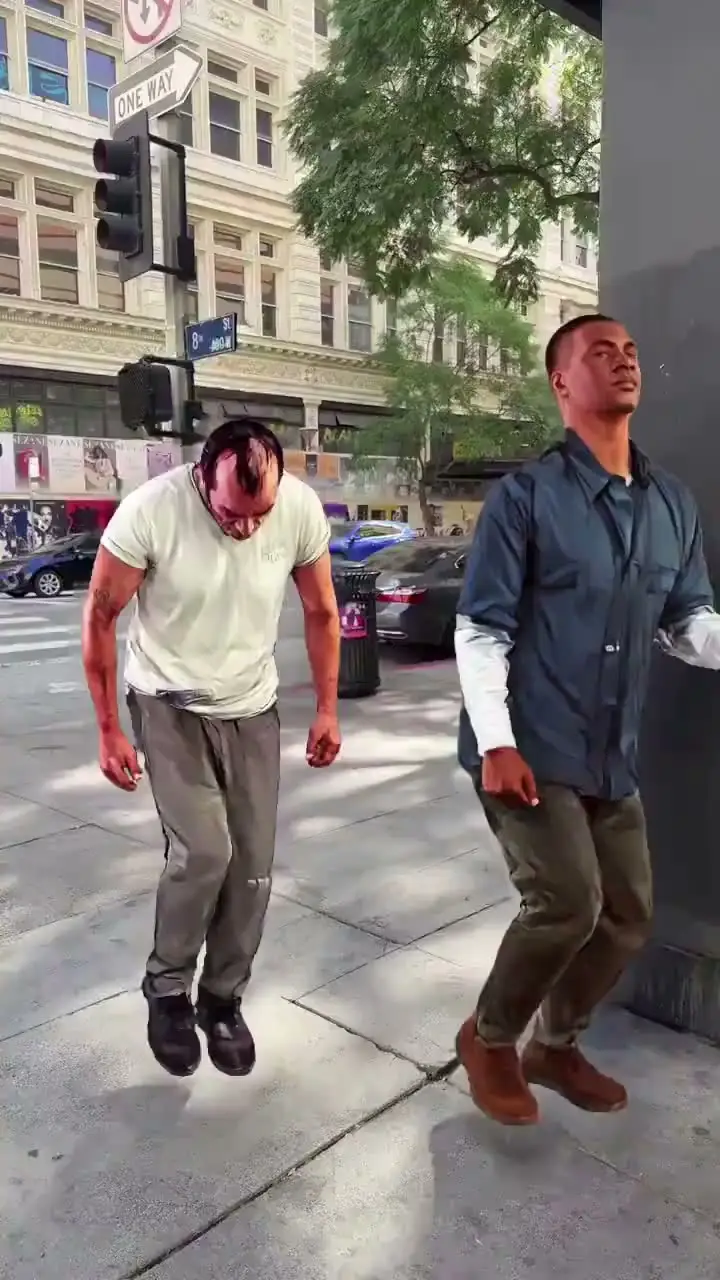
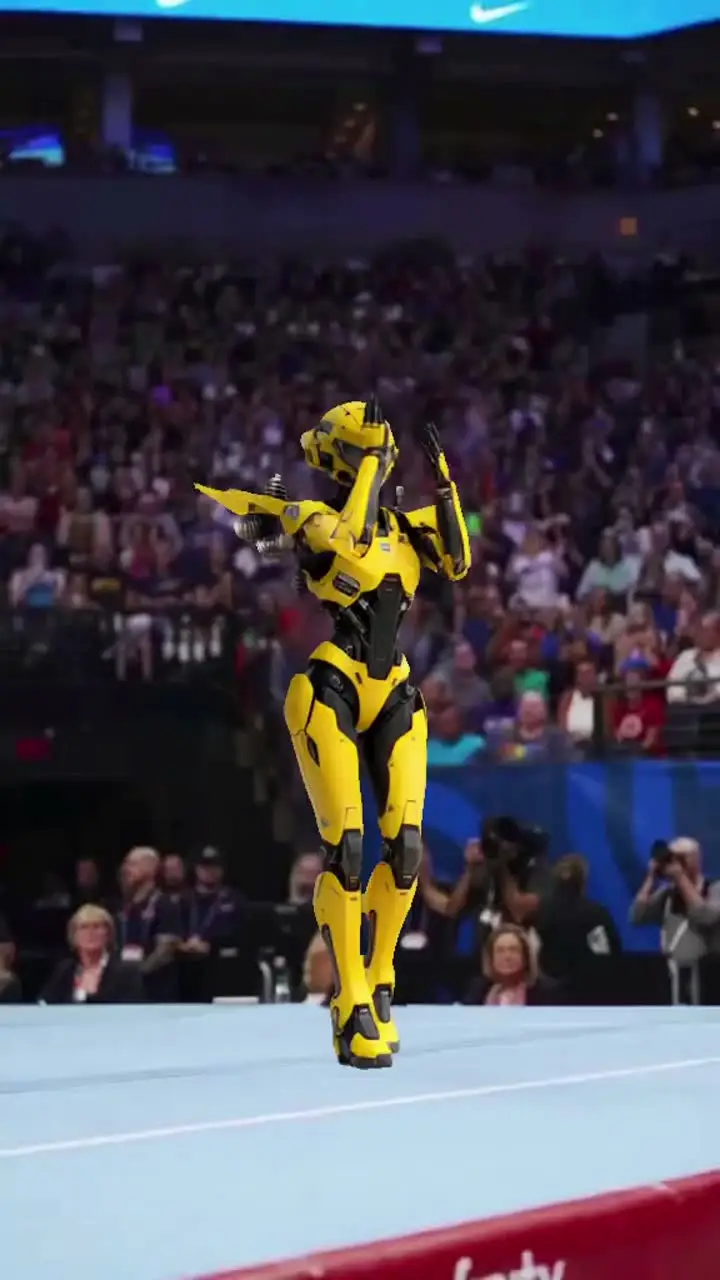
Ship MoreGaming Highlight Video Maker Examples
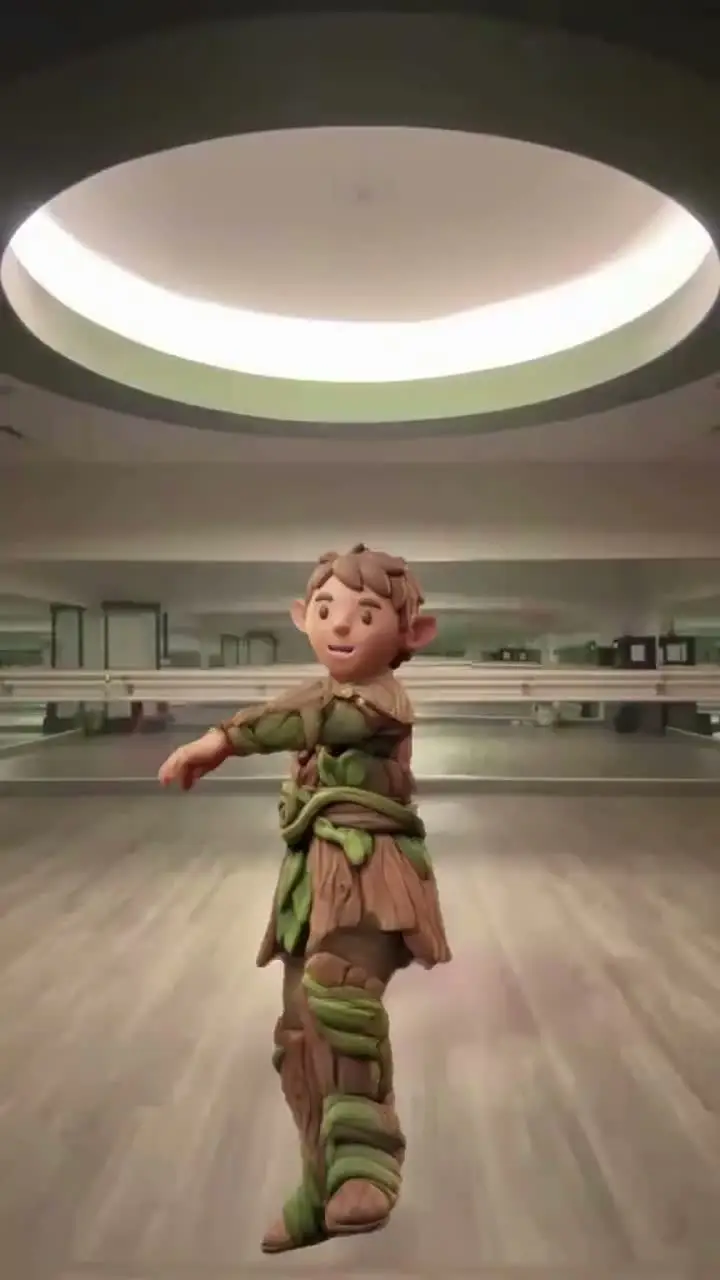
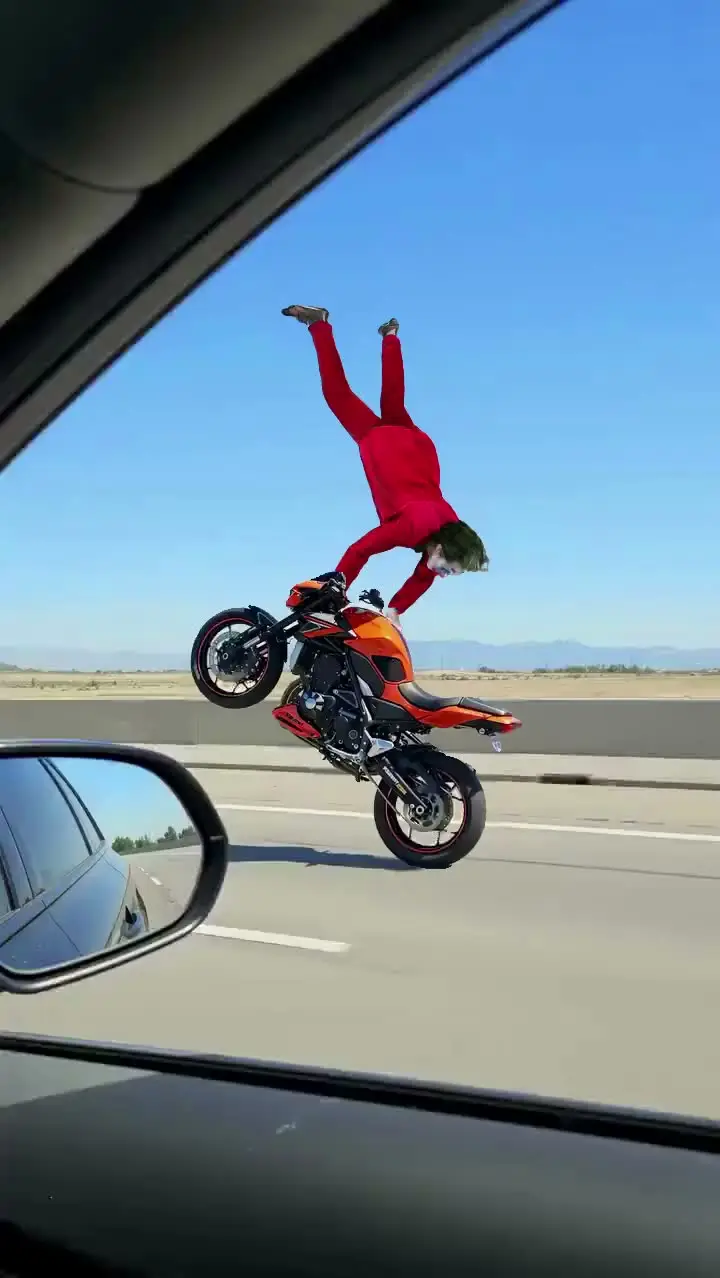
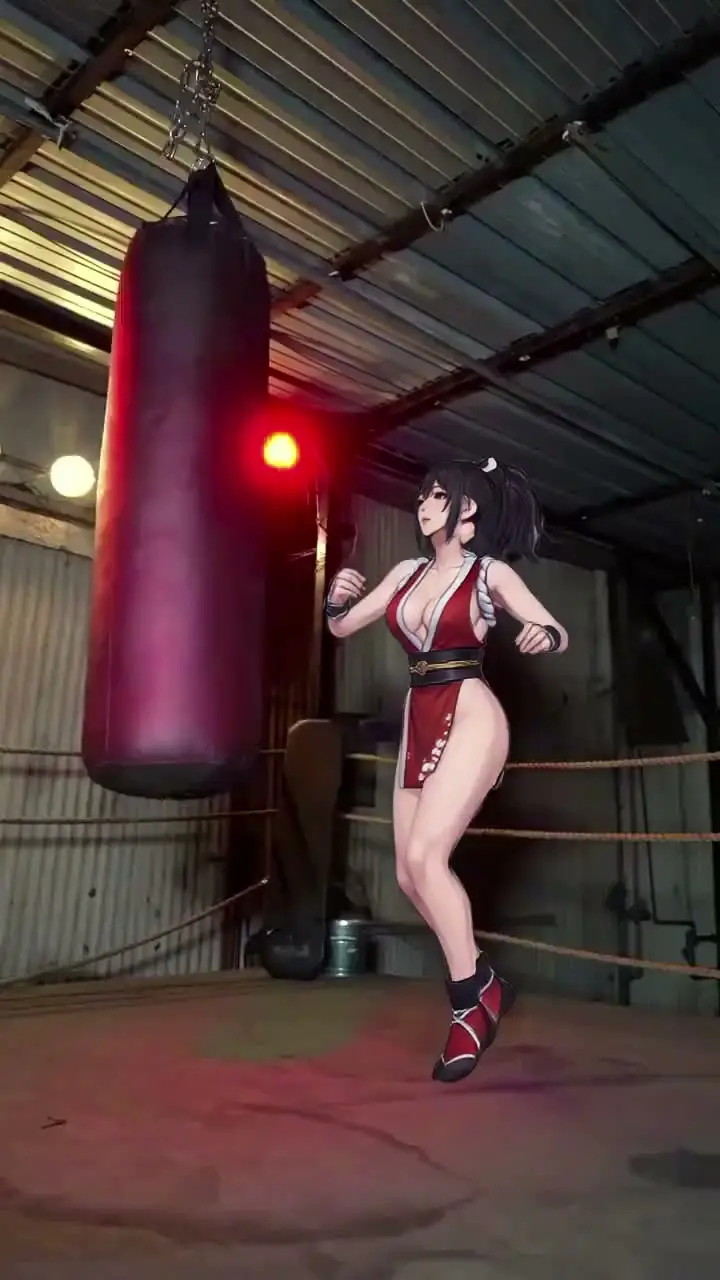
Who Uses Gaming Highlight Video Maker
Twitch Creators
They repurpose VOD moments into short, high-retention highlight clips.
YouTube Gaming Creators
They create Shorts-style highlights from long gameplay sessions.
TikTok Gaming Creators
They publish fast clutch edits optimized for first-second impact.
Valorant Creators
They test multiple ace and clutch cut formats for engagement.
Fortnite Creators
They convert match highlights into consistent social-ready reels.
Esports Creators
They package competitive moments into frequent, shareable clip content.
Viggle vs other gaming highlight video maker tools
Try Viggle Free| 功能 | Viggle AI | Medal | Eklipse | CapCut |
|---|---|---|---|---|
| Gaming clip workflow fit | ✅ | ✅ Capture-focused | ✅ Auto-highlight focused | ✅ Editor-focused |
| Hook-variant iteration speed | ✅ | ⚠️ Capture-first | ⚠️ Auto-first | ✅ |
| Template consistency for series | ✅ | ⚠️ Limited | ⚠️ Limited | ✅ |
| Timeline refinement depth | ✅ Multi-Track | ⚠️ Limited | ⚠️ Limited | ✅ |
| Cross-platform short-form readiness | ✅ | ✅ | ✅ | ✅ |
| Free start path | ✅ Up to 5 free videos/day | ⚠️ Varies | ⚠️ Varies | ⚠️ Varies |
Gaming Highlight Video Maker FAQ
What is a gaming highlight video maker?
How long should a gaming highlight be?
What makes gaming highlights perform better?
Is this good for Twitch highlight clips?
Should I add subtitles or captions?
How many variants should I test?
Can I use it for Valorant/Fortnite/Minecraft highlights?
What’s the fastest way to decide if it fits my channel?
Ready to make gaming highlight clips?
Try Viggle FreeCreate gaming highlight clips
fast
Turn streams into short gaming highlights for social posting and clip sharing.