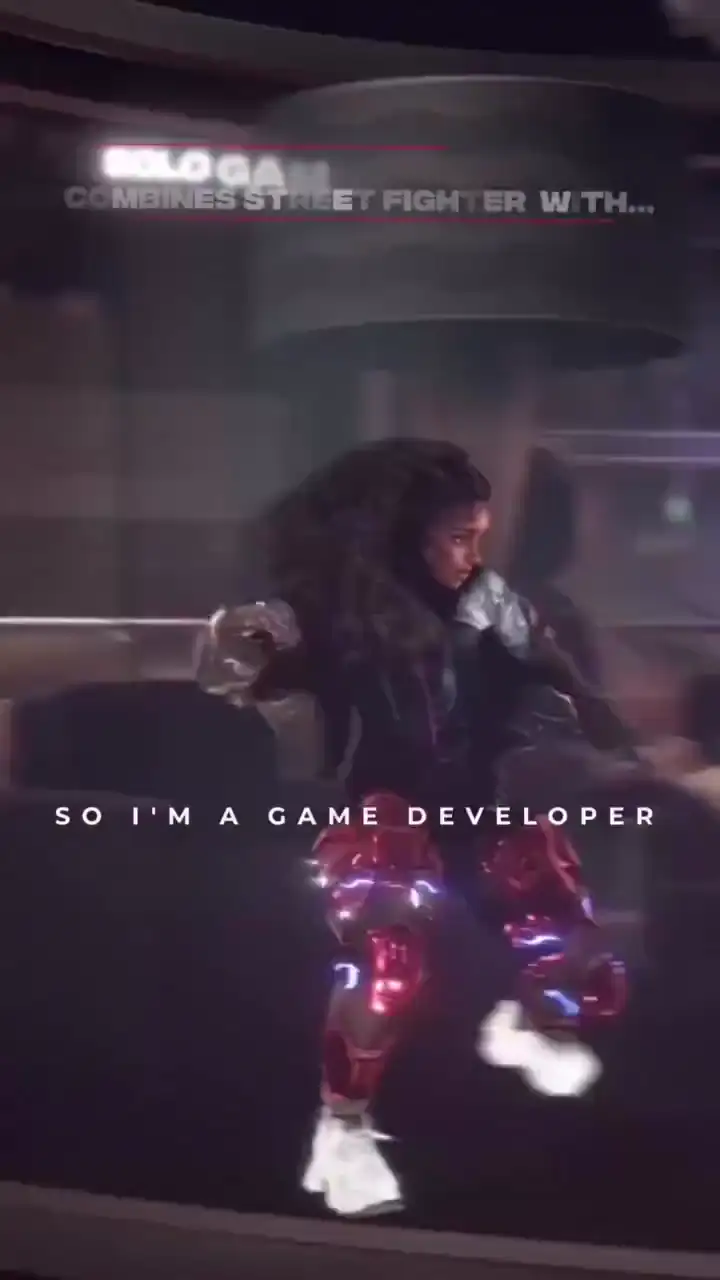
It saves hours, even days of hand tweaking animations. I tried Mixamo before but never had good results. PINOC translates the moves exactly how I want them. It's really a game changer.
Your 3D Motion Creation Studio
Capture motion from any single-camera video or create it from a text prompt, all in one place. Preview, refine, and export as FBX or GLB, ready for your Blender, Maya, Unreal Engine, or Unity pipeline.
Works with the tools you already use
- Blender
- Unreal Engine
- Maya
- Unity
- Cinema 4D
- Houdini
Motion from video, motion from text, characters from a photo.
- 01Video → 3D motion
Markerless motion capture
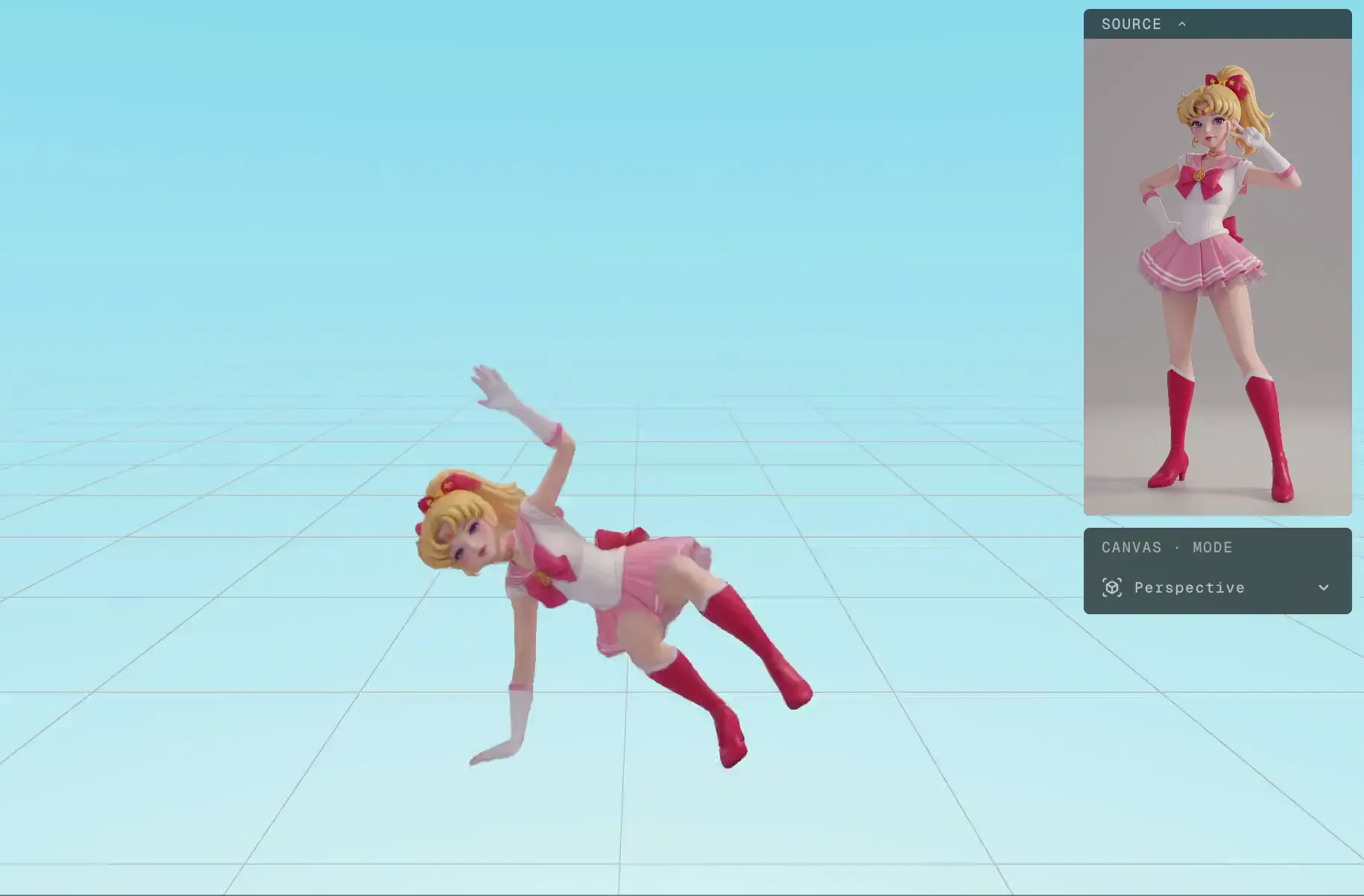
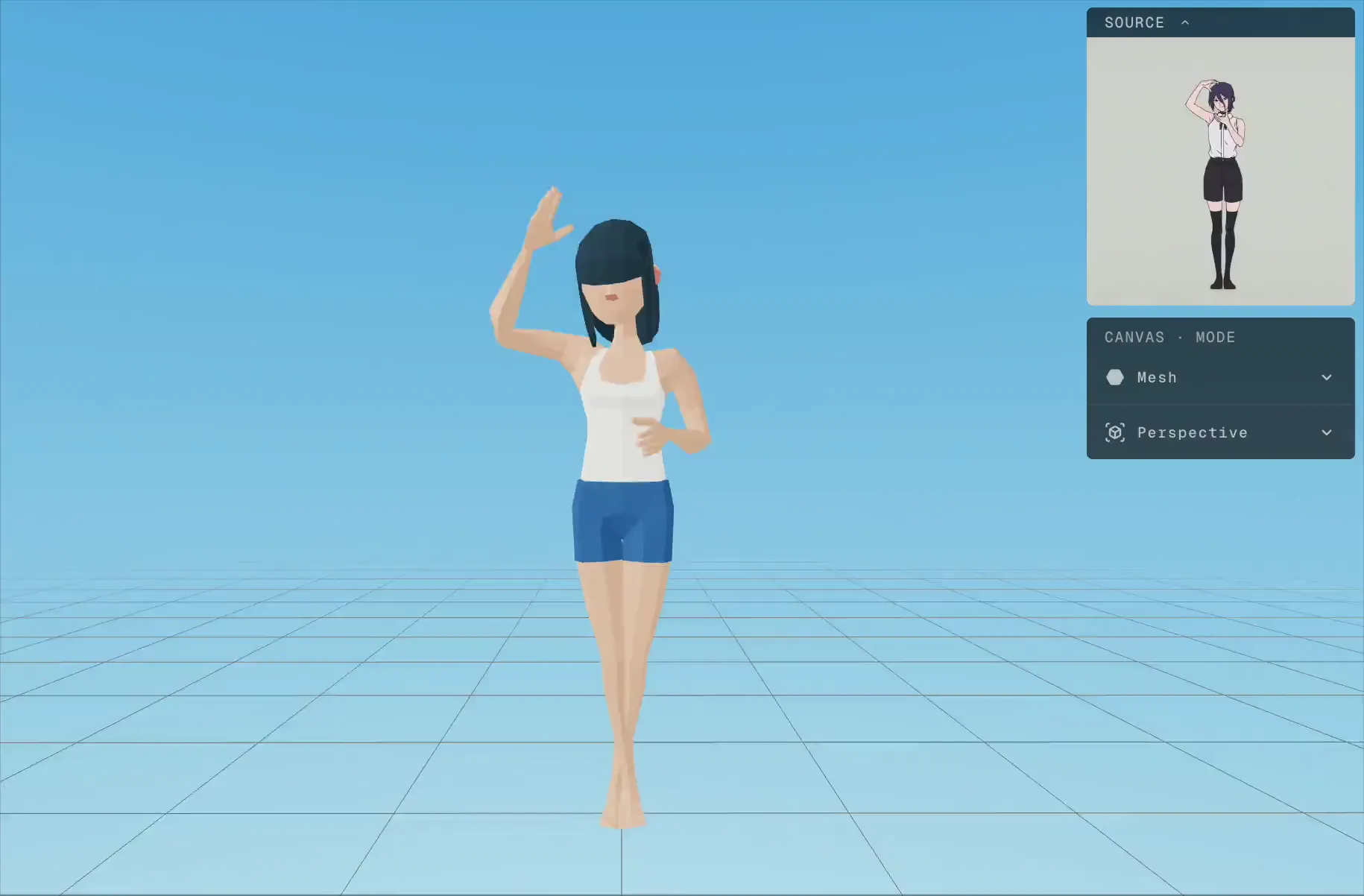
PINOC extracts skeletal animation from any video footage. Preview in 3D, export as FBX or GLB. Sixty-five bones, Mixamo rig, ready for your pipeline.
- 02Text → 3D motion
Text to 3D animation
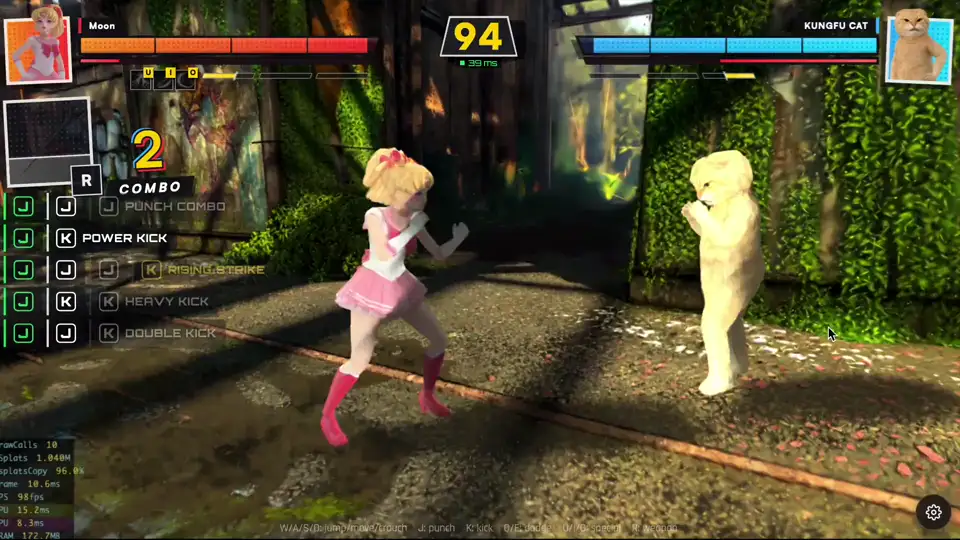
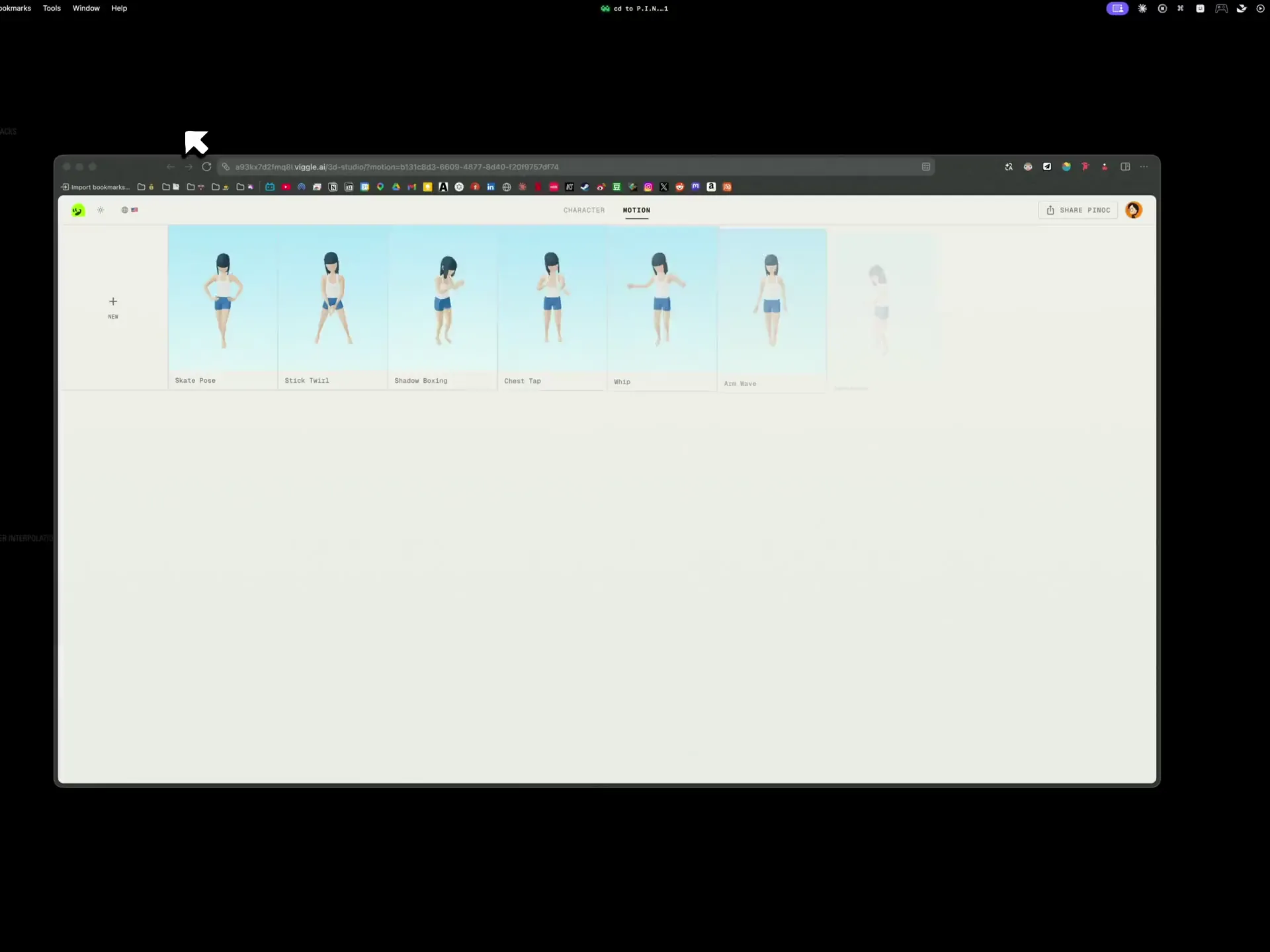
Describe a move in plain language and PINOC generates the 3D animation: dance, combat, sports, gestures. Up to 4 variations per batch, and every take exports like any capture.
Explore text to motion - 03Photos → 3D character
Gaussian splatting character model
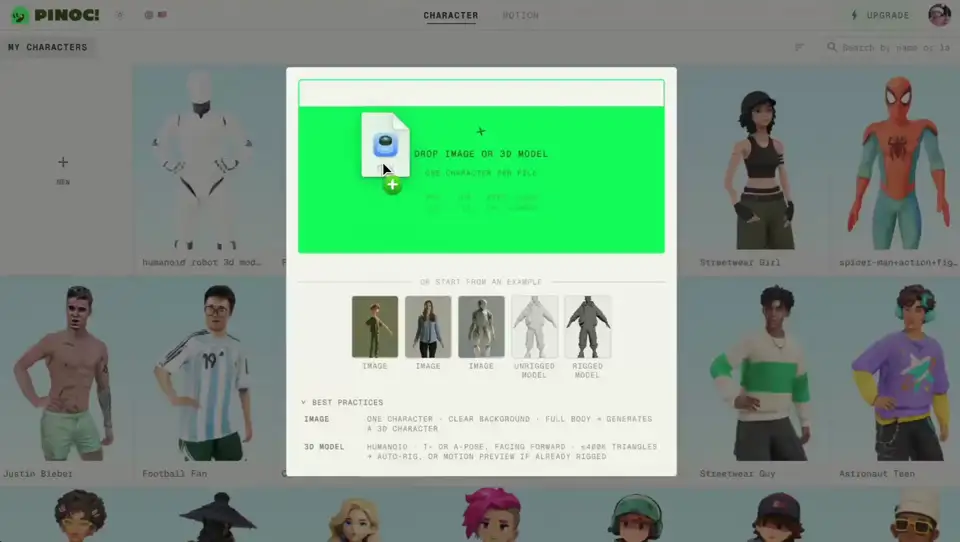
Upload a character image and PINOC reconstructs it as a 3D model with Gaussian splatting, then plays your captured motion on it right in the viewport.
From a clip or a prompt to your 3D pipeline in minutes.
- 1Step 1
Start with a video or a prompt
Upload a clip: phone footage, dance clip, action reference, one subject with clear movement. Or skip the camera and type the move you need, with up to 4 variations per batch.
- 2Step 2
PINOC turns it into 3D motion
From video, the exact performance: foot contact, weight shifts, subtle details preserved. From text, multiple takes to choose from. Preview it on a 3D character and keep what reads right.
- 3Step 3
Export to your 3D tools
Download as FBX or GLB. Opens directly in Blender, Maya, Cinema 4D, Houdini, Unreal Engine, and Unity. Ready for rigging, retargeting, and whatever comes next in your pipeline.
Why PINOC matters
Get your animation back in about a minute
Shoot a clip or type a prompt, watch it play, and adjust while the idea is still fresh. Blocking a shot or roughing out a gameplay beat stops being an overnight job.
Capture motion without the studio price tag
A mocap studio runs into the thousands a day. A Rokoko suit is around $2,300 before software. Hand-keying one walk cycle can eat your whole day. PINOC pulls the same motion from a clip you shot on your phone, and you can try it for free.
Any move you can film, or just describe
Stock libraries only give you the closest preset. PINOC reads the exact performance from any video, and when no footage exists, a text prompt gets you the move: dance, combat, sports, or the background characters nobody has time to hand-key.
See the motion on your character before you export
Upload a character image and PINOC turns it into a 3D model, then plays your captured motion on it right there. You'll know the animation holds up before you ever open Blender.
What PINOC captures.
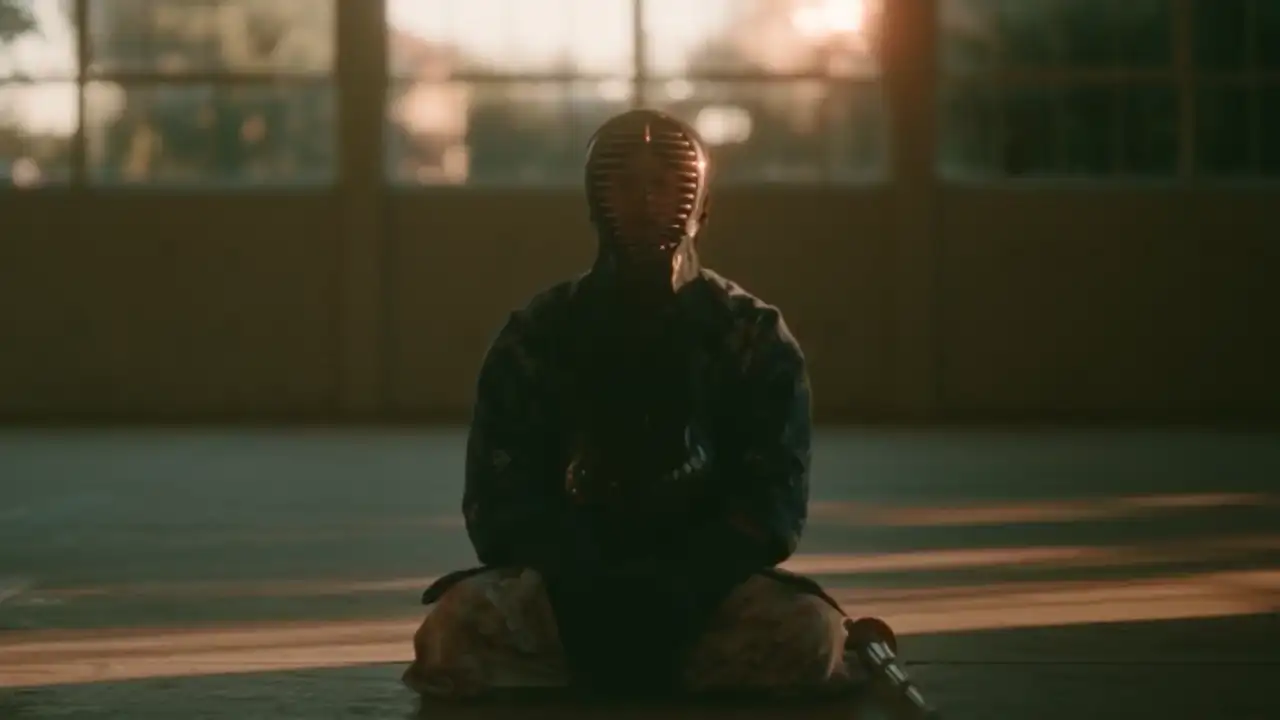
Real videos in, production motion data out. Different speeds, styles, and levels of complexity. What you see here is raw PINOC output.
- Complex motion.
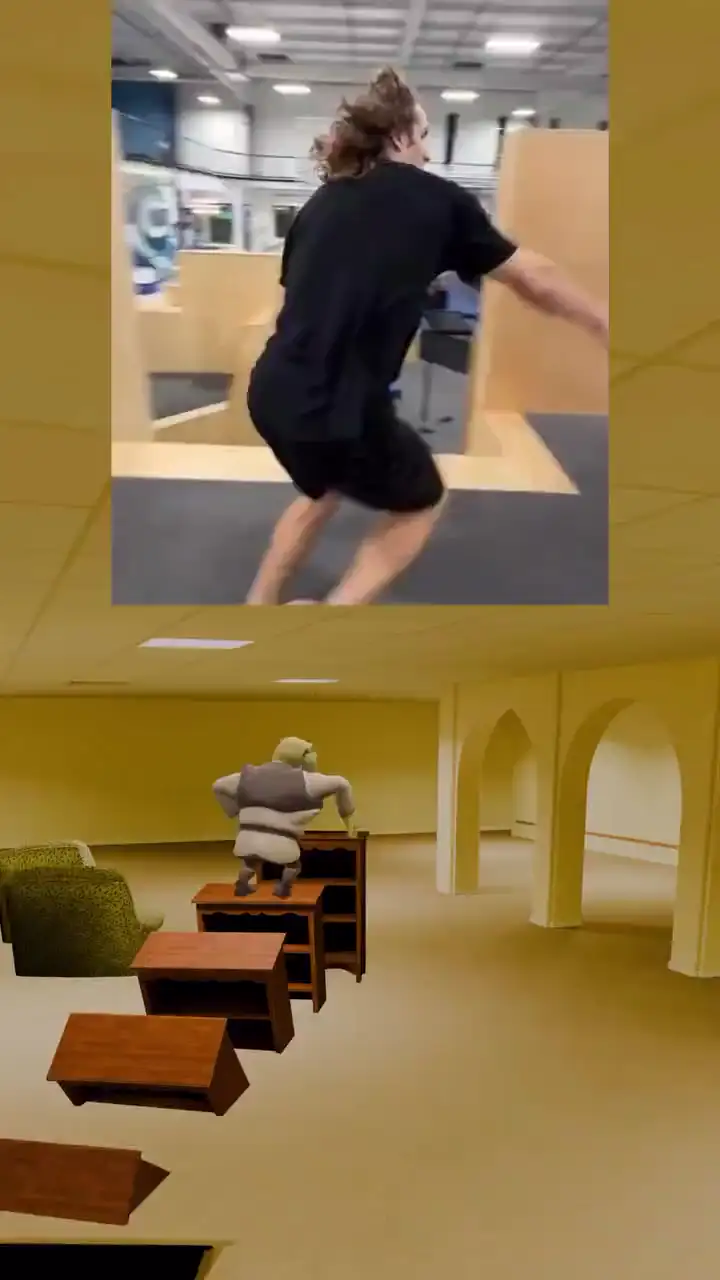
Breakdancing, backflips, parkour, fight scenes. Tracks through rapid direction changes and mid-air rotations without losing the skeleton.
- High-speed motion.
Sprinting, spinning kicks, fast punch combos. Holds tracking at full speed with no jitter or dropped frames.
- Precision and detail.
Individual finger curls, wrist rolls, subtle hand gestures. The level of detail most AI mocap tools skip entirely.
- Everyday motion.
Walking, sitting down, reaching for a cup, casual conversation. Small weight shifts and natural timing that fall apart when mocap isn't precise enough.
Case studies
See how creators are building real motion pipelines with PINOC.
@DLKFZWilliam2·Indie game developer
Indie game character animation
William shot reference videos at home on his iPhone, used PINOC to extract FBX motion data, retargeted to custom characters in Blender with Rokoko's free plugin, then imported into Godot for his horror-comedy game. Full pipeline, zero hardware cost.
@Visual_Salman·3D artist
Blender walk cycle animation
Salman extracted walk cycle motion from video using PINOC and brought it into Blender as part of his day-to-day animation workflow. Clean enough to render directly.
The product is clean and easy to pick up. Motion capture and export quality are already solid. Gaussian Splatting is a genuinely interesting addition.
The movement is amazing. Much more accurate to the video. The hand, the shoulder, hip, they are accurate. They are great.
If I have this, I feed the motion maybe like three samples and I can lock it in instead of iterating 14 to 20 times. That's a time killer and credit killer.
You're going to save them so many hours of tedious work.
Some other projects' animation is not as developed as this.
Frequently asked questions
What is PINOC?
PINOC is a 3D motion tool built by Viggle. Upload a video of a person moving and PINOC captures the performance as 3D skeletal animation, or describe a move in text and PINOC generates it. Upload a character image and you can preview the animation on your own character before you commit. Export as FBX or GLB and use it in Blender, Unity, Unreal, Maya, or any other 3D tool. It runs on JST-2, our in-house model, and gets you a usable result in about a minute.
How do I create a motion?
Two ways. Video as input: upload a clip of someone moving and PINOC captures the exact performance. Text as input: type the move, like "a spinning roundhouse kick with a strong follow-through", and PINOC generates it, up to 4 variations per batch. Either way you preview it on a character and export FBX or GLB.
What export formats does PINOC support?
FBX and GLB. All exports use a standard 65-bone Mixamo-named skeleton, so they drop into any existing Mixamo-rigged animation graph without retargeting or bone-mapping.
Is PINOC free?
There's a free trial. Sign in, try it for free, and upgrade when you need more. While you're at it, send us your feedback. It's the best thing you can invest in us right now, and it goes straight into making PINOC better.
What kind of video works?
Almost any clip works. Phone footage, webcam, screen recordings, or something you pulled off the internet are all fine. Keep it to one person with the full body in frame and unobstructed, shot in decent lighting that isn't too dark, and PINOC can read the motion.
Does PINOC track hands and fingers?
Yes. PINOC captures individual finger curls and wrist rotation from a single video. Most competing tools either skip hands entirely or charge extra for it.
What is the Gaussian Splatting character feature?
Upload a character image and PINOC generates a 3D model using Gaussian Splatting. You can preview your captured motion on that character in the browser before you export. It's a way to see how your animation looks on your own character without rigging anything first.
How does PINOC compare to Rokoko Vision, DeepMotion, and Flow Studio?
All four turn video into 3D animation. PINOC stays true to the original performance, holding the full range and timing of every move instead of flattening it. Upload any motion video and get a faithful 3D reconstruction back in about a minute, ready to export as FBX or GLB.
Can I use captured motion commercially?
Yes. Motion you capture with PINOC is yours. Use it in games, films, ads, client work.
How does PINOC relate to Viggle?
PINOC is built by the Viggle team and runs on JST-2, Viggle's video-to-3D foundation model. JST-2 is trained with physical priors, so captured motion respects contact, weight, and inertia rather than just lifting 2D keypoints frame by frame.