免费 AI YouTube Shorts 生成器
把任意一张照片变成带全身动作的竖屏 YouTube Short。选一个热门模板,上传照片,下载即可发布——不用剪辑技巧,不用时间轴,不用绿幕。

如何用 Viggle AI 制作 YouTube Shorts
现在开始,完全免费用 Viggle 制作 YouTube Short 只需几秒钟。选一个动作模板,上传照片,下载即可发布到你的频道。登录用户每天可免费生成最多 5 条视频。
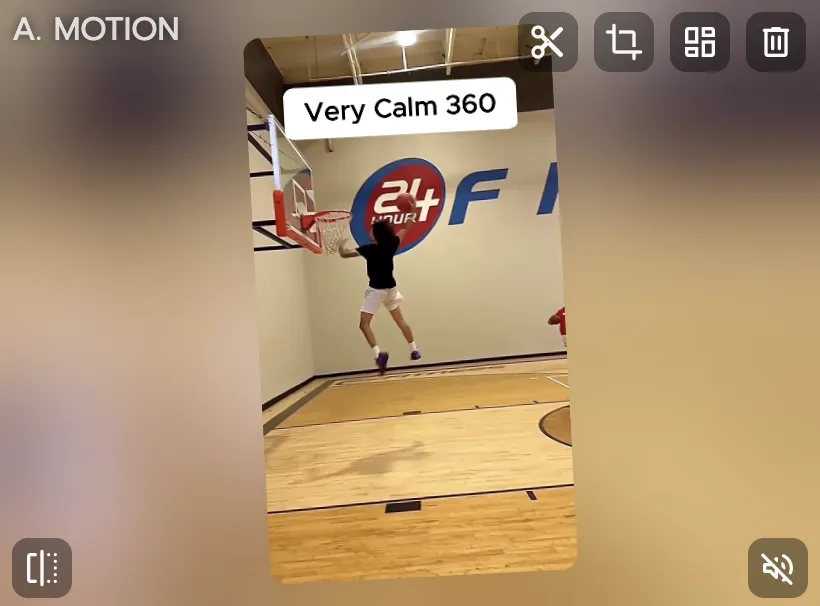
选择热门模板
浏览 10,000+ 竖屏视频模板——爆款舞蹈、热门梗图、体育高光、电影片段、K-pop 编舞,全部按 YouTube Shorts 格式预设好。
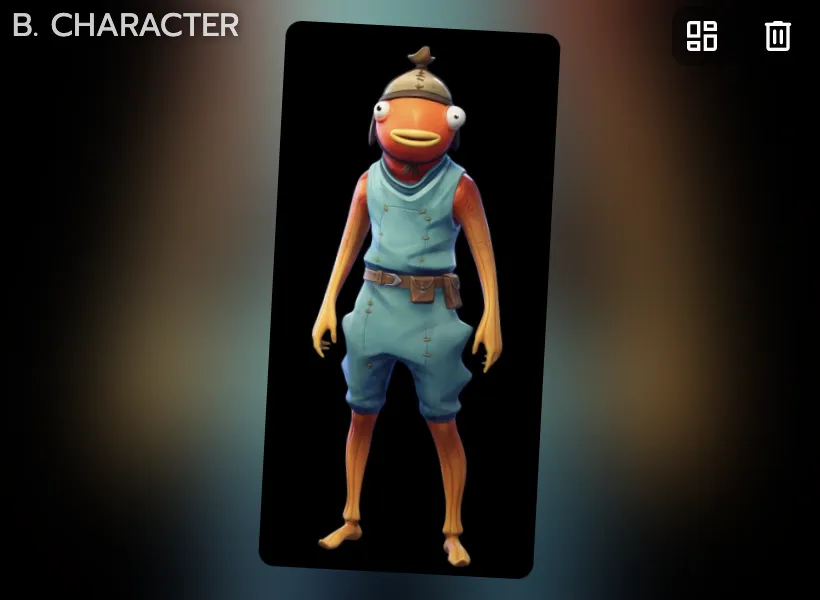
上传任意照片
上传一张自拍、角色插画、动漫图,或任何能看清身体的图片。Viggle 会用全身动作追踪技术把动作映射到你的照片上。
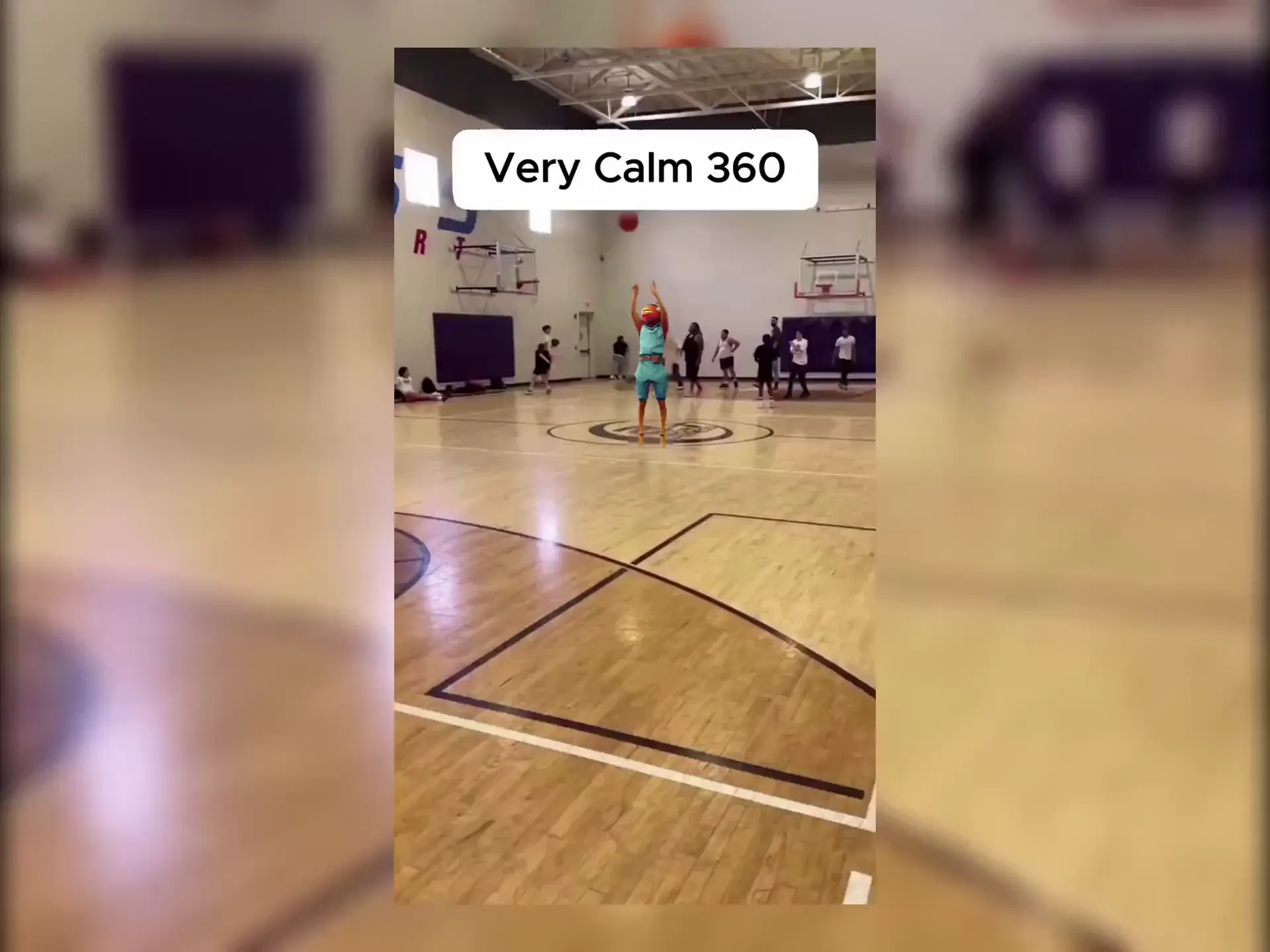
下载并上传到 YouTube
不到一分钟,你的 Short 就制作完成。下载竖屏视频,直接上传到 YouTube,或分享到其他平台。
为什么 Viggle 是最好用的免费 AI YouTube Shorts 生成器
10,000+ 专为竖屏打造的模板
热门 TikTok 舞蹈、NBA 高光时刻、K-pop 编舞、动漫场景、爆款梗图——全部是适配 YouTube Shorts 的 9:16 竖屏格式。模板持续更新,内容永远新鲜。
浏览模板全身动作,而非幻灯片式拼接
Opus Clip 只是剪辑现有素材,InVideo AI 只是用素材库配上配音拼接。Viggle 的 JST-1 模型完全不同——它能从一张照片生成原创的全身角色动画,内置 3D 物理效果。你的角色能跳舞、能奔跑、动作真实自然,这才是真正能让人停下刷屏的内容。
查看实际效果用文本转动作功能加上你的声音
用 Viggle 的 Mic 功能输入或录制一段脚本——你的角色会以自然的对口型和全身动作演绎出来。解说类 Short、反应视频、知识科普,全都不用露脸出镜。
试试文本转动作用 Viggle 制作的 YouTube Shorts
探索更多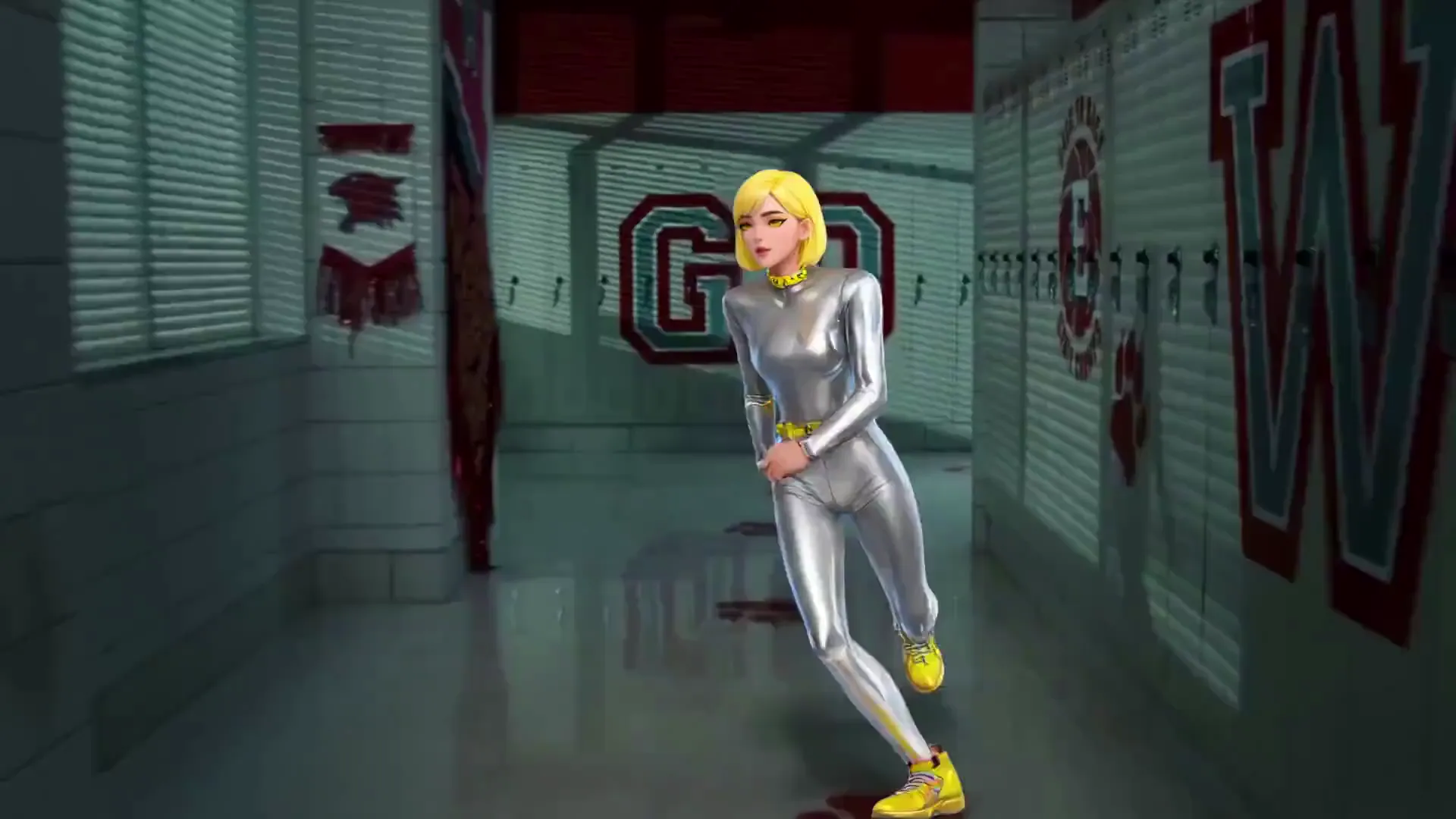
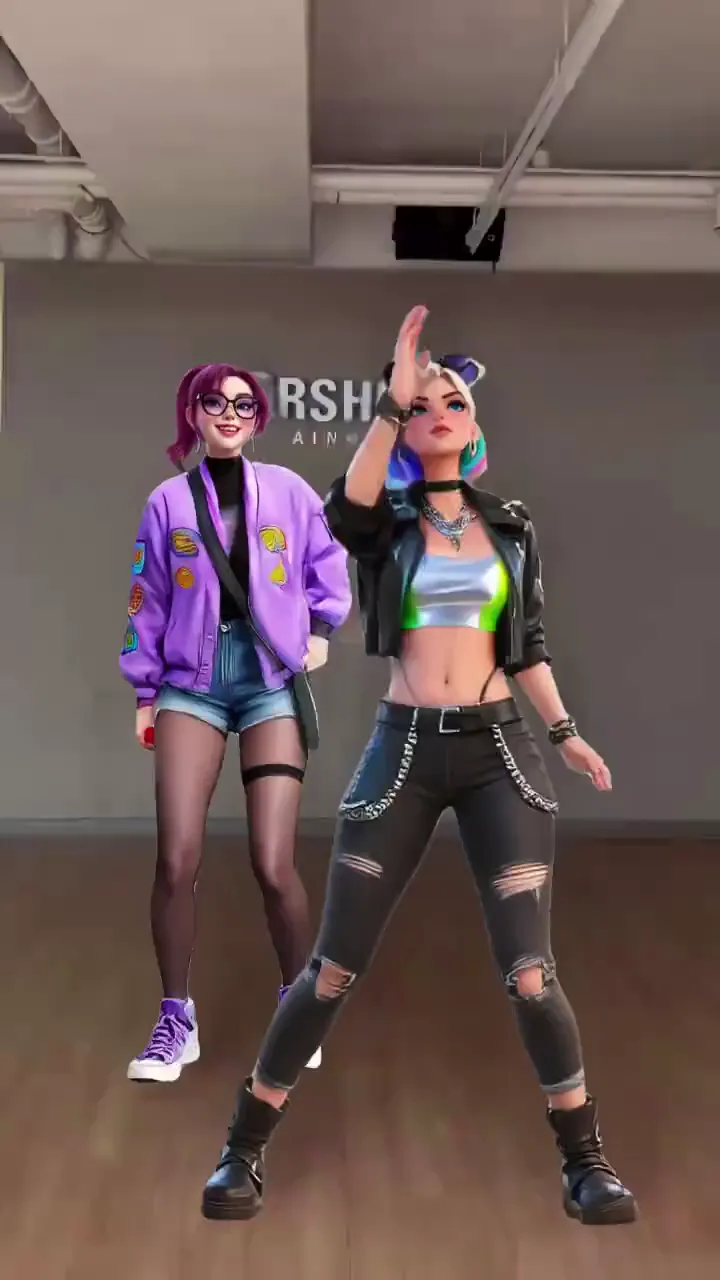
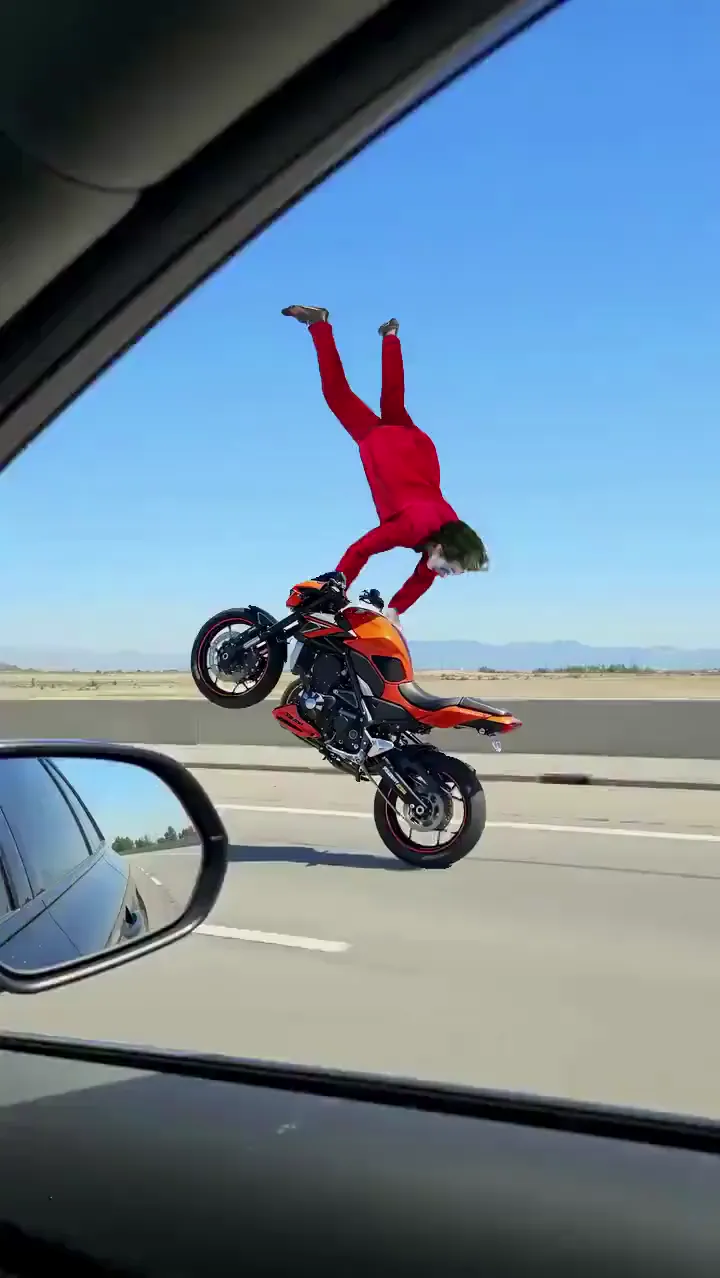
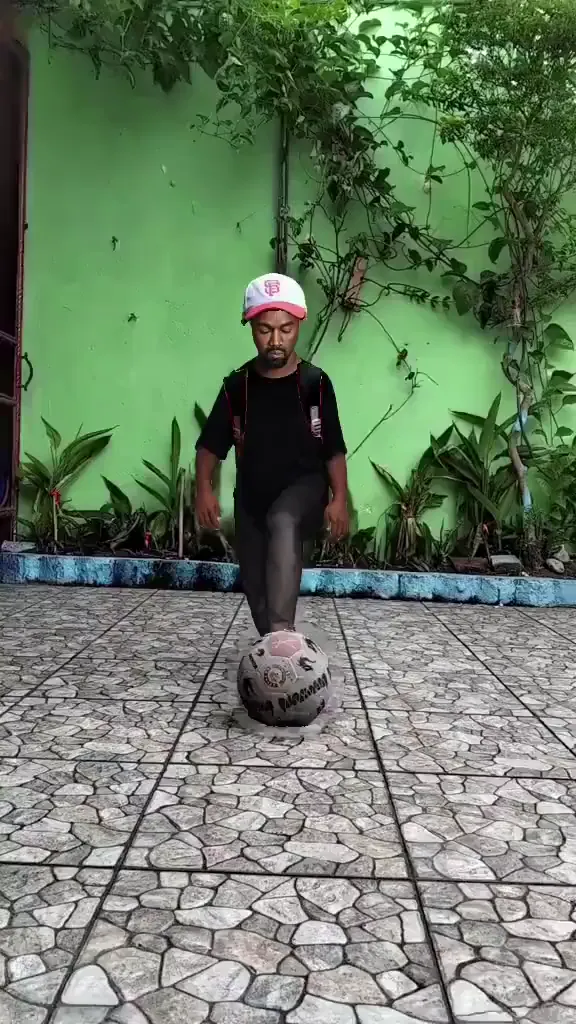
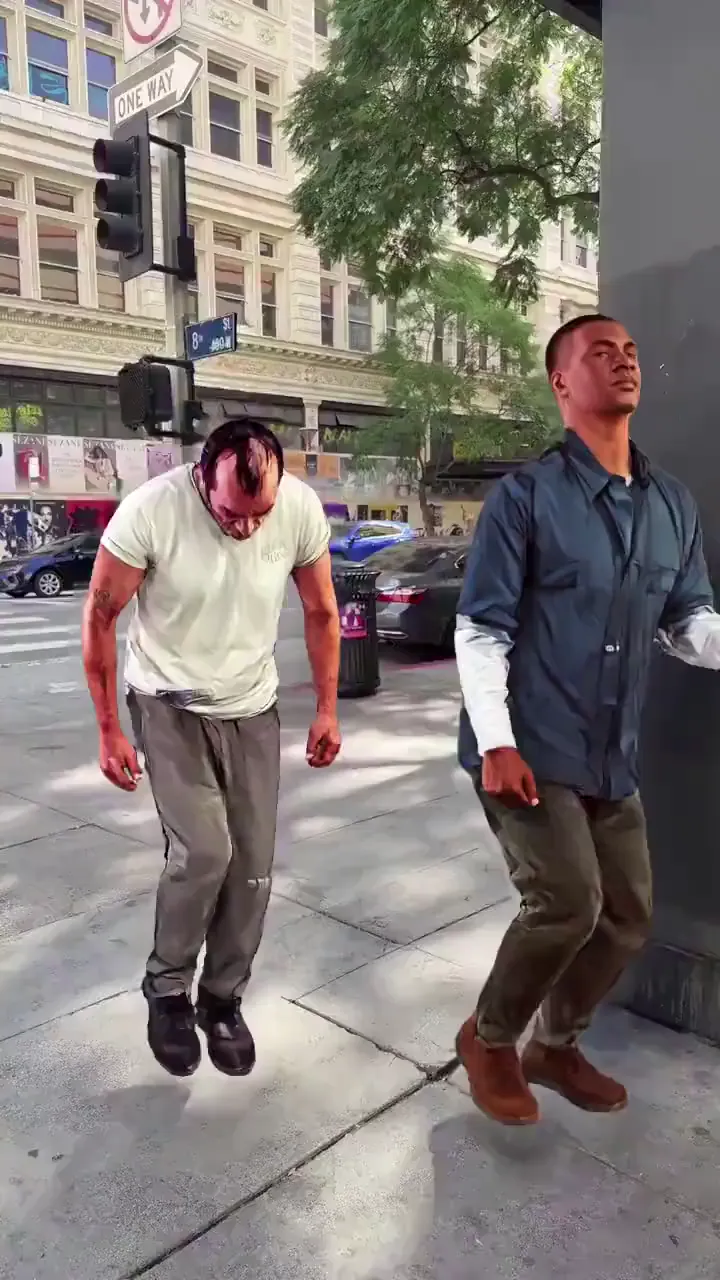
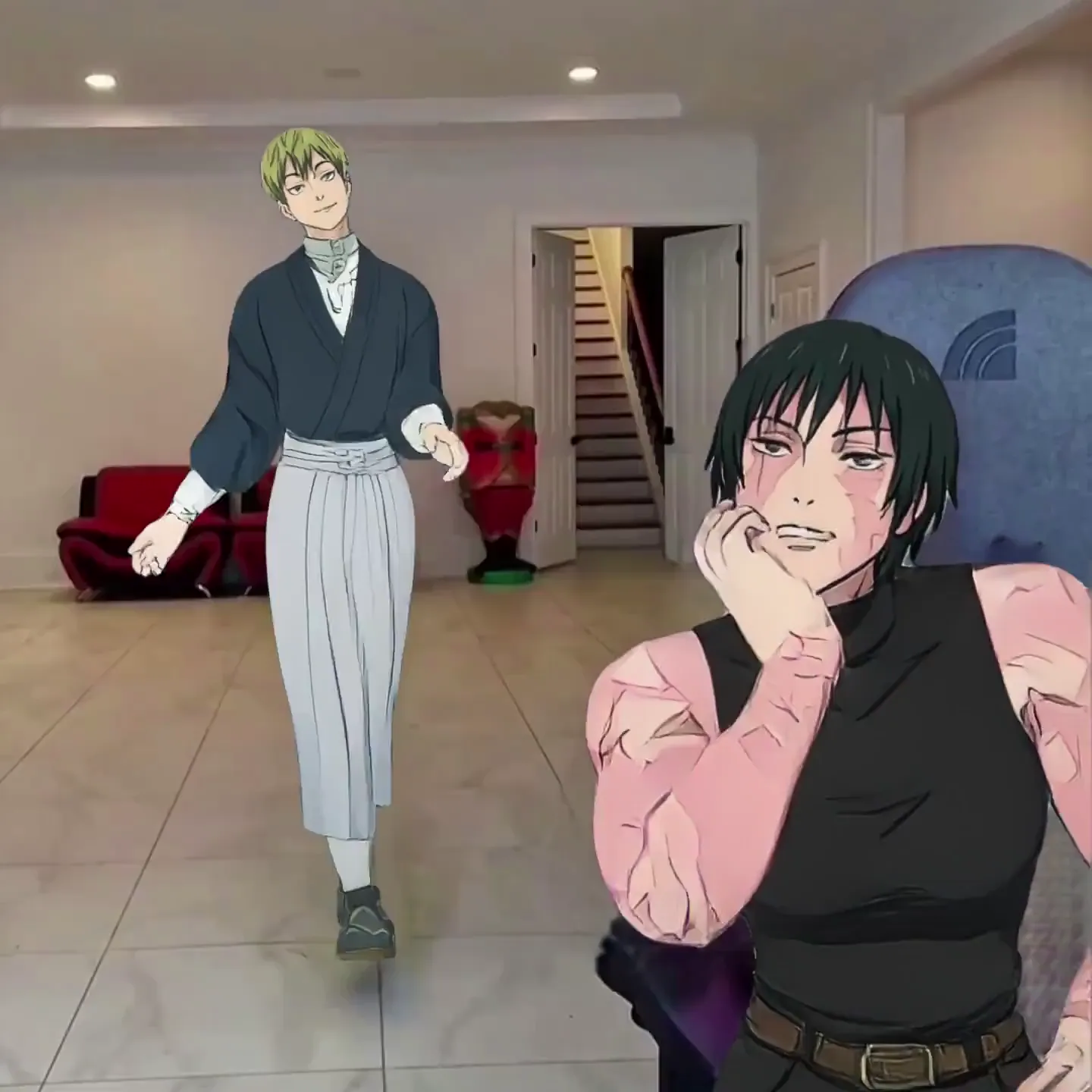
AI YouTube Shorts 生成器应用场景
匿名 YouTube 频道
不露脸也能运营一个 Shorts 频道。在所有视频里使用统一的 AI 角色或头像,打造辨识度极高的品牌形象,全程无需出镜。
舞蹈与潮流频道
在每一支舞蹈爆红的第一时间跟上热度。选好模板,换上自己的照片,赶在算法转向之前发布你的 Short。
梗图与喜剧创作者
把自己或任意角色变成下一个爆款梗图 Short。用你自己的创意重现电影场景、体育瞬间或网络热梗。
解说与知识科普
用文本转动作功能,让你的 AI 角色发表解说、观点或科普内容——对口型加上生动的肢体语言,不需要提词器。
品牌与产品推广
批量生产符合品牌调性的短视频内容。让你的吉祥物或代言人在多条 Short 中动起来,用于新品发布、季节性活动和口碑营销。
系列化叙事内容
在 YouTube Shorts 上打造以角色为核心的系列内容。Viggle 让你的角色在每一集中保持一致的形象,不同的动作模板带来常看常新的内容。
Viggle 与其他 AI YouTube Shorts 生成器对比
免费试用 Viggle| 功能 | Viggle | Opus Clip | InVideo AI | Runway |
|---|---|---|---|---|
| 从照片生成原创动作 | ✅ | ❌ | ❌ | ⚠️ 有限支持 |
| 全身角色动画 | ✅ | ❌ | ❌ | ⚠️ 有限支持 |
| 免费使用 | ✅ | ⚠️ 有限支持 | ⚠️ 有限支持 | ⚠️ 有限支持 |
| 10,000+ 动作模板 | ✅ | ❌ | ❌ | ❌ |
| 文本转动作 + 对口型 | ✅ | ❌ | ⚠️ 仅配音 | ❌ |
| 基于物理引擎的 3D 动作 | ✅ | ❌ | ❌ | ❌ |
| 实时虚拟形象模式 | ✅ | ❌ | ❌ | ❌ |
| 支持任意角色风格 | ✅ | ❌ | ⚠️ 有限支持 | ✅ |
常见问题
什么是 AI YouTube Shorts 生成器?
AI YouTube Shorts 生成器是利用人工智能制作竖屏短视频的工具。Viggle 更进一步——上传任意照片,就能让它变成一个全身动画角色,跳舞、演梗、模仿体育动作,或朗读脚本。生成结果是一条可以直接上传为 YouTube Short 的竖屏视频。
用 Viggle 制作 YouTube Shorts 是免费的吗?
是的。Viggle 完全免费使用——注册后每天最多可生成 5 条视频,无需信用卡。生成的所有视频都是适配 YouTube Shorts 的竖屏格式。
Viggle 和 Opus Clip、InVideo AI 有什么区别?
Opus Clip 是从现有长视频中用 AI 挑选精彩片段,重新剪辑成 Short——它并不生成任何新内容。InVideo AI 是根据文本提示,拼接素材库画面并配上 AI 配音来生成视频——没有角色动画。Viggle 则用 JST-1 3D 物理模型,从一张照片生成原创的全身角色动画。如果你想要的是一个真正在表演的角色,而不是重新包装的现有素材,Viggle 正是为此而生。
用 Viggle 能制作哪些类型的 YouTube Shorts?
舞蹈 Short、梗图翻拍、体育高光模仿、动漫场景、喜剧短剧、带对口型的解说视频、角色系列内容、匿名频道内容——只要涉及角色动作表演,都能做。可从 10,000+ 模板中选择,也可以用自己的参考视频。
我能用 Viggle 运营一个匿名 YouTube 频道吗?
可以——这是最受欢迎的使用场景之一。用任意照片或插画创建一个固定的 AI 角色,应用到所有 Short 中,打造辨识度高的频道形象,全程无需露脸。用文本转动作功能,让角色以对口型的方式发表解说。
需要视频剪辑技能吗?
不需要。Viggle 不是视频编辑软件——它直接为你生成视频。选模板、传照片、下载成片,不用时间轴,不用关键帧,不用渲染,整个过程不到一分钟。
生成一条 YouTube Short 需要多长时间?
大多数视频不到一分钟就能生成完成。你可以在一次会话中批量生成多条 Short,为频道积累内容库存。
AI 生成的 YouTube Shorts 可以变现吗?
YouTube 允许通过 YouTube 合作伙伴计划为 Shorts 变现,包括用 AI 工具制作的 Shorts,只要内容是原创的并遵守社区准则。Viggle 从你的照片生成全新的动画视频,属于原创内容,而非重新上传的剪辑素材。加入你自己的创意角度,并遵守 YouTube 的政策即可。
我的角色可以在 Short 里说话吗?
可以。用 Viggle 的 Mic 功能录制或输入一段脚本,你的角色会以自然的对口型和全身动作演绎出来——不只是静态图片上嘴巴动一动,而是说话时全身都在生动地表现。
支持哪些图片格式?
Viggle 支持 JPG、PNG 和 WEBP 格式。为获得最佳效果,请使用身体清晰可见的图片。自拍照、动漫角色、插画、3D 渲染图、卡通头像——任何角色风格都可以。
Viggle 支持手机使用吗?
支持。Viggle 在 iOS 和 Android 上都提供免费应用,桌面端也有网页版。用手机制作 Short,直接上传到 YouTube。