
Free AI HeadshotGenerator
Make AI headshot generator maker results with Viggle Image & Video using Nano Banana Pro and Nano Banana 2 in one workflow. Upload one clear photo, generate under a minute, then polish identity with Character Refine.
How to make AI headshot generator maker results with Nano Banana
Use Viggle Image & Video with Nano Banana models for fast headshot drafts, then lock character consistency before export. This flow is built for creators who want usable profile shots quickly.
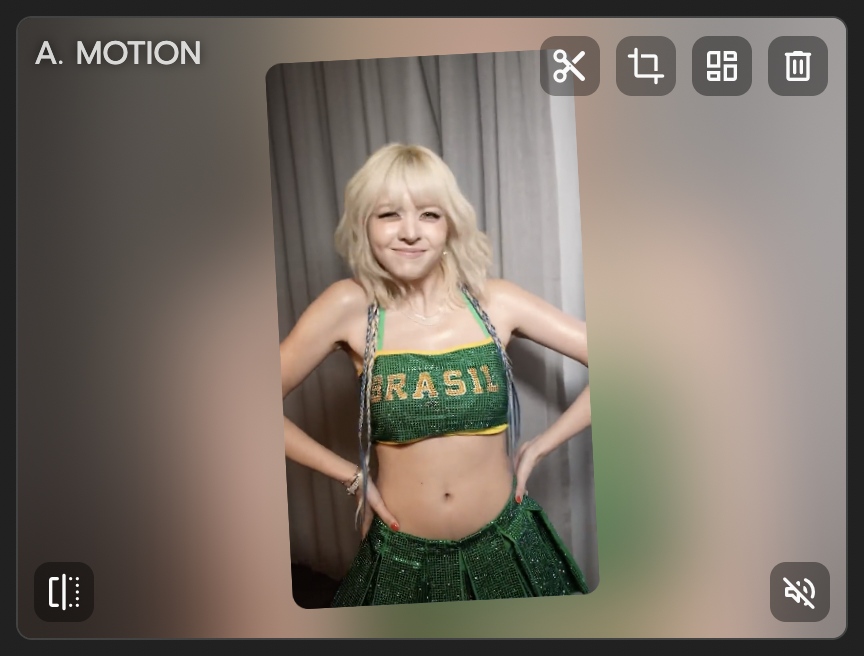
Upload a clean source portrait
Start with one clear front-facing photo and simple lighting. Cleaner inputs help Nano Banana Pro and Nano Banana 2 produce better first drafts. Pick your target style first so prompts stay focused.
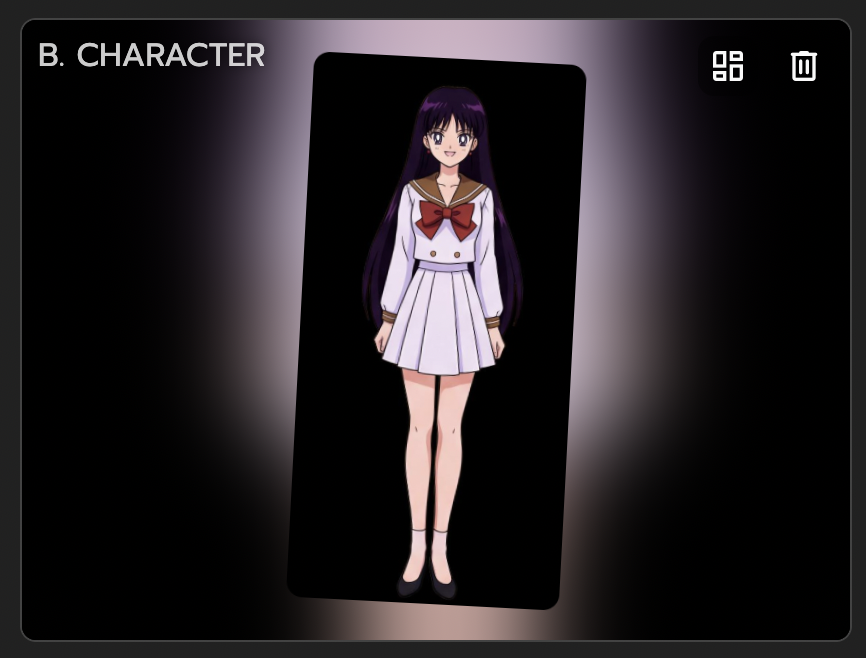
Generate in Image & Video with Nano Banana
In Image & Video, run your prompt and create multiple headshot options. Viggle integrates Nano Banana Pro and Nano Banana 2, so you can test different looks fast. Select the strongest draft before moving to refinement.

Refine and export final headshots
Use Character Refine to improve identity fidelity across final picks. Keep facial details consistent, then finalize the version for profile and brand use. Export your selected headshots and publish.
Why use Viggle Nano Banana workflow for AI headshot generator
Nano Banana is built into Viggle Image & Video
Generate headshots inside Viggle without hopping between tools. Image & Video integrates Nano Banana Pro and Nano Banana 2 for creation and editing, so your workflow stays fast and simple.
Open I&VFaster first drafts under a minute
When you are comparing looks, speed is everything. Viggle gets you quick first drafts so you can test options fast and move from idea to shortlist in one sitting.
Generate FastCharacter Refine helps keep identity stable
After generation, Character Refine helps keep identity consistent across selected headshots, which is great when teams need one unified profile look across channels.
Refine IdentityFree to use for quick creative testing
Viggle is free to use, so you can test style directions before committing to a final set. Sign up for up to 5 free videos per day, and no credit card is required to start.
Start FreeCreator-ready stack beyond headshots
Once your headshot look is ready, keep going in Mix, Mic, or Multi-Track. One account can cover both profile assets and motion content, so your character identity stays consistent from static to video.
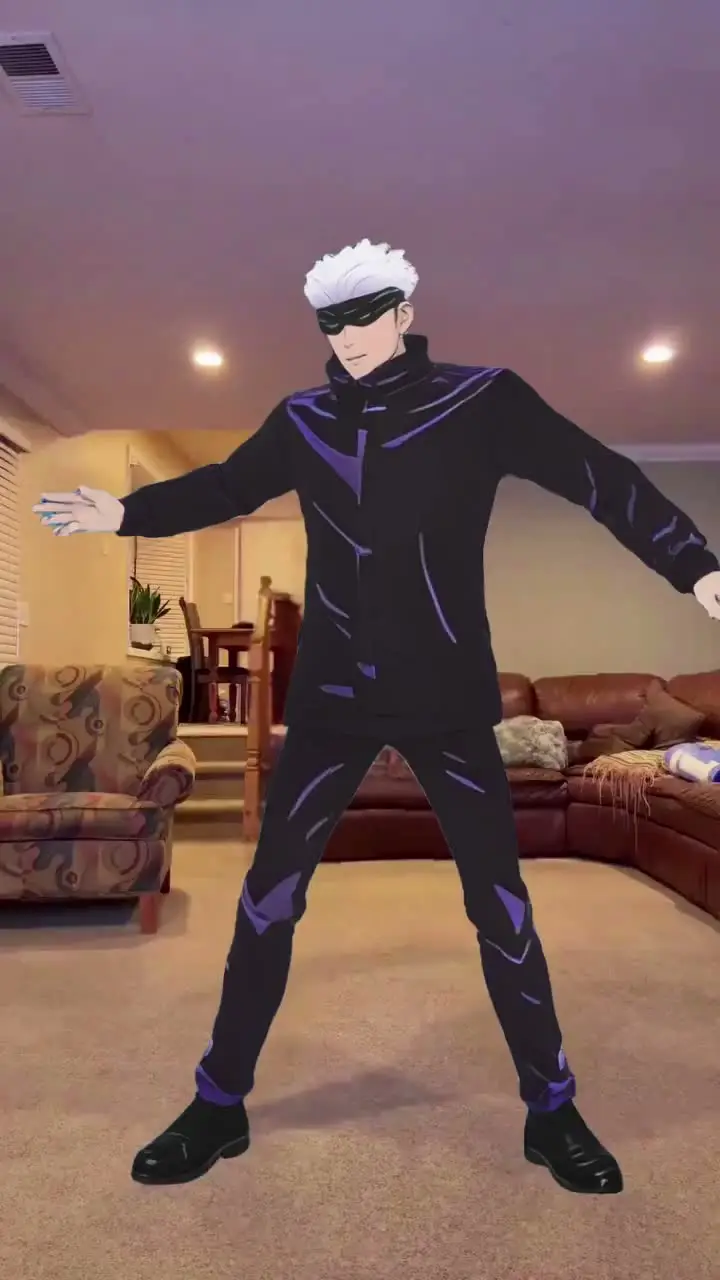
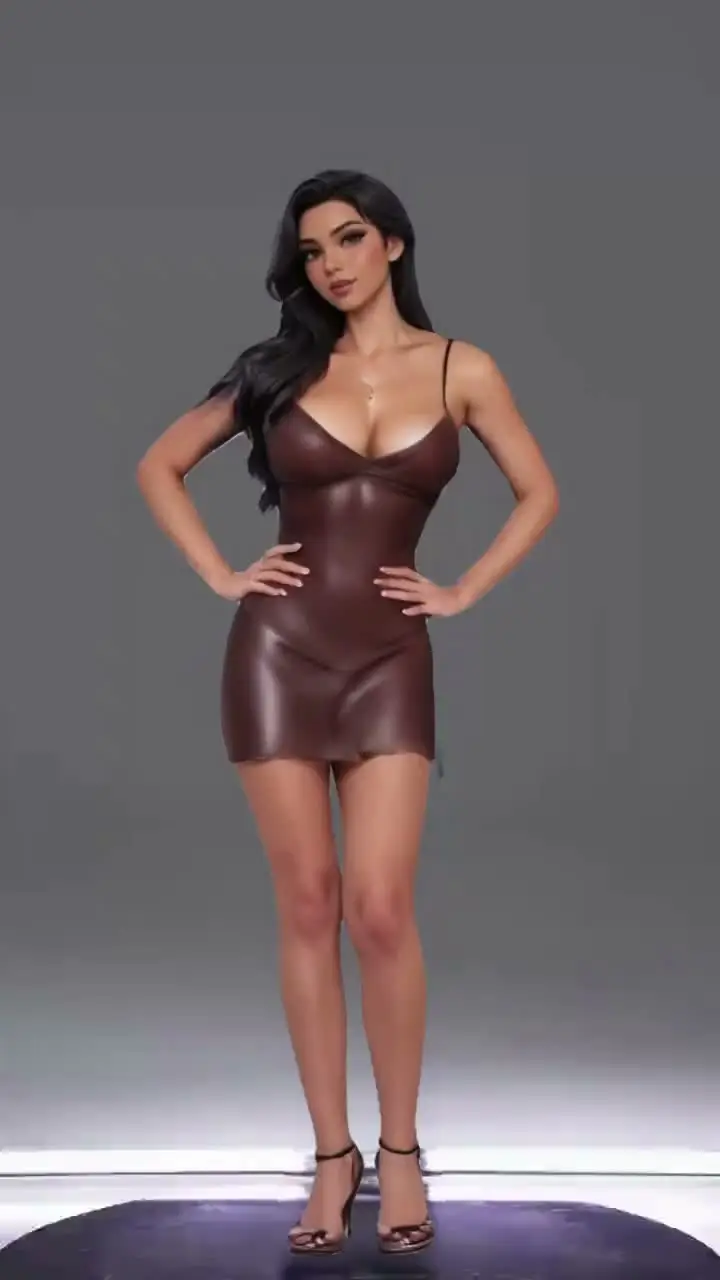
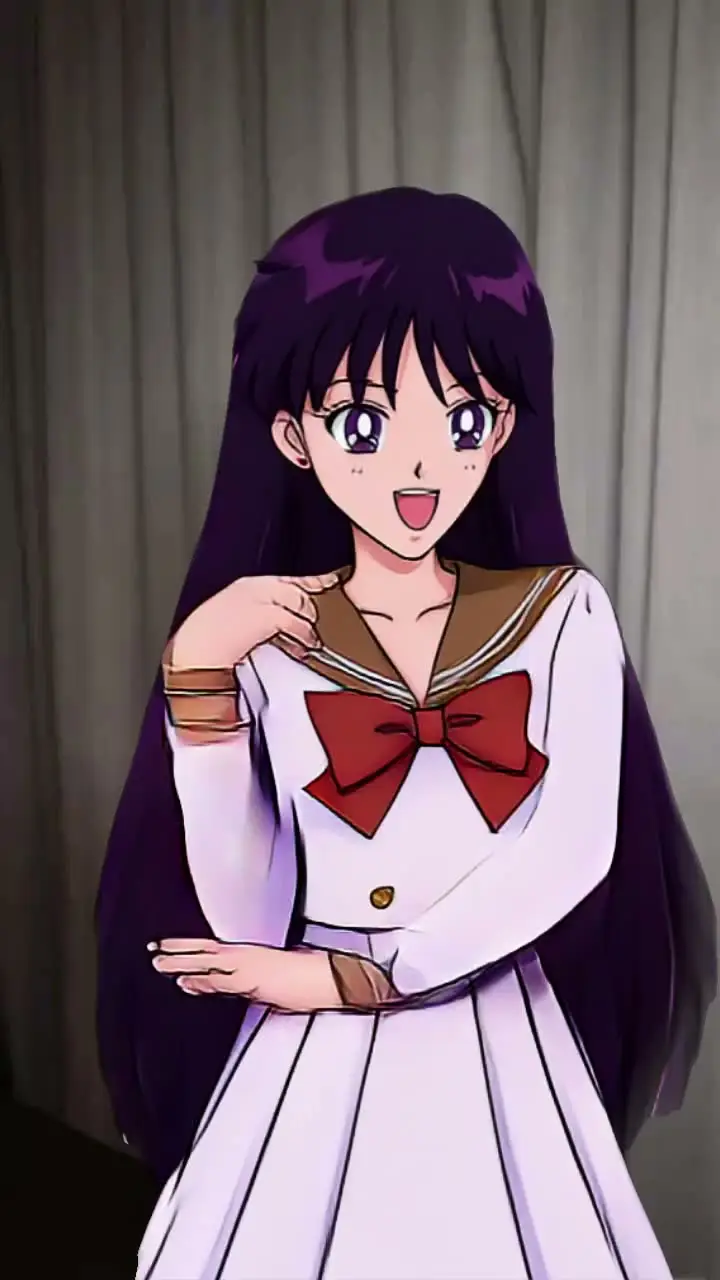
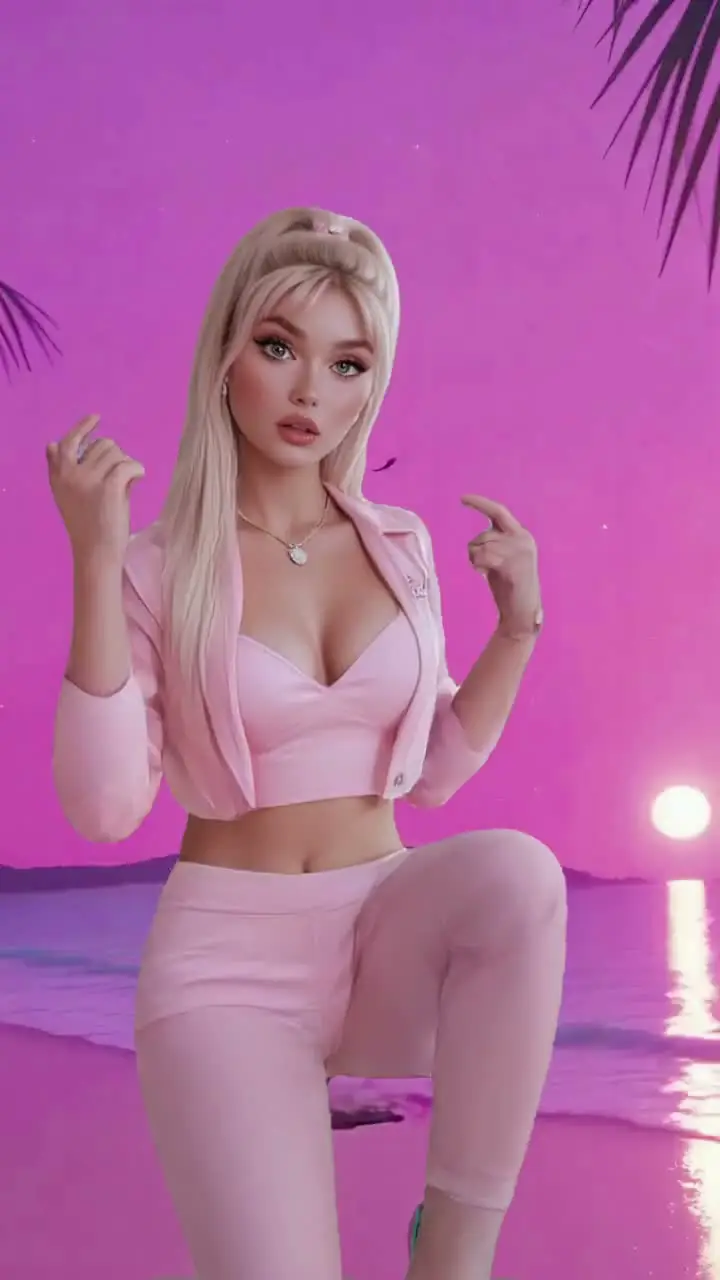
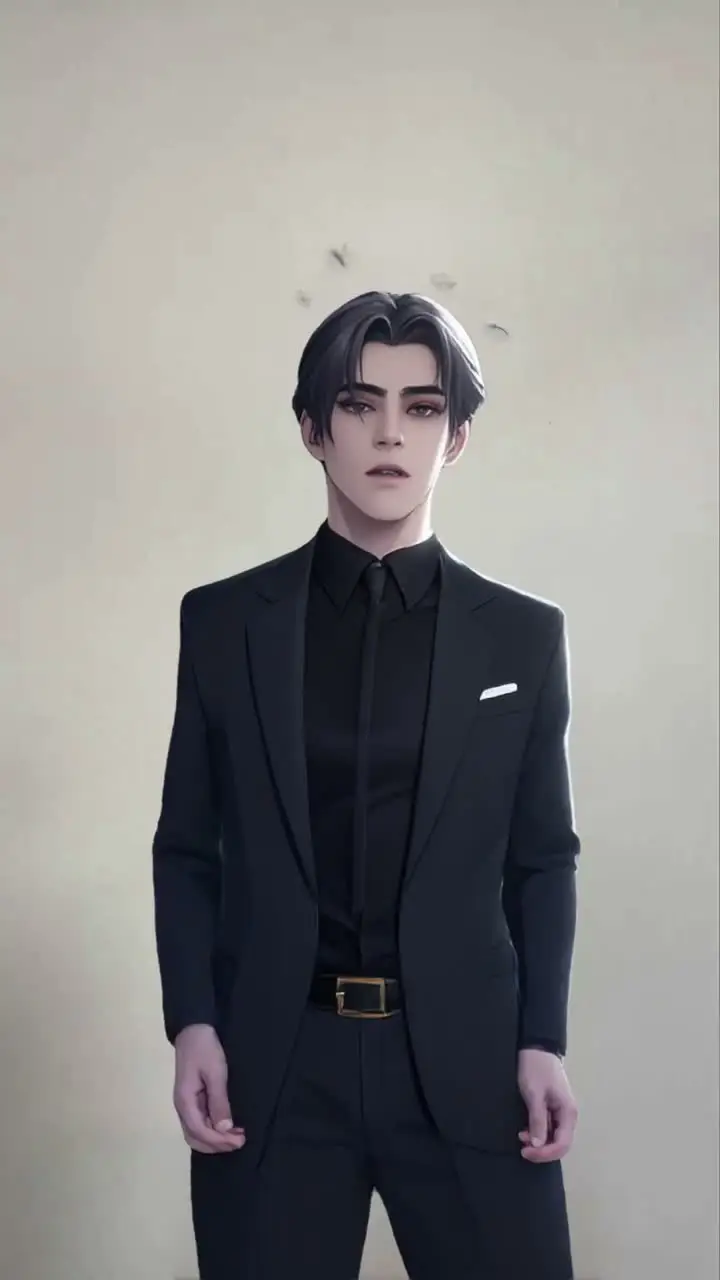
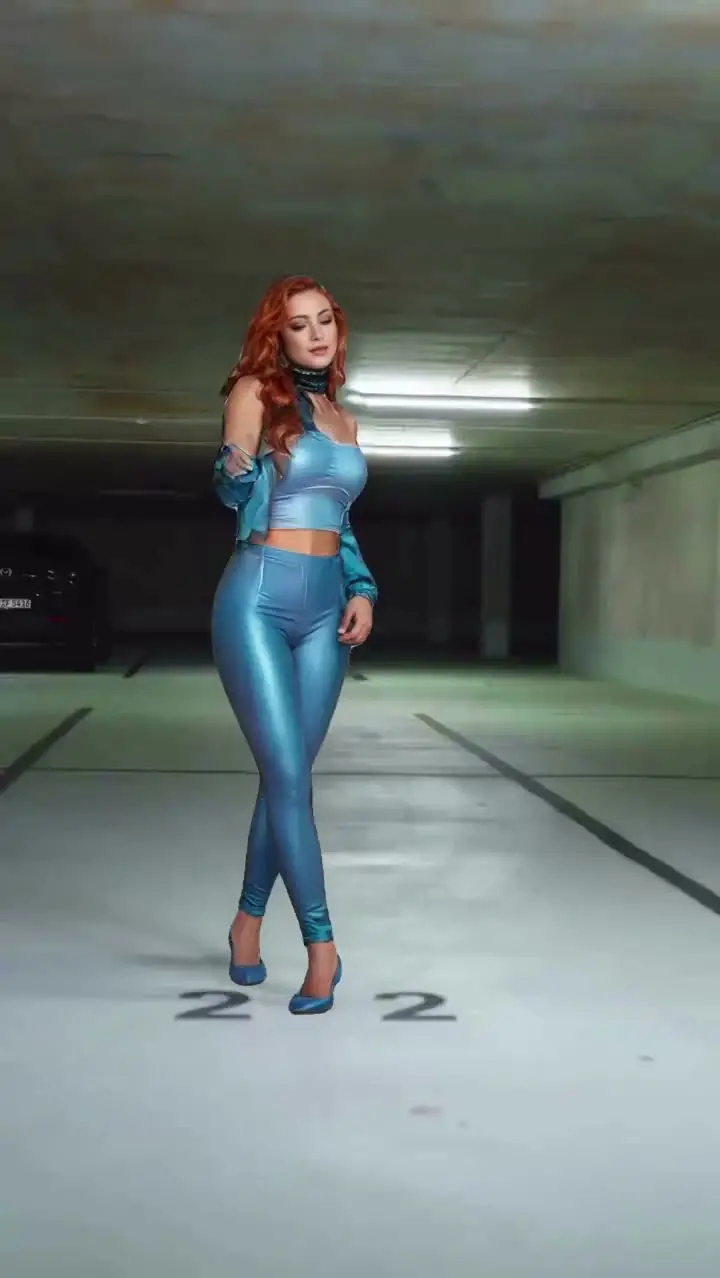
Build MoreAI Headshot Generator examples made with Viggle
Who Uses AI Headshot Generator
Professionals
Professionals generate polished headshots for LinkedIn, resumes, and company directories without booking a photographer. They upload one casual photo, pick a style, and get studio-quality results in seconds.
Content Creators
Content creators refresh their profile images across YouTube, Twitch, and social bios to match new branding. Generating multiple style variants from a single photo saves time compared to scheduling separate shoots.
Marketers
Marketers produce consistent team headshots for landing pages, pitch decks, and event materials. AI generation ensures uniform lighting and framing even when team members are in different locations.
Social Media Managers
Social media managers create on-brand profile photos for company accounts and executive thought-leadership pages. Quick generation keeps imagery fresh when campaigns or seasonal branding change frequently.
Influencers
Influencers test different visual identities — formal, casual, creative — to see what resonates with their audience. They can A/B test profile photos across platforms without multiple photo sessions.
Teams
Teams standardize headshots across departments so company pages and org charts look cohesive. New hires get a matching headshot on day one without waiting for the next group photo session.
Viggle vs other AI headshot generator tools
Try Viggle Free| 功能 | Viggle AI | Portrait Pal | Headpix | Sectiq |
|---|---|---|---|---|
| AI headshot generation quality | ✅ | ⚠️ Limited | ⚠️ Limited | ⚠️ Limited |
| Motion-controlled video from headshots | ✅ | ❌ | ❌ | ❌ |
| Character Refine for 5-angle consistency | ✅ | ❌ | ⚠️ Limited | ⚠️ Limited |
| Full body motion from headshot source | ✅ | ❌ | ❌ | ❌ |
| Lip movement transfer | ✅ | ❌ | ❌ | ❌ |
| 8,000+ templates | ✅ | ❌ | ❌ | ❌ |
| Multi-Track timeline edits | ✅ | ❌ | ❌ | ❌ |
| Free to use | ✅ | ⚠️ Limited | ⚠️ Limited | ⚠️ Limited |
AI Headshot Generator Frequently Asked Questions
What models does Viggle use for headshot generation?
How does Nano Banana Pro differ from Nano Banana 2?
What type of photos work best for headshot generation?
Can I generate multiple headshot variations at once?
How does Character Refine help with headshot consistency?
Can I use headshots from Viggle in other tools or platforms?
Is there a watermark on generated headshots?
Ready to launch AI headshot generator?
Try Viggle FreeCreate AI Headshot Generator
with confidence
Use motion control, character consistency, and creator-first workflows to ship AI headshot generator content faster. Free to use, no credit card required to start.