
Free Talking PhotoAI
Move from concept to publishable cut faster. talking photo AI generator is built for Reels growth teams who need controllable video generation, character consistency, and fast vertical publishing. Start with one image, one motion source, and refine in-app without a heavy setup.
How to create talking photo AI generator with Mic and Multi-Track
Viggle workflow starts with Mic: upload a character photo, type or record voice, and generate lip-synced performances. Then use Multi-Track to refine timing and scene details before publishing.
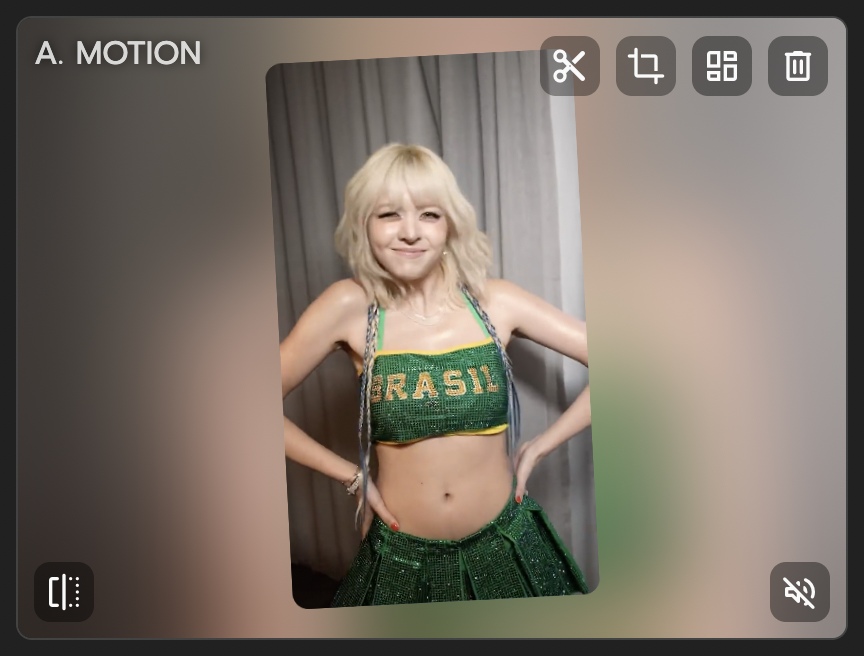
Prepare script and character photo
Define your content goal and audience. Upload one clear front-facing character photo. Write short lines for natural lip sync timing. Shorter phrasing produces more accurate lip movement.
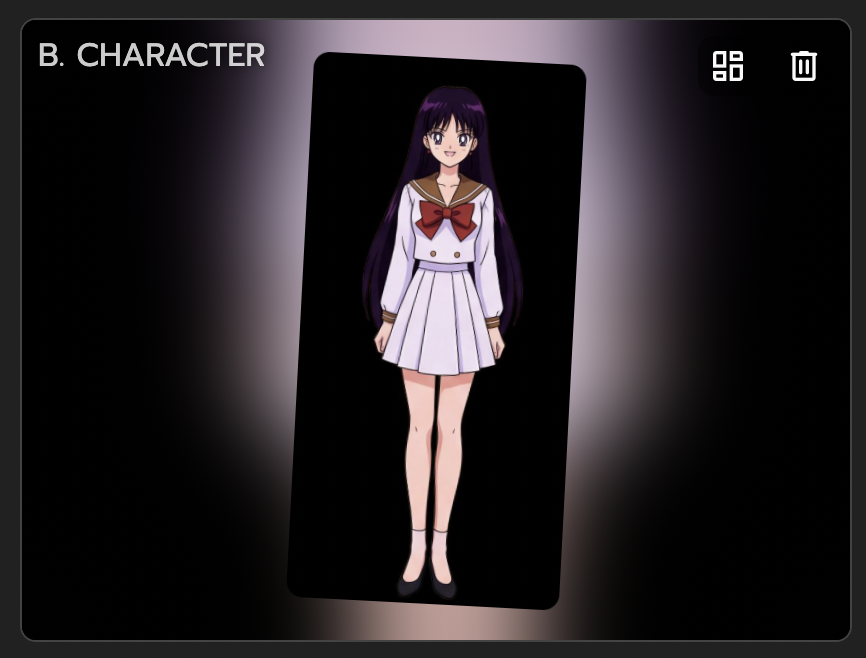
Generate lip-synced performance in Mic
Use Mic with typed text, recorded voice, or music. Character lip movement matches audio rhythm automatically. Review first pass and adjust line length for better pacing.

Refine timeline and export
Use Multi-Track to adjust pauses, timing, and scene transitions. Patch weak moments without full regeneration. Export vertical cuts for Shorts, Reels, and TikTok.
Why talking photo AI creators choose Viggle
JST-1 delivers motion-aware generation built on 3D understanding
When creating talking photo AI, Viggle runs on a self-developed video-3D foundation model. That supports controllable video generation instead of unpredictable drafts. You get a steadier base for repeatable creator output.
See JST-1Mix turns one image and one template into controllable performance
Mix is designed for motion transfer with simple inputs and fast iteration. You can define movement direction up front instead of fixing random outcomes later. That shortens the path from idea to social-ready cut.
Use MixCharacter consistency helps maintain identity across versions
You can keep one recognizable character look while testing multiple concepts. For talking photo AI pages, this is key when testing multiple hooks and scene variants. It keeps your content recognizable while you iterate quickly.
Keep IdentityMulti-Track supports advanced edits in one timeline
You can handle multi-person swaps, object-level changes, and timing refinements in-app. Up to 7 characters or objects can be managed in one edited output. This is useful for creator teams handling campaign volume.
Open Multi40M+ users and 8,000+ templates prove creator fit at scale
For Reels growth teams workflows, talking photo AI performs better when iteration is fast and practical. Viggle is free to use, with sign-up access for up to 5 free videos per day. Fast first drafts help creator teams test hooks without waiting on long pipelines.
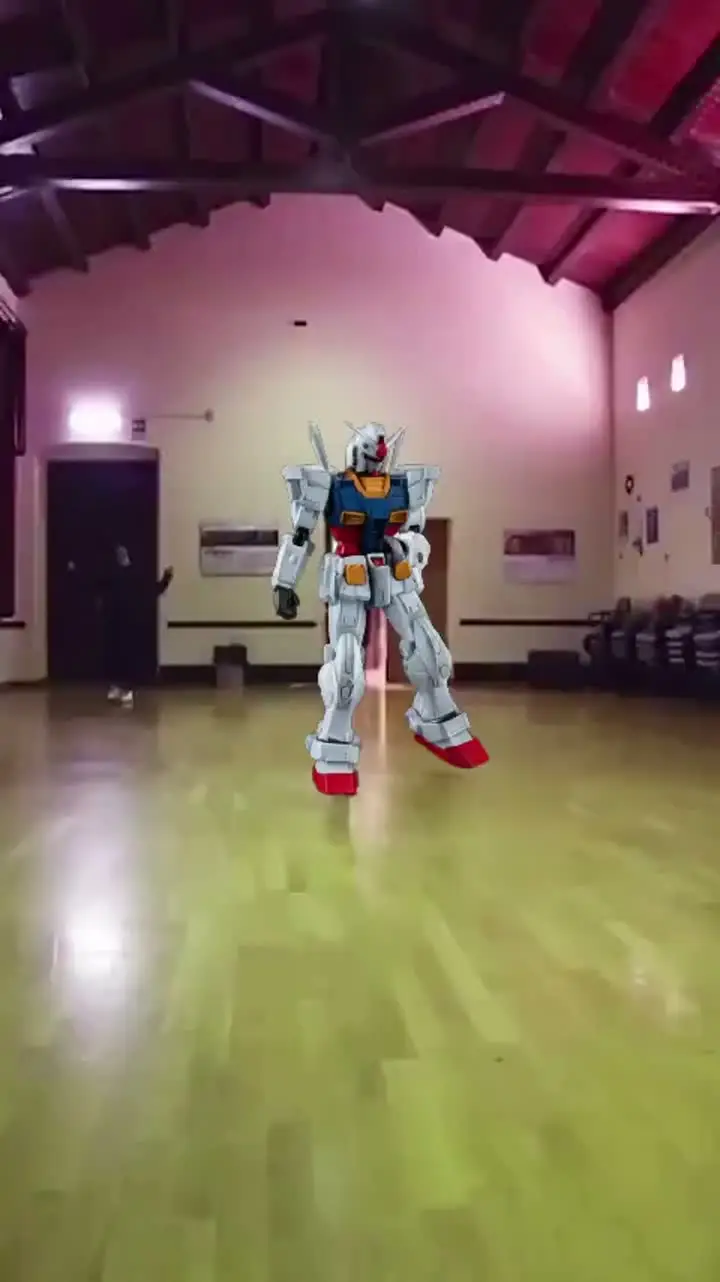
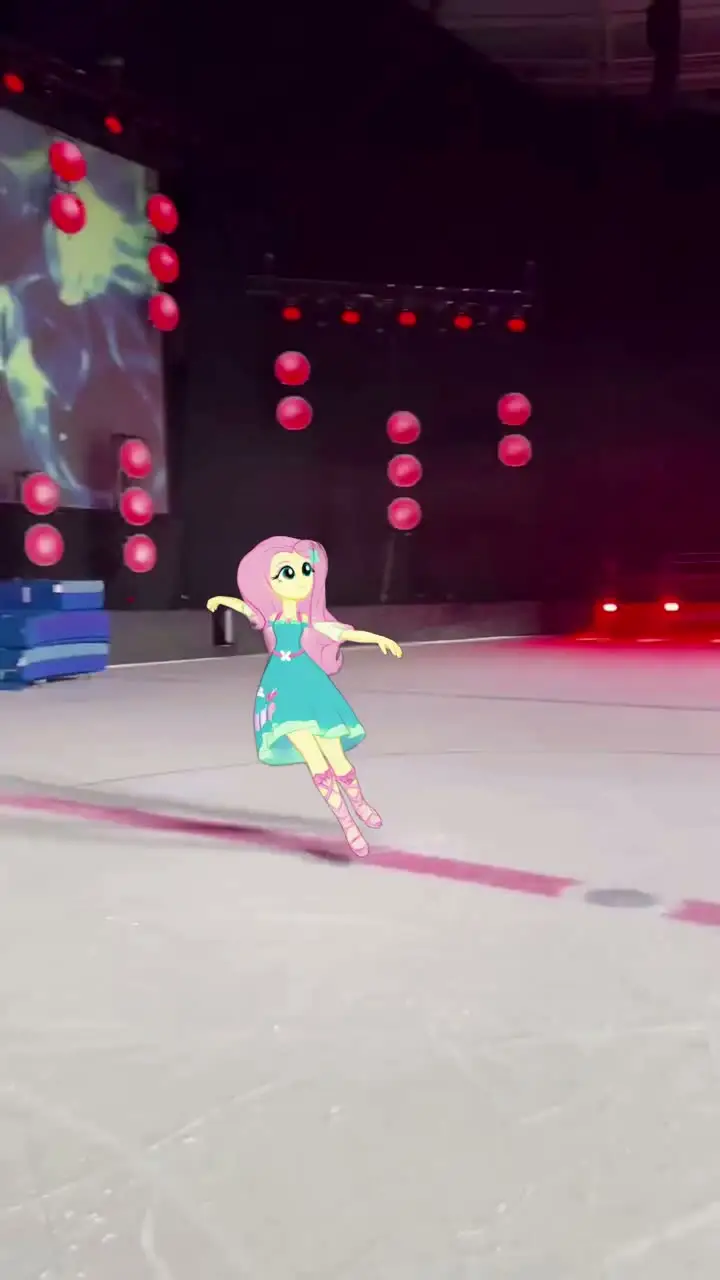
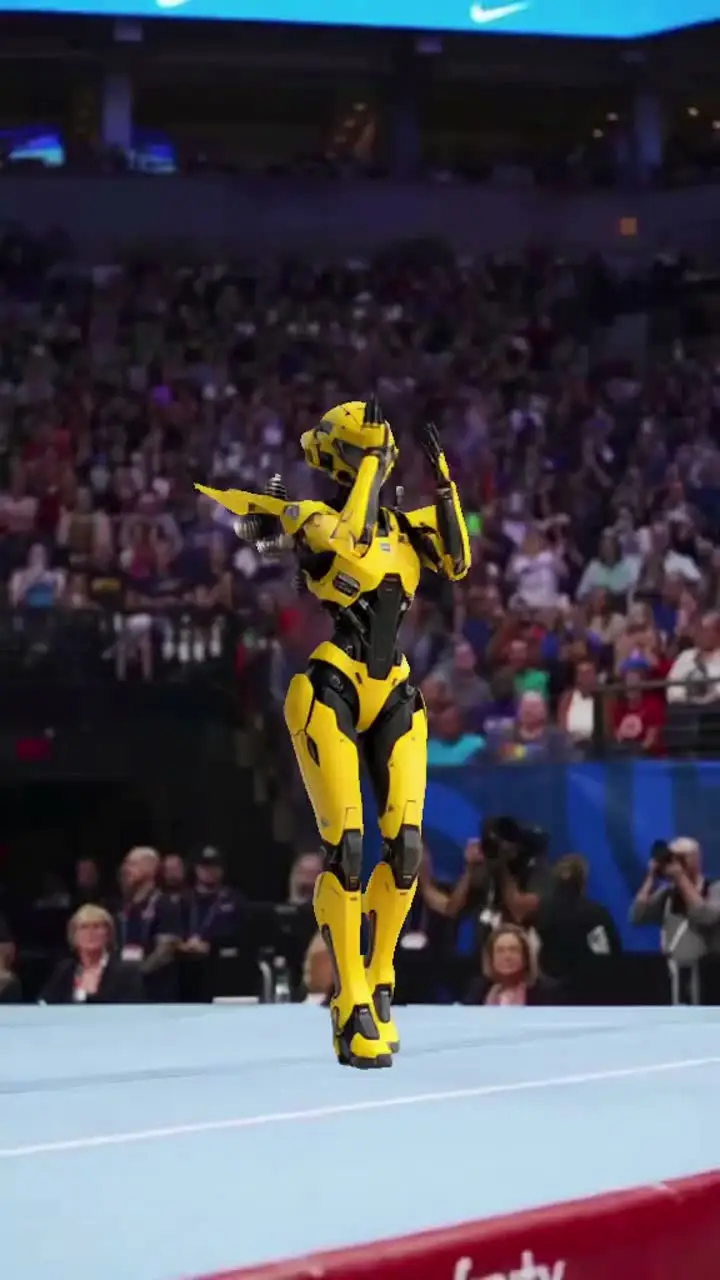
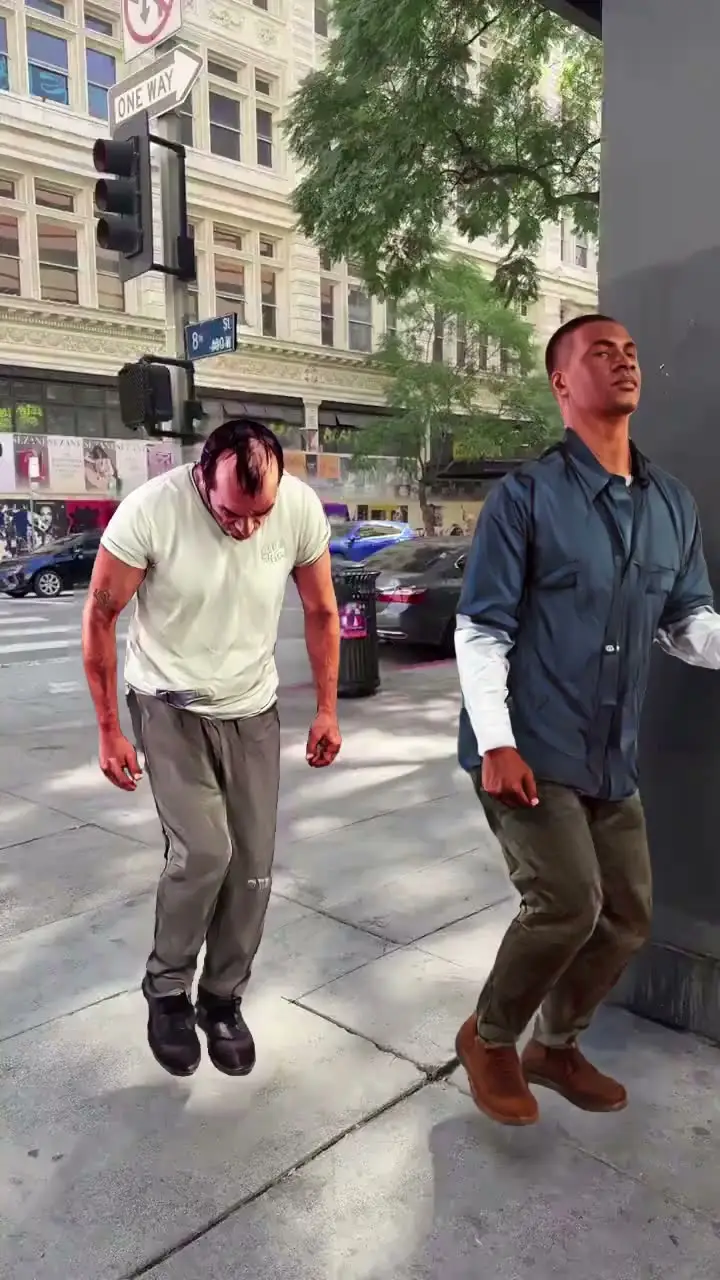
Start FreeTalking Photo AI examples made with Viggle
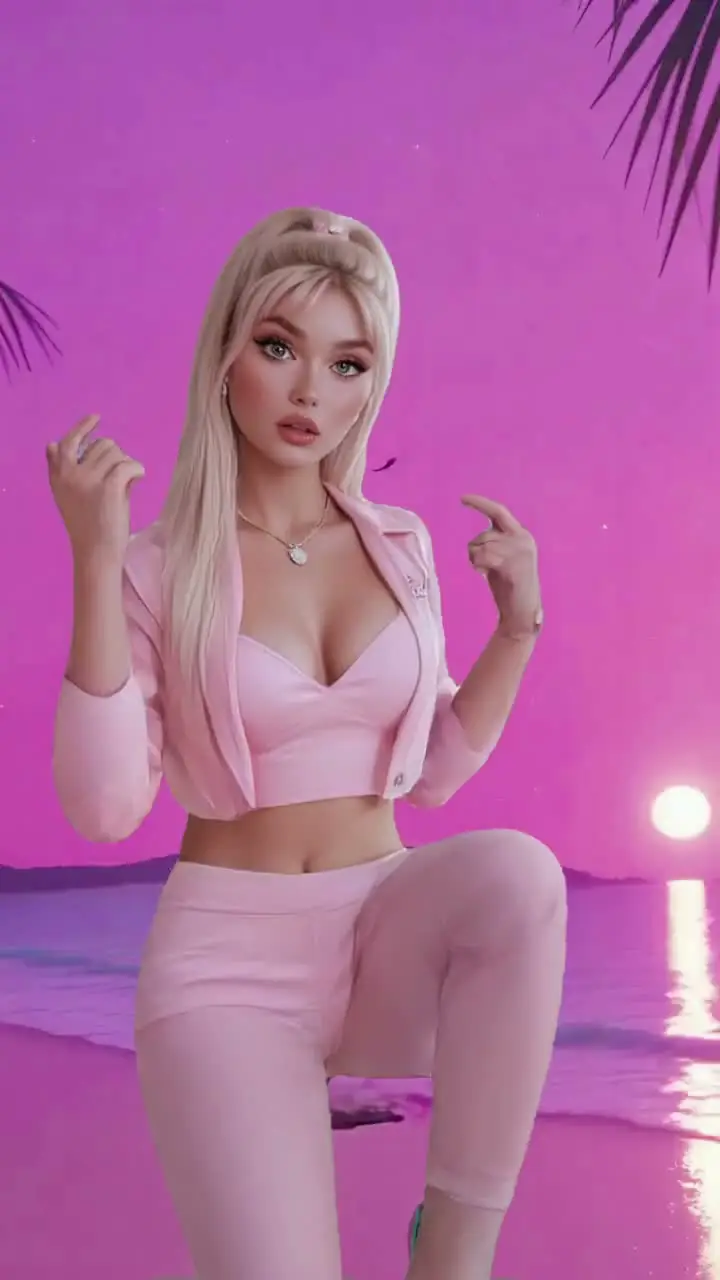
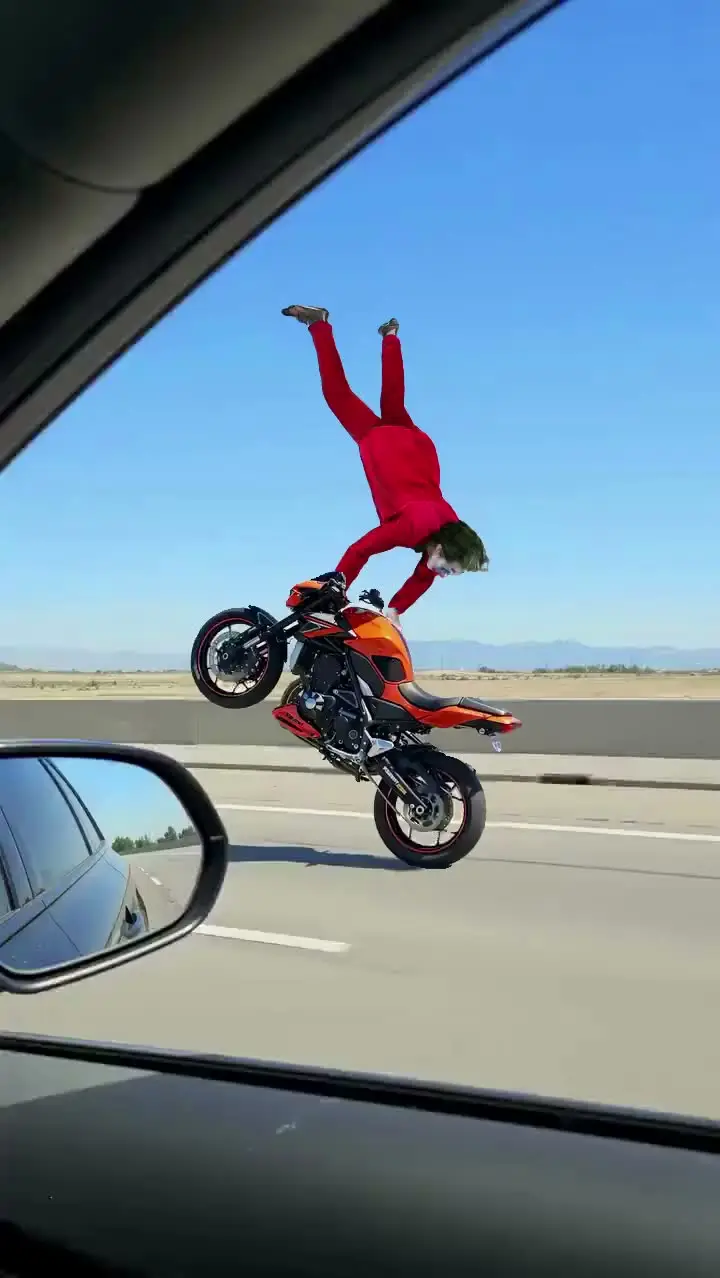
Who Uses Talking Photo AI
Fandom Creators (Anime, K-pop, Gaming)
Fandom creators make characters and idols "speak" in fan edits, birthday tributes, and reaction content. Believable mouth and face movement turns a static photo into a shareable moment.
Sports Content Creators
Sports creators animate player photos to deliver commentary, trash-talk clips, or post-game reactions. Quick generation lets them publish while fan conversations around results are still active.
Movie and TV Fan Editors
Fan editors make characters from shows and movies deliver new dialogue for parodies, theories, or crossover content. The talking photo format adds personality that static screenshot edits lack.
K-pop and Music Fan Creators
K-pop fans create clips of idols delivering fan messages, song lyrics, or birthday greetings. Realistic facial animation makes the content feel personal and increases sharing within fan communities.
Streamers and VTubers
Streamers produce animated announcement clips or recap segments using their own photo as the speaker. This saves time compared to recording and editing face-cam footage for every update.
Filmmakers and Previs Artists
Filmmakers test dialogue delivery by animating actor headshots before scheduling on-set performance. Early visual validation of tone and pacing helps refine the script before production begins.
Viggle vs other talking photo AI tools
Try Viggle Free| 功能 | Viggle AI | HeyGen | D-ID | Synthesia |
|---|---|---|---|---|
| Talking Photo AI intent alignment | â | â ï¸ Limited | â ï¸ Limited | â ï¸ Limited |
| Controllable video generation | â | â ï¸ Limited | â ï¸ Limited | â ï¸ Limited |
| Character consistency | â | â ï¸ Limited | â ï¸ Limited | â ï¸ Limited |
| Full body motion swap | â | â | â | â ï¸ Partial |
| Lip movement transfer | â | â | â ï¸ Limited | â |
| 8,000+ templates | â | â | â | â |
| Multi-Track timeline edits | â | â | â ï¸ Limited | â |
| Vertical publish speed | Fast | Medium | Medium | Medium |
Talking Photo AI Frequently Asked Questions
How does talking photo work on Viggle?
What types of photos work best for talking photo?
Can I make historical photos talk?
How is Viggle different from D-ID for talking photos?
Can I use my own voice for the talking photo?
How do I fix lip sync timing issues?
Can I create talking characters for social media?
Ready to launch talking photo AI?
Try Viggle FreeCreate Talking Photo AI
with confidence
Use motion control, character consistency, and creator-first workflows to ship talking photo AI content faster. Free to use, no credit card required to start.