
Free AI ShortVideo Maker
Animate your concept before trends move on. AI short video maker generator is built for anime fandom editors who need controllable video generation, character consistency, and fast vertical publishing. Start with one image, one motion source, and refine in-app without a heavy setup.
How to create AI short video maker generator with Mix and Multi-Track
Viggle workflow starts with Mix: one photo + one video/template for controllable motion. Then use Multi-Track to refine timing, characters, and scene details before publishing.
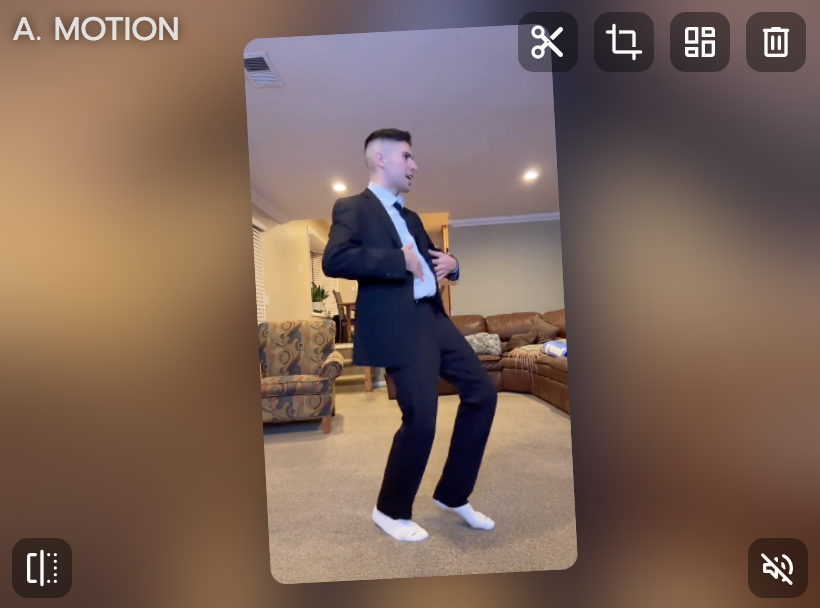
Set AI short video maker goal and source assets
Define your format, audience hook, and destination channel first. Upload one clean character image and choose a matching template. This keeps your first draft focused and easier to evaluate.
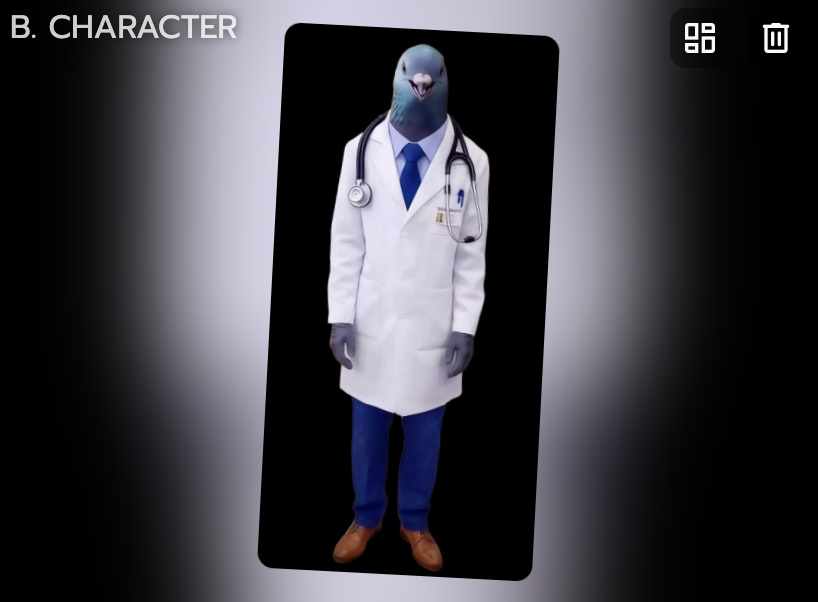
Generate first pass in Mix
Use Mix with one image plus one video/template to transfer movement. Review body motion, expression timing, and scene readability. Adjust template choice before scaling to more variants.

Refine with Multi-Track and ship
Edit transitions, multi-character moments, and object details in Multi-Track. Keep strong sections and patch weak segments quickly. Export vertical cuts and publish where your audience is active.
Why AI short video maker creators choose Viggle
JST-1 delivers motion-aware generation built on 3D understanding
When creating AI short video maker, Viggle runs on a self-developed video-3D foundation model. That supports controllable video generation instead of unpredictable drafts. You get a steadier base for repeatable creator output.
See JST-1Mix turns one image and one template into controllable performance
Mix is designed for motion transfer with simple inputs and fast iteration. You can define movement direction up front instead of fixing random outcomes later. That shortens the path from idea to social-ready cut.
Use MixCharacter consistency helps maintain identity across versions
Your character identity holds up across scenes, hooks, and alternate cuts. For AI short video maker pages, this is key when testing multiple hooks and scene variants. It keeps your content recognizable while you iterate quickly.
Keep IdentityMulti-Track supports advanced edits in one timeline
You can handle multi-person swaps, object-level changes, and timing refinements in-app. Up to 7 characters or objects can be managed in one edited output. This is useful for creator teams handling campaign volume.
Open Multi40M+ users and 8,000+ templates prove creator fit at scale
For anime fandom editors workflows, AI short video maker performs better when iteration is fast and practical. Viggle is free to use, with sign-up access for up to 5 free videos per day. You can move from concept to first cut under a minute for rapid iteration.
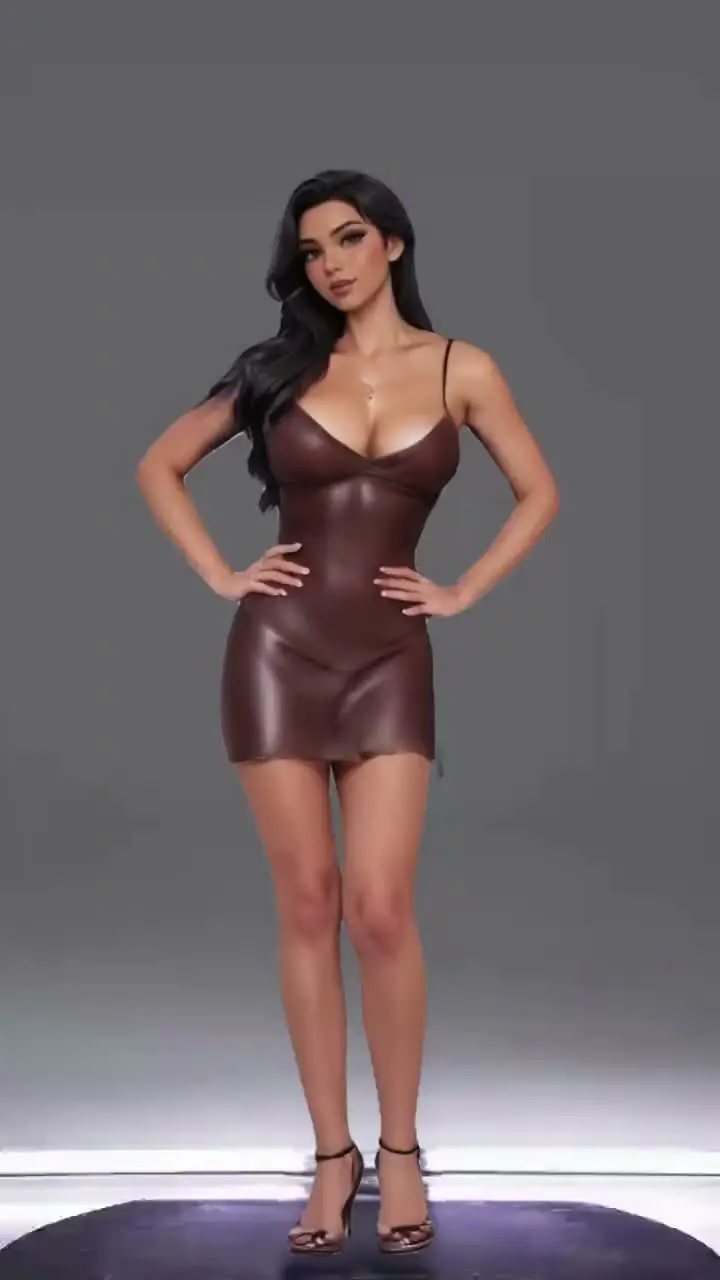
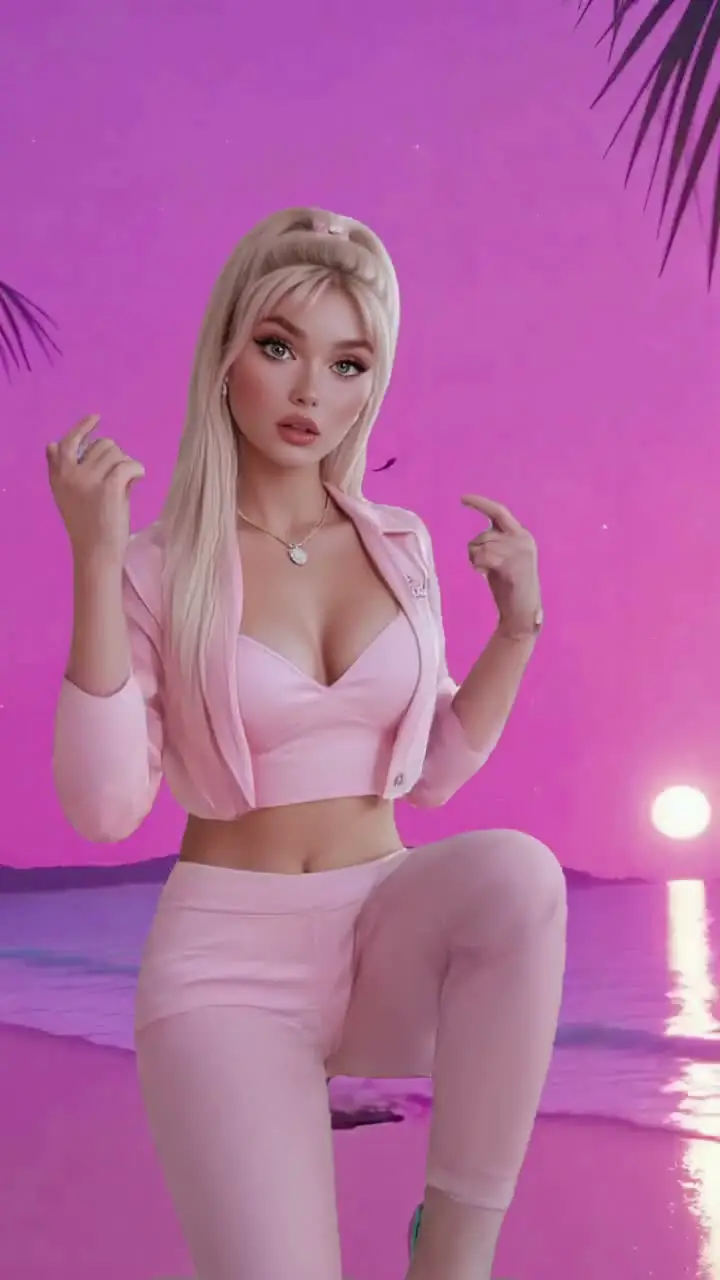
Start FreeAI Short Video Maker examples made with Viggle
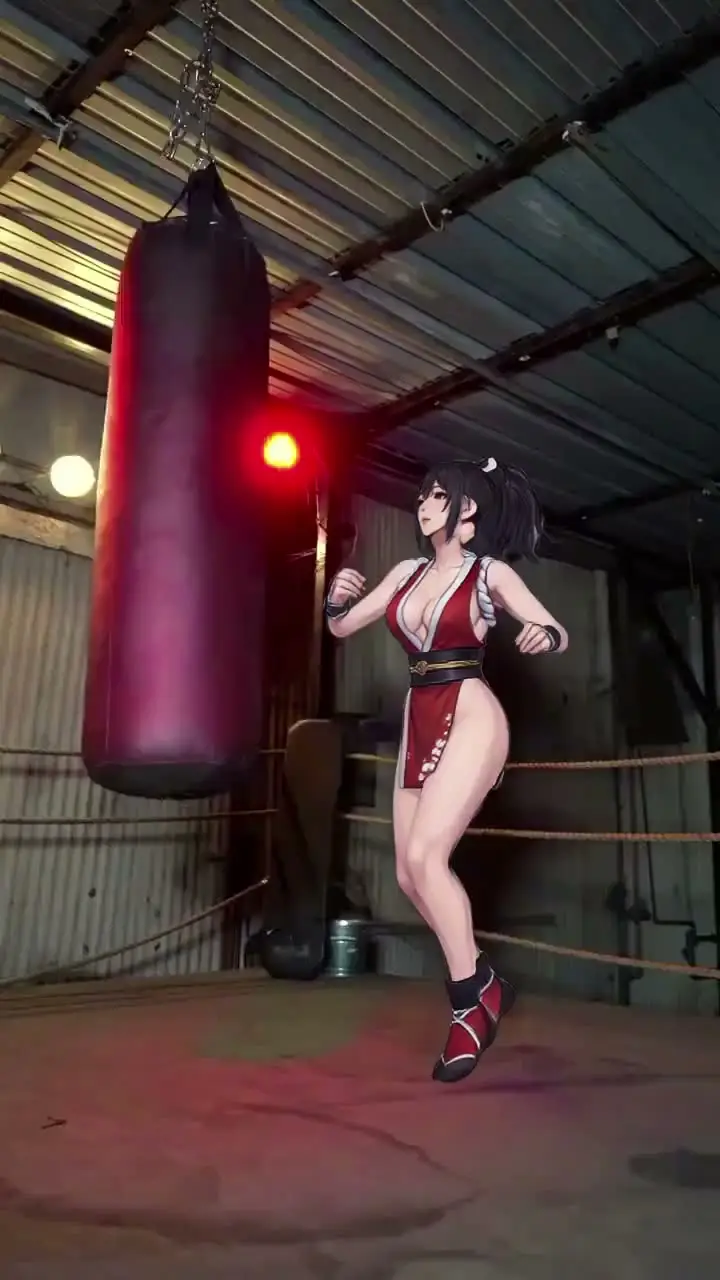
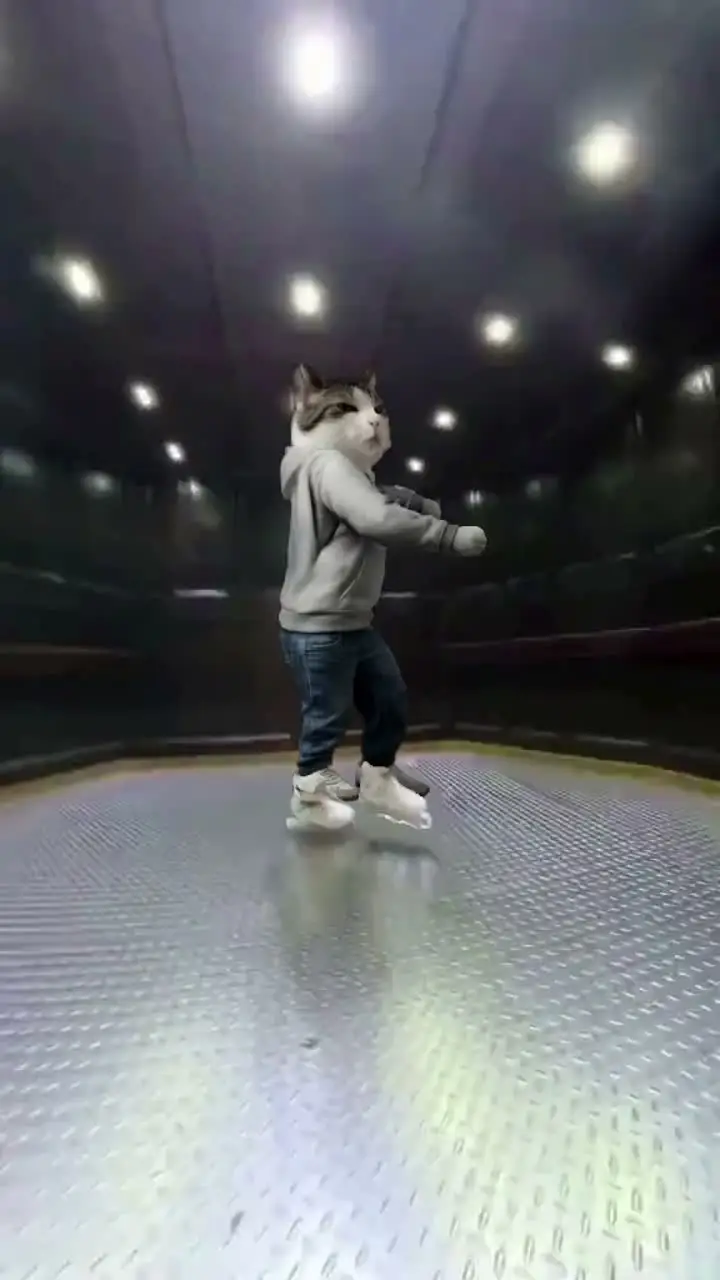
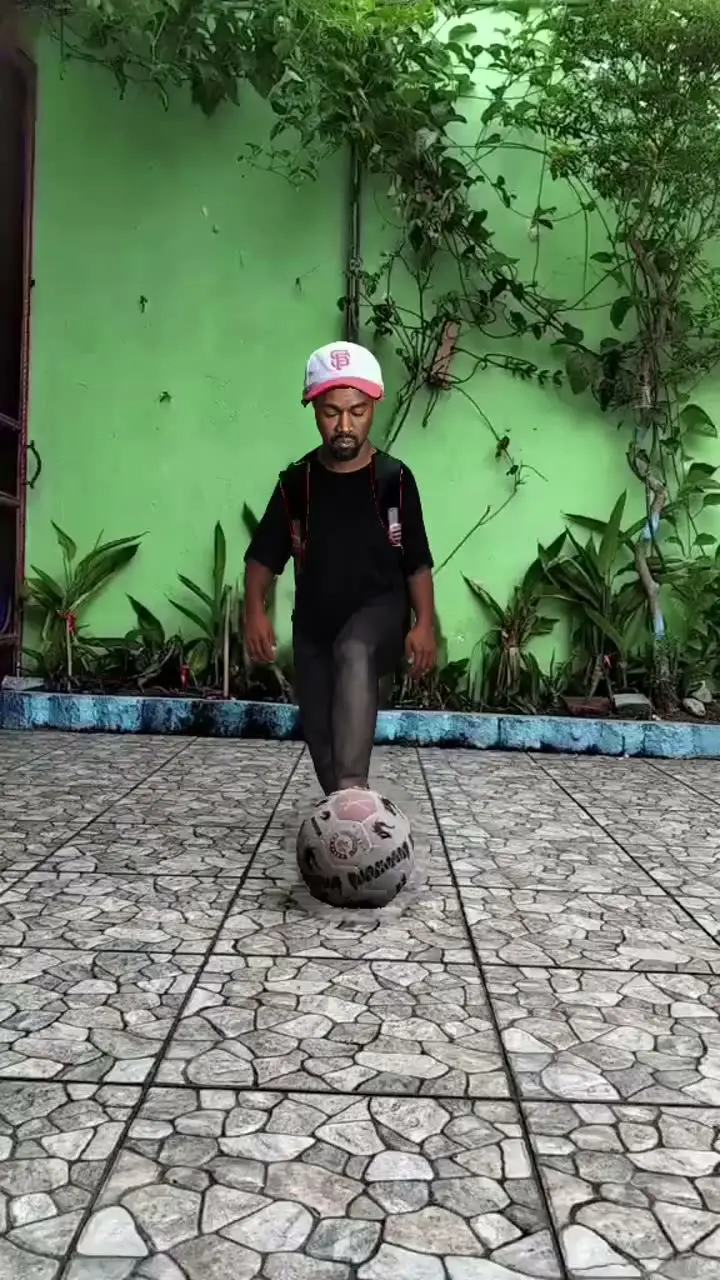
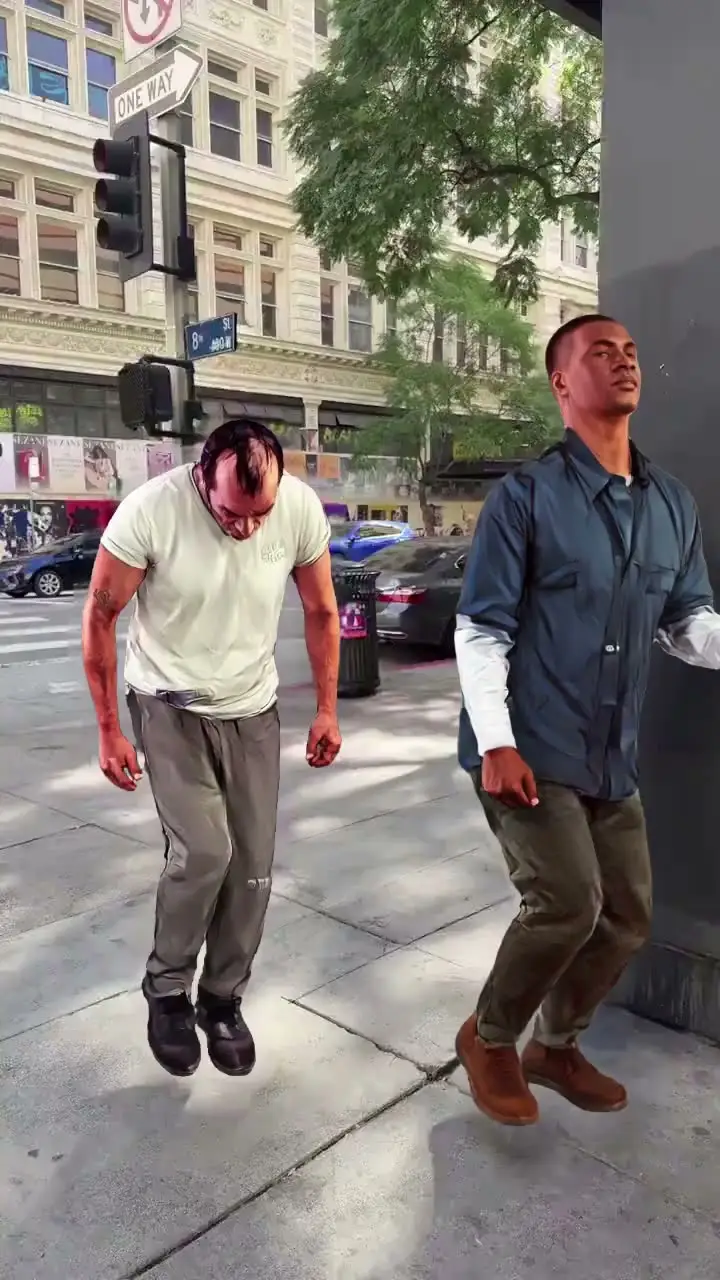
Who Uses AI Short Video Maker
K-pop and Music Fan Creators
K-pop fan creators produce fancam edits and dance cover clips that match the fast publishing rhythm of comeback seasons. They draft multiple cuts quickly and post the one that captures the performance best.
Streamers and VTubers
Streamers turn highlight moments into short clips for TikTok, Shorts, and Reels to grow their audience off-platform. Quick generation keeps the clip pipeline moving between streams.
Filmmakers and Previs Artists
Filmmakers cut short teaser clips from previs scenes to pitch concepts to producers or share with collaborators. Compact formats help communicate visual intent without sending full-length sequences.
Animators and Motion Designers
Motion designers produce looping short videos for social feeds and portfolio showcases. Templates help maintain consistent output quality when publishing multiple pieces per week.
3D and Motion Capture Creators
3D creators convert motion capture sessions into polished short clips for social sharing. The AI layer handles rendering and compositing so they can focus on the performance itself.
Music Video Creators
Music video creators extract the strongest 15–60 second moments from longer projects to use as social teasers. These short cuts drive viewers back to the full release on YouTube or streaming platforms.
Viggle vs other AI short video maker tools
Try Viggle Free| 功能 | Viggle AI | Runway | Pika | Luma AI |
|---|---|---|---|---|
| AI Short Video Maker intent alignment | ✅ | ⚠️ Limited | ⚠️ Limited | ⚠️ Limited |
| Controllable video generation | ✅ | ⚠️ Limited | ⚠️ Limited | ⚠️ Limited |
| Character consistency | ✅ | ⚠️ Limited | ⚠️ Limited | ⚠️ Limited |
| Full body motion swap | ✅ | ❌ | ❌ | ⚠️ Partial |
| Lip movement transfer | ✅ | ❌ | ⚠️ Limited | ❌ |
| 8,000+ templates | ✅ | ❌ | ❌ | ❌ |
| Multi-Track timeline edits | ✅ | ❌ | ⚠️ Limited | ❌ |
| Vertical publish speed | Fast | Medium | Medium | Medium |
AI Short Video Maker Frequently Asked Questions
What makes Viggle good for short-form video creation?
How does Mix help create short videos fast?
Can I create trending content with Viggle?
How do I make my short videos stand out?
Can I create short videos without video production skills?
How do I publish Viggle videos to TikTok or Instagram?
What's the best workflow for rapid short video creation?
Ready to launch AI short video maker?
Try Viggle FreeCreate AI Short Video Maker
with confidence
Use motion control, character consistency, and creator-first workflows to ship AI short video maker content faster. Free to use, no credit card required to start.