logo

Free AI LipSync

Move from concept to publishable cut faster. AI lip sync is built as an audio-driven lip sync video generator for Reels growth teams who need controllable video generation, character consistency, and fast vertical publishing. Start with one image, one motion source, and refine in-app without a heavy setup.

40M+ Users4.8★ Rating on App Store

How to make AI lip sync video generator clips with Viggle Mic

Mic supports typed text, recorded voice, or music input for audio-to-video lip sync performance. Use one clean image, run a short draft first, then tighten sync in Multi-Track.

Step 1
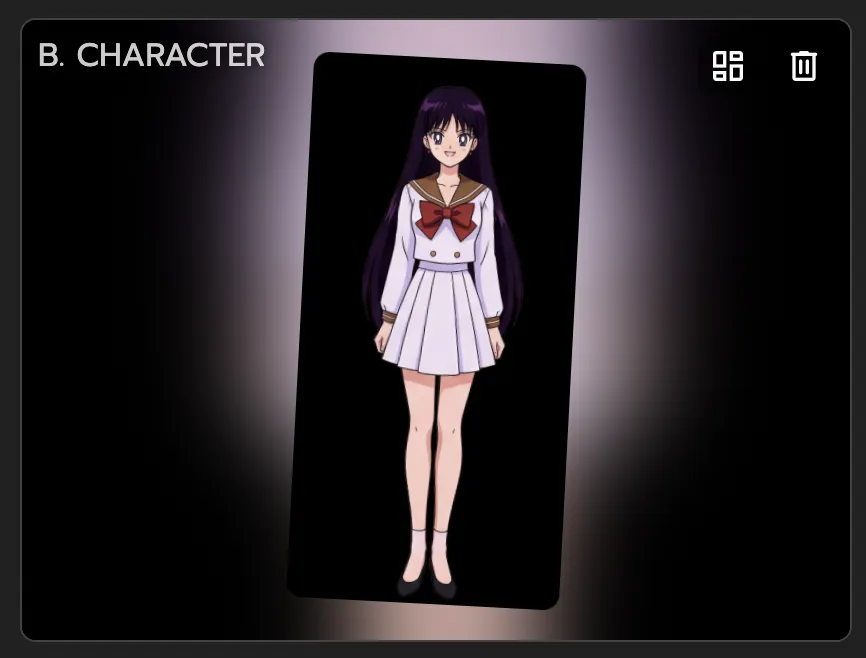
Upload one clear character image to Mic

Upload one clear character image to Mic

Choose a front-facing photo with one visible face and simple lighting. Cleaner sources give Mic better lip and expression mapping on the first render. Avoid occluded faces or heavy blur.

Step 2
Run Mic with your audio input

Run Mic with your audio input

Select typed text, recorded voice, or music-based input in Mic. Generate a short line first to check mouth timing against the beat. If you need rap delivery, use Rap feature with custom or AI-generated lyrics.

Step 3

Polish timing in Multi-Track and export

Review key words, pauses, and expression timing after generation. Use Multi-Track to patch only weak sections instead of redoing the full clip. Export channel-ready vertical versions.

Why AI lip sync creators choose Viggle

Mic gives direct voice-to-performance control

For AI lip sync, Mic lets you type text, record voice, or use music-driven input. That keeps lip movement tied to actual audio rhythm instead of random talking motion. You can test short lines first, then scale to full scenes.

Use Mic

JST-1 keeps expression and timing more believable

Viggle runs on a self-developed video-3D foundation model that maps facial and body behavior frame by frame. You can keep one recognizable character look while testing multiple concepts. This is especially useful when dialogue pacing changes between takes.

See JST-1

Mix supports full-body performance, not only face changes

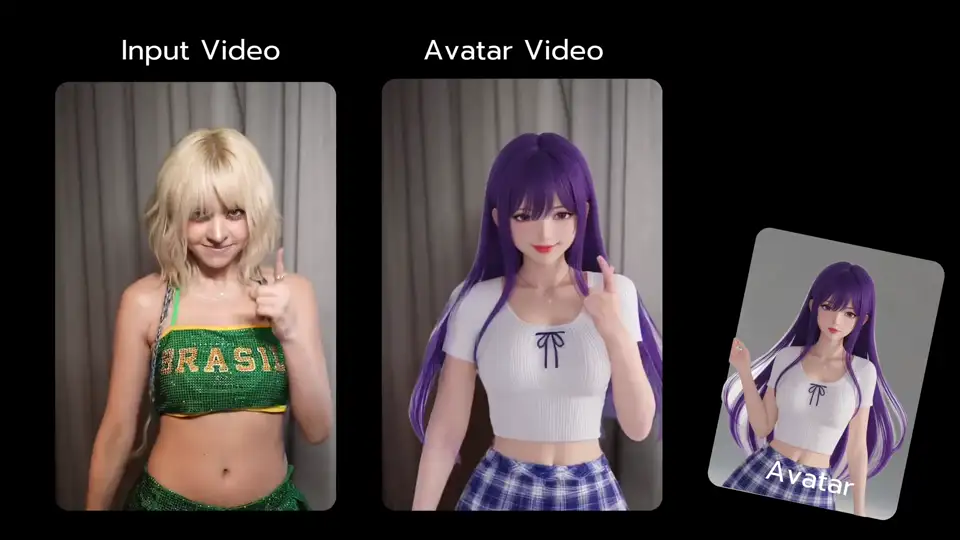
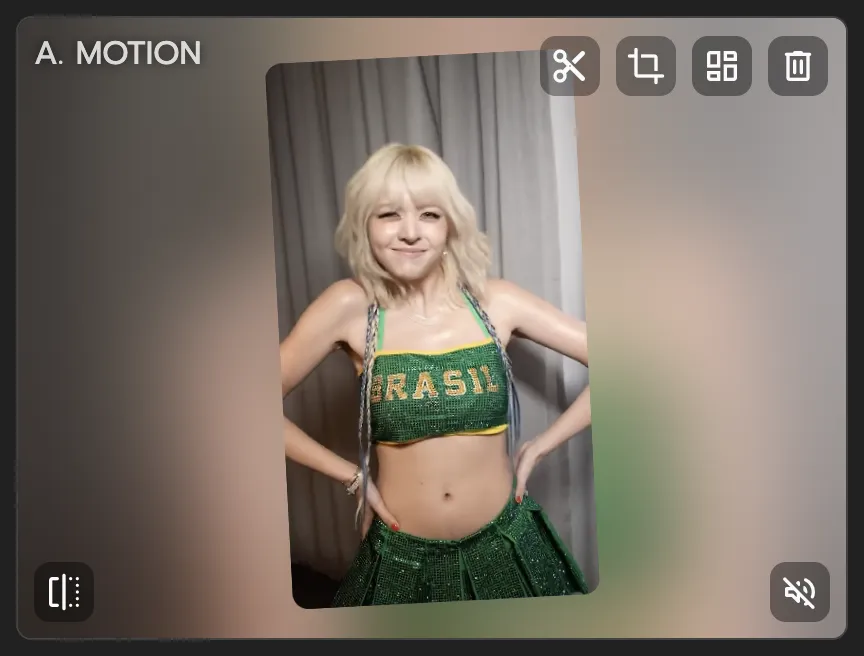
Mix uses one photo plus one video/template to transfer motion in a controllable way. That means voice-led clips can still carry body performance and scene energy. You get stronger storytelling than static talking-head output.

Try Mix

Multi-Track helps fix timing without full regeneration

When a line lands early or late, Multi-Track lets you adjust timeline flow faster. You can refine transitions and scene order while keeping your strongest generated moments. That shortens the path from first render to publishable clip.

Edit Faster

8,000+ templates plus free start speed up testing

If your team posts often, AI lip sync needs quick experimentation loops. Viggle gives template variety and free-to-use entry so you can test multiple creative angles. Fast first drafts help creator teams test hooks without waiting on long pipelines.

Start Free

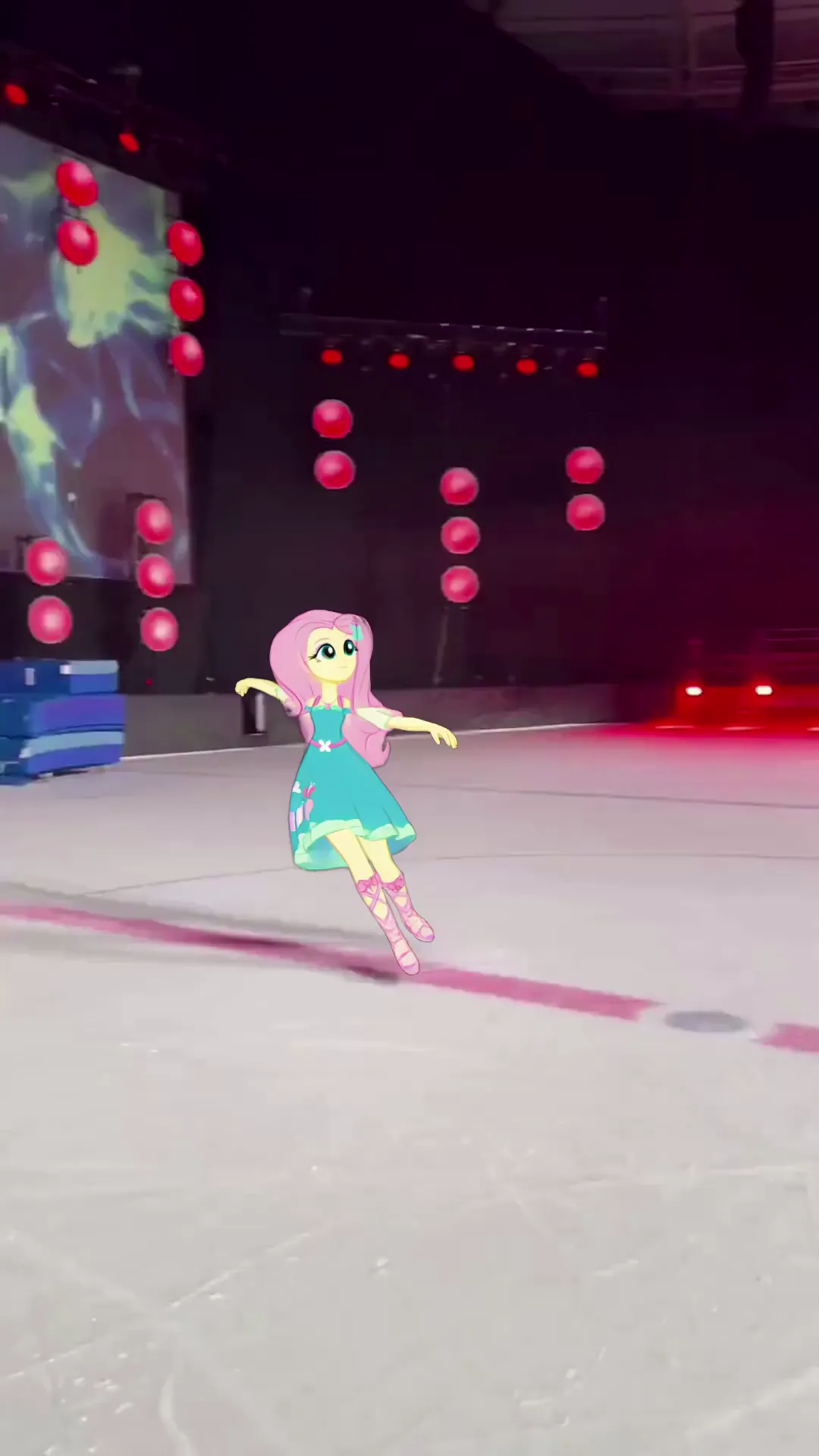
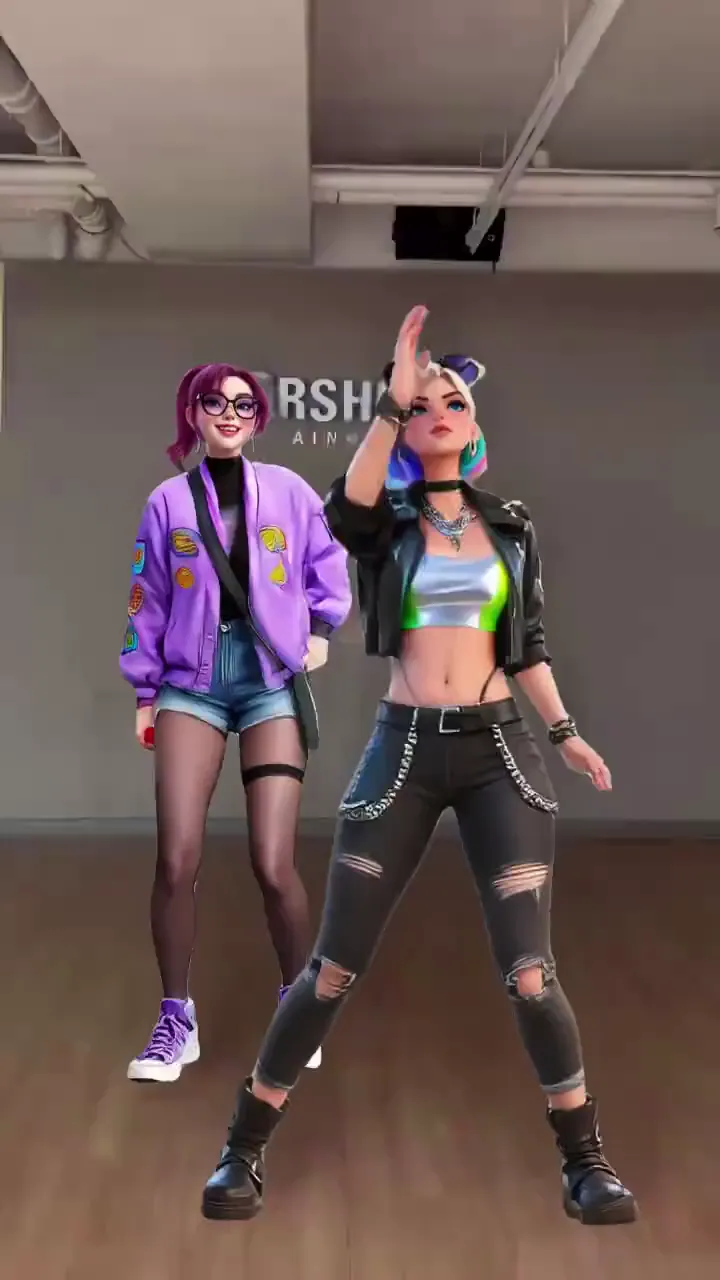
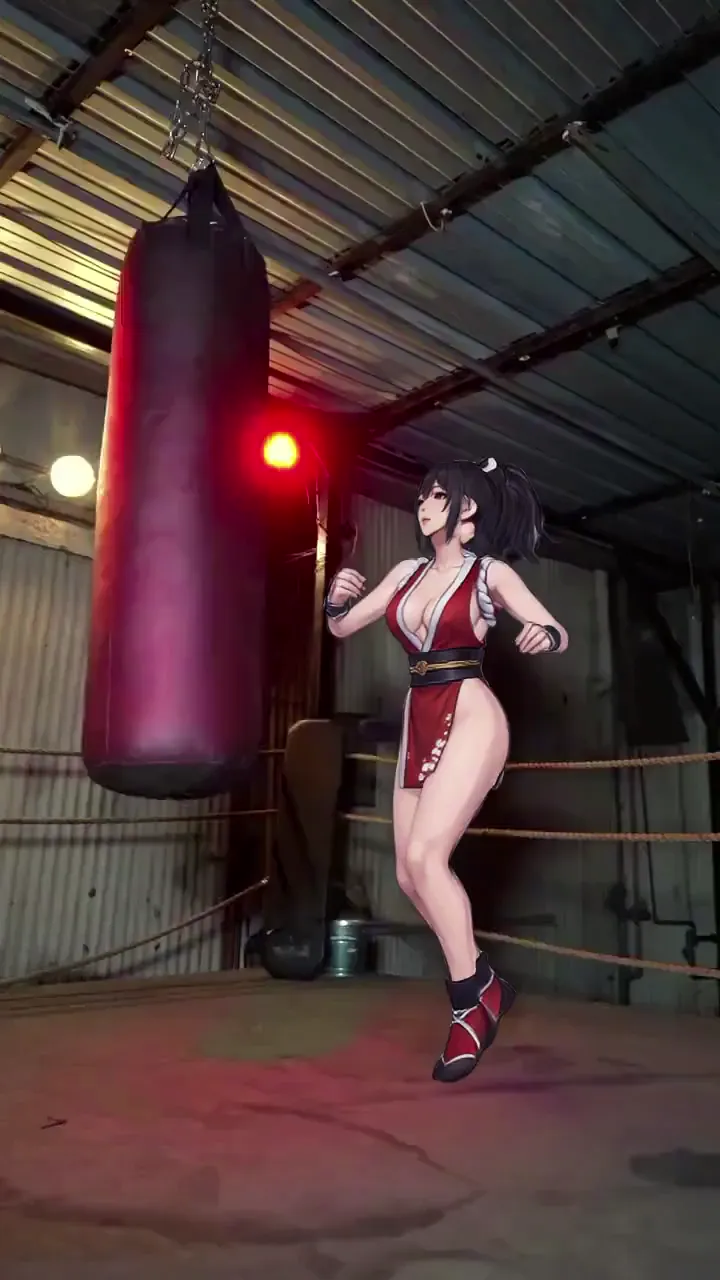
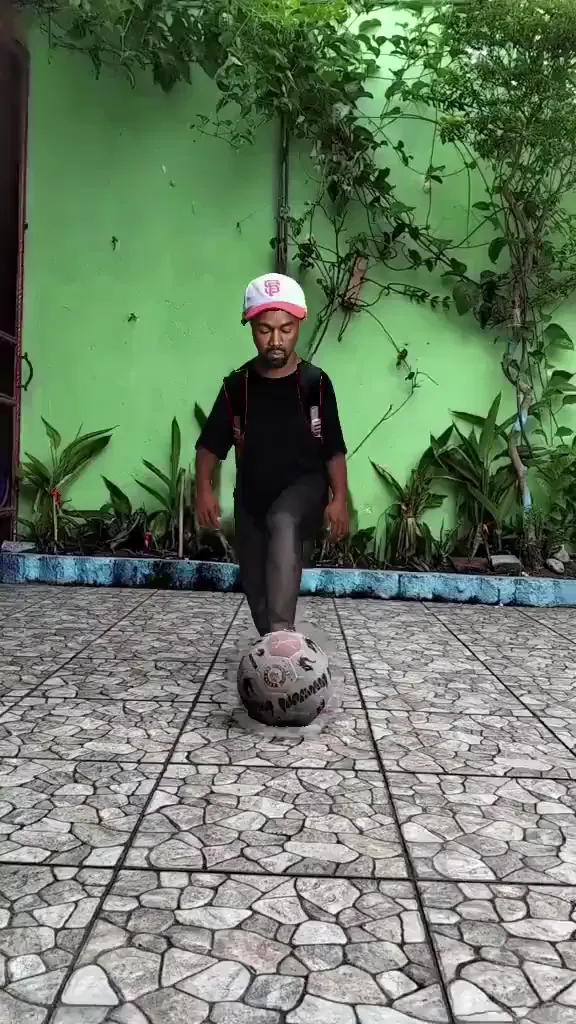
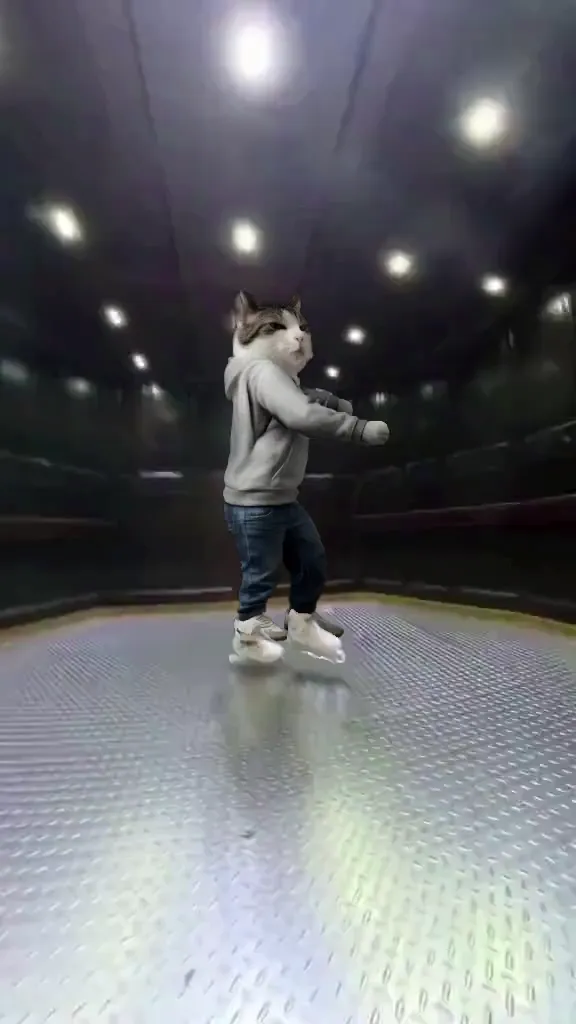
AI Lip Sync examples made with Viggle

Who Uses AI Lip Sync

01

TikTok, Reels, and Shorts Creators

Short-form creators sync dialogue or voiceover to character clips for trend-driven content. They test different speech rhythms and keep the cleanest sync for fast turnaround across platforms.

02

Streamers and VTubers

Streamers generate lip-synced avatar clips for highlights, intros, or channel updates. Consistent facial movement tied to actual voice input makes recap clips feel more polished than static overlays.

03

Meme Creators

Meme creators put words in characters' mouths — literally. AI lip sync lets them match audio to any face for comedic timing, making reaction and dub content faster to produce.

04

Brands and Marketers

Marketing teams localize spokesperson videos by syncing translated audio to the original footage. This reduces the cost of producing multi-language ad variants from scratch.

05

Filmmakers and Previs Artists

Filmmakers use lip sync to test dialogue delivery in previs scenes before scheduling voice talent. Early validation of pacing and expression helps lock editorial decisions sooner.

06

AI Filmmakers

AI filmmakers pair generated characters with voice performances to create fully synthetic dialogue scenes. Accurate mouth movement adds believability that purely visual generation alone cannot achieve.

Viggle vs other AI lip sync tools

Try Viggle Free
功能Viggle AIHeyGenD-IDSynthesia
AI Lip Sync intent alignment⚠️ Limited⚠️ Limited⚠️ Limited
Controllable video generation⚠️ Limited⚠️ Limited⚠️ Limited
Character consistency⚠️ Limited⚠️ Limited⚠️ Limited
Full body motion swap⚠️ Partial
Lip movement transfer⚠️ Limited
8,000+ templates
Multi-Track timeline edits⚠️ Limited
Vertical publish speedFastMediumMediumMedium

AI Lip Sync Frequently Asked Questions

How does Viggle's AI lip sync video generator compare to HeyGen or D-ID?

Viggle uses JST-1, a self-developed video-3D foundation model that maps facial structure and body motion frame by frame. Unlike HeyGen or D-ID which focus on talking heads, Viggle supports full body motion swap with lip movement transfer, and character consistency across videos.

Can I use my own voice recording for lip sync?

Yes. Mic supports typed text, recorded voice, or music-based input. You can also use AI-generated lyrics with the Rap feature for fully automated lip-synced performances. This works like a free AI lip sync generator workflow for your own voice tracks.

How accurate is lip movement sync in Viggle?

Viggle is known for detailed lip movement transfer and expression replication. The JST-1 model maps facial structure frame by frame, which helps keep lip sync natural even during complex motions. It also behaves like realistic lip sync AI for better timing.

What file formats does Viggle support for audio input?

Mic accepts typed text for AI voice synthesis, voice recordings, and music files. You can generate custom lyrics with Rap or use your own audio tracks.

Can I create multi-character lip sync videos?

Yes. Multi-Track supports up to 7 characters or objects in one timeline. You can coordinate multiple lip-synced characters in a single edited output.

How do I fix imperfect lip sync timing?

Multi-Track lets you adjust timeline flow without full regeneration. You can patch weak sections, adjust pauses, and refine transitions while keeping your best generated moments.

Does Viggle support singing or musical lip sync?

Yes. The Rap feature lets you generate lip-synced performances with custom or AI-generated lyrics. You can also import music tracks and sync character performances to the beat.

Ready to launch AI lip sync?

Try Viggle Free

Create AI Lip Sync
with confidence

Use motion control, character consistency, and creator-first workflows to ship AI lip sync content faster. Free to use, no credit card required to start.