免费 AI 视频 创作工具
把静态创意变成动感场景。这款 AI 视频创作工具专为 YouTube Shorts 剪辑师打造,满足可控视频生成、角色一致性和快速竖屏发布的需求。只需一张图片、一个动作素材,即可在应用内轻松调整,无需复杂设置。
如何用 Mix 和 Multi-Track 制作 AI 视频创作工具
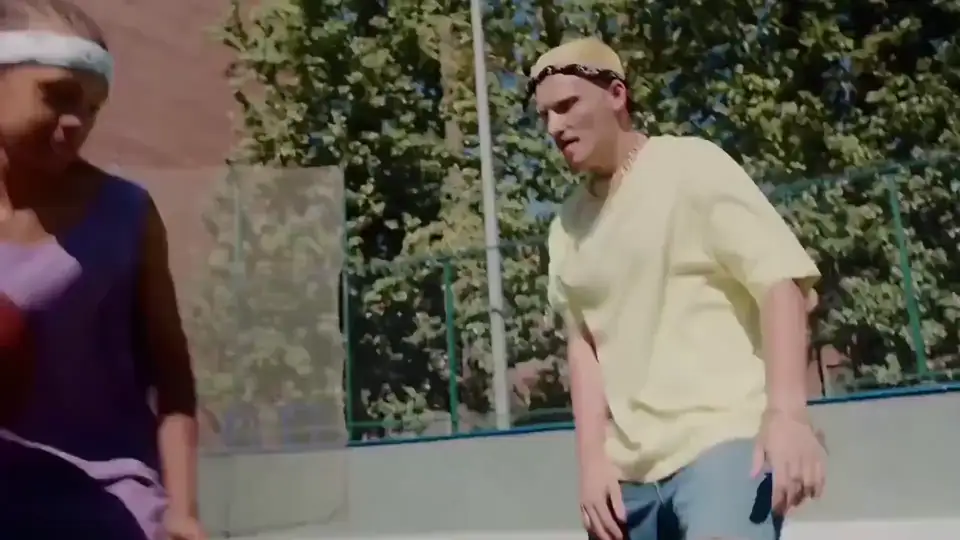
免费试用 ViggleViggle 的工作流程从 Mix 开始:一张照片加一个视频/模板,即可实现可控动作生成。接着用 Multi-Track 调整时间轴、角色和场景细节,发布前打磨到位。
确定 AI 视频创作工具的目标与素材
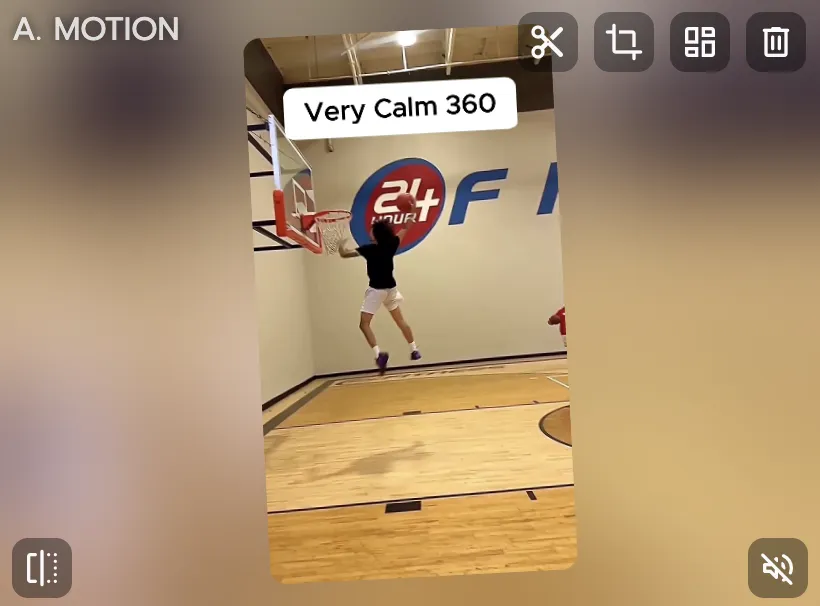
先明确内容形式、吸引观众的切入点和发布渠道。上传一张清晰的角色图片,选择匹配的模板。这样第一版草稿更聚焦,也更容易评估效果。
在 Mix 中生成初版
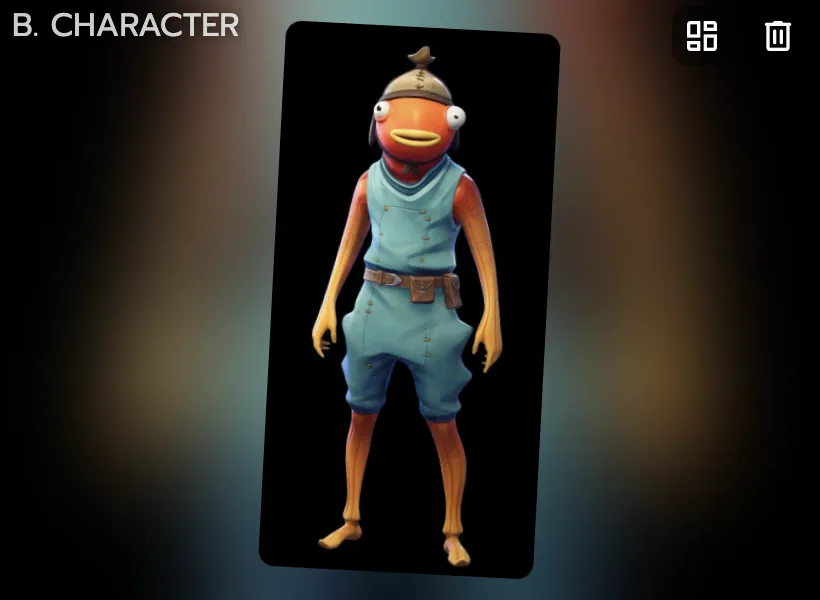
用 Mix 结合一张图片和一个视频/模板迁移动作。检查肢体动作、表情节奏和画面可读性,调整模板后再批量生成更多版本。
用 Multi-Track 打磨并发布
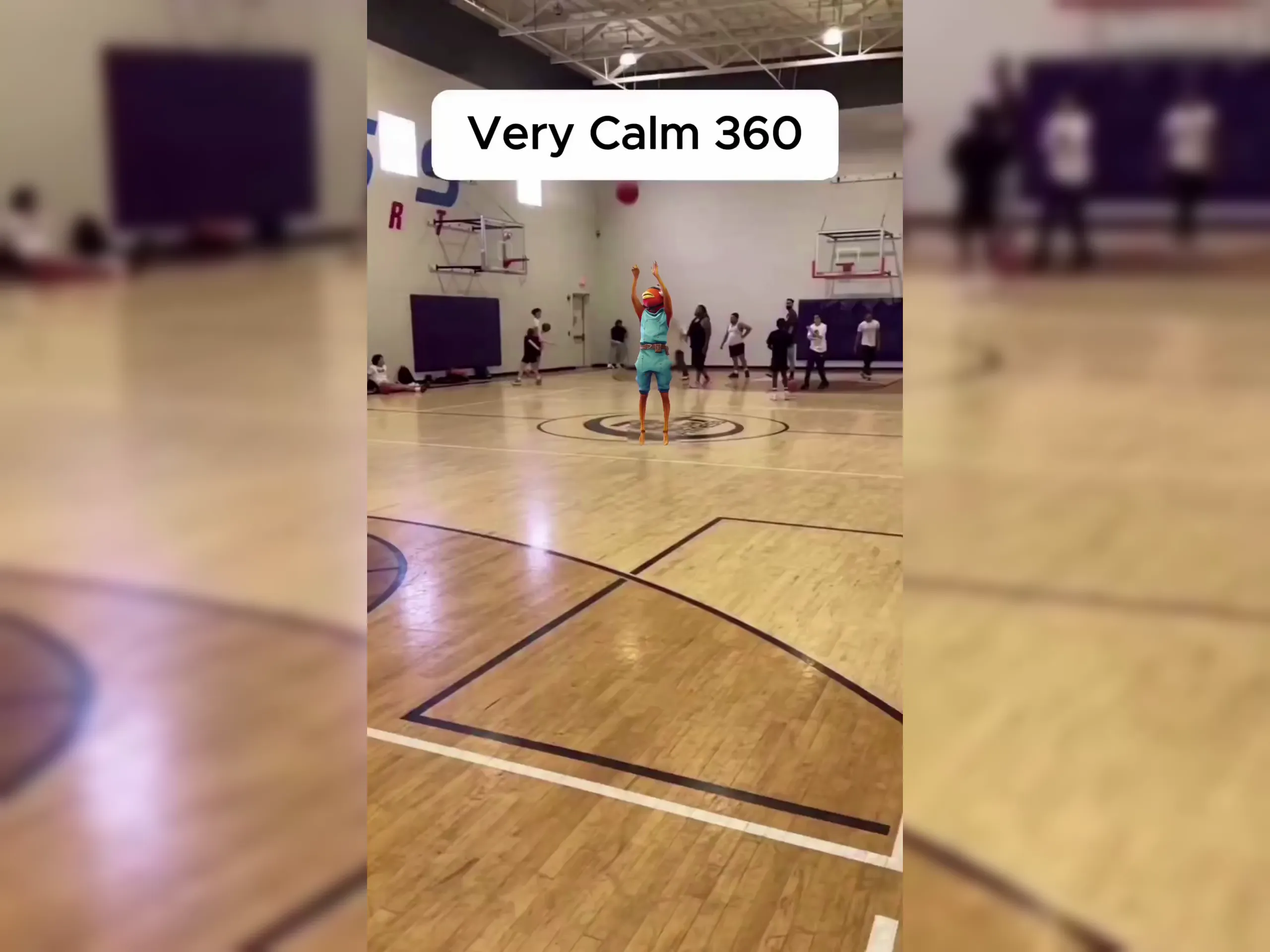
在 Multi-Track 中编辑转场、多角色片段和物体细节,保留精彩部分、快速修补薄弱片段。导出竖屏成片,发布到观众活跃的平台。
创作者为什么选择 Viggle 打造 AI 视频创作工具
JST-1 基于 3D 理解,实现动作感知生成
AI 视频创作工具的生产现实:制作 AI 视频创作工具时,Viggle 运行在自研的视频-3D 基础模型之上,支持可控视频生成,而不是靠运气产出不可预测的草稿。这为创作者稳定输出提供了更扎实的基础。
了解 JST-1Mix 让一张图片和一个模板变成可控演出
AI 视频创作工具的发布速度:Mix 专为动作迁移设计,输入简单、迭代迅速。你可以提前设定动作方向,而不用事后修补随机结果,从创意到可发布成片的路径更短。
使用 Mix角色一致性让身份在各版本间保持稳定
AI 视频创作工具的一致性优势:角色身份在不同场景、开场钩子和替代版本中都能保持稳定。对于 AI 视频创作工具而言,这在测试多个钩子和场景变体时尤为关键,让你在快速迭代的同时保持内容的辨识度。
保持角色一致Multi-Track 在同一时间轴上支持高级编辑
AI 视频创作工具的执行细节:你可以在应用内处理多人替换、物体级调整和时间轴微调,一个输出成片最多可管理 7 个角色或物体。这对需要处理大量活动素材的创作者团队非常实用。
打开 Multi-Track5000万+ 用户与 10,000+ 模板证明了规模化的创作者契合度
AI 视频创作工具的实际效果:对于 YouTube Shorts 剪辑师的工作流程来说,迭代越快越实用,AI 视频创作工具的表现就越出色。Viggle 免费使用,注册后每天可生成 5 个免费视频,从创意到初版成片最快不到一分钟,方便快速迭代。
免费开始用 Viggle 制作的 AI 视频创作工具案例
探索更多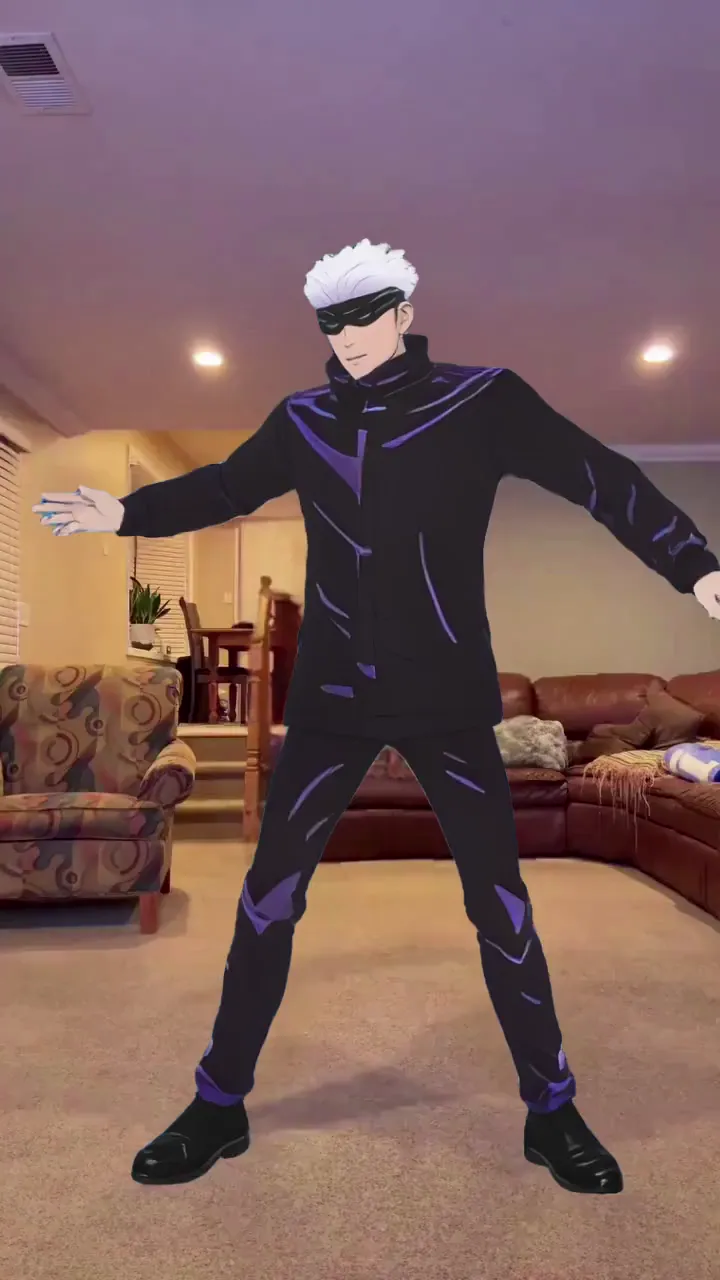
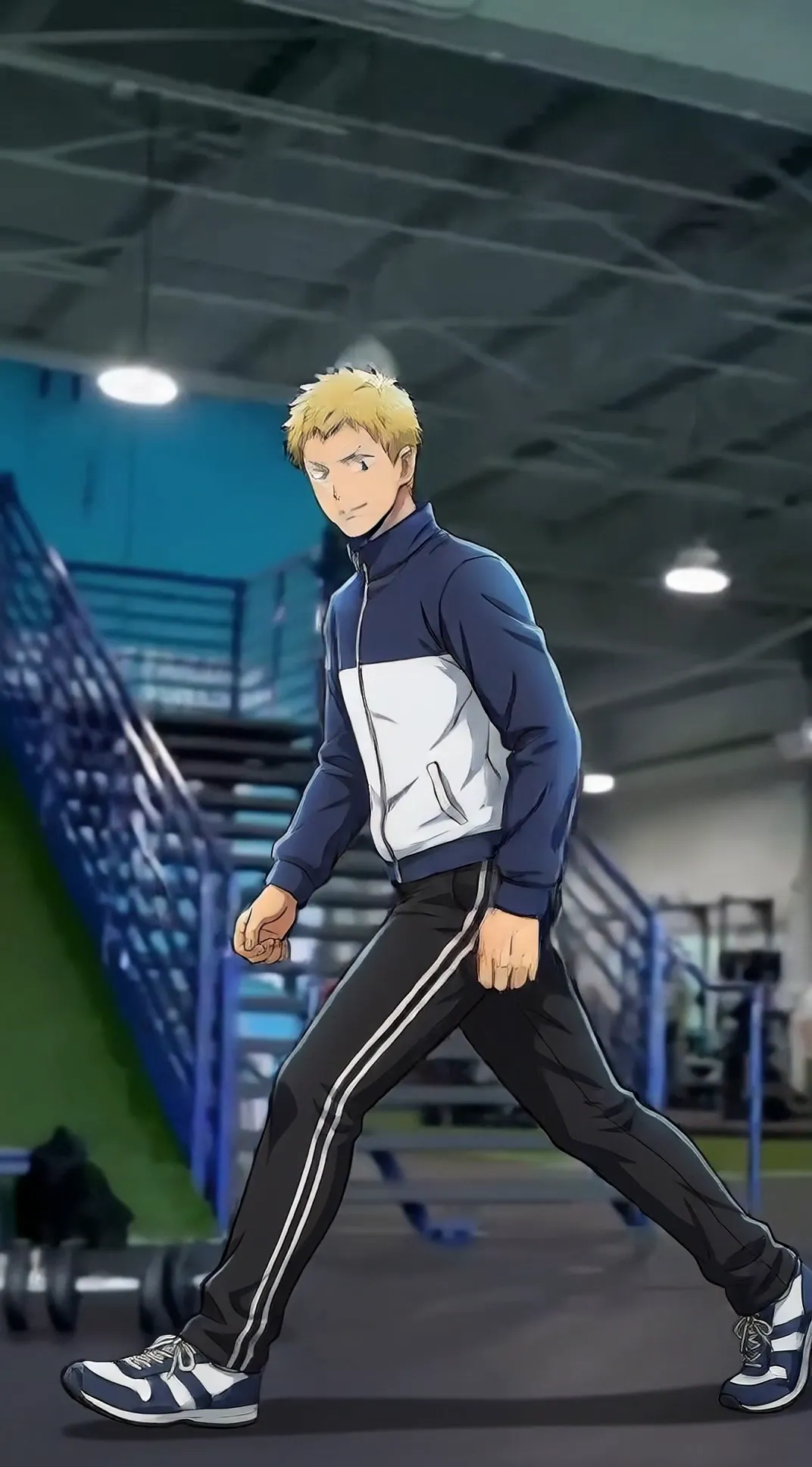
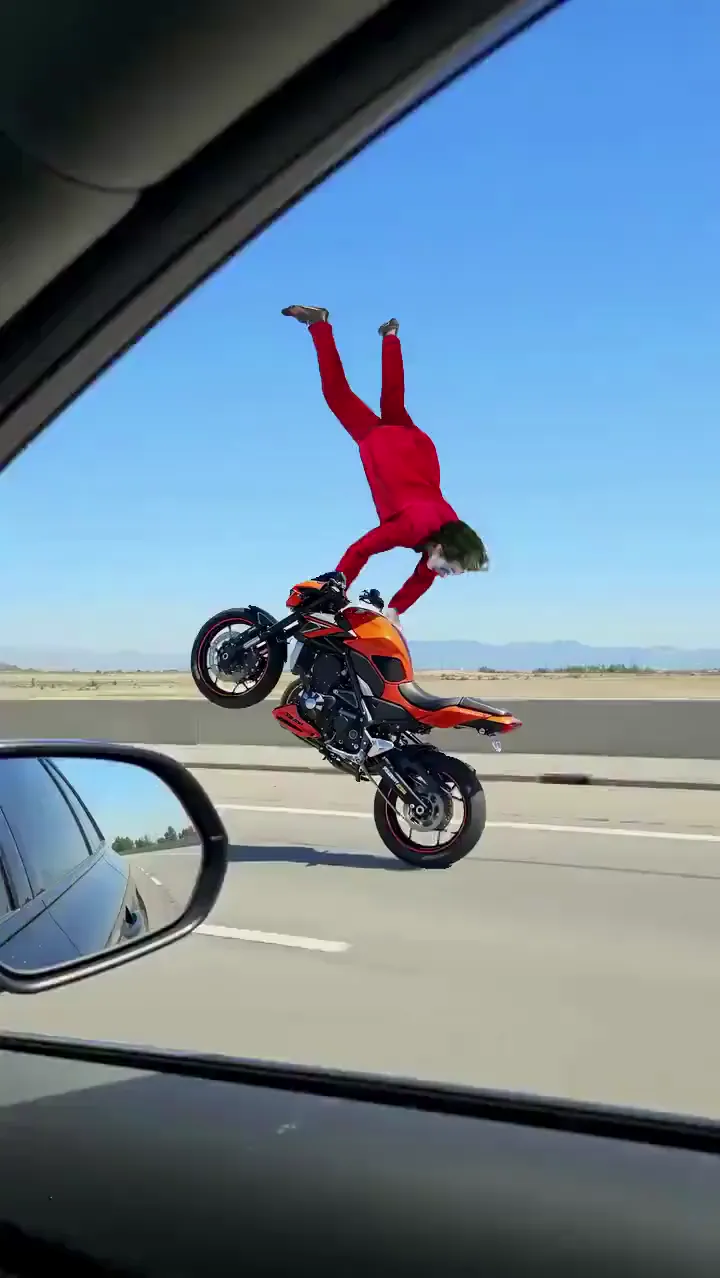
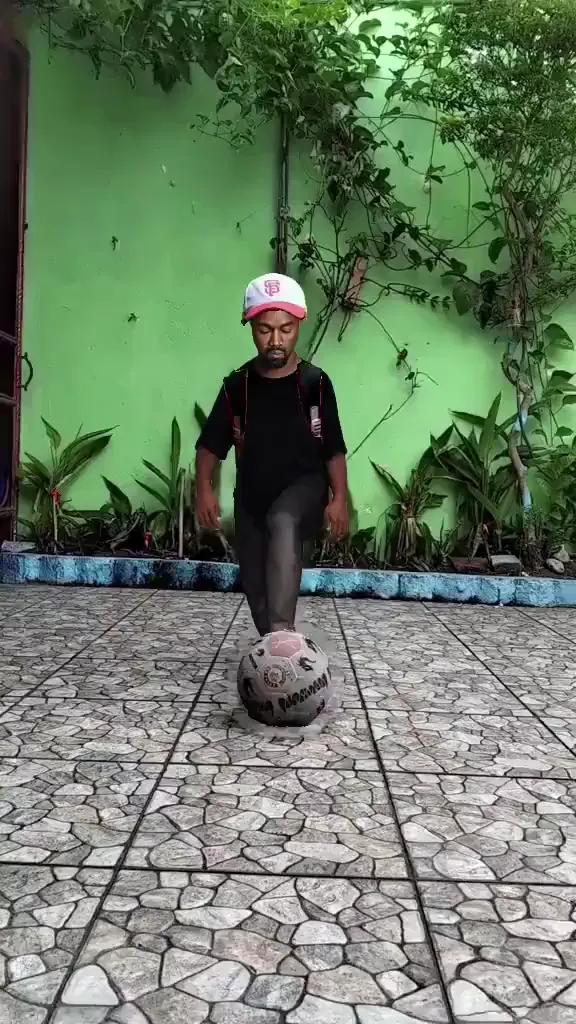
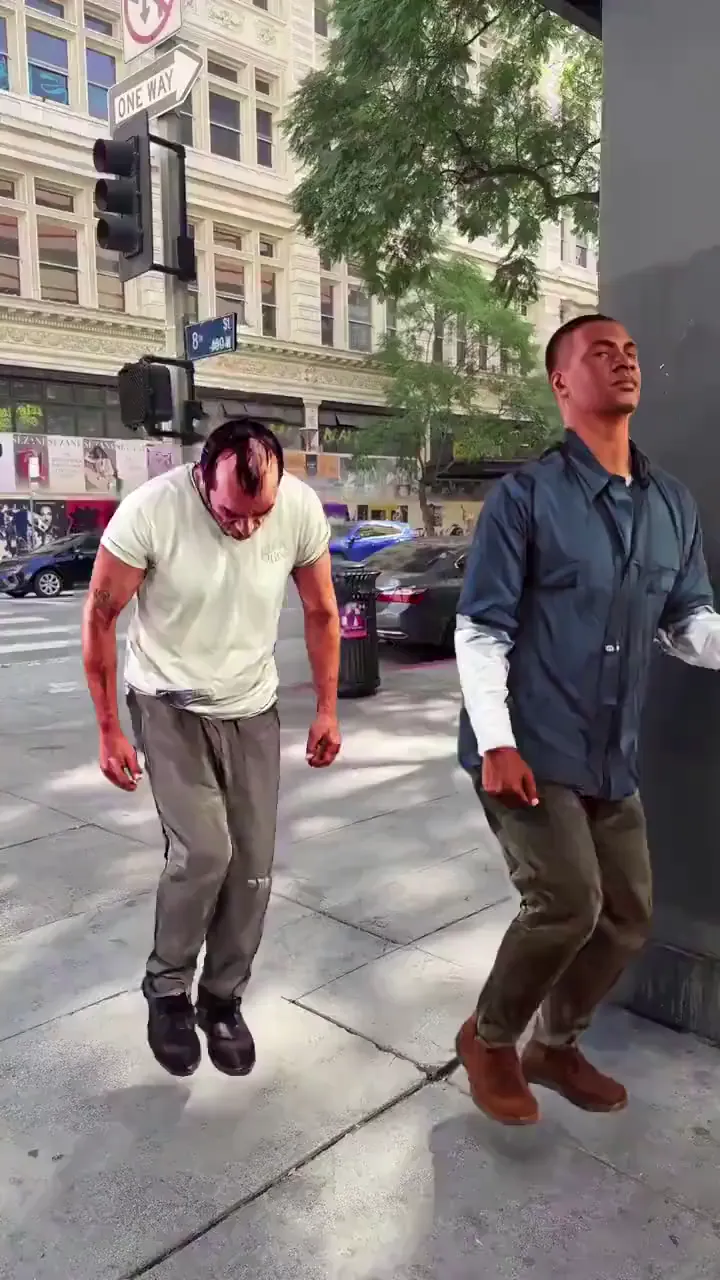
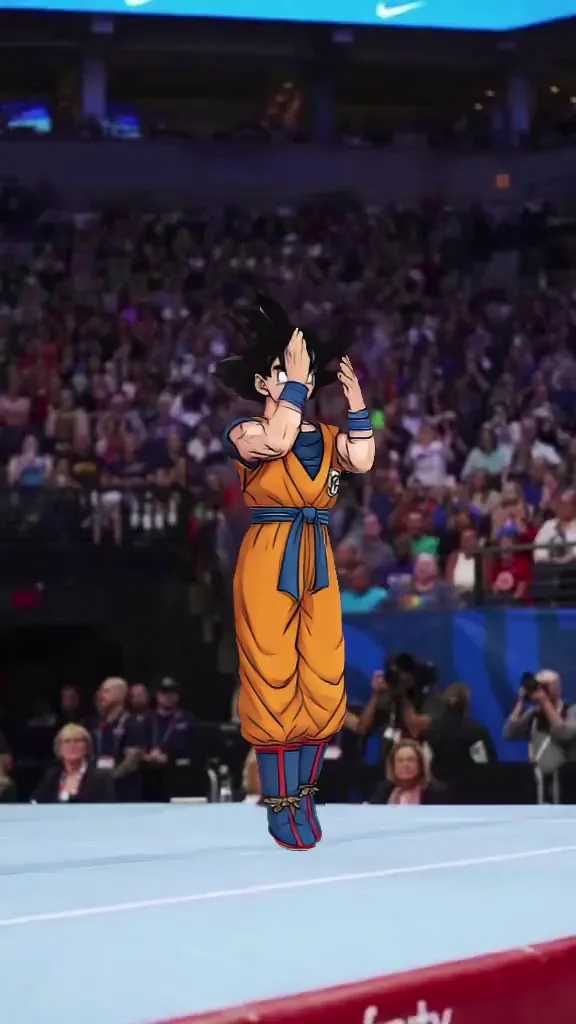
谁在使用 AI 视频创作工具
TikTok、Reels 与 Shorts 创作者
短视频创作者无需实拍,就能制作以角色为核心的短片,快速响应热点话题。他们能迅速尝试多个创意方向,发布最能在前几秒抓住观众的版本。
同人创作者(动漫、K-pop、游戏)
同人创作者用可控的动作和表情,为自己喜爱的角色制作剪辑视频。角色形象在各片段中保持一致,让持续更新的同人剪辑系列更具凝聚力。
体育内容创作者
体育创作者围绕赛场高光时刻制作精彩集锦和反应视频。快速制作让他们能在球迷热情最高涨的时刻及时发布内容。
影视同人剪辑师
同人剪辑师用喜爱剧集中的角色制作平行剧情、跨界联动和恶搞短片。AI 视频生成负责画面呈现,让他们能专注于叙事和节奏把控。
K-pop 与音乐粉丝创作者
K-pop 粉丝制作与官方编舞同步的舞蹈翻跳、直拍和致敬视频。快速迭代帮助他们跟上高频的回归周期,并在互动高峰期及时发布。
主播与 VTuber
主播利用直播素材制作动画开场、精彩片段和社媒预告片,把影响力从直播观众延伸到通过短视频信息流发现他们的新观众。
Viggle 对比其他 AI 视频创作工具
免费试用 Viggle| 功能 | Viggle | Runway | Pika | Luma AI |
|---|---|---|---|---|
| AI 视频创作工具需求匹配度 | ✅ | ⚠️ 有限 | ⚠️ 有限 | ⚠️ 有限 |
| 可控视频生成 | ✅ | ⚠️ 有限 | ⚠️ 有限 | ⚠️ 有限 |
| 角色一致性 | ✅ | ⚠️ 有限 | ⚠️ 有限 | ⚠️ 有限 |
| 全身动作替换 | ✅ | ❌ | ❌ | ⚠️ 部分支持 |
| 口型动作迁移 | ✅ | ❌ | ⚠️ 有限 | ❌ |
| 10,000+ 模板 | ✅ | ❌ | ❌ | ❌ |
| Multi-Track 时间轴编辑 | ✅ | ❌ | ⚠️ 有限 | ❌ |
| 竖屏发布速度 | 快 | 中等 | 中等 | 中等 |
AI 视频创作工具常见问题
Viggle 在视频创作上与 Runway 或 Pika 有何不同?
Viggle 的 JST-1 是自研的视频-3D 基础模型,能够理解物理规律。与 Runway 或 Pika 不同,Viggle 专注于可控视频生成,让你主导动作方向,而不是只能被动等待结果。
Mix 在视频创作中是如何运作的?
Mix 用一张图片加一个视频模板来迁移动作。你可以提前控制动作方向,而不用事后修补随机结果,从创意到可发布内容的路径因此更短。
没有视频剪辑经验也能创作视频吗?
可以。这套工作流程专为没有制作背景的创作者设计。选择模板、上传角色图片,一键生成,无需复杂设置或剪辑技能。
Viggle 提供多少模板?
Viggle 拥有覆盖各类内容的 10,000+ 模板,为 Mix 提供动作素材,无论制作哪种类型的内容都能轻松找到灵感。
可以在视频中加入多个角色吗?
可以。Multi-Track 在同一时间轴上最多支持 7 个角色或物体,你可以在一个编辑器中协调多人替换、物体替换和场景切换。
如何导出适合社交媒体的视频?
导出针对 Shorts、Reels 和 TikTok 优化的竖屏成片。Pro 和 Max 套餐支持导出无水印 1080p 视频,免费版则带水印。
Viggle 适用于 YouTube 内容吗?
可以。虽然 Viggle 主要针对竖屏社交内容优化,但导出的视频同样适用于 YouTube,许多创作者会用 Viggle 制作 YouTube Shorts 和频道内容。