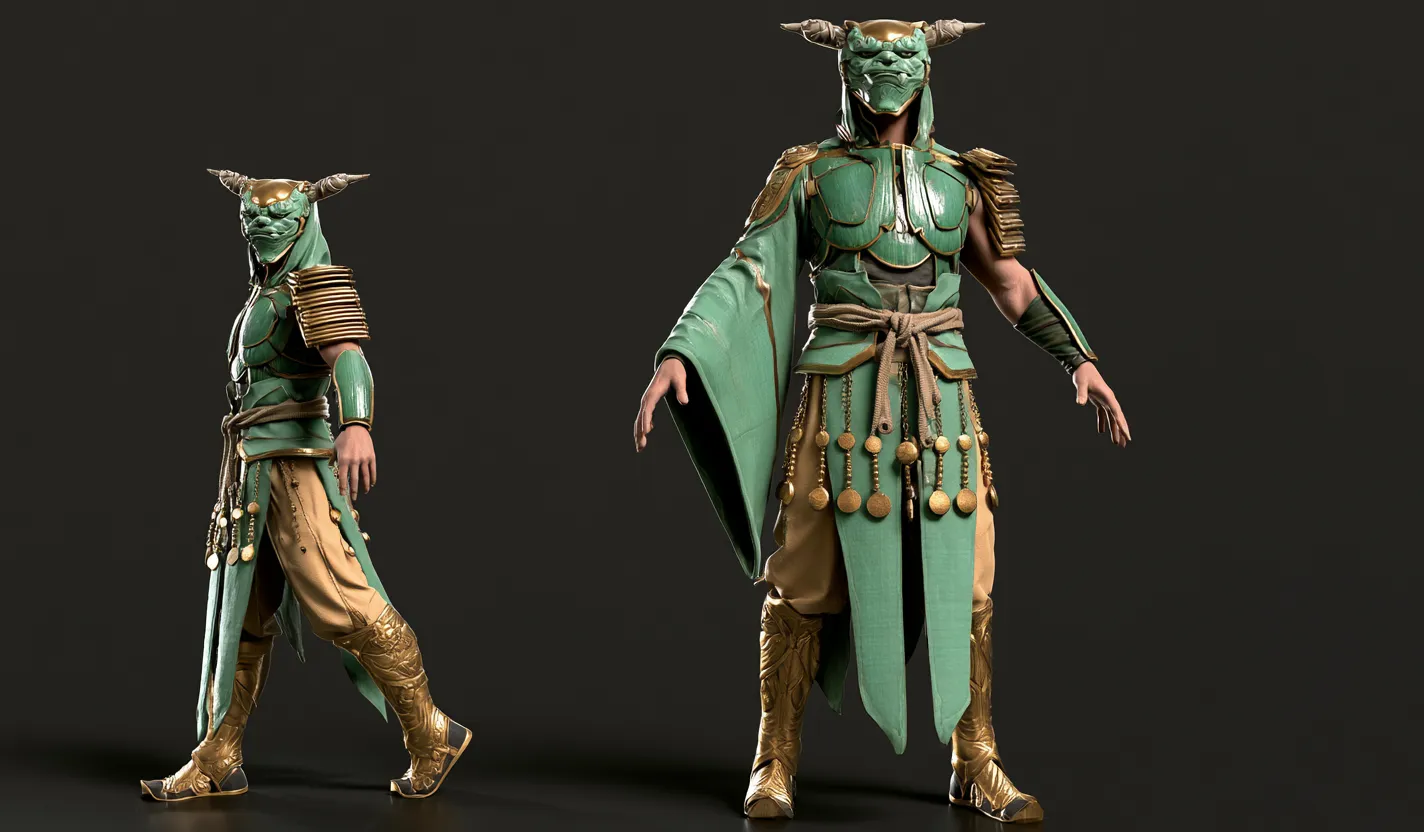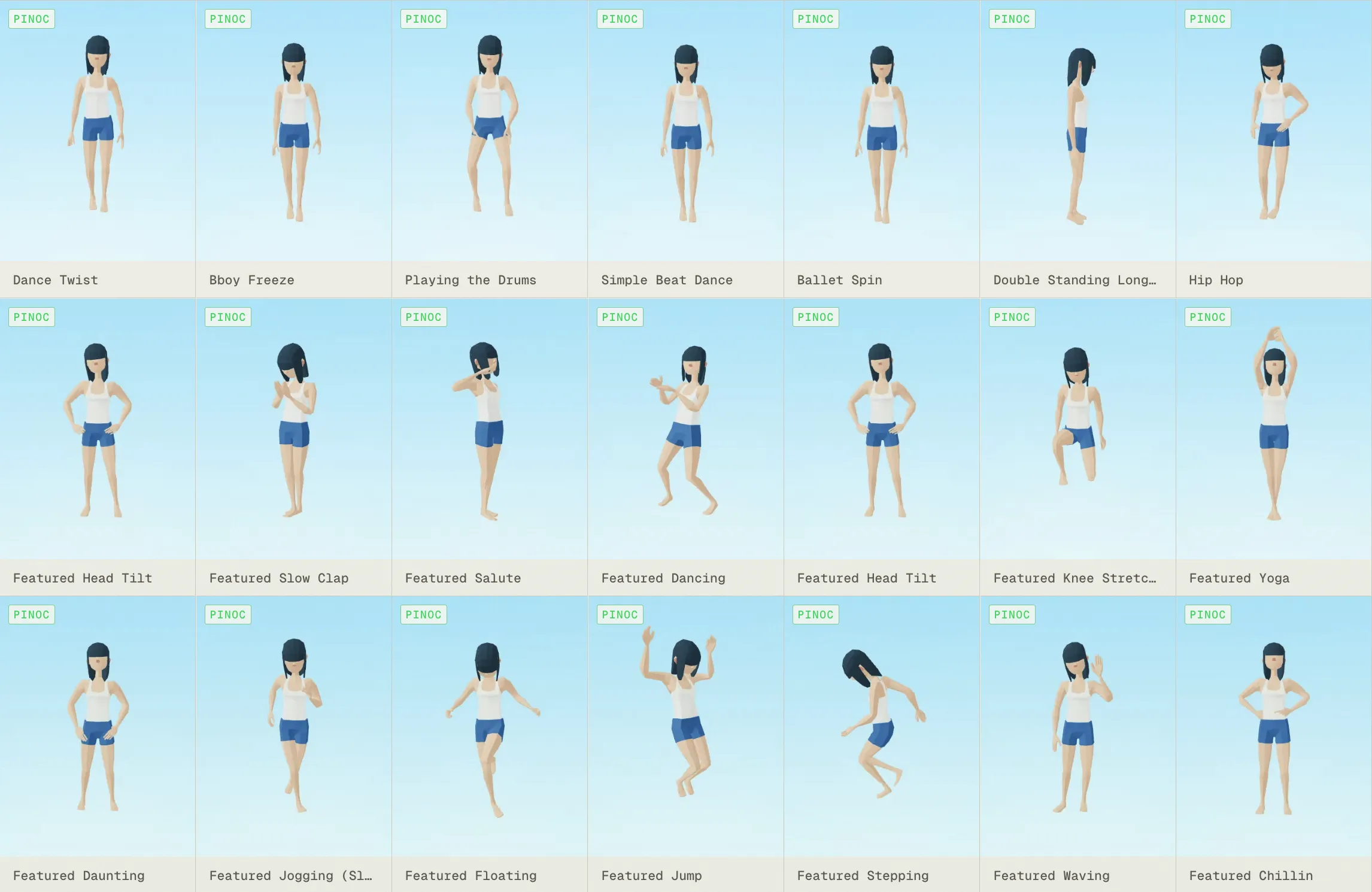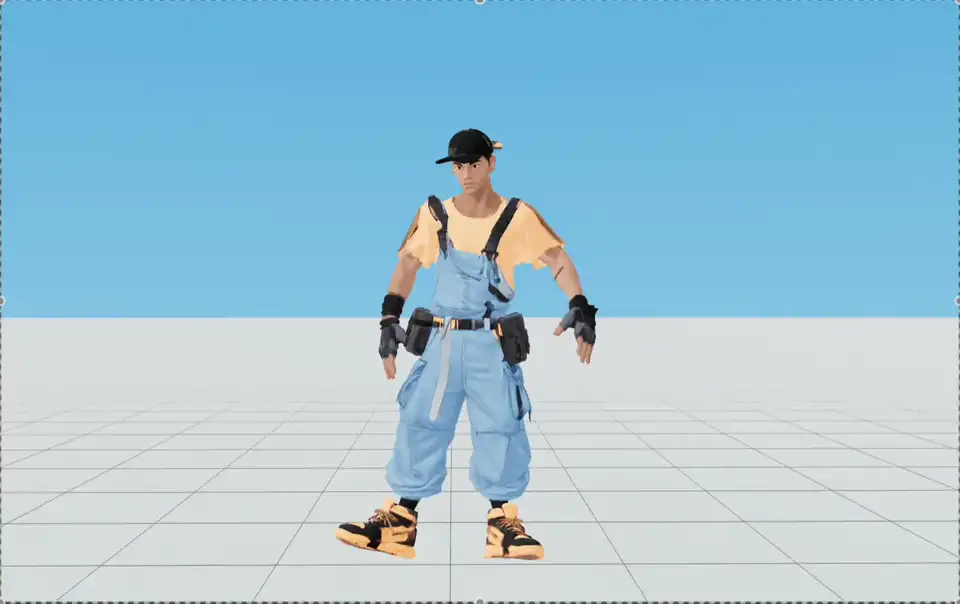
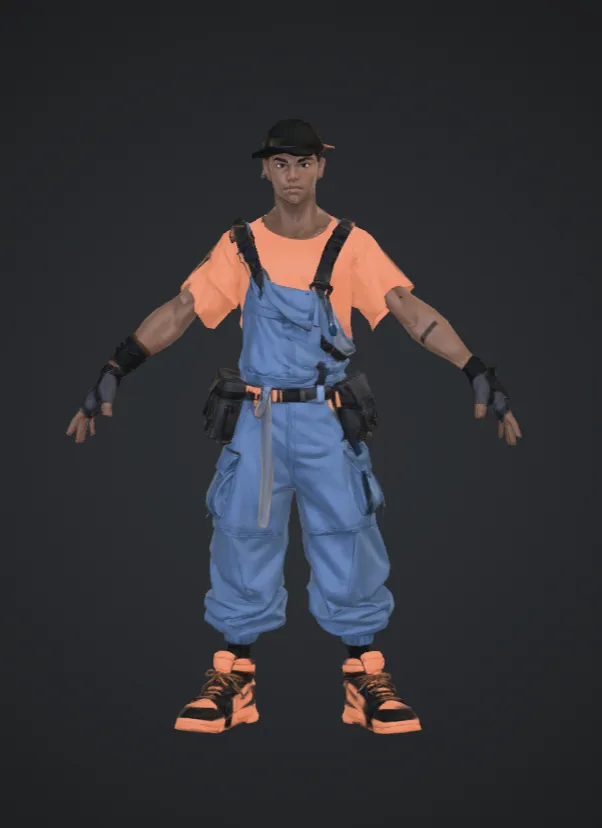


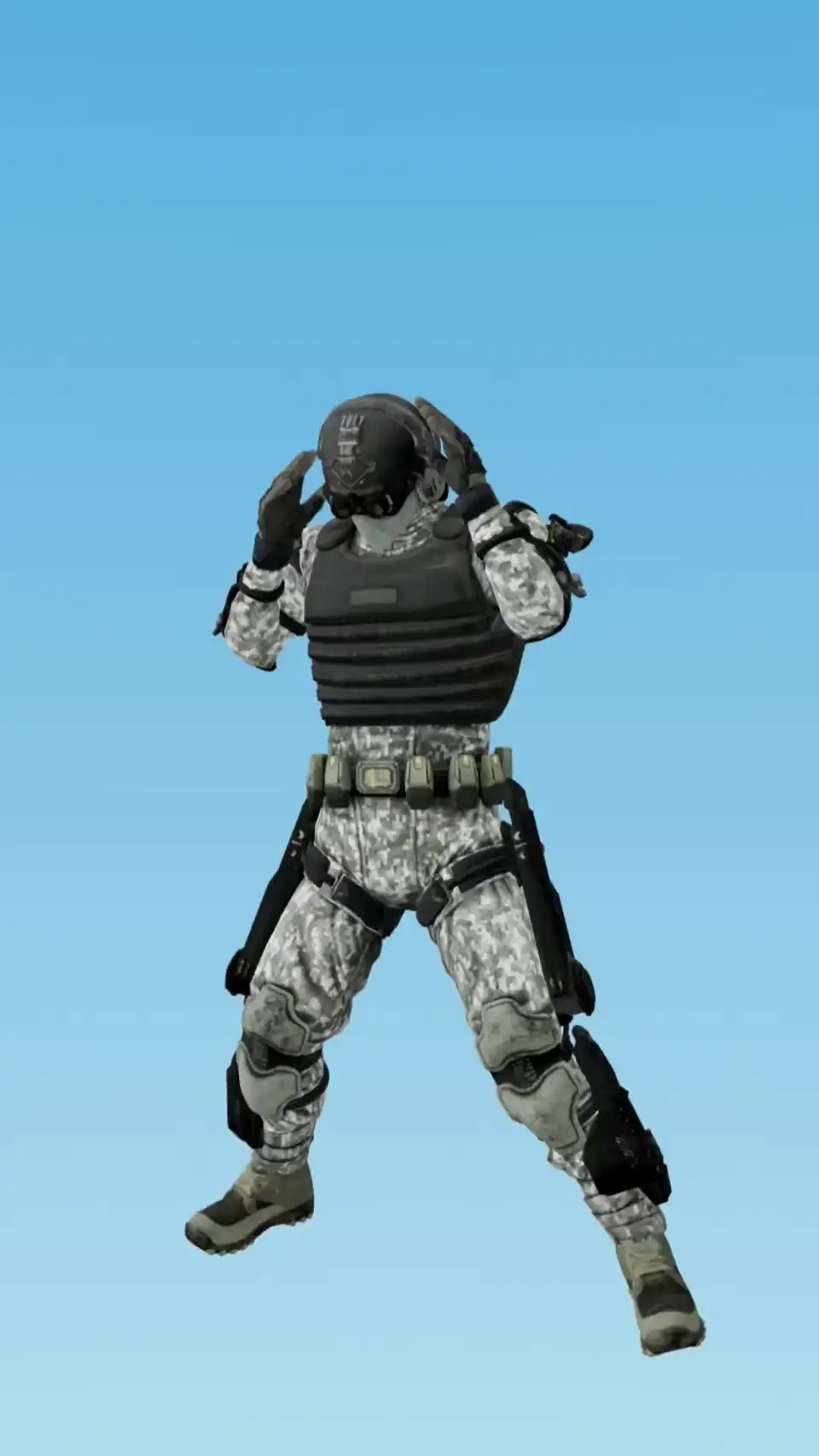
If I have this, I feed the motion maybe like three samples and I can lock it in instead of iterating 14 to 20 times. That's a time killer and credit killer.
Free AI auto rigging tool
Upload any character and get an animation-ready rig. No joint placement, no weight painting.

AI character rigging without the manual pass

Automatic skeleton and skinning
Place a few guide markers on one side and mirror them across; PINOC builds the skeleton and handles the weight painting. Humanoids, creatures, and stylized proportions all get a skeleton that fits.
Already rigged? Retarget onto it
PINOC detects common rig types on upload, maps the bones with fingers included, and levels an A-pose to T-pose. That is motion retargeting: new motion lands on the rig you already built, so those hours carry over.

A free motion library, plus motion you make
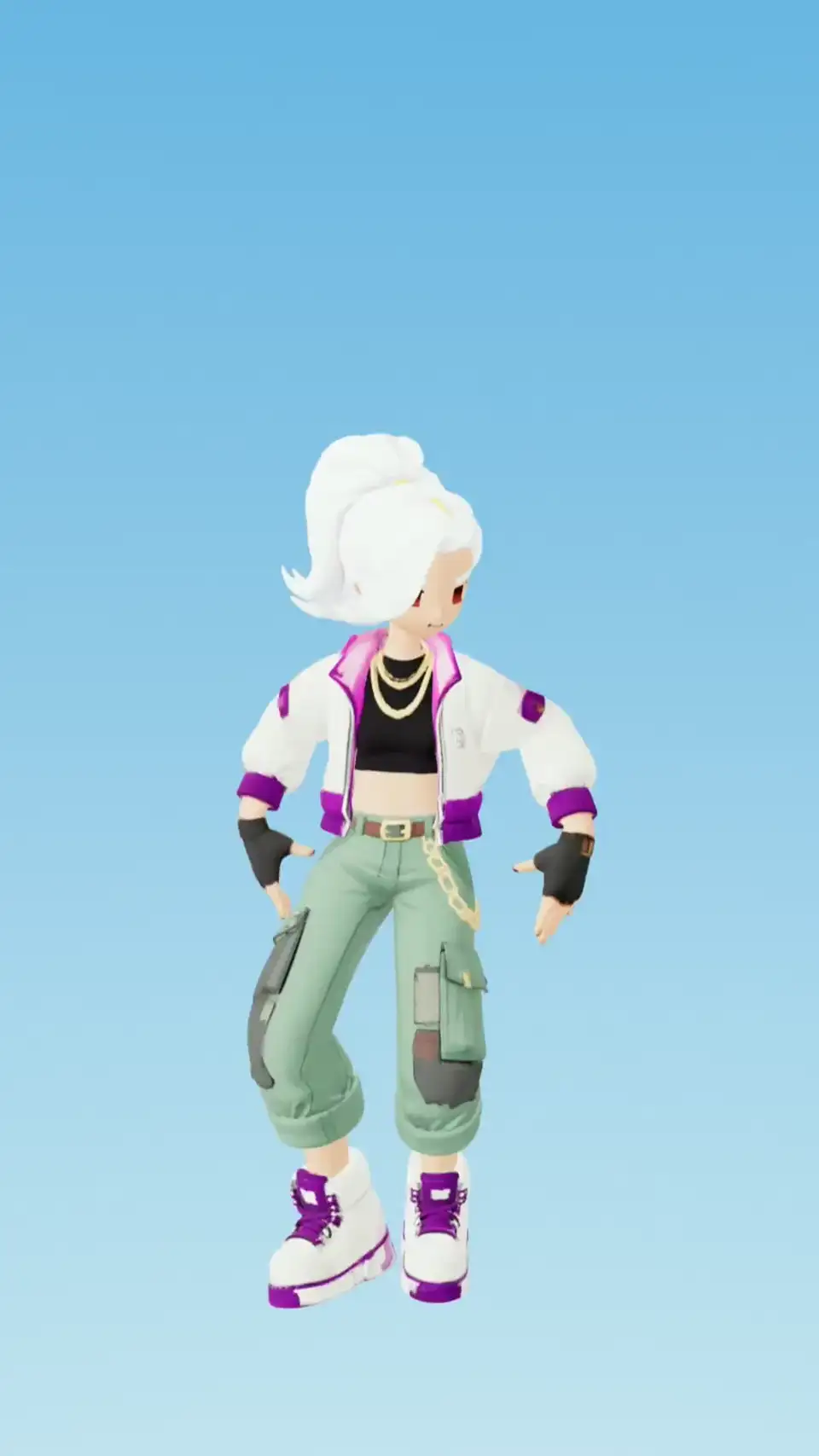
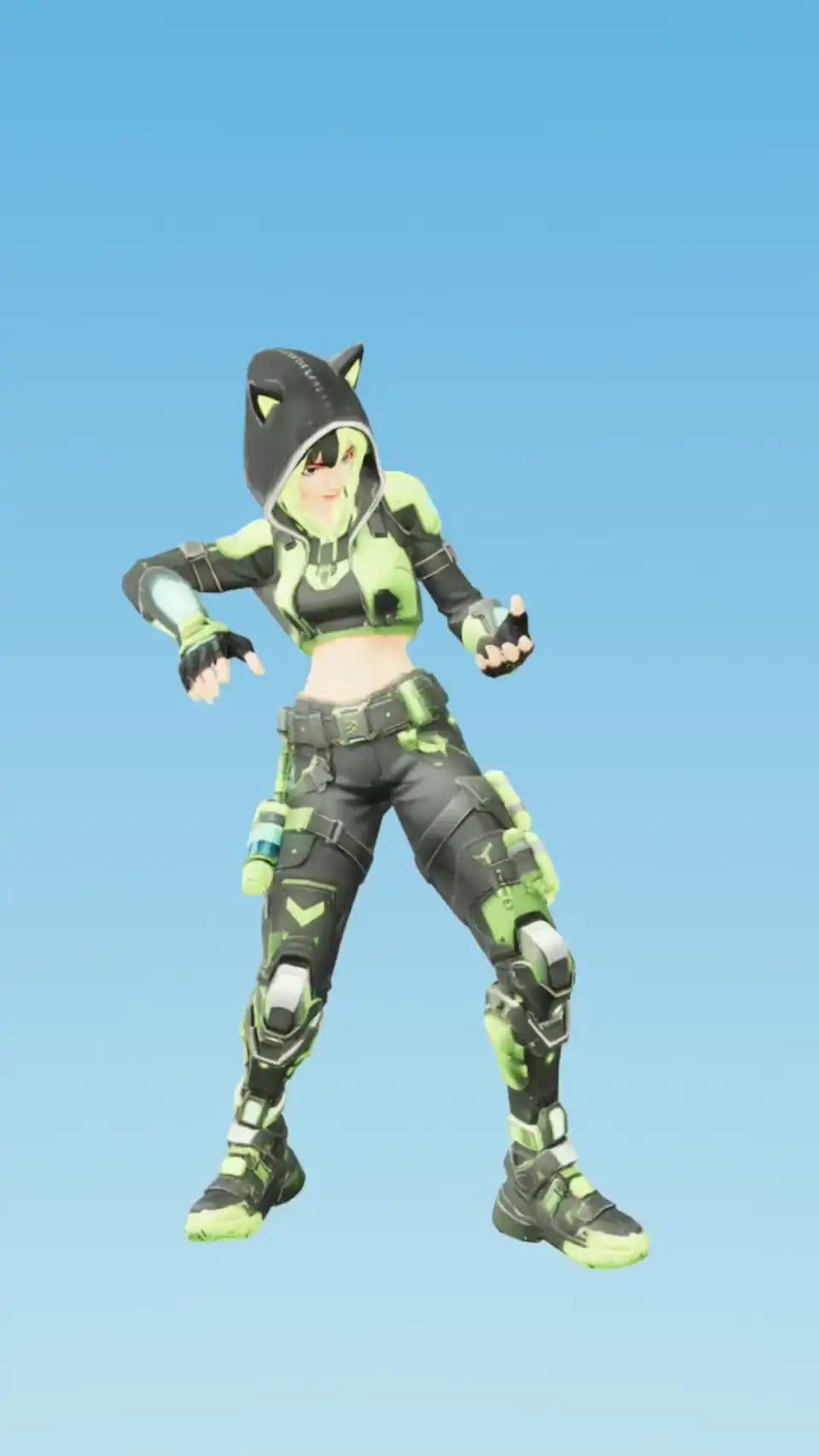
Start with the free animation library. On top of it, capture motion from any video or generate it from a text prompt, so the exact move you need is always makeable: a dance, a fight combo, a viral trend, your own choreography.
How to rig a 3D model in three steps
No rigging experience needed. Automated rigging builds the skeleton and skinning, so the only thing you place is a handful of guide markers.
- 1Step 1
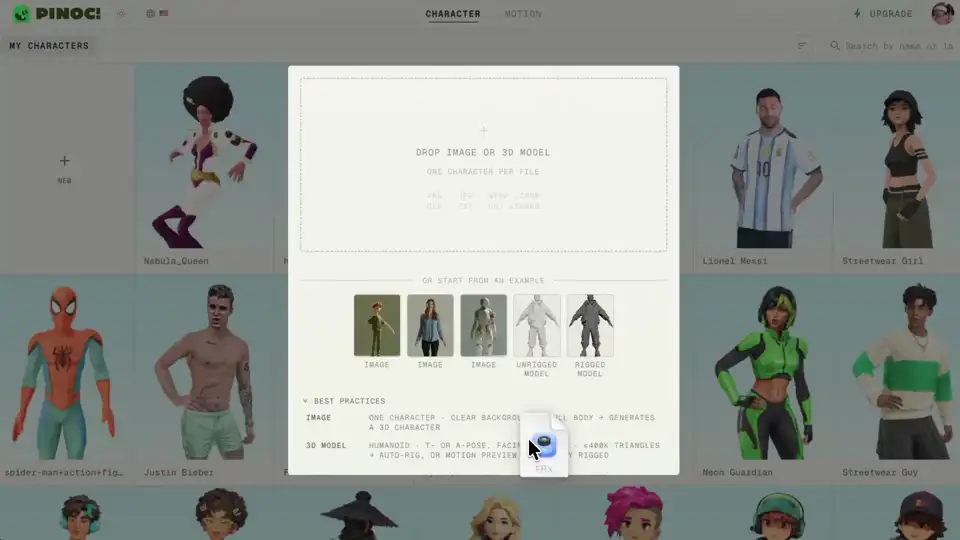
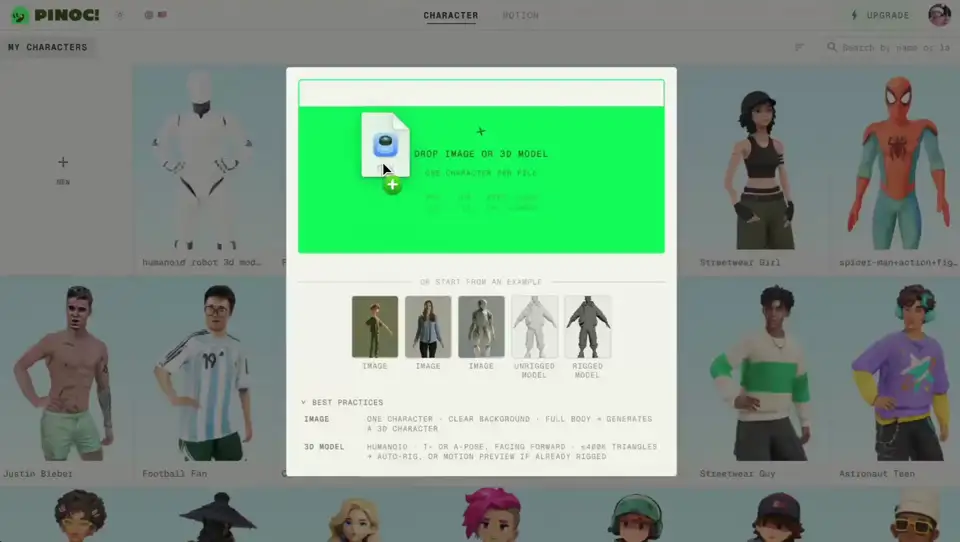
Upload your model
Upload your own mesh model as FBX or GLB, rigged or not. PINOC reads it on the way in and puts you on the right path: auto-rig, or straight to retargeting.
- 2Step 2
Rig or retarget
Drop guide markers at chin, shoulders, elbows, wrists, groin, knees, ankles. One side only, the mirror toggle does the rest. Already rigged? PINOC names your rig and maps the bones, fingers included.
- 3Step 3
Animate and export
Apply motion from a video, a text prompt, or your library, and preview it on the model. Export as Rigged GLB or FBX Binary, in T-pose or with the motion applied.
See 3D model rigging in motion
Automated rigging that fits your pipeline
- Blender
- Unity
- Unreal Engine
- Maya
- Cinema 4D
- Mixamo-rigged characters
You're going to save them so many hours of tedious work.
Pinoc is the best best thing.
I believe mocap will play a very strong role with AI animation going forward.
Building this into your own product? The same PINOC pipeline runs behind the Viggle API.
Frequently asked questions
Is this a Mixamo alternative for rigging?
If you use Mixamo to auto-rig and grab preset clips, PINOC covers both halves: upload your model and it builds the skeleton and skinning, then capture the exact motion you need from any video or generate it from text instead of settling for the closest preset. Exports ride the same Mixamo-named skeleton.
Is the rig animation-ready?
Yes. The exported FBX or GLB carries the skeleton and skin weights, so any motion you apply plays directly in Blender, Unity, Unreal, or Maya.
What is auto-rigging?
Rigging means building the skeleton and weights that let a 3D model move. Done by hand it is hours of joint placement and weight painting. AI rigging does that pass for you: upload your mesh, place a few guide markers, and you get an animation-ready character back. Same job, different amount of your evening.
How do I rig a 3D model in PINOC?
Upload your model, place the guide markers PINOC asks for, and let it build the rig. From there you can retarget motion onto the character and export it. The whole path from static mesh to moving character happens in the browser.
What models can I upload?
Upload FBX or GLB. PINOC rigs humanoid characters, creatures, and stylized proportions, so a model that was never built to standard human dimensions still gets a skeleton that fits it.
My model is already rigged. What happens to my rig?
PINOC detects your skeleton and retargets motion onto it directly. Your existing rig stays intact.
Is this AI character rigging, or a template rig?
PINOC reads your model and builds the rig to fit it, rather than snapping it to one fixed template. That is what lets it handle characters that were not modeled to a standard proportion.
Can I edit the rig after PINOC generates it?
Yes. The generated rig is not locked. Adjust it before you animate, and the exported FBX or GLB opens in Blender, Maya, or anywhere else like any other rigged character.
What motion can I put on my character?
Any motion PINOC can capture or generate. Upload a video of a person moving and PINOC turns the performance into 3D skeletal animation, faithful to the original motion. Or describe the motion in text. Both preview on your character before export.
What do I get when I export?
Your rigged character as Rigged GLB (.glb) or FBX Binary (.fbx), in T-pose or with a motion applied. You can also export just the motion. Everything opens in Blender, Unity, Unreal, Maya, or any other 3D tool.
Does the export include my model, or only the animation?
Both are available. Export the rigged character with your mesh included, or export the motion on its own and retarget it yourself.
Does it handle hands and fingers?
Yes. The bone mapping step covers fingers on both hands, so hand animation carries through instead of stopping at the wrists.
Is it free?
Free to start. Sign in, upload a model, and try it.
Upload your model. Walk out rigged and in motion.
Rig my model freeAsk an AI about PINOC:ChatGPTPerplexityClaude
Built something with PINOC? Show it in the Viggle Discord.Join the community