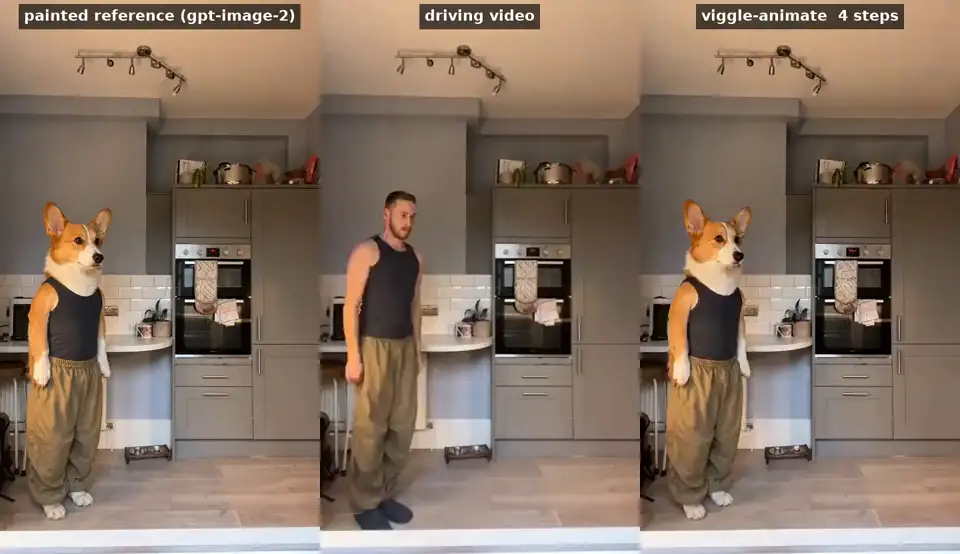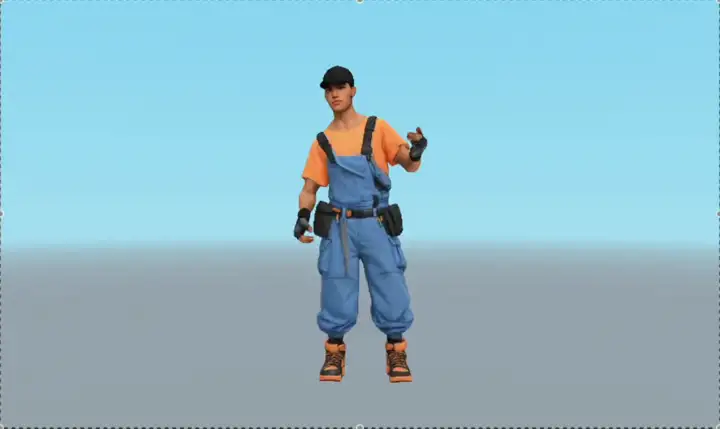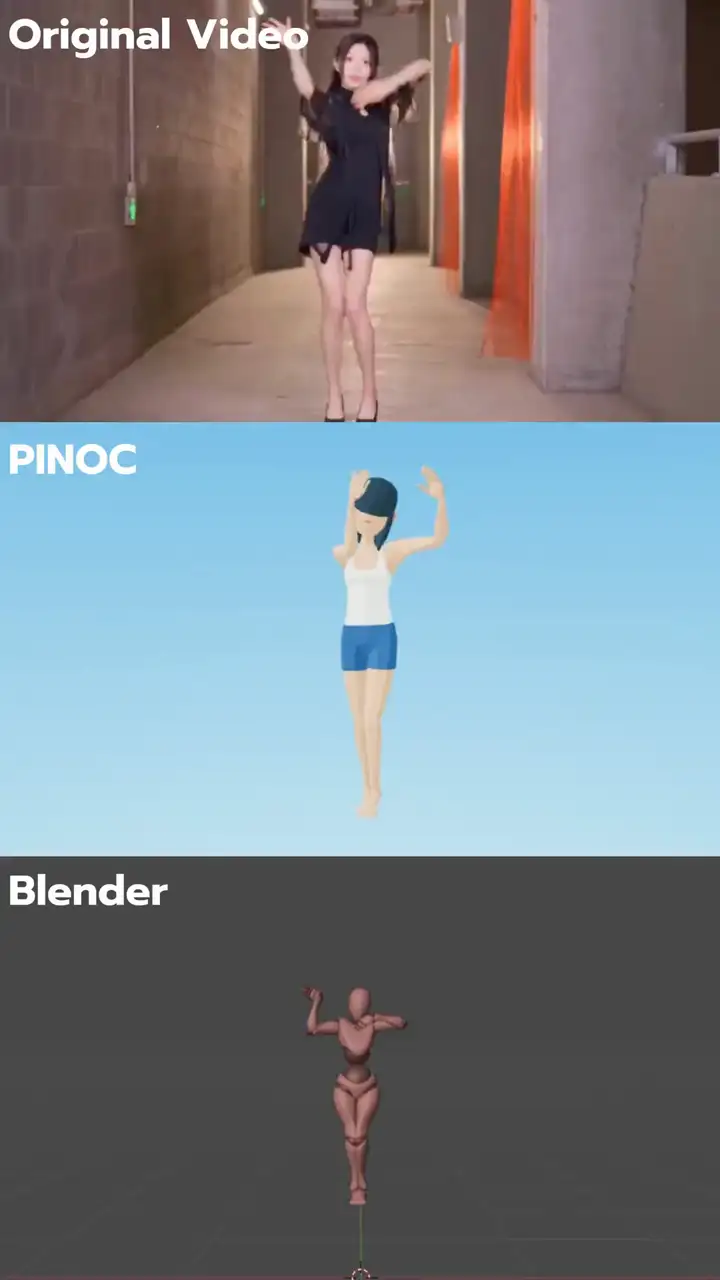
An image and a performance.
Combine one character image with a motion video and get an MP4 of the character performing that motion.
Mix / Remix motion transfer. Viggle-Animate character replacement. High-quality 3D characters from one image and 3D motion from video or text. Viggle-Optimized Minimax H3 video with native audio. Build with one API.
One API key. Reusable assets. 100 free credits to start.
Mix / Remix transfers the performance from a driving video to your character image. Build personalized videos, remix tools, and fan experiences around the motion you choose.
Combine one character image with a motion video and get an MP4 of the character performing that motion.
Create Character and Motion resources once, then combine their ready asset IDs across new renders.
Request optional transparent output to receive the main video and a separate alpha mask for your compositing workflow.
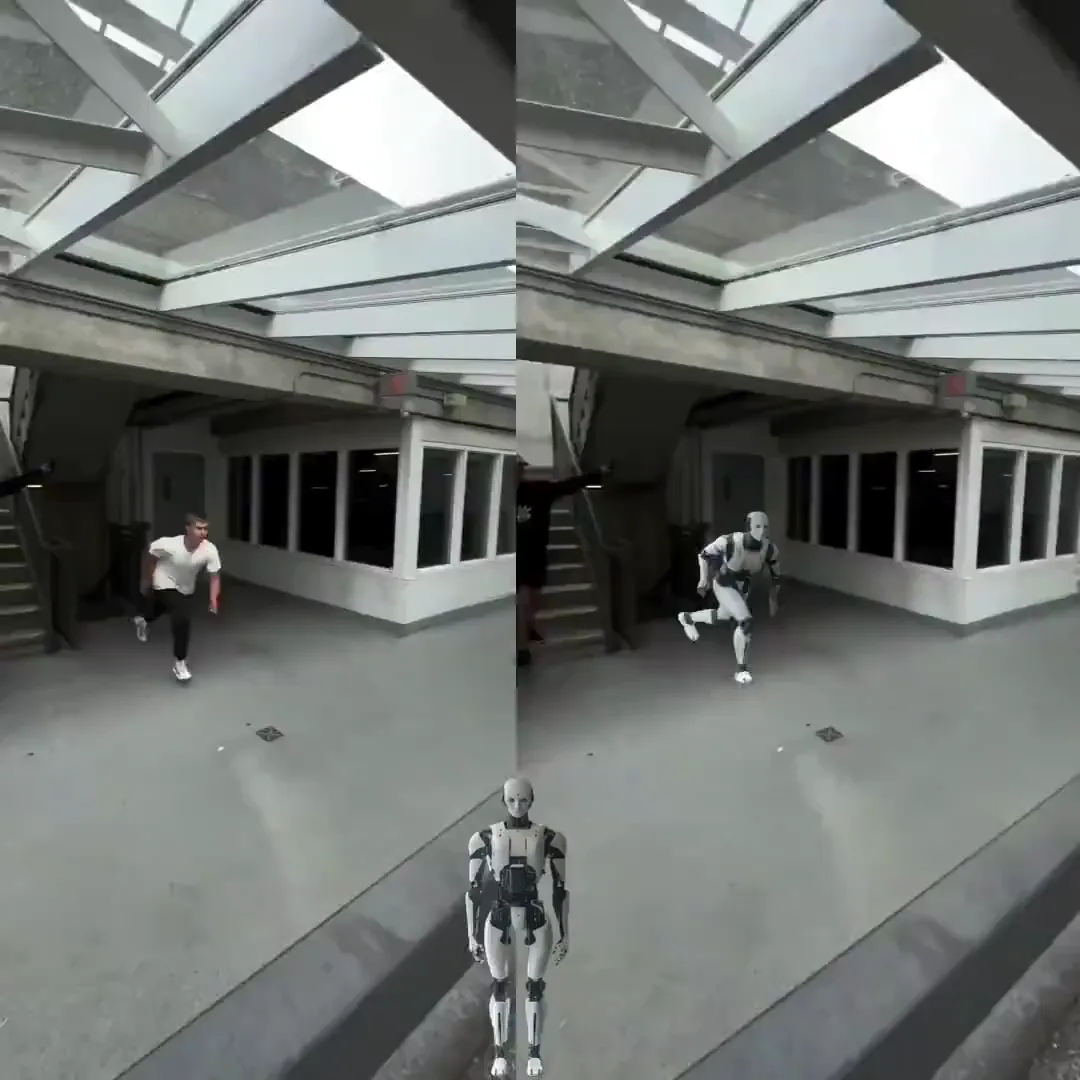
Viggle’s specialized, post-trained character-replacement model. Bring a character image and a driving video to put a new character into the performance.
Model demonstrations cover fast movement and extreme poses, with replacements ranging from people to animals and stylized characters.
Designed to preserve the driving performance, camera movement, and timing while changing the character.
Send one character image and a 5–15 second driving video. The hosted workflow costs $0.01 per generated second.
Model weights, technical details, and community Spaces on Hugging Face.
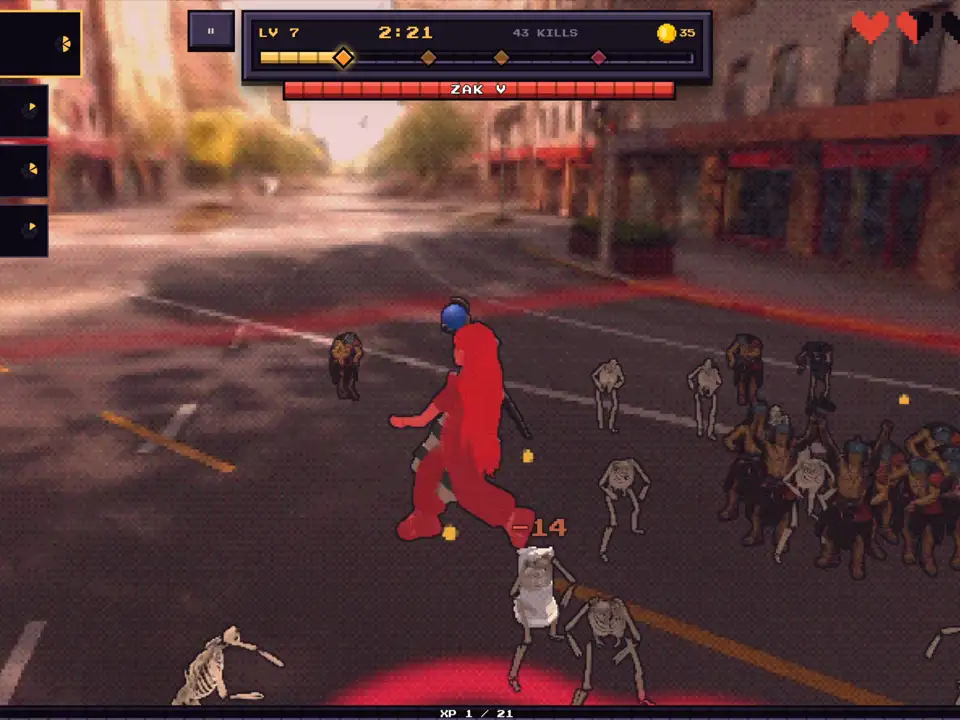
The Viggle model behind character creation in PINOC turns an image into a high-quality, rigged 3D character. Give it a performance and build it into your own game or app.
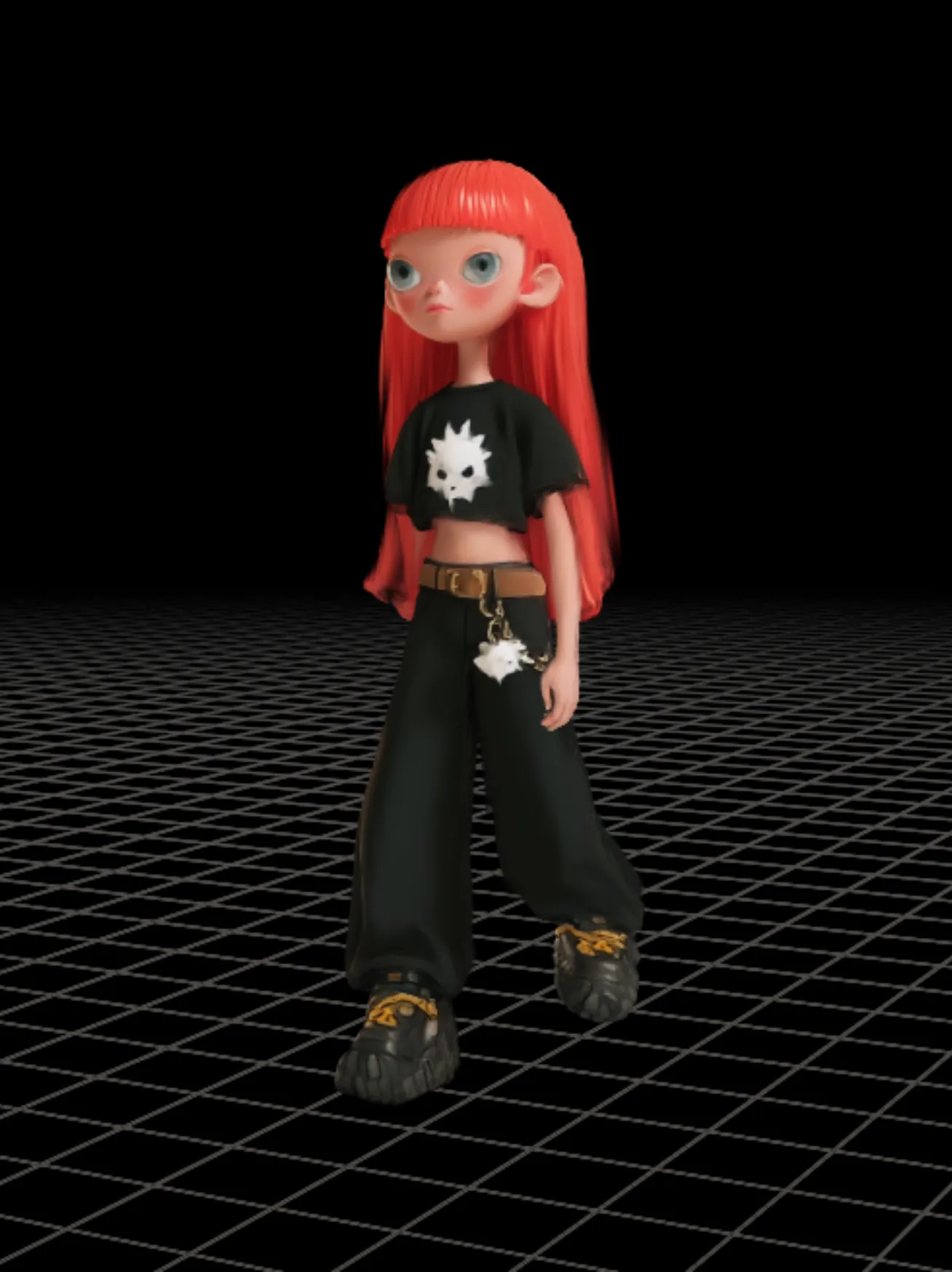
Start with a photo, illustration, or concept image and create a high-quality 3D character.
Your character comes rigged. Animate it with compatible motion captured from video or generated from text.
Build personalized games, avatars, and interactive experiences with characters your users create.
A photo becomes your playable hero in Viggle Survivor. Build your own game where players bring their characters into the action.
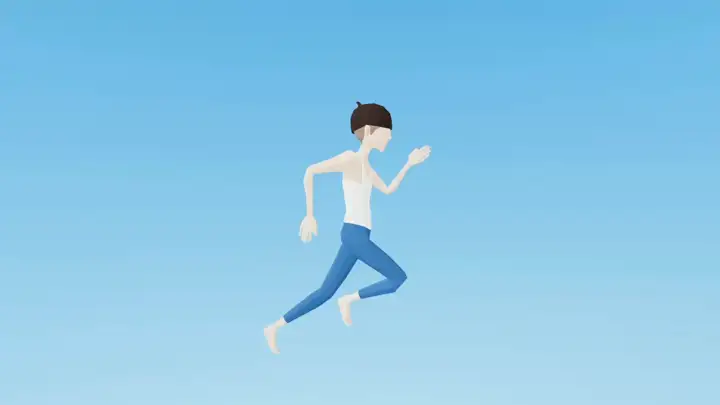
Explore Viggle gamesCapture a performance or describe an action. Export skeletal animation to drive your characters in games, animation tools, and 3D applications.
Capture motion from footage or describe a movement. Apply the result to a compatible 3D character and bring it into your animation pipeline.
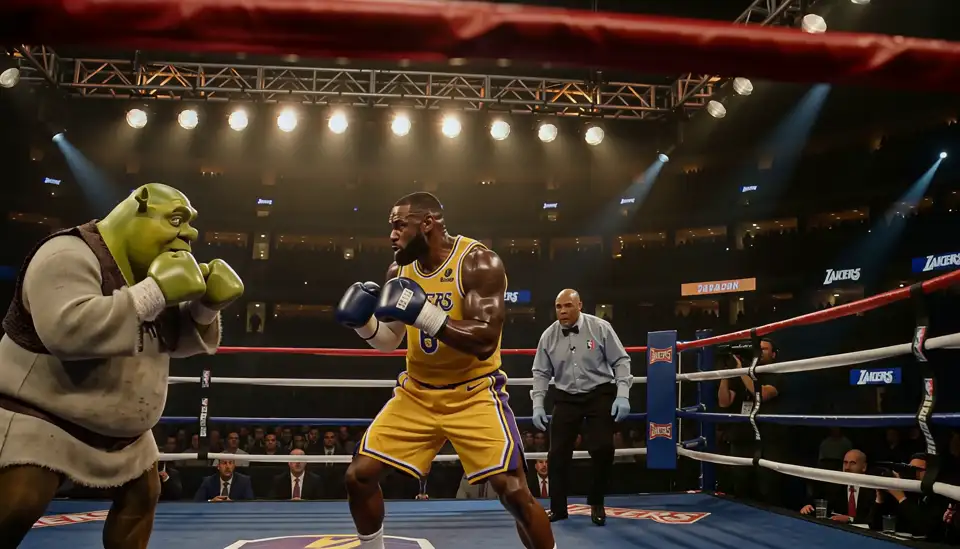
Turn a prompt, frame, or visual reference into a new video with Viggle-Optimized Minimax H3. Four generation modes give your product different ways to direct a shot.
Describe the scene and action. Start a new shot without an image or video input.
Set the opening image and use a prompt to direct what happens next.
Provide the opening and closing images to guide both ends of the shot.
Guide the subject or style with up to one reference video and four images, plus a prompt.
$0.01/sec · 4K $0.05/sec
480p–2K: $0.01 per generated second. 4K: $0.05. All four modes include audio, support 3–15 seconds, and round billable seconds up.
PricingReady to build? Pick a capability to see its inputs, outputs, runnable code, and pricing together.
Put a character into a driving video. Reuse ready Character and Motion assets across later renders.
One character per Render. Billed on the exact finished duration.
Get a key, run the selected workflow on your server, and retrieve its result when ready.
Create a key in the dashboard and keep it in a server-side environment variable.
Character image + motion video, or reusable asset IDs
POST /v1/renders
MP4 video + optional alpha mask video
GET /v1/videos/{render_id}
Sample inputs are included. Run the code in your own environment.
Requires curl and jq. Set VIGGLE_API_KEY before running.
Keep API keys out of client-side code and public repositories.
Complete runnable exampleset -eu
RENDER=$(curl -fsS -X POST "https://apis.viggle.ai/v1/renders" \
-H "Authorization: Bearer $VIGGLE_API_KEY" \
-F "image_url=https://assets.viggle.ai/pub/www/developers/threed-source-image-3f2f6787.webp" \
-F "motion_video_url=https://assets.viggle.ai/pub/www/developers/sample-motion-97bb074a.mp4")
RENDER_ID=$(printf '%s' "$RENDER" | jq -r '.id')
for _ in $(seq 1 60); do
VIDEO=$(curl -fsS "https://apis.viggle.ai/v1/videos/$RENDER_ID" \
-H "Authorization: Bearer $VIGGLE_API_KEY")
STATUS=$(printf '%s' "$VIDEO" | jq -r '.status')
[ "$STATUS" = "ready" ] && break
case "$STATUS" in
failed|cancelled) printf '%s\n' "$VIDEO" && exit 1 ;;
esac
sleep 5
done
[ "$STATUS" = "ready" ] || { printf 'Timed out waiting for %s\n' "$RENDER_ID" >&2; exit 1; }
printf '%s\n' "$VIDEO" | jq -r '.video_url'Estimate the selected operation, then review the rates for any assets your workflow creates or imports.
One character per Render. Billed on the exact finished duration.
$0.01 / output second
Estimate for this operation only. Creating or importing assets separately adds its own charge; Video Remix settles on the exact finished duration.
New accounts receive 100 free credits. 1 credit = $0.01.
View full docs| Choose a workflow | Pricing | Your output |
|---|---|---|
| Video Remix | $0.01 / output second | MP4 video + optional alpha mask video |
| Viggle-Animate | $0.01 / generated second | Character-replacement video |
| Image to 3D character | $0.25 each · $0.30 with enhance | Rigged, animatable 3D character (.vsplat) |
| Video to 3D Motion | $0.05 / source second, rounded up | GLB or FBX · Mixamo, MetaHuman, MetaHuman Body |
| Text to 3D Motion | $0.10 / request | GLB or FBX · Mixamo, MetaHuman, MetaHuman Body |
| Reusable Character | $0.01 / Character | Reusable Character ID for Video Remix |
| Reusable Motion | No separate preprocessing charge | Reusable Motion ID for Video Remix |
| Viggle H3 | $0.01 / generated second · 4K $0.05 | Generated video with native audio |
| Reference to Video | $0.01 / generated second · 4K $0.05 | Generated video with native audio |
Reads, lists, exports, and deletes are free. Failed or cancelled jobs do not incur a net charge.
Plan for asynchronous work, retries, and artifact storage before shipping your integration.
Poll until the resource is ready or failed. Render also supports SSE status events; these report progress, not playable video chunks.
Async jobs guideUse Idempotency-Key with the draft-based JSON Render flow. Multipart Render requests and other operations need their documented retry handling.
Render and retry referenceSigned output URLs last one hour. Read or export the resource again for a fresh URL, and download finished artifacts to your own storage.
Pricing and retentionAPI inputs and outputs are confidential and are not used to train Viggle models. You retain your rights and may use outputs commercially, subject to the API terms and your rights in the source material.
Viggle API termsCreate an API key in the developer portal. New accounts receive 100 free credits. Keep the key on your server, choose a workflow above, and run its example with the included sample inputs. Creation is asynchronous: wait until the resource is ready before using its output.
Video Remix combines reusable Character and Motion assets, supports optional alpha masks, and is billed by finished video duration. Each Render accepts one character. Viggle-Animate is a separate model specially post-trained for character replacement, with model weights on Hugging Face. Its hosted API takes one character image and a 5–15 second driving video for $0.01 per generated second; quality and resolution are not configurable.
Image-to-3D generates a rigged, animatable character exported in .vsplat format. This Gaussian splat asset renders through Viggle Splat Engine; it is not a mesh for standard GLB or FBX importers. Motion exports separately as GLB or FBX for Mixamo, MetaHuman, or MetaHuman Body. Retarget Mixamo motion to your own mesh, or use matching joint sets when combining a generated character with MetaHuman motion.
No. Text-to-Motion produces 3D animation only and has no video-render capability. For Video Remix, use a supported driving video, a ready Motion with video-render capability, or an official motion template.
The calculator estimates the selected operation. Separately creating a Character or importing a motion template has its own price. Video Remix settles on exact finished duration; Motion 3D and Viggle-Optimized Minimax H3 round billable seconds up. The latter costs $0.01 per second at 480p–2K and $0.05 at 4K. Text-to-Motion and Viggle-Animate use flat request prices. Reads and exports are free, and failed or cancelled jobs do not incur a net charge.
Poll the documented resource until it is ready or failed. Render additionally offers SSE status events; these are not playable video chunks. Idempotency-Key is supported only by the draft-based JSON Render flow, not multipart Render submissions. Follow the documented error and retry guidance for each operation.
Signed output URLs are valid for one hour after they are issued. Reading or exporting the resource again returns a freshly signed URL. Download completed artifacts promptly and store the files in your own system when you need to keep them.
API inputs and outputs are confidential and are not used to train Viggle models. You retain your rights in them and may use outputs commercially, provided you have the necessary rights to the material you submit and follow the Viggle API terms.
Build remix tools, Viggle-Animate character replacement, 3D characters and motion, or video apps with Viggle-Optimized Minimax H3. Start creating with 100 free credits.
Products
Don't miss out!
Join our email list for our latest features, exclusive offers, and the best of Viggle.