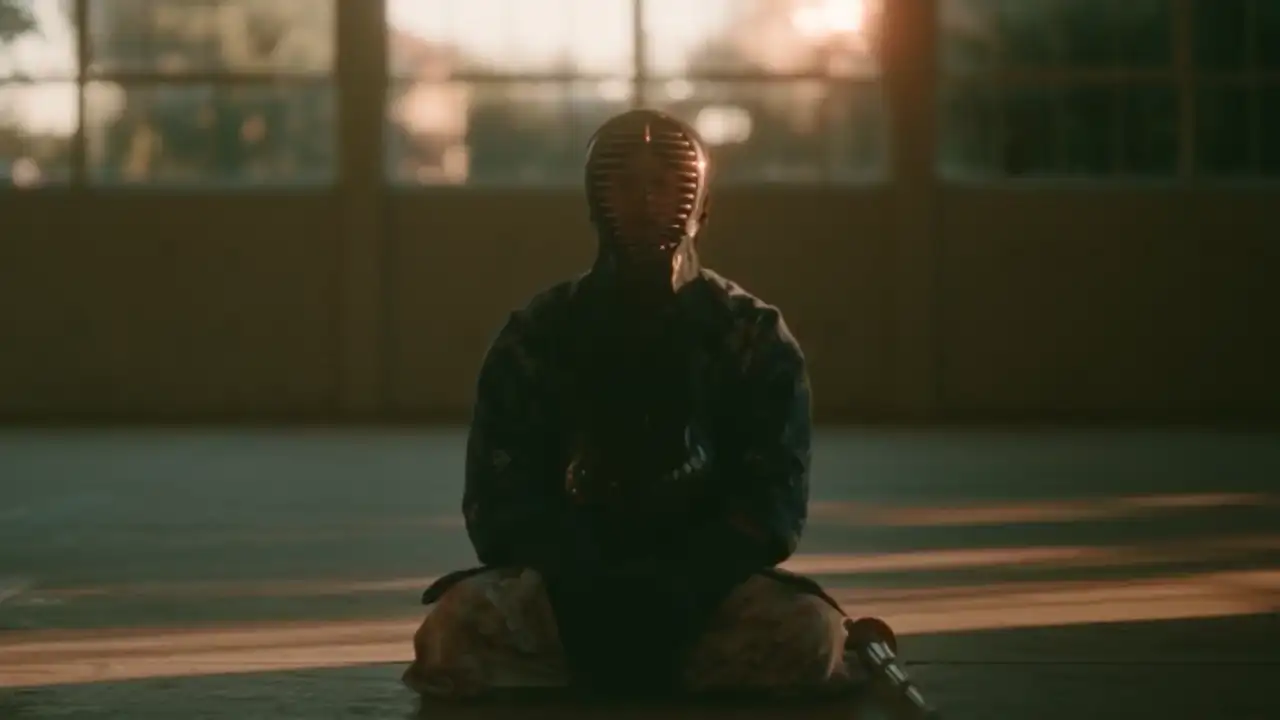
Your 3D creative engine
for character and motion
PINOC is the creative engine where game devs and animators build characters, direct motion, and shape worlds. Everything you make is ready to move into your engine, your pipeline, or your agent.
Works with the tools you already use
3D characters and character animation.
Try PINOC Free- Photos → 3D character
3D character from one image
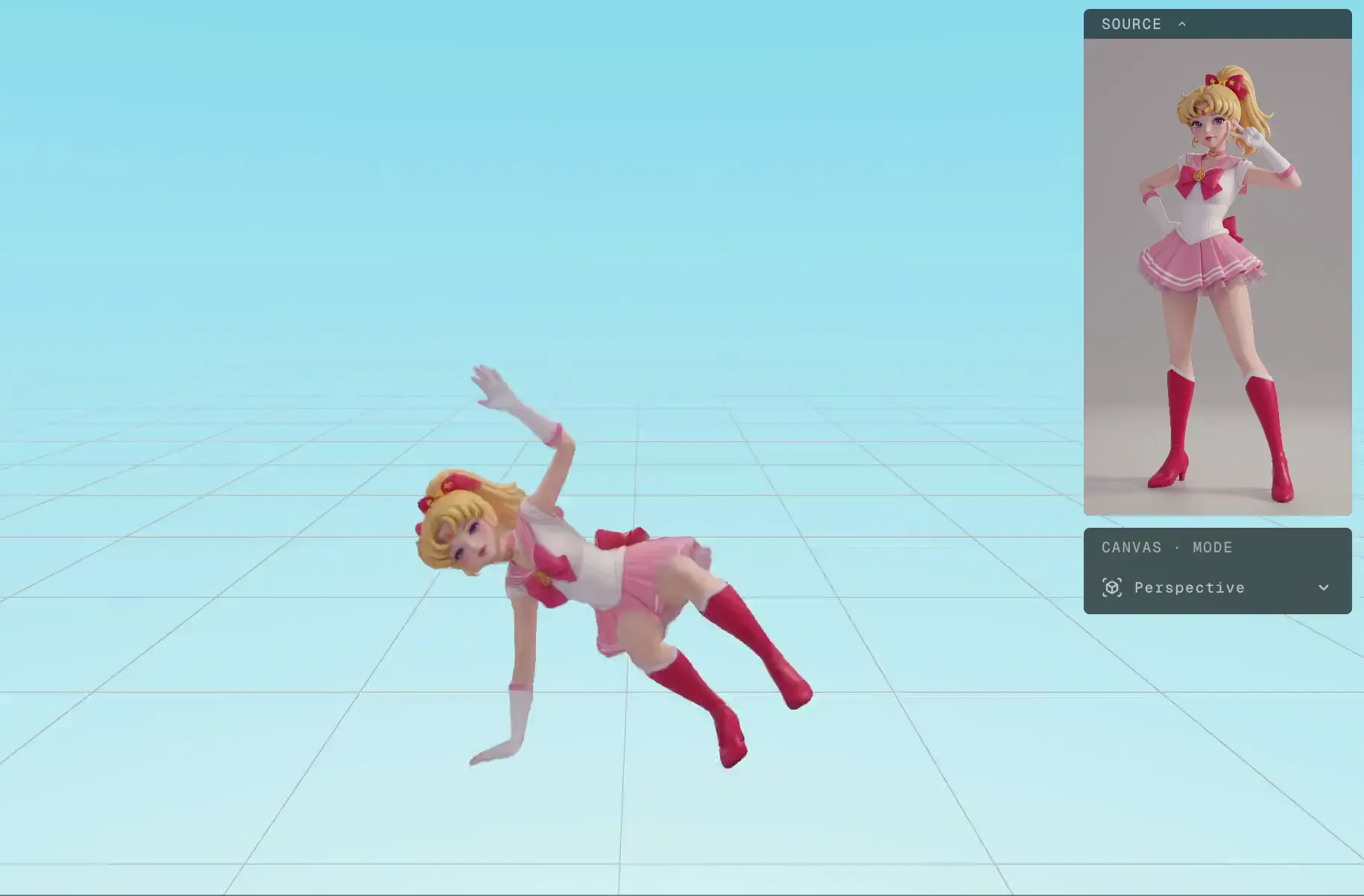
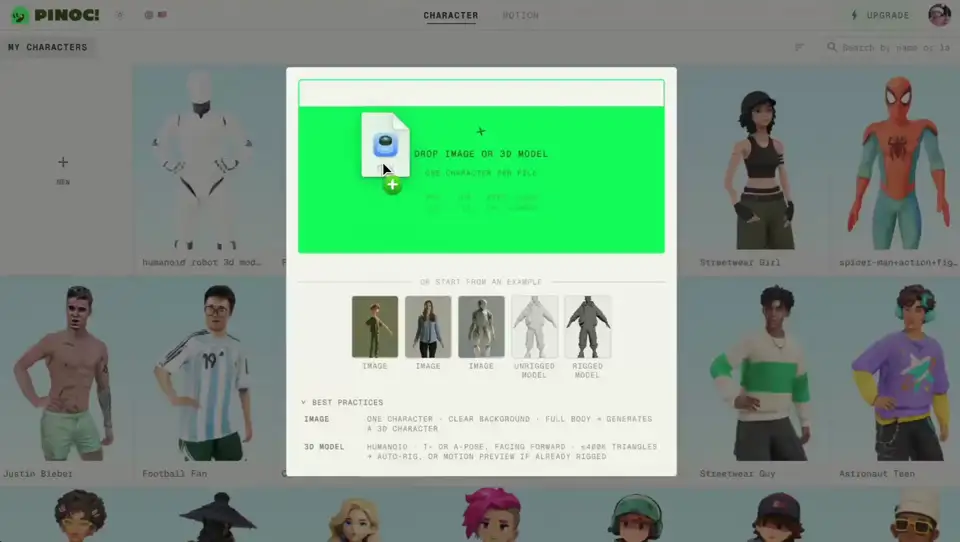
Building a character for animation means modeling, texturing, rigging, and skinning. PINOC generates a rigged Gaussian character from one image in about a minute: the world’s first animatable Gaussian character solution.
More on image to 3D characters - Video → 3D motion
Motion capture from any video
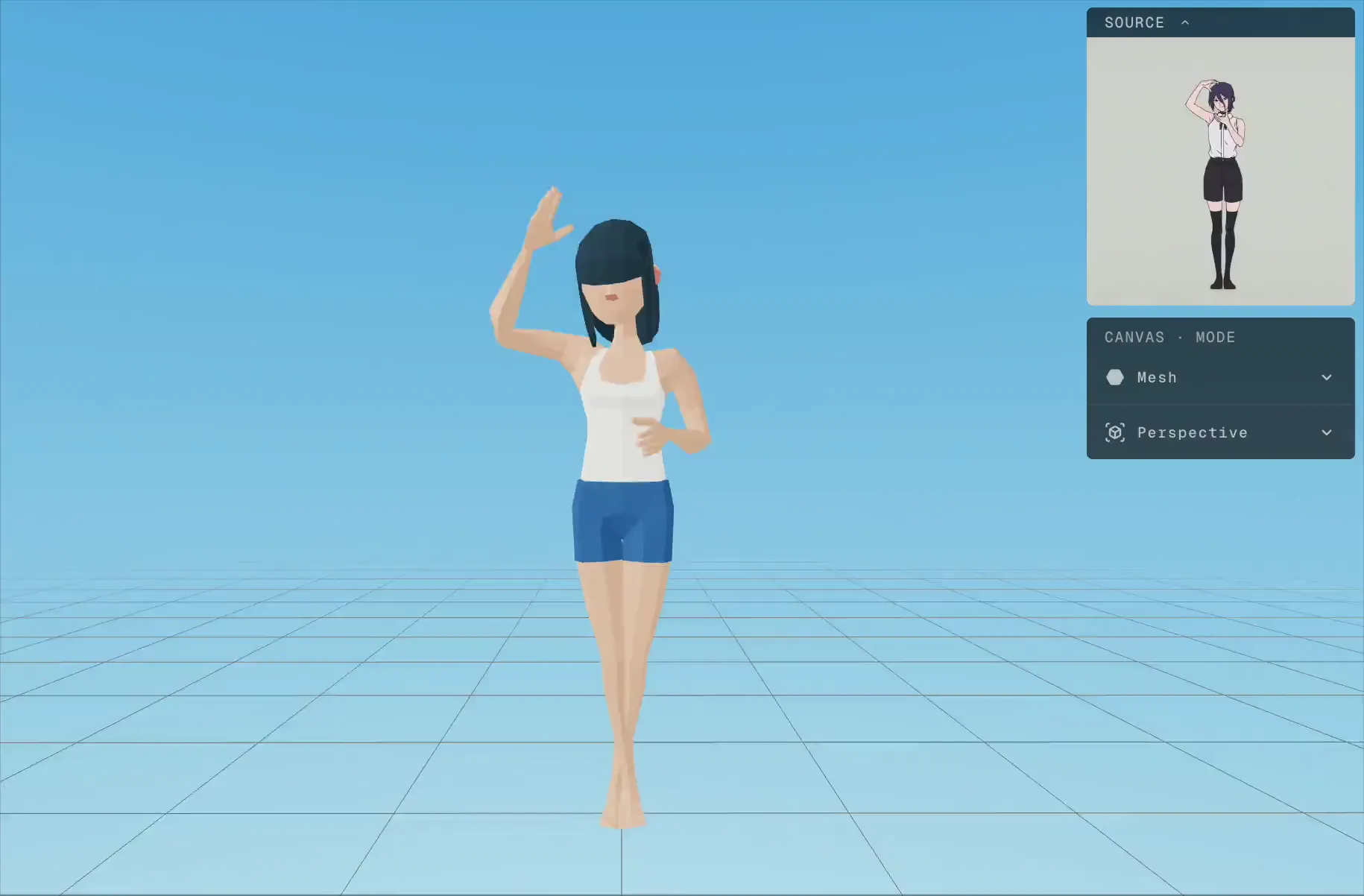
PINOC extracts skeletal animation from any footage: phone video, webcam, screen recordings, something you pulled off the internet. The motion comes back clean and pipeline-ready.
More on AI motion capture - Text → 3D motion
Text to 3D animation
Type the move and PINOC animates it in seconds. High-energy, expressive action is where it shines: sports, combat, dance, full-on performance. Every run returns multiple takes, so you pick the one that reads best.
More on text to motion - Model → auto-rig
Auto-rig your own model
Upload a mesh, place a few guide markers, and PINOC builds the skeleton and paints the weights. Already rigged? It maps your existing bones instead. A Mixamo alternative: start from the free animation library, or make the exact move you need. Free, no credits.
More on auto-riggingPINOC vs Mixamo

How game devs and animators use PINOC
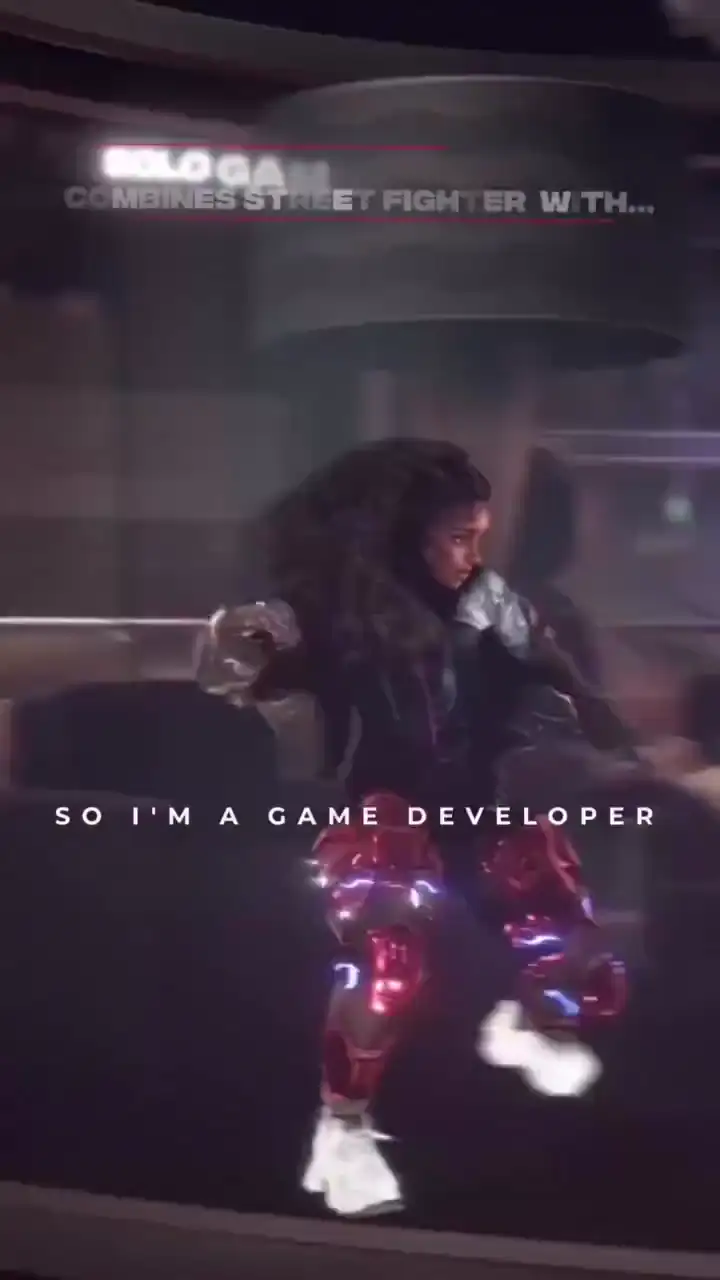
Real parkour runs, captured with PINOC and built into his game "Erased".
Jerron Jacques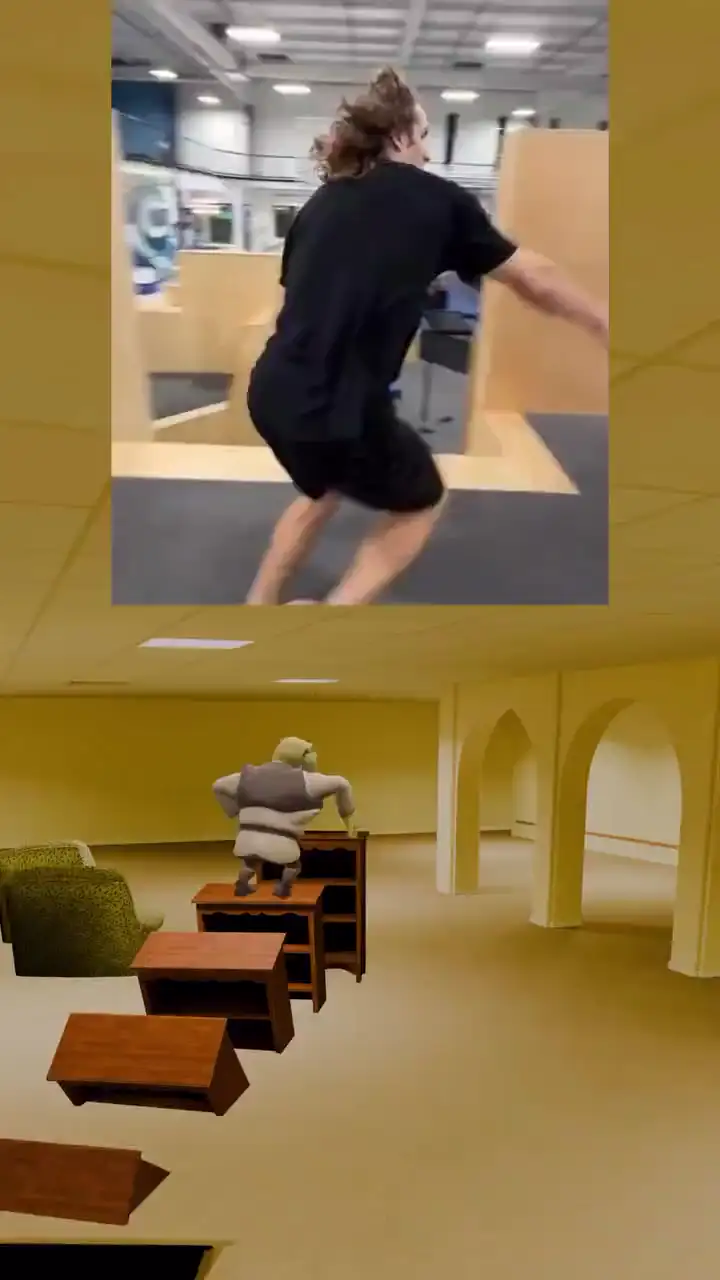
Real gym flips, captured with PINOC and retargeted onto Shrek in the backrooms.
Christian Winchell
Your photo becomes your character. Fight through swarms and build the most broken combo.
Viggle Survivor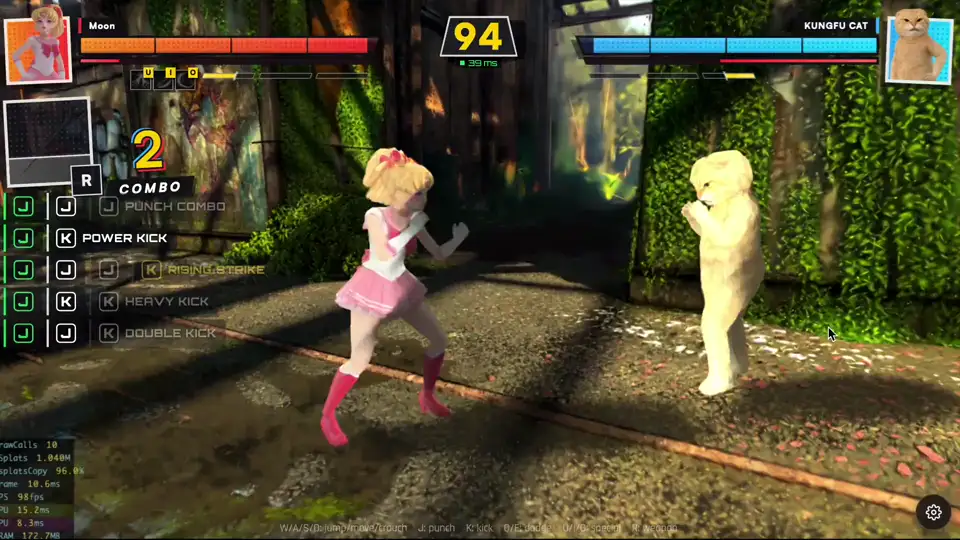
Customize characters with voice and signature moves, and battle in PvE, PvP, or friend fights.
Fight Anyone 3D
Every piece taken is a duel. PvE, PvP, or friend fights on the board.
Viggle Chess
A full parkour chase with zero hand-keyed frames: captured with PINOC, stitched in Blender, rendered with Seedance.
@Viggle_PINOCFrom a clip or a prompt to 3D motion in minutes.
Get started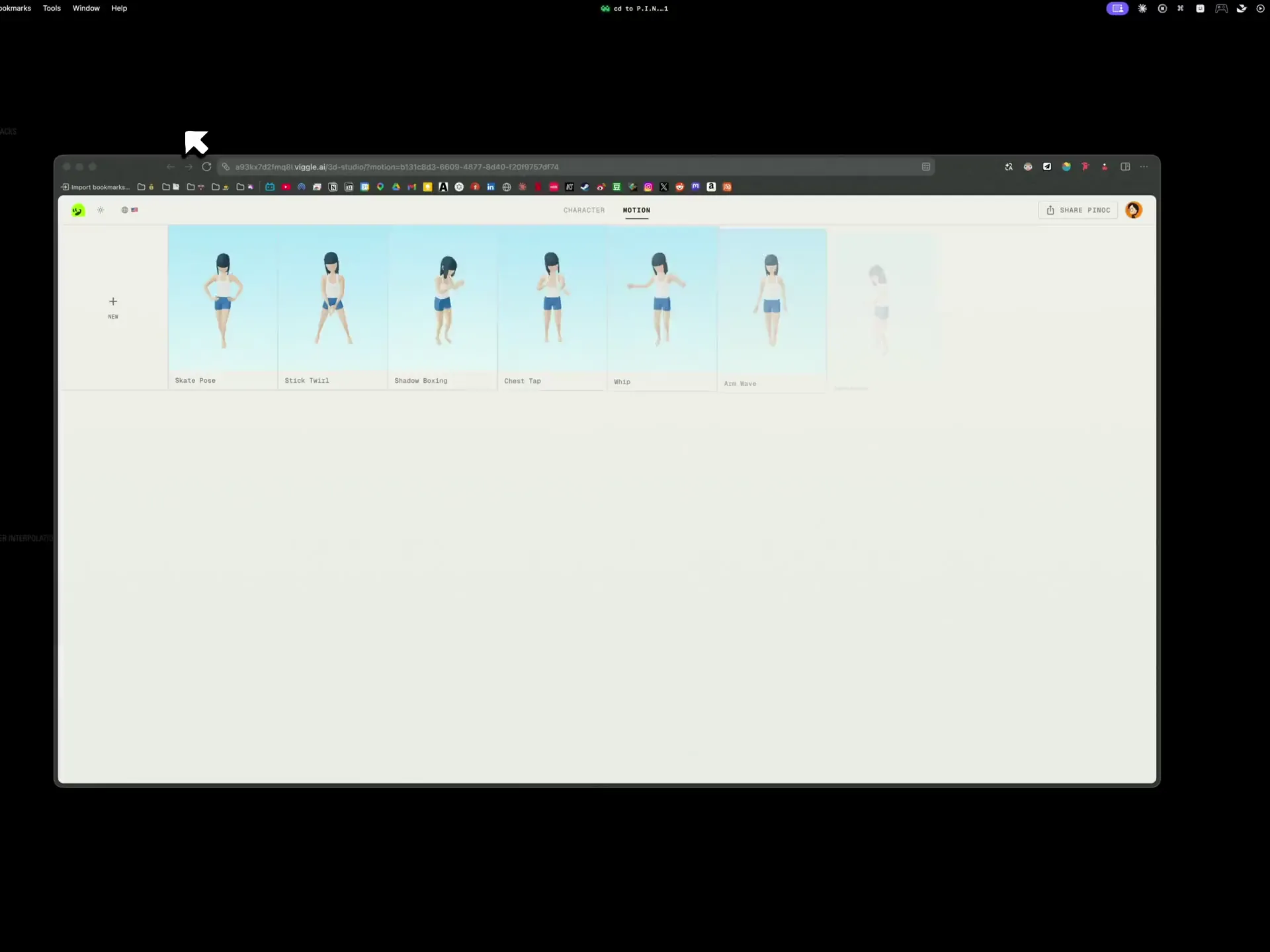
- Step 1
Start with a video or a prompt
Upload a clip: phone footage, dance clip, action reference, one subject with clear movement. Or skip the camera and type the move you need, with up to 4 variations per batch.
- Step 2
PINOC turns it into 3D motion
From video, the exact performance: foot contact, weight shifts, subtle details preserved. From text, multiple takes to choose from. Preview it on a 3D character and keep what reads right.
- Step 3
Export to your 3D tools
Download the motion file. It opens directly in Blender, Maya, Cinema 4D, Houdini, Unreal Engine, and Unity, ready for rigging, retargeting, and whatever comes next.
Build with PINOC in 3 ways
- Motion
FBX and GLB motion export for any pipeline
Export FBX or GLB on a 65-bone Mixamo-named skeleton and keep working the way you already do. First pass from PINOC, polish from you.
Blender · Unity · Unreal Engine · Maya · Cinema 4D · Houdini
- Characters
Gaussian splatting characters in Unity
An animated Gaussian character is not a mesh, so no standard format carries it. Our Unity plugin loads it and drives it with a standard Animator, so you can build with it in your scene. Coming soon.
Unity plugin (coming soon)
- API
AI motion capture and text to motion API
The API covers video to mocap and text to motion. The MCP server gives Claude, Cursor, or any MCP-capable agent the motion library and character generation as tools it can call on its own.
Video to mocap API · Text to motion API · MCP server
Explore the APIConnect an agent
Why PINOC is a better solution for animators and game devs
Characters that keep the likeness
A Gaussian character keeps the look of the image it came from, so real people and real art direction survive the jump to 3D. There is no modeling, texturing, or rigging pass between the picture and a character that moves.
Capture motion without the studio price tag
A mocap studio runs into the thousands a day. A Rokoko suit is around $2,300 before software. Hand-keying one walk cycle can eat your whole day. PINOC pulls the same motion from a clip you shot on your phone, and you can try it for free.
Any move you can film, or just describe
Stock libraries only give you the closest preset. PINOC reads the exact performance from any video, and when no footage exists, a text prompt gets you the move: dance, combat, sports, or the background characters nobody has time to hand-key.
Retakes cost a minute, not a session
Preview every take on your own character the moment it lands, and when one does not read, run it again. The redo loop that costs a studio re-book or a day of keys is how you work here, and you export only the take that holds up.
Loved by game devs and animators.
Try PINOC FreeIt saves hours, even days of hand tweaking animations. I tried Mixamo before but never had good results. PINOC translates the moves exactly how I want them. It's really a game changer.
The product is clean and easy to pick up. Motion capture and export quality are already solid. Gaussian Splatting is a genuinely interesting addition.
The movement is amazing. Much more accurate to the video. The hand, the shoulder, hip, they are accurate. They are great.
If I have this, I feed the motion maybe like three samples and I can lock it in instead of iterating 14 to 20 times. That's a time killer and credit killer.
You're going to save them so many hours of tedious work.
Some other projects' animation is not as developed as this.
Pinoc is the best best thing.
Like watching a flat dancer evolve into a spatial choreographer. The images don’t just move, they have a skeleton, space, and pose logic.
I believe mocap will play a very strong role with AI animation going forward.
If I had to make this animation by hand, it would take many times longer than with PINOC.
PINOC's video to motion, text to animation, and image to 3D animated characters run behind the Viggle API. Build them into your own tool or pipeline.
Frequently asked questions
What is PINOC?
PINOC is a 3D motion studio built by Viggle for game developers, animators and technical artists. It does four things. It turns a video of someone moving into 3D character animation, generates motion from a written description, reconstructs a character from a single image, and auto-rigs a 3D model you upload. Everything it produces is animation data that exports into Blender, Unity, Unreal, Maya, Cinema 4D, or Houdini, rather than a finished video.
What is the difference between PINOC and Viggle?
They are different products for different people. The main Viggle app makes videos for social creators, swapping characters into footage to produce a finished clip. PINOC makes motion data for practitioners, exporting FBX and GLB that drop into a real 3D pipeline. Both come from the same team, and PINOC runs on JST, Viggle's in-house foundation model. If you want a video to post, use Viggle. If you want animation you can retarget and edit, use PINOC.
Is PINOC free?
PINOC is free to start, with no card required. The free tier includes 60 credits, which covers roughly one minute of motion or six character generations. Paid plans begin at $12.99 a month for 300 credits and $39.99 a month for 1,200 credits, with yearly billing saving 20%. Motion costs one credit per second, and a character costs ten credits. Uploading a model, auto-rigging it, and retargeting motion onto it do not consume credits at all.
Can you use PINOC commercially?
Yes, on a paid plan, and it is worth confirming before you ship. Paid users own their inputs and generated outputs and can use them in games, films, ads, and client work, and Viggle does not use Paid User content to train or finetune its models without written consent. Under Viggle's terms, free accounts are limited to non-commercial use, so move to a paid tier before commercial delivery.
What formats does PINOC export?
Motion exports as FBX or GLB on a 65-bone Mixamo-named skeleton, so a character already set up for a Mixamo rig maps across in a few clicks. A model you uploaded and rigged in PINOC exports as Rigged GLB or FBX Binary, either in T-pose or with motion applied. A character generated from an image is a Gaussian splat and exports as a static PLY, with a rigged option available. The motion can always be exported on its own.
Does PINOC have an API?
Yes. Video to motion and text to motion both run behind the Viggle API, so you can send a clip or a prompt from your own tool or pipeline and get 3D motion back. The mocap endpoint returns a downloadable FBX animation from source footage, and there are also endpoints for creating reusable character and motion assets and for composing renders. Check the developer documentation for the current endpoint list before you build.
How does PINOC compare to other AI mocap tools?
The category is crowded, and most tools now handle markerless video to motion competently, so the real differences show up after capture. What separates PINOC is that motion, character generation, and rigging sit in one place, so you can preview a performance on your own character before exporting instead of assembling it downstream. It also runs on JST, trained with physical priors so weight and ground contact survive the capture. Judge any tool in this category on its export panel first.