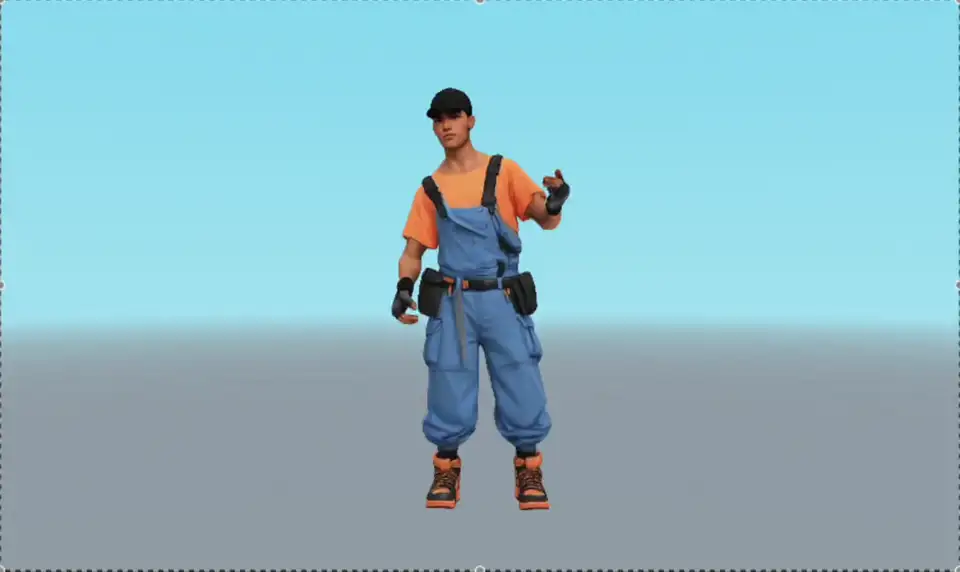
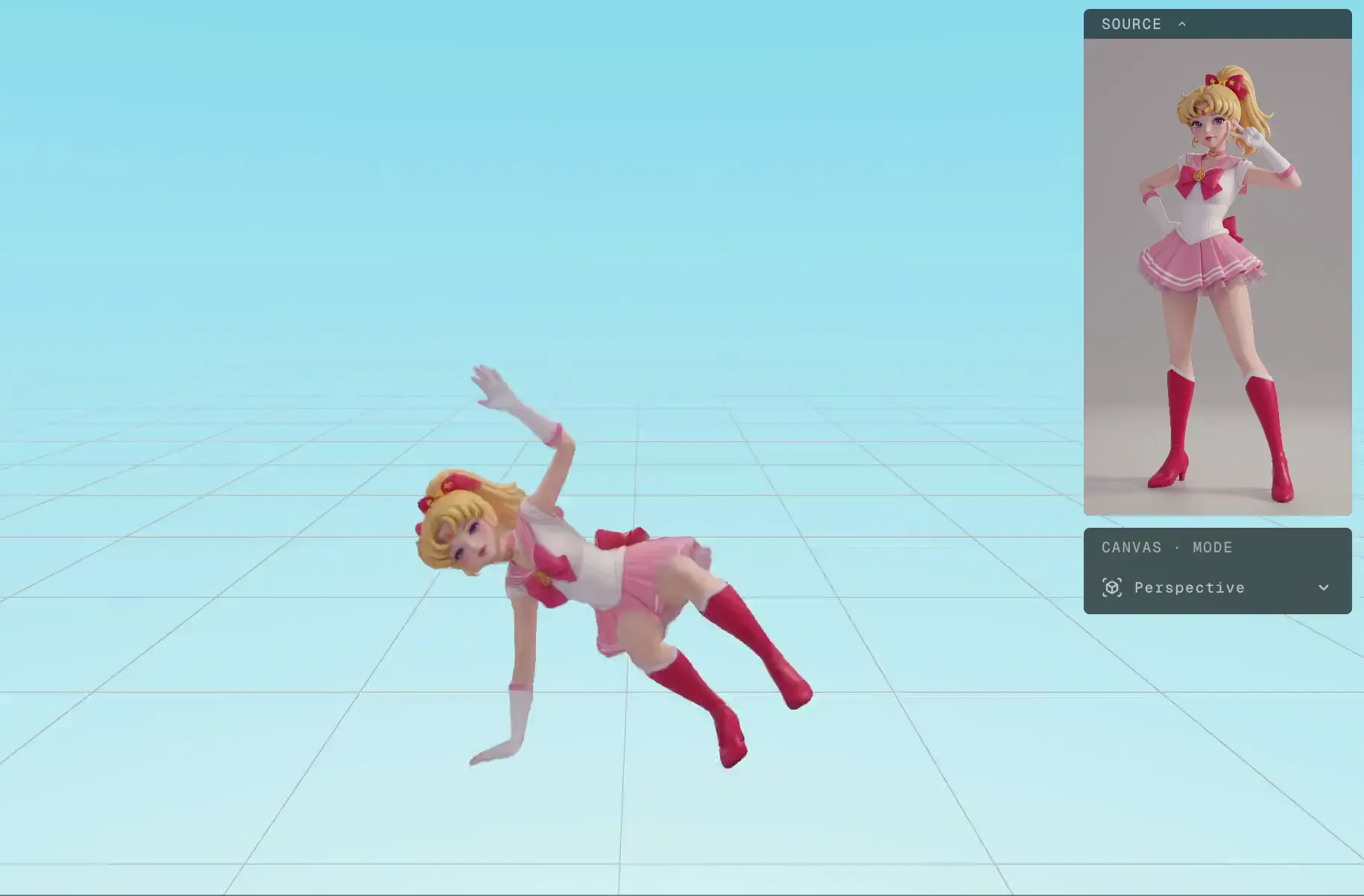
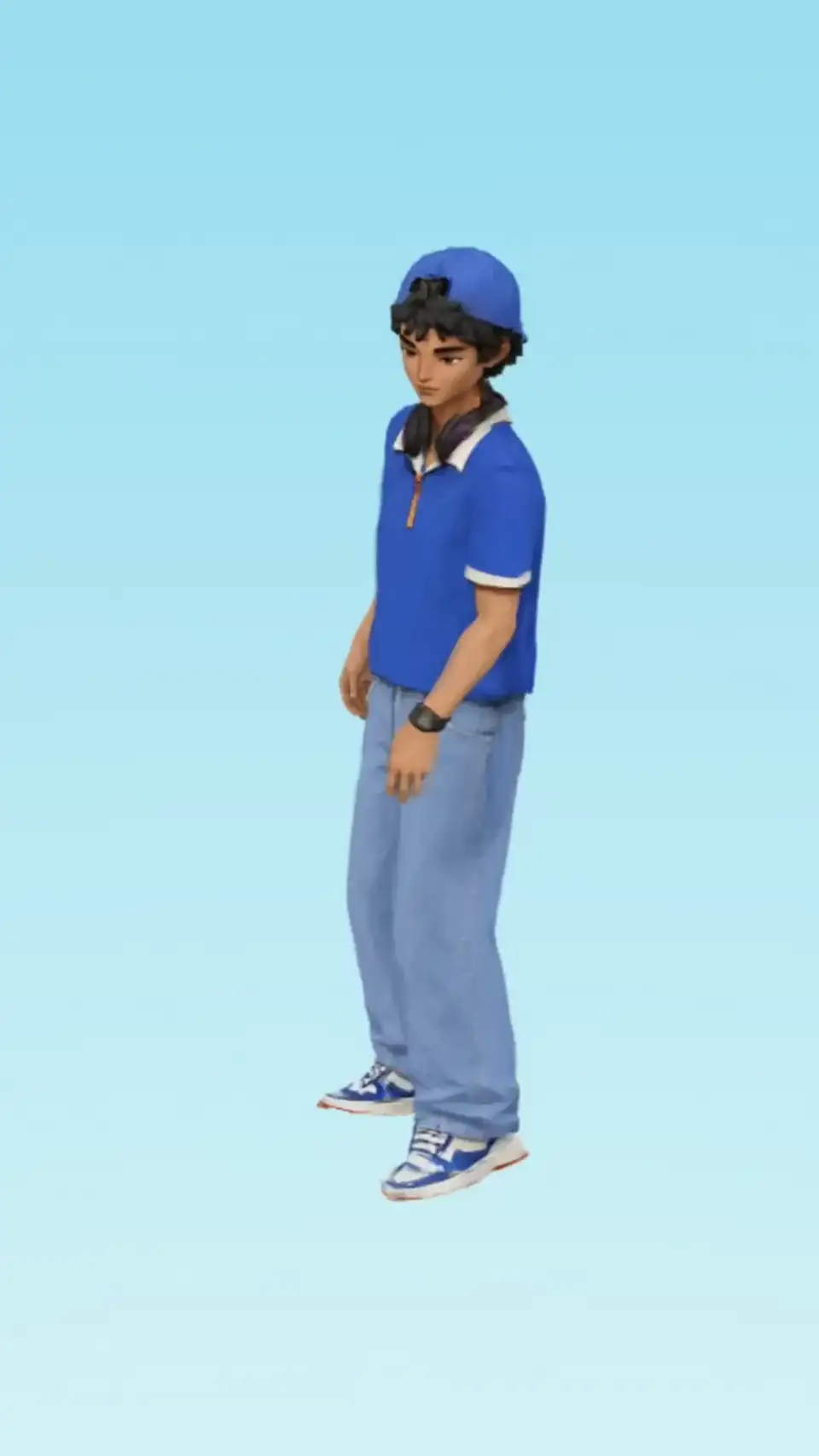
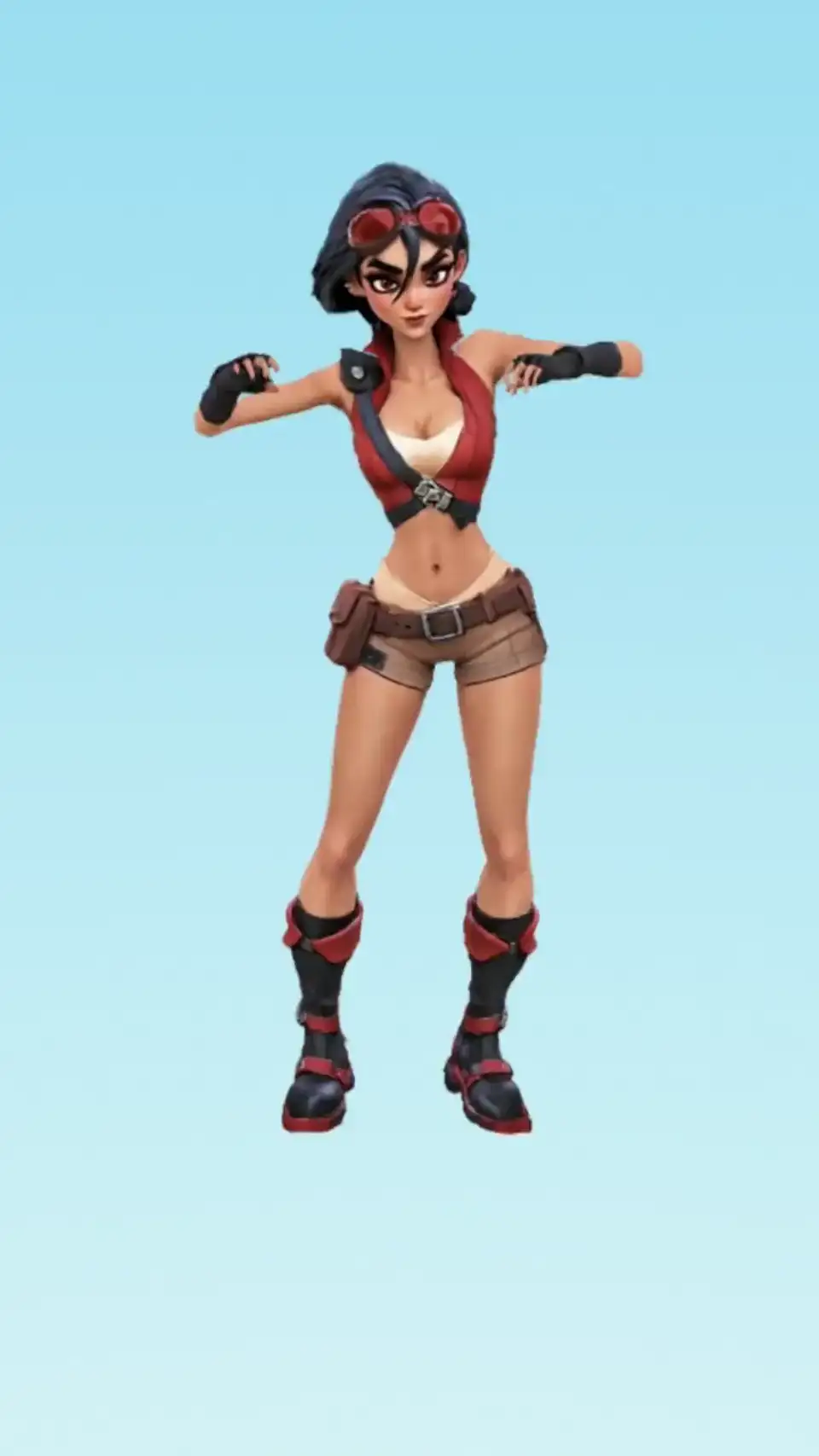
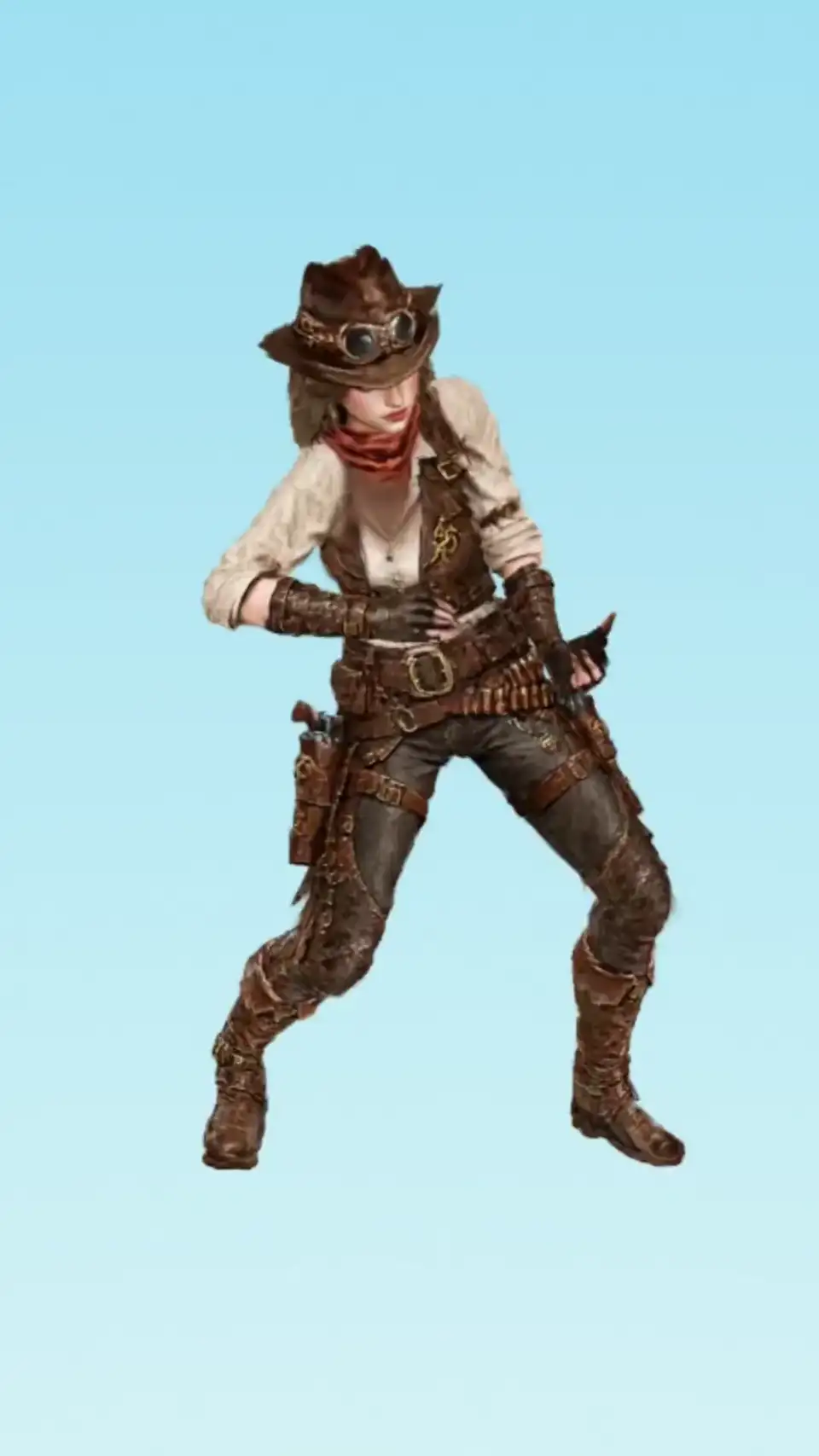
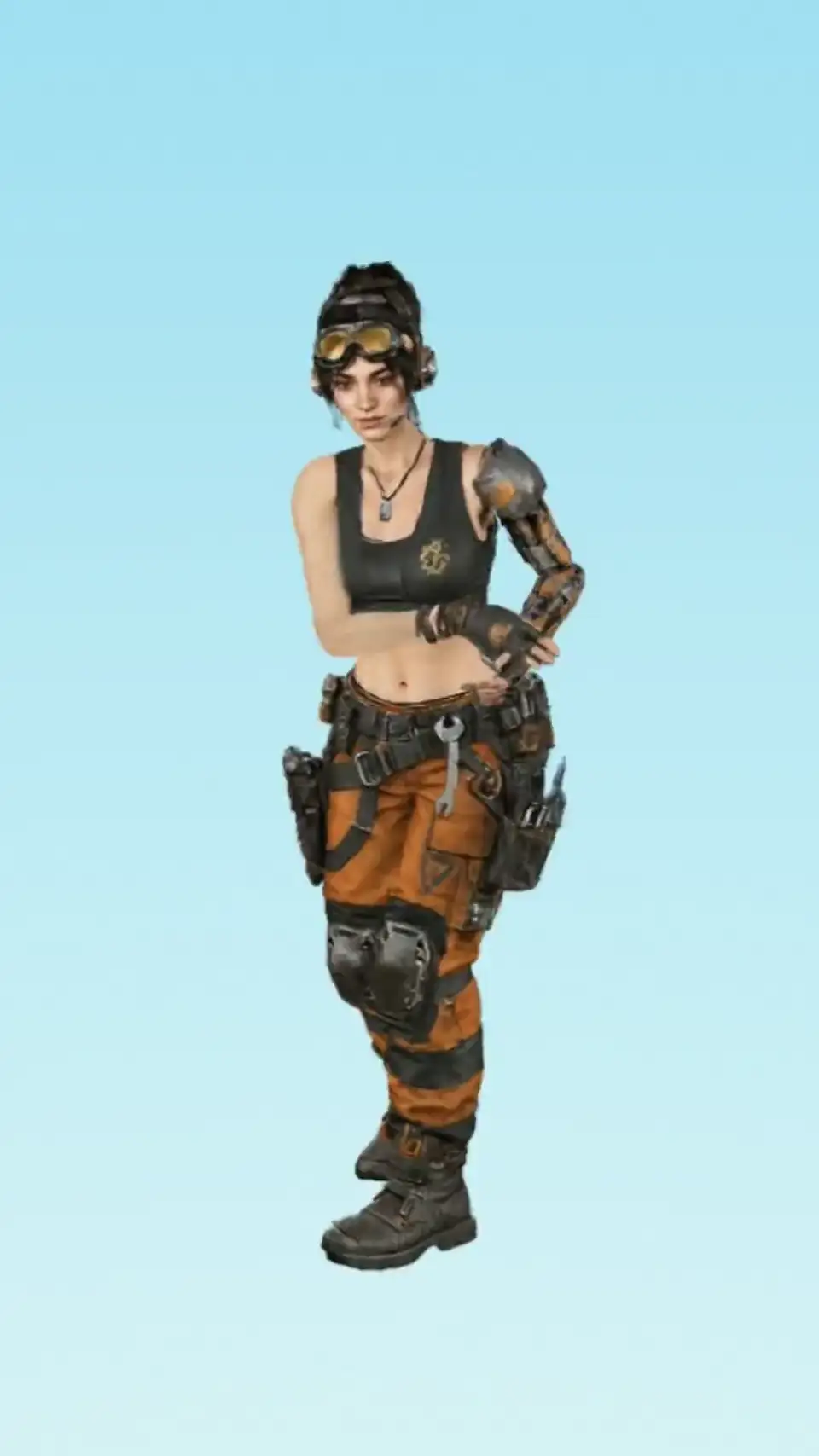
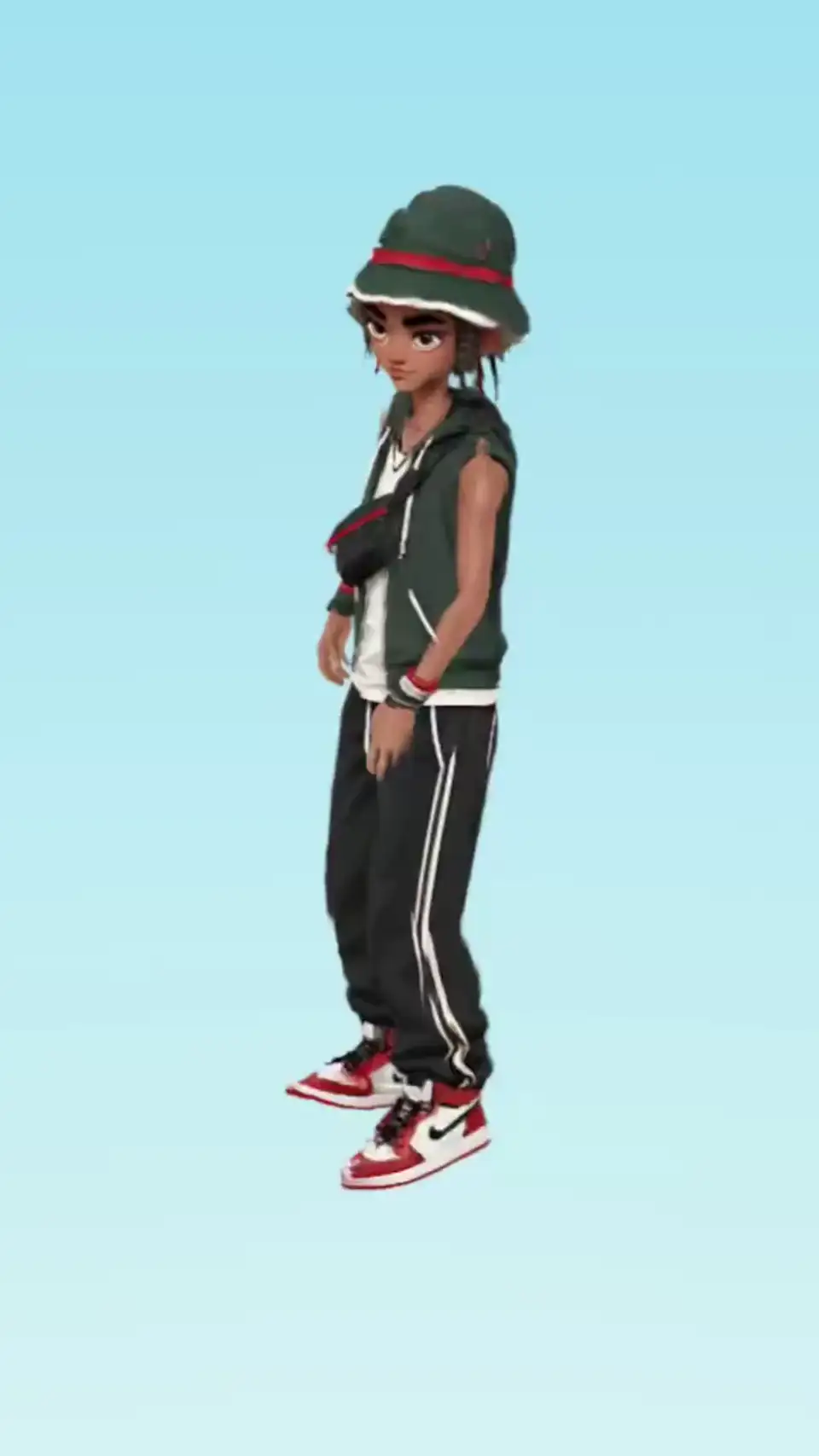
Wow. Wow. Wow. This one looks like a real 3D.
Image to 3D character
PINOC builds a Gaussian splatting 3D character from image in about a minute. A new, easier way to make an animated character.
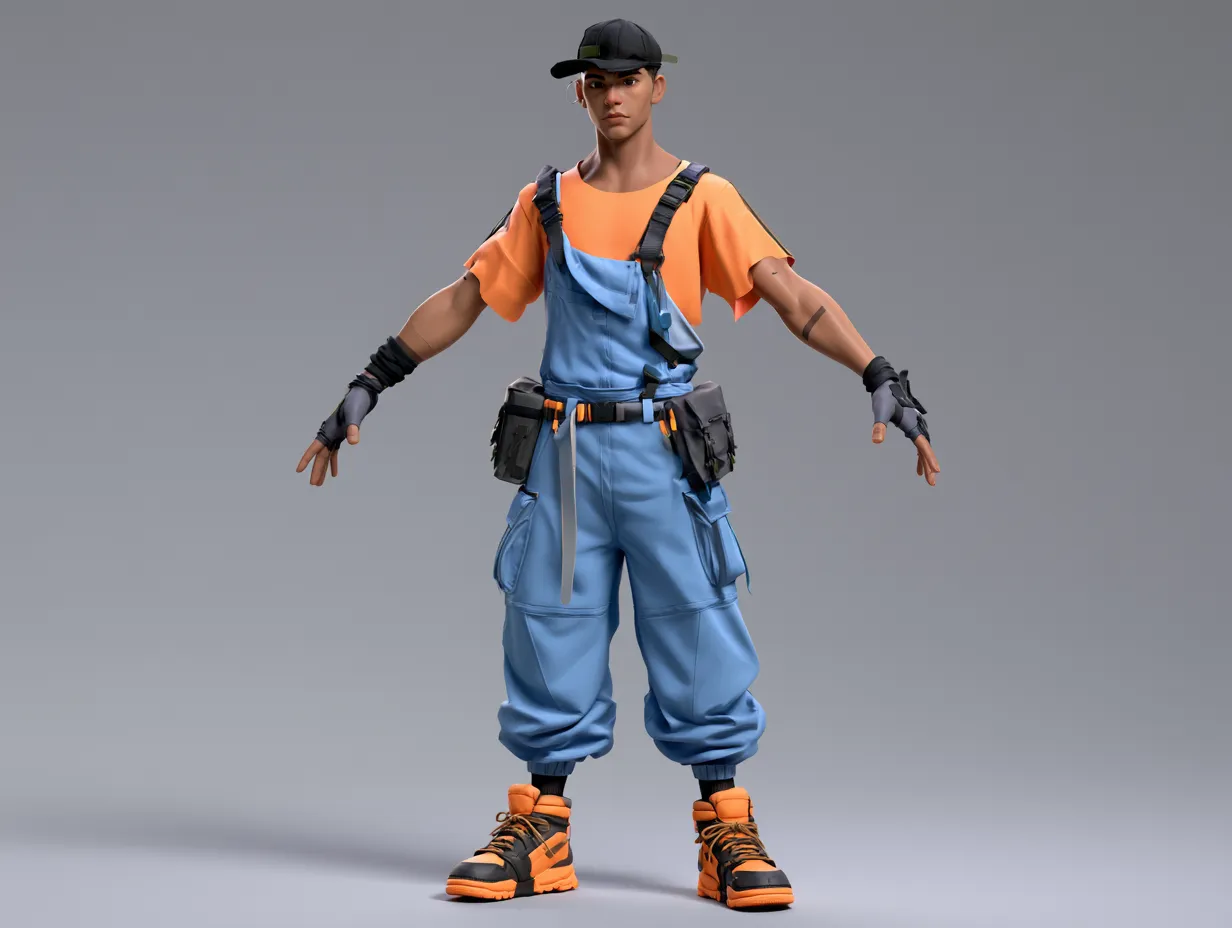
Photo to 3D model: a character that moves
Most of the work happens after the model exists. PINOC generates the 3D character and animates it in the same place.
Create animatable characters from a single image
Building a character for animation means modeling, texturing, rigging, and skinning. PINOC generates a rigged Gaussian character from one image in about a minute, the first animatable Gaussian character available in a product. Animate it with motion you capture from video or generate from a prompt.
Build your game with it
One image becomes a playable character. Drop it into Unity with our plugin, or have a coding agent pull characters and motion into your project through the Viggle API. Built for the agentic workflows where apps get vibe-coded but assets used to be the missing piece.
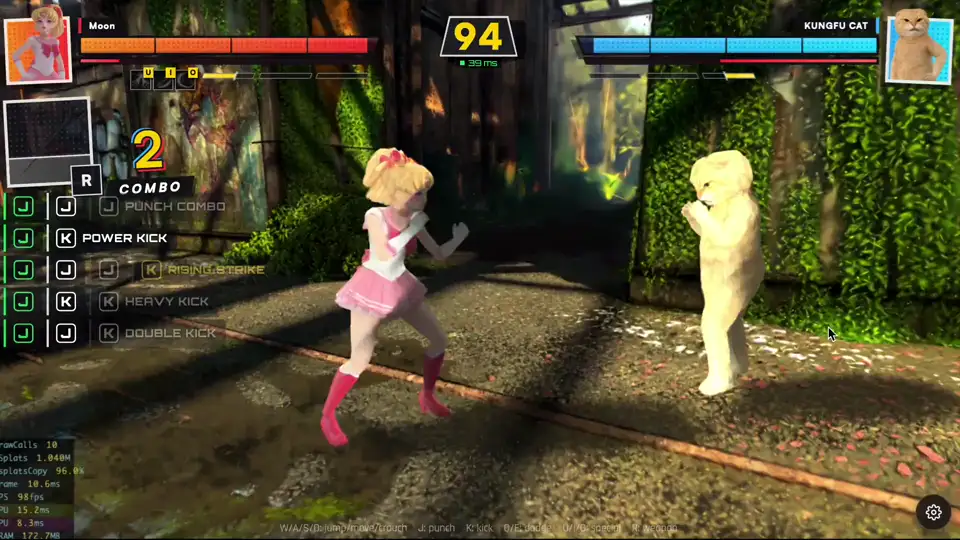
Play games we built with our image to 3D characters
How to convert an image to a 3D model that moves
- 1Step 1
Upload an image
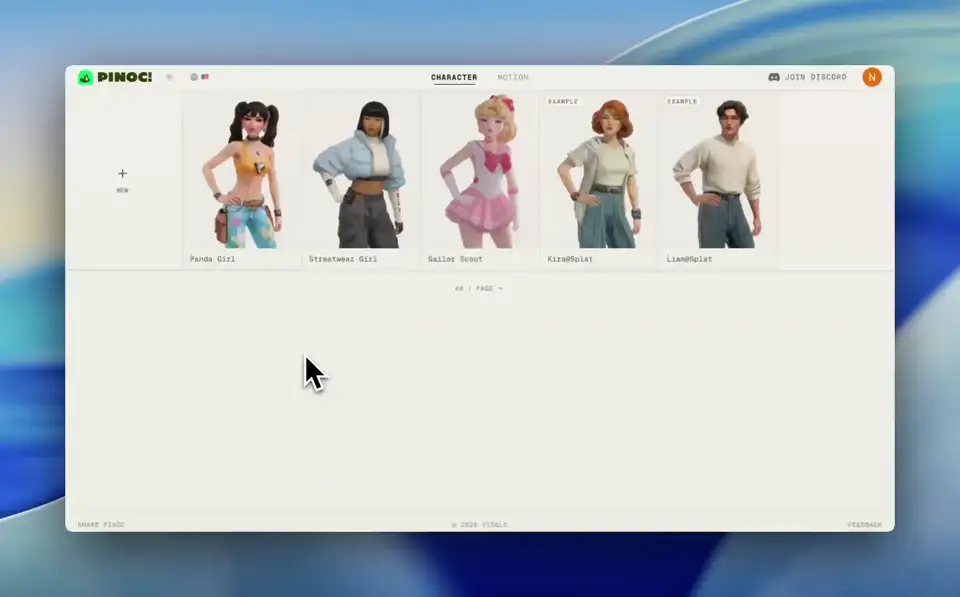
Upload one 2D image of your character: front-facing, full body, on a background that is not busy. Photos and illustrations both work.
- 2Step 2
PINOC builds the character
Wait about a minute. You get a Gaussian splatting reconstruction you can orbit in the browser: a 3D character, not a polygon mesh you would open in Blender.
- 3Step 3
Apply motion and export
Play any captured or generated motion on it. Export the character as a static PLY, or as a .bin with the motion baked in and open it in Unity with our plugin.
From image to animated Gaussian splatting character
See games built with our Gaussian splatting characters
Examples of games we built with our image to 3D character model.
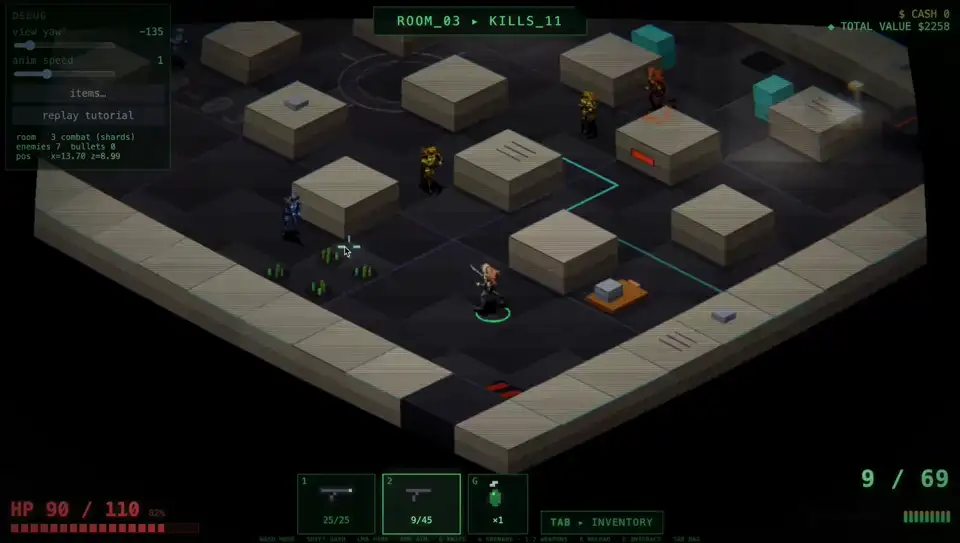
Viggle Evac
Loot, shoot and escape from program generated dungeons & eliminate anyone on the way out. Keep evacuating, keep upgrading the fire power!
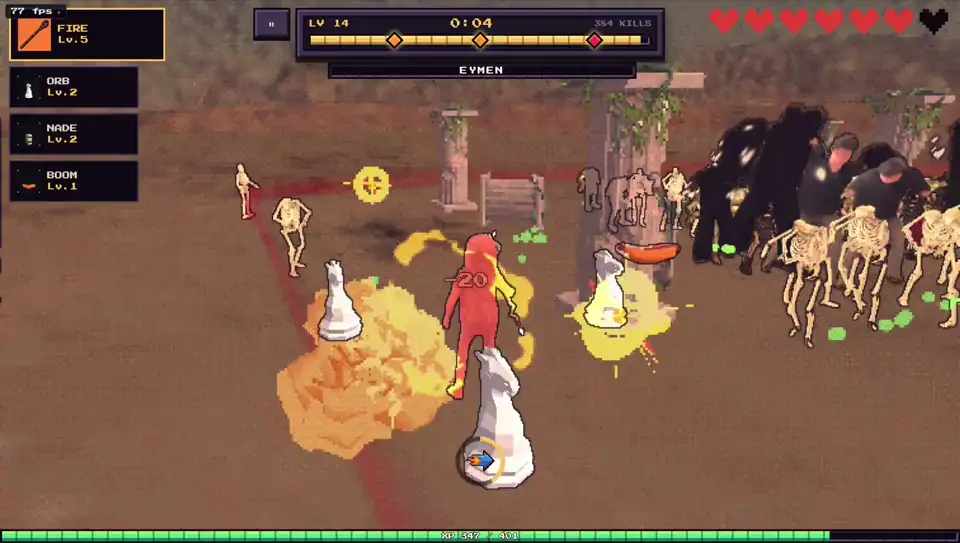
Viggle Survivor
Your photo becomes your character. Fight through swarms of enemies, build the most broken combo, and take on a boss born from another player’s glory run.
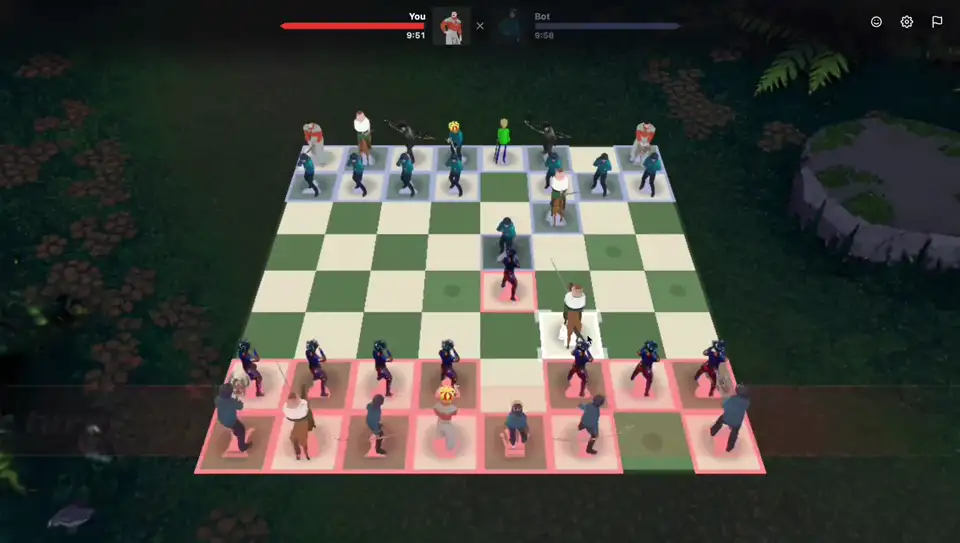
Viggle Chess
Every piece taken is a duel, a death, and one more body on the heap. Powered by Viggle's 3D generation model: PvE, PvP, or friend fights.
The movement is amazing. Much more accurate to the video. The hand, the shoulder, hip, they are accurate. They are great.
Pinoc is the best best thing.
Like watching a flat dancer evolve into a spatial choreographer. The images don’t just move, they have a skeleton, space, and pose logic.
Building this into your own product? The same PINOC pipeline runs behind the Viggle API.
Frequently asked questions
What does the image to 3D generator export?
A Gaussian splatting character: a 3D character built for motion, not a polygon mesh from a modeling tool. Export it as a static PLY, or as a .bin with the motion baked in and open it in Unity with our plugin. The motion itself exports separately as FBX or GLB on a 65-bone Mixamo-named skeleton.
Can I turn a photo into a 3D model?
Yes, for characters. Upload a photo or illustration of a character and PINOC reconstructs it in 3D, then plays motion on it. Objects, environments, and props are outside what it does.
What does PINOC generate from my image?
A 3D character built with Gaussian splatting. You can view it from any angle and play motion on it inside PINOC.
Is the output a mesh?
The generated character is a Gaussian splatting model, not a polygon mesh. If your pipeline needs a specific mesh, upload your own model and PINOC will rig and animate it.
Is this a 3D character generator or an animation tool?
Both, in one pass. The image to 3D character step gives you the model, and the motion step gives it a performance you captured from video or described in text.
What images work best?
A clear image of a single character, front-facing, with the full body visible.
How long does it take?
About a minute from upload to a character you can put in motion.
Can I use my own 3D model instead?
Yes. Upload your mesh, rigged or not, and PINOC handles rigging and retargeting. See the auto-rig page for details.
How do I get the animation out?
Motion exports as FBX or GLB with a 65-bone Mixamo-named skeleton, ready for Blender, Unity, Unreal, or Maya.
What can I do with the character once it exists?
Play any captured or generated motion on it, view it from any angle, and export the animation as FBX or GLB for Blender, Unity, Unreal, or Maya.
What if I do not want a Gaussian character?
Upload your own mesh instead. PINOC auto-rigs it, or retargets motion onto the rig it already has, and exports it as Rigged GLB or FBX Binary. See the auto-rig page for the full flow.
Can I convert any 2D image to a 3D model?
Photos, illustrations, and concept art all work. One front-facing, full-body image of a single character is enough; PINOC converts it into a 3D character you can animate.
Can I use PINOC as an AI character generator from photo?
Yes. Upload one picture of a character and it comes back as a photo to 3D model reconstruction, built with Gaussian splatting and ready to animate.
Is it free?
Free to start. Sign in and try it with your own image.

Upload a picture. Walk out with a 3D character.
Create my 3D character freeAsk an AI about PINOC:ChatGPTPerplexityClaude
Built something with PINOC? Show it in the Viggle Discord.Join the community