Real-Time AI Avatar Viggle LIVE
Real-time AI avatar creators care about latency and setup friction first. With Viggle LIVE, you can start from a single image, run a quick calibration check, and go live with your current stack. No full rigging pipeline is required for first use. This is a practical option for ai vtuber avatar, obs ai avatar, and live character swap streams.

How to get better real time ai avatar results
Try Viggle FreeStart with a clear portrait, test camera response, then connect to OBS or call tools. This setup is built for ai avatar for streaming, twitch ai avatar, and low latency ai avatar sessions.
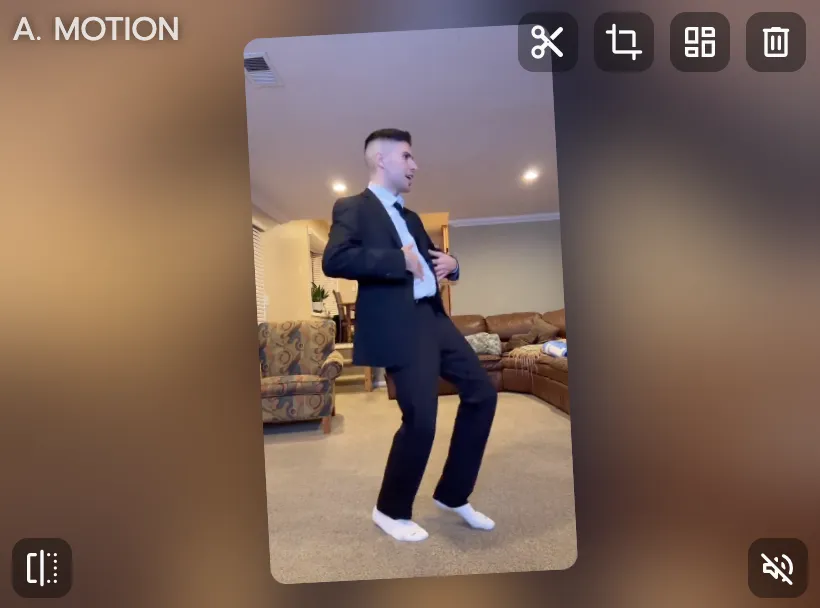
Pick a clear avatar source image
A front-facing image with clean lighting usually improves real-time tracking appearance and stability.
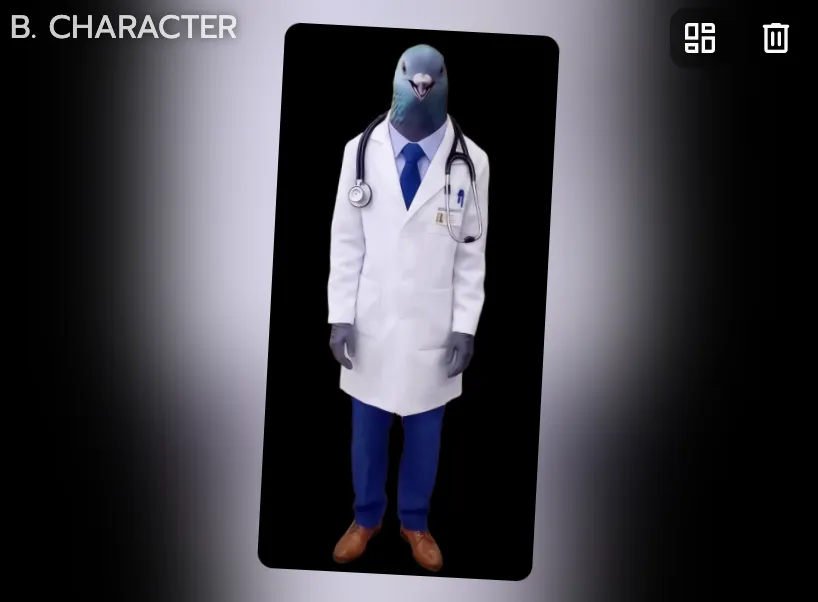
Test live response before going public
Run a short local test to check latency, framing, and expression readability with your camera setup.
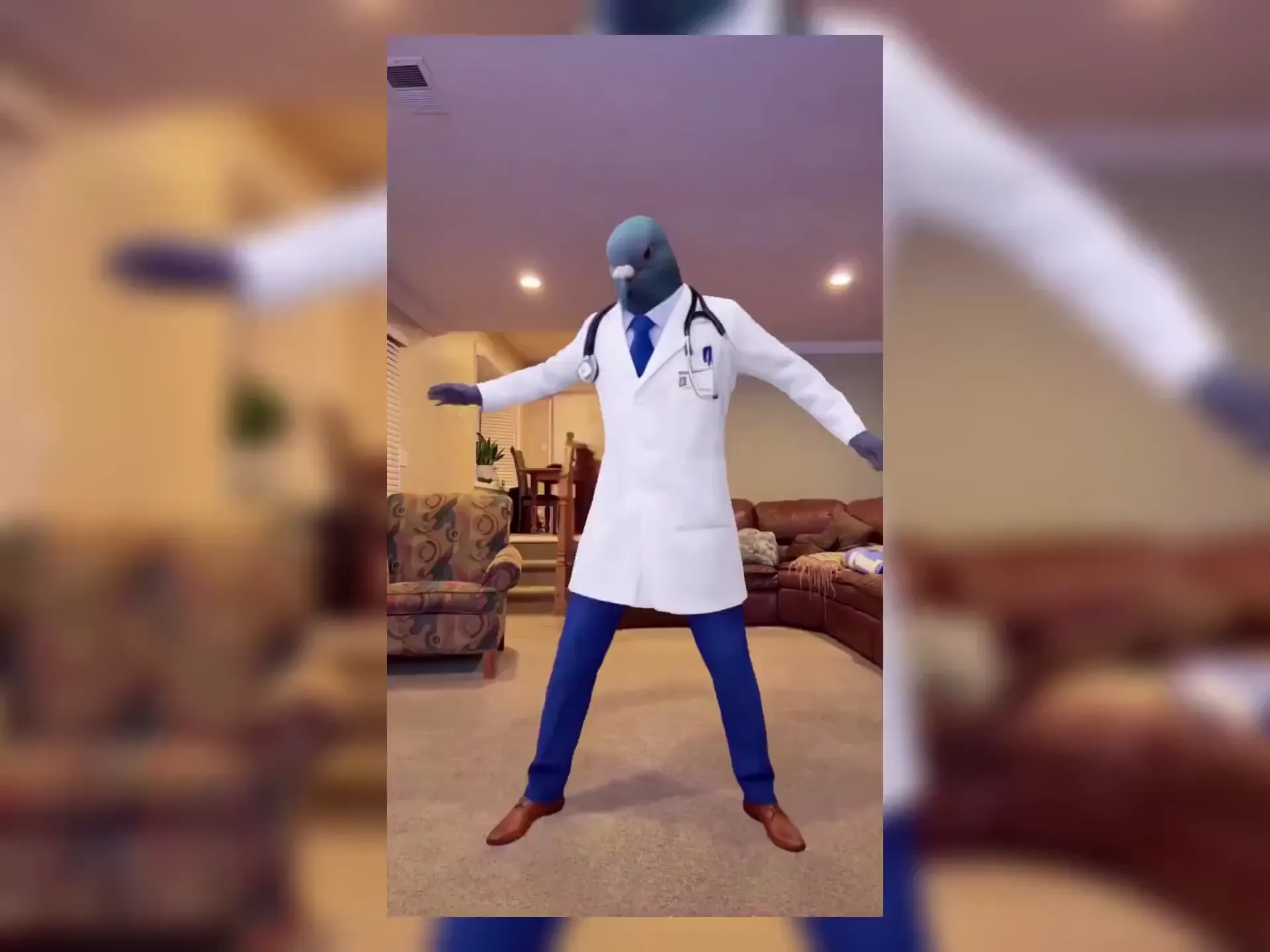
Connect to your live workflow
Use your normal tools (OBS/Streamlabs or call apps) and launch a live avatar session once quality is stable.
Why real time ai avatar creators pick Viggle
Single-image setup lowers entry barrier
Viggle LIVE starts from one image, so creators can skip complex modeling and rigging work at the start. This shortens the path to first stream dramatically. It is ideal for fast experimentation.
See WhyLow-latency live character performance
The feature is designed for real-time swap responsiveness, not offline render turnaround. That keeps live interaction natural during streams and calls. Audience experience feels more immediate.
Use ItCompatible with mainstream creator tools
Viggle LIVE works with OBS, Streamlabs, Twitch, Kick, Zoom, and Discord workflows. Creators can plug into existing setups instead of rebuilding production systems. This reduces adoption friction.
Keep StableCreator-first avatar identity workflow
You can maintain a recognizable on-camera persona without a full traditional VTuber pipeline. That is useful for creators who want personality-led content quickly. It balances flexibility and speed.
Refine FasterPractical testing with free daily usage
Up to 5 free videos/day allows low-risk testing before long-session commitments. Creators can validate fit, style, and workflow reliability first. Then they can scale once the format works.
Ship MoreReal Time AI Avatar Examples
Explore More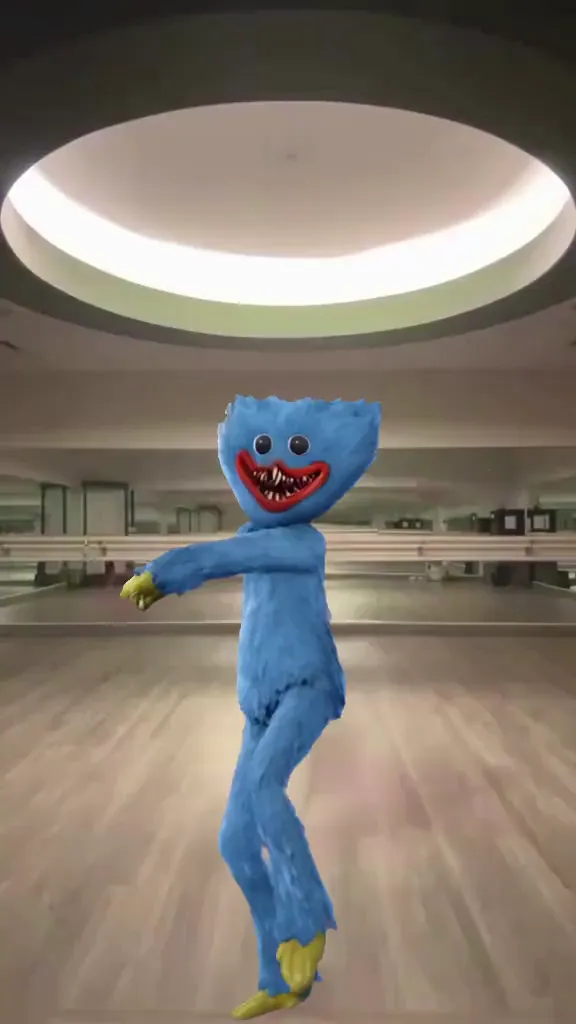
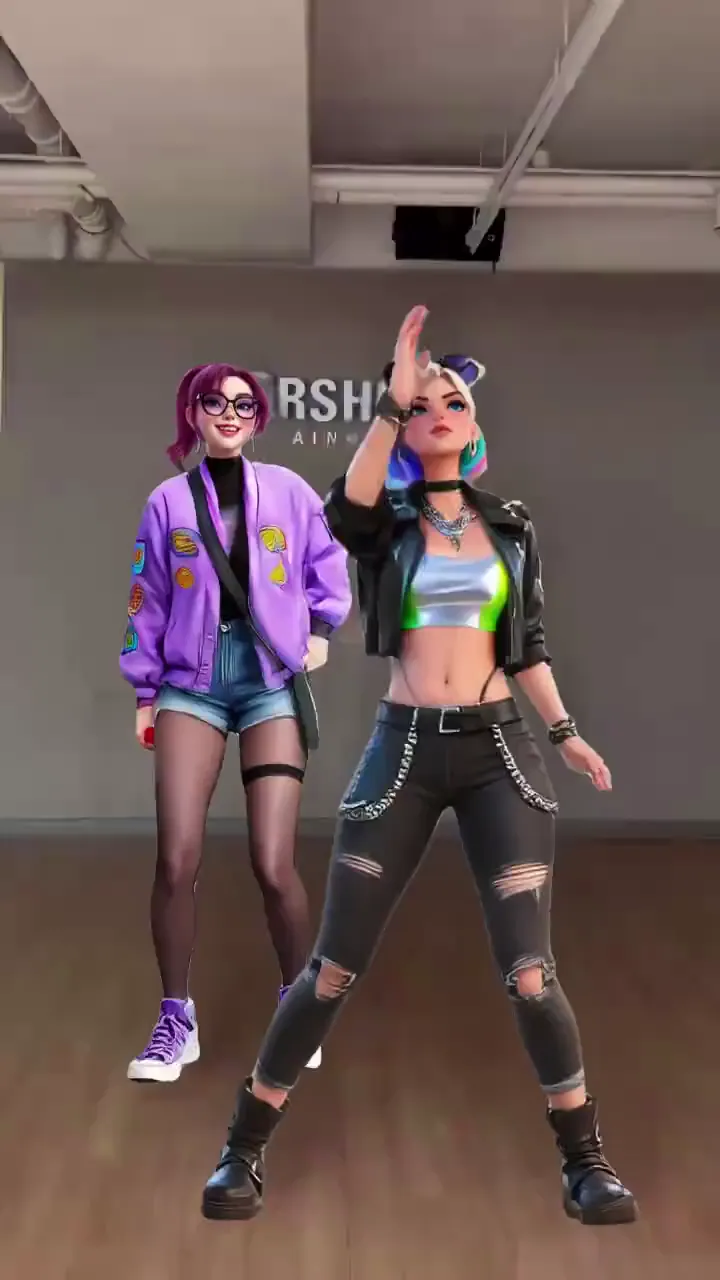
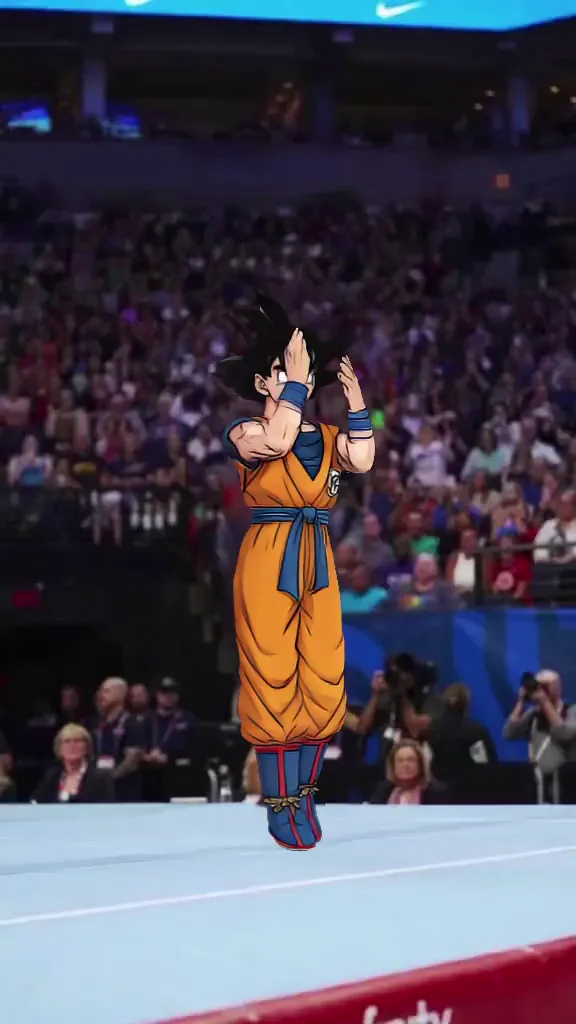
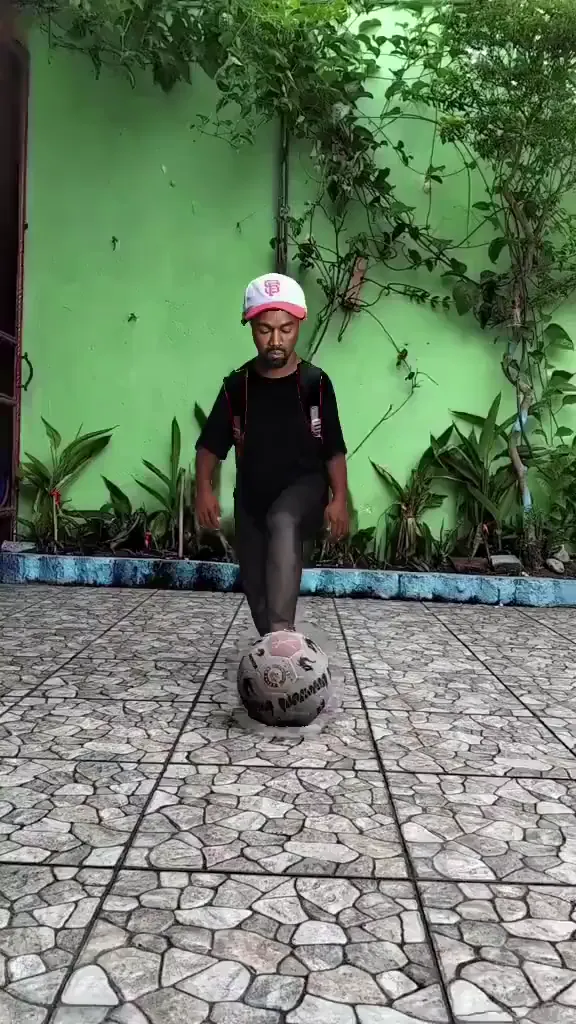
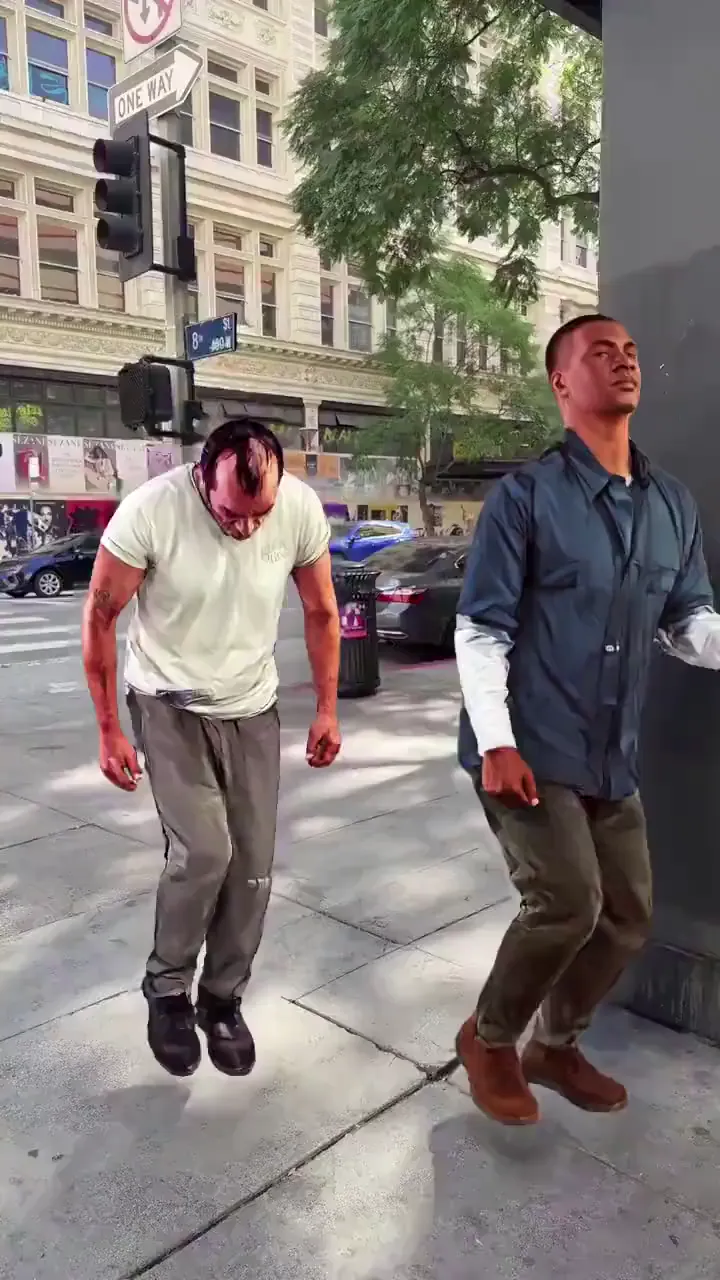
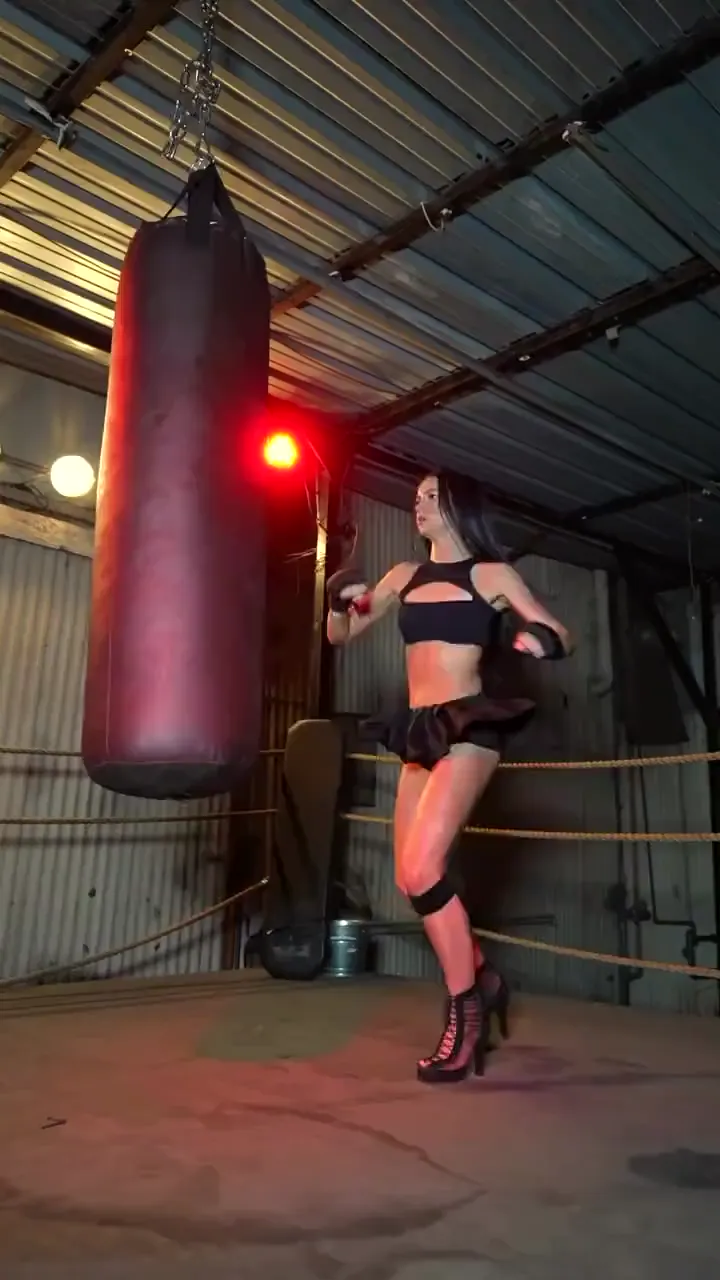
Who Uses Real Time AI Avatar
VTuber Creators
They need a faster path to live avatar performance without heavy rigging overhead.
Twitch Streamers
They use real-time AI avatars to boost engagement during live sessions.
YouTube Live Creators
They add character presence to live commentary and interactive streams.
Discord Stream Hosts
They run community sessions with avatar-based identity formats.
Kick Streamers
They test live avatar styles to stand out in high-competition categories.
Live Content Creators
They prioritize low-latency, camera-responsive avatar workflows for daily output.
Viggle vs other real-time AI avatar solutions
Try Viggle Free| Feature | Viggle | VTube Studio | Animaze | HeyGen |
|---|---|---|---|---|
| Single-image real-time start | ✅ | ⚠️ Model setup required | ⚠️ Avatar setup required | ❌ Render-first |
| Low-latency live use | ✅ | ✅ Live tracking | ✅ Live tracking | ⚠️ Not live-first |
| No-rigging workflow | ✅ | ⚠️ Usually rigging needed | ⚠️ Usually setup heavy | ✅ Avatar generation |
| Streaming platform compatibility | ✅ | ✅ | ✅ | ⚠️ Workflow dependent |
| Entertainment creator orientation | ✅ | ✅ VTuber-first | ✅ Avatar-first | ⚠️ Business avatar focus |
| Free start path | ✅ Up to 5 free videos/day | ⚠️ Varies | ⚠️ Varies | ⚠️ Varies |
Real-Time AI Avatar FAQ
What is a real-time AI avatar?
A real-time AI avatar is a live character output that reacts to your camera performance with low latency, designed for streaming, calls, and live content.
How is Viggle LIVE different from offline generators?
Offline tools generate clips after rendering. Viggle LIVE is designed for real-time performance so you can stream or call with a live avatar.
Do I need a full character model?
No. You can start from one image and iterate quickly. Cleaner images and stable lighting usually help.
Can I use a real-time AI avatar for streaming?
Yes. Many creators use real-time AI avatars for streaming workflows and short live segments.
Is this the same as a VTuber avatar?
It’s similar in intent (live performance), but setup and output differ by tool. Real-time AI avatars focus on quick character performance without long rigging steps.
What improves quality the most?
Good lighting, a clear face in frame, and a high-quality avatar image. Start with simple conditions, then add complexity.
Does it work for Discord or Zoom?
Real-time avatar workflows are often used for calls as well as streaming. Exact setups vary by platform and user workflow.
What is the fastest way to test if it fits me?
Run a 30-second live test: check latency, stability, and whether the avatar feels expressive enough for your content style.
Go live with a real-time AI avatar
today
Start from one image, perform live, and stream with a low-latency avatar workflow.