Connect your agent to PINOC MCP
The PINOC MCP server gives Claude Code, Codex, Cursor and any MCP agent text to 3D motion, video to mocap, free preset motions, AI 3D character generation and 3D scene generation. Use it to build games, animate Blender, Unity and Unreal scenes, or block out NPCs and cutscenes. Motions export as GLB, FBX and USDZ to drive your own rigged mesh.
Paste it into any agent that can add an MCP server. The agent only writes the config; the sign-in happens next, in your own MCP client.
Add MCP server at https://pinoc.mcp.viggle.ai/mcp. Let user handle browser sign in.New to MCP? Read the protocol spec
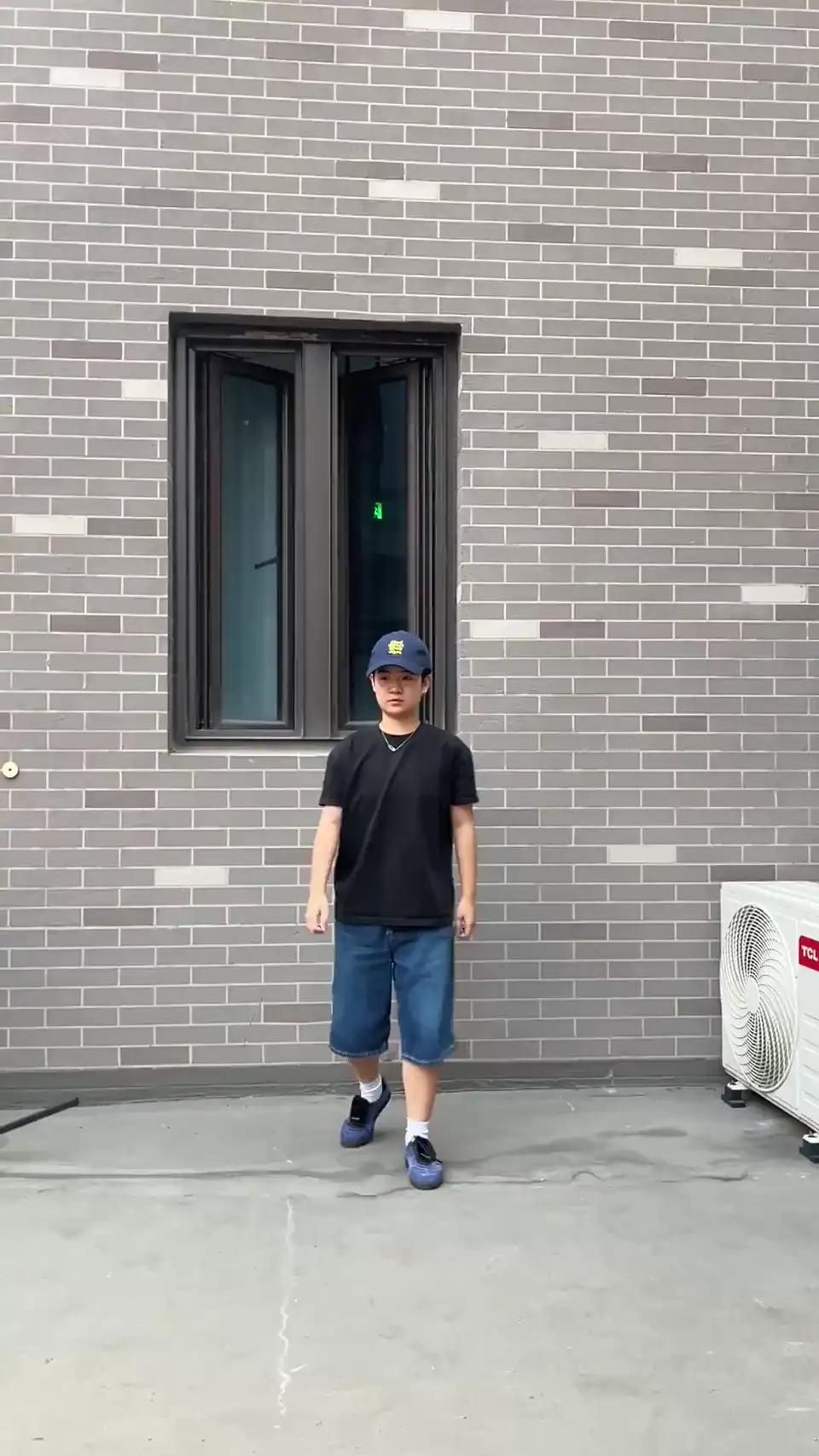
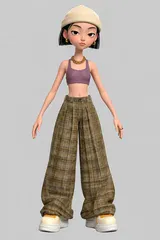 tomboy.png
Turn this photo into a rigged 3D character for my game.
Reading the brief1s
One rigged character from your photo, with the refine pass. This spends 10 credits
4 tool calls
- Prepare upload
- Generate character
- Wait for tasks
- Get asset
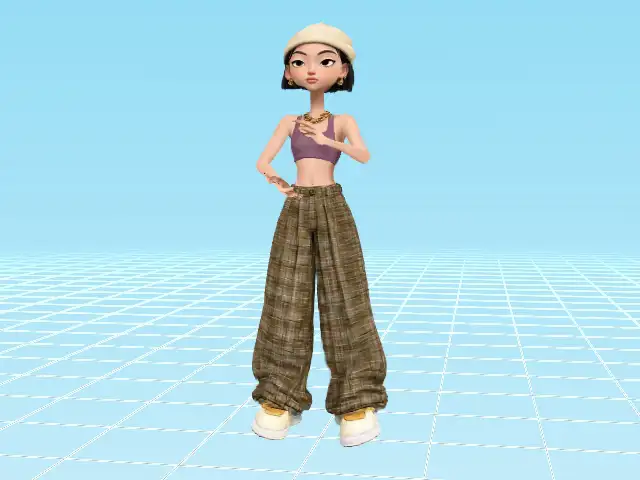
Tomboy teen
- .vsplat
- Gaussian splat
- Rigged
- 10 credits
saved to ./characters/tomboy.vsplat
What the agent can do with PINOC MCP
Free
Get preset motions
Hundreds of hand-cleaned clips. Your agent picks what fits and adds them to your library, free.
See your own assets
The motions, characters and scenes already in your library, and a download link for any of them.
Find what a scene is missing
The views of one of your scenes worth filling in, best first, before anything is spent on them.
Check your credits
Your balance and what each paid step costs, before anything is spent.
Costs credits
Make a character
From one to five photos of a person, or just a description. It comes back as a rigged Gaussian splat character, ready to animate.
10 credits, 6 with refine off
Make a motion from text
Describe the movement and get an animation back, one to sixty seconds long.
1 credit per second
Turn a video into a motion
Motion capture from your footage, so you get that exact performance rather than an interpretation of it.
1 credit per second
Make a scene
A place your characters can stand in, from a description, a photo or a panorama. Then your agent finds the gaps and fills them in, one view at a time.
5 to 11 credits, 3 per extra fill
Characters and motions take minutes; a scene is back in under one and keeps improving for a couple more. Your agent starts each one and waits. Credits come from the same balance as the app.
PINOC MCP questions
Something else?
Ask your agent once it is connected; it knows these tools. PINOC also has its own Discord server, where the people building on it answer.
Join the PINOC DiscordWhat is PINOC MCP?
PINOC MCP is the Model Context Protocol server for PINOC, the 3D creative engine for characters, motion and scenes, built on JST-2. It lets Claude Code, Codex, Cursor or any MCP client build rigged Gaussian splat characters from photos, turn text or video into motion, generate a 3D scene from text or a photo and fill in its missing views, and pull free preset clips, as tools the agent calls on its own.
What can I build with PINOC MCP?
Games with your own cast: an agent in Claude Code, Codex or Cursor can generate the characters, pull locomotion from the library, capture a signature move from a phone clip and wire it all into a Unity or web project. Already have characters? The motions come as GLB, FBX and USDZ, so they drive your own rigged meshes too. It also fits animating scenes in Blender and Unreal, blocking out NPCs and cutscenes, 3D avatars for web apps, and previs.
What is MCP?
The Model Context Protocol is an open standard that lets an AI agent call a service's tools directly, instead of you copying results back and forth by hand.
Do I need an API key?
No. Your MCP client registers itself with PINOC and opens a Google sign-in in your browser. The agent never touches it.
Which agents can connect?
Any MCP client that speaks the protocol over HTTP, including Claude Code, Claude Desktop, Codex and Cursor. The same prompt works in all of them.
Does this cost credits?
Browsing, taking library clips, handing over a file, looking things up and finding what a scene is missing are all free. Only the tools that generate something new (a character, a motion, a scene or a fill for one) spend credits, from the same balance as the app.
Can it use my own photos and videos?
Yes. Your agent asks PINOC for a one-time upload link and sends the one file you named. It never browses your disk, and PINOC keeps the upload for a day. From a description in words it can generate with no file at all.
What permissions does it ask for?
Two tick boxes on PINOC's own consent screen. "Read (free)" covers everything that only looks things up. "Write (uses credits)" covers making new motions, characters and scenes, and handing PINOC a file to make them from. Both start ticked; untick the second to connect read-only.
Where do the files end up?
Your agent asks PINOC for a download link, fetches the file and saves it where you are working, the same place it writes anything else for you. The links expire, so it fetches at the moment you ask rather than handing you one to keep.
What do I do with the files?
GLB and FBX open anywhere: Unity, Blender, Unreal, or any glTF or FBX tool. Motions also come as USDZ, for Apple's AR Quick Look. Splat characters (.vsplat) are not meshes and only render through the Viggle Splat Engine, as a Unity package or an npm package for the web. A scene is one Gaussian splat file (.spz, or .ply for older ones), also not a mesh, so it needs a splat renderer such as the Splat Engine. Every asset also previews and edits in PINOC itself. Get the Splat Engine on the plugin page
I already use Blender MCP, Unity MCP or Unreal MCP. How does PINOC MCP fit?
Those let an agent drive the software you already have open. PINOC MCP gives it something to put in there: motion clips as GLB and FBX, and Gaussian splat characters that play them in Unity or on the web. An agent connected to both can make a motion here and apply it in your scene there.
The capabilities behind the tools
Text to 3D motion
What "make a motion from text" runs on. Describe a movement, get animation data.
AI motion capture
What "turn a video into a motion" runs on. Ordinary footage in, 3D motion out.
Image to 3D character
What "make a character" runs on. Photos in, a rigged character out.
Viggle API
The same jobs over REST, when you are building software rather than driving an agent.
Make a 3D game with AI
More games on the Viggle portalVibe coding a game in Claude Code, Codex or Cursor? PINOC MCP supplies the 3D game assets: player characters, NPCs and their animation. Motions open in Unity, Blender or any 3D tool; characters run in Unity or the browser via the free Viggle plugin.
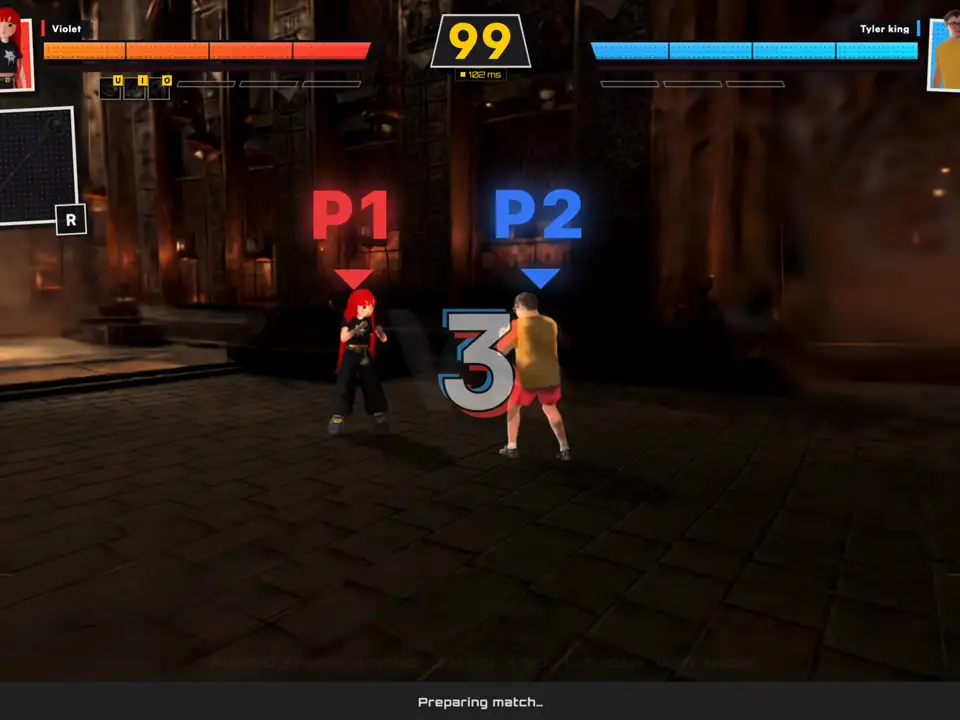
- Fight Anyone
A 3D fighting game in the browser. Build your own fighter and take them into one-on-one fights against the computer, another player or a friend. Both fighters are PINOC characters, and every punch, kick and knockdown is a motion clip.
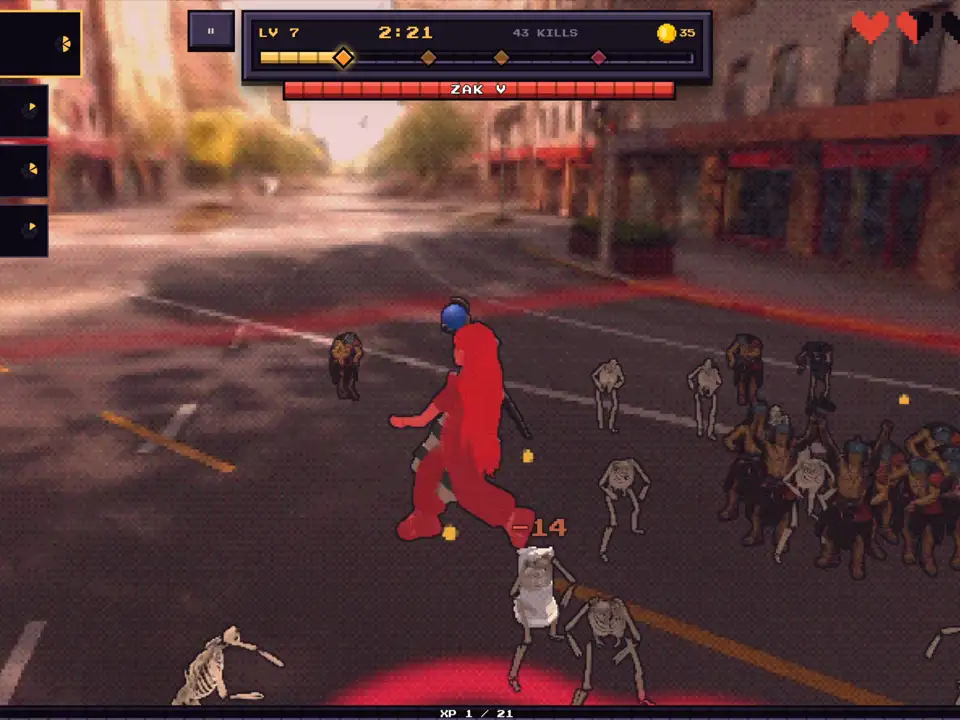
- Viggle Survivor
A survivor-style action game where your photo becomes the hero. A swarm of enemy NPCs closes in and a boss waits at the end; the hero and every enemy are PINOC characters running motion clips.