Ultimate Motion Control.Absolute Consistency.
AI visual development tools for character swapping, animation generation, and motion control.
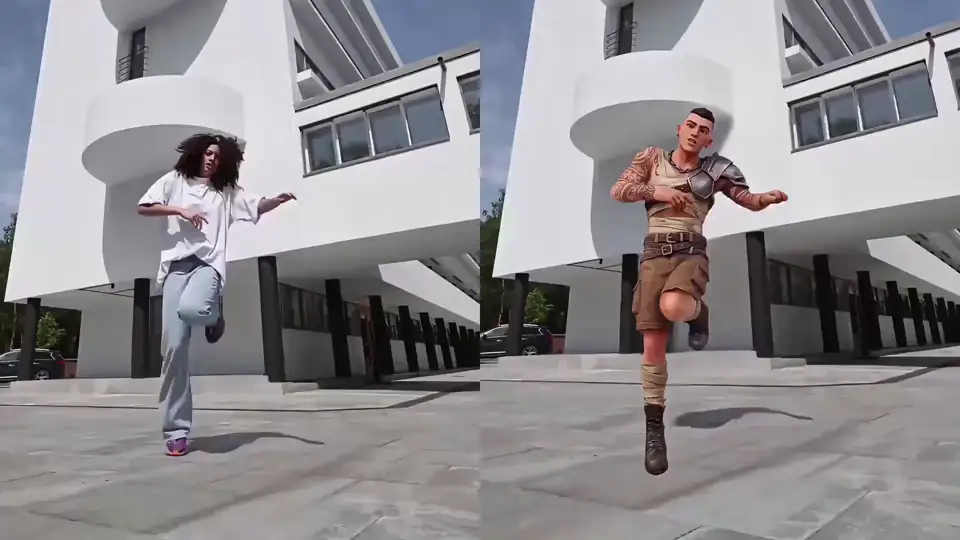
Character refine & multi-track
CHARACTER REFINE
Define your character from multiple angles and fine-tune them into a high-fidelity asset. Capture every detail—from fabric textures to individual hair strands—for unlimited reuse across any motion.
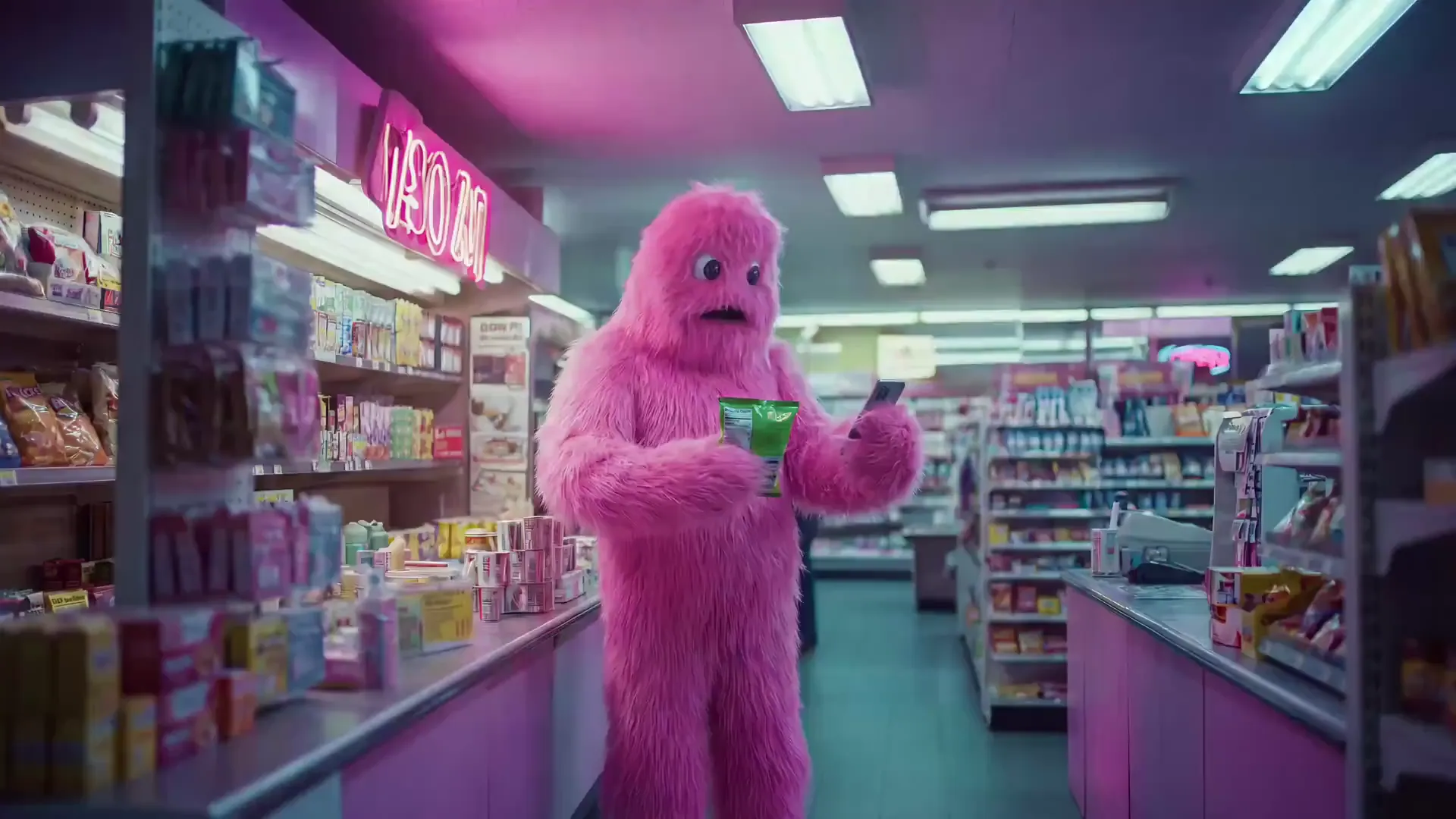
MULTI-TRACKER
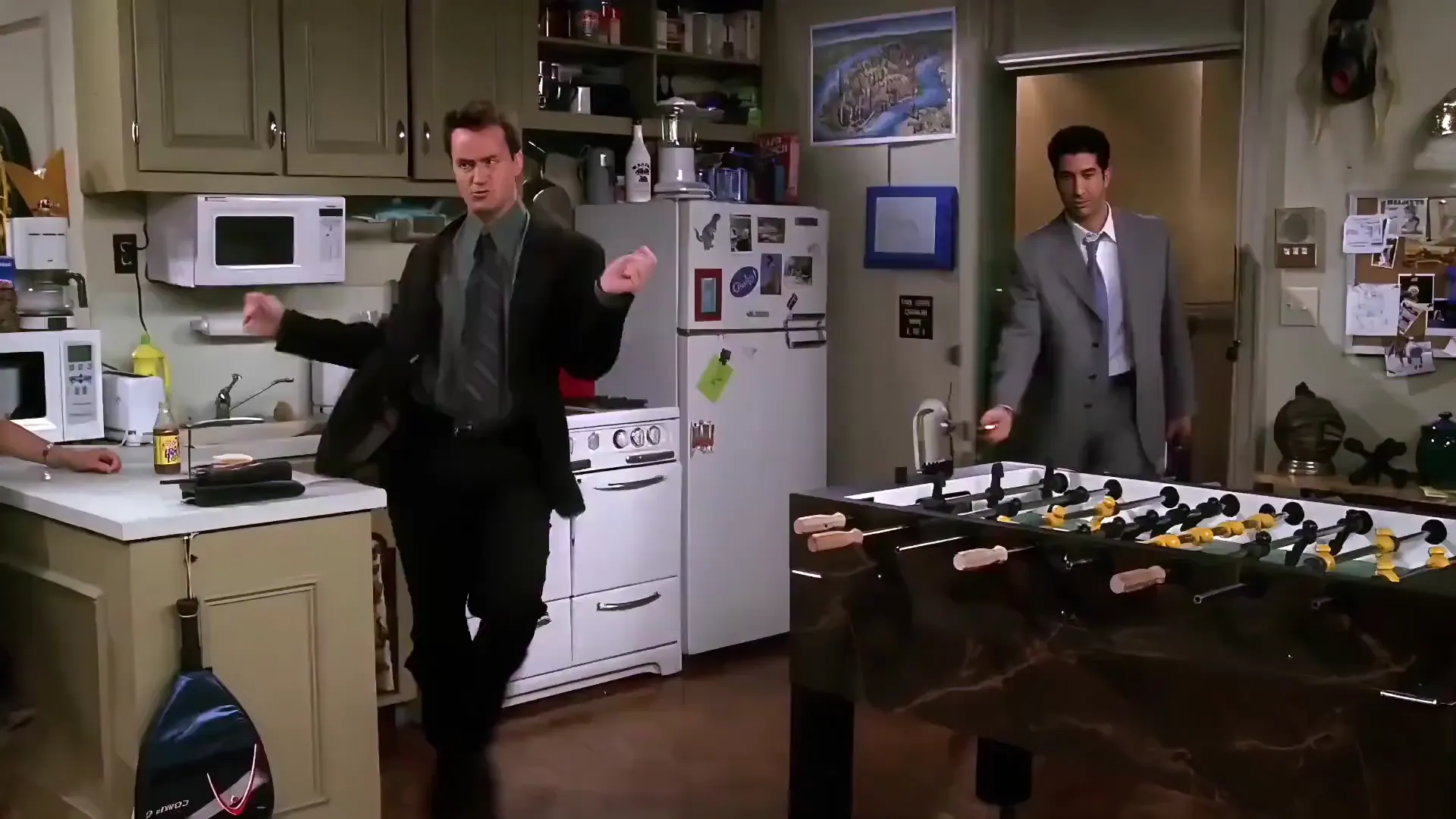
Identify, track, and replace multiple characters in a single pass. Orchestrate complex multi-character interactions without tedious manual masking or multiple passes.
Select a Character
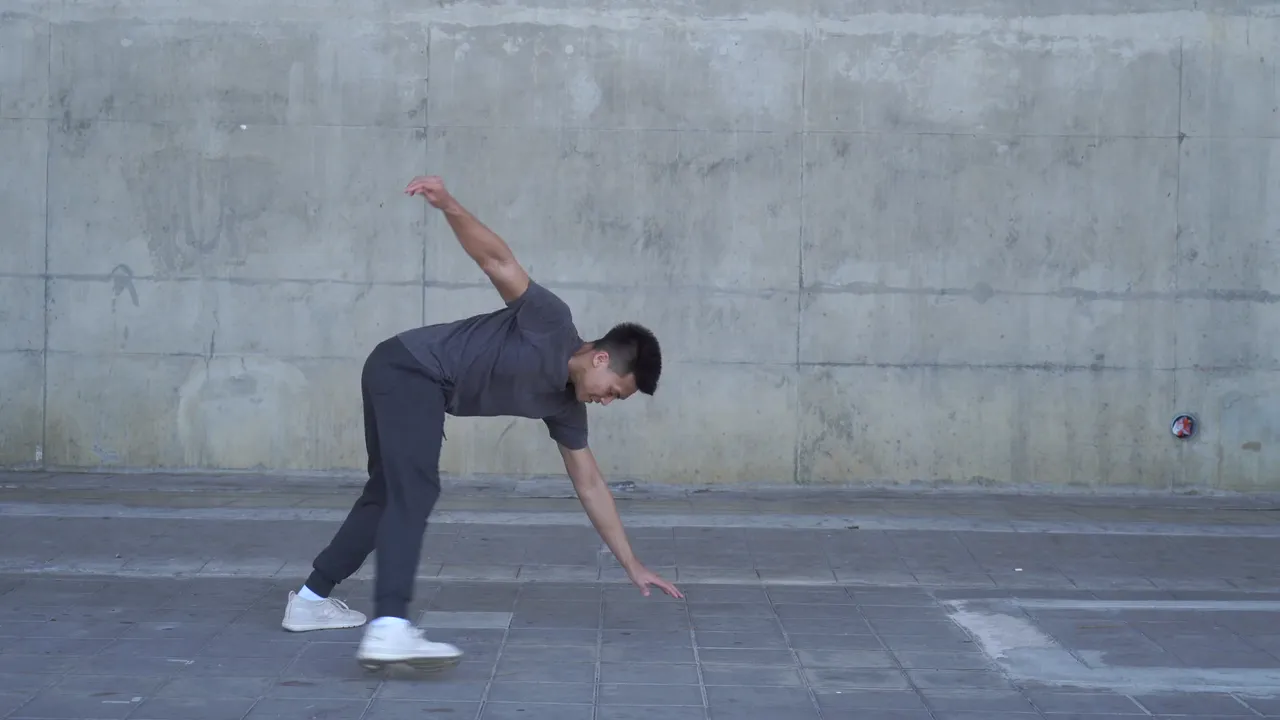
Viggle's Capabilities
100% Consistency
What you see is exactly what you get. No flickering, no structural collapse.
Zero Guesswork
One click, perfect results. Eliminate the need for repetitive prompting and regeneration.
Real-time Speed
Rendering speeds an order of magnitude faster than traditional video generation models.
Unmatched Value
Studio-grade production power at a fraction of traditional rendering costs.
AI motion capture from any video
PINOC reads the motion in your footage and turns it into 3D skeletal animation. Phone footage is enough — no suit, no sensors, no studio.
Text to 3D motion
Describe a move in plain language and get the animation, with up to 4 variations per batch.
Exports into your pipeline
FBX or GLB on a 65-bone Mixamo-named skeleton, ready for Blender, Unity, Unreal, or Maya.
Where the Internet Comes to Animate















From the creators
Even for professionals, at the very least, Viggle provides a powerful tool for previsualization, allowing for better control and efficiency in planning complex shots.
Ready to redefine your animation workflow?
Frequently Asked Questions
What is Viggle and how is it different from other animation tools?
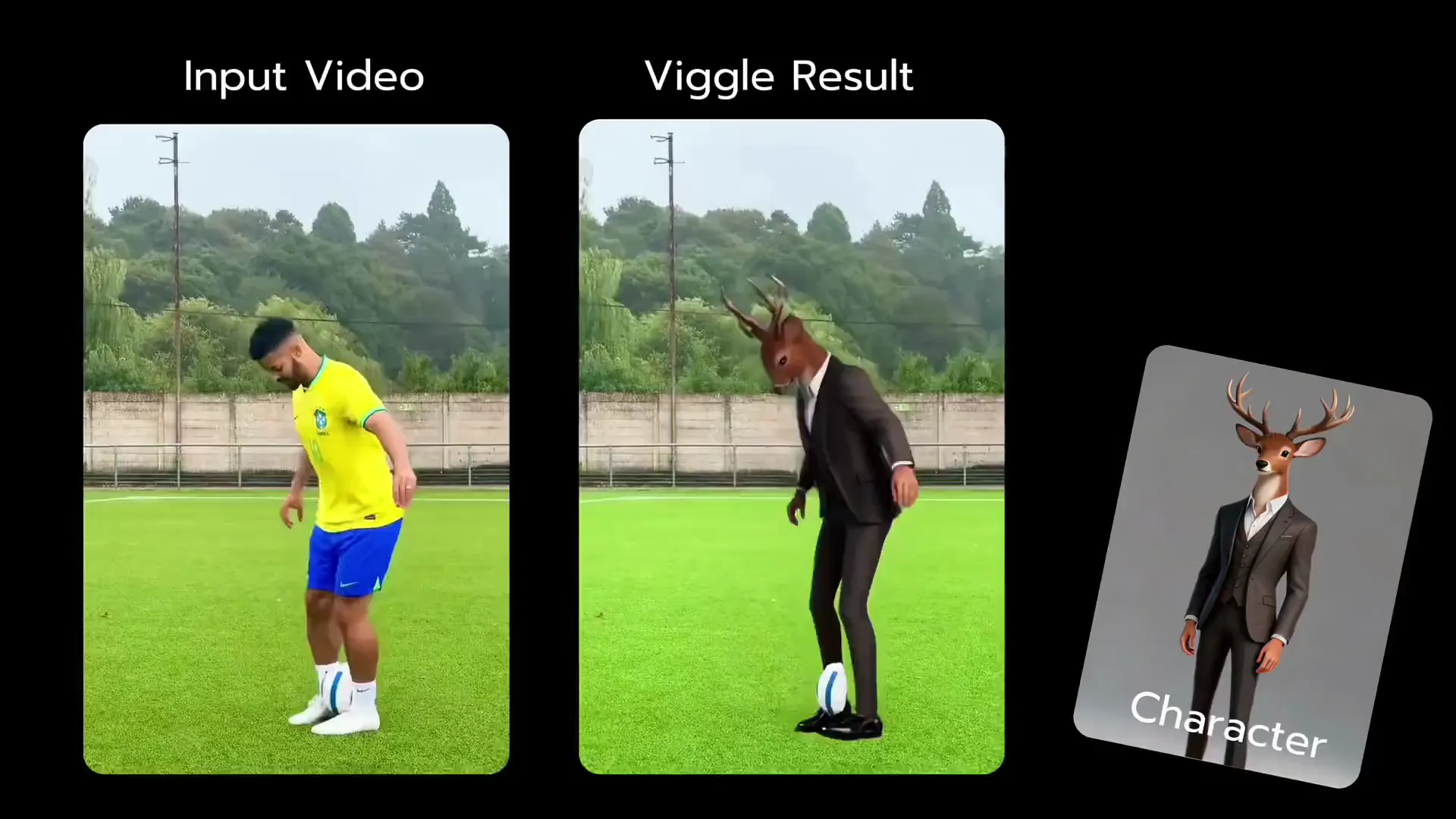
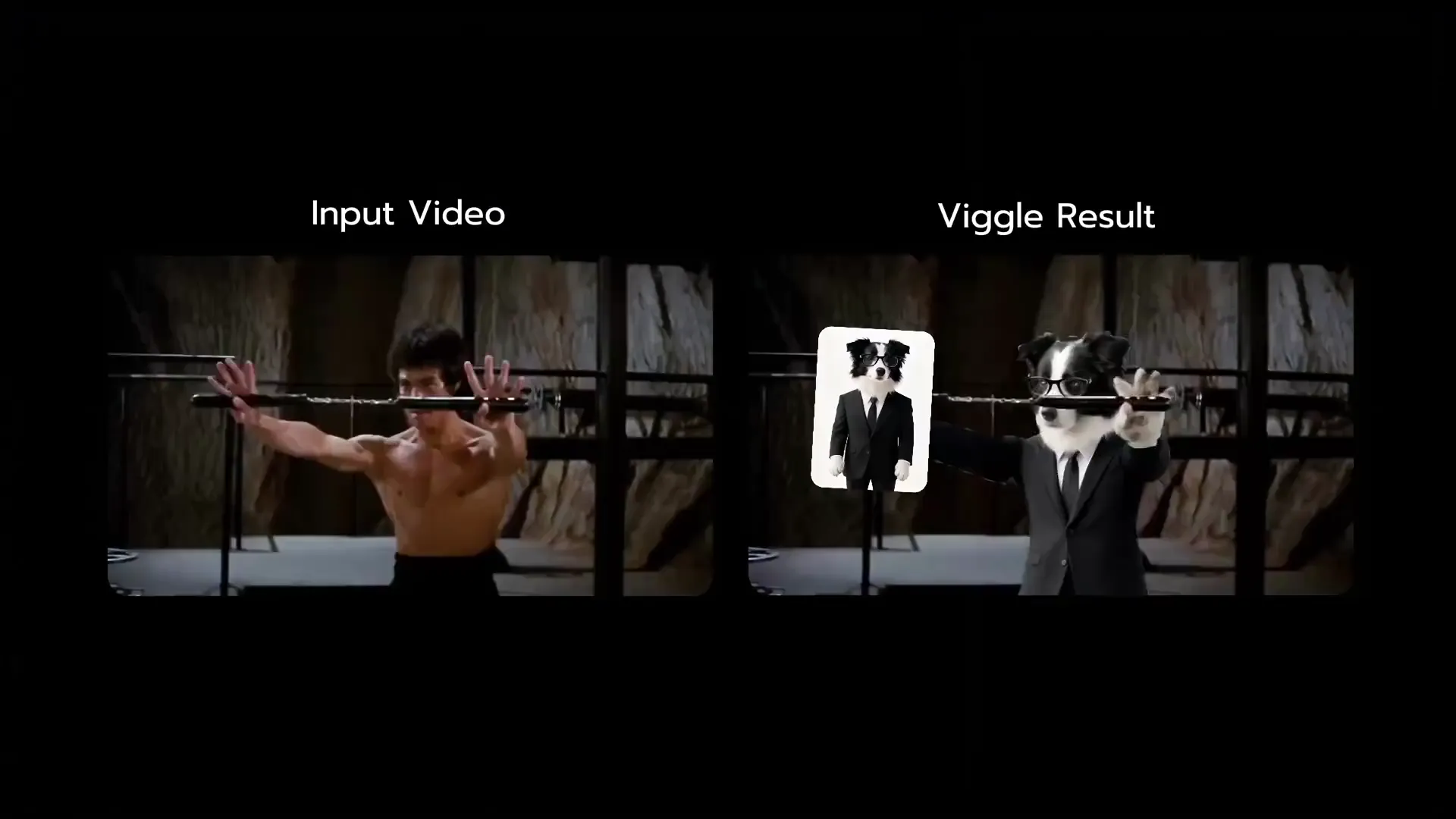
Viggle is the first motion control platform built on a physics-aware generative model. Unlike other video tools that produce inconsistent or flickering output, Viggle delivers 100% frame-by-frame character consistency — meaning your character looks identical across every single frame. This makes it the only animation tool reliable enough for professional VFX, advertising, and film production.
How does Viggle motion control actually work?
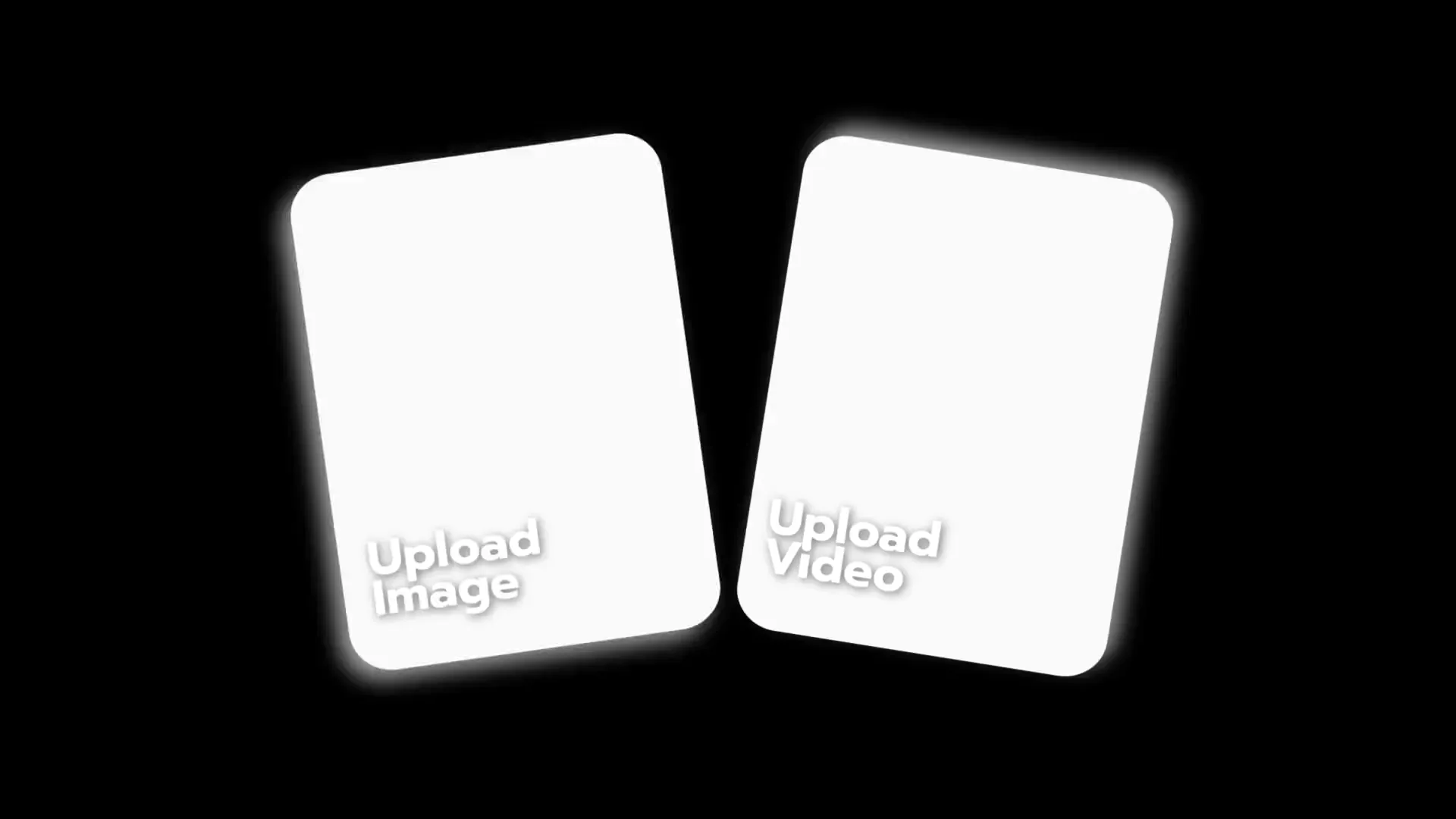
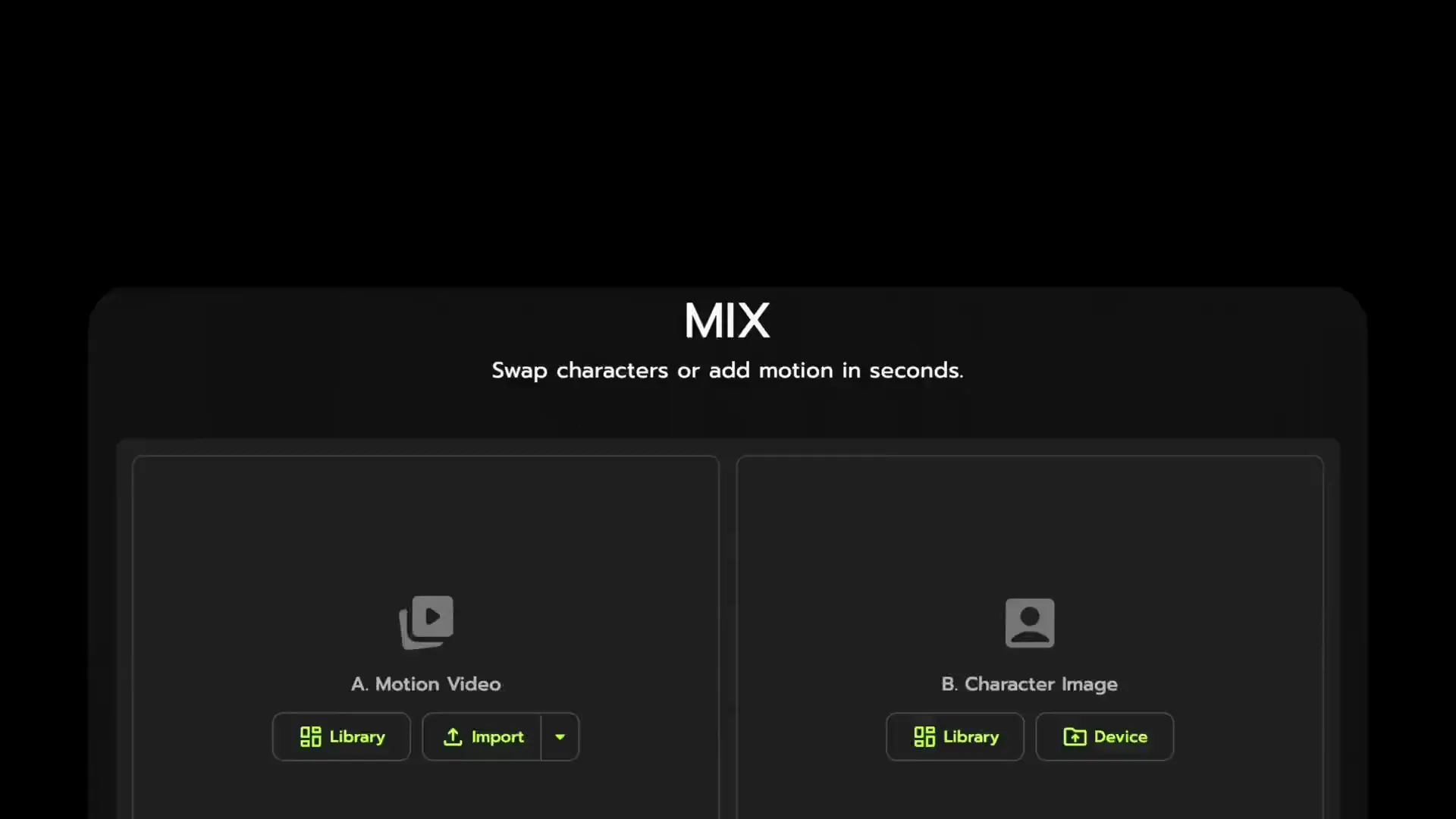
You upload a character image and a source motion (video or motion capture data), and Viggle transfers the motion onto your character with physically accurate body mechanics. The result is a fully animated character with no structural collapse, no distortion, and no manual cleanup required. The entire process takes seconds — not hours — and produces results that are ready for production pipelines.
Do I need animation or VFX experience to use Viggle?
No. Viggle is designed to be intuitive for beginners while powerful enough for industry professionals. There is no rigging, no keyframing, and no complex prompting. You get professional-quality character animation in one click. Whether you are a solo content creator, a motion designer, or a VFX supervisor at a studio, Viggle fits your workflow.
What can I create with Viggle?
Viggle supports character swapping, animation generation, and precise motion transfer. Common use cases include animated social media content, music videos, short films, advertising campaigns, game asset previsualization, and full VFX production. Creators use Viggle to produce studio-grade character animation at a fraction of the cost and time of traditional methods.
How fast is Viggle compared to traditional animation?
Viggle renders an order of magnitude faster than conventional 3D animation or motion capture pipelines. What traditionally takes hours of rigging, keyframing, and rendering is completed in seconds to minutes. This speed makes it practical for tight production deadlines, iterative creative workflows, and rapid prototyping — without sacrificing quality.
Can I use Viggle output in commercial and client projects?
Yes. All content generated with Viggle is cleared for commercial use, including advertising, branded content, client deliverables, and distribution across any platform. Viggle is already trusted by professionals at leading studios and brands worldwide. See our Terms of Service for full licensing details.
What file formats does Viggle support?
Viggle accepts MP4, MOV, and WebM video inputs along with PNG, JPG, and WebP character images. Output is delivered as high-quality MP4 ready for editing in Premiere Pro, After Effects, DaVinci Resolve, or any standard NLE. No format conversion needed — it drops straight into your existing production pipeline.
How do I get started with Viggle?
Getting started is free and takes under a minute. Visit viggle.ai, create an account, and you can begin animating characters immediately — no downloads, no installation, no credit card required. Upload a character image, choose a motion, and see results in seconds.