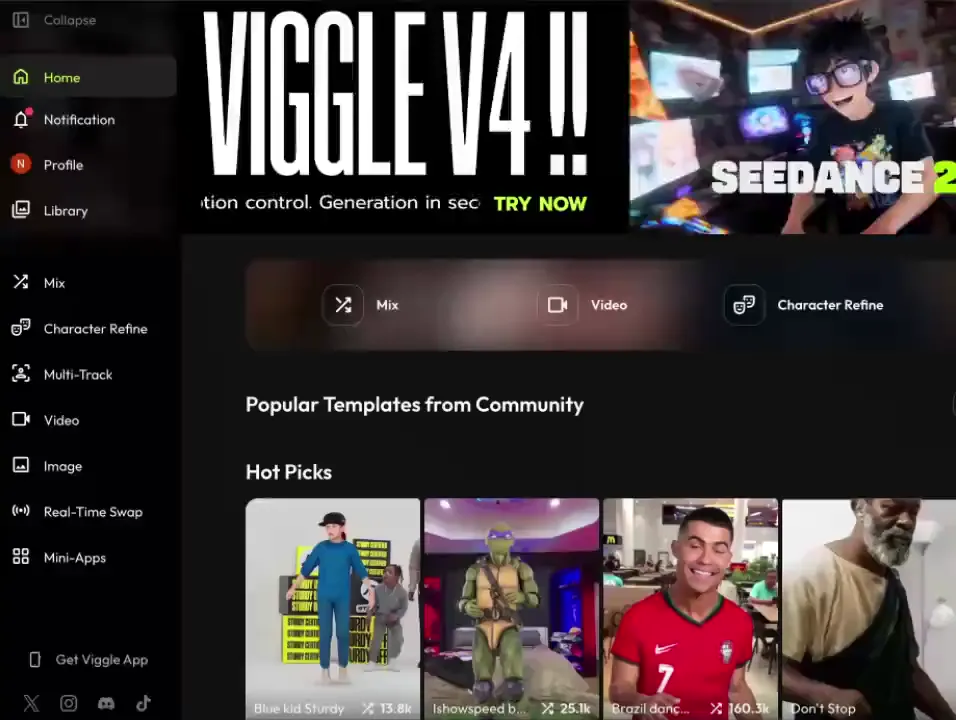
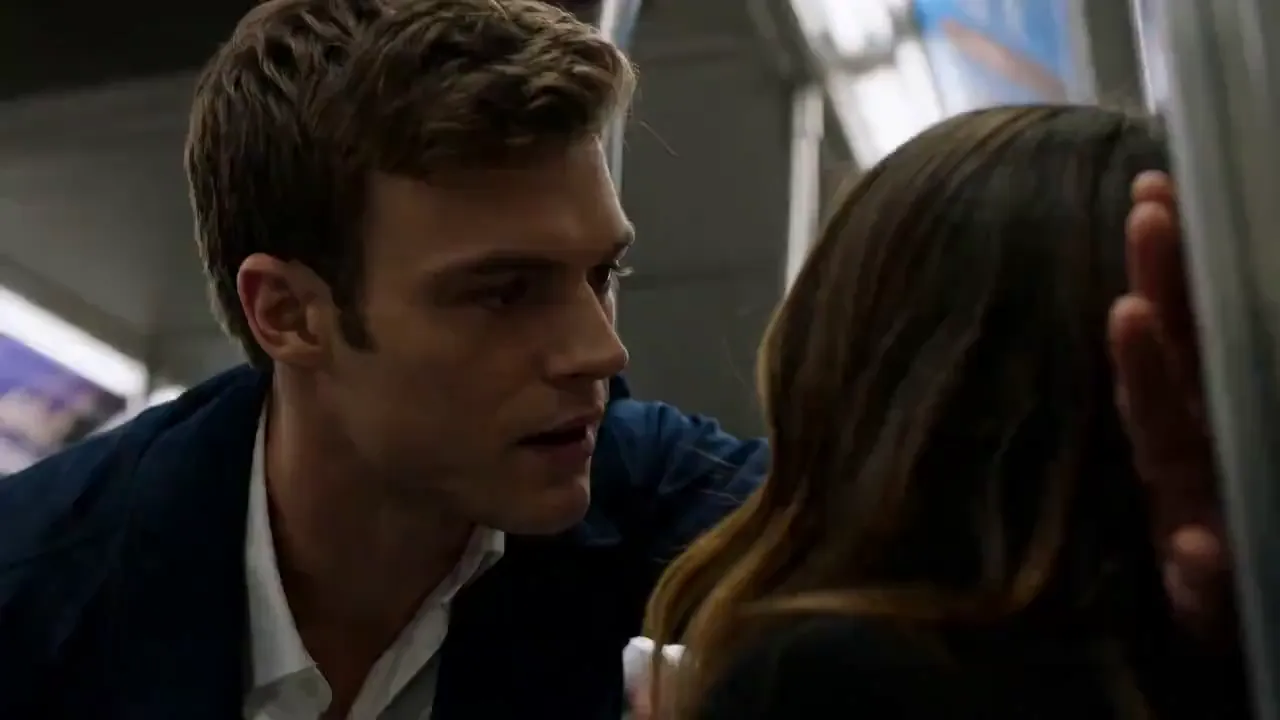
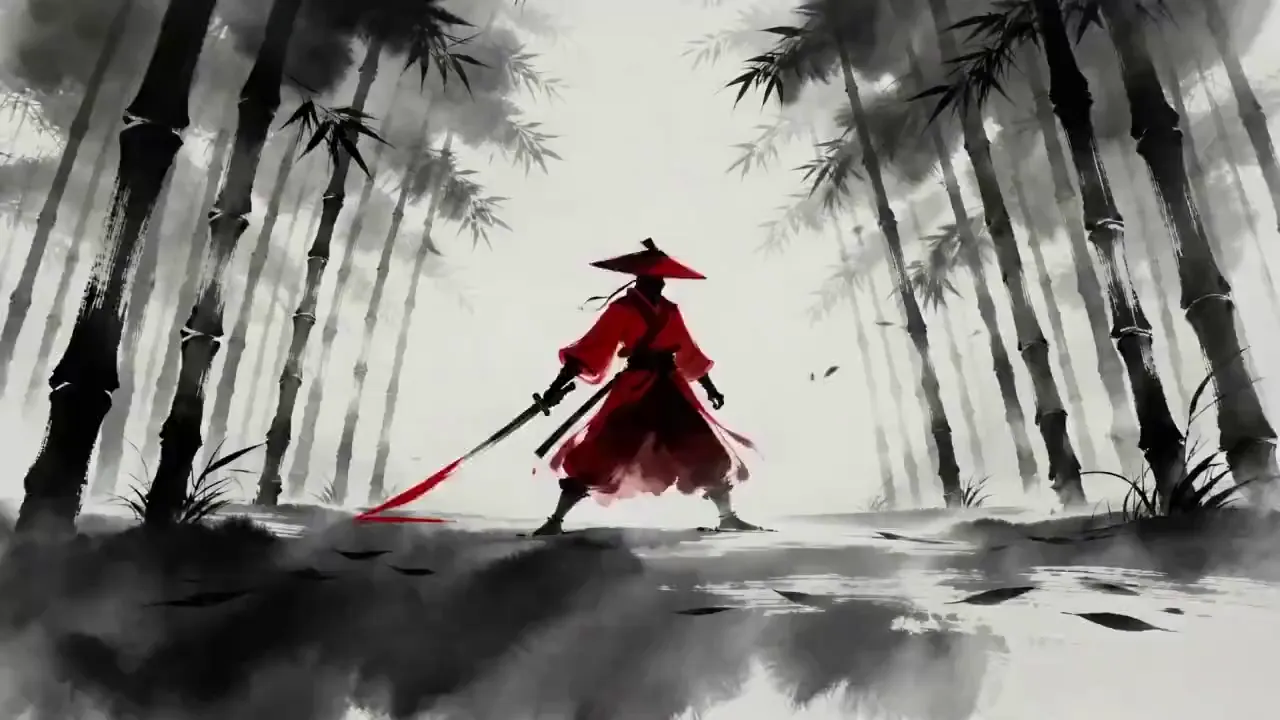
Seedance 2.0
on Viggle AI
Generate up to 15-second videos with synced audio, multi-shot cuts, and reference-driven control. Text, images, video, and audio in, finished video out.
Start GeneratingHow to Use Seedance 2.0 on Viggle
Select Seedance 2.0
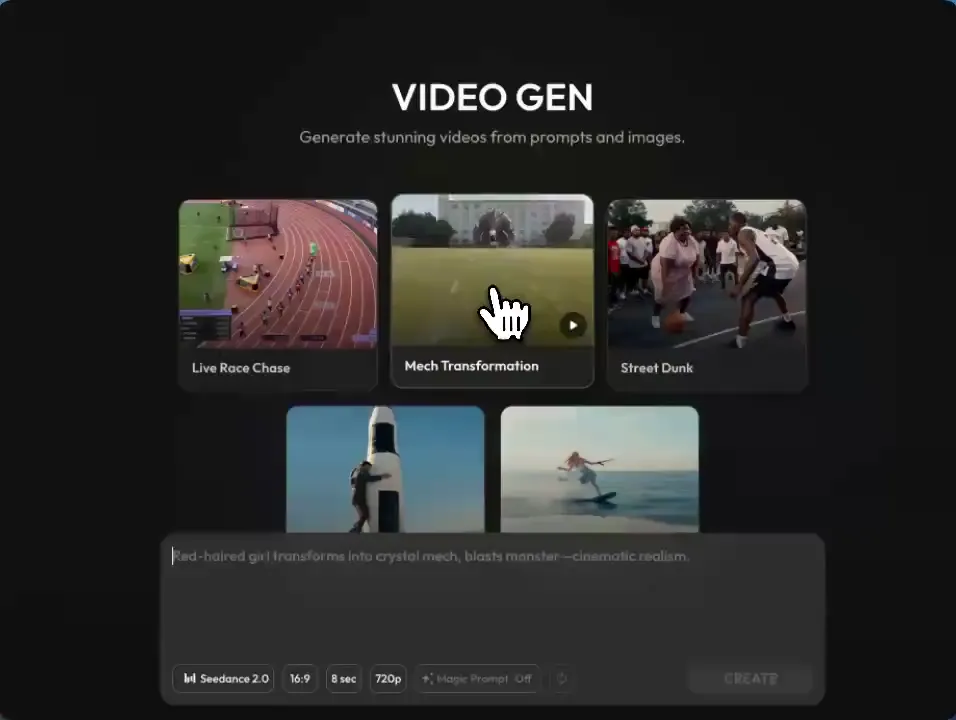
Open Video on Viggle. Pick Seedance 2.0 from the model dropdown. Optionally upload reference images or video clips.
Write Your Prompt
Describe your scene: camera angles, character actions, sounds. Example: "A dancer in a neon-lit studio, upbeat electronic music, tracking shot."
Create & Download
Hit Create. Seedance 2.0 outputs video with synced audio, camera transitions, and consistent characters. Download when ready.
What is Seedance 2.0?
You Direct, It Shoots
Seedance 2.0 accepts text, images, video clips, and audio as inputs. Upload a photo for the character look, a video for the camera style, an audio track for the rhythm, and describe the scene in text. The model combines all of these into one output. Most other models only take text.
Audio and Video in One Pass
The model generates audio and video together using a unified architecture. Dialogue, music, and sound effects come out synced with the visuals. There's no separate audio step, no post-production alignment. What you get is ready to use.
Multi-Shot Sequences, Not Just Clips
A single generation can contain multiple shots with natural cuts between them. Characters, lighting, and visual style stay consistent across shots. Most video models give you one continuous clip with no editing. Seedance gives you something closer to an edited sequence.
Up to 15 Seconds Per Generation
Each generation produces up to 15 seconds of video. That is longer than most competing models. Chain multiple generations together for longer sequences while keeping characters and style consistent.
Technical Specifications
Use Cases
Music Videos & Dance
Seedance syncs visual cuts to audio rhythm. Upload a track, describe the choreography, and get a multi-shot music video with matched timing.
Ads & Product Videos
Generate multiple ad variations from product photos. Test different angles, environments, and styles without a production team.
Short Film & Storytelling
Multi-shot sequences with consistent characters and natural transitions. Prototype a scene or create a complete short in one generation.
Social & UGC Content
Seedance generates vertical video (9:16) with audio baked in, so you get scroll-ready content out of the box. Upload a product photo or a reference clip and generate multiple variations for A/B testing across platforms.
Prototyping & Storyboarding
Generate visual concepts before committing to a full production. Show clients what a scene could look like, then decide whether to shoot for real.
Action & Fight Sequences
Seedance handles fast motion, collision dynamics, and rapid camera tracking. Generate fight choreography, chase scenes, or anime-style action with physics that feel grounded.
What Creators Are Saying
Viggle has become the go-to platform for anime fans, gamers, parody creators, and fandom communities. With Seedance 2.0, the creative toolbox just got a lot deeper.
I make anime edits and Viggle is the only platform where my characters actually move the way I want. Seedance 2.0 with the audio sync is a whole new level.
We tested Seedance 2.0 output against our usual production pipeline. Client couldn't tell which was which. That's when we started using it for real.
The parody community lives on Viggle. I put my friend's face on a K-pop dance, now I'm generating full scenes with Seedance. The memes basically make themselves.
I run a gaming fan channel. Viggle lets me animate game characters in ways that used to take a VFX team. Seedance added multi-shot so now I can do cutscene-style edits.
Generated a music video concept with lip-sync in 2 minutes. Showed it to the artist, she approved on the spot. We shot the real thing based on the AI draft.
Seedance 2.0 FAQ
Seedance 2.0 is a video generation model from ByteDance's Seed team. It uses a unified architecture that generates video and audio together, and accepts text, images, video, and audio as inputs.
Open Video on Viggle, pick Seedance 2.0 from the model dropdown, describe what you want, and hit Create. No API key or extra setup needed.
Text prompts, up to 9 reference images, 3 video clips (up to 15s each), and 3 audio clips (up to 15s each). Combine any of these to guide the output.
Yes. Seedance 2.0 uses a unified audio-video architecture, meaning audio is generated together with the video rather than added afterward.
Up to 15 seconds per generation. Chain multiple generations for longer sequences.
Music videos, ads, social content, and short film prototyping. The model emphasizes motion stability, audio sync, and multi-shot coherence.
Seedance 2.0 is available on all paid Viggle plans. The cheapest plan starts at $9.99/month.
Yes. Viggle also supports Veo 3.1, Wan 2.7, Wan 2.6, and Kling 3.0, with more models coming soon. You can switch between models from the Video Gen dropdown.
Still have questions? Try it.
Try Seedance 2.0See What Seedance 2.0
Can Do on Viggle
Multimodal video with built-in audio. Plans from $9.99/month.