logo

即刻化身任何人直播。

实时视频生成,实时角色替换。

实时变身任何人。

立即体验 Live
立即体验 Live

什么是 Viggle LIVE?

Viggle LIVE 是一款实时视频生成工具,通过摄像头驱动任意角色图片。只需上传一张图片——无需 3D 建模、绑定或动画技能。Viggle LIVE 即时将你的面部表情和动作映射到角色上,完美适配直播、表情包和虚拟表演。

免费体验 Live

如何使用 Viggle LIVE

如何使用 Viggle LIVE
步骤 1

注册 Viggle 账号

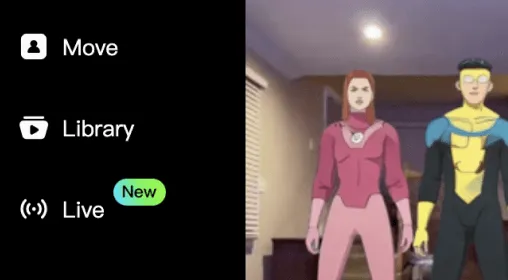
Find the Live feature in the left menu, or click Viggle LIVE to get started.
注册 Viggle 账号
步骤 2

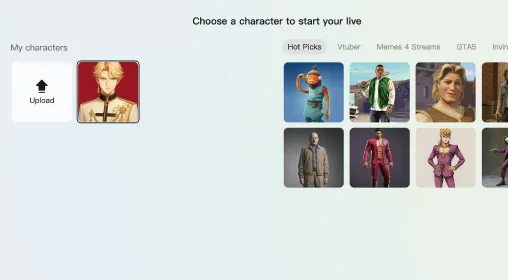
上传角色图片或选择预设角色

使用人形角色的高清图片以获得最佳效果。
上传角色图片或选择预设角色
步骤 3

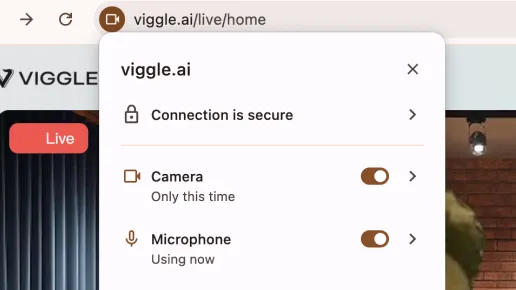
授权摄像头和麦克风并开始

开始免费试用,开启摄像头和麦克风,实时视频生成将在数秒内呈现。
授权摄像头和麦克风并开始
步骤 4

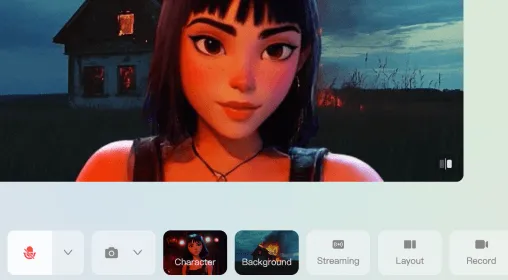
直播、切换角色和背景,或录制

进入后,探索不同背景和角色。将 Viggle LIVE 连接至你的直播账号开播,或录制实时动画留作后用。
直播、切换角色和背景,或录制

用 Viggle LIVE 能创作什么

01

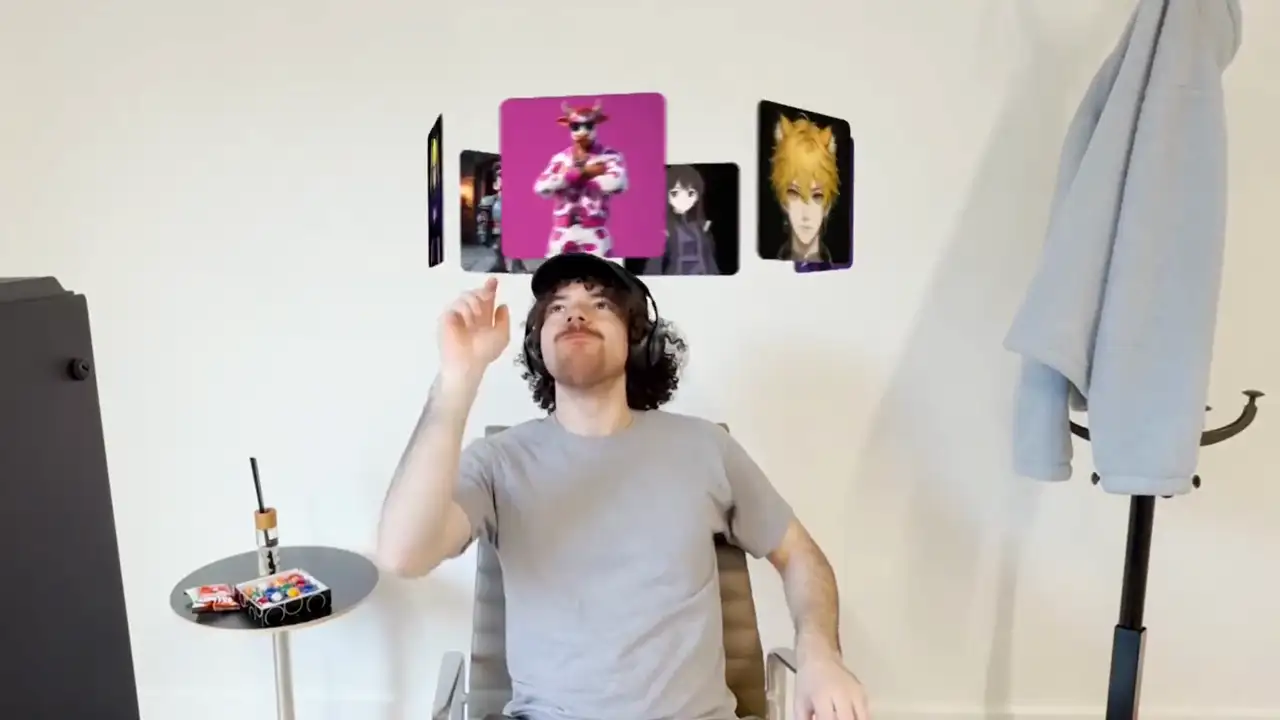
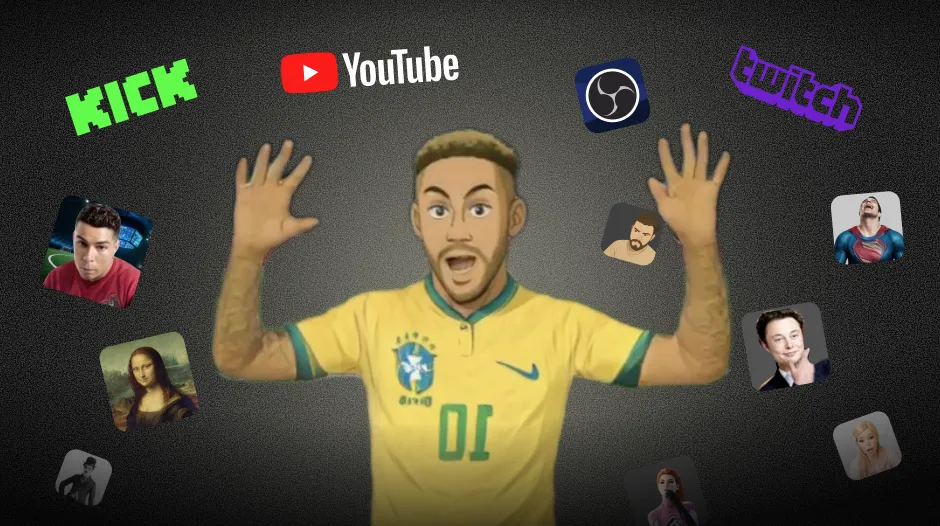
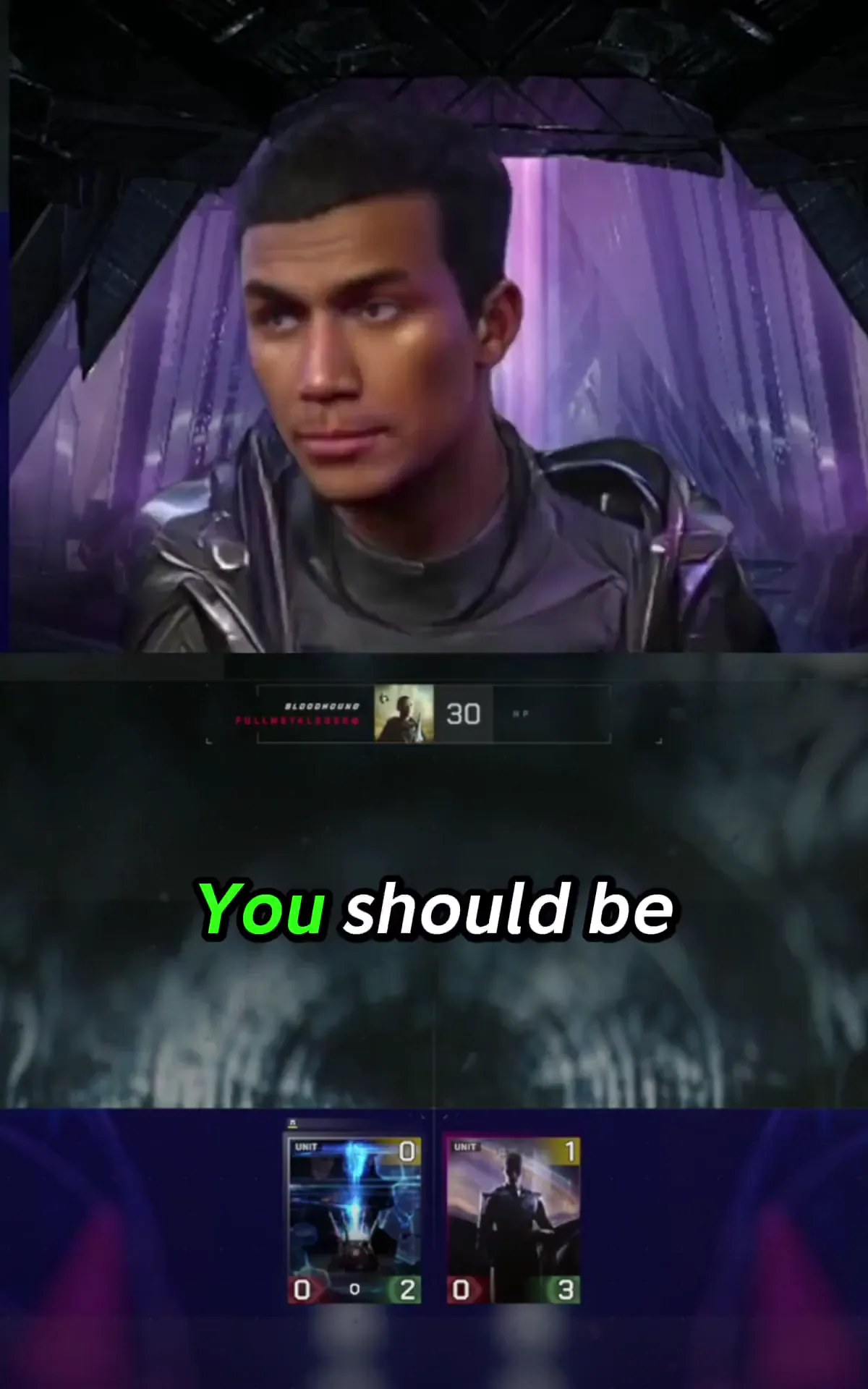
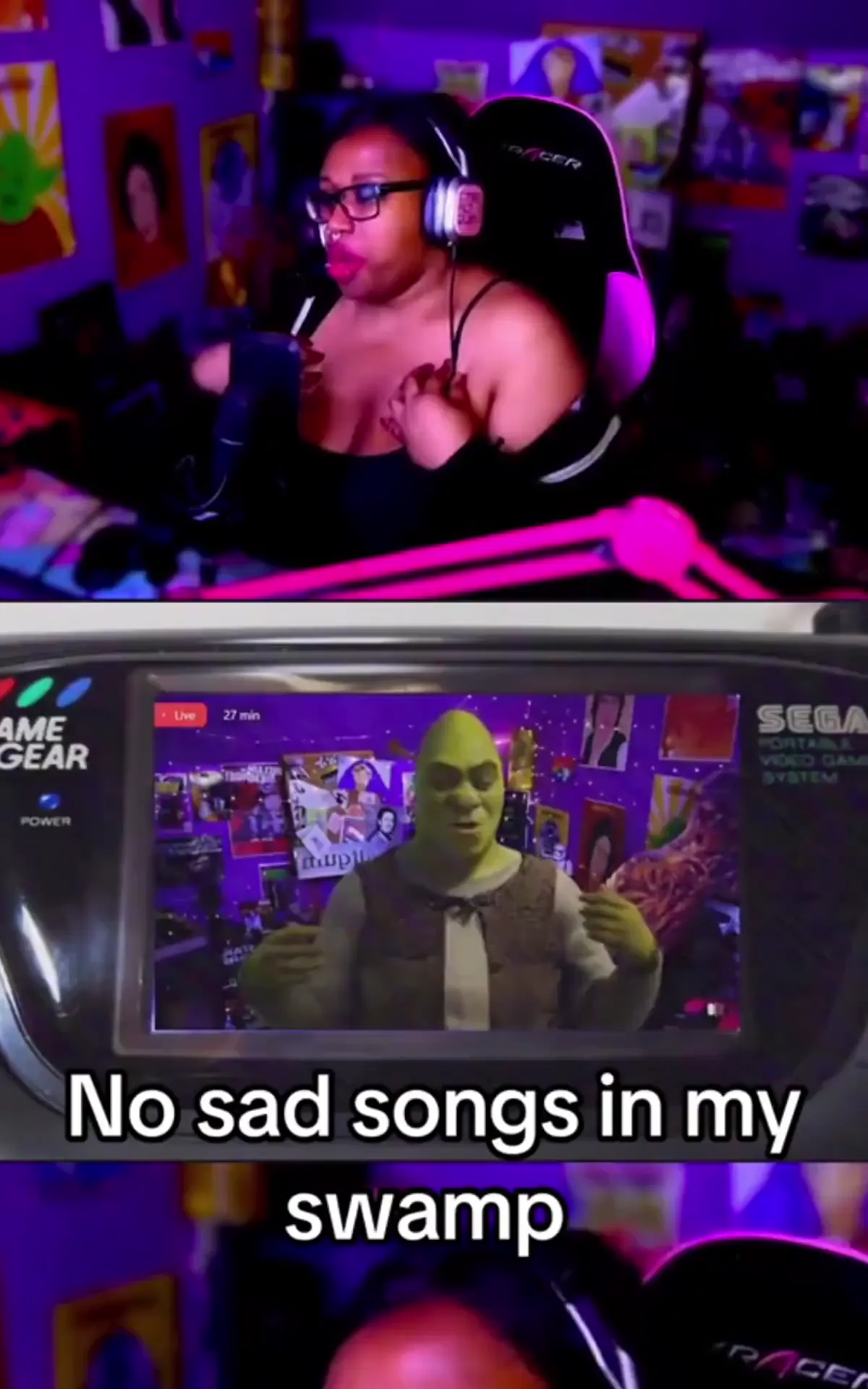
以任意角色直播——无需绑骨

Easily transform into any character during your livestream—no rigging or 3D modeling required. Just upload an image, turn on your webcam, and animate your avatar in real time. You can connect Viggle LIVE to your streaming platform using OBS or other virtual camera-compatible tools. Check this tutorial video for a guide.

立即开始
arrow-right
meme-image

02

实时动捕、角色切换与预可视化

Use Viggle LIVE for quick previsualization or experimenting with different characters on the fly. Its real-time motion capture tracks your facial expressions and whole body movement using just a webcam—no suits, markers required. Your motion is instantly applied to the character. Ideal for creators and directors to prototype ideas fast.

立即开始
arrow-right
03

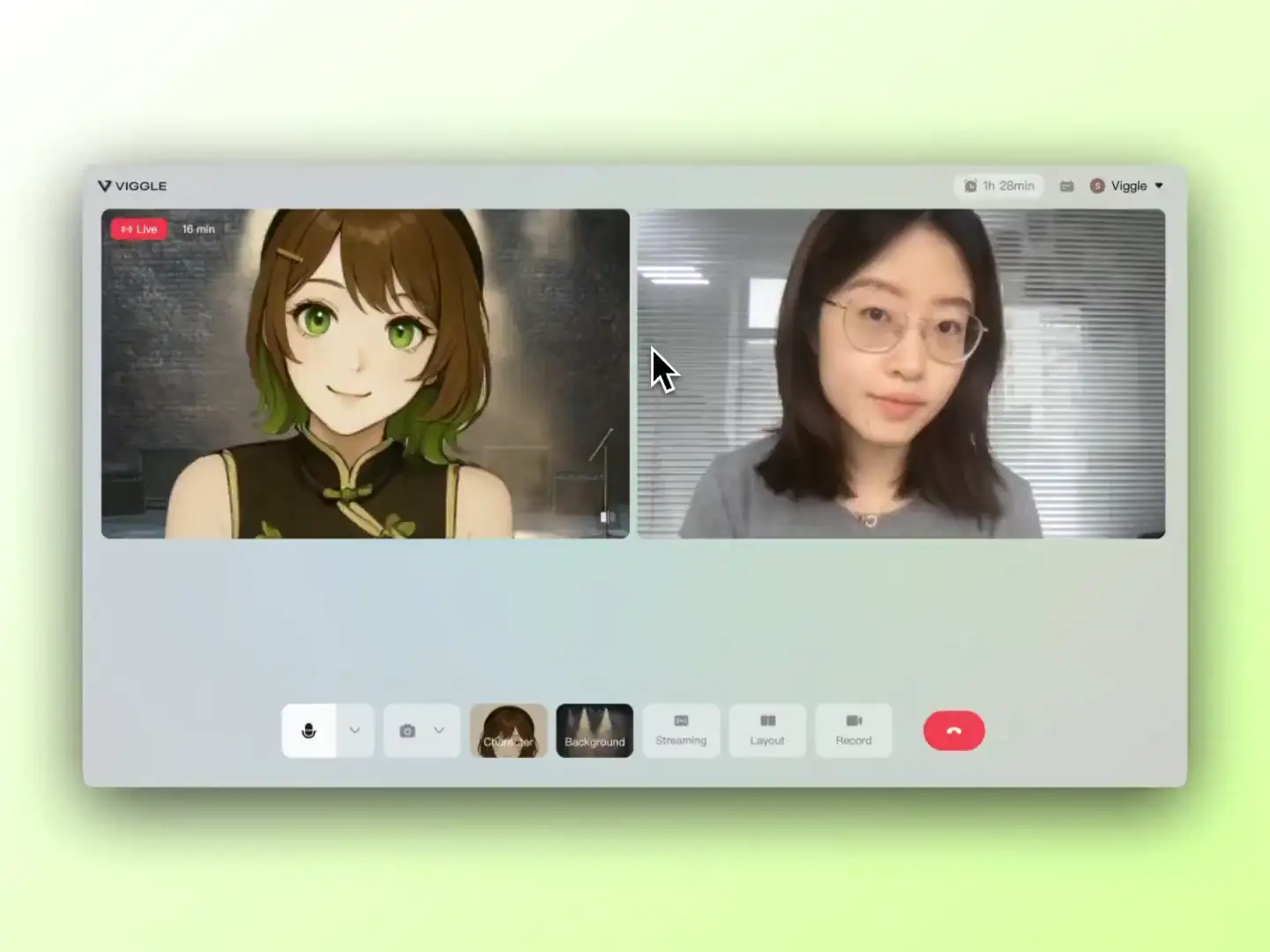
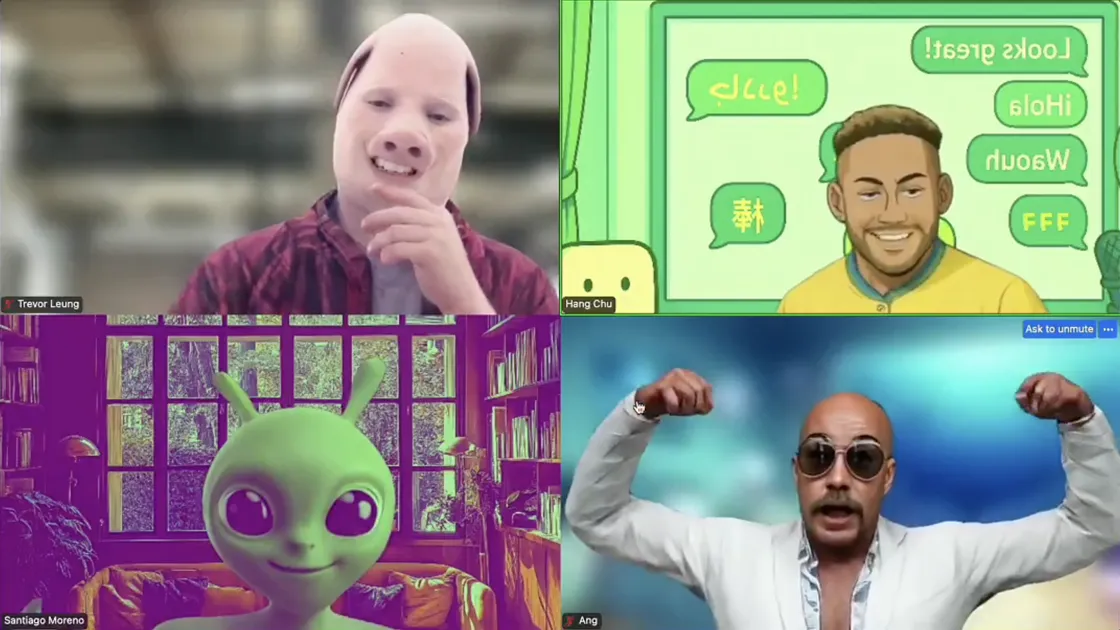
以 AI 虚拟形象参加 Zoom 会议

以动态虚拟形象实时出现在视频通话中,为会议增添创意。无论是娱乐、保护隐私还是内容创作,Viggle LIVE 均可与视频会议工具无缝配合使用。

立即开始
arrow-right
meme-image

主播们如何使用 Viggle LIVE

来自 Vtuber、主播和内容创作者的真实反馈

Trey Brown
Trey Brown
Twitch 综艺主播
5 星好评
这是和观众互动的绝佳方式。他们随口说个名字,我立刻切换成那个角色,整场直播变得更有趣、更有惊喜感。
Ray Tanaka
Ray Tanaka
游戏主播
5 星好评
Didn't feel like showing my face when I stream gameplay, so I threw an image of my favorite game character into Viggle LIVE. Ten seconds later, I had him talking and doing my reactions while I play games! Peak laziness. I'm in.
Jules
Jules
OC 创作者
5 星好评
我上传了一张自创角色的图片,没抱太大期望……结果效果出乎意料地好!感觉我的角色真的活了。
Toby
Toby
整蛊主播 / Omegle 创作者
5 星好评
I'm an Omegle streamer, and recently I started using Viggle LIVE in my calls — it was hilarious. I swapped through a bunch of different faces, and watching people on the other side get totally confused or shocked was gold. My chat completely lost it.
Tyrese Campbell
Tyrese Campbell
动画师与动态设计师
5 星好评
I run a small studio, and we've been using Viggle LIVE for quick real-time mocap and previs. All we need is a webcam and our character images. It's fast, scrappy, and gets the job done when we need quick motion tests.
Paul R. Zhang
Paul R. Zhang
虚拟主播
5 星好评
I looked into starting as a VTuber last year and gave up halfway — you need character design, rigging, face tracking software… the whole process was a lot. Recently I tried Viggle LIVE. I literally just uploaded a single drawing of my character, and it started moving with my face instantly. It even tracks body motion. The effect isn't perfect yet, but it's more than enough for what I need.

Frequently Asked Question

为什么选择 Viggle LIVE?

适合创作者,Viggle LIVE 让你只需一个摄像头和一张图片,即可实时驱动任意角色——无需 3D 建模、动捕设备或 Live2D 绑定。专为追求高效、灵活、低门槛创作的你而生。
适合主播,Viggle LIVE 可与 OBS、Streamlabs、Kick、Twitch、Zoom、Discord 等主流直播工具和平台无缝配合。无论你是 VTuber、直播主播、教育者还是数字表演者,Viggle LIVE 都能让实时动画变得简单易用、随时上播。查看 博客 了解更多教程。

什么是 Vtuber?

我可以用 Viggle LIVE 成为 Vtuber 吗?

使用 Viggle LIVE 直播,首先上传或选择角色图片。然后打开 OBS,进入「设置 → 推流」,连接 YouTube、Twitch 等直播平台。在 OBS 中添加浏览器源并粘贴 Viggle LIVE 链接。接着添加音频输入捕获源,进入「高级音频属性」,将同步偏移设置为 1500ms–2500ms 以校正声音延迟。最后点击「开始推流」即可以虚拟形象直播。查看这篇 blog article for a step-by-step guide.

Viggle LIVE 有延迟吗?

如何使用 Viggle LIVE 直播?

当然可以!Viggle LIVE 是入门 VTubing 的绝佳起点——无需复杂配置或 3D 绑骨。只需上传一张角色图片,开启摄像头即可开始表演。虚拟形象将实时同步您的面部表情、口型和肢体动作,让您轻松以角色身份直播。Viggle LIVE 消除了传统 VTubing 的门槛,如复杂建模、昂贵软件和漫长配置流程——让您直接享受乐趣。请查看我们的 tutorial video for step-by-step instructions on how to VTube with Viggle LIVE.

Viggle LIVE 的费用是多少?

免费
每天免费获得 5–10 分钟 Viggle LIVE 使用时长,每日刷新。
$24.99/月
每月享受 133 分钟的 Viggle LIVE 使用时长,尽在 Live 套餐。
$79.99/月
订阅 Live Max 套餐,解锁 800 分钟使用时长——专为主播和高频创作者打造。