logo

Free AI Avatar Generator

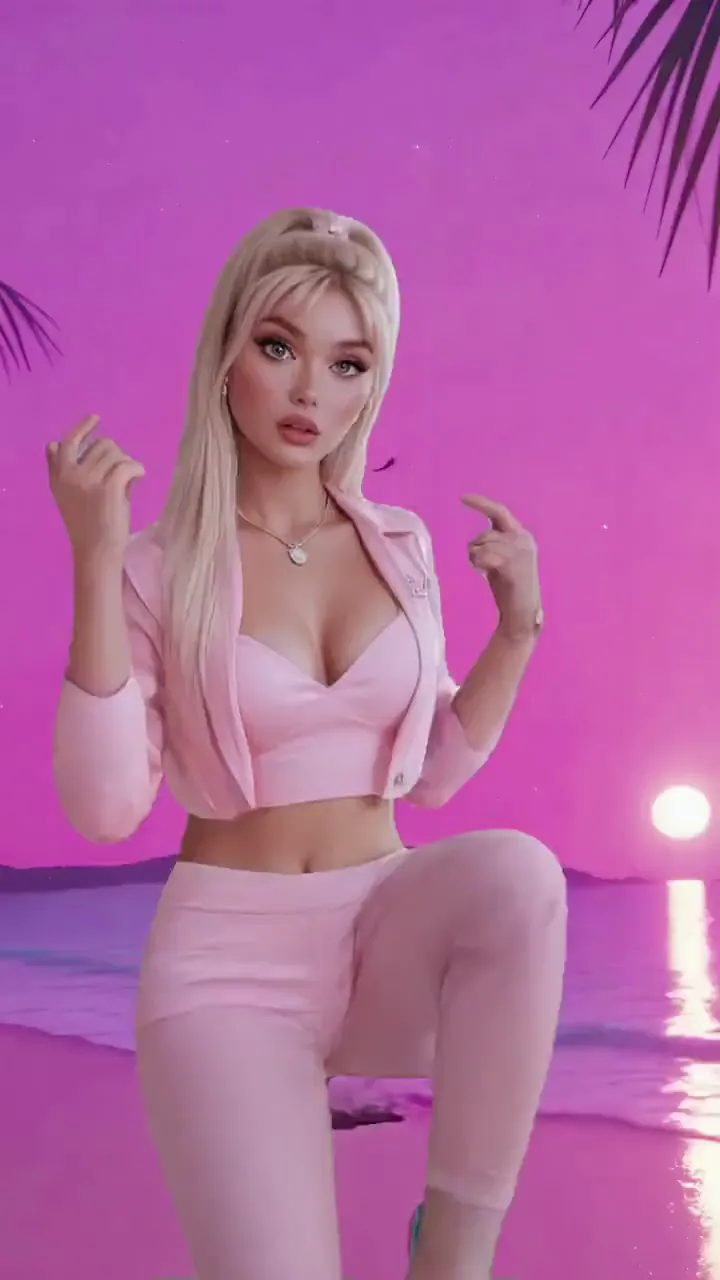
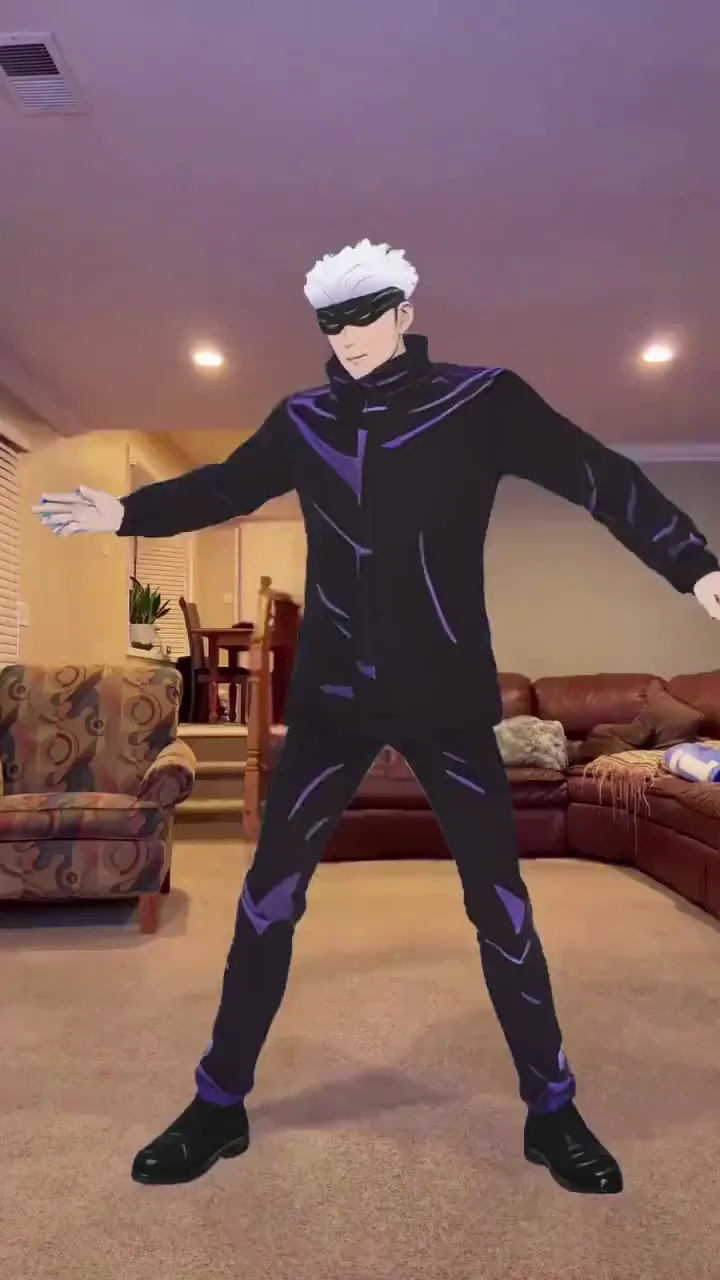
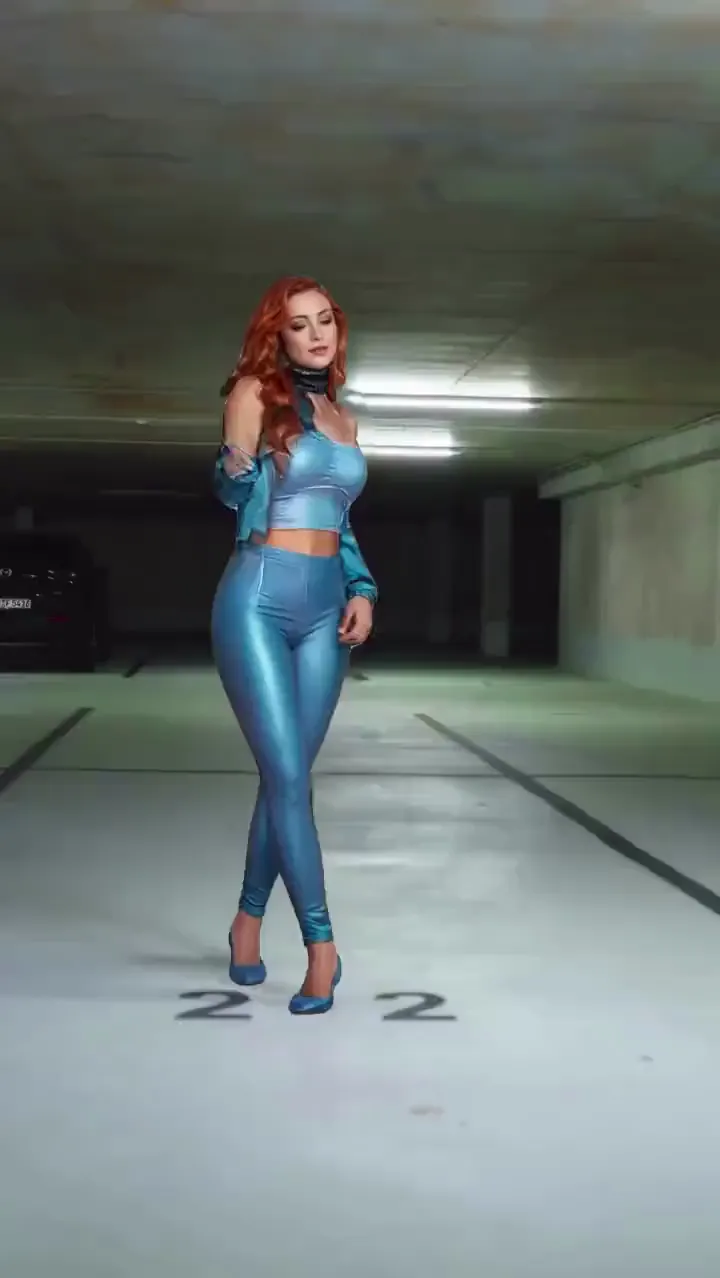
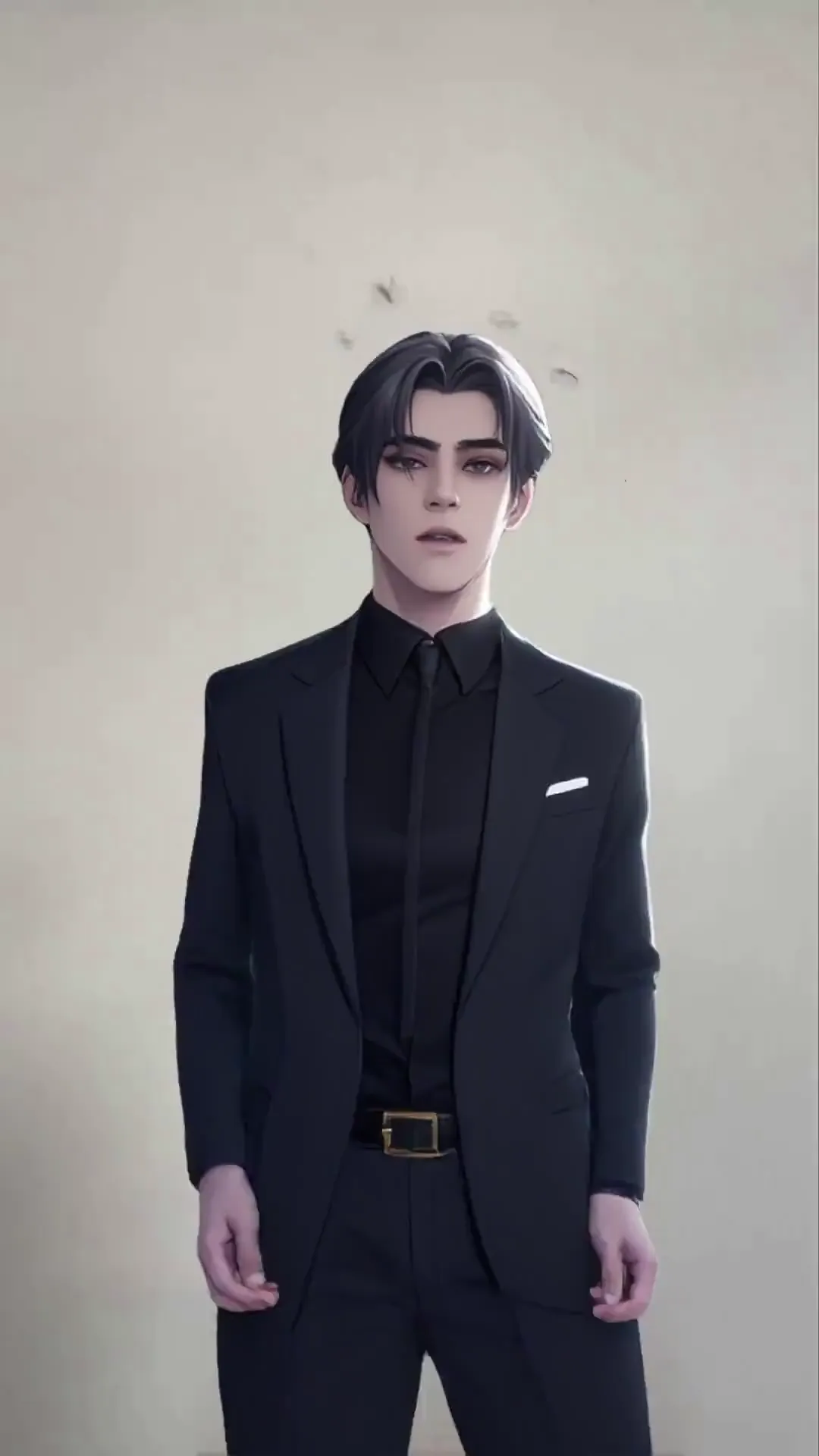
Turn any image into a moving, performing AI avatar — human, anime, 2D, 3D, cartoon, or non-human. Not a synthetic talking head — your actual character, animated with real motion.

40M+ Users4.8★ Rating on App Store

How To Create an AI Avatar With Viggle

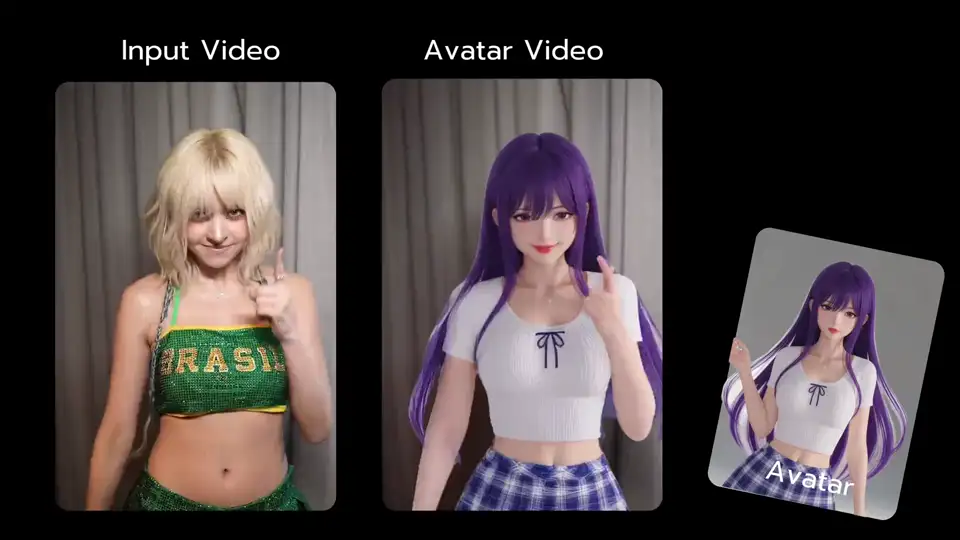
Making an AI avatar with Viggle takes seconds. Upload a photo, pick a motion template or your own video, and watch your avatar come to life with full-body movement. Signed-in users get up to 5 free videos per day.

Step 1
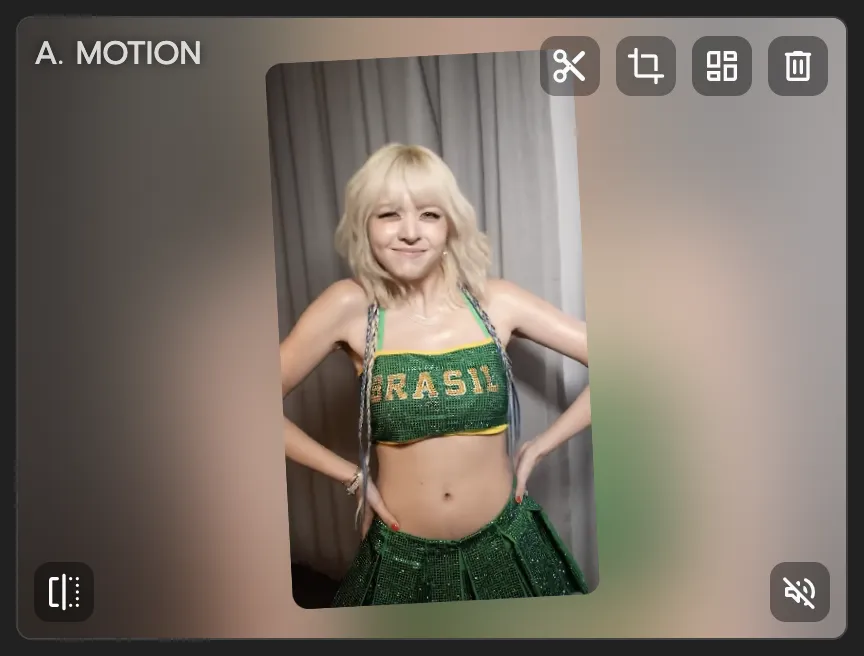
Pick a motion or template

Pick a motion or template

Choose from 8,000+ video templates — dances, sports moves, movie scenes, meme clips — or upload your own reference video.

Step 2
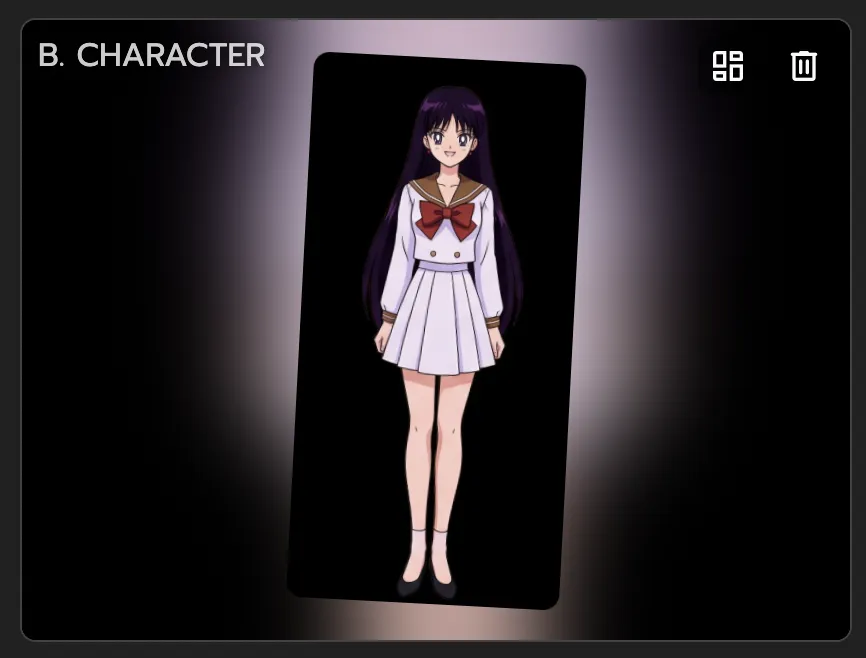
Upload any image — any character style

Upload any image — any character style

Open Viggle and upload any image: a selfie, an anime character, a 2D illustration, a 3D render, a cartoon, even a non-human creature or fantasy character. If it has a body, Viggle can animate it.

Step 3

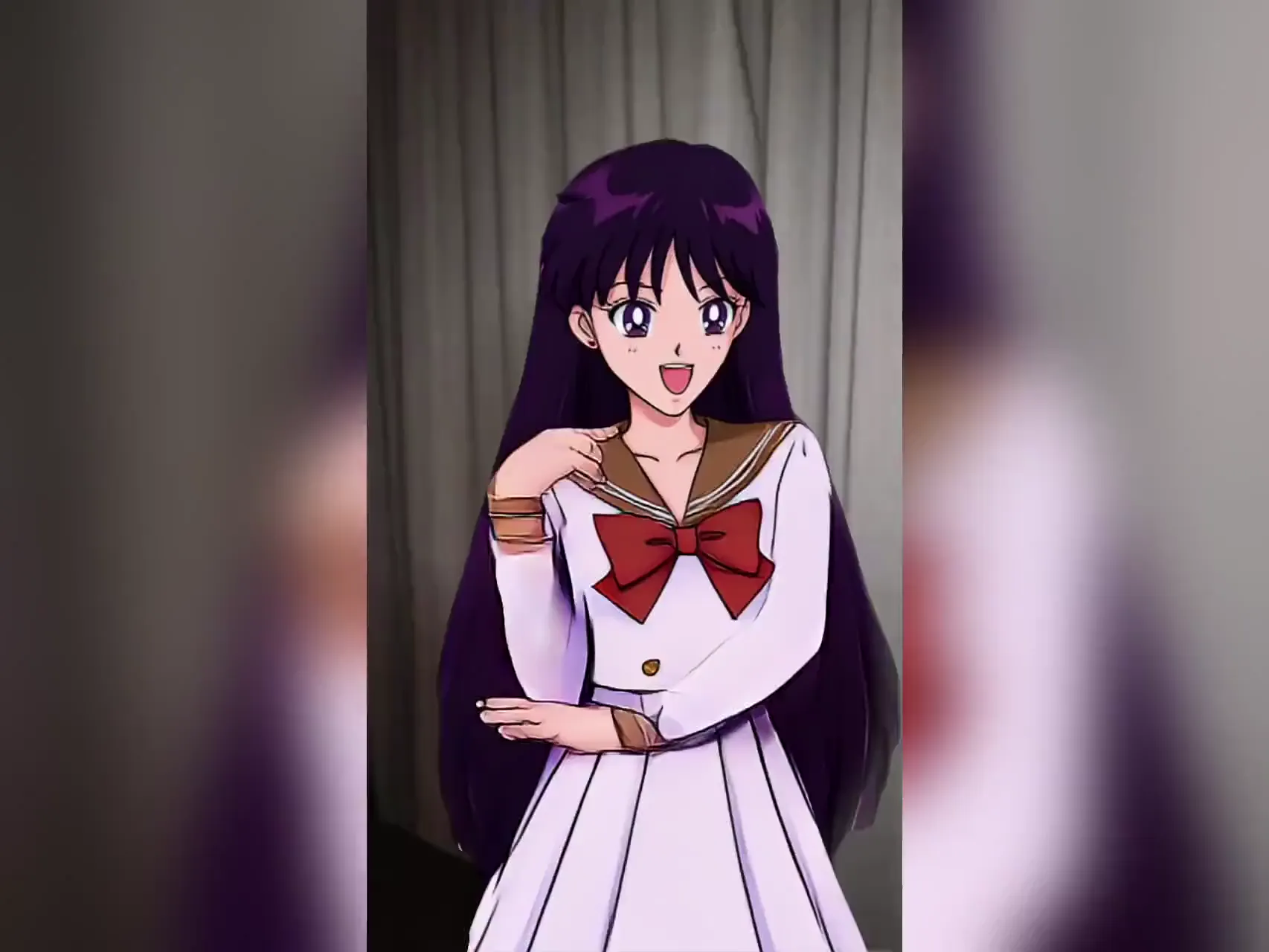
Download your animated avatar

Viggle's AI maps the motion onto your photo with full-body tracking. Download and share your avatar video anywhere.

Why Viggle Is the Best Free AI Avatar Generator

Your real photo — not a synthetic avatar

HeyGen and Synthesia give you a stock 'photo avatar' or 'talking photo' — a digital person reading a script from the chest up. Viggle is different: upload your photo and it becomes a full-body AI avatar that dances, performs action scenes, and moves with real physics. No voice synthesis required.

Try it free

Full-body motion, not a talking head

Viggle's self-developed JST-1 model understands 3D physics — body geometry, balance, momentum. Your avatar doesn't just nod and gesture from the chest up. It does full dances, sports moves, action scenes, and complex choreography that actually looks right.

See it in action

Any character style — human, anime, 2D, 3D, non-human

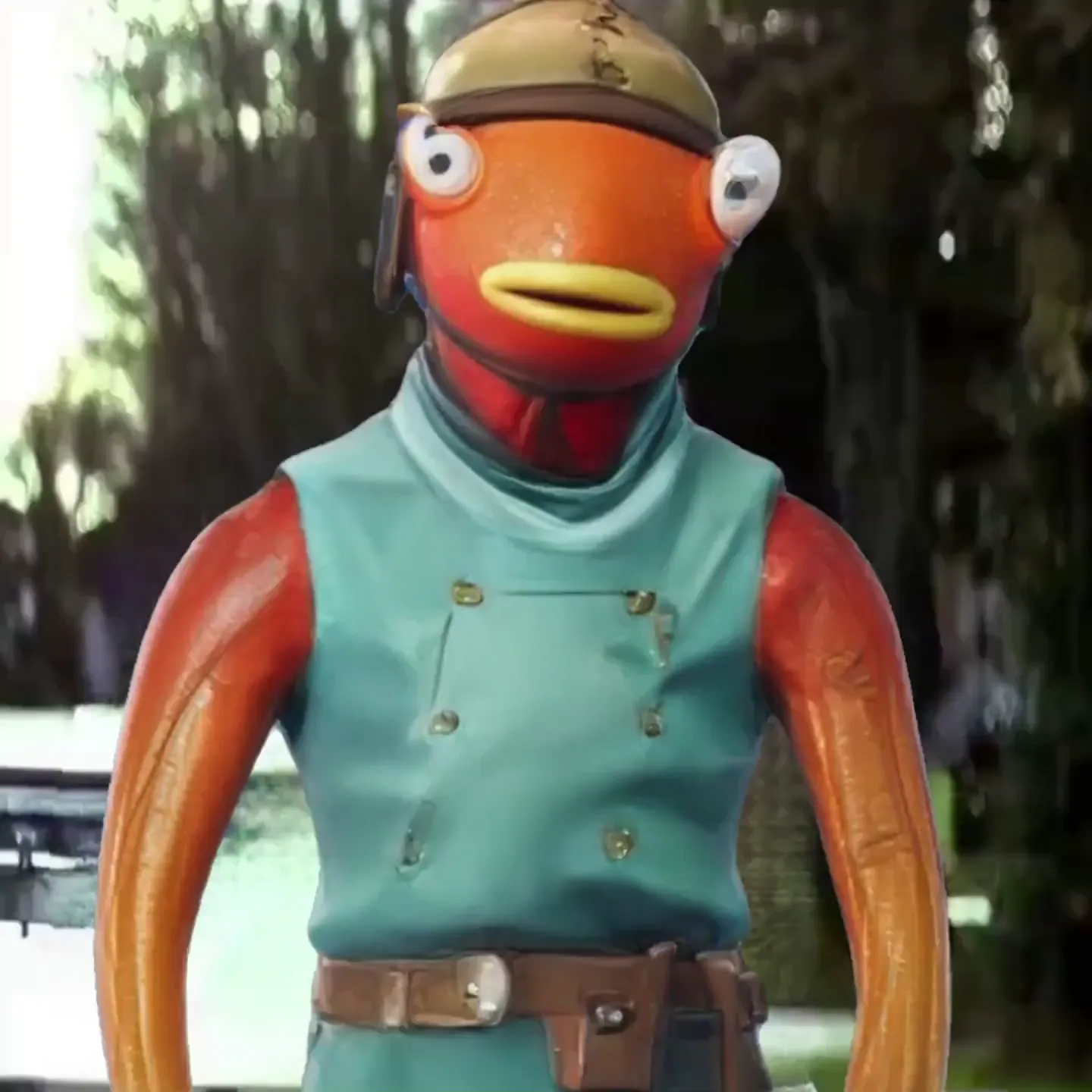
Most avatar tools only work with realistic human photos. Viggle works with any character style: anime characters, 2D illustrations, 3D renders, cartoon avatars, fantasy creatures, even pets. If it has a body and you can see it, Viggle can put it in motion.

Try any character

8,000+ motion templates for every style

Trending TikTok dances, NBA highlights, K-pop choreo, anime scenes, viral memes — pick a template and your avatar performs it instantly. New templates added regularly so you're always on trend.

Browse templates

Go live with Viggle LIVE

Turn your avatar into a real-time character for streaming. Viggle LIVE mirrors your face and body movements through your webcam — no 3D modeling, no rigging. Works with OBS, Streamlabs, Twitch, Kick, Zoom, and Discord.

Try Viggle LIVE

Script-to-motion: your character speaks your words

Use Viggle's mic feature to record or type a script — the character in your photo will deliver it with natural lip sync AND full-body motion. Not a static talking head: the whole body moves expressively as it speaks. Text-driven motion, no recording studio needed.

Try it free

See AI Avatars in Action

AI Avatar Generator Use Cases

01

Content Creators

Drop yourself into any trending video or dance clip. Your avatar stays on-brand while you stay behind the camera — or put yourself front and center.

02

Streamers & VTubers

Skip the 3D modeling pipeline. Upload one photo, go live, and your avatar mirrors your every move in real time. Viggle LIVE works with OBS, Twitch, Kick, and Zoom.

03

Music Video Creators

Need a performer for your music video? Upload a photo, add choreography from a reference clip, and get a full dance performance — with accurate lip sync if you want it.

04

Meme Makers

Turn yourself (or anyone) into the next viral meme. Pick a trending template, swap in your avatar, and watch the internet do its thing.

05

Brands & Marketers

Create on-brand avatar content at scale. Localize campaigns across regions, test creative concepts, or build character-driven social content — all without a video shoot.

06

Animators & Filmmakers

Use Viggle as a motion capture alternative. Animate characters from still images, build previs sequences, and test motion ideas — no mocap suit required.

Viggle vs Other AI Avatar Generators

Try Viggle Free
功能Viggle AIHeyGenSynthesiaD-ID
Animate your own photo⚠️ Limited
Full-body motion
Free to use⚠️ Limited⚠️ Limited⚠️ Limited
8,000+ templates
Real-time avatar mode
Physics-based 3D motion
UGC & social video creation
Text-driven / script-to-motion⚠️ Limited

Frequently Asked Questions

What is an AI avatar generator?

An AI avatar generator turns a photo or description into a digital character that can move, talk, or perform. Most tools create synthetic talking heads from stock templates. Viggle takes a different approach — you upload your own photo and it becomes a fully animated avatar with real motion, powered by Viggle's video-3D foundation model.

Is Viggle really free to use as an avatar generator?

Yes. Viggle is free to use — sign up and get up to 5 free avatar videos per day. No credit card needed. Paid plans give you more daily generations and faster processing.

How is Viggle different from HeyGen or Synthesia?

HeyGen and Synthesia generate synthetic digital people that read scripts — they're built for corporate presentations. Viggle animates YOUR actual photo with full-body motion from real reference videos. Think dancing, sports moves, action scenes — not a chest-up figure nodding at a teleprompter.

What kind of photos work best?

A clear, front-facing photo with good lighting works best. It can be a selfie, a full-body shot, even an illustration or anime character. Avoid photos with sunglasses, heavy filters, or anything blocking the face.

Does Viggle only work with human photos?

No — Viggle works with any character style. Anime characters, 2D illustrations, 3D CGI renders, cartoon avatars, fantasy creatures, non-human characters, even pets. As long as the image has a recognisable body, Viggle can animate it with full-body motion. This makes it popular with animators, VTubers, game developers, and anyone working with non-realistic or stylised characters.

Can my avatar do full-body movements?

Yes — that's what sets Viggle apart. Your avatar doesn't just talk or nod. It can dance, do sports moves, perform choreography, and handle complex motion like ballet, martial arts, or gymnastics. Viggle's JST-1 model understands 3D physics, so movements look natural.

Can I use my avatar for live streaming?

Yes. Viggle LIVE lets you turn any single image into a real-time avatar for streaming. It mirrors your face and body through your webcam with minimal latency. Works with OBS, Streamlabs, Twitch, Kick, Zoom, and Discord — no 3D modeling or rigging needed.

How long does it take to generate an avatar video?

Most avatar videos are ready in under a minute. Longer or more complex motion sequences may take a bit more time, but you won't be waiting around.

Does it work on mobile?

Yes. Viggle is available as a free app on iOS and Android, plus a web app you can use from any browser. Download from the App Store or Google Play for the best mobile experience.

Can I swap multiple characters in one video?

Yes. Viggle's Multi-Track editor lets you swap up to 7 characters or objects in the same video across scenes and shots. Great for group scenes, music videos, or multi-character stories.

Is Viggle a good HeyGen alternative for avatar creation?

It depends on what you need. HeyGen is built for corporate talking-head videos — you type a script, a synthetic avatar reads it with lip sync. Viggle is built for full-body motion: you upload a photo and it performs dances, sports moves, action scenes, and choreography from 8,000+ templates. If you want a digital spokesperson for a presentation, HeyGen is designed for that. If you want to animate a real photo with full-body movement for social content, streaming, or creative projects — and you want it free — Viggle is the better fit.

What is a talking photo AI and can Viggle do it?

A 'talking photo AI' (popularized by tools like HeyGen and D-ID) takes a still portrait and makes it appear to speak with lip sync — the mouth moves to match a voiceover, but the rest of the body stays static. Viggle does this and goes further: use the mic feature to record or type a script, and the character in your photo delivers it with natural lip sync plus full-body motion. The whole body moves expressively as it speaks — not just the face. You can also animate your photo with motion templates (dances, sports moves, action scenes) entirely independently of any script.

Ready to turn your photo into a moving avatar? It takes seconds and it's free.

Make Your Avatar Free

Your Avatar, Real Motion.
Free.

Not a synthetic talking head. Your actual photo, animated with full-body motion. 40M+ users already get it.