
Free Text ToAnimation AI
Make every version feel intentional, not random. text to animation AI generator is built for community managers who need controllable video generation, character consistency, and fast vertical publishing. Start with one image, one motion source, and refine in-app without a heavy setup.
How to make text to animation AI generator with Image & Video and Mix
Use Image & Video for text-led scene drafts, then lock movement with Mix. This keeps outputs more controllable and easier to iterate.
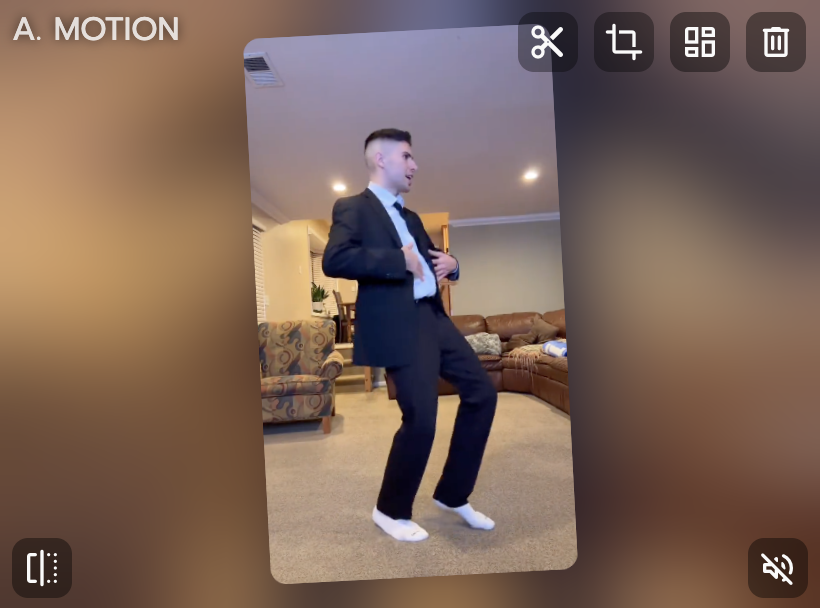
Write a focused text to animation AI prompt
Define subject, motion intent, and output format in one concise prompt. When needed, set first-frame and last-frame intent. Keep prompt scope tight for better control.
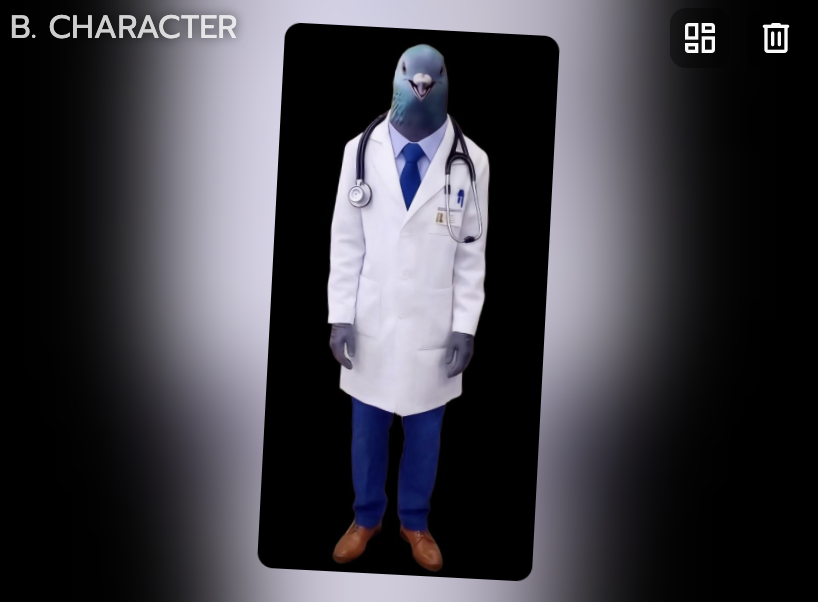
Generate scene and add motion source
Create the base visual in Image & Video, then pick a matching template. Use Mix with one image plus one video/template to transfer movement. Check identity and motion direction after the first pass.

Polish in Multi-Track and export
Use Multi-Track for timing cleanup, object swaps, and scene adjustments. Keep the hook in the first seconds for short-form performance. Export final versions for Shorts, Reels, and TikTok.
Why text to animation AI creators choose Viggle
Image & Video turns text ideas into draft scenes quickly
For text to animation AI, Image & Video helps move from script intent to visual direction in one flow. You can start from text prompts, then refine composition and object details. It is useful when you need quick concept coverage before final polish.
Open I&VMix adds controllable movement after the first draft
After your initial visual concept, Mix transfers movement from one video/template source. That gives clearer motion direction than rerolling random animation outputs. You can keep your creative intent intact while improving dynamics.
Control MotionJST-1 improves consistency when output scales
The self-developed video-3D foundation model helps stabilize character behavior across variants. You can keep one recognizable character look while testing multiple concepts. That makes A/B testing formats cleaner for content teams.
Keep ConsistencyCharacter Refine and Multi-Track reduce cleanup friction
Character Refine can improve fidelity before final motion-heavy passes. Multi-Track then helps with timeline fixes, object swaps, and multi-person scene adjustments. You spend less time restarting from scratch.
Refine OutputFree to use with 8,000+ templates supports faster iteration
For community managers workflows, text to animation AI often needs many trial formats. Template depth plus free start lowers the cost of testing creative angles. Fast first drafts help creator teams test hooks without waiting on long pipelines.
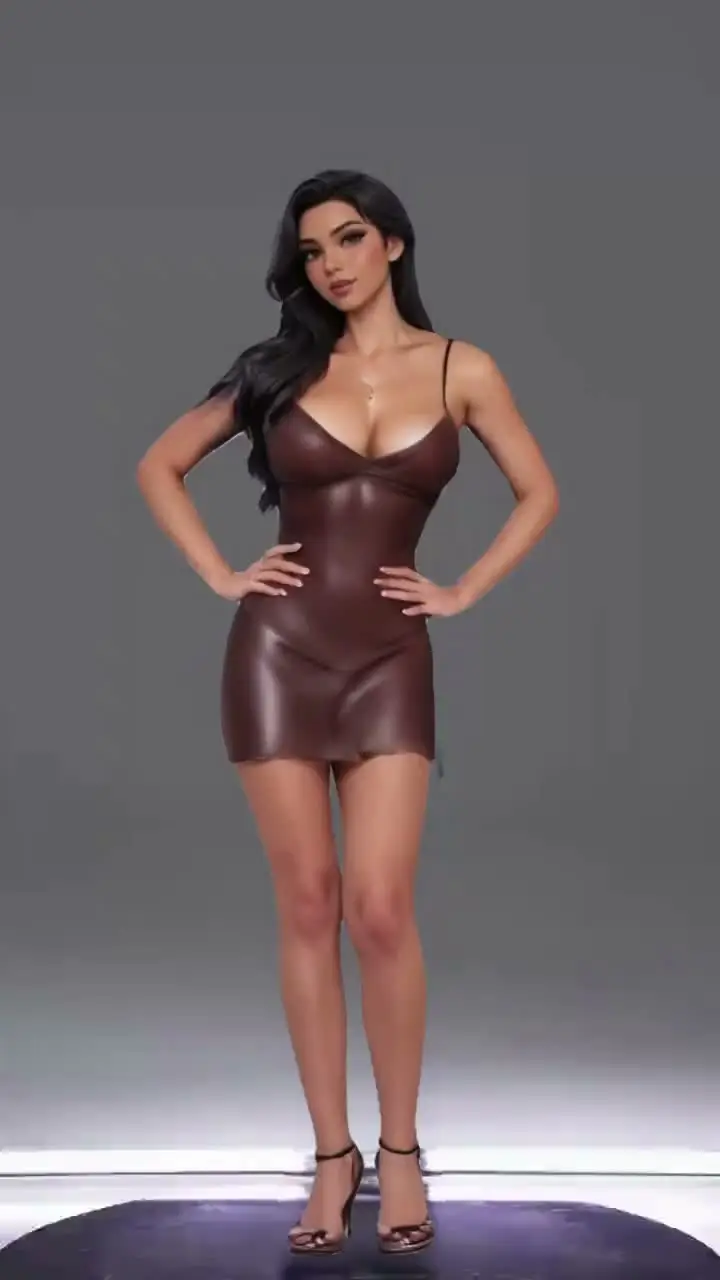
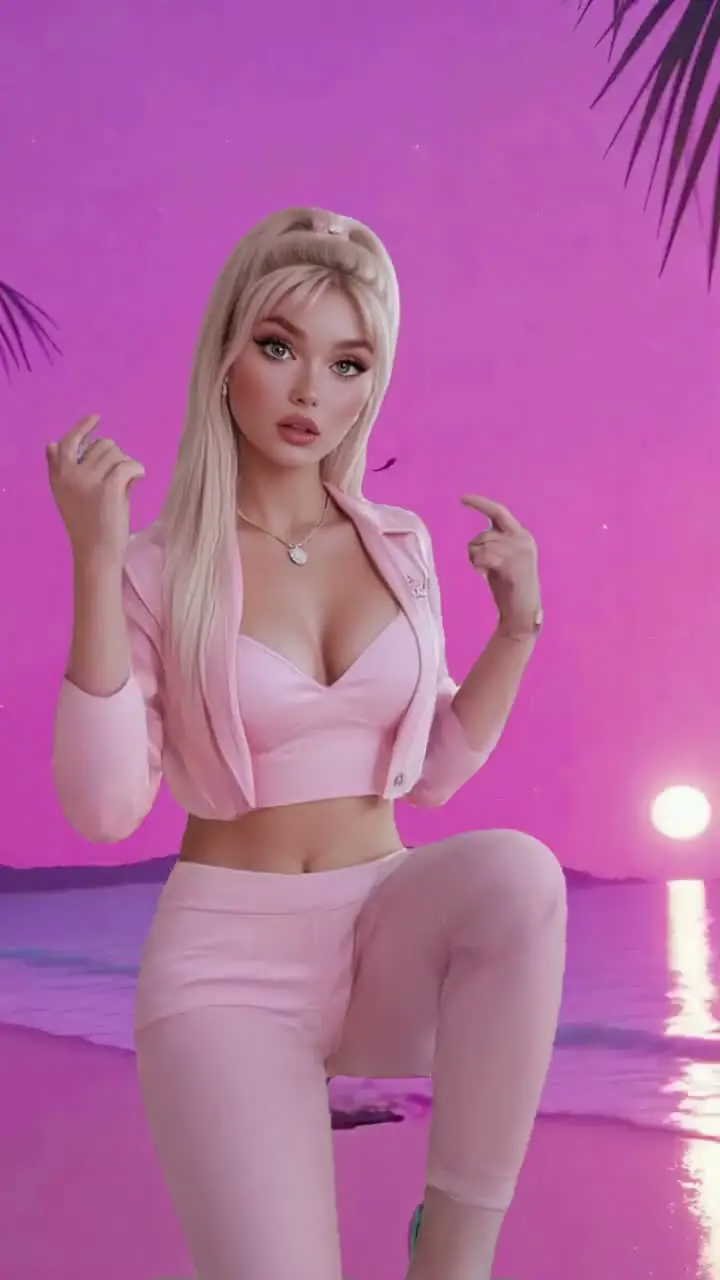
Test IdeasText To Animation AI examples made with Viggle
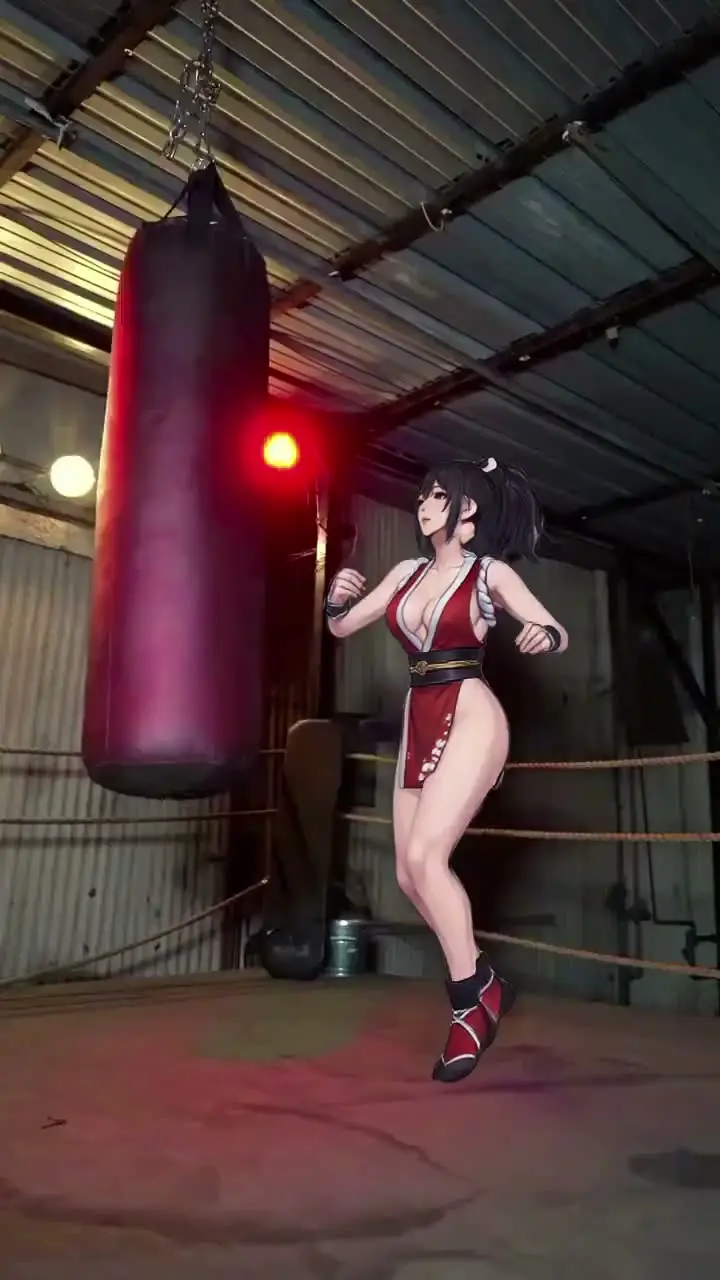
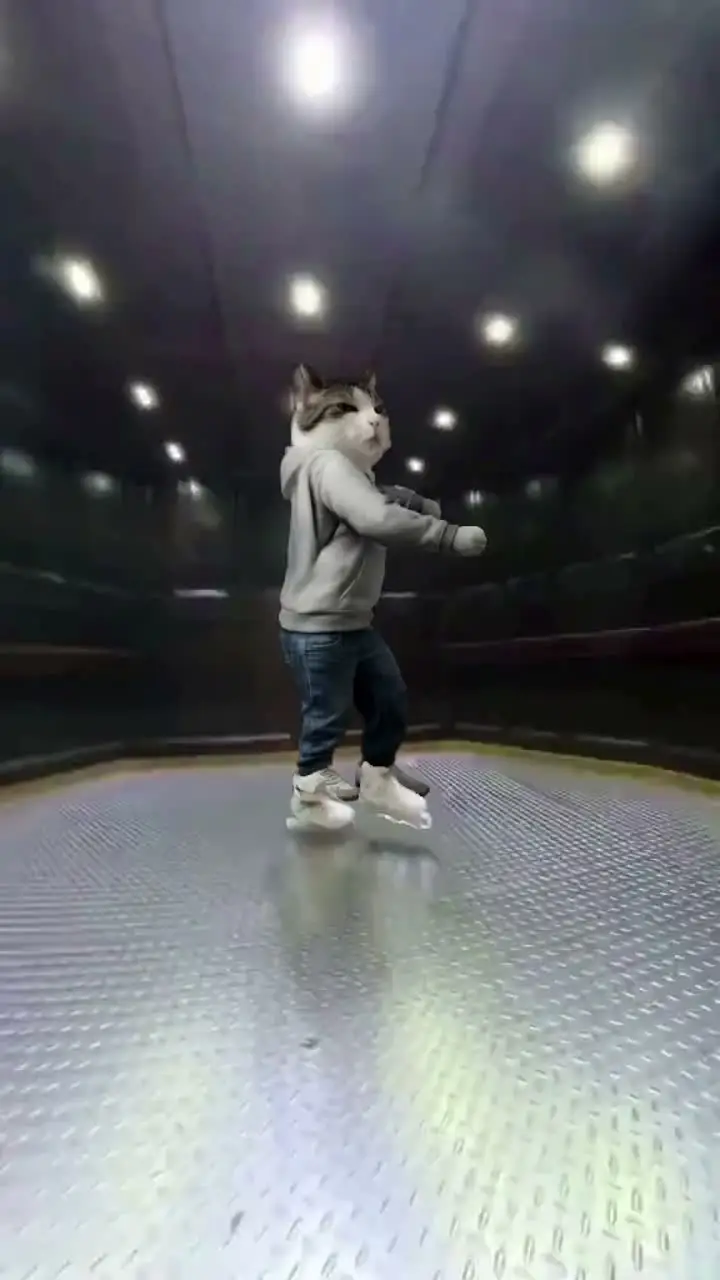
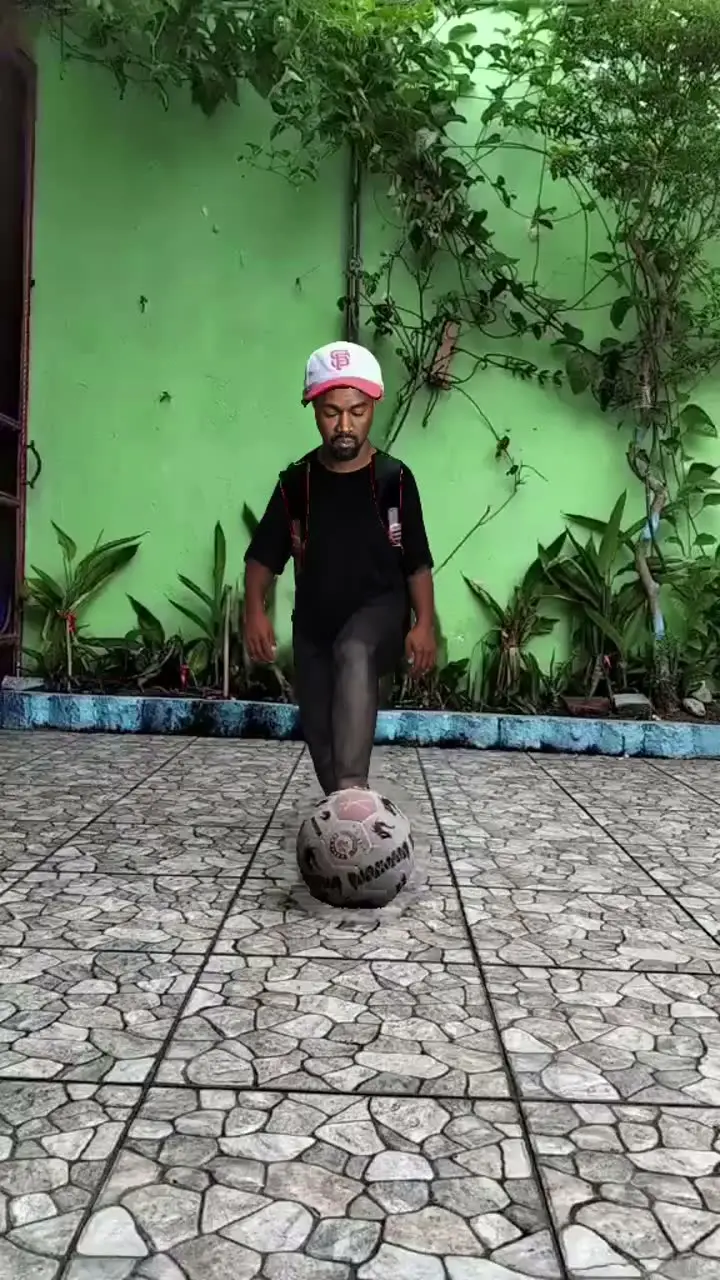
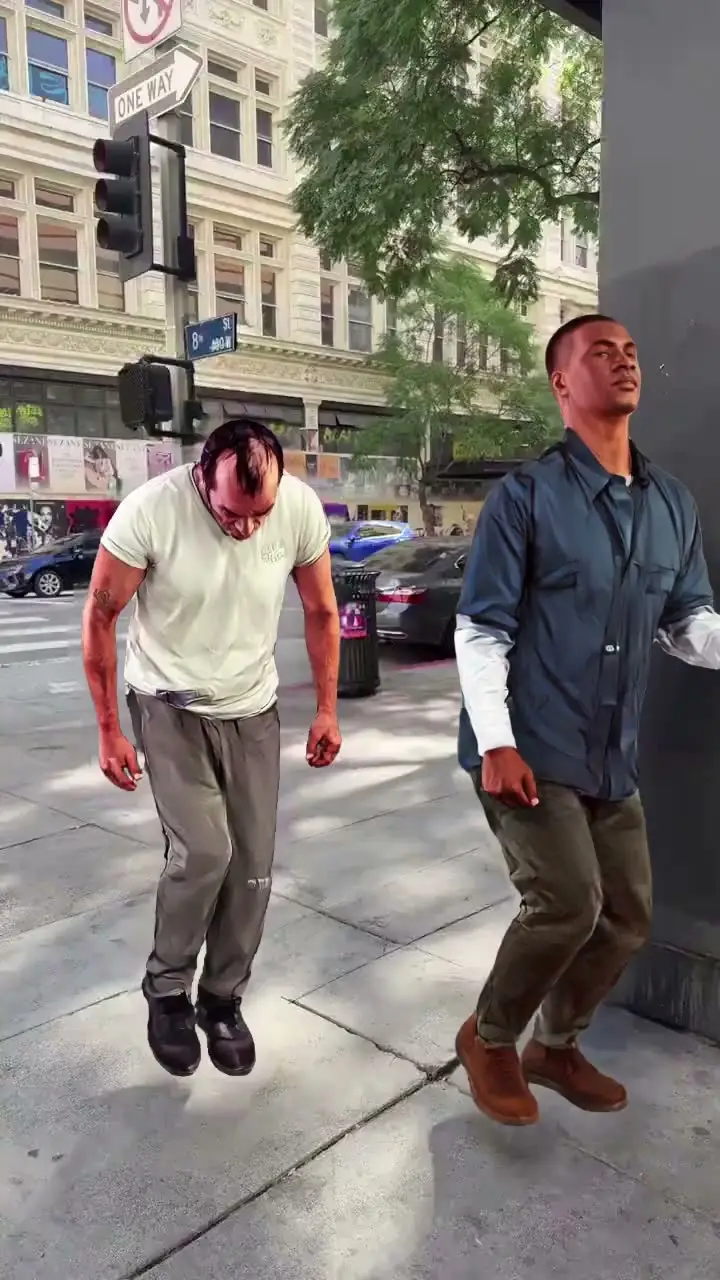
Who Uses Text To Animation AI
Meme Creators
Meme creators type a scene description and get an animated clip ready for posting. Rapid text-to-video conversion lets them jump on trends before the format gets saturated.
TikTok, Reels, and Shorts Creators
Short-form creators turn script ideas into animated clips without drawing or filming anything. They test multiple visual directions from the same text prompt and publish the most engaging result.
AI Filmmakers
AI filmmakers convert screenplay excerpts into animated scene drafts to validate pacing and visual tone. Text-driven generation lets them explore narrative concepts faster than traditional storyboarding.
Filmmakers and Previs Artists
Previs artists generate animated sequences from shot descriptions to communicate directorial intent to their team. This bridges the gap between written treatments and visual previsualization.
Animators and Motion Designers
Motion designers use text prompts to generate animated drafts that they refine manually. Starting from an AI-generated base cuts the blank-canvas problem and speeds up iteration cycles.
Music Video Creators
Music video creators describe visual scenes that match song lyrics and generate animated sequences to accompany the track. Text-driven creation helps them produce visuals even without a dedicated animation team.
Viggle vs other text to animation AI tools
Try Viggle Free| 功能 | Viggle AI | Runway | Pika | Luma AI |
|---|---|---|---|---|
| Text To Animation AI intent alignment | ✅ | ⚠️ Limited | ⚠️ Limited | ⚠️ Limited |
| Controllable video generation | ✅ | ⚠️ Limited | ⚠️ Limited | ⚠️ Limited |
| Character consistency | ✅ | ⚠️ Limited | ⚠️ Limited | ⚠️ Limited |
| Full body motion swap | ✅ | ❌ | ❌ | ⚠️ Partial |
| Lip movement transfer | ✅ | ❌ | ⚠️ Limited | ❌ |
| 8,000+ templates | ✅ | ❌ | ❌ | ❌ |
| Multi-Track timeline edits | ✅ | ❌ | ⚠️ Limited | ❌ |
| Vertical publish speed | Fast | Medium | Medium | Medium |
Text To Animation AI Frequently Asked Questions
How does text to animation AI work on Viggle?
Can I create anime-style animations with Viggle?
How is Viggle different from traditional animation tools?
What motion control does Viggle support for animation?
Can I export animation for social media?
How do I maintain consistency across animation frames?
Does Viggle support multi-character animation?
Ready to launch text to animation AI?
Try Viggle FreeCreate Text To Animation AI
with confidence
Use motion control, character consistency, and creator-first workflows to ship text to animation AI content faster. Free to use, no credit card required to start.