
如何用 Viggle AI 制作 Instagram Reels
立即开始,完全免费Viggle 用一张照片生成一条竖屏短视频。Video 根据提示词让照片动起来。想跳热门舞蹈或做梗图动作,就改用 Mix,选一个动作模板再加上你的照片。登录用户每天最多可免费生成 5 个视频。
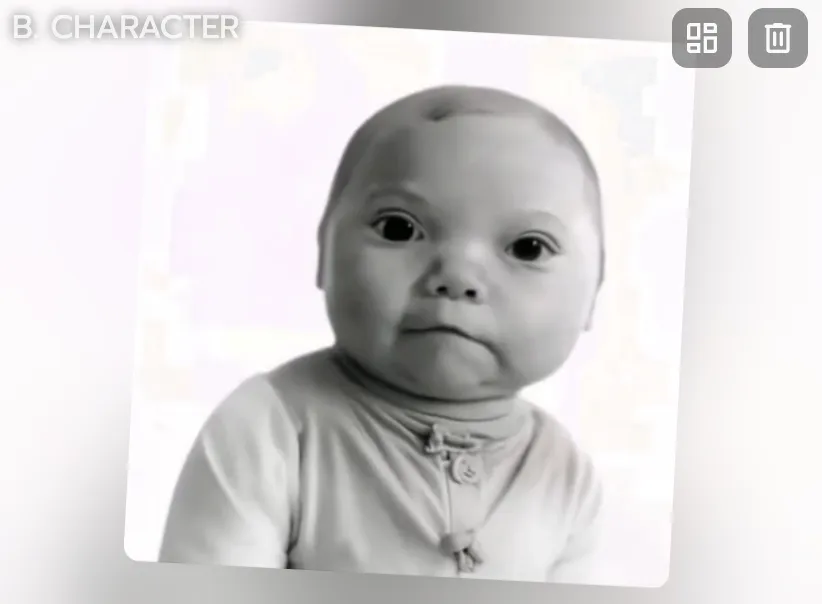
上传你的照片
打开 Video,上传一张照片,自拍、全身照、动漫角色、品牌吉祥物都可以。
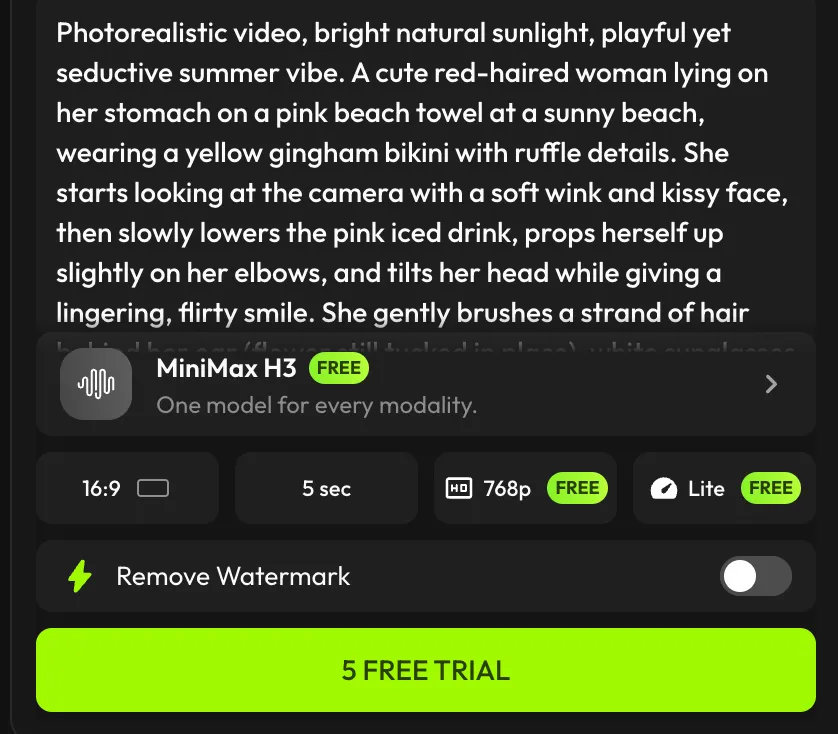
描述动作
用提示词写下它该怎么动,选一个模型,画面比例选 9:16 就是竖屏。免费账户使用 Viggle-Optimized Minimax H3,其他模型需要付费方案。
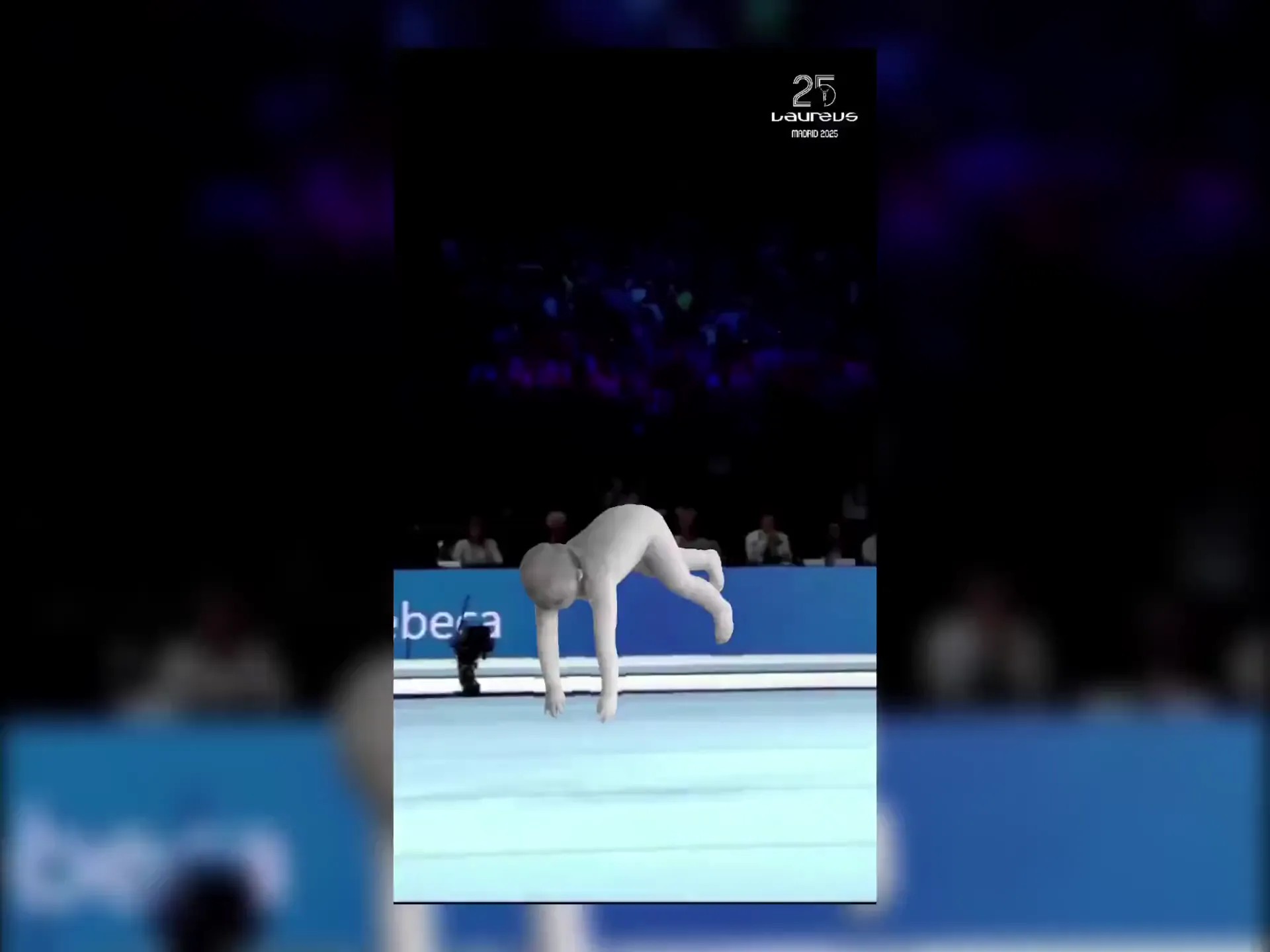
下载并发布到 Instagram
下载视频,发布到 Instagram、TikTok 或 YouTube Shorts。免费导出带水印,付费方案可去除。
为什么 Viggle 是最好用的免费 AI Reel 制作工具
你的照片,真实动作——不只是滤镜
Canva 和 CapCut 本质是视频剪辑工具——你需要自己排列素材、添加转场、导出成片。InVideo AI 则是根据文本提示拼接素材库画面。而 Viggle 的 JST-1 模型完全不同——它能直接根据你的照片生成带有 3D 物理效果的原创全身角色动画,让角色真正地跳舞、行走、表演。
免费试用用 Viggle LIVE 在 Instagram 上开直播
把你的照片变成实时虚拟形象,用于 Instagram Live 或任何直播平台。Viggle LIVE 通过摄像头实时映射你的面部和身体动作,兼容 OBS、Streamlabs 等主流直播软件。
体验 Viggle LIVEViggle 用户作品精选
查看更多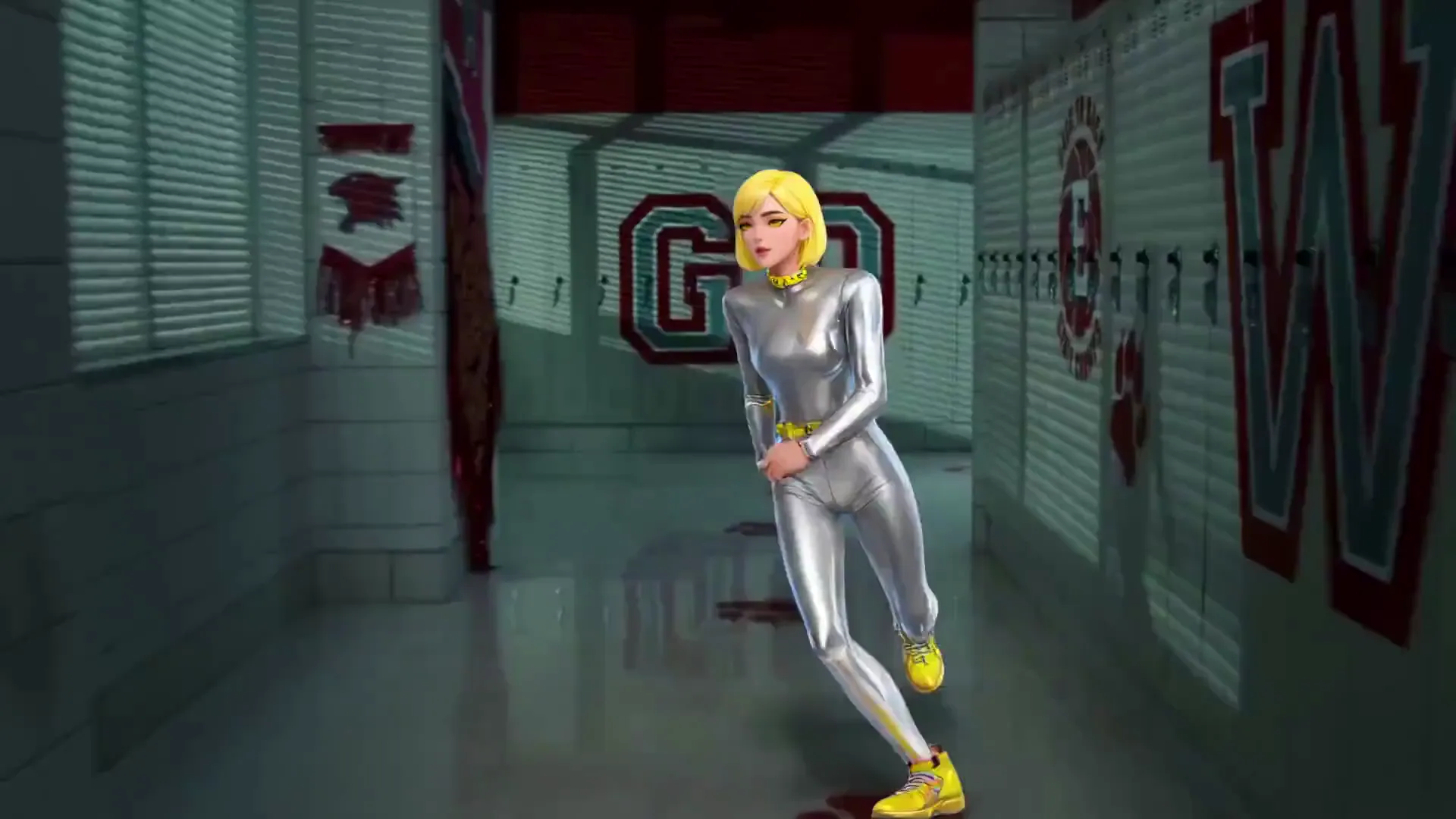
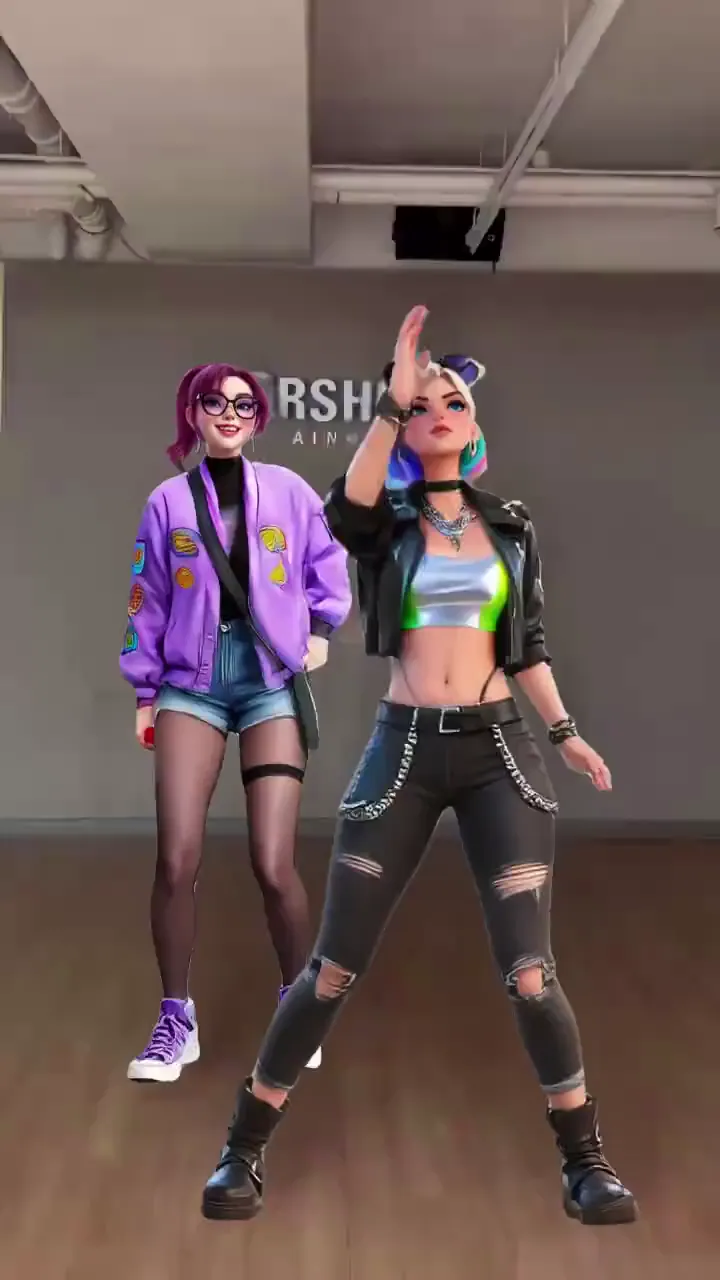
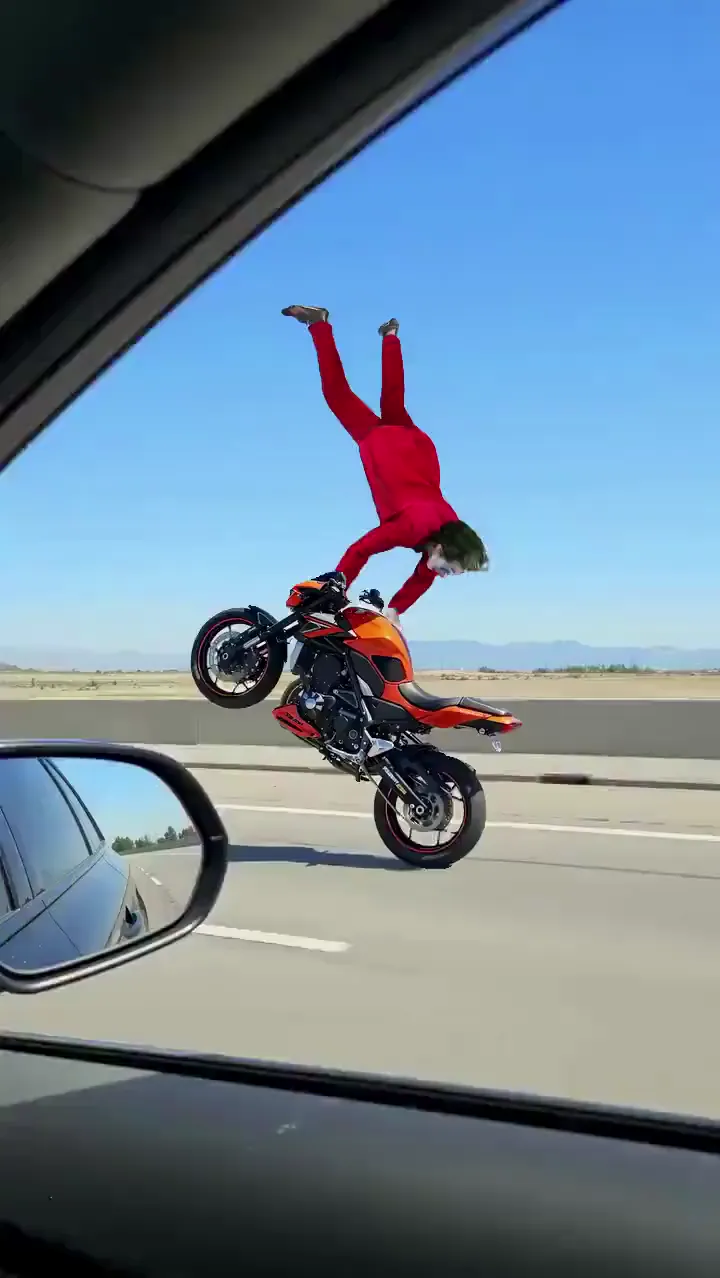
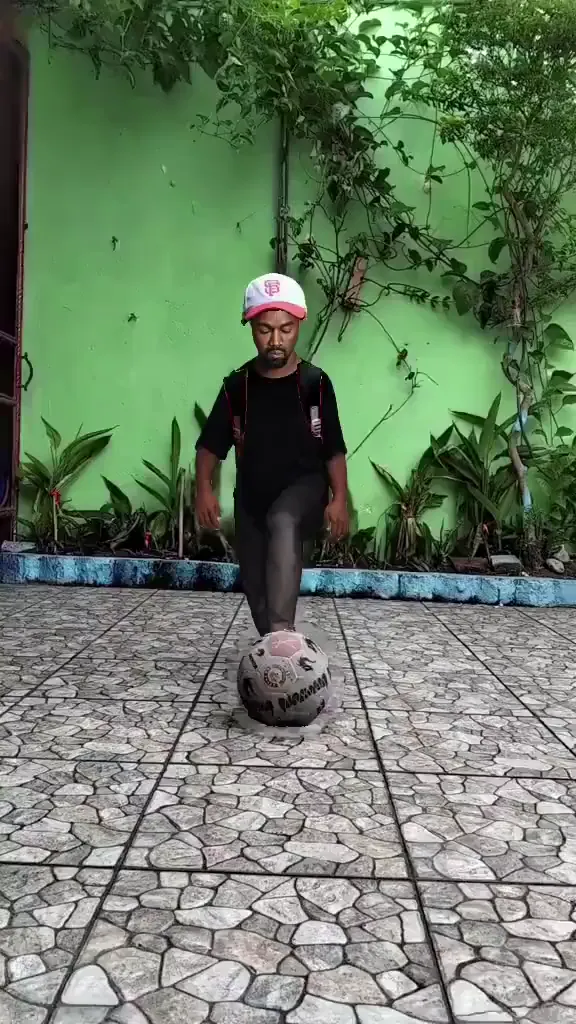
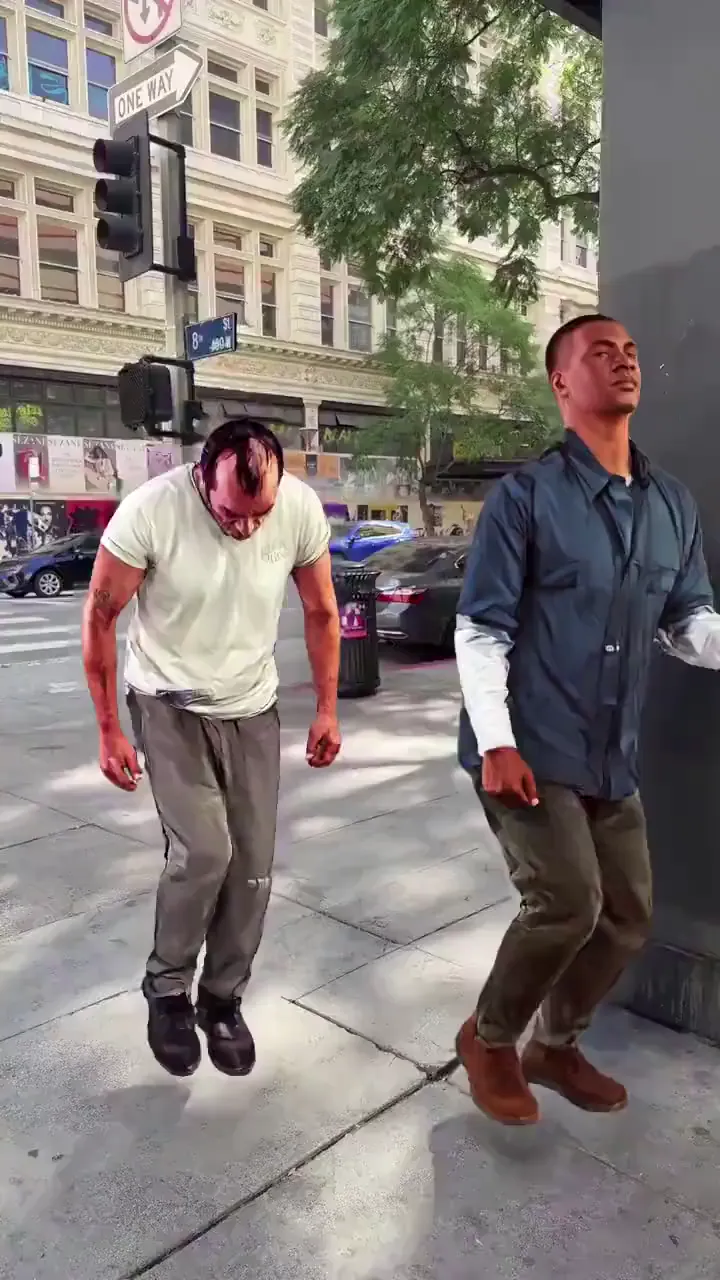
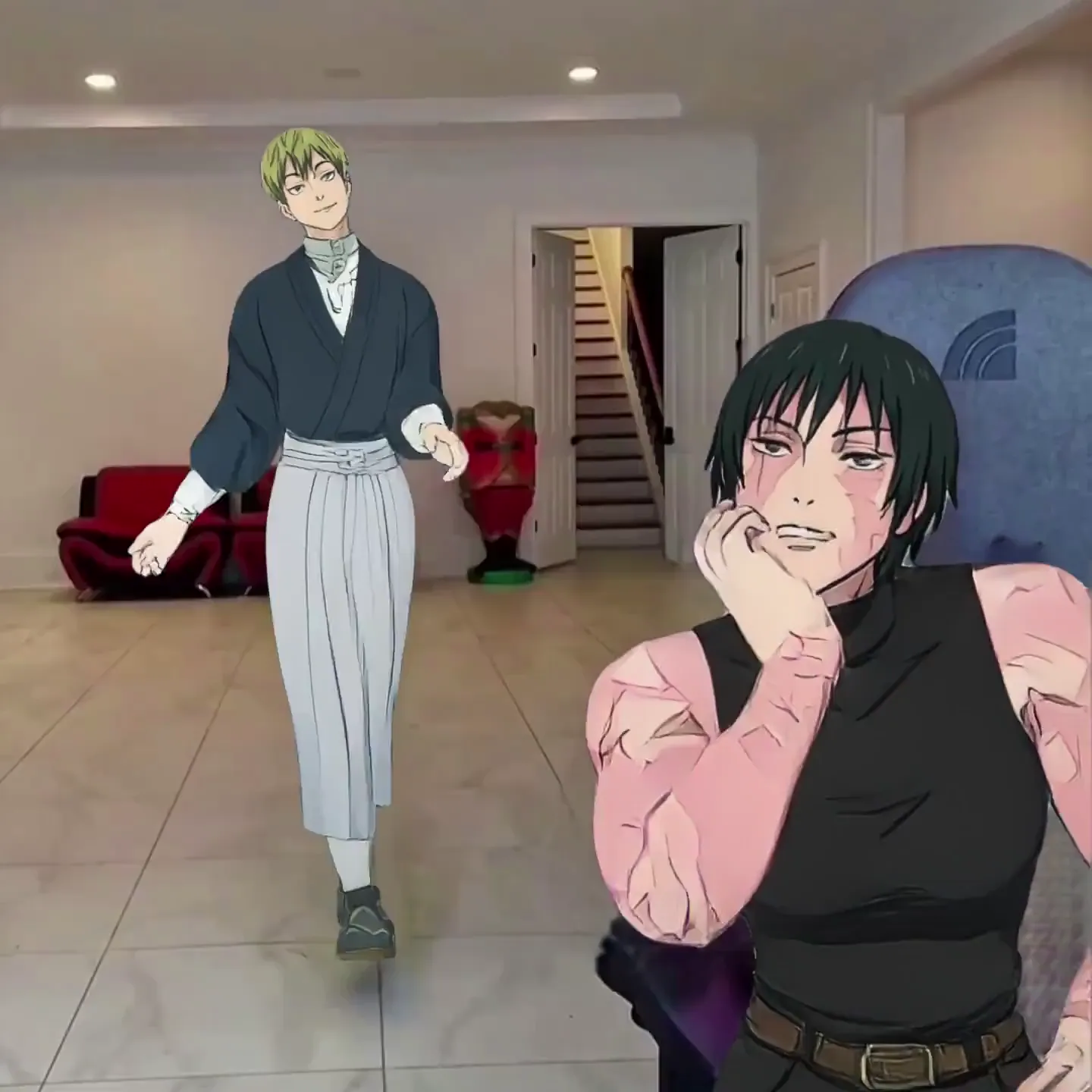
AI Reel 制作工具的应用场景
Instagram 创作者与达人
不用每天拍摄,也能每天更新 Reel。挑选热门模板、换上自己的照片,主页持续保持活跃。粉丝看到的是你在表演,而你甚至没碰过摄像机。
舞蹈与音乐内容创作
每一个热门舞蹈挑战、每一段编舞片段,都能直接调用模板生成。把自己或你的角色放进去,直接发布——不用学动作,也能紧跟潮流。
品牌与中小企业
为新品发布、节庆促销或幕后花絮打造吸睛的 Reel。让品牌吉祥物或团队合照动起来,用有趣的动作留住用户的目光。
梗图账号运营
运营一个持续产出原创内容的梗图账号。把角色替换进热门片段,重现爆款瞬间,发布容易被疯狂转发的 Reel——每条生成时间都不到一分钟。
剧情叙事与短剧系列
用统一的 AI 角色打造角色驱动型 Reel 系列。每一集使用不同的动作模板——角色不变,故事常新,持续吸引观众追更。
素颜解说 / 隐藏真人出镜
通过一个用你的声音说话的 AI 角色分享观点、测评或知识内容。文本转动作让你的 Reel 拥有鲜明个性,而你完全不用露脸出镜。
Viggle 与其他 AI Reel 制作工具对比
免费试用 Viggle| 功能 | Viggle | Canva | CapCut | InVideo AI |
|---|---|---|---|---|
| 根据照片生成原创动作 | ✅ | ❌ | ❌ | ❌ |
| 全身角色动画 | ✅ | ❌ | ❌ | ❌ |
| 免费使用 | ✅ | ⚠️ 有限制 | ✅ | ⚠️ 有限制 |
| 10,000+ 动作模板 | ✅ | ❌ | ❌ | ❌ |
| 文本转动作,支持对口型 | ✅ | ❌ | ⚠️ AI 虚拟形象 | ⚠️ 仅配音 |
| 基于物理引擎的 3D 动作 | ✅ | ❌ | ❌ | ❌ |
| 实时虚拟形象模式 | ✅ | ❌ | ❌ | ❌ |
| 无需任何剪辑技能 | ✅ | ⚠️ 需要一些技能 | ⚠️ 需要一些技能 | ✅ |
常见问题
什么是 AI Reel 制作工具?
AI Reel 制作工具是利用人工智能生成 Instagram Reel 的工具。Viggle 不局限于模板和素材库画面——上传任意照片,它就能变成一个可以跳舞、表演或念台词的全身动态角色,最终输出适配 Instagram Reels 格式的竖屏视频。
用 Viggle 制作 Instagram Reels 免费吗?
是的。Viggle 完全免费——注册后每天最多可免费生成 5 个视频,无需绑定信用卡。下载 Reel 后即可直接发布到 Instagram。
Viggle 和 Canva、CapCut 在制作 Reel 上有什么不同?
Canva 和 CapCut 本质上是视频剪辑工具——你需要自己排列素材、添加文字和转场,再导出成片。Canva 拥有 20,000+ 设计模板以及 Magic Video 等 AI 功能,但都无法让照片中的人物动起来。CapCut 的自动剪辑功能只是从现有素材中挑选精彩片段。而 Viggle 是直接生成视频本身——上传照片、选择动作模板,角色就会以全身动画的形式进行表演。这是"生成",而不是"剪辑"。
用 Viggle 可以制作哪些类型的 Reel?
舞蹈 Reel、梗图重现、对口型内容、搞笑短剧、品牌推广、素颜解说、角色系列剧——只要涉及角色的动作或说话都能做。可浏览 10,000+ 动作模板,也可以上传自己的参考视频。
可以用 Viggle 制作不露脸的 Instagram 内容吗?
可以。用任意图片——手绘、头像、卡通形象——都能创建一个统一的 AI 角色,并在所有 Reel 中反复使用。粉丝能认出这个角色,而你本人完全不用出镜。还可以通过 Viggle 的文本转动作功能为其配音。
制作一条 Reel 需要多长时间?
从开始到完成不到一分钟。选模板、传照片、下载视频,不需要时间轴剪辑,也无需设置导出参数或等待渲染。
Reel 中的角色可以开口说话吗?
可以。使用 Mic 功能输入或录制台词,角色会以自然的对口型和全身动作生动演绎——非常适合解说类、测评类和故事类 Reel。
Instagram 算法会偏爱 AI 生成的 Reel 吗?
Instagram 算法根据互动数据——观看、点赞、分享、收藏——来排序 Reel,并不关心视频是如何制作的。Viggle 生成的 Reel 看起来就是原生视频内容,而非素材拼接的幻灯片,因此表现和其他 Reel 一样自然。关键在于持续输出有吸引力的动态内容,而这正是 Viggle 能快速做到的。
Viggle 支持手机端使用吗?
支持。Viggle 提供免费的 iOS 和 Android 应用,也有网页版。你可以直接在手机上制作 Reel,并一键分享到 Instagram。
Viggle 生成的视频可以同步发布到 TikTok 和 YouTube Shorts 吗?
可以。Viggle 输出的是标准竖屏视频文件,下载一次即可分发到 Instagram Reels、TikTok、YouTube Shorts 以及其他任何支持短视频的平台。