免费 AI TikTok 视频 生成器
把任意一张照片变成全身动态的 TikTok 视频。热门舞蹈、梗图剪辑、对口型挑战——选一个模板,上传照片,一分钟内即可生成可直接发布的 TikTok 视频。

如何用 Viggle AI 制作 TikTok 视频
立即开始,完全免费用 Viggle 制作 TikTok 内容只需几秒钟。选择一个热门动作模板,上传照片,下载即可发布的竖屏视频。登录用户每天可免费生成最多 5 个视频。
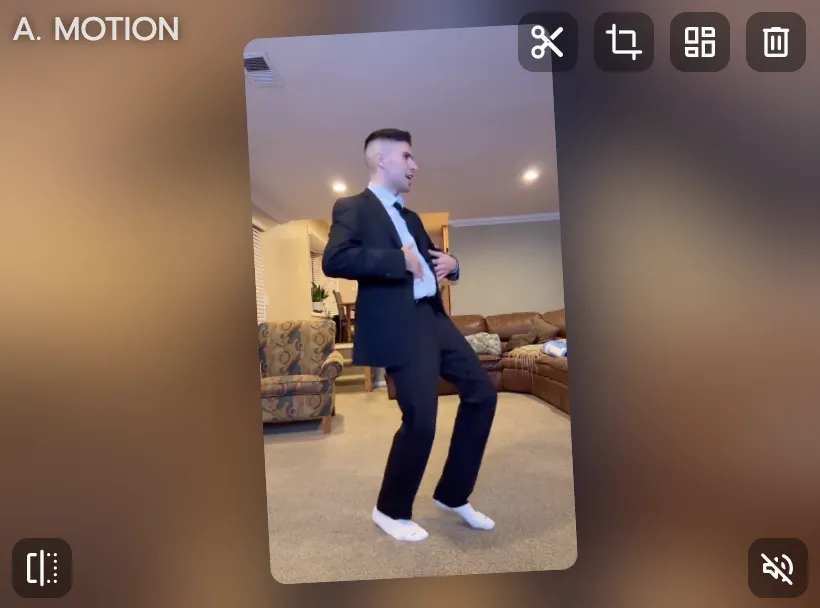
选择一个热门 TikTok 模板
浏览 10,000+ 动作模板——爆款 TikTok 舞蹈、梗图剪辑、挑战格式、K-pop 编舞、明星名场面,新趋势持续更新。
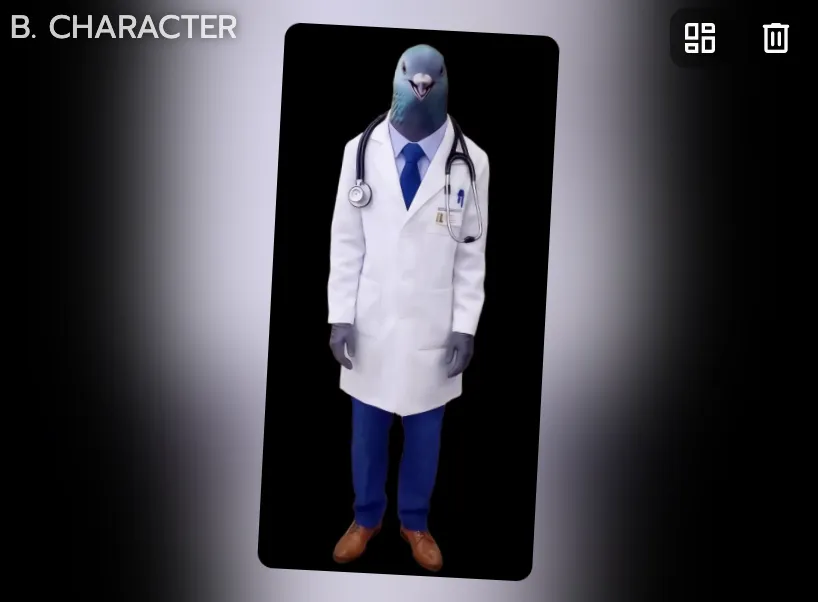
上传任意一张照片
自拍、人物插画、动漫头像、宠物照片——只要有可见的身体都可以。Viggle 会用具备物理感知能力的 AI,把全身动作精准映射到你的图片上。
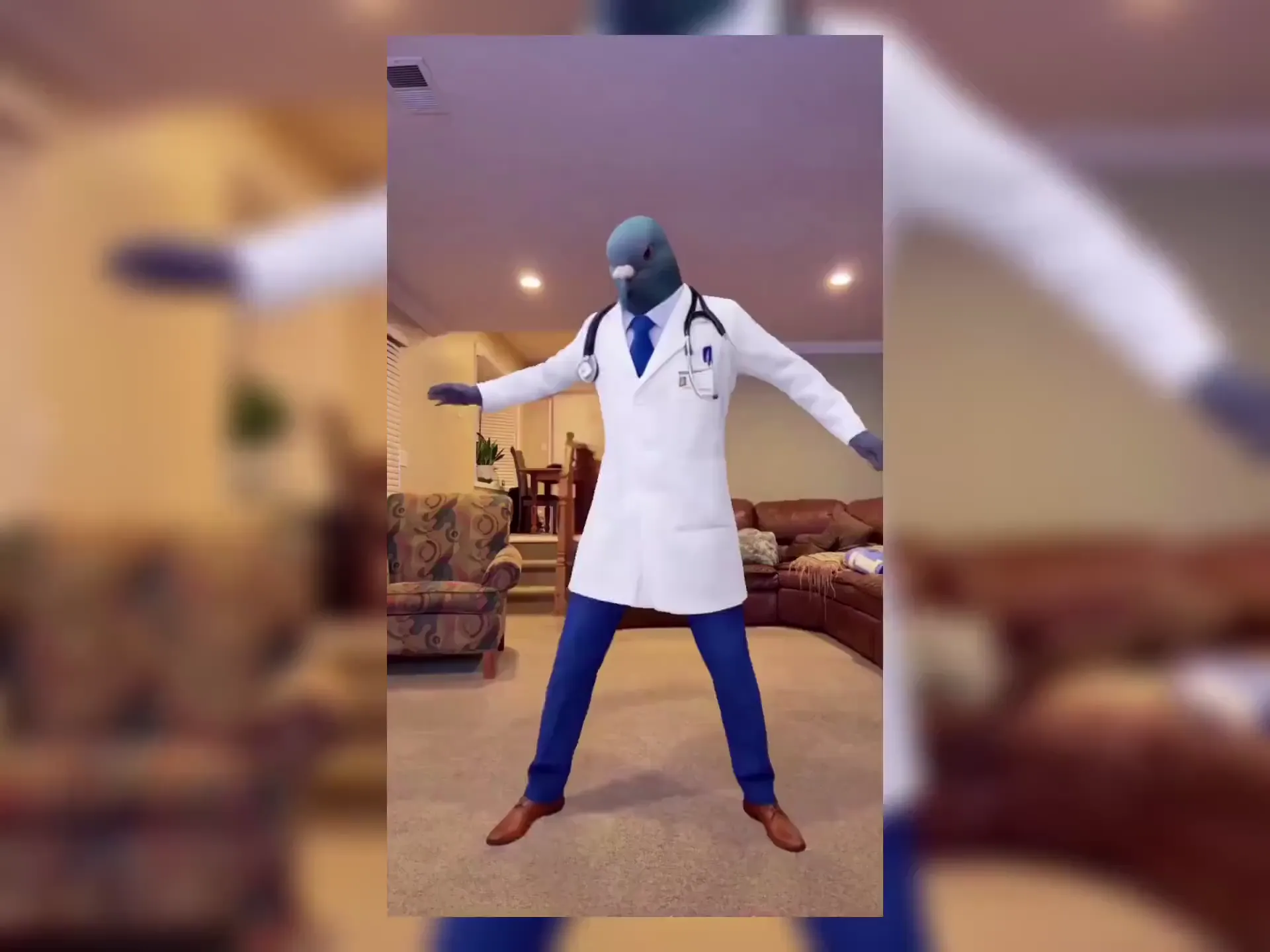
下载并发布到 TikTok
不到一分钟,你的 TikTok 视频就生成完毕。下载后即可发布,也可以同步分享到 Instagram Reels、YouTube Shorts 等任何平台。
为什么 Viggle 是最好用的免费 AI TikTok 视频生成器
一张照片,跟上每一支热门舞蹈
TikTok 的热点更新很快。Viggle 拥有 10,000+ 动作模板,涵盖最新爆款舞蹈,并持续上新。选一个趋势,上传照片,趁热度还在就发布你的 TikTok。你不需要学编舞——动作交给 Viggle 的 AI 来完成。
浏览模板全身动作生成,而非 AI 滤镜
CapCut 是一款视频剪辑工具——你仍然需要自己拍素材。InVideo AI 和 Revid.ai 只是根据文字提示拼接素材库里的现成内容。Kling AI 虽支持图生视频,但采用的是 2D 方案。而 Viggle 的 JST-1 模型能基于一张照片,结合 3D 物理引擎生成原创的全身角色动画。你的角色是真的在跳舞、表演、运动。这才是能让人停下滑动手指的内容。
免费试用梗图制造机——一键换脸入镜任意片段
看到一条想复刻的爆款 TikTok?把它当作动作参考即可。Viggle 会通过全身动作追踪,把你的照片替换进这段动作中。同样的氛围,主角换成你的角色——几分钟内即可发布。
制作梗图 TikTokTikTok 对口型与配音功能
输入或录制一段台词,你的角色就能以自然的口型和全身动作把它演绎出来。追热点、发表看法、讲故事——都交给你的角色来完成。用 Viggle 的麦克风功能,不露脸也能做解说类 TikTok。
试试文本转动作用 Viggle LIVE 在 TikTok 开直播
把任意一张照片变成实时虚拟形象,用于 TikTok LIVE 或其他直播平台。Viggle LIVE 通过摄像头低延迟同步你的表情和肢体动作,兼容 OBS、Streamlabs 及直接推流设置。
试用 Viggle LIVE用 Viggle 制作的 TikTok 视频
探索更多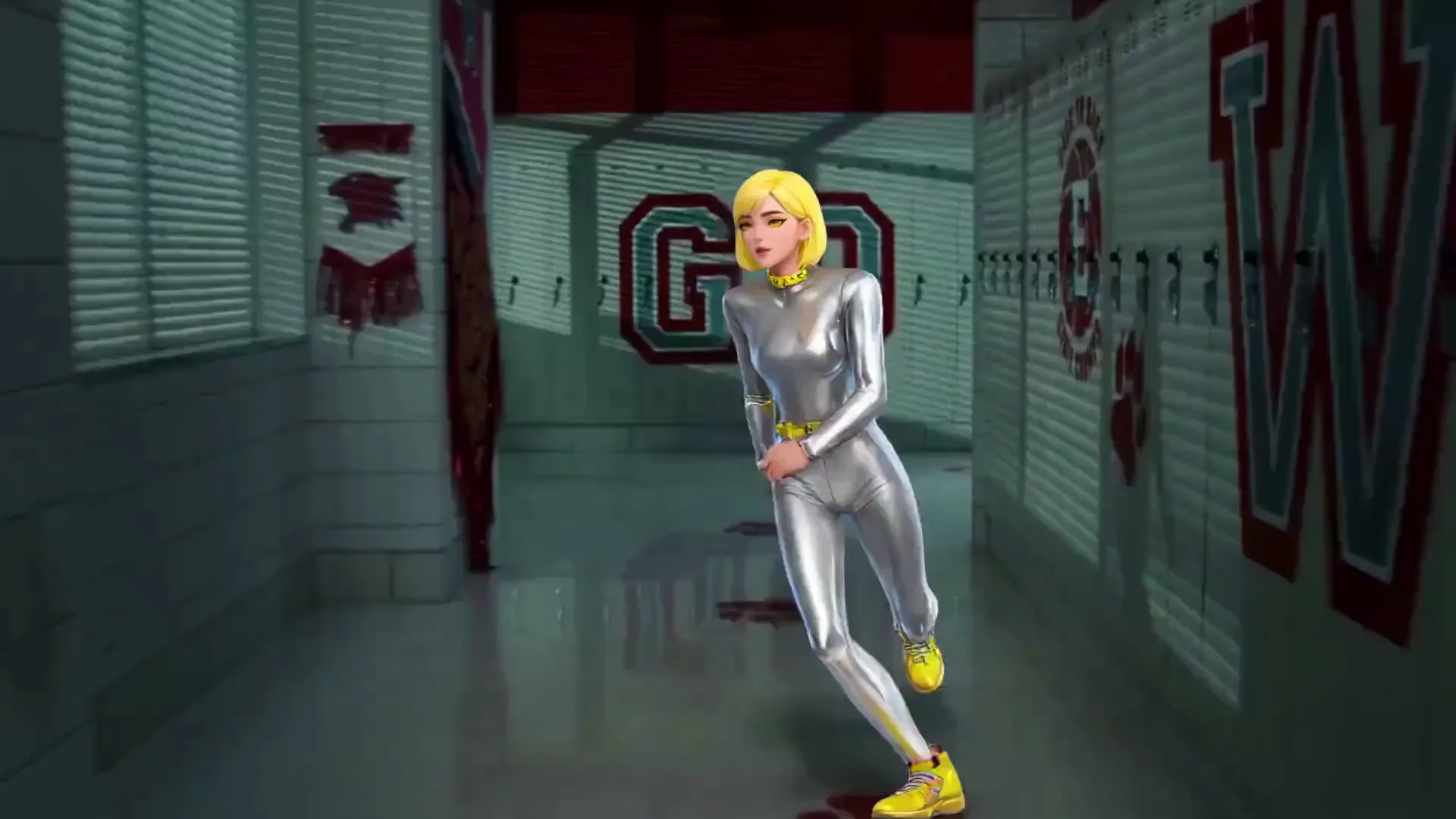
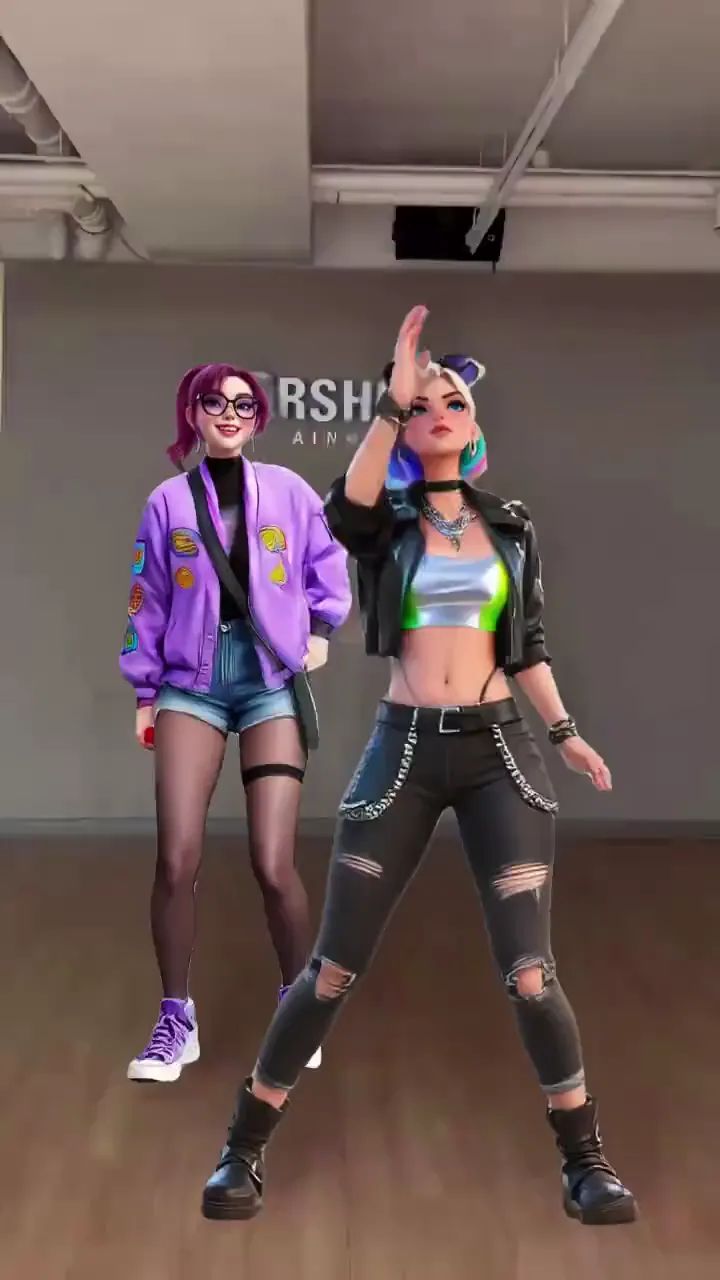
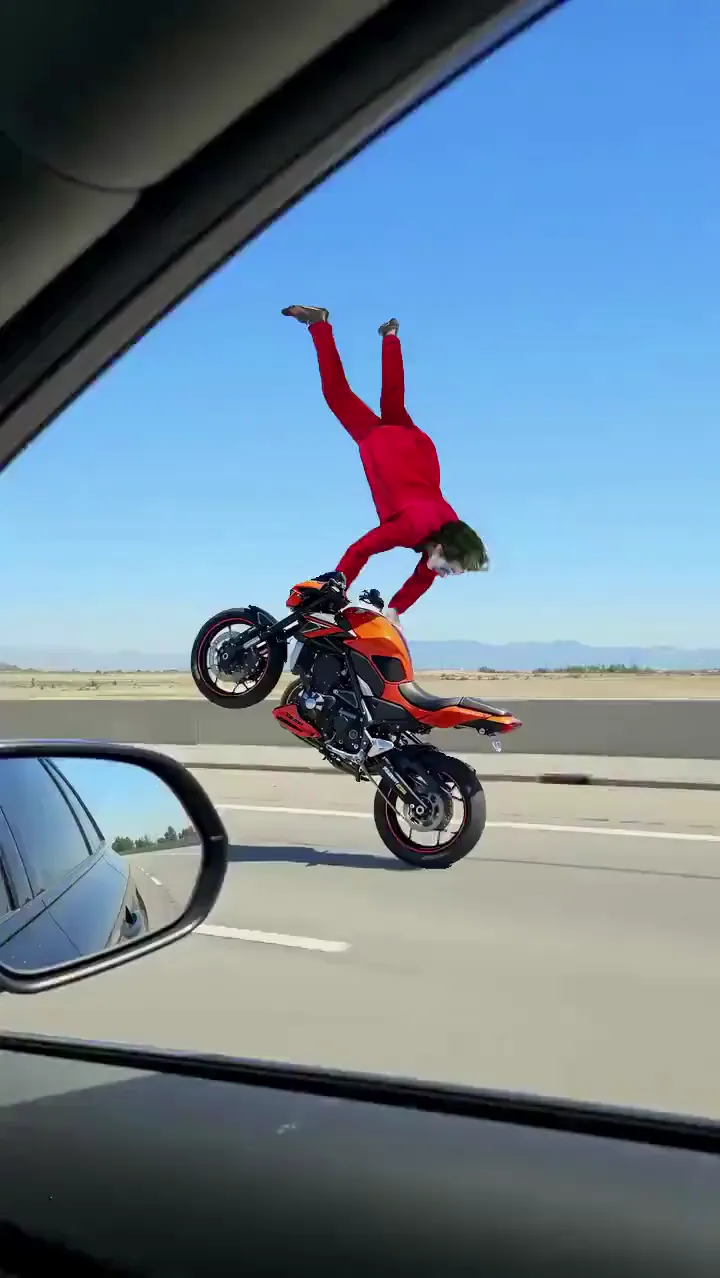
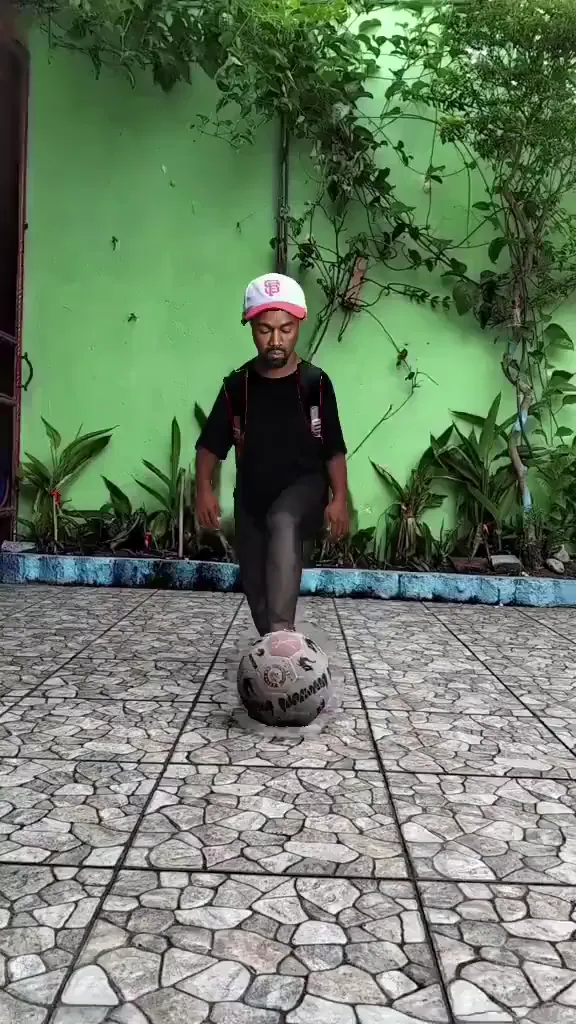
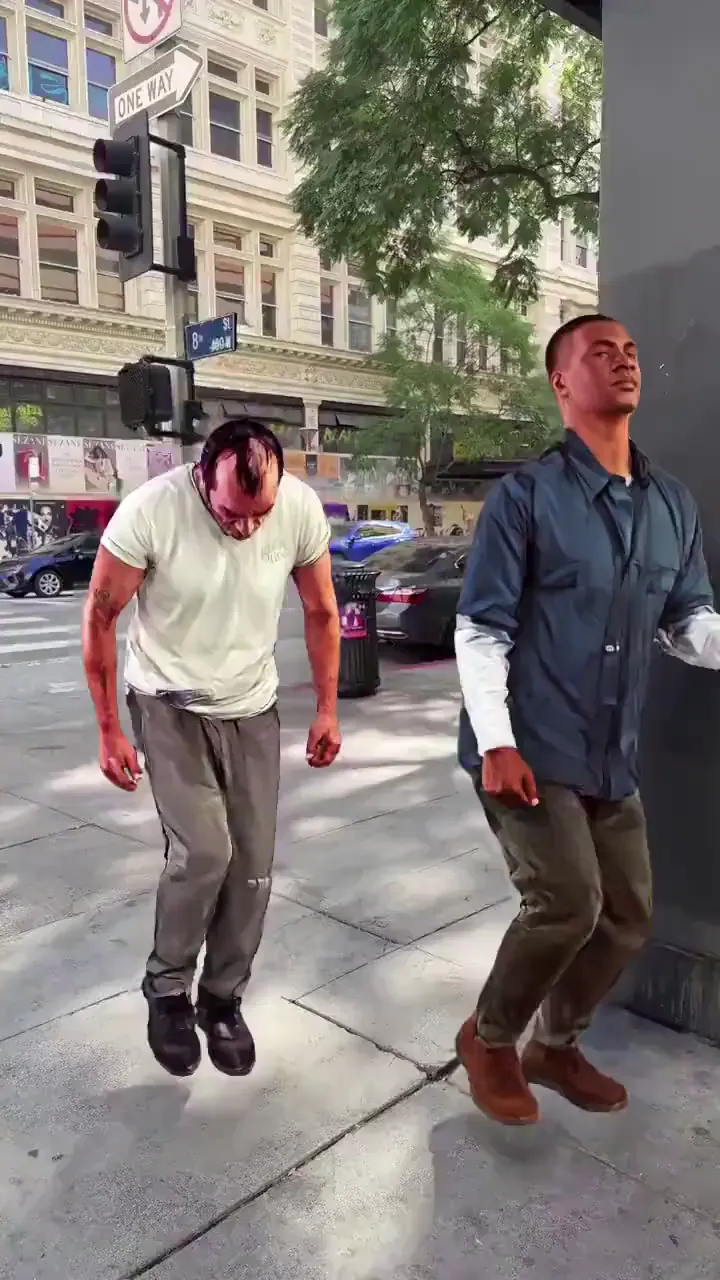
AI TikTok 视频生成器的应用场景
TikTok 创作者与达人
不用天天拍摄也能日更。选择热门模板,换上你的照片,内容持续产出。粉丝以为你花了几小时,其实你只用了 60 秒。
舞蹈挑战内容
每一个新的 TikTok 舞蹈挑战都是现成的模板。不必学动作,让 Viggle 用一模一样的编舞让你的角色动起来。趁着热度还没到顶就发布。
梗图创作者
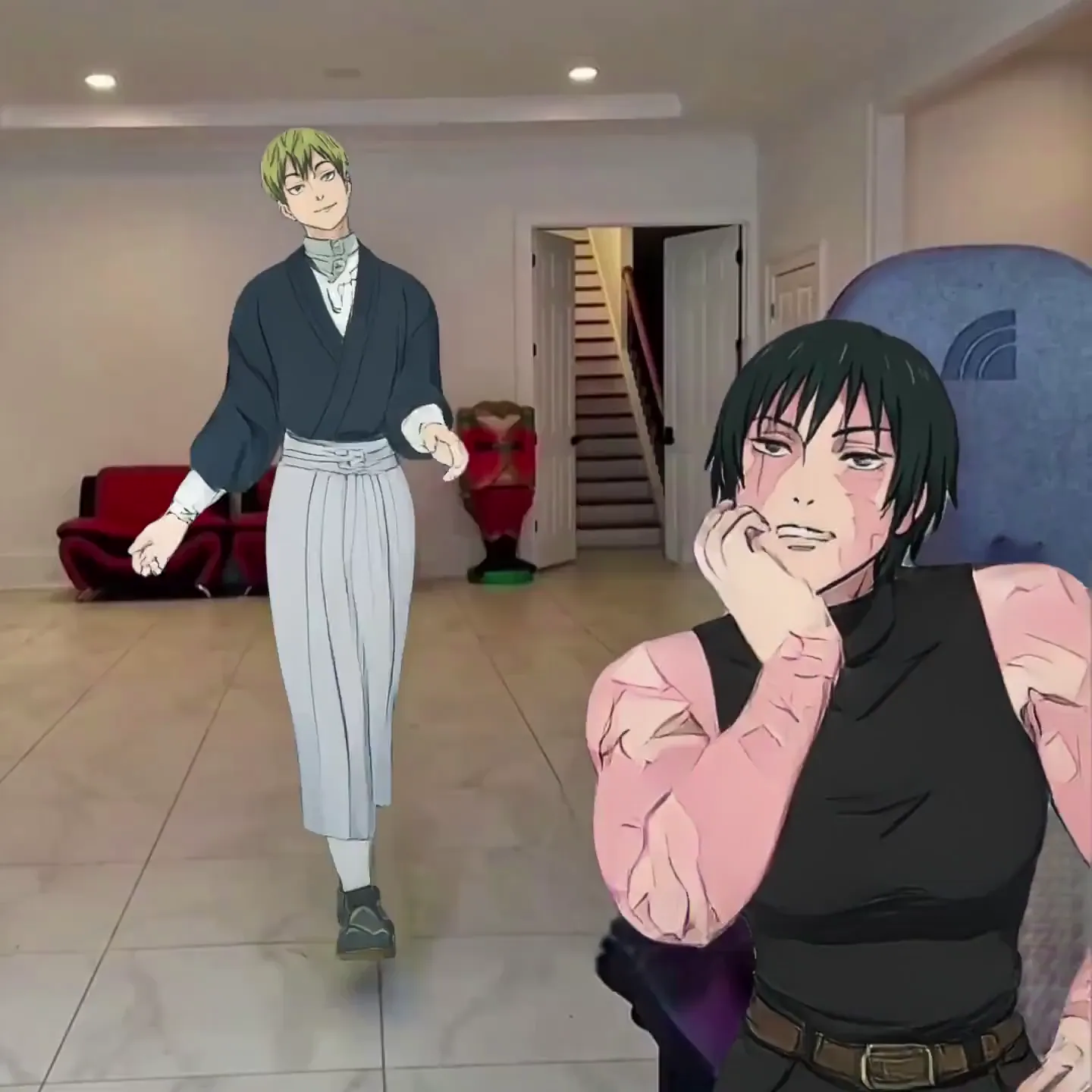
TikTok 的流量密码就是梗。把自己或任意角色换进爆款片段,加入你的独特创意重现热门瞬间,产出原创梗图内容的速度远超手动剪辑。
解说与反应类 TikTok
让一个用你的声音说话的 AI 角色来分享观点、追热点、讲解话题。Viggle 的文本转动作功能能生成带全身表现力的说话类 TikTok,而不是一个静止的说话头像。
品牌与电商
为新品发布、季节性活动和品牌曝光打造原生 TikTok 风格内容。用热门动作让品牌角色或团队照片动起来,内容自然融入平台生态。
不露脸 TikTok 账号
无需出镜,也能搭建并做大一个 TikTok 账号。所有作品都使用同一个 AI 角色——建立可识别的品牌形象,彻底告别镜头焦虑。
Viggle 与其他 AI TikTok 视频生成器对比
免费试用 Viggle| 功能 | Viggle | CapCut | InVideo AI | Kling AI |
|---|---|---|---|---|
| 从照片生成原创动作 | ✅ | ❌ | ❌ | ✅ |
| 全身角色动画 | ✅ | ❌ | ❌ | ⚠️ 有限 |
| 免费使用 | ✅ | ✅ | ⚠️ 有限 | ⚠️ 有限 |
| 10,000+ 动作模板 | ✅ | ❌ | ❌ | ❌ |
| 文本转动作 + 对口型 | ✅ | ⚠️ AI 数字人 | ⚠️ 配音 | ❌ |
| 基于物理引擎的 3D 动作 | ✅ | ❌ | ❌ | ❌ |
| 实时虚拟形象模式 | ✅ | ❌ | ❌ | ❌ |
| 跨视频角色一致性 | ✅ | ❌ | ❌ | ⚠️ 有限 |
常见问题
什么是 AI TikTok 视频生成器?
AI TikTok 视频生成器利用人工智能生成可直接发布的 TikTok 内容。Viggle 的做法与大多数工具不同——上传任意一张照片,它就会变成一个能跳舞、完成挑战、朗读台词、复刻爆款瞬间的全身动画角色。最终得到的是一条可以直接发布到 TikTok 的竖屏视频。
用 Viggle 制作 TikTok 视频是免费的吗?
是的。Viggle 免费使用——注册后每天最多可生成 5 个视频,无需信用卡。所有视频均以竖屏格式输出,可直接用于 TikTok。
Viggle 和 CapCut 在制作 TikTok 内容上有什么不同?
CapCut 是一款视频剪辑工具——即便有了 2026 年的 AI 更新,你做的仍然是拼接素材、转场和文字。CapCut 的自动成片功能是从现有素材中识别关键片段,它的 AI 数字人也是预制模板,而不是你自己的照片。Viggle 则是从一张照片生成全新的视频——选一个动作模板,上传图片,你的角色就能以全身动画的形式表演。CapCut 编辑的是已有素材,Viggle 创造的是全新内容。
我可以复刻 TikTok 热门舞蹈吗?
当然可以。Viggle 拥有 10,000+ 动作模板,包括热门 TikTok 舞蹈,并持续更新上新模板。选好舞蹈,上传照片,你的角色就会用基于 3D 物理引擎的动作完整演绎整支编舞。
我可以不露脸也能做 TikTok 视频吗?
可以——不露脸账号是最受欢迎的使用场景之一。用任意照片、插画或头像创建一个统一的 AI 角色,并在所有 TikTok 作品中沿用。再搭配 Viggle 的文本转动作功能加入解说,就能打造一条完整的不露脸内容生产线。
生成一条 TikTok 视频需要多长时间?
大多数视频不到一分钟就能生成。你可以在一次操作中制作多条 TikTok——搭配不同模板、相同或不同的角色——提前储备一批内容。
我的角色可以对口型或说话吗?
可以。用麦克风功能录音或输入你想让角色说的话。你的角色会以自然的口型和全身动作演绎出来——说话时整个身体都会富有表现力地动起来。非常适合解说、反应和讲故事类 TikTok。
Viggle 和 TikTok 自带的 AI 特效有什么区别?
TikTok 原生的 AI 功能是人脸滤镜、绿幕特效和风格转换——本质上是叠加在你摄像头画面之上的效果。Viggle 则是从一张照片生成全新的视频。你的角色能从 10,000+ 模板中演绎带 3D 物理效果的全身动作——舞蹈、特技、打斗场面、对口型,应有尽有。这是原创内容生成,而不是相机特效。
哪些照片可以使用?
任何身体清晰可见的图片都可以——自拍、全身照、动漫角色、卡通头像、3D 渲染图、插画,甚至宠物照片。Viggle 支持任意风格的角色,不局限于写实人像照片。
我可以用 Viggle 在 TikTok 上直播吗?
可以。Viggle LIVE 能把任意一张图片变成实时虚拟形象,通过摄像头同步你的表情和肢体动作。它兼容 OBS 和 Streamlabs,可用于 TikTok LIVE 直播——无需任何 3D 建模或骨骼绑定。
Viggle 支持手机使用吗?
支持。Viggle 在 iOS 和 Android 上均有免费应用,还提供网页版。你可以直接在手机上制作 TikTok 视频并一键发布到平台。