Viggle 对比 Kling AI
两者都支持动作控制、身体替换和表情呈现,但 Viggle 更精准、更快,价格也更实惠。以下是一份真实的横向对比。
- Mix:一张照片 + 一段视频/模板输入,即可实现可控的动作迁移和角色替换
- 自研 JST-1 视频-3D 基础模型,理解物理规律(动作控制基于 3D 技术)
- 角色一致性技术让同一角色在多次生成中保持稳定
- 全身替换同时替换面部与身体动作——专为完整表演打造,而不只是换脸
- Character Refine 生成 5 个角度的参考图,提升 Mix 和 Multi-Track 中的角色还原度
- Multi-Track 编辑器支持追踪、多人物替换和物体替换(最多支持 7 个角色/物体)
- Mic 支持语音驱动动作和声音克隆,适用于说话/唱歌类短片;Rap 支持带对口型的歌词表演
- Viggle LIVE 只需一张图片即可实现实时摄像头角色替换(延迟 1-2 秒;兼容 OBS/Streamlabs/Twitch/Kick/Zoom/Discord)
- Motion Control:将参考视频中的动作应用到输入图片上
- 提供文生视频和图生视频选项,用于通用视频生成
- 提供针对画面局部动作的引导工具(例如画笔式控制)
- 在不需要将角色严格迁移到现有素材中时,非常适合用于场景生成
- 在长时间反复迭代中,角色身份和动作一致性可能出现波动
- 复杂的全身动作可能需要多次重新生成才能得到理想效果
- 并未定位为单图实时角色动画解决方案
- 当核心目标是场景产出而非创作者动作控制流程时,更适合作为生成平台使用
创作者为何选择 Viggle 而非 Kling AI
复杂动作下更精准的动作捕捉
在 Viggle 与 Kling AI 的对比中,两者都能完成动作相关的工作流,但 Viggle 基于自研的 JST-1 视频-3D 基础模型,能理解物理规律。这在动作变得复杂时尤为重要:快速旋转、舞蹈、体操式动作,以及富有表现力的全身表演。Mix(一张照片 + 一段动作视频或模板)专为可控视频生成而设计,而不仅仅是靠提示词驱动的随机变化。
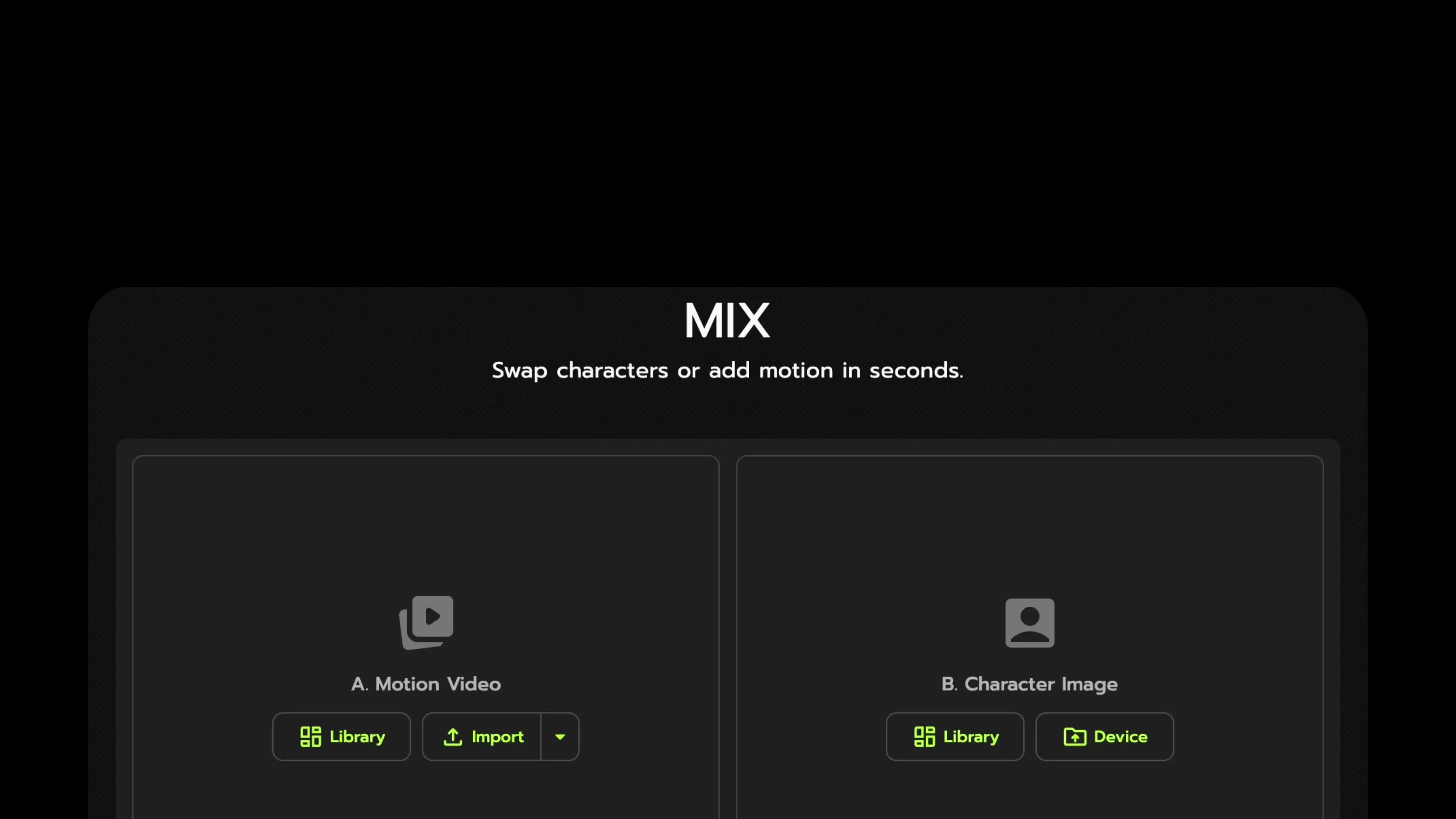
让你的角色真正融入视频
Viggle 专为创作者的二次创作而生:你可以选定一个角色,以可控的方式驱动其动作。全身替换会同时替换面部和身体动作,让最终效果看起来就像是同一位表演者,而角色一致性则帮助角色在多次生成中保持身份稳定。当你希望角色在批量生成前保持形象统一时,Character Refine 会提供 5 个角度的参考图。
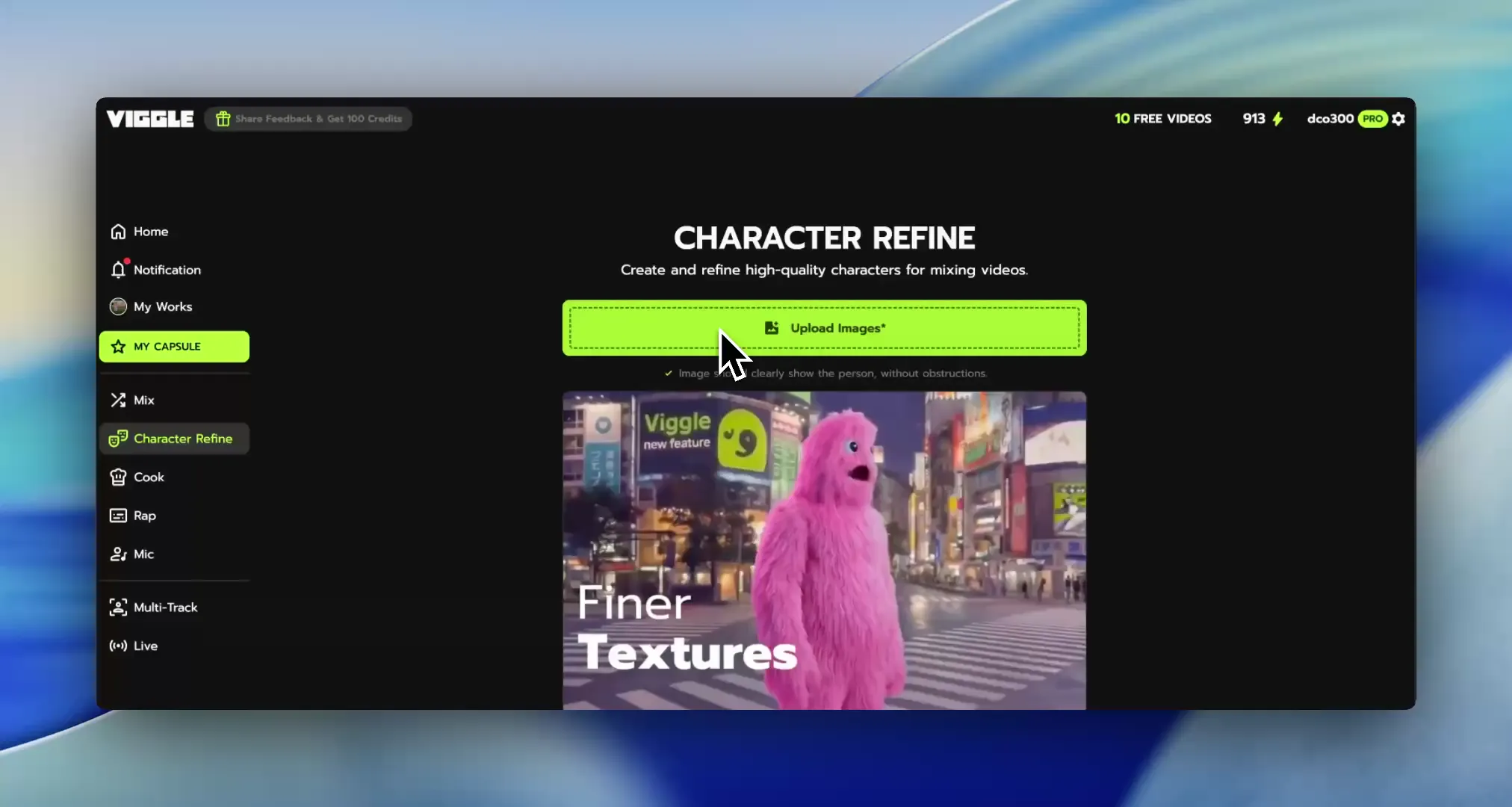
速度更快,价格更实惠
对创作者来说,更好往往意味着更少返工、更高的日产出。Viggle 免费使用,注册后每天最多可生成 5 条免费视频,并围绕 8000+ 模板构建,让你无需寻找完美素材也能快速迭代。许多作品可在一分钟内渲染完成,这让 A/B 测试钩子和每周更新变得切实可行。
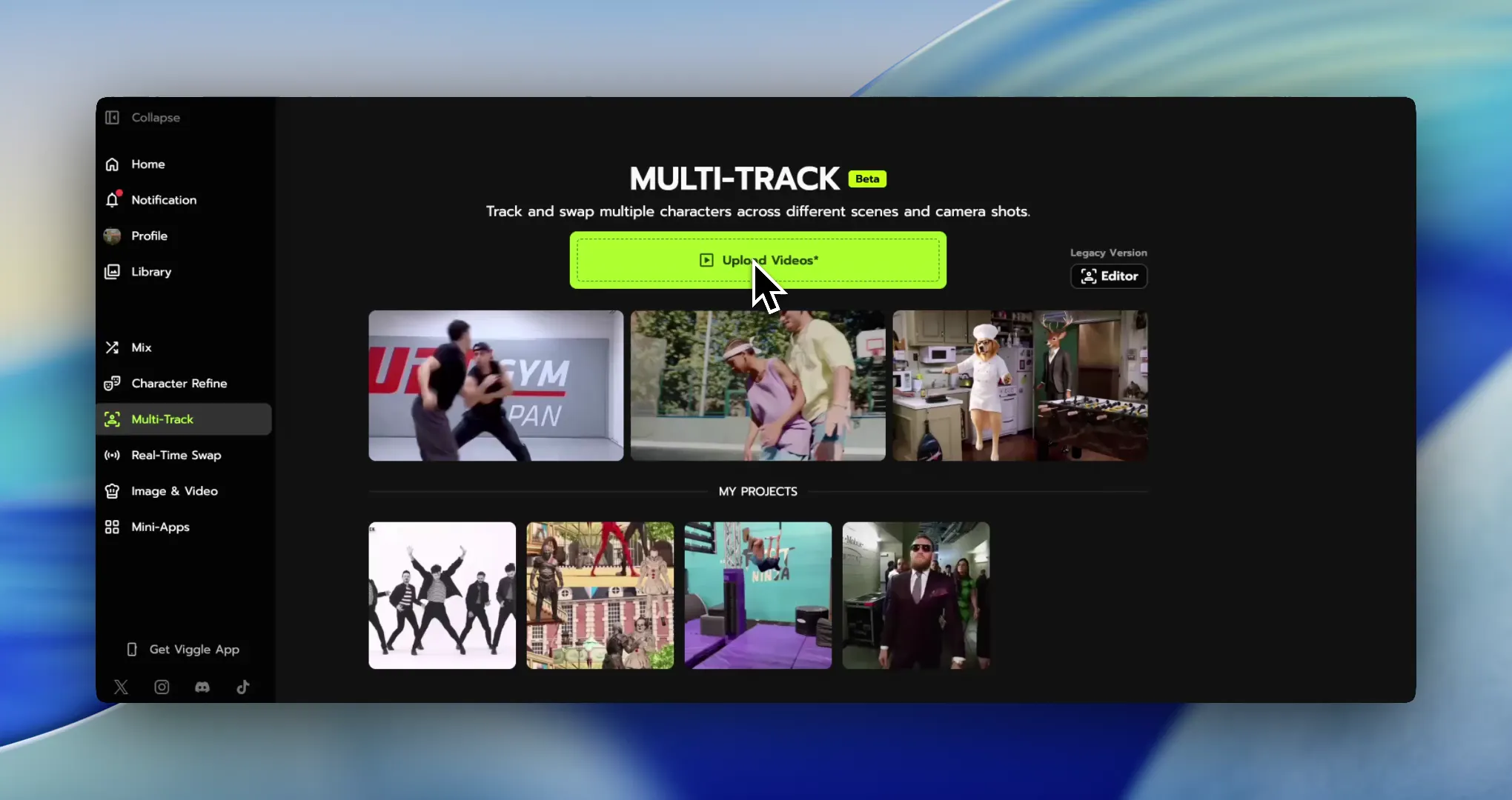
跨场景多角色替换
Multi-Track 让 Viggle 从单纯的生成工具升级为完整的工作流工具。你可以在时间轴上追踪并替换多个主体和物体(最多支持 7 个角色或物体),并在不重新开始的情况下调整时序。再加上 Mic 或 Rap 带来的语音驱动表演风格,以及 Viggle LIVE 仅凭一张图片即可实现的实时摄像头替换(延迟 1-2 秒),一套工具就能覆盖创作者的多种内容形式。
功能对比:Viggle 对比 Kling AI
| 功能 | Viggle | Kling AI |
|---|---|---|
| 核心技术 | ||
| 引擎基础 | ✅ JST-1 3D 模型 | ⚠️ 非 JST-1 技术栈 |
| 动作优先级 | ✅ 动作控制优先 | ⚠️ 控制精度参差不齐 |
| 一致性核心 | ✅ 角色一致性 + Refine | ⚠️ 多次生成可能出现偏差 |
| 主要定位 | ✅ 创作者落地执行 | ✅ 创意构思/生成 |
| 角色与动作 | ||
| 动作来源 | ✅ Mix:照片+视频/模板 | ⚠️ 迁移精度不稳定 |
| 复杂动作 | ✅ 高难度动作依然稳定 | ⚠️ 可能需要多次重试 |
| 全身效果 | ✅ 全身替换 | ⚠️ 能力参差不齐 |
| 实时能力 | ✅ Viggle LIVE(1-2 秒延迟) | ⚠️ 依赖具体平台 |
| 内容创作 | ||
| 模板规模 | ✅ 8000+ 模板 | ⚠️ 模板丰富度参差不齐 |
| 语音能力 | ✅ Mic + Rap | ⚠️ 依赖具体产品 |
| 修正流程 | ✅ Multi-Track(最多 7 个) | ⚠️ 需要更多次重新渲染 |
| 分发适配 | ✅ 适配表情包/社交/短视频 | ⚠️ 取决于具体工作流 |
| 速度、价格与获取方式 | ||
| 生成速度 | ✅ 快速生成多个版本 | ⚠️ 受负载/模式影响 |
| 入门方案 | ✅ 每天最多 5 条免费视频 | ⚠️ 免费额度不固定 |
| 迭代成本 | ✅ 重新渲染浪费更少 | ⚠️ 迭代成本可能上升 |
| 平台覆盖 | ✅ 网页 + iOS + Android | ⚠️ 覆盖范围因套餐而异 |
“两款工具都需要一张图片加一段参考视频,但 Viggle 在复杂动作上的动作捕捉明显更精准。绿幕导出功能还为我节省了大量后期制作时间。而且价格便宜太多了——我花的钱比以前用 Kling 时更少,产出的内容却多了 10 倍。”
Viggle 对比 Kling AI——哪个更适合你的工作流
什么情况下选择 Kling AI
- 你更看重带动作功能的通用视频生成
- 你希望获得更广泛的场景生成能力,而非严格的迁移控制
- 你更关注多样化模型带来的创意产出
- 你能接受需要多次重新渲染的迭代流程
- 你更适应控制精度参差不齐的工作流
什么情况下选择 Viggle
- 相比 Kling AI,你更看重 Mix(照片+视频/模板)带来的可控动作迁移
- 相比 Kling AI,你更信赖 JST-1 视频-3D 物理感知控制带来的动作可靠性
- 相比 Kling AI,你更看重多次生成中稳定的角色一致性
- 相比 Kling AI,你更倾向于选择全身替换(面部+身体动作)
- 相比 Kling AI,你更看重 Character Refine(5 角度参考图)带来的角色稳定性
- 相比 Kling AI,你需要 Multi-Track 的追踪、替换和物体替换功能(最多支持 7 个)
- 相比 Kling AI,你更依赖 Mic/Rap 语音驱动的说话、唱歌和歌词表演工作流
- 相比 Kling AI,你更追求 8000+ 模板和每日免费额度带来的创作者级迭代速度
常见问题
Viggle 和 Kling AI 是完全对等的对比吗?
部分是。两者有一定重叠,但最佳选择取决于你的工作流需求:是带动作功能的通用视频生成,还是可控的角色动作执行。
在动作迁移方面,Viggle 和 Kling AI 哪个更强?
如果你更看重精准且可重复的角色动作迁移,Viggle 通常是更强的选择,因为动作控制正是它的核心工作流。
什么情况下应该选择 Kling AI 而非 Viggle?
如果你的主要目标是带动作功能的通用视频生成,而不是需要高精度控制的多版本角色表演,可以选择 Kling AI。
可以同时使用 Viggle 和 Kling AI 吗?
可以。常见的组合方式是用 Kling AI 进行创意构思或特定类别的内容产出,再用 Viggle 完成角色执行和可重复的多版本生成。
Viggle 支持全身角色工作流吗?
支持。Viggle 提供全身替换和角色一致性功能,能帮助创作者内容中的面部和身体动作保持协调一致。
Viggle 对新手友好吗?
是的。Mix 流程简单直观,模板也能帮助你更快地把创意变成可发布的成品。
我可以用免费方案测试 Viggle 和 Kling AI 吗?
可以。Viggle 注册即可免费使用,每天最多可生成 5 条免费视频,方便你在扩大产出前先验证效果。
如何最快判断 Viggle 和 Kling AI 哪个更适合我?
用同一个需求分别测试两款工具,重点评估三点:动作控制精度、多次生成中的身份稳定性,以及产出可用成品的速度。
感受可控视频生成带来的差异。
免费试用 Viggle