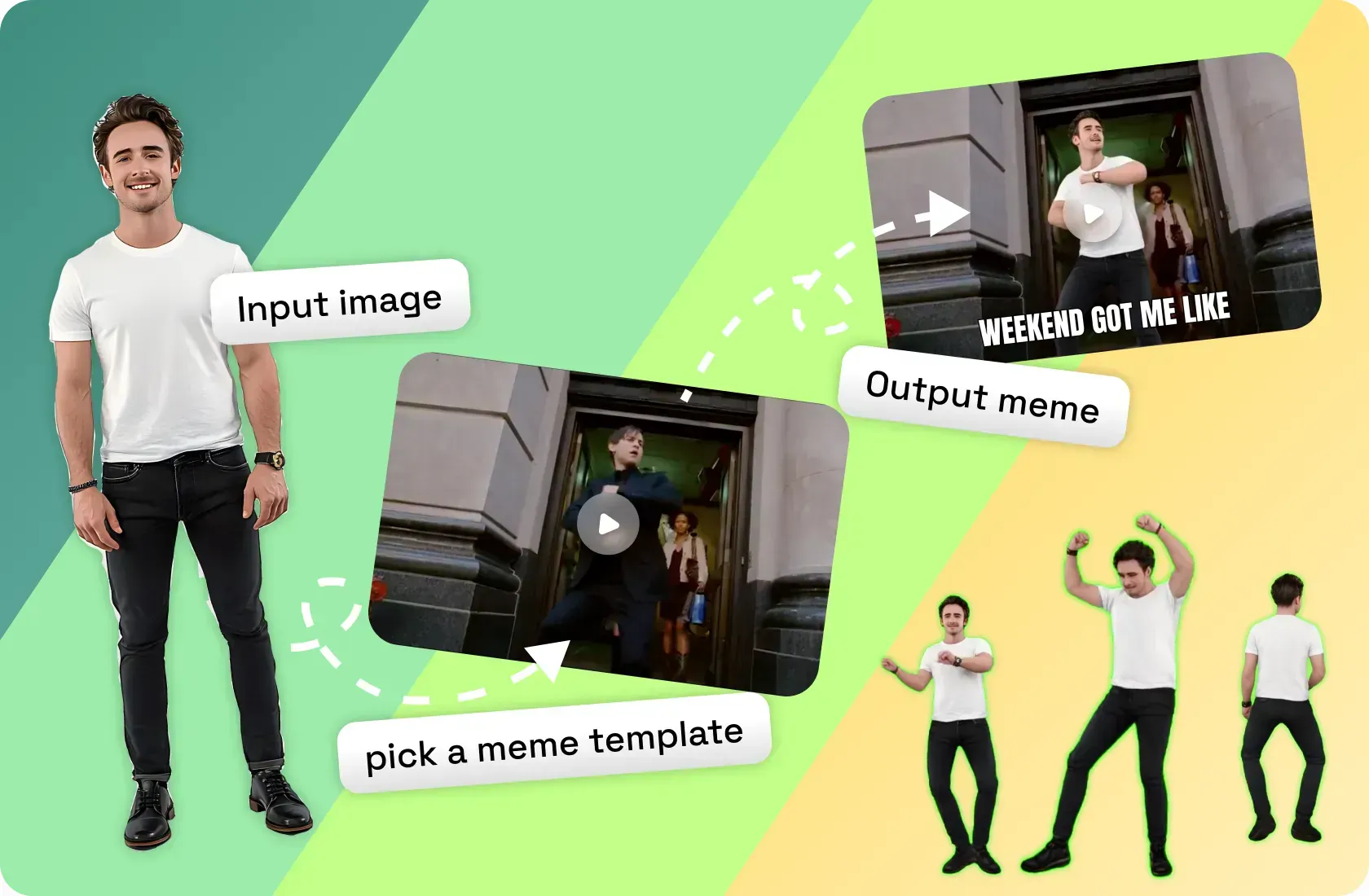
Free Meme Generator
Pick a meme template, upload your image, share the fun with friends and watch your meme go viral!
Make Your Meme Video Right Now
How To Make A Meme With Viggle
Creating a custom meme with Viggle is free and easy! Make yourself the star of a meme video with Viggle's body swap tech, or add a fresh twist by animating a classic static meme image. Check our hottest templates below.
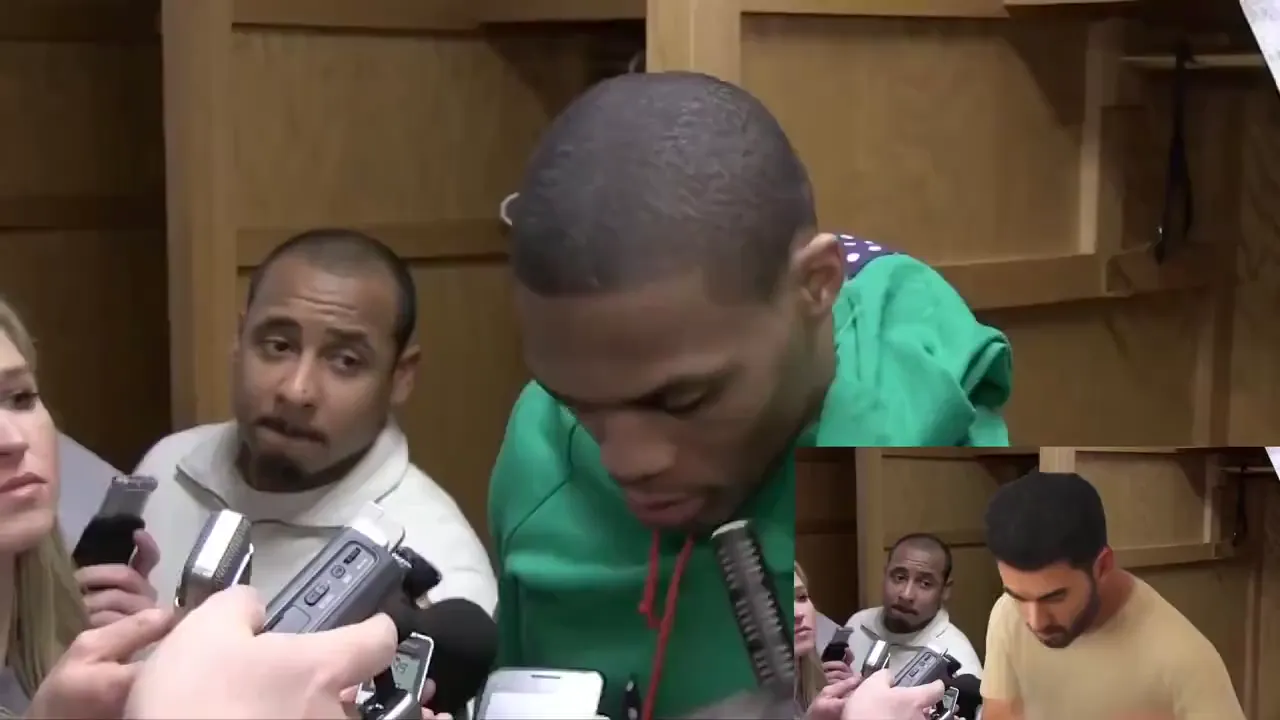
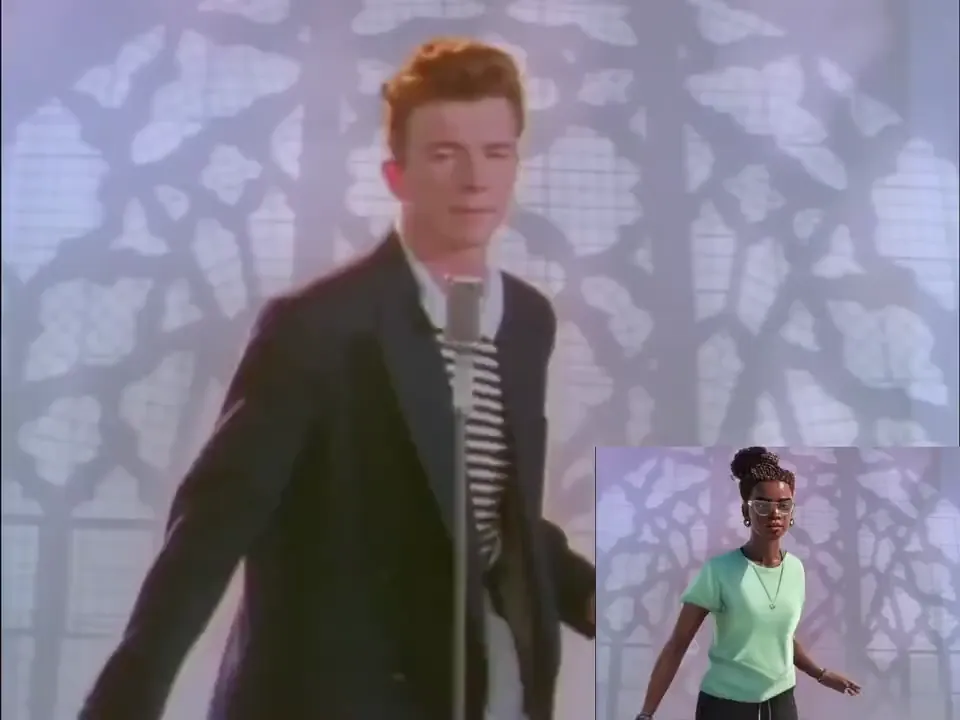
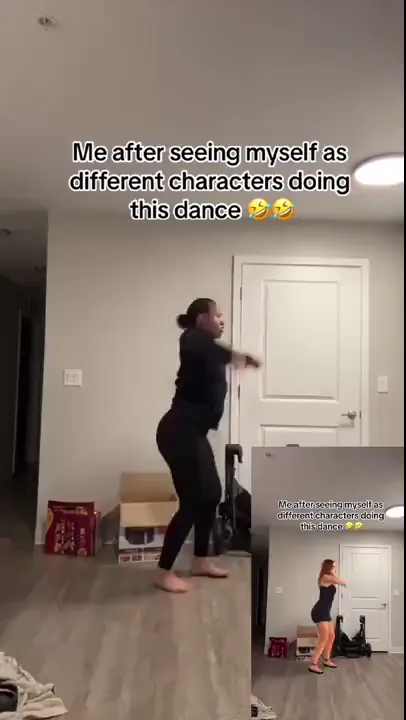
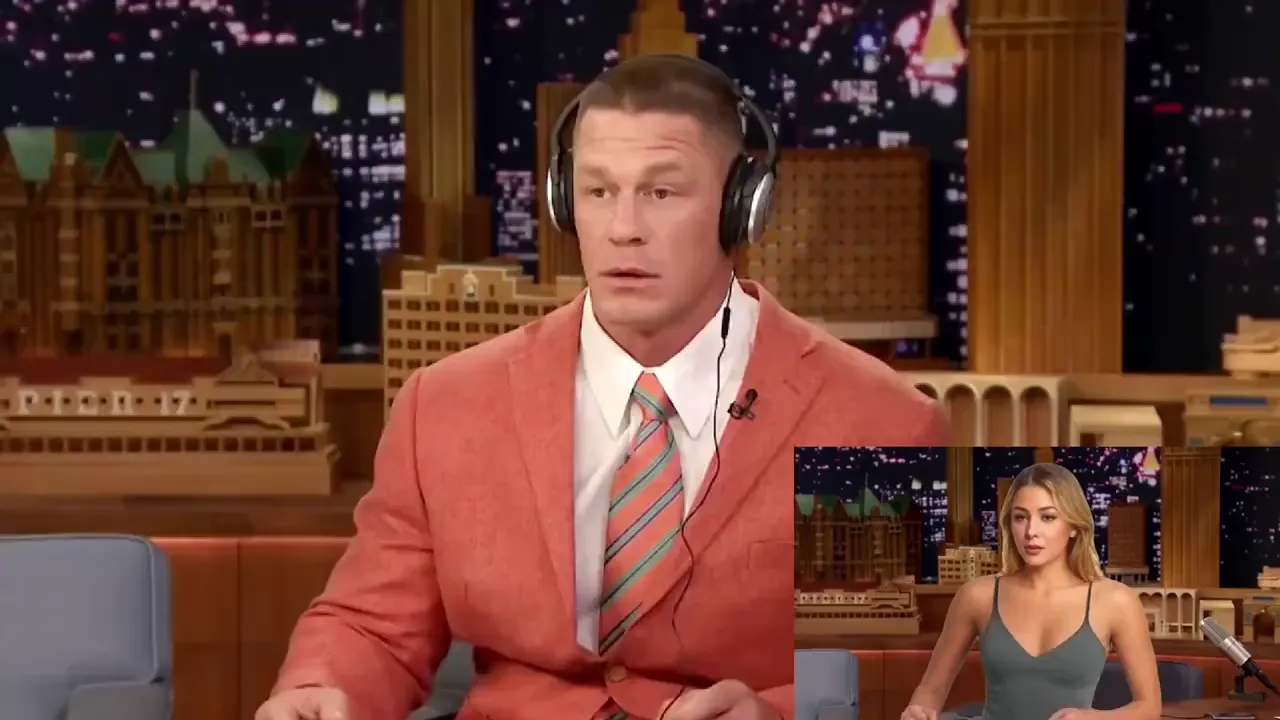
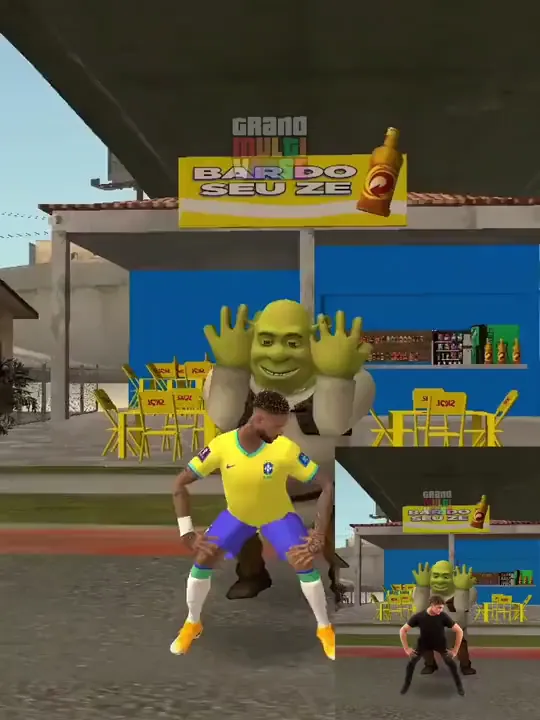
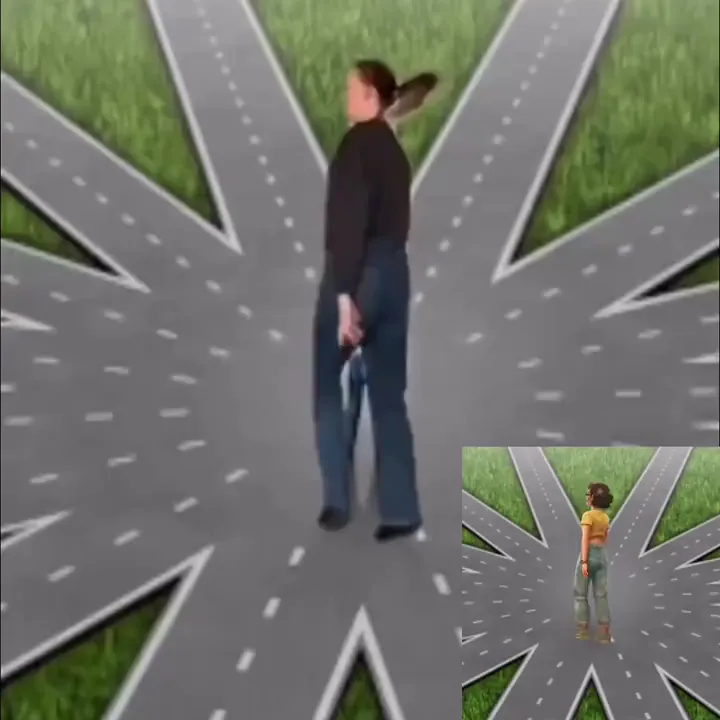
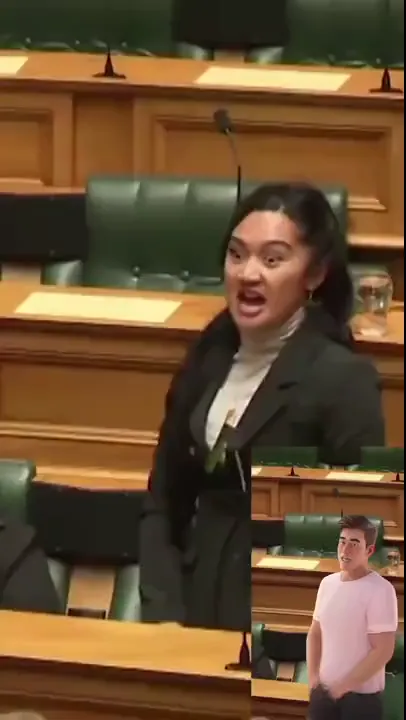
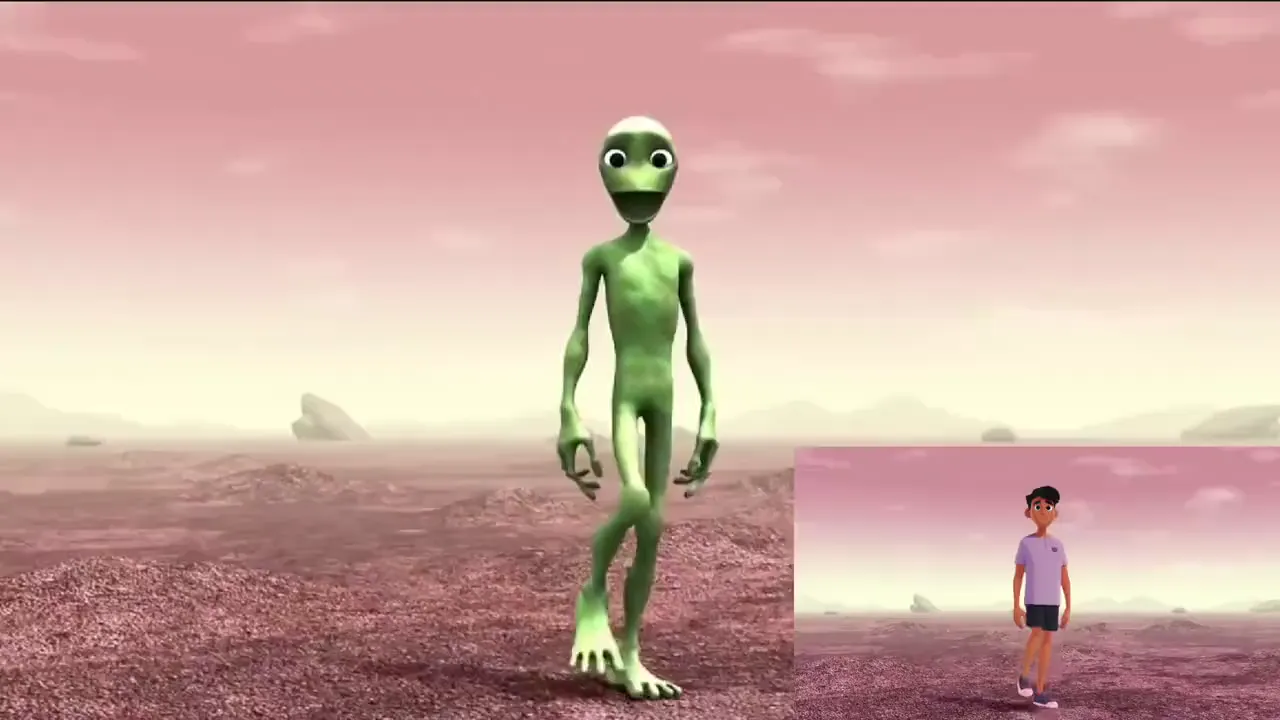
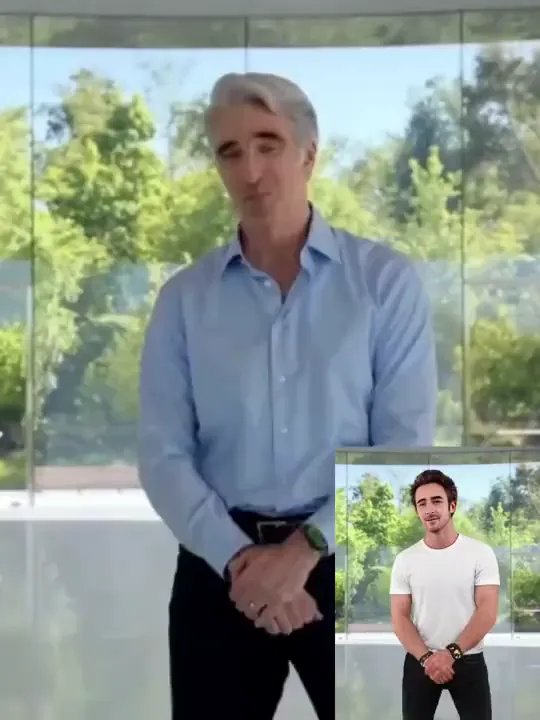
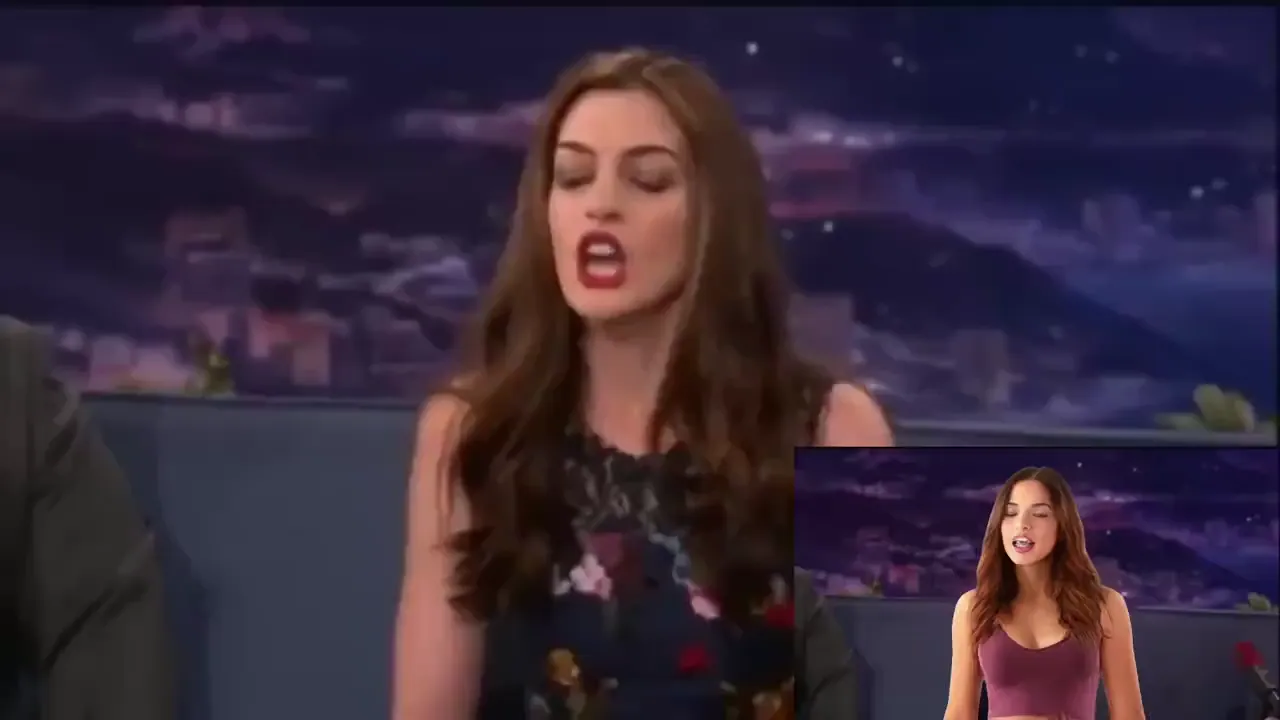
Swap Anyone In A Meme By
Animate A Meme Image By
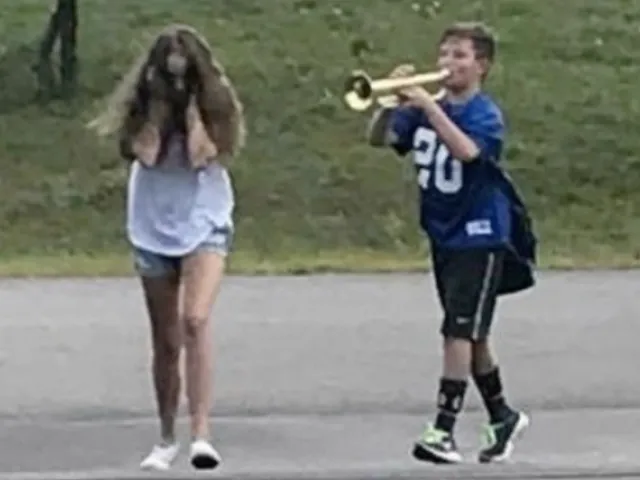
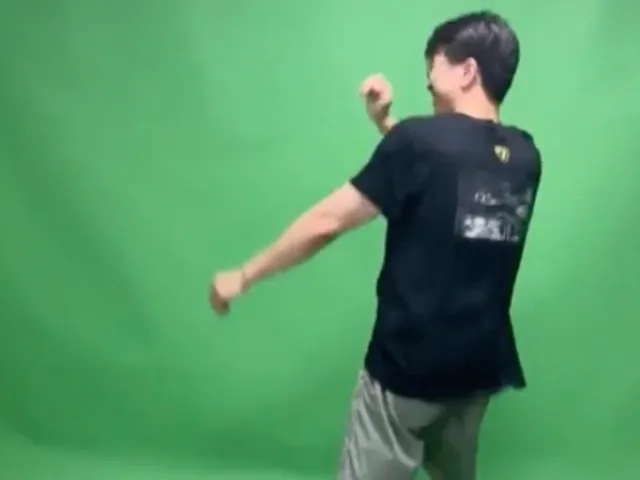
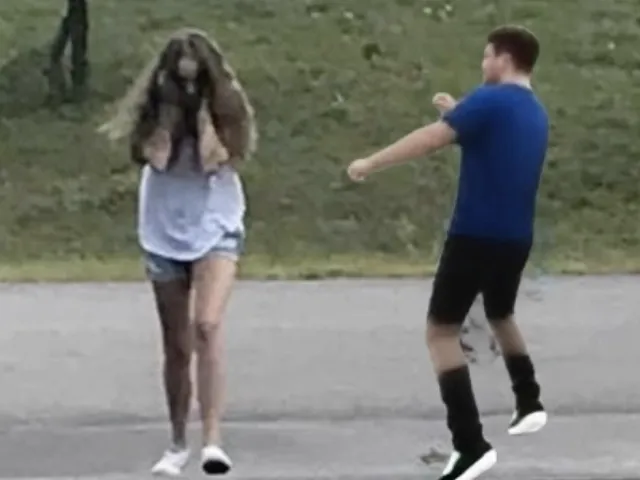
Memes Have Never Been So Creative & Funny

The most personalized meme creation
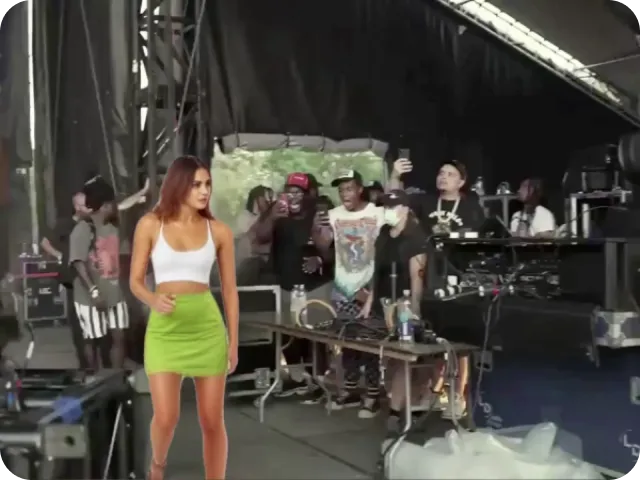
Stop making generic memes like everyone else! Ever thought about starring in your own meme? With Viggle, you can replace anyone in a video. Just find a fun video, upload a photo, and see the magic happen!
Create A Meme
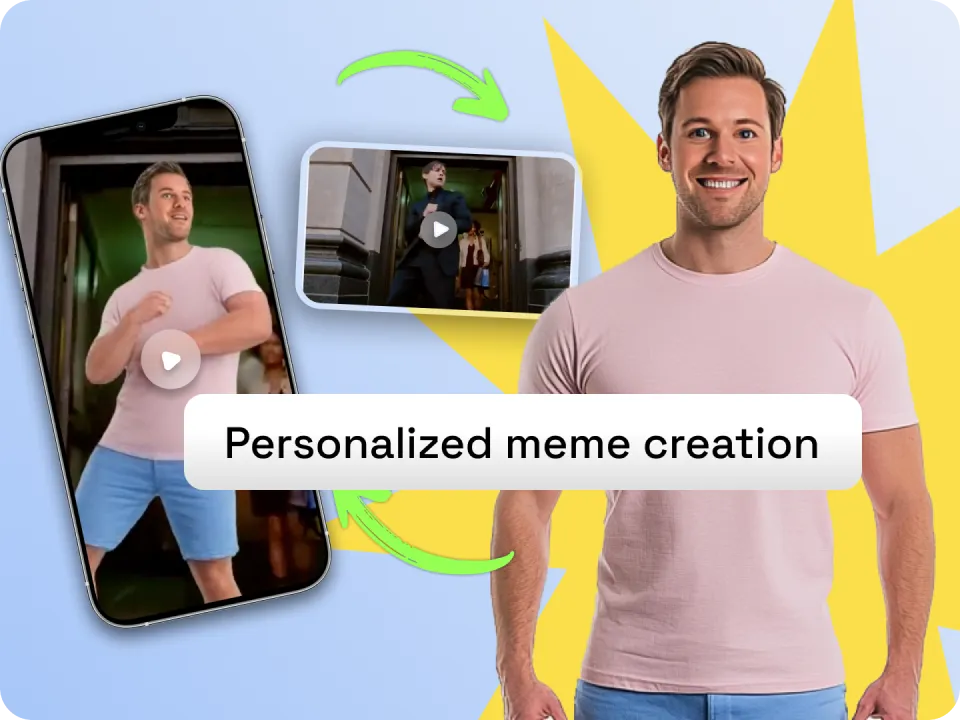
1000+ Free meme templates
With thousands of free meme templates in our library, there's always something new to explore! The Drake meme, Kevin James meme, Hawk Tuah meme, Shrek meme, Dua Lipa meme, Harry Potter memes, Ohio meme, sigma face meme, and more—all ready for your spin. You can even turn your cat into a dancing meme!
Select A Template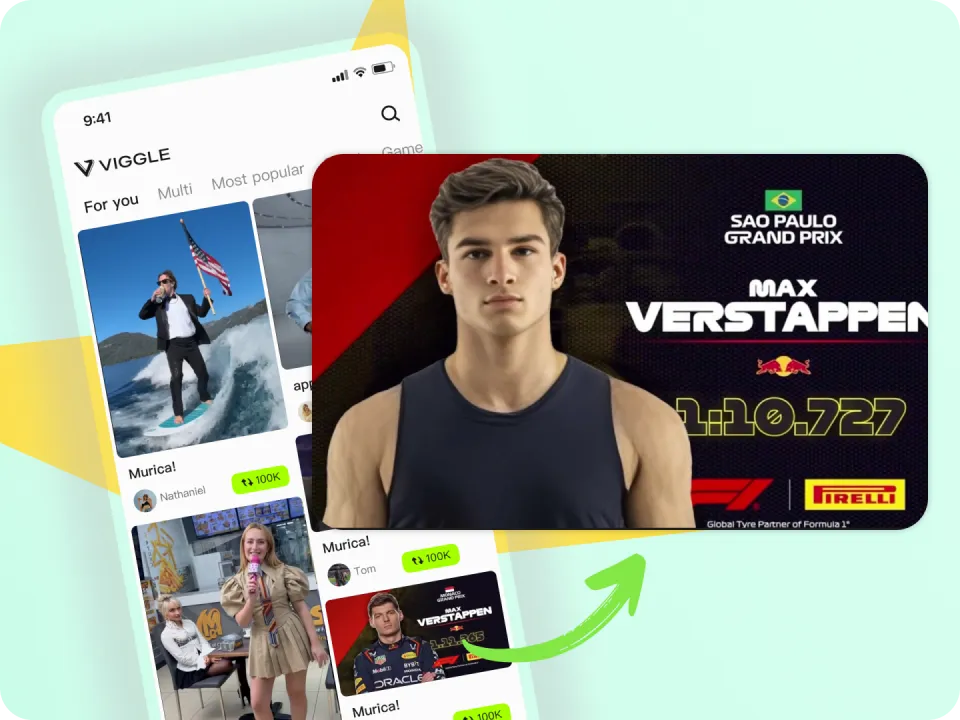
Share the fun and go viral easily
Viggle lets you replace multiple people in a video. Add yourself and your friends to a meme video, share the laughs directly on social media and go viral easily!
Meme With Friends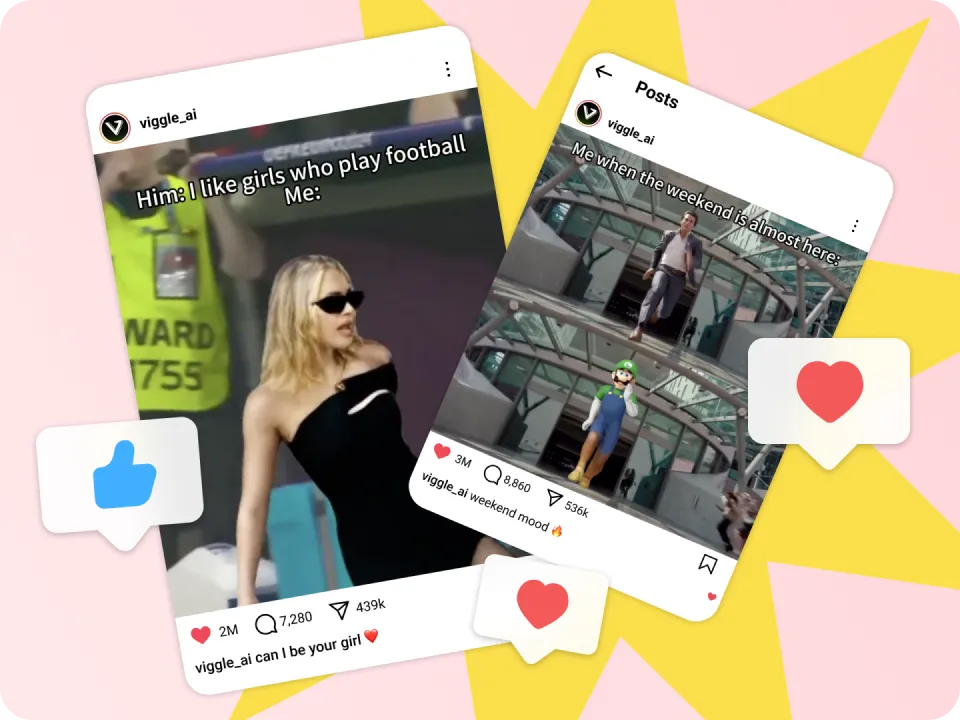
FAQ
How to make a good meme?
A great meme is simple, relatable, and taps into current trends or popular topics. Use minimal text and a striking image or video to connect with a broad audience. With Viggle, you can create a standout meme by starting with our collection of already-viral templates.
Why use an AI meme generator?
An AI meme generator makes creating memes faster, easier, and more customizable. With AI tools like Viggle, you can instantly add unique features—such as body swaps, lip-sync, and animation—transforming static images into dynamic, personalized memes.
Why use Viggle to create memes?
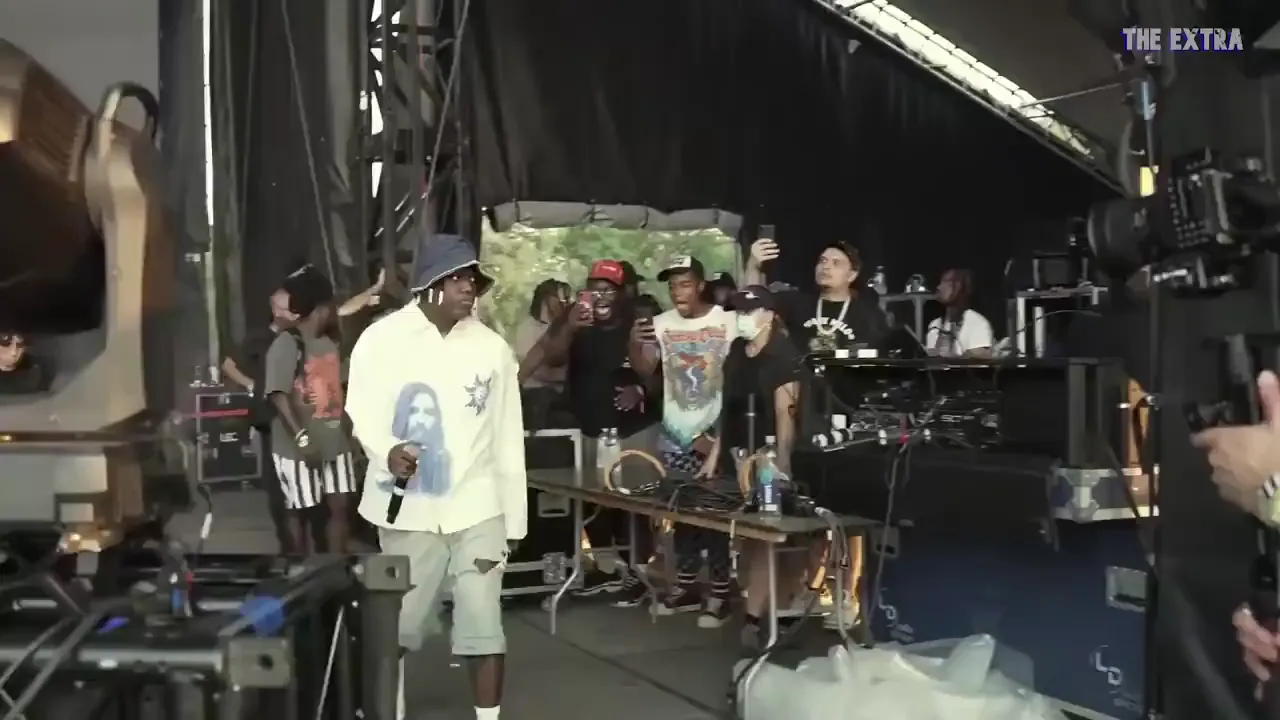
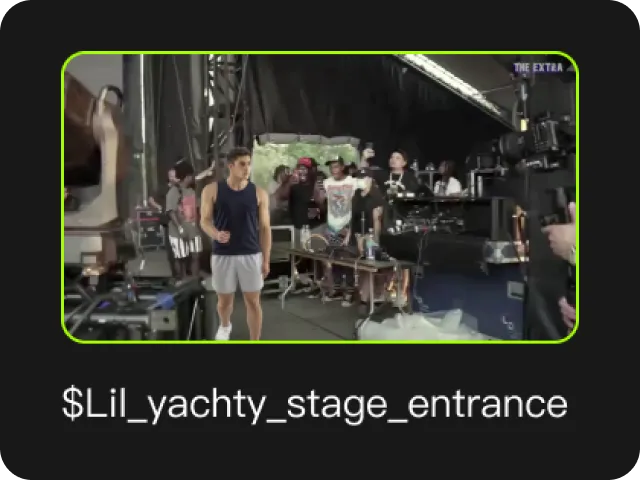
Viggle offers a truly immersive and personalized meme-making experience by letting you place yourself directly into meme videos. As the hottest AI meme generator, we’re known for viral hits like Lil Yachty’s best walkout and the "Gimme Head Top" dance swap—making it easy for your creations to go viral on social.
Can I upload my own meme template?
Absolutely! You're welcome to use your own video as a meme template. Feel free to share it in the Viggle app content feed so others can remix your template—and you can rack up thousands of likes!
How do I put myself in a meme video?
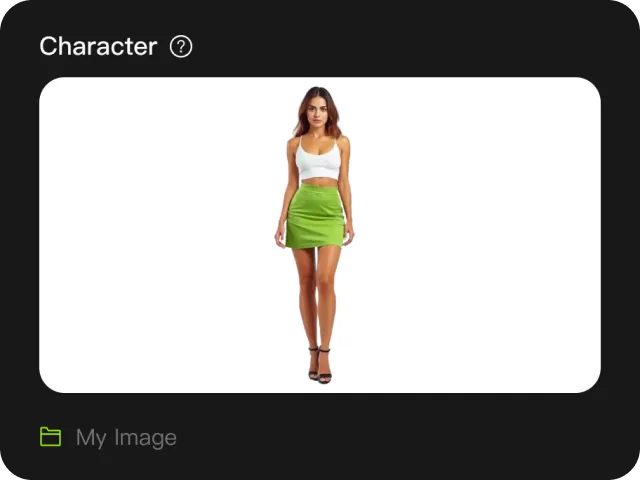
Upload a photo of yourself into Viggle's Mix tool, pick a meme template from the library of 10000+ free templates, and the AI swaps you into the video in place of the original person. A full body photo works best because the model needs to see your head, torso and legs to map the motion accurately. You can swap in more than one person, so you and a friend can appear in the same meme.
Is Viggle's AI meme generator free?
Yes. Viggle gives you 5 free memes every day and no credit card is required to start. The free tier is enough for casual meme making and sharing with friends. Paid plans unlock higher resolution exports, watermark free downloads, faster processing and higher daily limits for people posting regularly to TikTok, Reels or Shorts.
Can I turn an existing meme image into a video?
Yes. Viggle's Move tool animates a static meme image. Upload the meme picture, then add a motion video or record yourself performing the movement, and the AI transfers those expressions and body movements onto the image. This is how a classic still meme becomes a short video clip without any animation or editing skills.
What kind of photo works best for an AI meme generator?
A full body photo of one person, shot head to toe against a simple background with even lighting. Arms and legs should be visible and not overlapping the body. Cropped selfies and half body shots produce the weakest results because the AI has no reference for the lower body and has to guess the limbs, which is what causes bent or distorted legs in the output.
Can I post AI generated memes on TikTok, Instagram and YouTube Shorts?
Yes. Viggle memes export in short form video formats built for TikTok, Instagram Reels, YouTube Shorts and group chats, and you can share straight from the app. Free plan exports are intended for personal sharing. If you are posting from a brand account or monetizing the content, check the plan you are on and Viggle's Terms of Use, and avoid templates built around copyrighted characters.
Try Viggle AI For Free Today
No credit card required. Get 5 free memes a day — they're all yours!
Try Now