

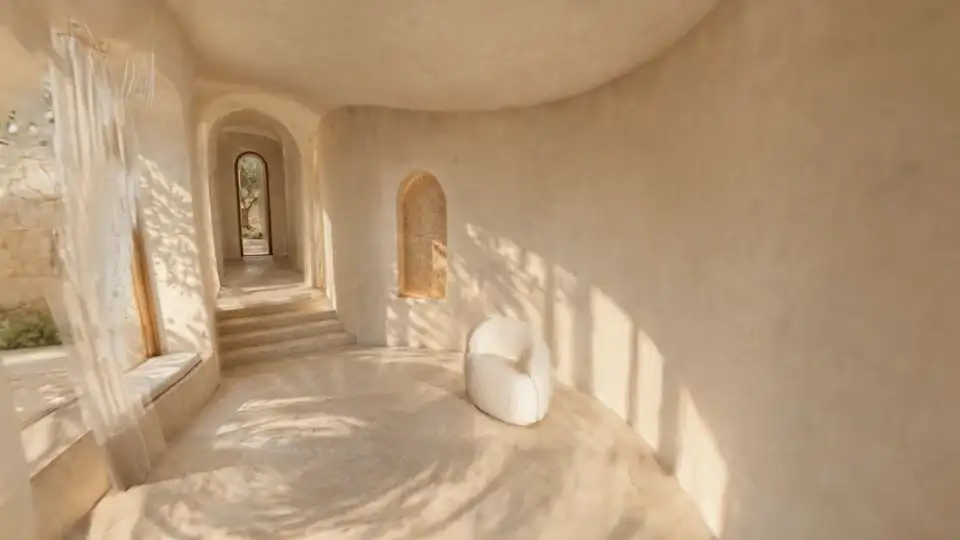
3D scenes
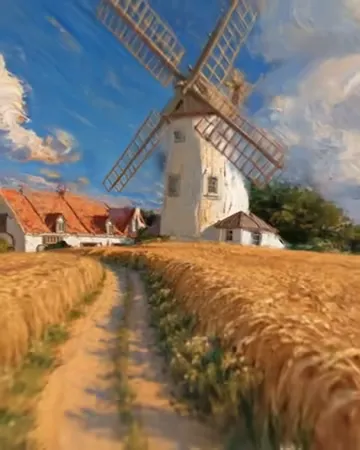
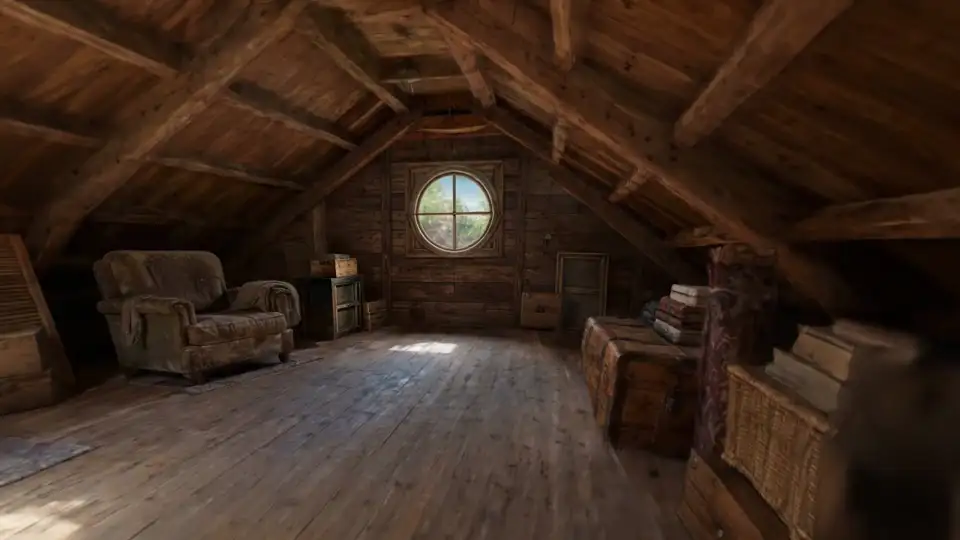
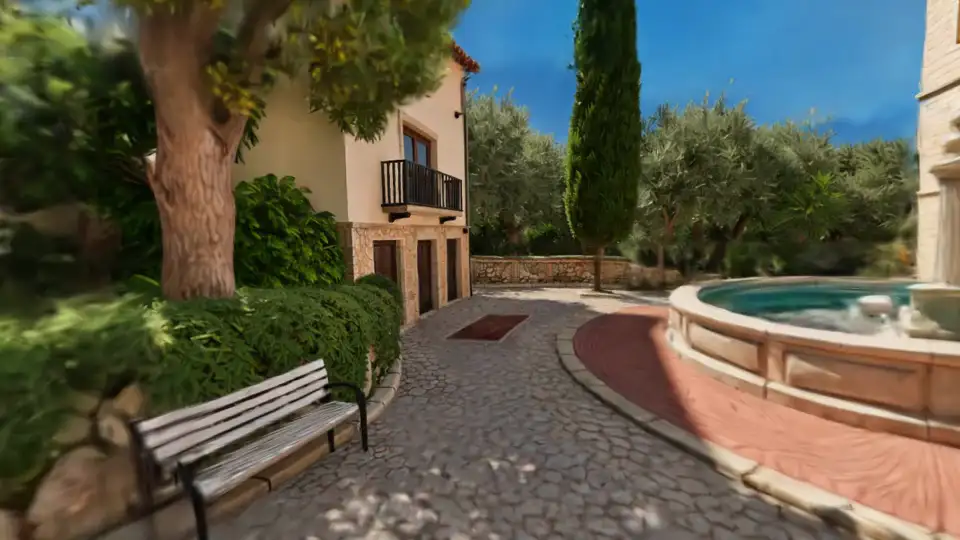
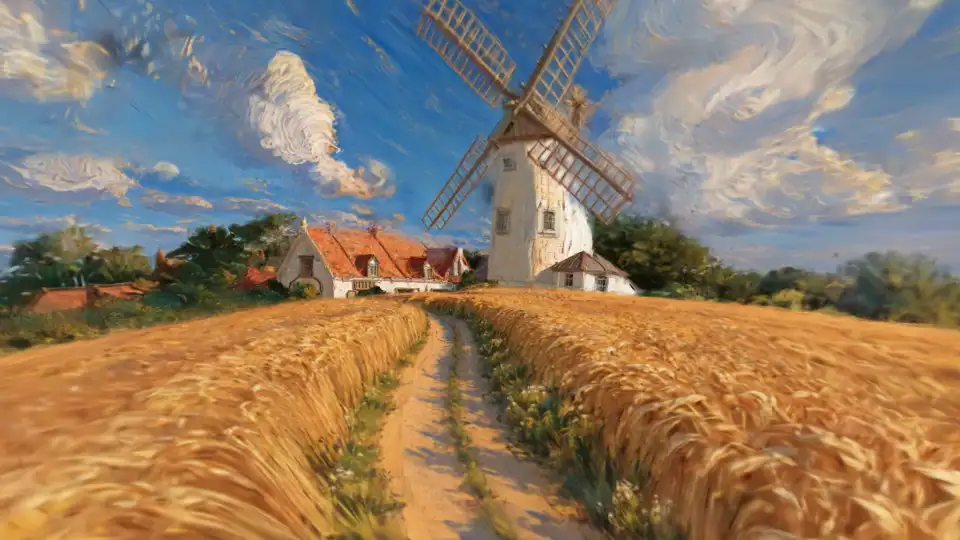
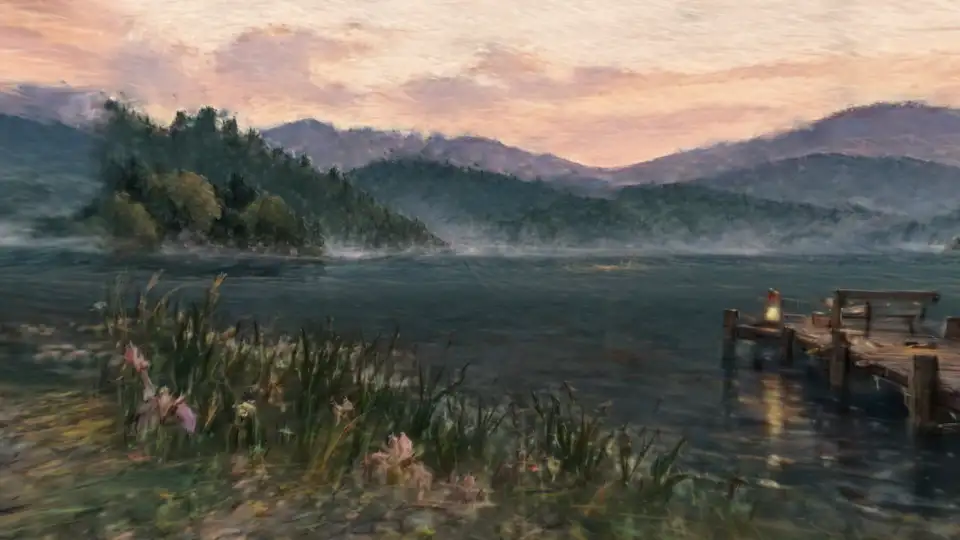
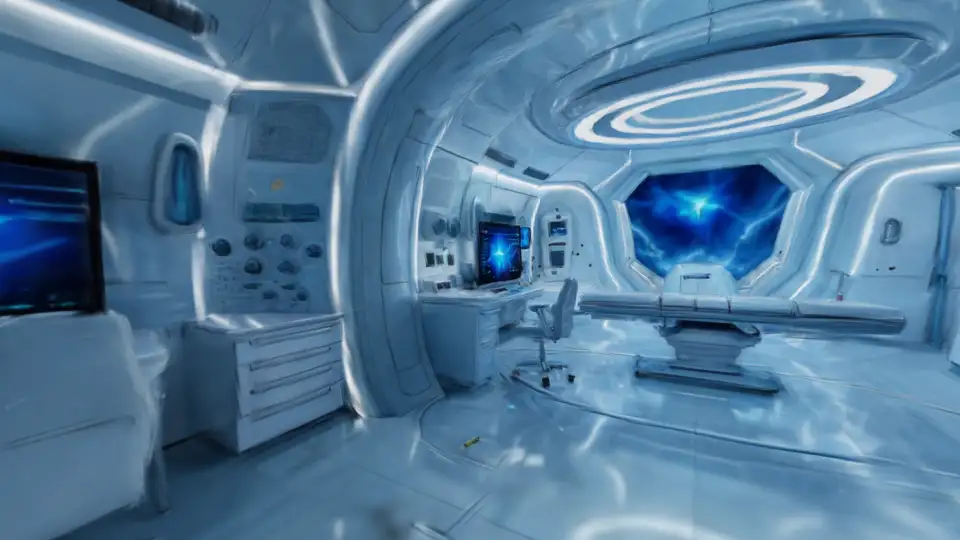
Describe a place or bring a 360° panorama, and get an explorable 3D scene back as an .spz Gaussian splat. Generate new views from any camera, then rebuild the scene from them.
$0.01/ new view (a panorama counts as 6)View code
3D characters, motion, scenes, video and images.One API key for all of it.
100 free credits to start.
Create 3D scenes, motion, and characters with JST-2.
Describe a place or bring a 360° panorama, and get an explorable 3D scene back as an .spz Gaussian splat. Generate new views from any camera, then rebuild the scene from them.
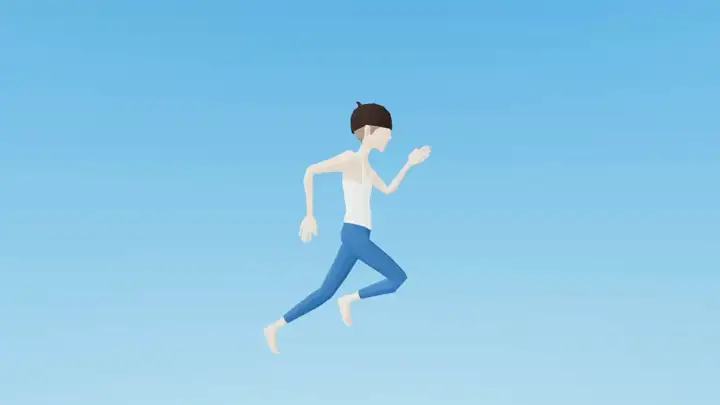
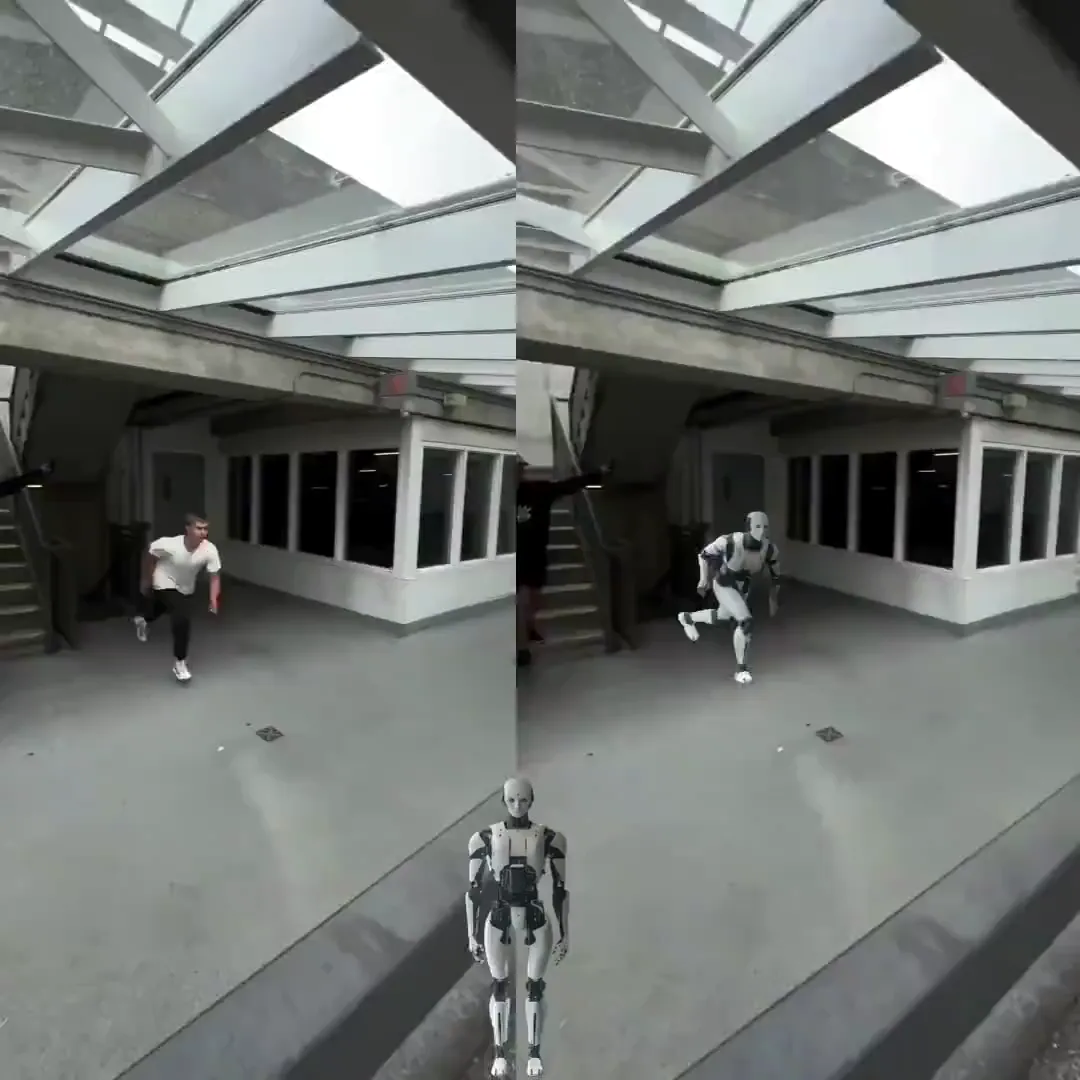
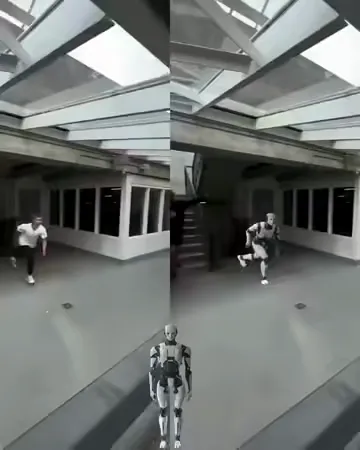
Capture a performance or describe an action. Export skeletal animation to drive your characters in games, animation tools, and 3D applications.
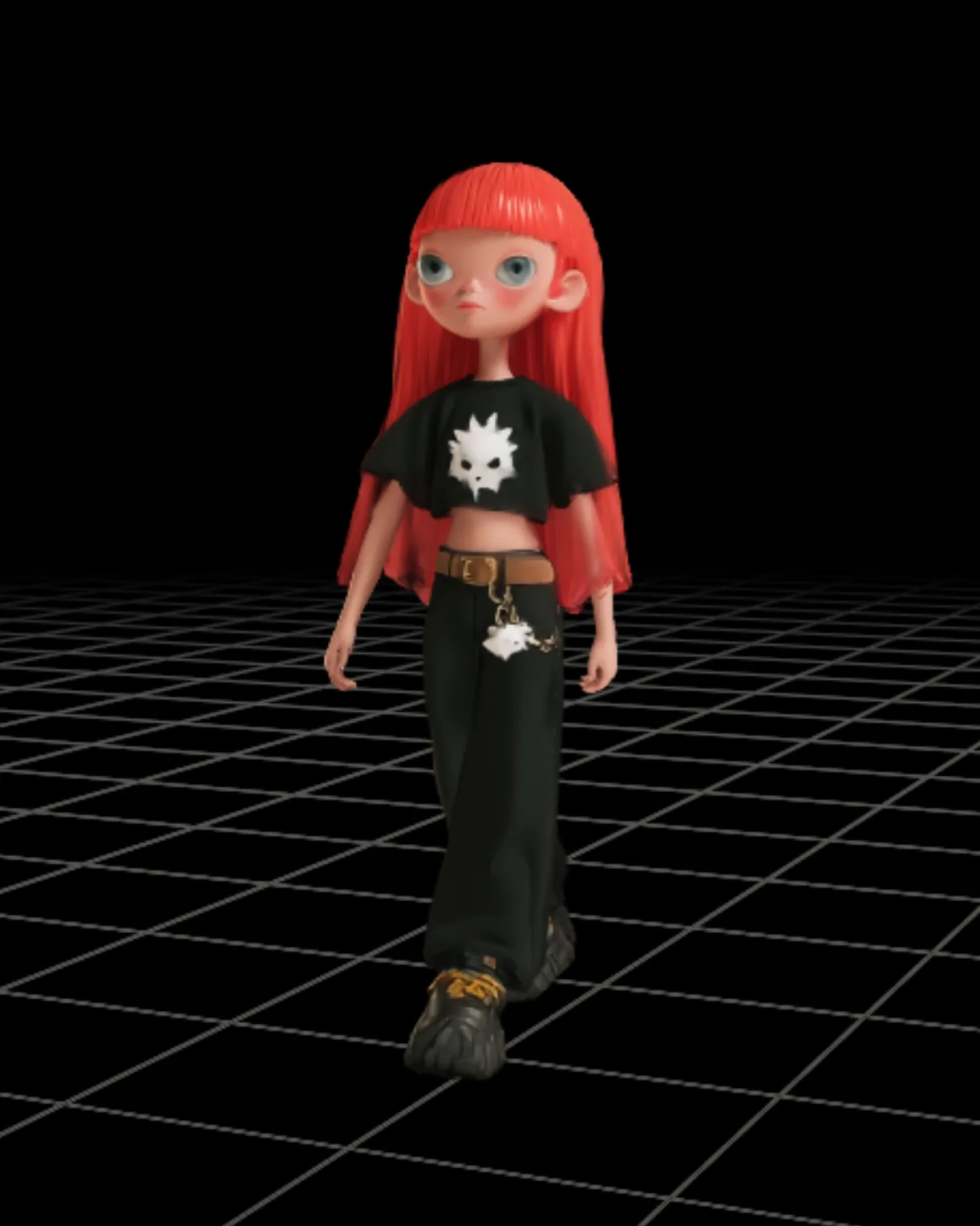
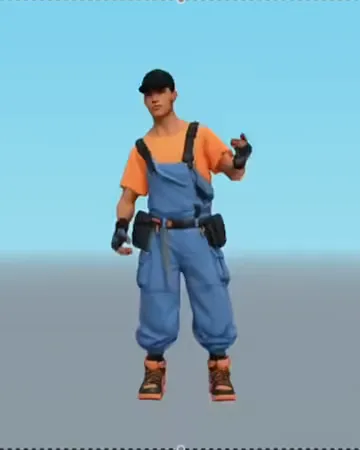
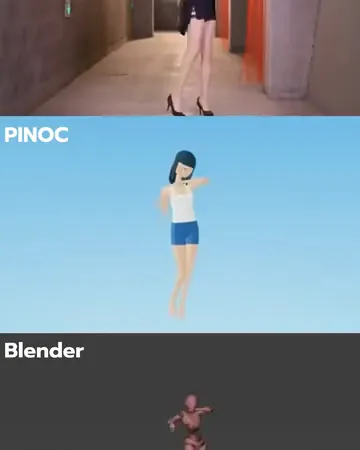
Turn one image into an animation-ready 3D character with JST-2, the model behind PINOC. No separate rigging or skinning step: add compatible motion and bring the character into your game or app.
Transfer performances with JST-1 Mix / Remix. Add image generation, video generation, and character replacement through open-source models fine-tuned by Viggle.
Combine one character image with a motion video and get an MP4 of the character performing that motion.
Get a key, run the selected workflow on your server, and retrieve its result when ready.
Create a key in the dashboard and keep it in a server-side environment variable.
set -euPOST /v1/scenes/panoA text prompt up to 1,000 characters, or a 360° panorama
TASK=$(curl -fsS -X POST "https://apis.viggle.ai/v1/scenes/pano" \
  -H "Authorization: Bearer $VIGGLE_API_KEY" \
  -H "Content-Type: application/json" \
-d '{"sessionId": "quickstart-'"$(date +%s)"'", "prompt": "A sunlit Scandinavian living room with a grey sofa and large windows", "quality": "low"}')GET /v1/scenes/{task_id}Explorable 3D scene (.spz) · panorama · posed views
TASK_ID=$(printf '%s' "$TASK" | jq -r '.id')
for _ in $(seq 1 360); do
  TASK=$(curl -fsS "https://apis.viggle.ai/v1/scenes/$TASK_ID" \
    -H "Authorization: Bearer $VIGGLE_API_KEY")
  STATUS=$(printf '%s' "$TASK" | jq -r '.status')
  [ "$STATUS" = "ready" ] && break
  case "$STATUS" in
    failed|cancelled) printf '%s\n' "$TASK" && exit 1 ;;
  esac
  sleep 5
done
[ "$STATUS" = "ready" ] || { printf 'Timed out waiting for %s\n' "$TASK_ID" >&2; exit 1; }

printf '%s' "$TASK" | jq '{spz: .result.spz.url, panorama: .result.panorama.url}'New accounts receive 100 free credits. 1 credit = $0.01.
Viggle in-house model
Viggle in-house model
Built on open-source models
Reads, lists, exports, and deletes are free. Failed or cancelled jobs do not incur a net charge.
The choices and limits that matter for your first workflow.
Create an API key in the developer portal. New accounts receive 100 free credits. Keep the key on your server, choose a workflow above, and run its example with the included sample inputs. Creation is asynchronous: wait until the resource is ready before using its output.
Video Remix combines reusable Character and Motion assets, supports optional alpha masks, and is billed by finished video duration. Each Render accepts one character. Viggle-Animate is a separate model specially post-trained for character replacement, with model weights on Hugging Face. Its hosted API takes up to five character images with a 5–15 second driving video and bills by enhance_mode: Normal is $0.06 and Planner, the default, is $0.08 per driving-video second, rounded up. The reservation uses the driving video length; final billing uses rounded-up output seconds, capped at the reservation, with any difference refunded. Quality and resolution are not configurable.
Viggle Image generates one to six PNG images per request from a text prompt, optionally guided by up to eight reference images. It costs $0.01 per image at 1K and $0.02 per image at 2K. Poll the job until it is ready, then download the images within 24 hours.
Image-to-3D generates a rigged, animatable character exported in .vsplat format. This Gaussian splat asset renders through Viggle Splat Engine; it is not a mesh for standard GLB or FBX importers. Motion exports separately as GLB or FBX for Mixamo, MetaHuman, or MetaHuman Body. Retarget Mixamo motion to your own mesh, or use matching joint sets when combining a generated character with MetaHuman motion.
No. Text-to-Motion produces 3D animation only and has no video-render capability. For Video Remix, use a supported driving video, a ready Motion with video-render capability, or an official motion template.
The calculator estimates the selected operation. Separately creating a Character or importing a motion template has its own price. Video Remix settles on exact finished duration; Motion 3D, Viggle-Optimized Minimax H3 and Viggle-Animate round billable seconds up. H3 is priced per generated second by input, resolution and enhance (on by default), from $0.02 for 480p text-to-video up to $0.15 for 4K reference inputs with enhance on. Viggle-Animate is priced per driving-video second by enhance_mode (Normal $0.06, Planner $0.08), reserved up front, then settled on rounded-up output duration up to that reservation; any difference is refunded. The calculator prices the example shown: text-to-video for H3, enhance on for reference inputs, and Planner for Viggle-Animate. Viggle Image bills per image ($0.01 at 1K, $0.02 at 2K), and Text-to-Motion uses a flat request price. Reads and exports are free, and failed or cancelled jobs do not incur a net charge.
Poll the documented resource until it is ready or failed. Render additionally offers SSE status events; these are not playable video chunks. Idempotency-Key is supported only by the draft-based JSON Render flow, not multipart Render submissions. Follow the documented error and retry guidance for each operation.
Signed output URLs are valid for one hour after they are issued. Reading or exporting the resource again returns a freshly signed URL. Generated images are also deleted 24 hours after their job finishes. Download completed artifacts promptly and store the files in your own system when you need to keep them.
API inputs and outputs are confidential and are not used to train Viggle models. You retain your rights in them and may use outputs commercially, provided you have the necessary rights to the material you submit and follow the Viggle API terms.
New accounts receive 100 free credits. 1 credit = $0.01.
Products
Don't miss out!
Features, offers and the best of Viggle, by email. Unsubscribe anytime.