Free Celebrity Face Swap Video
Want a celebrity face swap video that looks publishable? Start with one sharp portrait and a short target clip with stable lighting. Generate three to five versions, keep the one with natural expression timing, then ship. This workflow fits creators testing ai celebrity face swap, deepfake face swap, and viral face swap video ideas every day.
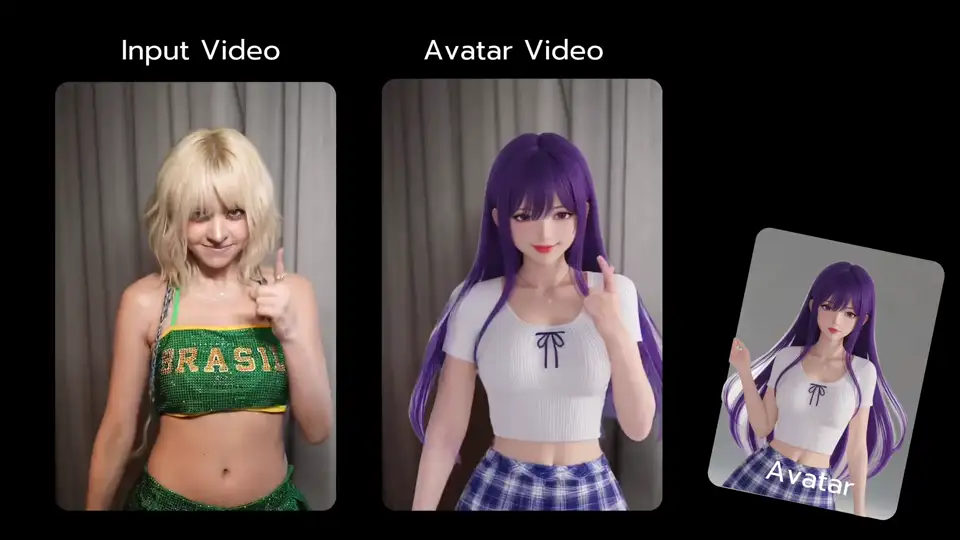
How to get better celebrity face swap video results
Try Viggle FreeUse a clean source, test short drafts first, and refine only the winner. This pattern works for video face swap, face replacement video, and tiktok face swap video publishing loops.
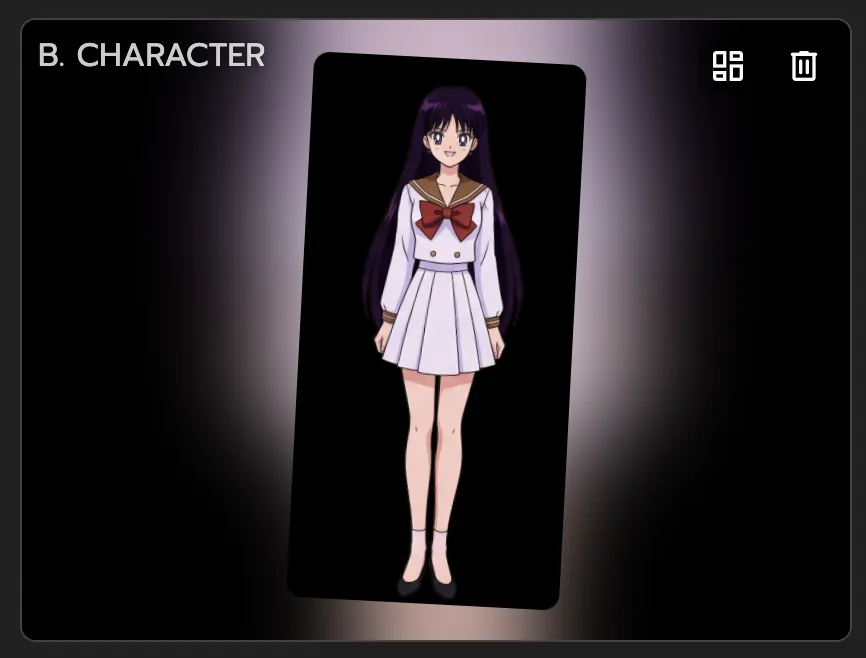
Choose one high-quality celebrity reference
Use a front-facing image with clear eyes and mouth. Better source quality usually improves face alignment and reduces artifacts in motion scenes.
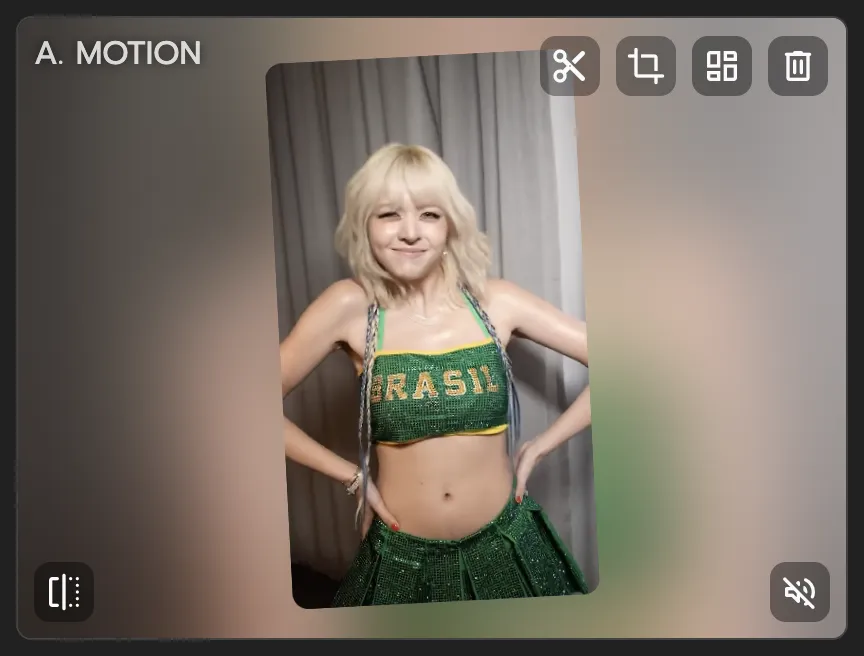
Use a short target clip first
Start with 3-8 seconds instead of long edits. Short tests help you quickly validate realism before spending time on longer cuts.

Generate variants and pick the cleanest pass
Compare face stability during turns and expressions, then export the strongest take for Shorts, Reels, or TikTok.
Why celebrity face swap video creators pick Viggle
Motion control, not random luck
Mix gives you a controllable motion path, so your celebrity face swap video follows intended movement instead of drifting every run. This matters when your clip includes head turns, expression changes, or quick camera shifts. You spend less time rerolling and more time publishing.
See WhyJST-1 holds up on movement-heavy clips
Viggle runs on a self-developed video-3D foundation model designed for motion-aware generation. In practice, this helps preserve readability when the subject moves fast. It is especially useful for social edits where visual glitches kill retention quickly.
Use ItIdentity stays recognizable across versions
Character consistency and Character Refine help keep the same persona stable while you test multiple hooks. That means your audience sees one coherent character, not a different face every attempt. It is a practical advantage for high-volume posting.
Keep StableCleaner finishing in one timeline
Multi-Track lets you refine sequence timing and target-level details without full restarts. You can patch weak moments and keep strong ones in the same project. For creators, that reduces rework and speeds up final delivery.
Refine FasterBuilt for creator publishing speed
With 8,000+ templates and free usage up to 5 videos/day, you can test ideas fast and ship quickly. This workflow fits meme pages, fan edits, and short-form content loops. The result is faster output without heavy production setup.
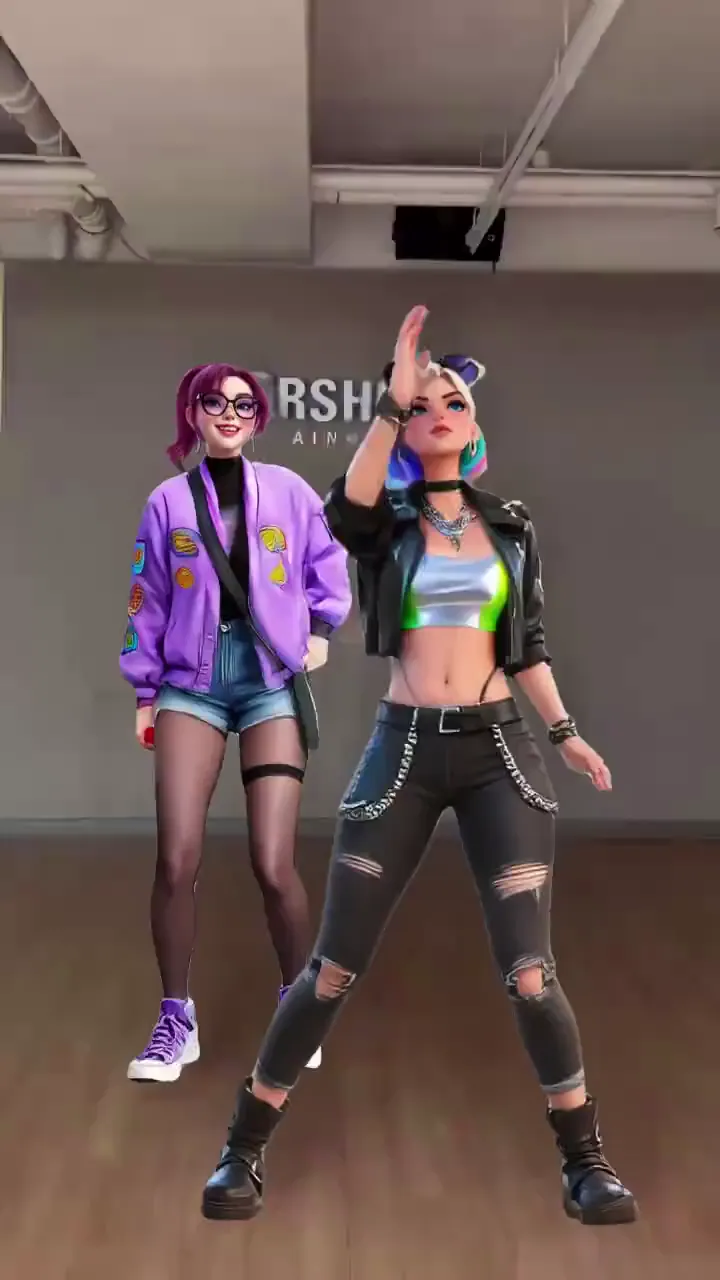
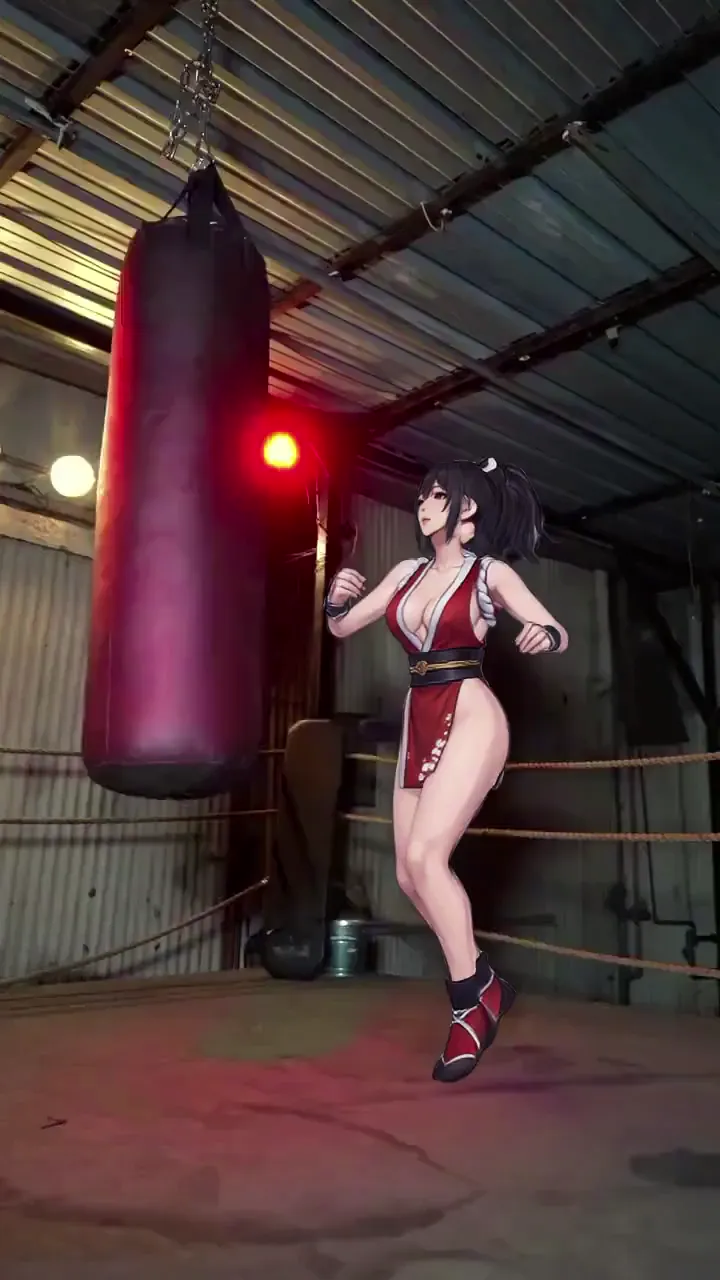
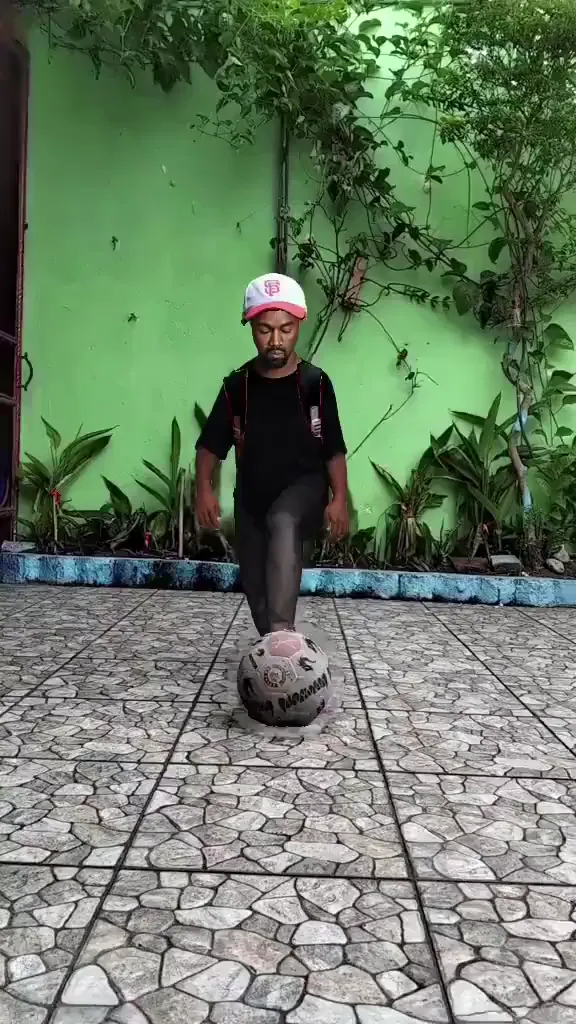
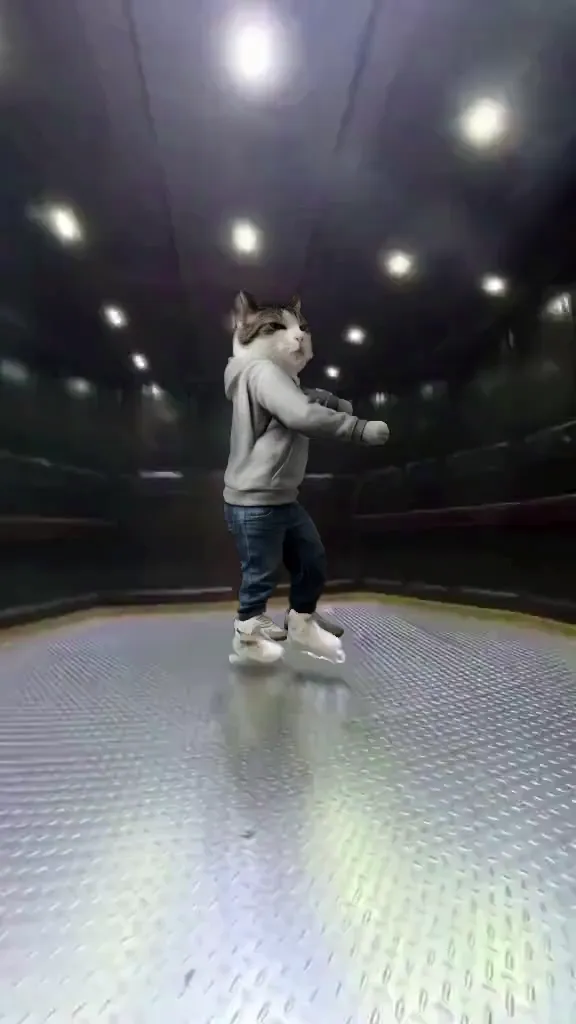
Ship MoreCelebrity Face Swap Video Examples
Explore More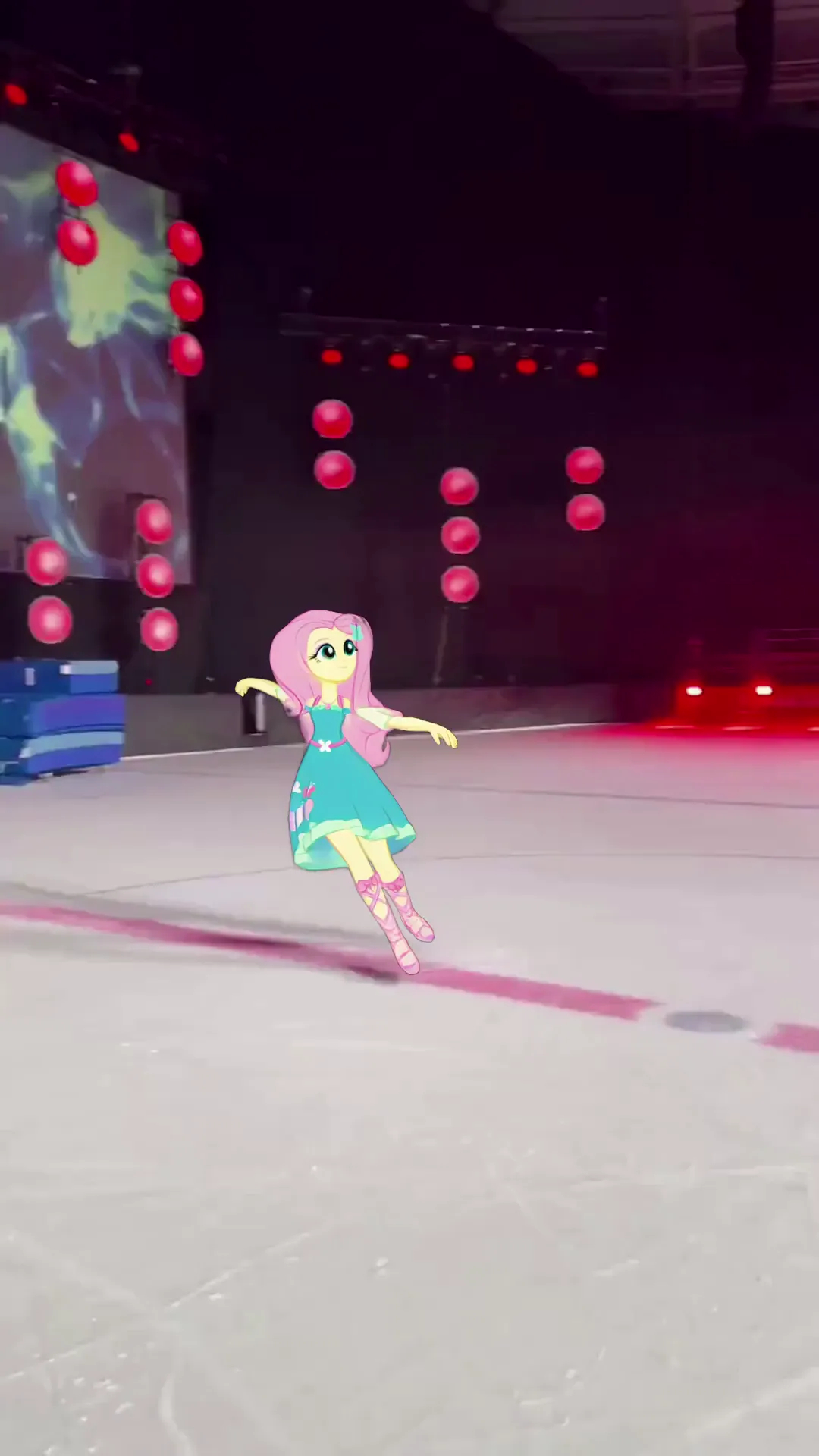
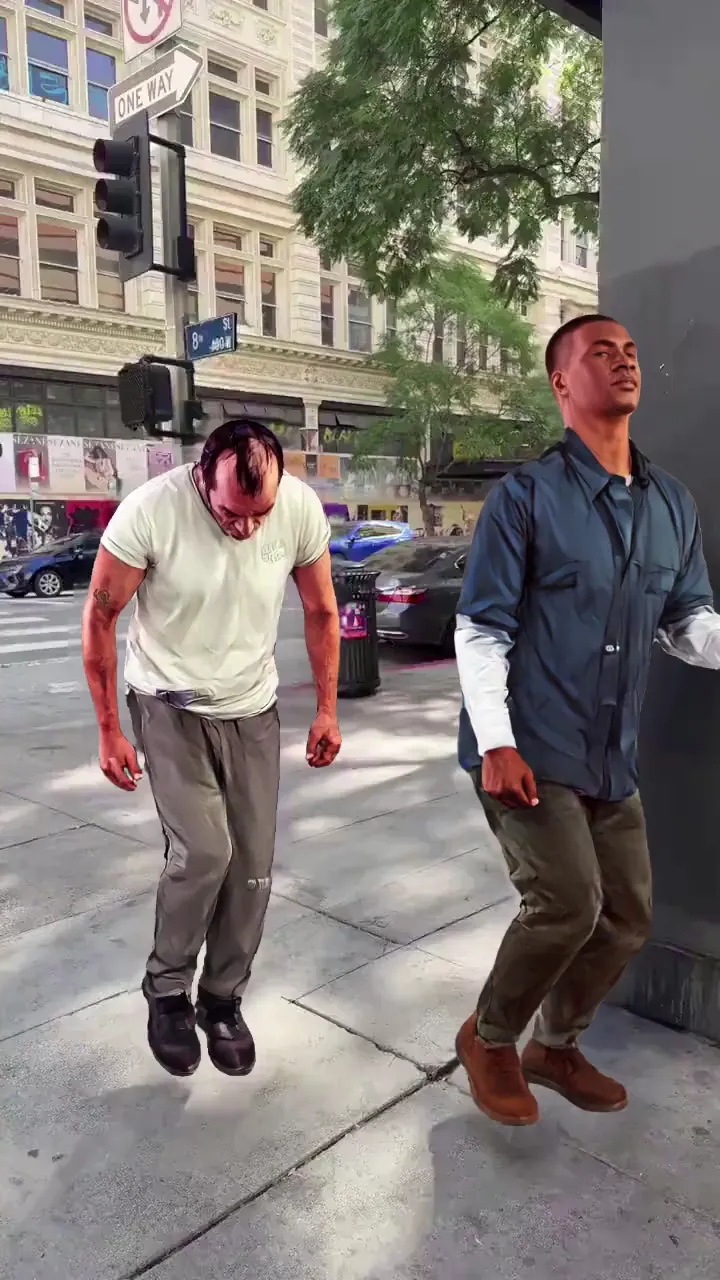
Who Uses Celebrity Face Swap Video
TikTok Creators
They use celebrity face swap video formats to ride trends quickly and test multiple opening hooks per day.
YouTube Shorts Creators
They turn longer celebrity moments into short high-retention edits with clear payoffs.
Instagram Reels Creators
They repurpose pop-culture clips into fast vertical content for frequent publishing.
Meme Video Makers
They build parody and reaction formats that need speed, variation, and recognizable character output.
Fandom Video Editors
They remix movie, TV, and music personalities into fan edits for community engagement.
UGC Creators
They prototype attention-grabbing social concepts before scaling to larger campaign production.
Viggle vs other celebrity face swap video tools
Try Viggle Free| Feature | Viggle | Magic Hour | Reface | AKOOL |
|---|---|---|---|---|
| Motion-controlled swap workflow | ✅ | ⚠️ Tool dependent | ⚠️ Preset dependent | ⚠️ Setup dependent |
| Character consistency across variants | ✅ | ⚠️ Varies by model | ⚠️ Limited controls | ⚠️ Varies by pipeline |
| Full-body performance context | ✅ | ⚠️ Not core | ❌ | ⚠️ Partial |
| Timeline refinement depth | ✅ Multi-Track | ⚠️ Tool dependent | ❌ | ⚠️ Limited |
| Template speed for trend formats | ✅ 8,000+ | ⚠️ Varies | ✅ Template-heavy | ⚠️ Varies |
| Free start path | ✅ Up to 5 free videos/day | ⚠️ Varies | ⚠️ Varies | ⚠️ Varies |
Celebrity Face Swap Video FAQ
What is a celebrity face swap video?
A celebrity face swap video replaces a face in a target video with a celebrity face reference. Results depend on input quality, lighting, and the motion in the target clip.
How do I get more realistic face swap video results?
Use a high-quality face reference, avoid heavy occlusions (hands, hair), start with short clips, and generate multiple variants. Stable lighting and fewer cuts usually help.
Is celebrity face swap video free to try?
You can start free and test short drafts before you commit to longer or higher-volume generation.
Can I use this for TikTok face swap edits?
Yes. Many creators use face swap video tools to make TikTok-ready clips and iterate quickly on hooks and reactions.
Does it work with group videos?
Group face swap can be harder because multiple faces, angles, and occlusions increase complexity. Try short, clear shots first.
Will my face swap video have a watermark?
Watermark behavior can depend on plan and export settings. If you specifically need face swap without watermark, use a dedicated no-watermark workflow/page.
What file types work best?
Use common formats like MP4 for video and JPG/PNG for face references. Higher resolution and clearer faces usually improve results.
What should I avoid for best quality?
Avoid extreme motion blur, heavy compression, fast cuts, and low-light targets. These conditions make face matching and temporal stability harder.
Create a celebrity face swap video
in minutes
Generate fast drafts, iterate for realism, and publish social-ready clips.