Viggle vs Reface
Reface pastes a new face onto an existing person. Viggle swaps the whole character — face, body, outfit, and full-body motion — into any template or uploaded video.
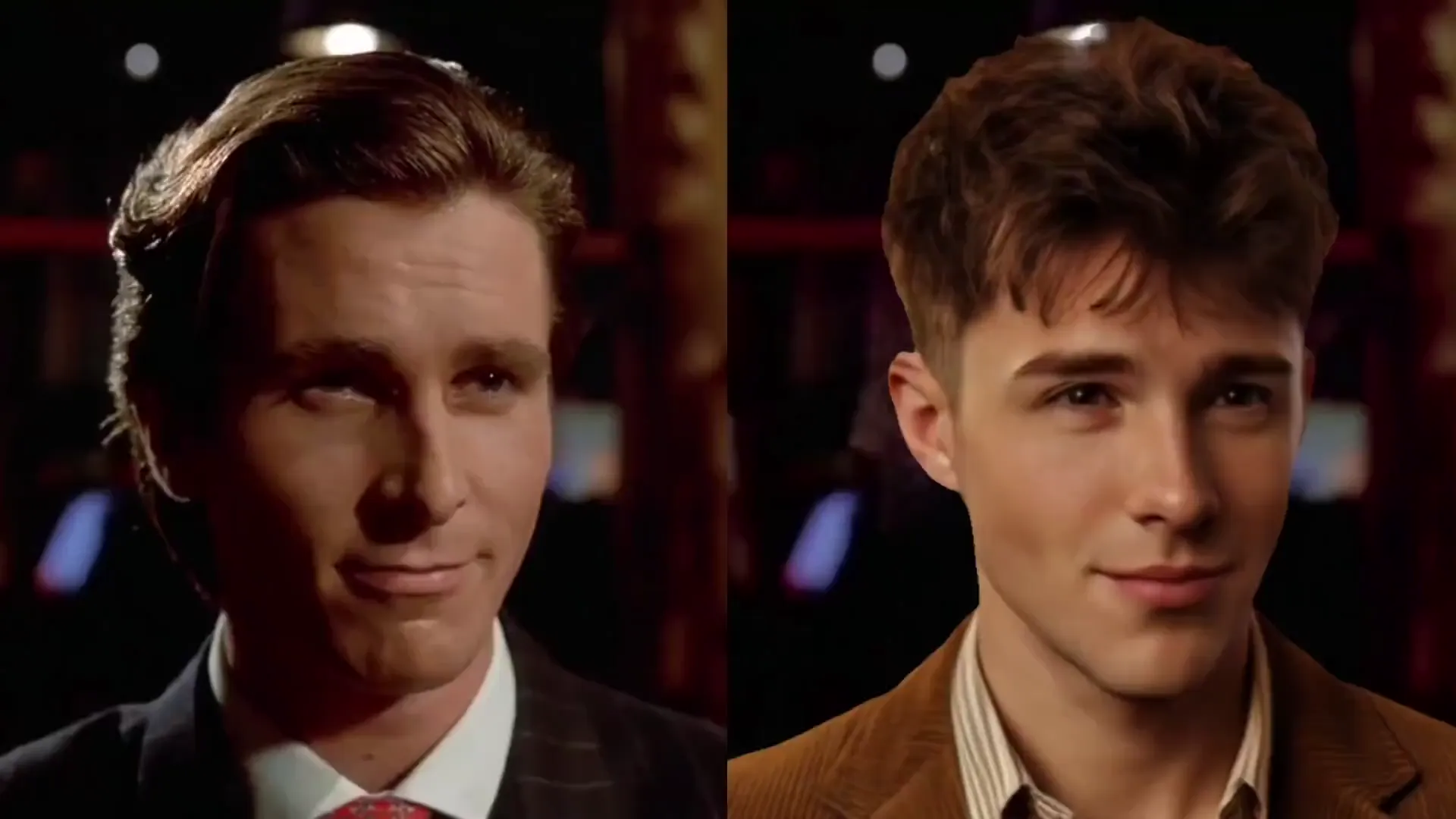
- Full-body character swap: replace face, body proportions, and outfit together instead of pasting a face mask over someone else
- Powered by JST-1, a physics-aware video-3D model built for limbs, spins, sports moves, and dance
- Upload your own reference video or pick from 10,000+ motion templates in Mix
- Swap up to 5 people in one group clip, or fix individual tracks in Multi-Track
- Works with anime, 2D illustrations, 3D renders, and non-human characters — not limited to human selfies
- Green screen export and real-time Viggle LIVE webcam character swap (1-2s latency)
- Built for fast face-only replacement on short meme clips, movie GIFs, and photo templates
- Mobile-first feed of ready-made face-swap clips and AI avatar packs
- Original actor body, clothing, and silhouette stay unchanged — only the face changes
- Non-human, anime, or stylized full-body characters cannot be dropped directly into a scene as a new body
- No Multi-Track timeline editor or green screen background removal for post-production
- No real-time webcam character mode for Twitch, OBS, or Discord live streams
Why Creators Pick Viggle Over Reface
Replace the whole character, not just a face mask
A face-only swap looks obvious whenever the original actor has a different build, hair, or costume. Viggle transfers the motion onto your entire character image, so your persona keeps its hair, outfit, and style while matching the scene movement.

Swap up to 5 characters in group videos
Need to put your friend group into a dance trend or movie clip? Viggle supports multi-person swaps up to 5 characters in one clip, and Multi-Track lets you isolate and adjust individual subjects on a timeline.
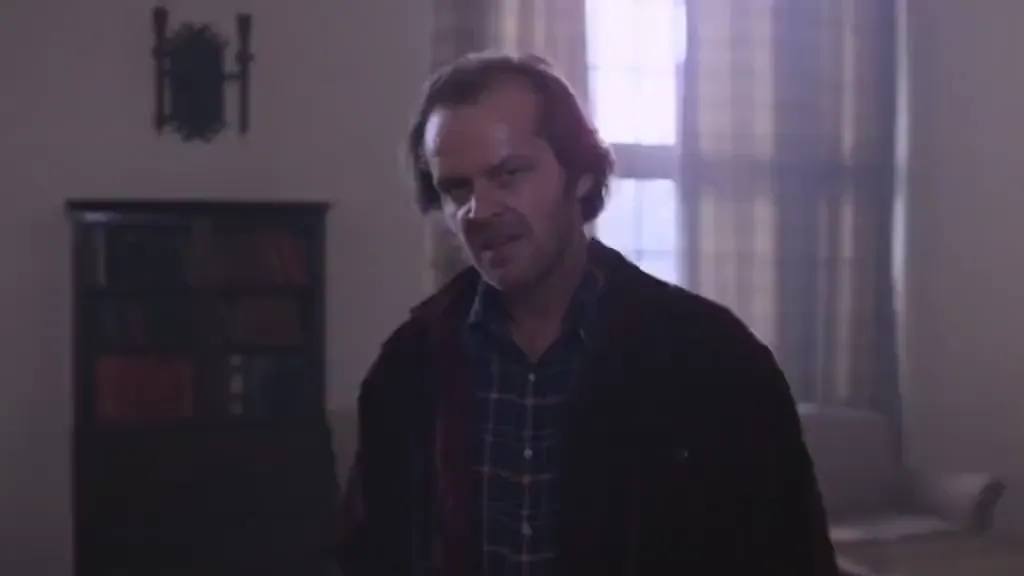
Built for memes, anime, 3D avatars, and custom clips
Instead of locking you to a preset face-swap feed, Viggle lets you upload any driving video and pair it with human selfies, anime art, 3D renders, or stylized characters — plus 10,000+ ready-to-use motion templates.
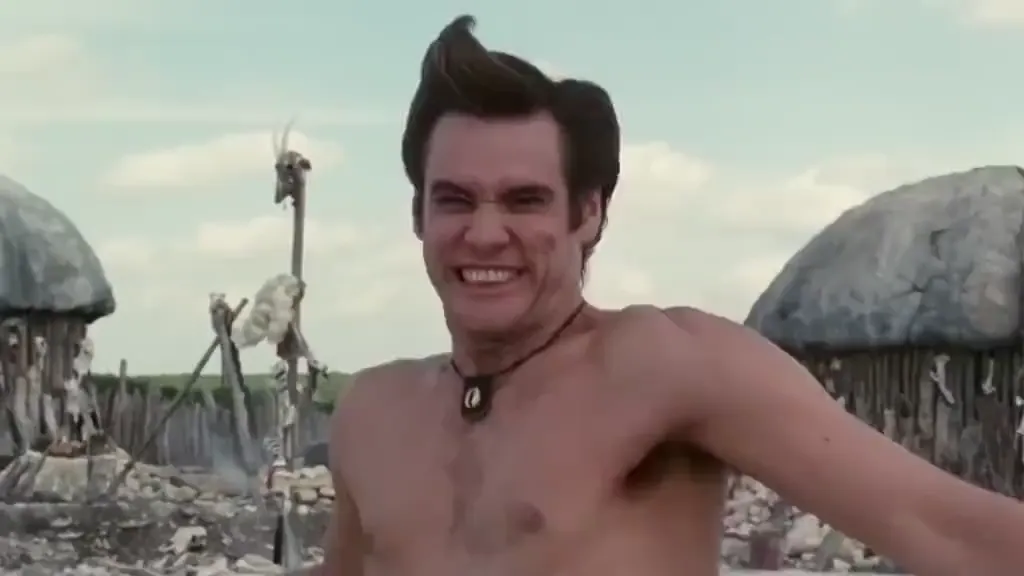
Export with green screen or stream live
Video editors can export Viggle renders on a clean green screen for CapCut, Premiere, or After Effects. Streamers can take the same character image into Viggle LIVE on OBS, Twitch, or Discord with 1-2 second latency.

Feature-by-Feature: Viggle vs Reface
| Feature | Viggle | Reface |
|---|---|---|
| Swap & Motion Depth | ||
| Swap scope | ✅ Face + full body + outfit | ⚠️ Face only |
| Anime & 2D/3D characters | ✅ Human, anime, 2D, 3D, pets | ⚠️ Mainly human selfies |
| Custom uploaded driving video | ✅ Any clip or 10,000+ templates | ⚠️ Preset-focused workflow |
| Multi-person clips | ✅ Up to 5 people in one video | ⚠️ Limited multi-face support |
| Editing & Creator Tools | ||
| Green screen export | ✅ Built in for compositing | ❌ Not supported |
| Multi-Track timeline | ✅ Track & swap up to 8 subjects | ❌ Single pass only |
| Real-time live avatar | ✅ Viggle LIVE (1-2s latency) | ❌ Offline clips only |
| Video remake chat agent | ✅ Viggle Remake (keep motion/audio) | ❌ Not available |
| Access & Pricing | ||
| Platforms | ✅ Web + iOS + Android + MCP | ✅ iOS + Android + Web |
| Free tier | ✅ Free credits refresh daily | ⚠️ Limited free trials |
| Pro starting price | ✅ $7.99/mo billed yearly ($9.99/mo monthly) | ⚠️ Subscription plans vary by store |
Viggle vs Reface — Which Fits Your Clips
Choose Reface if…
- You only want a quick face-only paste onto a pre-selected GIF or short clip
- You want to keep the original actor’s exact body and clothes unchanged
- You only work with realistic human selfies on mobile
Choose Viggle if…
- You want full-body character swap so your hair, outfit, and silhouette match your photo
- You want to swap anime, cartoon, 3D, or non-human characters into real video motion
- You upload custom reference videos or swap up to 5 people in one clip
- You need green screen exports, Multi-Track editing, or real-time Viggle LIVE streaming
Viggle vs Reface FAQ
What is the main difference between Viggle and Reface?
Reface focuses on swapping only the face on existing clips and GIFs. Viggle replaces the whole character — face, body, and outfit — and transfers the full-body motion onto your character image using JST-1.
Can Viggle do standard face swap videos too?
Yes. Pick any clip from 10,000+ templates or upload your own video, add a portrait, and Viggle puts that person into the scene — including group swaps of up to 5 people.
Which is better for TikTok memes and dance trends?
Viggle is built for TikTok and Reels trends: you can drop yourself, an anime character, or a meme image into full-body dances, sports highlights, and viral templates, or edit on a green screen background.
Is Viggle free to start on Web, iOS, and Android?
Yes. New accounts start free with daily-refreshed credits on Web, iOS, and Android. Paid plans remove watermarks and add higher monthly credits and faster concurrent renders.
Does Viggle work on anime or non-human characters?
Yes. Unlike face-only apps that expect a human front-facing selfie, Viggle animates anime characters, 2D illustrations, 3D avatars, and stylized creatures with full-body motion.
Swap your full character into any clip in under a minute.
Try Viggle FreeGo Beyond
Face-Only Swaps.
Swap face, body, and full-body motion into 10,000+ templates or your own clip. Free credits refresh daily on Web, iOS, and Android.
Try Viggle Free