AI Tools for Game Development in the Animation Layer
AI tools for game development, narrowed to the animation layer, with what is production ready, what is still a demo and a stack that connects.
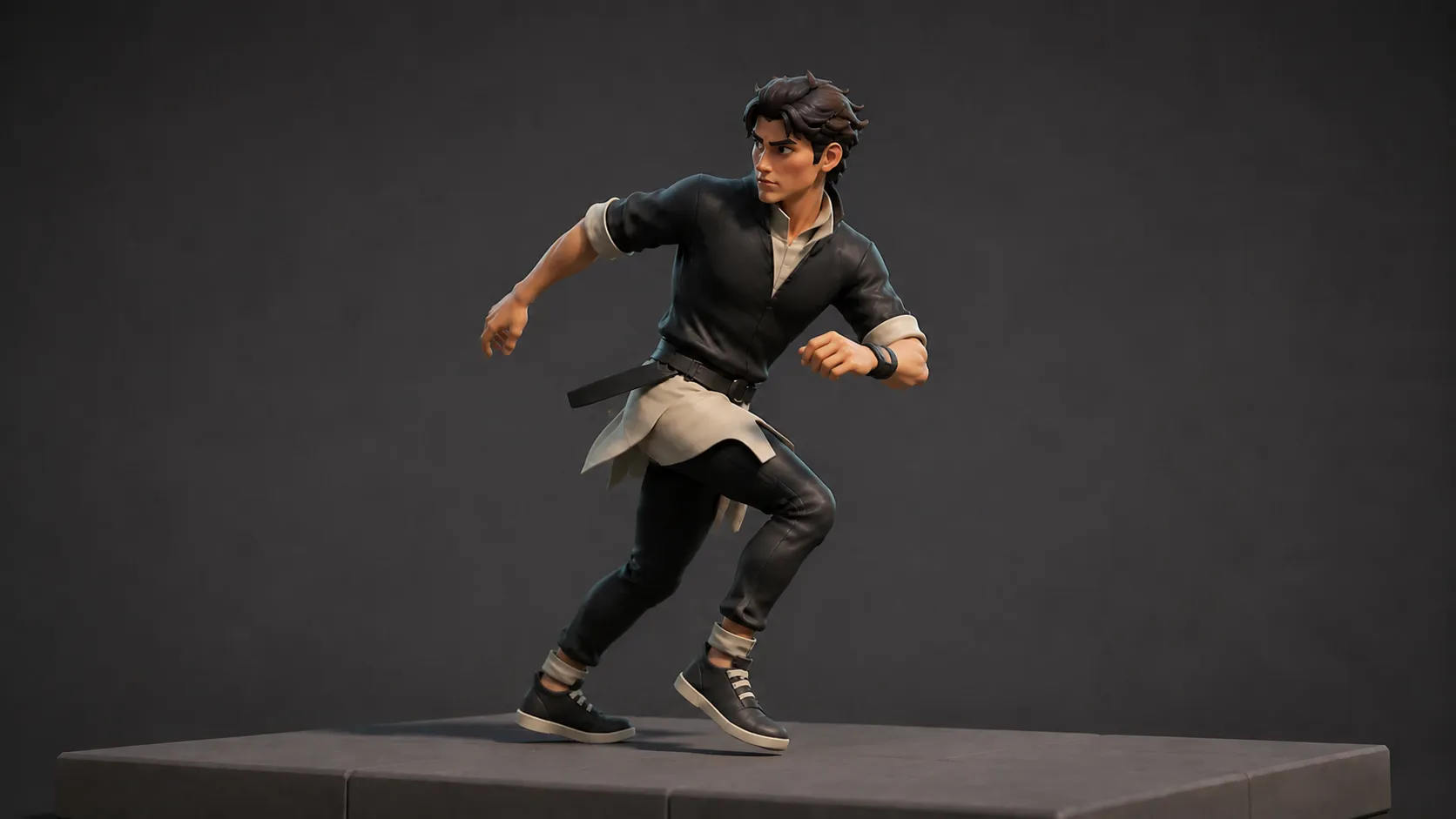
Viggle
Key Takeaways#
- Most roundups of AI tools for game development cover twelve categories shallowly. This one covers the animation and character layer only, because that is where the bottleneck actually sits.
- Adoption is close to saturation. Trade coverage of Unity’s 2026 developer report put the share using no AI tools at all at around five percent.
- Motion generation and retargeting are production ready. Character creation is usable for background work. Faces and fingers are not.
- PINOC is one of the few tools in this category that addresses retargeting, not just generation. Every export uses the same Mixamo-named skeleton, so you configure retargeting once per character and reuse it for every clip after.
- Two well known tools in this space closed in April 2026, so portability of your assets now matters more than any feature.
- Blender has no native retargeting, which surprises people mid project. Budget for the extension or Auto-Rig Pro.
- Nothing in this layer removes cleanup. Every tool produces a base layer that needs an animator.
Ask a solo developer what is slowing them down and they will rarely say making an animation. They will say making all of them, then getting them onto the character, then making them not look wrong in the engine. Most lists of AI tools for game development never reach that far down the pipeline.
That is the animation layer, and it is where AI tooling in game development has genuinely changed the arithmetic. It is also where most roundups stop paying attention, because listing twelve categories is easier than being useful about one.
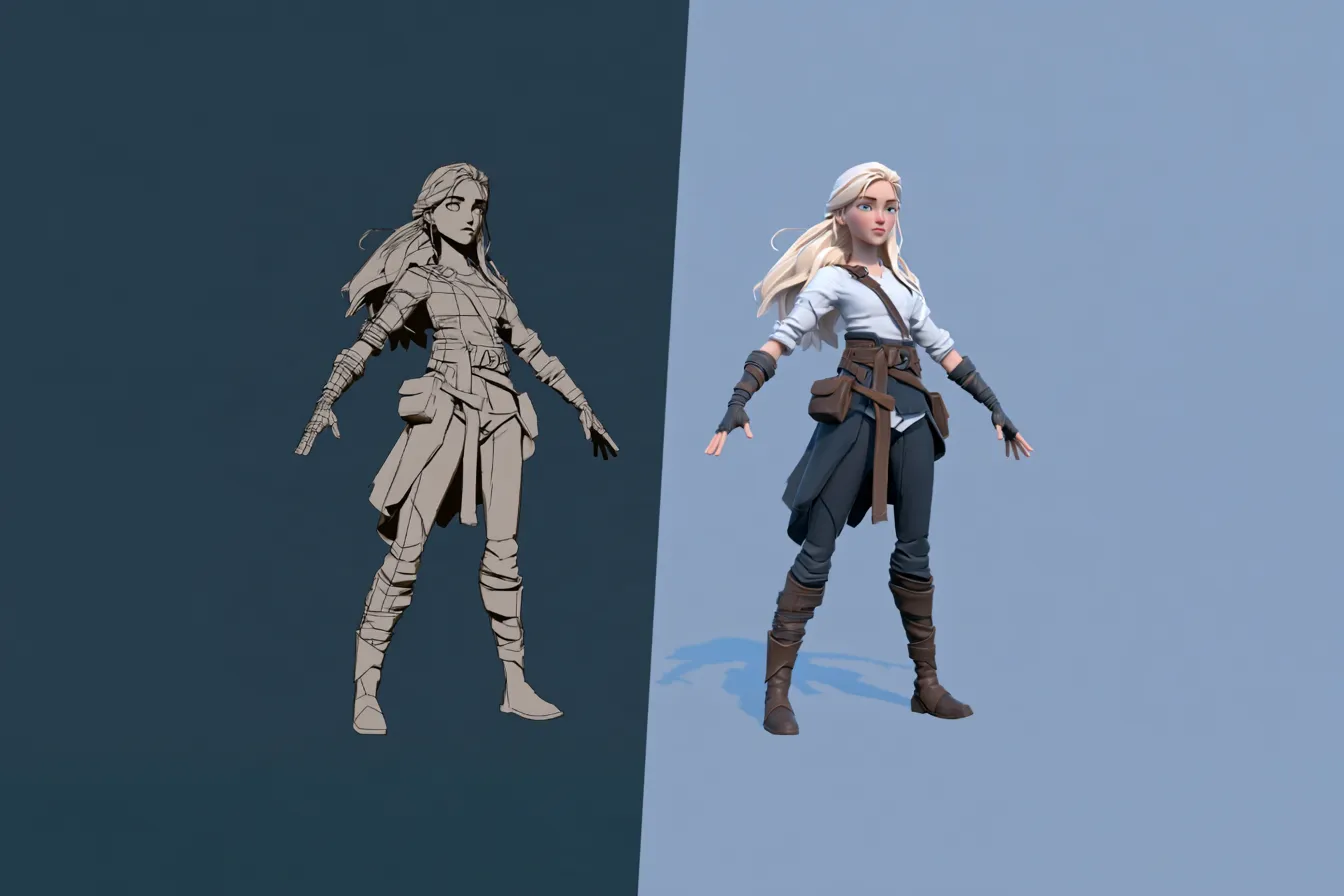
This article covers character creation, motion generation, rigging and retargeting, cleanup, and engine integration. It says which of those you can rely on and which you cannot.
Which AI Tools for Game Development Actually Address the Bottleneck?#
The ones that shorten retargeting and cleanup, rather than the ones that produce motion faster. The bottleneck is almost never making an animation. It is the volume of them, and every step between the file and the character moving in your engine.
A shipping character needs locomotion, combat, reactions, idles, traversal and transitions. That is dozens of clips, not a few. Each one has to be produced, retargeted, cleaned, imported and wired into a state machine. Producing the motion is one of five steps and rarely the slowest.
The Bottleneck Map#
Before adopting any tool, map where your time actually goes. Most developers guess wrong, and adopt for the stage that was never the problem.
- Stage one, producing motion. Historically slow, now genuinely fast. If this is still your bottleneck, tooling fixes it immediately.
- Stage two, getting it on your rig. Retargeting. Fast if bone naming matches a convention your retargeter knows, brutal if not. This is the most commonly underestimated stage.
- Stage three, cleanup. Contact frames, foot sliding, timing. Unchanged by any tool in this category, and it scales with clip count.
- Stage four, engine wiring. State machines, blend trees, transitions, root motion. Almost untouched by AI tooling.
- Stage five, iteration. Changing your mind after playtest. Cheap now if stage one is cheap, expensive if you hand keyed.
Time yourself across those five on your next character. Whichever number is largest is the one to attack, and for most teams it is stage two or three rather than stage one.
This matters because the tooling market is not evenly distributed across those stages. Almost every product in this category competes at stage one, where the demos are impressive and the differences between tools are smallest. Stage two has a handful of mature options that nobody markets aggressively. Stages three, four and five have essentially nothing, which is where a large share of a real project’s hours actually sit.
The uncomfortable implication is that adopting the most impressive tool you can find will often produce no measurable improvement in your schedule, because it accelerated a stage that was already fast. Developers who report disappointment with AI animation tooling are frequently describing exactly this, and concluding the tools do not work when the accurate conclusion is that they solved the wrong stage.
What Is Actually Production Ready in the Animation Layer?#
Three of five stages have credible tooling. Two do not, and knowing which is which prevents a wasted month.
| Stage | Status in 2026 | What to expect |
|---|---|---|
| Character creation | Usable with caveats | Good enough for background and previs, variable for hero characters |
| Motion generation | Production ready as a first pass | Gross movement reliable, contacts and detail need work |
| Rigging and retargeting | Mature and reliable | Humanoid auto rigging works well, non humanoid is harder |
| Cleanup and polish | Assistive, not automatic | Physics correction and pose prediction help, they do not finish |
| Faces and fingers | Not ready | Inconsistent across every tool. Plan for hand work or a specialist |
Notice the shape of that. Anything involving gross body movement is usable. Anything involving fine detail is not, and that boundary has held for roughly two years regardless of release notes.
“A NEW Video 2 Mocap Tool - PINOC!”, a review by CGDive (Blender Rigging Tuts). Watch on YouTube.
Which Tools Belong in an Indie Animation Stack?#
Fewer than the marketing suggests, and the credible list has got shorter this year rather than longer.
For motion generation, the actively maintained options are Rokoko Vision, which shipped version 3.0 in July 2026, PINOC, and Move AI at the studio end. Plask and DeepMotion still work but have published no development activity since March 2025 and December 2023 respectively.
For retargeting, Blender users need the free Retarget extension, updated June 2026 and requiring Blender 5.0 or newer, or Auto-Rig Pro’s Remap module. Unreal ships the IK Retargeter built in.
Indie developer William (@DLKFZWilliam2) shares a working rig, mocap and retarget pipeline test ahead of building his game’s state machine. View the original post on X.
For physics cleanup, Cascadeur offers pose prediction, physics correction and a tool that converts baked animation back into editable keyframes. Its free tier is non commercial only.
What is missing from that list is as informative as what is on it. There is no facial animation tool worth recommending, and no automated cleanup step that removes an animator.
How Does PINOC Fit the Animation Layer?#
PINOC occupies stage one and attacks stage two, which is an unusual combination and the reason it fits a game pipeline reasonably well.
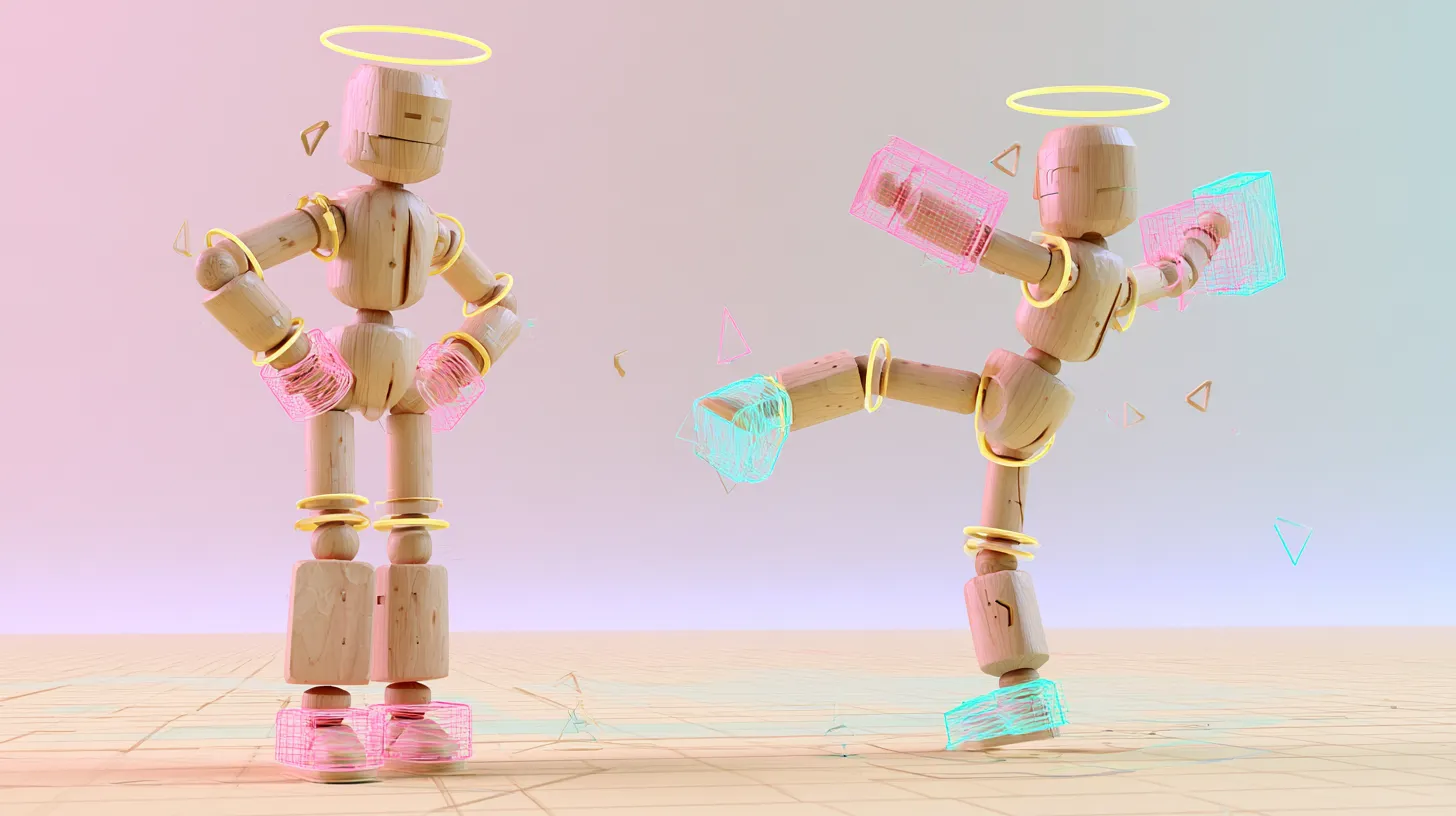
Stage one is motion generation from either a clip you filmed or a written description. Stage two is where the design choice matters. Every export lands on the same rig, using Mixamo bone naming, so the retarget setup you build for clip one is the one you use for clip forty. You can also upload your own mesh, have it rigged and retarget inside the tool, which removes the export and reimport loop entirely.
- Roughly a minute per run, with several takes returned so you pick rather than regenerate
- Preview on a character in the viewport before anything enters your project
- Text to motion for the moves you cannot film, which is most of a combat set
- FBX and GLB into Blender, Unity, Unreal, Maya, Cinema 4D and Houdini
- The free tier includes credits covering about a minute of motion, which is enough to time your own stage two
It does nothing at stages three, four or five. No cleanup, no engine wiring, no state machine. In a stack that is the correct scope, since a tool claiming all five usually does one of them adequately.
What Do These Tools Not Solve?#
The parts of game animation that require decisions. This section matters more than the recommendations, because overclaiming here is how schedules slip.
- Game feel. How an attack reads, where the cancel window sits, how much hit stop lands. Entirely a design judgement.
- State machines and blend trees. No AI tool builds these, and they are a substantial share of the work.
- Character interaction. Two characters making contact remains poorly handled or unsupported across the category.
- Non human anatomy. Quadrupeds and creatures fall outside what these models were trained on.
- Knowing what is wrong. The tools produce plausible motion. Recognising why a take is not right is still a person.
Being candid about that list is not modesty, it is the difference between a plan that works and one that discovers the gap in month three.
How Should You Evaluate New Tools as the Category Churns?#
Assume high turnover and choose for portability. This category is consolidating rather than expanding, which changes what a good purchase looks like.
April 2026 saw two of the most recommended names in AI motion capture disappear in the same month. RADiCAL’s core technology went to Autodesk, and Meshcapade was absorbed into Epic Games. Neither migrated user data to the acquirer.
- Check the changelog before adopting. A live website is not evidence of a live product
- Prefer tools that export portable formats you archive yourself over tools that host your library
- Verify commercial use on the specific tier you will be on, not the tool in general
- Keep source footage and prompts, since those let you rebuild if a vendor closes
- Treat any tool with unpublished limits as a planning risk regardless of output quality
One opinion worth stating plainly. Adoption in this space has run well ahead of satisfaction, and that gap is informative. Trade coverage of Unity’s 2026 developer report put the proportion of developers using no AI tools at around five percent, while the GDC 2026 survey found fifty two percent believing generative AI is having a negative impact on the industry. Nearly everyone is using tools most of them do not rate. That usually means the tools are solving a stage that was not the bottleneck.
Frequently Asked Questions#
What are the best AI tools for game animation?#
For motion generation, Rokoko Vision, PINOC and Move AI are the actively maintained options. For retargeting, the free Blender Retarget extension or Auto-Rig Pro, with Unreal’s IK Retargeter built into that engine. For physics cleanup, Cascadeur. Choose these as a connected stack rather than individually, since the handoff between them is where time is won or lost.
Can AI make a full animation set for a game character?#
It can produce the clips, but not the finished set. Generated motion covers locomotion, combat and reaction clips as a first pass, and background characters often ship with very little cleanup. What remains is contact fixes, timing tuned to your game feel, and all the engine wiring. Expect the tooling to compress production and leave integration untouched.
Is AI generated animation good enough to ship?#
For background and secondary characters, frequently yes with light cleanup. For anything the player looks at directly, plan to refine contacts and timing by hand. The consistent pattern is that gross movement transfers well while the detail carrying intent does not, so the answer depends entirely on how much screen time a clip gets.
Do I need to know animation to use these tools?#
It helps far more than people expect. The tools produce plausible motion, and the skill that matters is recognising why a take is not right and fixing it efficiently. Someone without that judgement will ship the first result and it will look generic. The tooling raises the floor, it does not remove the need for the ceiling.
Which AI tools work with Unity and Unreal?#
Any tool that exports FBX, which is most of the credible ones. The practical difference is retargeting. Unreal’s IK Retargeter absorbs bone naming differences well, so mixed sources are manageable. Unity’s Humanoid system resamples animation onto its own avatar, which makes consistent source naming across your library more valuable.
How much does an indie animation stack cost?#
A working stack can be assembled at no cost using free tiers plus Blender, though commercial use restrictions on some free tiers make that risky for a shipping game. The usual first upgrade is a paid retargeting add on, which removes the most common friction. Verify pricing directly with each vendor, since plans in this category change frequently.
Conclusion#
The animation layer is where AI tooling has done the most real work in game development, and also where the marketing overstates it most. Motion generation and retargeting are genuinely ready. Faces, fingers, game feel and engine wiring are not.
Map your own bottleneck before adopting anything. If your time goes into retargeting and cleanup rather than producing motion, a faster generator changes nothing.
Then choose formats over vendors, because this year proved that the tool can disappear while your project is still shipping.