Game Prototyping With Real Motion Not a T Pose
Game prototyping on placeholder motion gives a false read on feel. Here is the minimum motion set a prototype needs and how to build it in an afternoon.
Viggle
Key Takeaways#
- A T posed capsule sliding through a graybox does not just look unfinished. It actively distorts playtest feedback on pacing, spacing and readability.
- Testers cannot separate feel from presentation. They will report a combat problem that is actually a legibility problem, and you will fix the wrong thing.
- A prototype needs about nine clips, not ninety. The discipline is keeping the set small rather than making it comprehensive.
- Generated motion changes this because a nine clip set is now an afternoon rather than two weeks.
- Text to motion covers the moves you cannot film. PINOC returns several takes per prompt, so choosing the feel of an attack or a dodge is a comparison rather than a rewording loop.
- Background and NPC motion matters more than people expect, because an empty world reads as a broken world during a playtest.
- Most prototype clips should be thrown away. Decide which get promoted before you start polishing anything.
- Hero characters earn hand keyed polish. The other twenty just need to behave.
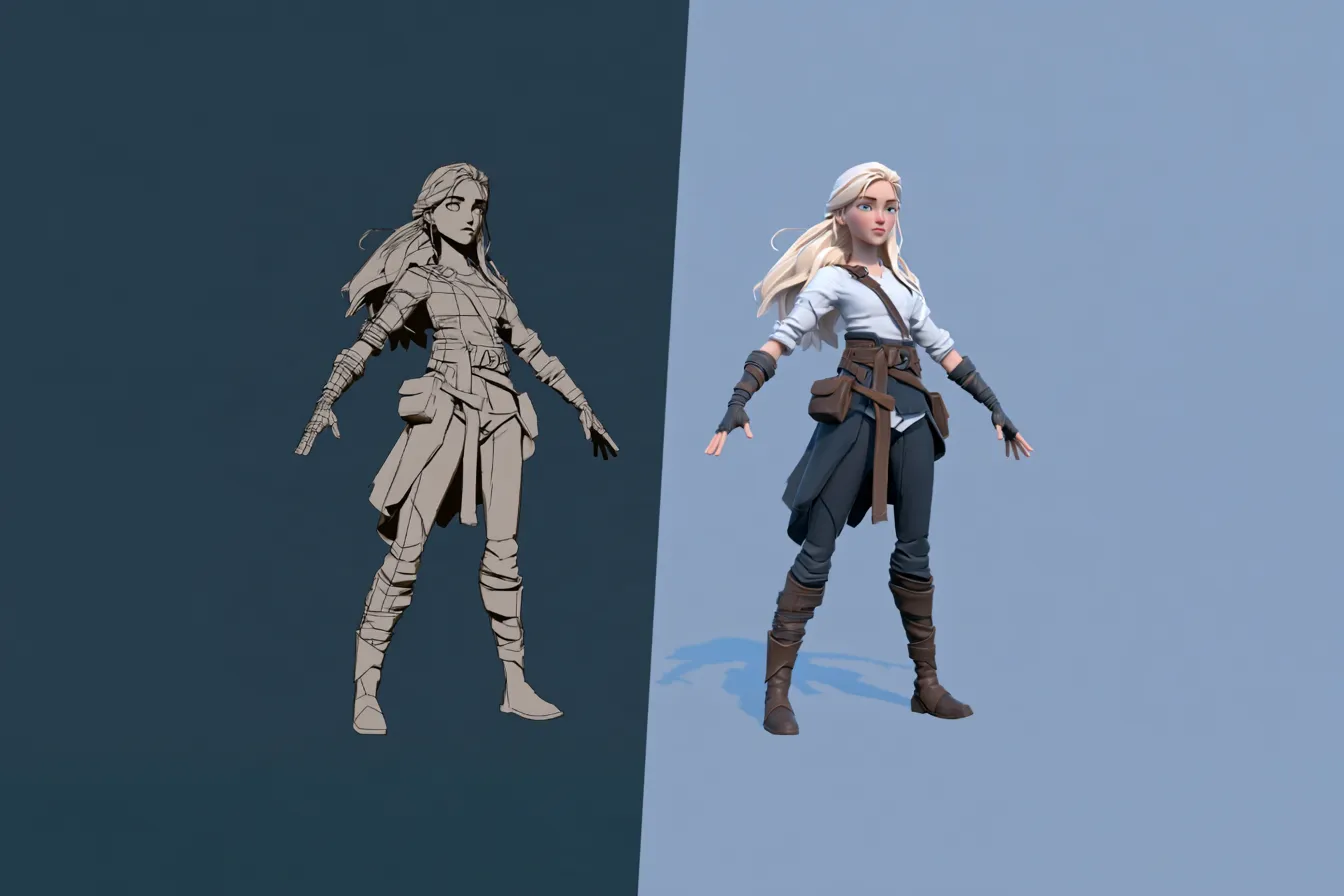
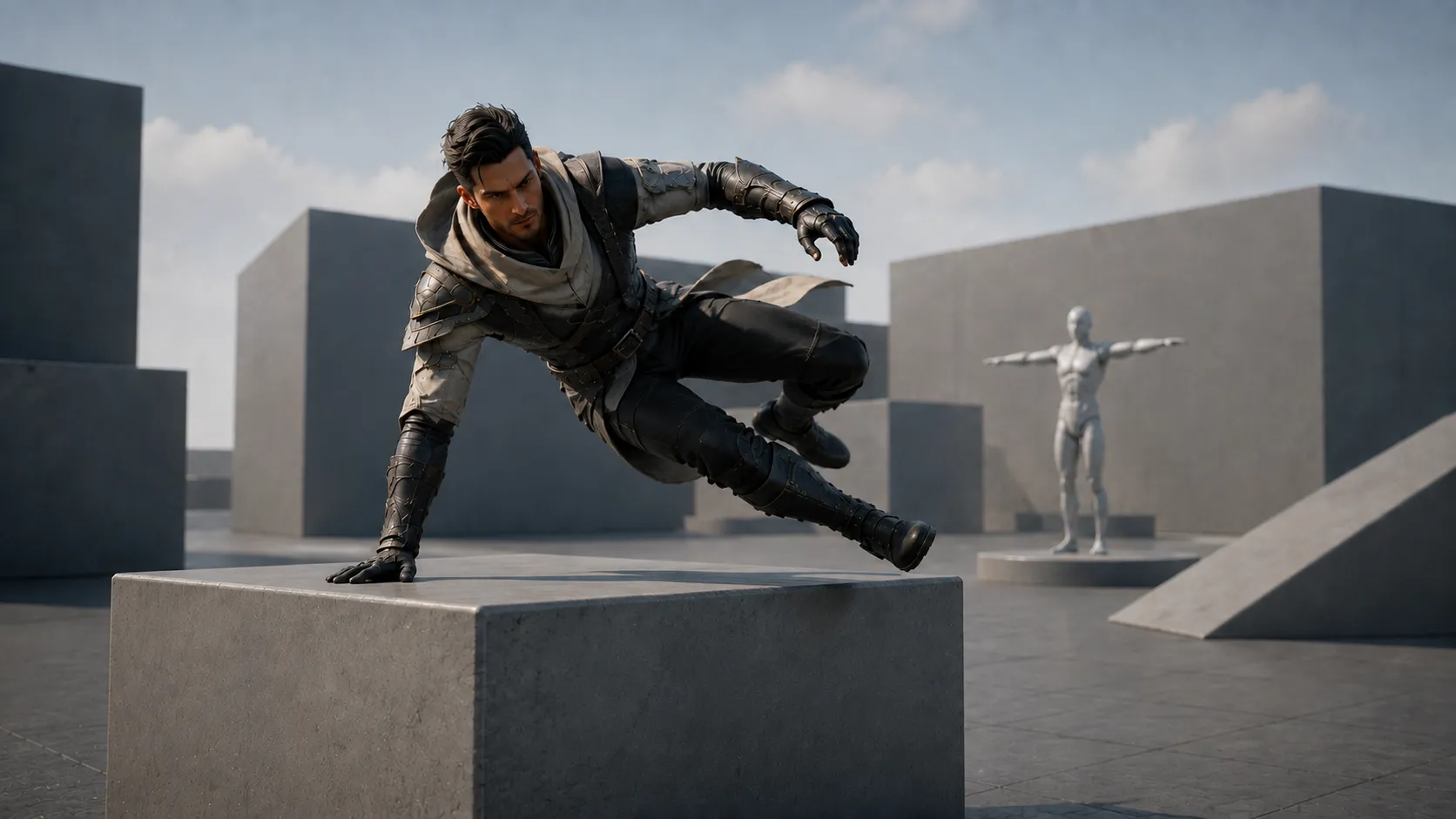
Every prototype starts the same way. A capsule, a graybox, and a character sliding around in a T pose because animation is a later problem. Then you playtest, and the feedback is confusing.
The reason is that testers cannot separate how a game feels from how it presents. Ask someone whether the dodge timing is right while the character is gliding motionless across a gray floor, and they will answer a question you did not ask.
This piece covers why placeholder motion corrupts a playtest, what the minimum motion set for game prototyping actually is, and how to produce it in an afternoon rather than deferring it to a milestone that never arrives.
Why Does a T Pose Distort Game Prototyping Feedback?#
Because it removes the cues players use to read timing and space. Without those cues, testers substitute guesses, and the guesses arrive as confident feedback.
Three specific distortions turn up over and over, and they are worth recognizing because each one sends you fixing the wrong system.
- Pacing reads as too fast. Without anticipation frames, an attack appears to arrive instantly. Testers say the enemy is unfair when the actual problem is that nothing telegraphs the swing.
- Spacing reads as wrong. A sliding capsule gives no sense of stride length, so testers misjudge reach and report hitboxes as broken.
- Weight reads as absent. Nothing lands, so nothing feels heavy, and combat gets described as floaty when the numbers are fine.
- The world reads as empty. Static background characters make a level feel dead, and testers report atmosphere problems that are actually motion problems.
None of those are animation notes. They are gameplay notes caused by missing animation, which is the most expensive kind of feedback because it sends you into the wrong file.
The Minimum Motion Set#
A prototype does not need an animation set. It needs the smallest number of clips that let a tester read the game correctly. That is roughly nine, and the discipline is refusing to add a tenth.
- Three locomotion clips. Idle, walk or run, and a stop. Enough to establish stride, speed and where the character actually is.
- Two action clips. Your core verb and its recovery. If the game is about attacking, that is a swing and a return to guard.
- Two reaction clips. Taking a hit, and whatever failure looks like. Reactions are what make a system legible, and they are the most commonly skipped.
- One traversal clip. Jump, dodge or vault, whichever your game leans on.
- One ambient clip. Something for background characters to do, so the world is not a museum.
PINOC’s own walkthrough of the capture-to-export pipeline, posted by @Viggle_PINOC on X.
Nine clips, not a production set. Blend trees, directional variants and combo chains come later. Anything beyond nine is production work wearing a prototype badge, and it will slow down the change of direction that prototyping exists to enable.
How Do You Build That Set Quickly?#
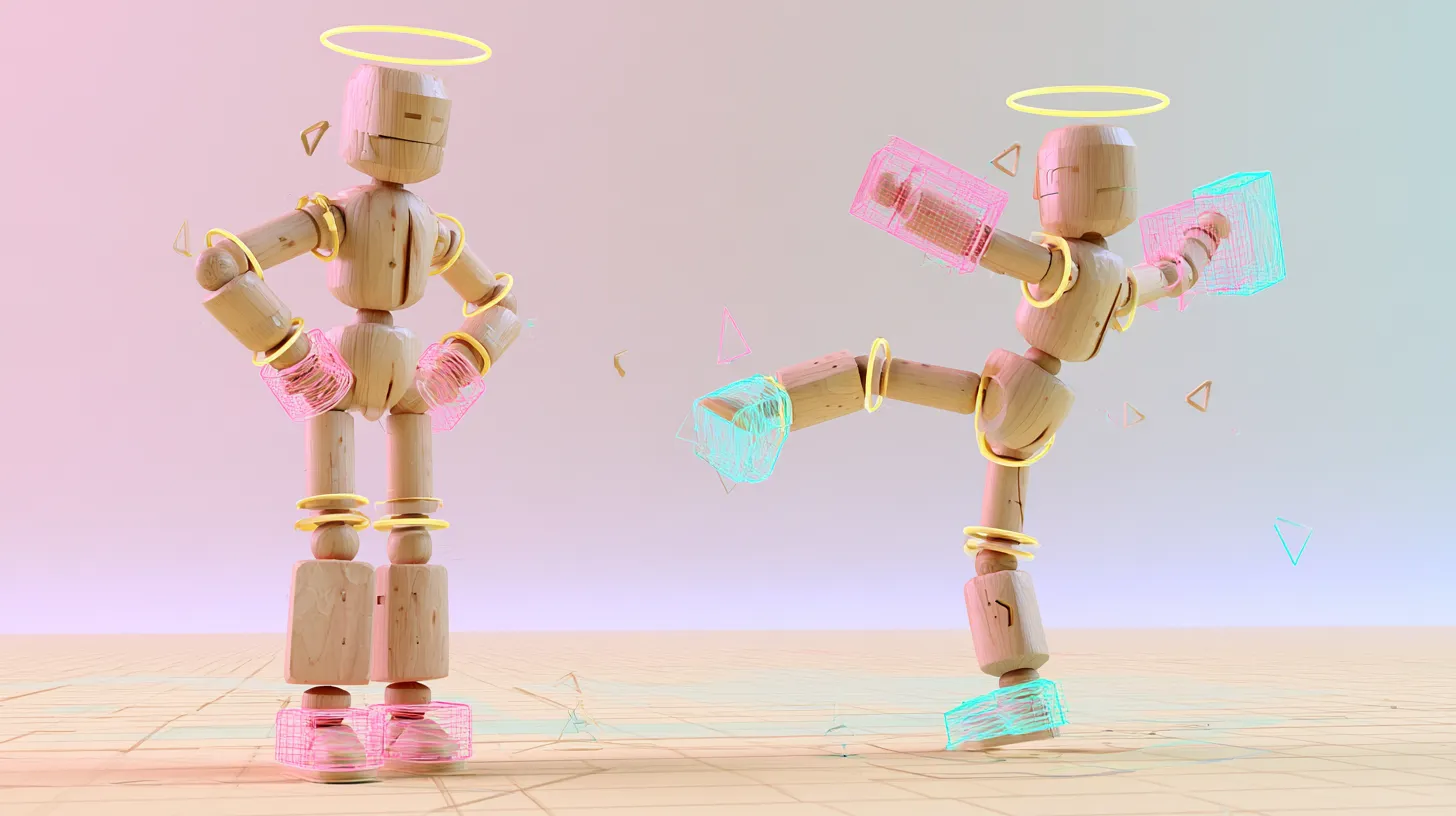
Film the movement you can perform, prompt the action you cannot, and hand key nothing at this stage. The whole point is that the set is disposable.
The split is usually predictable. Locomotion is the part you can film: stand up, walk across the room, stop, and capture the motion from that clip. Your core verb, reactions and traversal are usually moves nobody in the room can perform, and high energy action is exactly what text to motion handles best. Ambient behavior can go either way.
Prototype capture test at 230 FPS, filmed by Jerron Jacques (@jerron_jacques) in collaboration with PINOC. View the original reel on Instagram.
- Write each clip as a physical description rather than a mood. Not aggressive, but steps in with the left, swings across, recovers to guard.
- Generate several takes per clip and pick, rather than rewording until one lands.
- Keep clips short. A prototype clip that runs four seconds is usually three seconds too long.
- Set root motion behavior deliberately before export, since fixing it later costs more than choosing now.
- Do not clean anything up. If a contact frame is soft, leave it. You are testing feel, not finish.
An afternoon is a realistic target for nine clips including retargeting, which is what makes this worth doing at prototype stage rather than deferring.
Retargeting is the step most likely to blow that estimate, and it is worth setting up before you generate anything. Blender has no native retargeting despite what several tutorials imply, so you will need the free Retarget extension, which requires Blender 5.0 or newer, or a paid add on such as Auto-Rig Pro. Unreal users have the IK Retargeter built in and free.
Whichever you use, build the mapping once against your prototype character and then run all nine clips through it as a batch. Doing this per clip is the single most common way an afternoon becomes two days.
How Does PINOC Fit a Prototyping Workflow?#
PINOC produces the clips from either a written description or a phone clip, and exports them as FBX or GLB straight into Unity or Unreal.
For prototyping specifically, text to motion carries most of the load, because at this stage you are inventing the game rather than reproducing a reference. You rarely have footage of the thing you are trying to test.
Two properties matter more here than elsewhere. Every run returns several takes, so choosing a feel is a comparison rather than a regeneration. And every clip lands on the same rig with Mixamo bone naming, so the nine clip set retargets as one batch rather than nine separate jobs.
- Roughly a minute per run, which is what makes a nine clip set an afternoon.
- Preview each take on a character in the viewport before exporting, so you only import what you chose.
- Clip length is yours to set, which keeps prototype clips short by default.
- Upload your own mesh and retarget inside the tool if you already have a character, or keep the base skeleton if you do not.
- The free tier includes credits covering about a minute of motion, which is roughly a prototype set of short clips.
What it does not do is finish anything, which at this stage is the correct behavior. A prototype clip that looks finished invites the wrong review.
What Should NPCs and Background Characters Be Doing?#
Something, almost anything, rather than nothing. An empty world reads as a bug during a playtest, and testers will tell you the level is boring when the actual problem is that it is unpopulated.
Ambient motion is where generated clips are least controversial and most useful, because nobody is studying the arcs on a character forty meters away. Describe the behavior and take whatever comes back.
| Setting | Ambient behavior to generate | How many clips |
|---|---|---|
| Crowd or arena | Cheering, standing and shifting weight, gesturing at the action | Two, looped and offset |
| Tavern or social space | Arguing across a table, leaning, drinking, turning to look | Three, varied timing |
| Street or market | Browsing a stall, gesturing to a vendor, turning to look | Two plus one locomotion loop |
| Combat arena, non participants | Backing away, watching, flinching at impacts | Two |
Offset the loops so twenty characters are not breathing in unison, and vary the playback speed slightly. Those two tricks do more for the illusion than better animation would.
What Changes in a Playtest Once Real Motion Is In?#
The feedback gets specific, which is the only outcome that matters. Vague notes become actionable ones.
The typical before and after is stark. Before, testers say combat feels floaty, enemies are unfair and the level is boring. After, they say the recovery after the heavy attack is too long, the second enemy attacks from off screen, and the corridor before the arena has nothing in it. Those are three fixable problems instead of three moods.
- Ask about timing rather than feel, since testers can answer the first accurately once motion exists.
- Watch where they look, not just what they say. Legibility problems show up in eye movement before they show up in words.
- Run the same test with placeholder and real motion if you need to convince a team that this matters.
- Expect some feedback to invert entirely, which is the sign the earlier round was measuring presentation rather than design.
This is worth doing early rather than at a milestone. The GDC 2026 survey found that 52% of developers believe generative AI is having a negative impact on the industry, so it is worth being precise about what is being claimed here. Nobody is suggesting generated clips ship. They are prototype scaffolding, and they get deleted.
When Do You Stop Prototyping and Start Polishing?#
When the design questions stop changing the answers. Until then, better animation is money spent defending a decision you have not made.
The promotion decision is worth making explicitly rather than by drift. Most of the nine clips die. A small number become the basis for real work.
- Promote the core verb. If the attack survived three playtests unchanged, it is a real design and deserves a proper pass.
- Promote signature movement. Anything that identifies the character gets hand keyed, always.
- Keep and refine reactions. These usually survive, since their timing was tuned during the prototype.
- Throw away locomotion. It will be rebuilt as a proper blend tree with directional variants regardless.
- Keep ambient motion. Background characters often ship with close to what the prototype had.
One opinion stated plainly. The reason teams prototype with T poses is not that animation is expensive, it is that rough animation feels embarrassing to show. That instinct costs more than it saves, because it means every early playtest is measuring presentation instead of design. Hero characters earn hand keyed polish. During a prototype, the other twenty just need to behave.
Frequently Asked Questions#
Do I need animation in a prototype?#
You need enough for testers to read timing and space accurately, which is far less than a full set. Roughly nine short clips covering locomotion, your core verb, reactions, traversal and one ambient behavior will do it. Without them, feedback about pacing, spacing and weight is unreliable, because testers substitute guesses for missing visual cues.
How many animations does a prototype character need?#
Around nine, and the discipline is stopping there. Three locomotion, two action, two reaction, one traversal, one ambient. Directional variants, combo chains and blend trees are production work and will slow down the direction changes prototyping exists to enable. If you are building a tenth clip, check whether you are still prototyping.
Should prototype animation be polished?#
No, and polishing it is actively counterproductive. Polished clips invite reviews of the animation rather than the design, and they create advocates who resist changing direction. Leave soft contact frames alone at this stage. The clips exist to make a playtest legible, not to look good.
Can I reuse prototype animation in the final game?#
Some of it, if it was exported on a standard skeleton rather than trapped in a scene file. Ambient and background motion frequently ships close to its prototype state. Locomotion almost always gets rebuilt as a proper blend tree. Decide which category each clip is in before you start polishing anything.
How long should it take to animate a prototype?#
An afternoon is a realistic target for a nine clip set including retargeting, using generated motion rather than hand keying. That figure is what makes doing this at prototype stage worthwhile rather than deferring it. If it is taking a week, the set has grown beyond what a prototype needs.
Does placeholder motion really change playtest results?#
Substantially, and usually in ways that are hard to spot at the time. The common pattern is testers reporting design problems that are actually legibility problems, such as calling an enemy unfair when the real issue is that nothing telegraphs its attack. Running the same test with and without real motion is the fastest way to see the difference yourself.
Conclusion#
Prototyping exists to answer questions cheaply, and a T pose makes the answers unreliable. Not because it looks bad, but because it removes the information testers use to judge timing and space.
Nine clips fix that, and nine clips is now an afternoon rather than two weeks. That change in cost is the actual argument for doing this differently.
Build the set, run the test, then throw most of it away. Prototype animation that survives to launch was probably never a prototype.