Previz Workflow for Blocking Shots With Motion
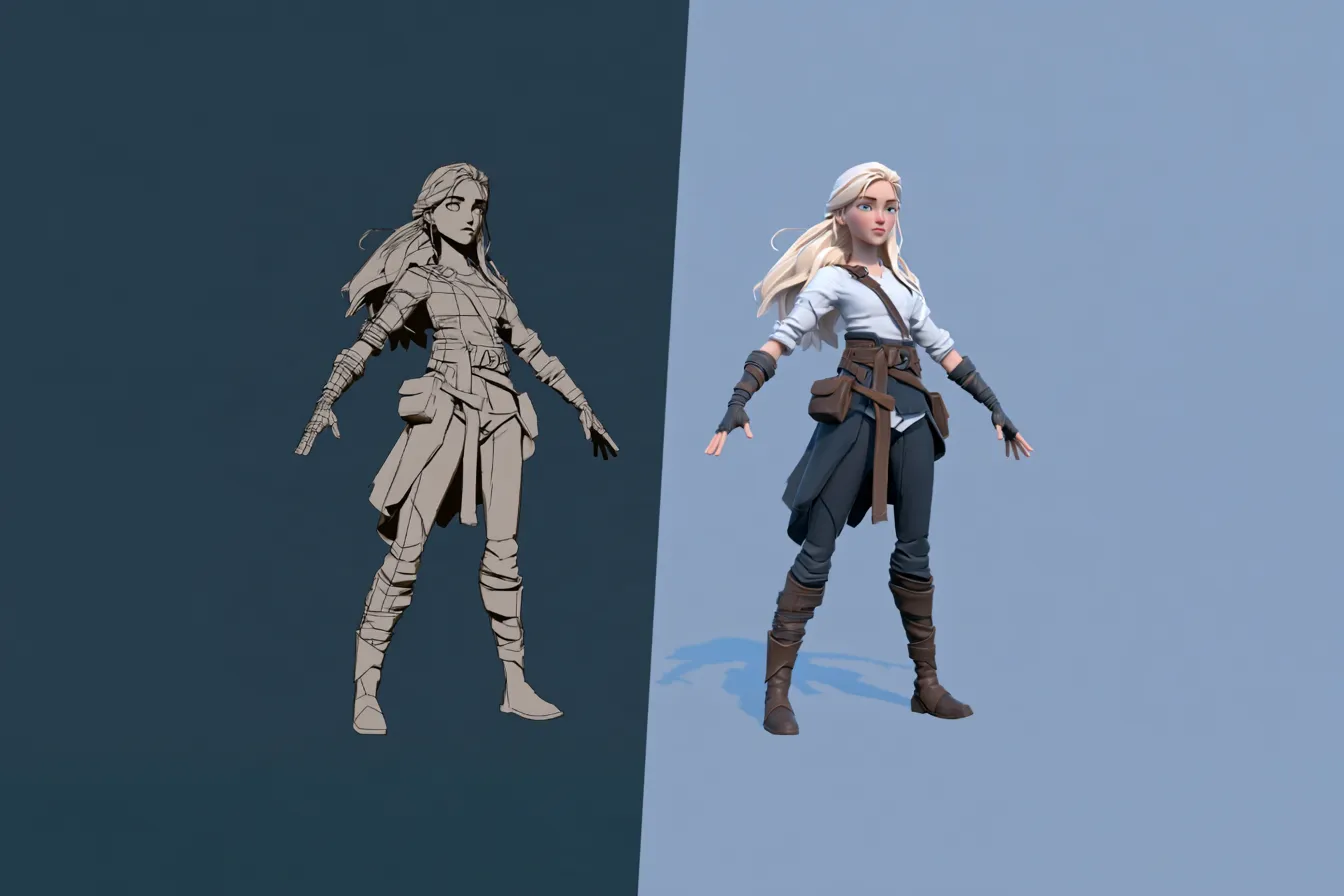
A previz workflow that treats blocking as sketching. Build a shot list, generate motion per beat, stage cameras and iterate before committing polish.
Viggle
Key Takeaways#
- Previz is sketching, not production. The moment a shot becomes expensive to redo, it has stopped doing its job.
- Sony Pictures Imageworks rebuilt previs and layout around fast iteration and reported the process running roughly a quarter faster, the clearest studio evidence that speed is the thing to optimize.
- Generated motion changes the economics of blocking, because a beat you can replace in two minutes is a beat you will actually revise.
- PINOC produces the motion layer previz sits on: describe the beat, pick from several takes, and export FBX or GLB into the scene where your cameras live.
- The most expensive mistake in previz is over building shots that only ever needed a storyboard panel.
- Multiple takes per generation run matter more than prompt precision. Choosing beats rewriting.
- Camera staging is where previz earns its keep, and it only works if the motion underneath is already moving.
- Nothing downstream should depend on a previz asset surviving. Build it assuming it gets thrown away.
Previz has one job. Answer questions about staging, timing and camera before anybody spends real money finding out the hard way. It is a thinking tool, and the currency it runs on is speed rather than fidelity.
Which is why the technology shift that matters here is not better rendering. It is the collapse in the cost of getting a character moving at all. When blocking a beat takes two minutes instead of two hours, you stop defending your first idea and start testing your fourth.
This is a practical workflow for building previz around generated motion. One sequence, carried from shot list to reworked version, with the parts that actually change called out.
What Is Previz and How Does It Differ From Storyboarding?#
Previz is editable 3D blocking of camera, staging and timing before principal photography. A storyboard is static illustration. The difference that matters is that previz has real lens and camera data in it, so it answers questions a drawing cannot.
The visualization family is worth separating properly, because using the wrong one is a common and costly error.
- Storyboard. Static panels establishing intent and coverage. Cheapest and fastest, still the right answer for most dialogue scenes.
- Previz. 3D blocking with cameras and timing. Answers whether the sequence works as motion.
- Techvis. The engineering layer. Crane reach, lens choice, set dimensions, whether the shot is physically achievable.
- Postvis. Temporary CG composited over real plates after the shoot, for editorial and review.
- Pitchvis. Hero moments built to sell a project before it is greenlit.
An editorial piece on previs tooling in 2026 put the failure mode bluntly, describing the most common and expensive mistake as over previsualizing shots that only needed a storyboard. That is worth pinning above your desk.
| Stage | Question it answers | Right level of finish |
|---|---|---|
| Storyboard | What is in the shot and in what order | Line drawings, no motion |
| Previz | Does the sequence work as movement | Grayscale blocking at real timing |
| Techvis | Can we physically shoot this | Accurate measurements, no performance |
| Postvis | Does the cut read with CG in it | Temp CG over real plates |
Why Does Speed Matter More Than Fidelity in Previz?#
Because previz is a conversation, and a slow conversation produces worse decisions. Every hour a version takes to produce is an hour of pressure not to change it.
The clearest recent evidence comes from Sony Pictures Imageworks. In an Unreal Engine spotlight published in February 2026, real time pipeline supervisor Jonghwan Hwang described initial export times of six to eight hours per sequence, reduced to thirty minutes, and eventually to five minutes. Head of visualization Adam Holmes reported the resulting layout and previs process running twenty to twenty five percent faster.
Those are not rendering improvements. They are iteration improvements, and they change what the team is willing to try.
- A version that takes a day to produce gets defended in review. A version that takes ten minutes gets replaced.
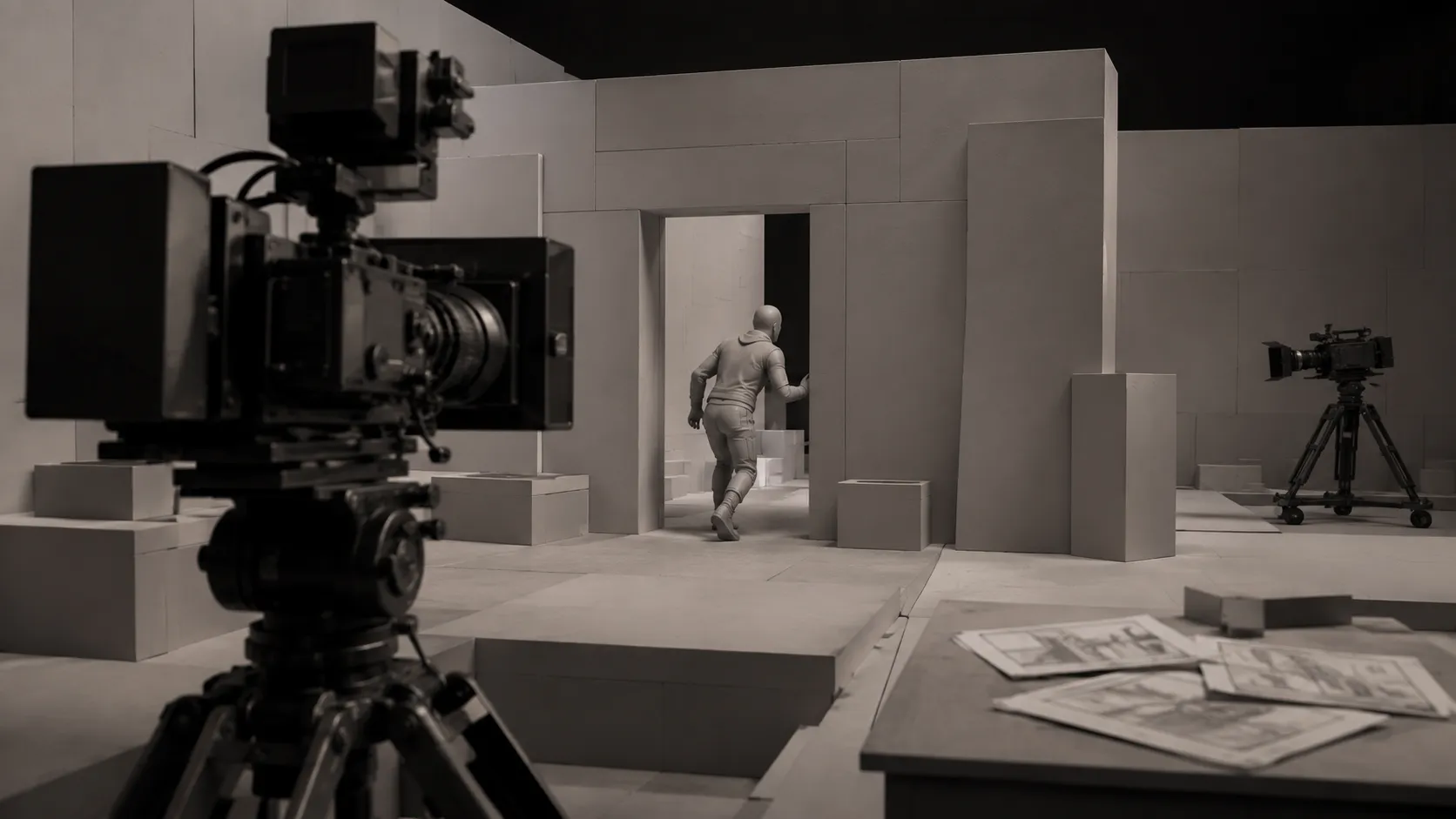
- Grayscale blocking is not a compromise, it is the correct fidelity for the question being asked.
- Scale matters too. Proof delivered roughly 1,900 shots of previs and postvis across the final season of one series, a volume that only works if the per shot cost stays low.
- Anything that makes a previz shot look finished increases the chance somebody treats it as a decision rather than a question.
How Do You Build a Previz Sequence With Generated Motion?#
Start with the shot list, generate motion per beat, stage cameras around it, then review and replace whatever is not working. The order matters, because staging a camera around a T posed character tells you nothing useful.
Take a worked example. A three shot sequence. A character enters a room, notices something off screen, and backs out fast.
- Shot list first. Three beats, one line each. Enters cautiously. Stops and turns toward camera left. Retreats quickly. Written before any tool opens.
- Motion per beat. Describe each beat as physical action rather than mood. Not hesitant, but slows near the doorway, weight back, head leading. Generate all three, take the best variant of each.
- Stage the cameras. Bring the clips into Blender and build coverage around motion that is already playing. This is where staging questions get answered.
- Cut it. Assemble the three beats at real timing. Most problems only appear once the shots run in sequence.
- Reword and rerun. If the retreat reads as casual rather than alarmed, change the description and regenerate rather than hand adjusting.
The iterate step is where this workflow differs most from traditional previz. Reworking a beat is a prompt change and a short wait, not a re block. That is what makes it worth running four versions of the retreat instead of accepting the first.
PINOC’s own walkthrough of turning a 3D-viewport motion preview into camera-staged reference footage. Posted by @Viggle_PINOC on X.
How Does PINOC Fit Into a Previz Pipeline?#
PINOC produces the motion layer that previz sits on top of, from either a written description or a reference clip, and exports it into Blender, Unreal, Maya or Unity as FBX or GLB.
For previz specifically, the text to motion route usually matters more than capture, because at the blocking stage you rarely have footage of the thing you are trying to describe. You are inventing the sequence, not reproducing one.
Writing a motion description well is a skill worth developing, and it is closer to direction than to prompting. Physical instructions beat adjectives. State the body part driving the action, the weight and speed, the order of the beats, and where the motion ends. Steps in with the left, weight dropping, stops sharply, holds. That returns something usable far more often than a dramatic mood word.
- Every run returns several takes, so you choose a performance rather than regenerate until one lands
- Clip length is yours to set, which keeps a beat from sprawling past the moment you needed
- An optional first or last frame image pins a starting or ending pose, useful when a beat has to match the shot either side of it
- Multi step requests work in one prompt, so a full beat can arrive as one clip rather than three stitched together
- The free tier includes credits covering about a minute of motion, which is enough to block a short sequence end to end
What leaves the tool is a performance on a skeleton, not a finished character. For previz that is usually irrelevant, since grayscale blocking is the point. If you want your actual character in the shot, you can upload the mesh, have it rigged and retarget the motion onto it inside the tool.
PINOC’s own build of a full chase-and-parkour sequence, stitched and camera-staged in Blender before driving the final render. Posted by @Viggle_PINOC on X.
The Disposable Previs Standard#
Previz stays useful only while it stays cheap to destroy. Four conditions keep it that way, and a previz asset failing any of them has quietly turned into production work.
- Regenerable. Any single beat can be replaced in minutes. If replacing one shot means redoing the sequence, the sequence is too coupled.
- Unprecious. Nobody has invested enough effort to argue for it. Polish creates advocates, and advocates slow down changes of direction.
- Legible. It reads at a glance with no explanation. If you have to narrate what a shot is showing, it is not doing the job a previz shot exists to do.
- Detachable. Nothing downstream depends on it surviving. The moment a lighting artist starts from your previz file, it stopped being previz.
Run a sequence against these four before review. Failing regenerable is the common one, and it usually means somebody hand keyed something they should have regenerated.
What Should You Show a Client at This Stage?#
Enough motion to answer the question you are asking, and no more polish than that requires. A rough animated version wins the conversation far earlier than a beautiful still.
This is where previz earns its budget outside of large productions. An indie team pitching a sequence, a studio proposing a trailer beat, a game developer showing a publisher how a set piece plays. In all three the alternative is a description, and a description loses to twelve seconds of moving blocking every time.
- Show the sequence cut at real timing rather than shot by shot, since pacing is usually the actual question
- Keep it grayscale so nobody reviews the lighting instead of the staging
- Bring the version you rejected. Showing why an option failed is more persuasive than presenting one answer
- Be explicit that it is disposable, or the client will assume it is a work in progress toward final
One opinion, stated without hedging. Most teams under invest in previz not because it is expensive but because it is embarrassing. Rough blocking looks amateurish next to a rendered frame, so people skip it and go straight to something presentable. That instinct costs far more than it saves, because presentable work is work you have already committed to.
What Does Previz Hand Off to Production?#
Decisions, not assets. The camera choices, the timing, the coverage and the shot count survive. The files generally should not.
That said, the boundary has moved. Real time engine pipelines have made previz assets more reusable than they were, with layout and camera data flowing through into production rather than being rebuilt. The Imageworks example is exactly that, previz and layout treated as one continuous process rather than two.
The risk is drift, which the Storyflow piece describes precisely. When the plan and the previz live in different places they diverge, and you end up with polished previz of shots that changed two revisions ago. Whatever you hand off, hand off the shot list alongside it.
- Camera data and lens choices are the most valuable thing previz produces
- Timing per beat should travel to editorial, since that is what the cut was built against
- Motion clips can carry forward as a starting layer if they were exported on a standard skeleton
- Anything hand polished during previz needs flagging, because somebody will assume it is final intent
Frequently Asked Questions#
What is the difference between previz and a storyboard?#
A storyboard is static 2D panels, while previz is editable 3D with real camera and lens data and actual timing. The practical distinction is that previz answers questions about motion, staging and pacing that a drawing cannot, because you can watch it play. Storyboards remain faster and cheaper, so most dialogue scenes never need previz at all. Reach for previz when the question is about movement.
What software is used for previz?#
Unreal Engine has become the dominant choice at studio scale, with Maya and Blender widely used for blocking and rigs, and USD as the interchange format between them. Smaller teams often work entirely in Blender. There is also a growing set of dedicated previz tools aimed at indies. The engine matters less than the iteration speed you can achieve in it.
Can AI do previz?#
It can produce the motion layer and speed up blocking substantially, but it does not make the directorial decisions, which are what previz exists to inform. Generated motion is most useful at the beat level, giving you a character actually moving so you can stage cameras around it. Camera choice, coverage and pacing remain judgment calls. Treat it as a way to iterate more, not a way to skip the thinking.
How long should previz take?#
Short enough that revising it feels cheap, which is a better test than any fixed number. If a single beat takes a day to block, the sequence will not get revised properly and previz has become production. Studios have pushed sequence turnaround from hours to minutes precisely to protect the iteration loop. Measure your per beat cost and drive it down before worrying about quality.
Do I need previz for a small project?#
Only for sequences where movement or staging is genuinely uncertain. Action, chases, complex blocking and anything with a set piece benefit enormously. Straightforward coverage of two people talking rarely does. The most expensive mistake in this area is building 3D previz for shots that a storyboard panel would have resolved in ten minutes.
Can previz motion be reused in the final animation?#
Sometimes, if it was exported on a standard skeleton rather than trapped in a previz scene file. Motion generated for blocking can carry forward as a base layer that gets refined rather than replaced, which saves real time on secondary and background characters. Hero shots almost always get rebuilt. Decide which category a shot is in before deciding whether to keep its previz motion.
Conclusion#
Previz has always been limited by one thing, which is how expensive it is to change your mind. Every improvement that matters in this area, from real time engines to generated motion, is an attack on that single cost.
The workflow follows from it. List the beats, generate the motion, stage the cameras, cut it, then throw away whatever is not working and run it again. Four versions of a beat you can regenerate beats one version you hand blocked and now feel obliged to defend.
Good previz looks unfinished on purpose. If yours looks finished, you probably spent the budget answering a question nobody asked.