logo

Free AI Cartoon Generator

Animate cartoon characters with full-body motion, generate cartoon videos from a text prompt using Veo3.1 or Seedance, or apply cartoon style transfer to any video — all on Viggle.

40M+ Users4.8★ Rating on App Store

How To Animate a Cartoon With Viggle

Animating a cartoon character with Viggle takes seconds — no animation software, no rigging, no frame-by-frame editing. Upload your character image, pick a motion, and download the result.

Step 1
Pick a motion template or reference video

Pick a motion template or reference video

Choose from 8,000+ motion templates — anime fight scenes, dances, sports moves, meme clips — or upload your own reference video to define the motion.

Step 2
Upload your cartoon image

Upload your cartoon image

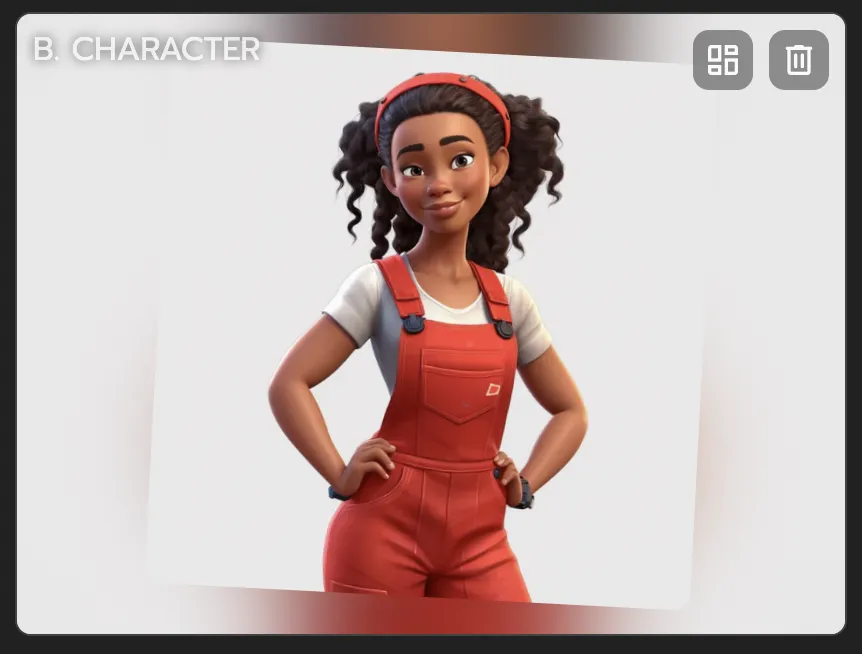
Upload any character image — 2D illustration, anime, 3D render, pixel art, CGI, hand-drawn sketch, or any other art style. If it has a body, Viggle can animate it.

Step 3

Download your animated cartoon video

Viggle maps full-body motion onto your character using its physics-aware AI model. Download and share your animated cartoon video instantly — no watermark on free videos.

Why Viggle Is the Best Free AI Cartoon Generator

Text-to-cartoon and style transfer with Veo3.1 and Seedance

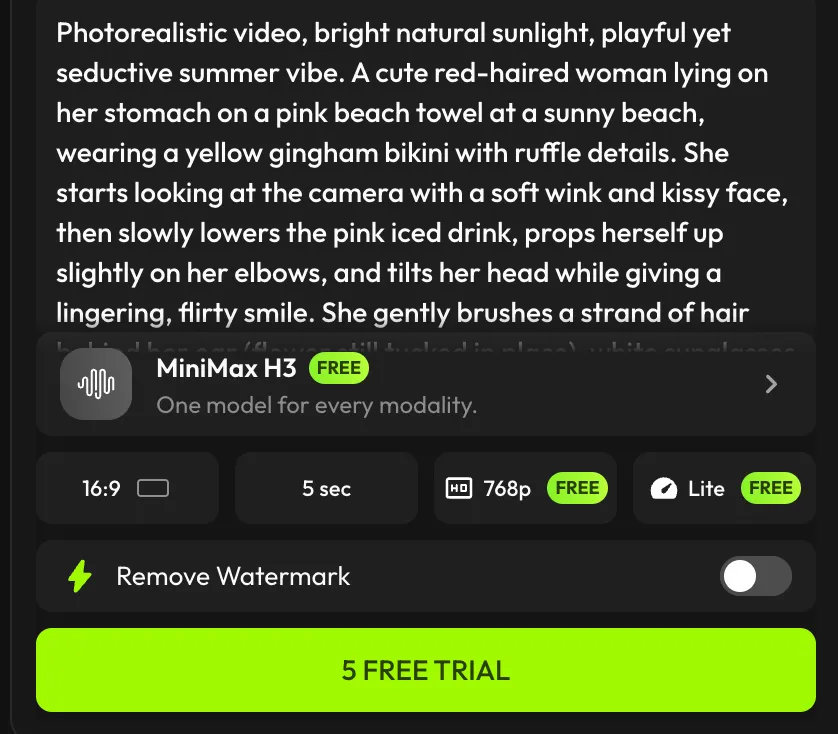
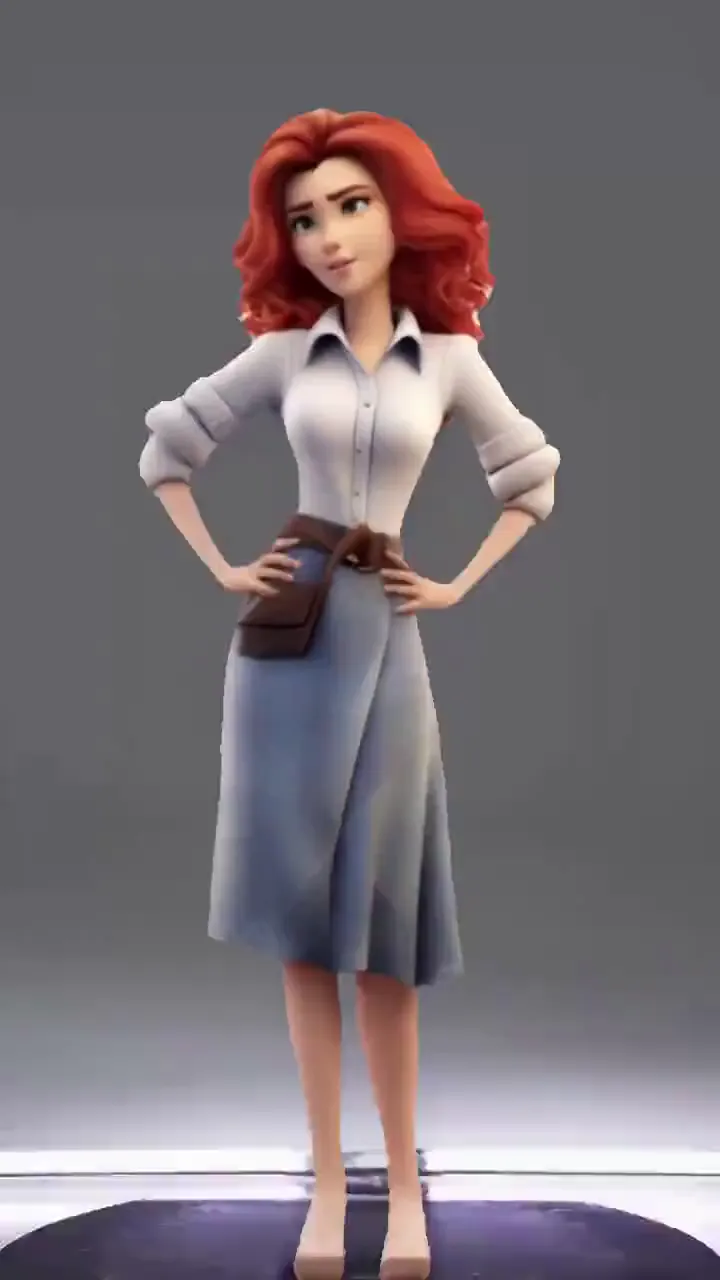
Beyond character animation, Viggle integrates industry-leading AI video generation models including Veo3.1 and Seedance. Use them to generate cartoon-style videos from a text prompt, transform an existing video into anime or 2D cartoon aesthetics with style transfer, or create entirely new animated scenes — all inside one platform.

Try video generation

Full-body motion — not a style filter

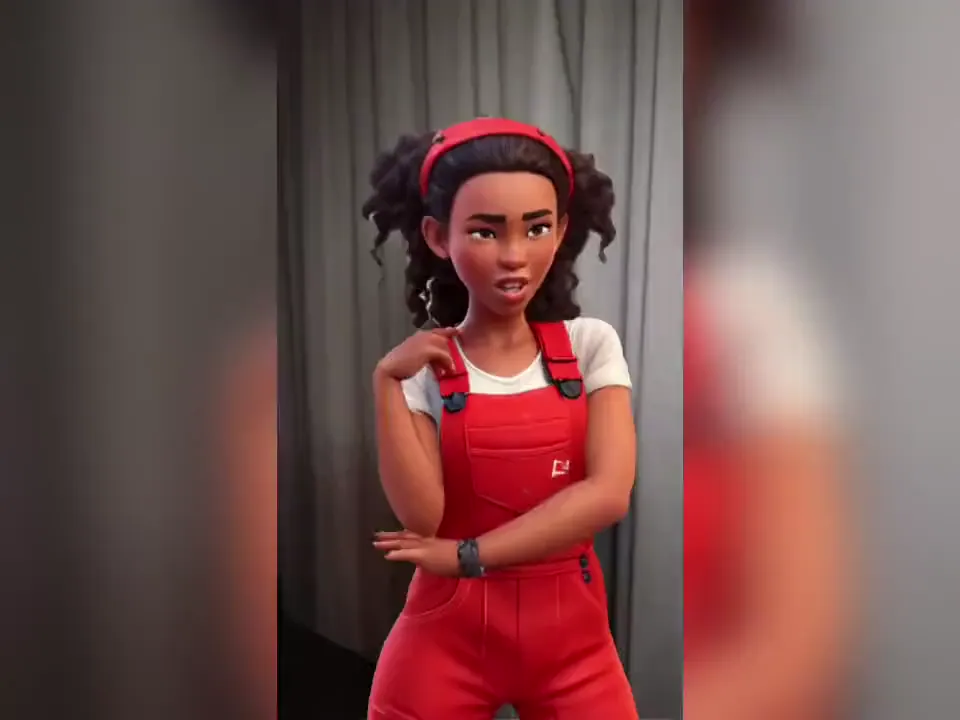
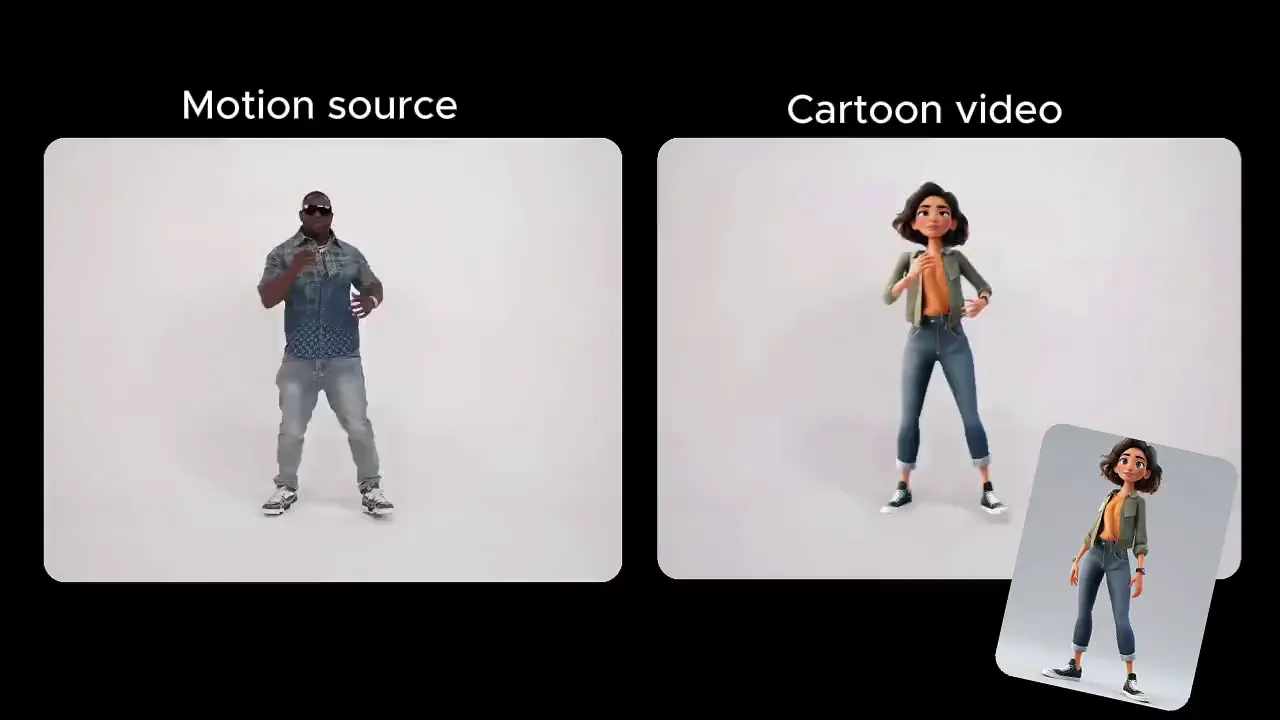
Other 'cartoon generators' apply an art style to existing footage. Viggle does something different: it takes your static cartoon image and gives it full-body motion from a reference video or template. Arms, legs, torso — the whole character moves with realistic physics.

See it in action

8,000+ motion templates including anime and dance

Pick from anime fight sequences, K-pop and TikTok dance trends, sports highlights, movie scenes, and viral meme clips. New templates added regularly. Your cartoon can perform any of them in seconds.

Browse templates

Your cartoon character delivers your script

Use the mic feature to record or type a script — your cartoon character will deliver it with natural lip sync and full-body expressive motion. Text-driven animation for any art style, no recording studio or voice actor required.

Try script-to-motion

Go live as your cartoon with Viggle LIVE

Turn your cartoon or anime character into a real-time avatar for live streaming. Viggle LIVE mirrors your face and body movements through your webcam — no 3D modeling, no rigging. Works with OBS, Streamlabs, Twitch, Kick, Zoom, and Discord.

Try Viggle LIVE

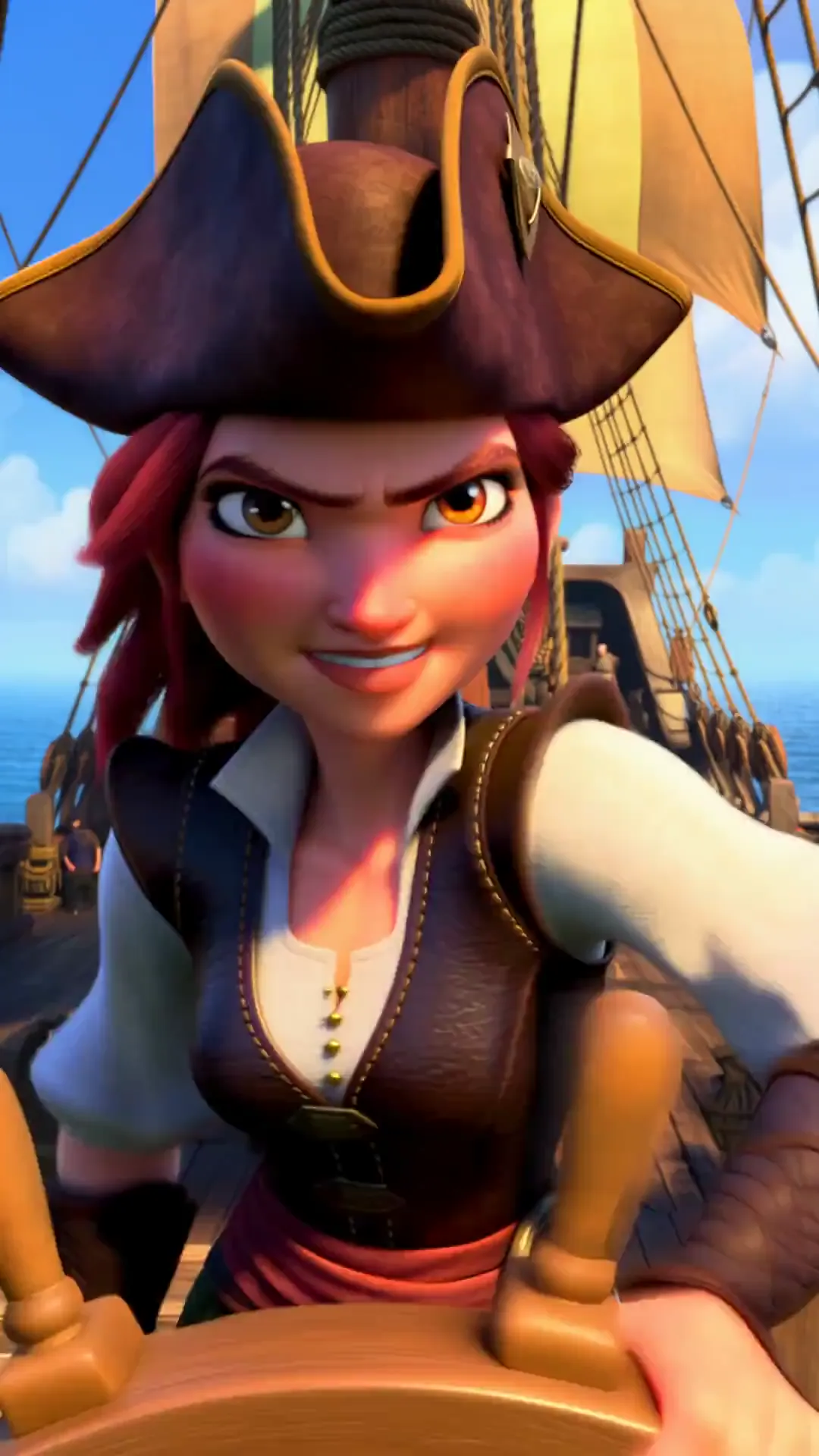
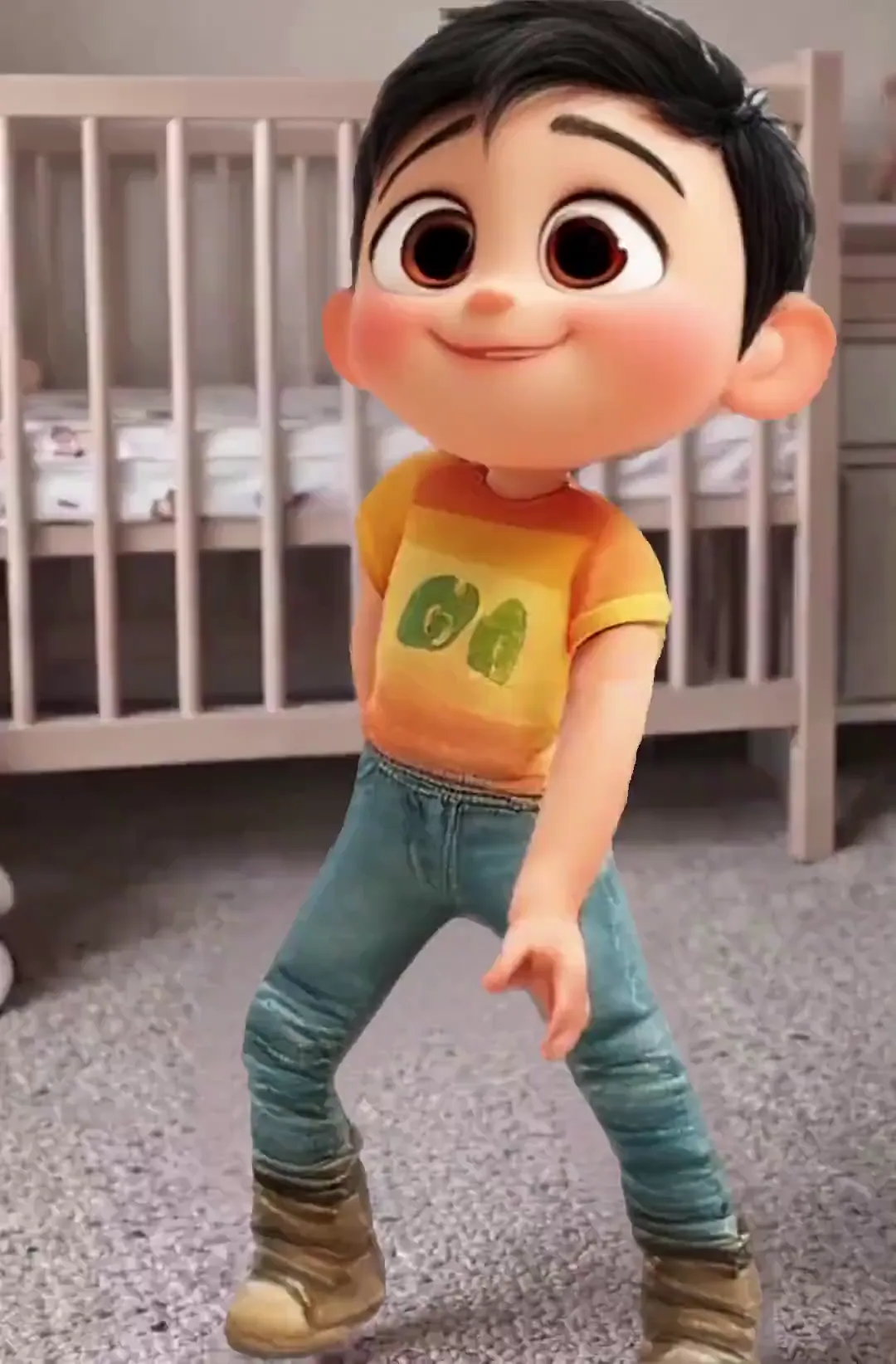
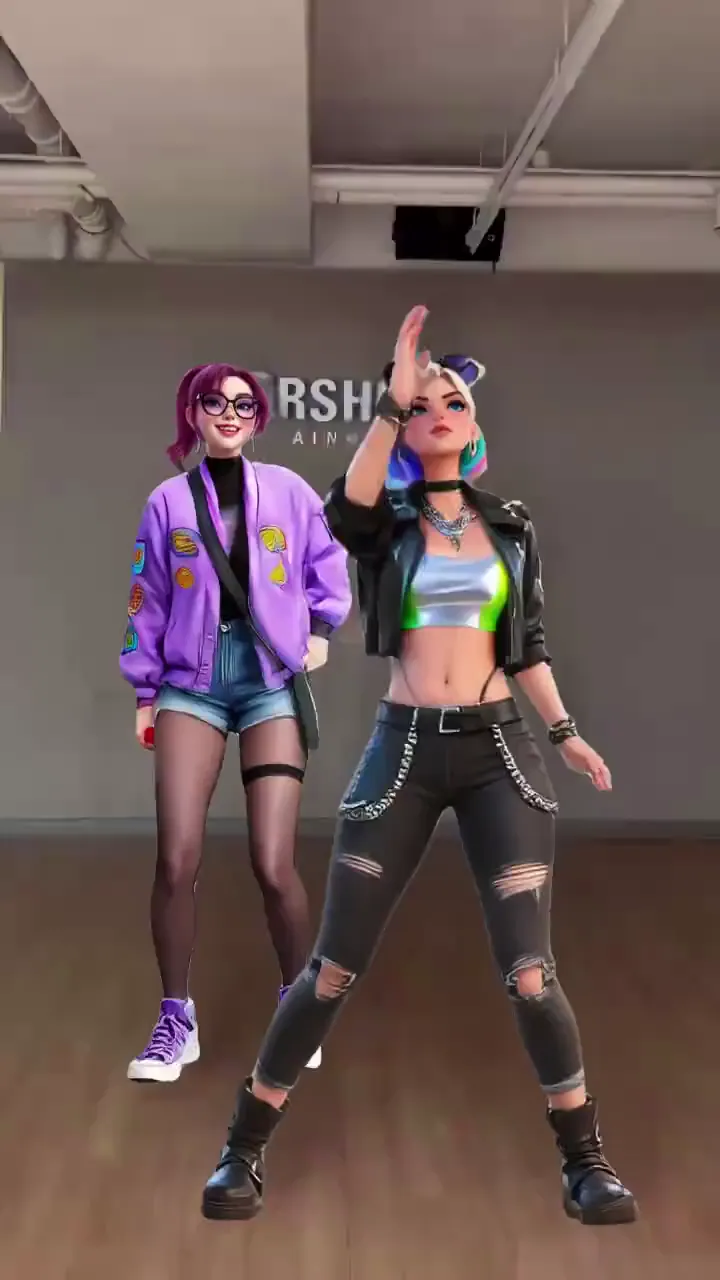
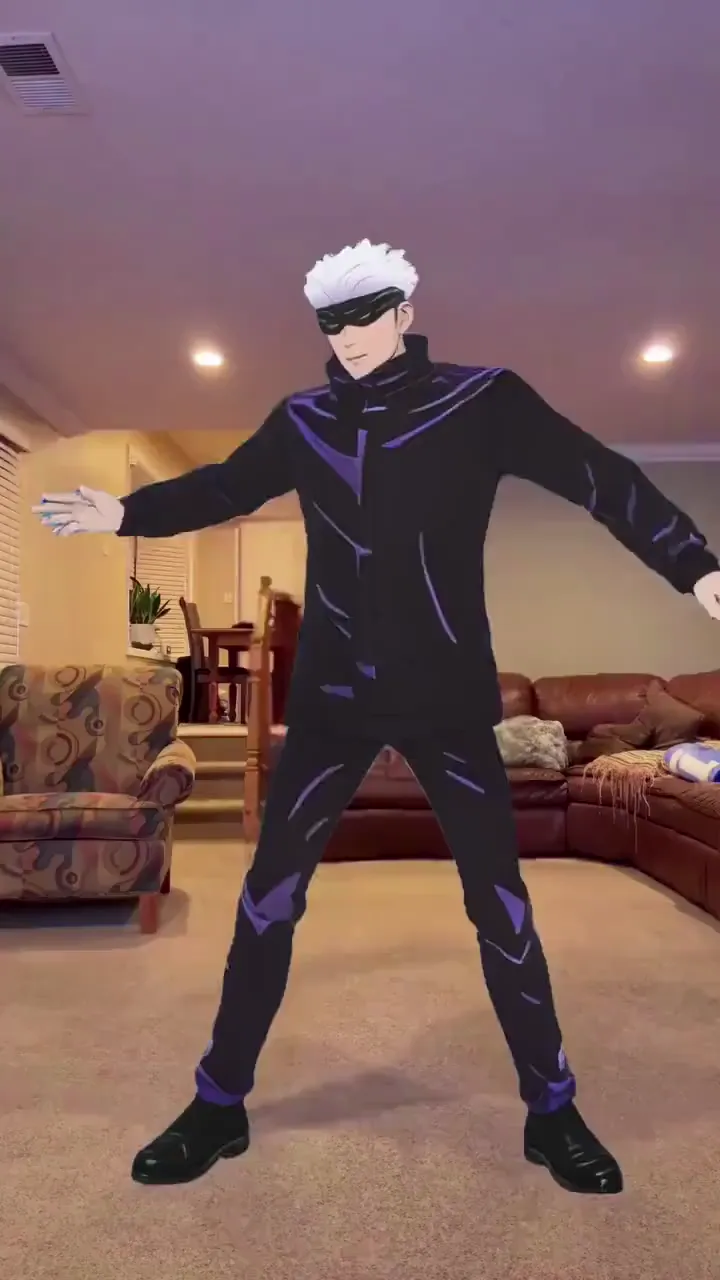
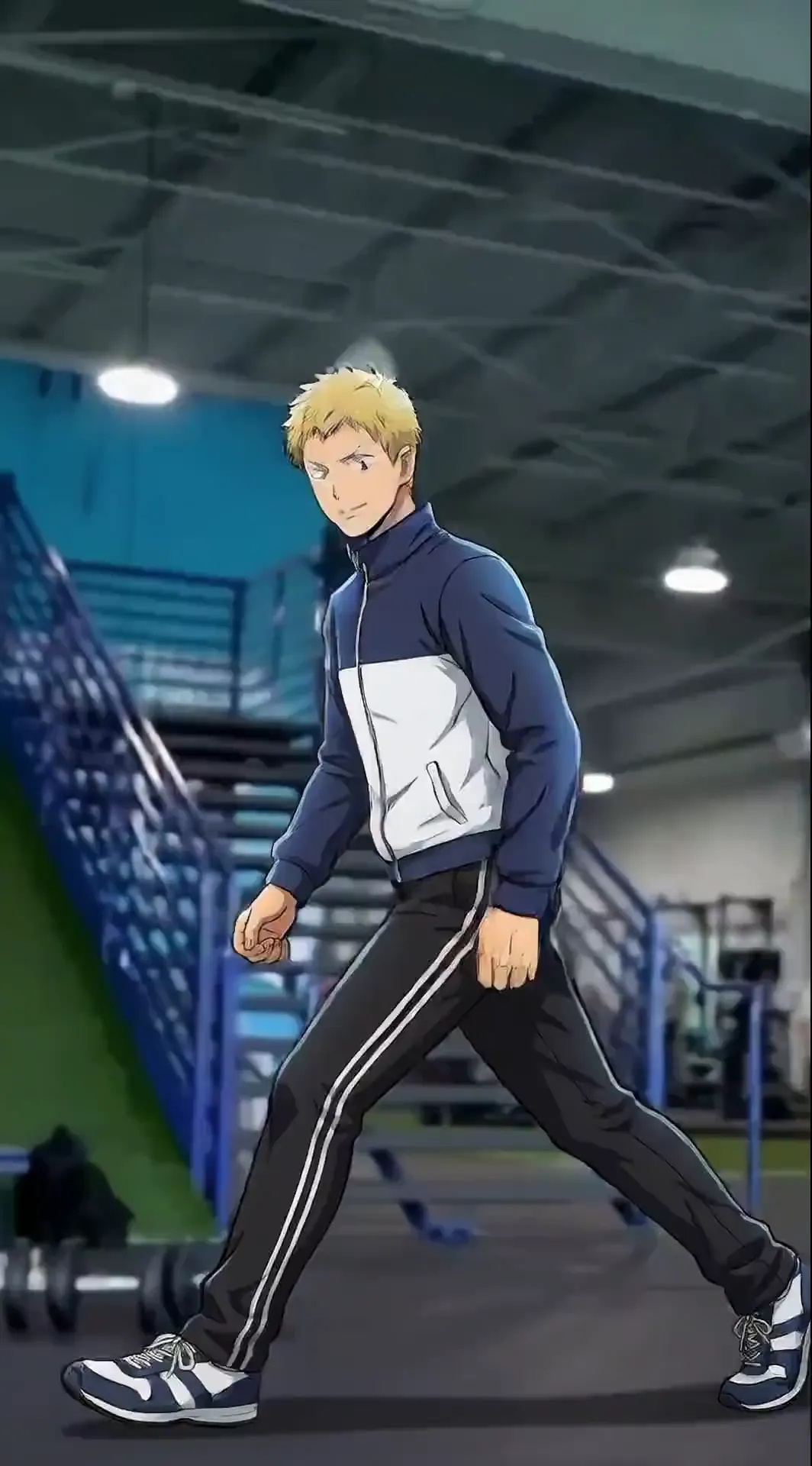
Cartoon Animations Made with Viggle

Who Uses Viggle as an AI Cartoon Generator

01

VTubers & Anime Streamers

Upload your anime or custom character and go live instantly with Viggle LIVE. No 3D modeling pipeline, no rigging, no Unity setup. The fastest path from character concept art to a real-time streaming avatar on Twitch, Kick, or YouTube.

02

Animators & Storyboard Artists

Use Viggle to rapidly prototype animation sequences and storyboards. Apply motion from a reference video to your character illustration, or generate animated scenes from text prompts using Veo3.1 — without touching animation software.

03

Brands, Marketers & Designers

Animate your brand mascot for social campaigns, product launches, or ad creative. Generate cartoon-style brand videos from text prompts. Apply style transfer to turn existing footage into your brand's cartoon aesthetic — no animation agency required.

04

Game Developers & Character Artists

Bring game characters to life for promotional trailers and social media. Generate concept animations from text descriptions using Seedance, or animate character art with reference motion — pixel art, 2D, or 3D, no mocap required.

05

Meme & Social Media Creators

Drop any cartoon character into viral meme clips or trending dances. Use style transfer to give your existing content a cartoon or anime aesthetic. Post before the trend peaks — generation takes under a minute.

06

Educators & Kids Content Creators

Generate animated characters for explainer videos, classroom visuals, and kids' content using text prompts or your own illustrations. Your cartoon character can walk, gesture, and deliver your script — engaging and free.

Viggle vs Other AI Cartoon Generators

Try Viggle Free
功能Viggle AIKling AIRunwayAnimaker
Animate your own cartoon image⚠️ Limited
Full-body motion (not a style filter)⚠️ Limited⚠️ Limited
Free to use⚠️ Limited⚠️ Limited⚠️ Limited
Motion template library
Any art style (2D, anime, 3D, pixel)
Real-time avatar / live streaming
Script-to-motion with lip sync
Multiple integrated AI video models

Frequently Asked Questions

What is an AI cartoon generator?

An AI cartoon generator creates cartoon-style videos using artificial intelligence. On Viggle, this means three things: (1) Character animation — upload a cartoon, anime, or illustrated character and Viggle animates it with full-body motion from a template or reference video, no frame-by-frame work needed. (2) Text-to-cartoon video — use integrated models like Veo3.1 or Seedance to generate cartoon-style video scenes from a text prompt. (3) Style transfer — apply cartoon or anime visual styles to an existing video. All three modes are available free on Viggle.

What cartoon styles does Viggle support?

Viggle works with any visual style: 2D illustrations, anime characters, 3D CGI renders, pixel art, hand-drawn sketches, cartoon avatars, brand mascots, game characters, and non-human or fantasy creatures. As long as the image has a recognisable body, Viggle can animate it. It is not limited to realistic human photos like most avatar tools.

Is Viggle free to use as a cartoon generator?

Yes. Viggle is free — sign up and get up to 5 animated cartoon videos per day with no watermark. No credit card required. Paid plans provide more daily generations and faster processing if you need higher volume.

How is Viggle different from Kling AI or Runway for cartoon animation?

Kling AI does not offer integrated third-party AI video generation models — it is a single-model platform. Runway integrates multiple models and supports style transfer, similar to Viggle. Where Viggle differs: it combines character animation (physics-aware JST-1 model that maps full-body motion onto your specific character), text-to-cartoon video generation via Veo3.1 and Seedance, real-time live streaming avatar mode (Viggle LIVE), script-to-motion with lip sync, and 8,000+ curated motion templates — all in one free platform. Kling and Runway do not offer real-time streaming avatars or a motion template library.

Can my cartoon character talk and deliver a script?

Yes. Use Viggle's mic feature to record a voiceover or type a script. Your cartoon character will deliver it with natural lip sync and full-body expressive motion simultaneously — the whole body moves as it speaks. This works across art styles including anime, 2D, and 3D characters.

Does Viggle work for VTuber avatars?

Yes — and it is one of the fastest ways to go from character art to a live streaming avatar. Viggle LIVE turns any cartoon or anime character image into a real-time avatar that mirrors your face and body movements through your webcam. No 3D modeling, no rigging, no Unity or Unreal setup. Works directly with OBS, Streamlabs, Twitch, Kick, Zoom, and Discord.

What image formats can I upload?

Viggle accepts common image formats including JPG, PNG, and WEBP. For best results, use a clear image where the character's full body is visible and not heavily obscured. Transparent backgrounds (PNG) work particularly well for cartoon and illustration characters.

How long does it take to generate an animated cartoon video?

Most animated cartoon videos are ready in under a minute. Generation time depends on video length and complexity of the motion template. Short clips with standard templates are typically the fastest. You do not need to wait — Viggle notifies you when your video is ready.

Ready to animate your cartoon character? Upload any image and go.

Animate My Cartoon Free

Any Character. Any Style.
Full-Body Motion. Free.

2D, anime, 3D, pixel art — upload your cartoon and watch it move. 40M+ users already creating.