3D Animation Workflow When AI Mocap Is Pass One
A 3D animation workflow with capture or generation replacing the blocking stage. What changes at each step, what does not, and where craft judgement stays.
Viggle
Key Takeaways#
- The classic pipeline does not change shape. One stage gets cheaper, and that changes how many ideas you test before choosing one.
- Blocking is the stage that swaps. Generation or capture produces the base layer, and the animator refines rather than builds from zero.
- PINOC handles the blocking pass only. Generate a few takes, pick the one that reads right, export FBX or GLB, and carry on in your own tool. Everything after blocking is still yours.
- Splining and polish are untouched. Anyone claiming otherwise has not shipped a shot this way.
- Iteration speed is the real gain. When a base layer costs a minute, the shot that ships is the fourth idea rather than the first.
- Reference gathering changes character. You can now generate reference for moves nobody can film.
- Solo and small team workflows differ mainly at the handoff, because a solo developer never has to explain what state a pass is in.
- Save your keyframes for the hero shots. That is the entire point of the rearrangement.
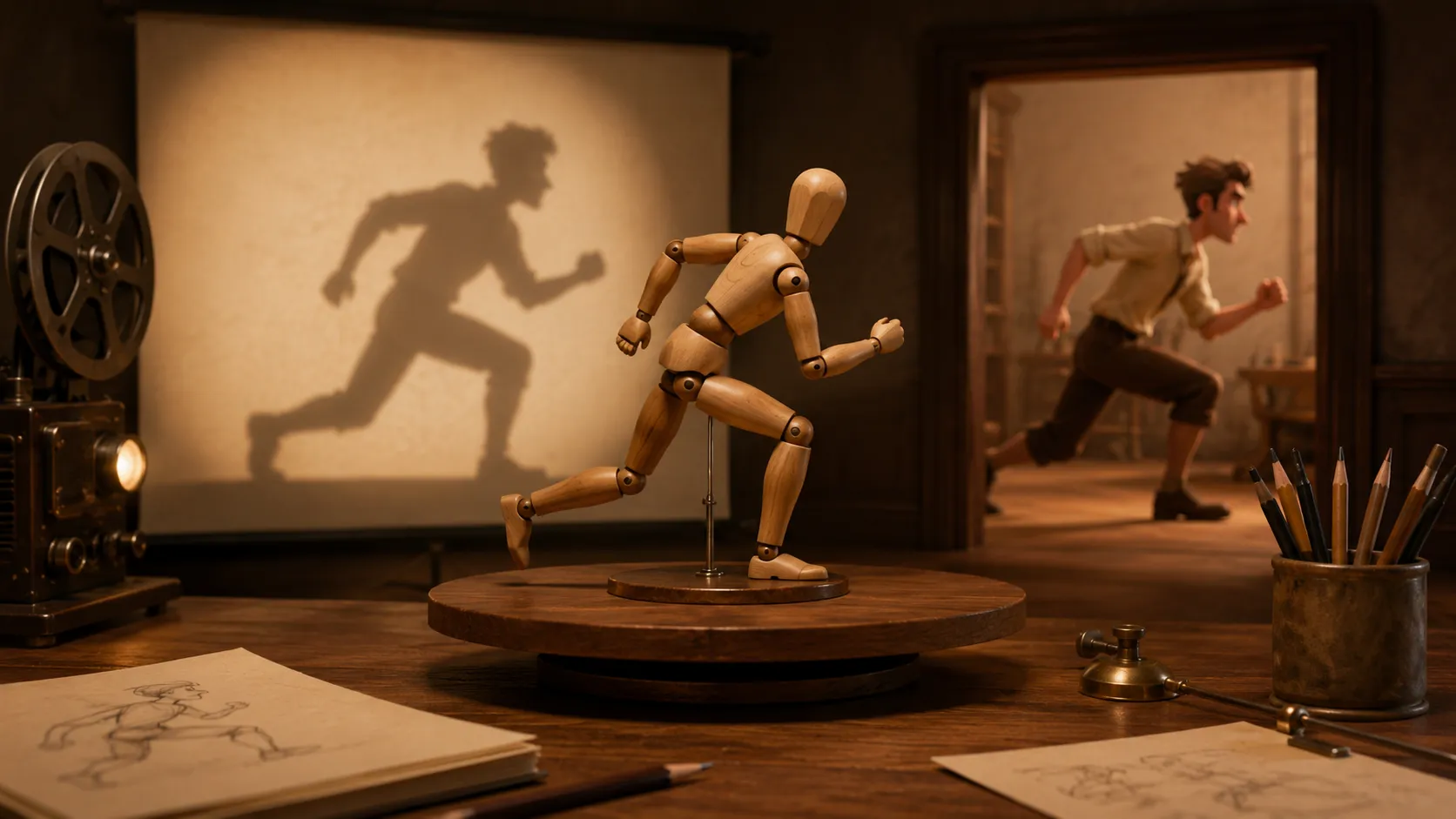
The 3D animation workflow has been stable for a long time. Gather reference, block the shot, spline it, polish it. Every studio runs a variation of that, and every animator recognises it.
Generated motion does not replace that pipeline. It replaces one stage of it, and the interesting question is what that does to the stages either side.
This is a stage by stage account of what actually changes, including the parts that do not.
What Does the Classic 3D Animation Workflow Look Like?#
Four stages, each answering a different question. Worth restating properly, because the swap only makes sense against the original.
- Reference. What does this movement actually look like? Filmed, found or observed.
- Blocking. What are the key poses and the timing between them? Rough, deliberately unfinished, and the stage where the shot is decided.
- Splining. Turning poses into continuous motion, resolving interpolation and arcs.
- Polish. Contact fixes, overlapping action, secondary motion, the frames that make it read.
Blocking is the expensive one in terms of decisions, and historically also expensive in hours. That combination is why animators defend their first blocking pass, and why shots stop improving after the first review.
The Stage Swap Map#
Here is what happens to each stage when a generated pass enters at blocking. Two stages change substantially, one changes in character, and one does not move at all.
- Reference changes in character. You still gather it, but you can now generate it for moves that cannot be filmed. A written description produces usable reference for something nobody in the room can perform.
- Blocking swaps. The base layer arrives in about a minute. The animator’s job becomes judging and correcting rather than constructing, which is different work with a different rhythm.
- Splining shrinks. Generated motion arrives continuous rather than as sparse poses, so some splining work is already done. What remains is fixing where that continuity is wrong.
- Polish does not move. Contacts, arcs, overlap, secondary motion. Unchanged in every respect, and it is where the shot is actually made.
Notice that the total work does not drop as much as the blocking saving suggests. It redistributes. What you gain is not a shorter schedule so much as more attempts inside the same one.
Why Does Faster Iteration Change the Output?#
Because cheap versions get replaced and expensive ones get defended. That is a fact about people rather than about tools.
The clearest recent evidence is from Sony Pictures Imageworks, whose Unreal Engine spotlight on rebuilding previs and layout describes sequence exports dropping from hours to minutes, and the overall process running roughly a quarter faster.
That is not a rendering improvement. It is an improvement in how often somebody is willing to say let us try it differently.
- A blocking pass that took a day gets defended in review, because redoing it costs a day
- A pass that took a minute gets replaced without argument, because nobody is attached to it
- Multiple takes per run turn a subjective judgement into a comparison, which is a much easier conversation
- The shot that ships is more often the fourth idea rather than the first
How Do You Write a Motion Description for a Blocking Pass?#
Physically, in the order the movement happens. This is a genuine skill and it is closer to directing a performer than to prompting an image tool.
Most weak descriptions name a mood. A confident entrance gives a model nothing to act on and returns the average of its training data. The fix is to describe the body rather than the feeling.
Four things make a description work, and they map onto what you would tell an actor.
- Name the driving body part and the verb. Shoulders lead, weight drops, right arm swings across. Not celebrates or hesitates, which describe intent rather than movement.
- State the energy. Heavy, sharp, sluggish, controlled, explosive. This single word does more steering than any other, because it pulls the result away from the flat average.
- Give the beats in order. Steps in, connects, staggers back, recovers. Sequencing is what turns a pose into a performance.
- Say where it ends. Returns to idle, holds low, finishes crouched. If the tool accepts a reference image for a first or last frame, use that instead of describing the pose.
Run those four and a vague request becomes a specification. A heavy two handed shove, steps in with the right, connects, staggers back a step, settles into a low guard, leaves very little room for the model to substitute something generic.
One habit matters more than phrasing, though. Generate several takes and choose, rather than rewriting until one lands. The spread between takes from the same description is usually wider than the difference between two carefully worded descriptions, so selection beats iteration on the prompt itself.
How Does PINOC Sit in This Workflow?#
PINOC occupies the blocking slot and hands over at splining. It produces the base layer from either a clip you filmed or a written description, then exports it and gets out of the way.
Both input routes matter at this stage for different reasons. Filming works when you can perform the move and have an opinion about its feel. Text to motion works when the move exists only in your head, which at the blocking stage is most of the time.
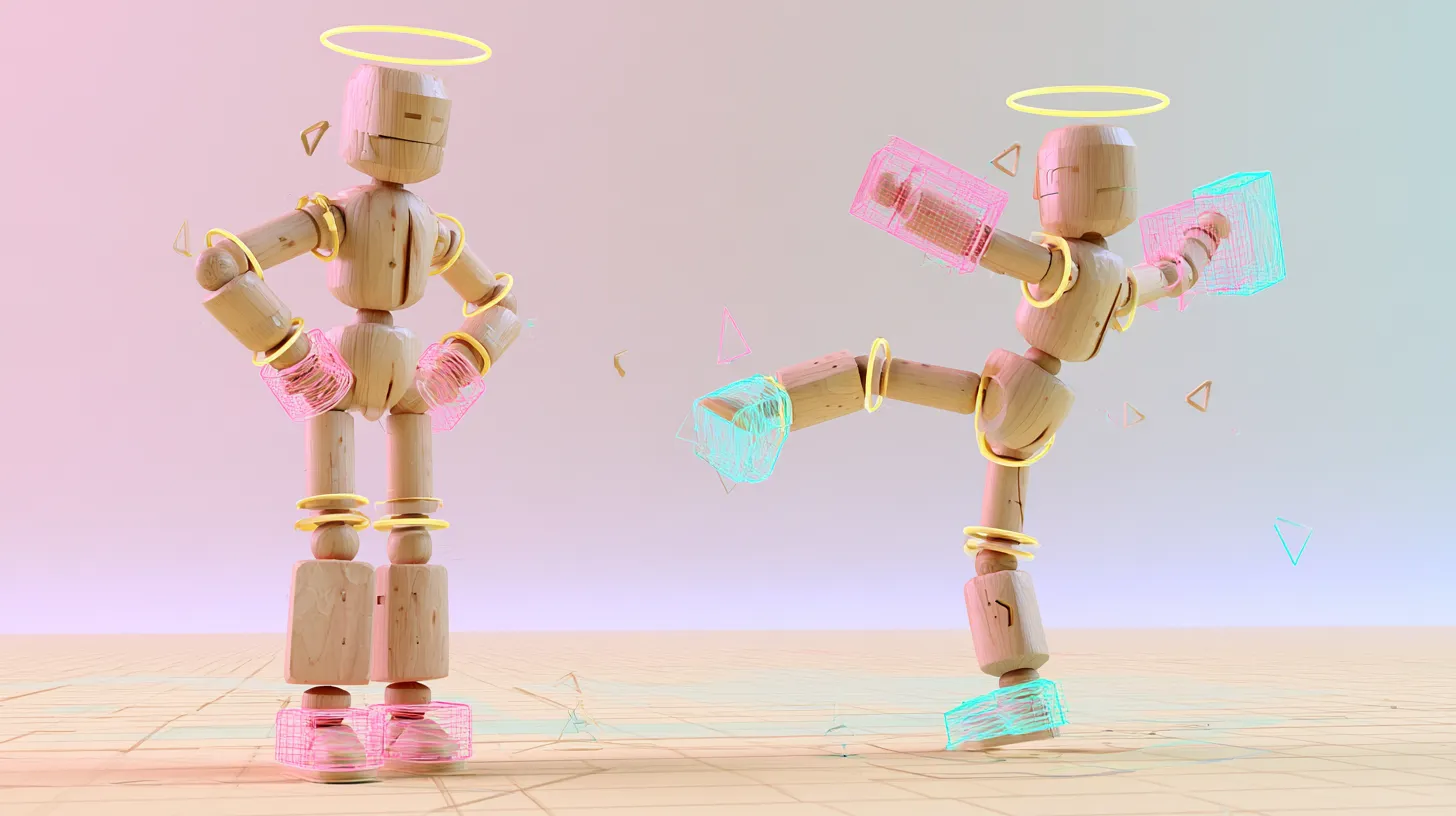
Underneath is JST, Viggle’s in house model, trained with physical priors rather than pure pose data. For a blocking pass the practical effect is that weight and ground contact arrive roughly right, so the polish stage starts from something plausible rather than something floating.
- A run takes about a minute and comes back with several takes, so reviewing a blocking pass means picking between versions instead of waiting on one
- Two routes onto a character. The mesh route: upload your own, have it rigged and retargeted inside the tool, so you block on your character rather than a stand in
- The Gaussian splat route: upload a character image and PINOC reconstructs it as an animated 3D splat model, with your motion playing on it right in the viewport. Plugin support for carrying splat characters into your own tools is on the roadmap
- Mesh route exports are FBX or GLB, opening as ordinary keyframes in Blender, Maya, Unity, Unreal, Cinema 4D and Houdini, which is what splining and polish need
- Set the clip length to the beat you need, so a blocking pass stays a beat instead of becoming a sequence
- The free tier includes credits covering about a minute of motion, enough to push one real shot through all four stages
It does not spline, does not polish, and does not make timing decisions. That scope is deliberate, and it is why the stages downstream are unchanged.
PINOC’s own capture-to-export walkthrough, posted by @Viggle_PINOC on X.
What Does One Shot Look Like Through the New Pipeline?#
Take a character shouldering through a door and stumbling on the far side. Here is the whole shot with timings.
| Stage | What happens | Rough time |
|---|---|---|
| Reference | Describe the move, or film yourself shouldering a doorframe | 10 minutes |
| Blocking | Generate, review four takes, pick one, export, retarget | 20 minutes |
| Splining | Fix where continuity is wrong, adjust the arc through the door | 45 minutes |
| Polish | Contact on the shoulder, the stumble beat, overlap on the arms | 2 to 4 hours |
The polish figure is the one to notice. It has not changed, and it now represents the overwhelming majority of the shot. That is the correct outcome, since polish is where the shot becomes specific.
On why AI does not replace the animator, from DANI (@alittledani). View the original reel on Instagram.
One warning about that twenty minute blocking figure: it assumes your retarget mapping already exists. Blender still ships without retargeting of its own, so plan on the free Retarget extension (Blender 5.0 or newer) or Auto-Rig Pro’s Remap module. Unreal covers this with the built in IK Retargeter. Build the mapping once per character and every shot after the first inherits the twenty minutes. Build it per shot and the schedule quietly doubles.
Does This Work Differently for Solo Animators and Teams?#
The stages are identical. The handoffs are where the difference lives, and handoffs are where team adoptions usually fail.
A solo animator has no handoff problem. They know what state a pass is in because they made it. A team does not, and a generated pass creates a specific risk that a hand blocked one does not, which is that it looks more finished than it is.
- Label every pass explicitly as generated, corrected or approved, and put that in the file name
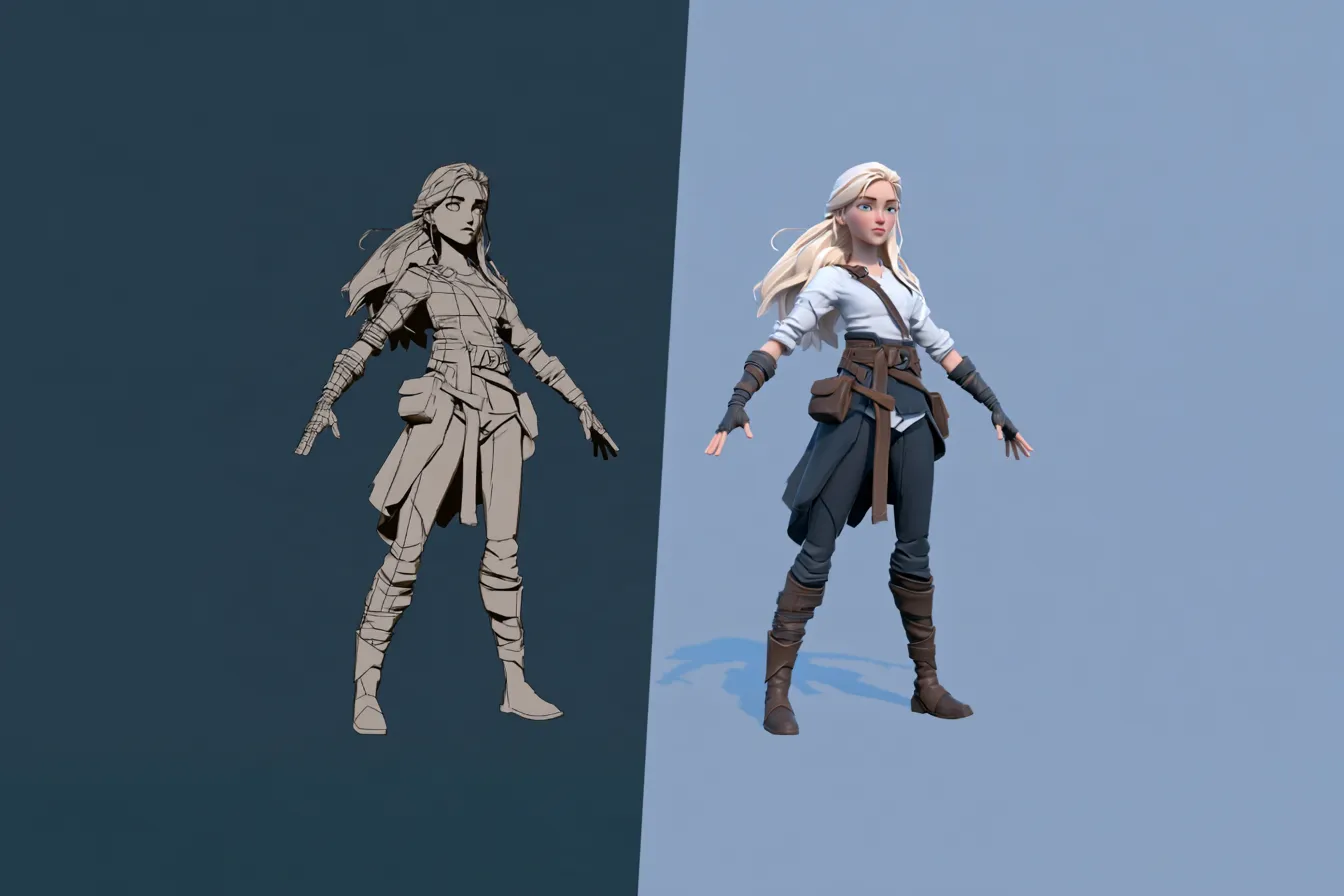
- Present generated passes deliberately rough, grayscale and unlit, so nobody reviews the wrong layer
- Separate approval of timing from approval of performance, since timing is usually safe to lock early
- Keep the prompt or source clip alongside the output, because a result you cannot describe cannot be reproduced
- Decide whether rejected takes are archived or deleted before you have four hundred of them
One opinion stated plainly. The workflow change that matters is not that blocking got faster. It is that blocking stopped being a commitment. When a base layer costs a minute, an animator will genuinely try the version they were not sure about, and that is where better shots come from. Save your keyframes for the hero shots, and spend the freed time on more attempts rather than on finishing early.
Frequently Asked Questions#
Does AI mocap replace the blocking stage entirely?#
It replaces the construction part, not the judgement part. A generated pass gives you key poses and coarse timing in about a minute, but deciding whether that reads correctly and correcting it is still blocking work. What changes is that you are editing a proposal rather than building from an empty timeline, which is faster and psychologically very different.
What parts of the animation workflow do not change?#
Splining and polish, which together are the majority of a finished shot. Contact frames, arcs, overlapping action and secondary motion all remain hand work, and none of them get faster because the base layer improved. Any workflow plan that assumes savings in polish will be wrong.
How much faster is this workflow?#
The blocking stage compresses dramatically, but total shot time drops far less because polish dominates. The more reliable gain is iteration count rather than schedule. Studios adopting real time pipelines have reported layout and previs processes running roughly twenty to twenty five percent faster, which is meaningful without being transformational.
Should the first pass be filmed or described?#
Film it when you can perform the move and have a specific feel in mind. Describe it when the move exists only in your head, which at blocking stage is most of the time. Filming carries feel more reliably. Describing covers everything you cannot physically do, and it is faster for generic movement.
Does this workflow suit stylised animation?#
Less well, and it is worth being clear about that. Models trained on real capture pull toward realism, so exaggerated or heavily stylised work fights the base layer rather than building on it. For stylised projects, generated motion is more useful as reference than as a blocking pass. Realistic and grounded work benefits most.
How do you stop a generated pass being approved as final?#
Present it deliberately rough and label it explicitly. Generated motion has smooth interpolation and plausible weight, which reads as further along than it is, so directors approve it and editorial cuts to it. Keeping passes grayscale and unlit, and putting the word generated in the file name, prevents most of that.
Conclusion#
The pipeline did not get shorter. One stage got cheap, and everything downstream stayed exactly where it was.
What that buys is attempts. A blocking pass you can regenerate is a blocking pass you will actually replace, and shots improve when somebody is willing to throw away the first idea.
Reference, block, spline, polish. Same four stages. Save your keyframes for the hero shots.