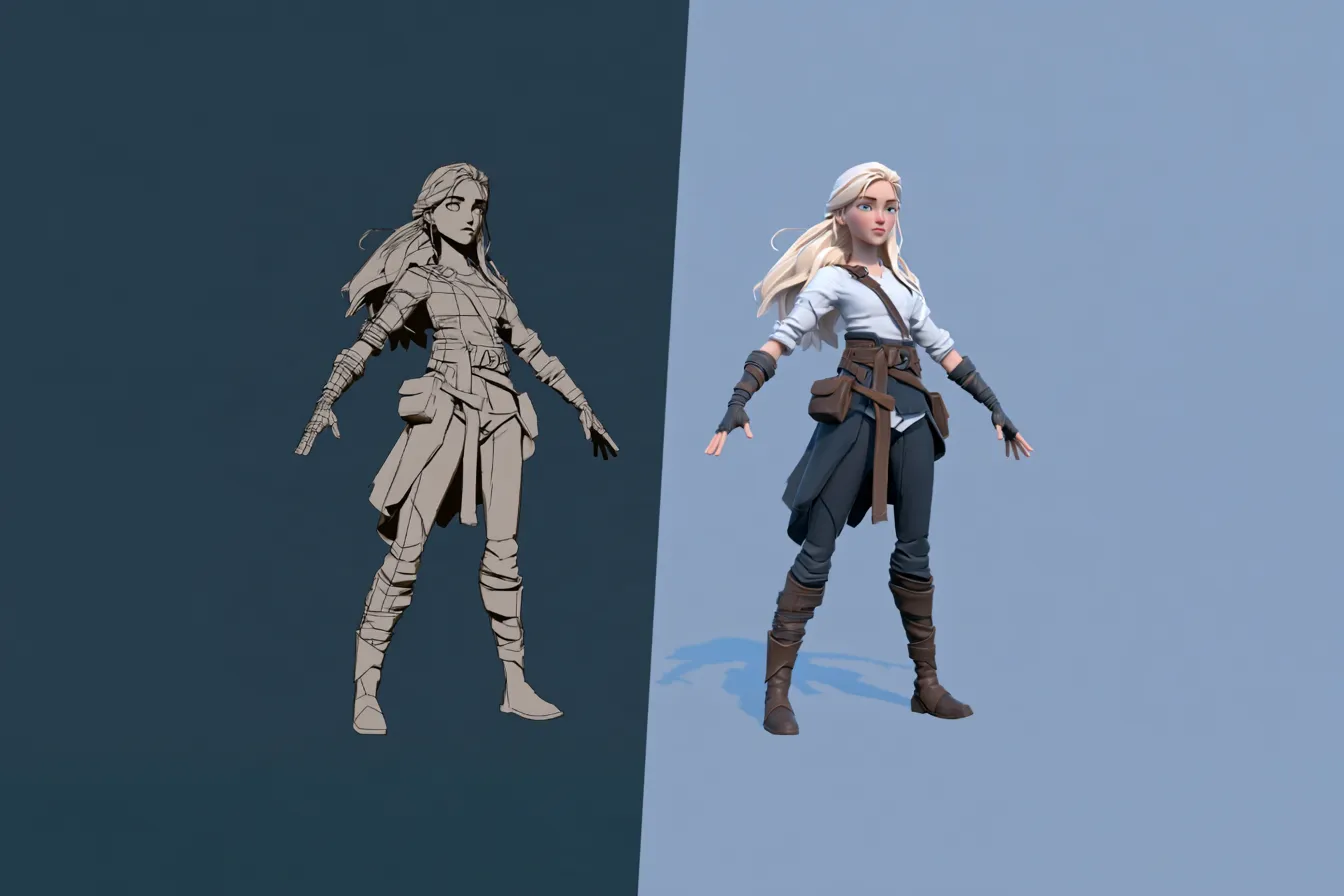
GLB vs FBX Which 3D Format to Use
GLB vs FBX compared for 2026. Learn the difference, when to use each 3D format for web, AR, and game engines, and which your project needs.
Viggle

Key Takeaways#
- GLB is a modern, web optimized 3D format from the Khronos Group, and the binary version of glTF.
- FBX is Autodesk’s format, the long standing standard for game engines and animation pipelines.
- GLB is smaller, single file, and browser native, which makes it the choice for web, AR, and VR.
- FBX carries deep animation and rig data and is the default for transfers between game engines and DCC tools.
- Many pipelines use both, working in FBX and deploying to GLB for the web.
- Both formats support skeletal animation, so the decision is really about where the asset is going.
- Viggle PINOC exports both FBX and GLB, so your captured motion fits either destination.
If you export 3D assets, sooner or later you hit the same fork, GLB or FBX. They overlap enough to be confusing, since both can carry a rigged, animated model, yet they were built for different worlds. Pick the wrong one and your asset is either bloated, broken, or in the wrong place entirely.
The good news is that the choice is simpler than it looks. It is not about which format is better, because neither is. It is about where your asset is going next.
This guide breaks down what GLB and FBX are, how they differ, and exactly when to reach for each, so you never second guess the export dialog again.
What is GLB?#
GLB is a modern 3D format developed by the Khronos Group, and it is the binary version of glTF. It was designed for efficient delivery, especially on the web.
Its whole reason for existing is fast, portable 3D. glTF comes in two flavors, a JSON based glTF with separate files, and GLB, which packs everything into one binary file.
- Web native. Browsers read GLB directly through viewers like model-viewer and Three.js.
- Compact. A single binary file with strong compression, including Draco for geometry.
- Complete. It carries geometry, PBR materials, textures, and skeletal animation.
- Widely supported. More than 200 tools export or read it, and Blender has native export.
In short, GLB is the format that made 3D easy to ship on the web, and it is now the default for AR, VR, and online product visualization.
What is FBX?#
FBX is Autodesk’s 3D interchange format, the long standing standard for animation and game development pipelines. It was built to move complex, rigged, animated content between professional tools.
Where GLB optimizes for delivery, FBX optimizes for production. It carries deep rig data, animation curves, blend shapes, and full scene elements between tools like Maya, 3ds Max, Unity, and Unreal.
- Pipeline standard. The default for transfers between DCC tools and game engines.
- Animation depth. Rich support for skeletons, blend shapes, and complex motion.
- Broad tool support. Every major animation and game tool reads and writes it.
FBX is the workhorse of professional 3D. If a rigged character is moving through a production pipeline, it is almost certainly traveling as FBX.
GLB vs FBX, what is the difference?#
Both carry animated 3D, but they optimize for different ends of the pipeline. GLB is for delivery, FBX is for production. Here is the comparison.
| Aspect | GLB | FBX |
|---|---|---|
| Best for | Web, AR, VR, mobile | Game engines, DCC pipelines |
| File size | Smallest, strong compression | Medium |
| Animation | Yes, skeletal | Yes, deep rig and motion |
| Web support | Native in browsers | Not browser native |
| Standard | Open, Khronos Group | Proprietary, Autodesk |
The difference is destination. GLB is small, open, and browser ready, while FBX is feature rich and pipeline ready. A 2026 FBX vs GLB comparison lands on the same split for game work.
Do GLB and FBX support the same features?#
They overlap, but not perfectly, which is exactly why people mix them up. Both carry geometry, PBR materials, and skeletal animation. The differences are in depth.
- Animation depth. FBX handles complex rigs, blend shapes, and layered motion more fully, while GLB covers standard skeletal animation well.
- Scene data. FBX can carry cameras, lights, and full scene hierarchies. GLB focuses on the model and its animation.
- Compression. GLB supports Draco compression for small files, while FBX has no equivalent web compression.
- Openness. GLB is an open Khronos standard, while FBX is proprietary to Autodesk.
For a single animated character, both do the job. The gap shows up with complex production scenes, where FBX carries more, and with web delivery, where GLB is far lighter.
When should you use GLB?#
Use GLB whenever the asset is headed to the web, a browser, or an AR or VR experience. Its size and native browser support make it the obvious pick there.
- Web 3D viewers. Product configurators, portfolios, and embedded 3D.
- AR and VR. Apple Vision Pro, Android ARCore, and web AR all favor GLB.
- Mobile. Small files load fast and use less data.
- Sharing. A single self contained file is easy to send and preview.
The GLB standard was built for exactly this web role. The rule of thumb is simple, if a browser or a headset will display it, GLB is your format.
Pro tip. Use Draco compression when exporting GLB for the web. It shrinks geometry dramatically with little visible loss, which matters when every kilobyte affects load time.
When should you use FBX?#
Use FBX when the asset is moving through a game engine or between 3D creation tools. Its depth and universal pipeline support make it the safe default there.
- Game engines. Character and animation import into Unity and Unreal.
- DCC transfers. Moving assets between Maya, 3ds Max, Blender, and MotionBuilder.
- Complex animation. Deep rigs, blend shapes, and layered motion.
- Motion capture. Mocap data is almost always delivered as FBX.
A glTF vs FBX breakdown agrees that engine and tool transfers favor FBX. If a rigged character is being animated and refined in a pipeline, FBX keeps everything intact along the way.
How do GLB and FBX fit with other 3D formats?#
GLB and FBX are the two you meet most, but they sit in a wider family of formats, each with its own lane.
- OBJ. Static geometry only, with no animation. Good for simple models and 3D printing.
- STL. Geometry for 3D printing, with no color or animation.
- USD. OpenUSD is growing for large scenes and film pipelines, especially at studio scale.
Against that backdrop the split is clear. OBJ and STL are static, USD is for big scenes, GLB is for web delivery, and FBX is for animated characters in a production pipeline. Knowing where each one sits keeps you from forcing the wrong format onto a job.
What is the destination rule?#
The whole decision collapses into one question, where is the asset going next? I call this the Destination Rule.
- Going to a browser, AR, or VR? Export GLB.
- Going to a game engine or another 3D tool? Export FBX.
- Going to both, eventually? Work in FBX through the pipeline, then deploy to GLB for the web.
That is it. Most confusion about formats disappears the moment you stop asking which is better and start asking where the file is headed. Many real pipelines use both, exactly for this reason.
How does Viggle PINOC export both GLB and FBX?#
PINOC exports your captured motion in both FBX and GLB, so it fits whichever destination you are targeting. That flexibility matters, because motion often needs to go two places, into a pipeline and out to the web.
Motion input is video or text: you can film a move and capture it with AI motion capture, or describe the motion with PINOC text-to-motion and generate animation from a prompt. That means creators can choose FBX for Blender, Unreal, Unity, or Maya when they need production-ready motion, or GLB when they need a compact file for web previews and sharing.
Be clear on one point. What PINOC exports, in either format, is the motion on a skeleton, not a finished character model. You retarget that animation onto your own character.
PINOC captures the motion, not the mesh. It also has an image to 3D character feature that previews motion on a Gaussian Splatting model in the browser before export. You can also export the character model itself as a static PLY file.
PINOC runs on JST, Viggle’s in house video to 3D foundation model, trained with physical priors so the motion respects weight, contact, and timing.
Here is why exporting both helps.
- FBX for game engines and DCC pipelines like Blender and Unreal.
- GLB for the web, AR, VR, and quick sharing.
- One Mixamo named skeleton across both formats.
- Capture from any video, no suit or markers, free to start.
- A browser preview before you pick a format.
The capture workflow lives inside Viggle PINOC, and it is free to start. Whichever way your project points, the export already fits.
Frequently Asked Questions#
What is the difference between GLB and FBX?#
GLB is a compact, web optimized format from the Khronos Group, ideal for browsers, AR, and VR. FBX is Autodesk’s pipeline standard, built for game engines and deep animation. Both carry rigged, animated 3D, but GLB targets delivery while FBX targets production.
Is GLB better than FBX?#
Neither is better overall, since they serve different ends. GLB wins for web, AR, and mobile because it is small and browser native. FBX wins for game engine and tool pipelines because it carries deep rig and animation data. The right choice depends on the destination.
Can GLB store animation?#
Yes. GLB, as the binary form of glTF, supports skeletal animation along with geometry and PBR materials, all in one file. That is a big reason it works well for interactive web and AR content, not just static models.
Which is smaller, GLB or FBX?#
GLB, usually by a wide margin. Its single binary structure and support for Draco mesh compression produce much smaller files than FBX, which is why it is preferred for web and mobile where load time and bandwidth matter.
Should I use GLB or FBX for Unity or Unreal?#
FBX is the safe default for character and animation work in both engines, since it is the pipeline standard. Both engines can also read GLB, but for rigged characters and mocap moving through a production pipeline, FBX remains the more reliable choice.
Should I use GLB or FBX for the web?#
GLB, without much debate. Browsers read GLB natively through viewers like model-viewer and Three.js, and its small size loads fast. FBX is not browser native, so web projects convert to GLB for delivery anyway.
Can you convert GLB to FBX?#
Yes, converters and 3D tools can move between them, but conversions can drop or alter animation, materials, or scene data. It is usually cleaner to export the right format from the start, based on where the asset is going, rather than converting after the fact.
Conclusion#
GLB versus FBX is not a contest between a better and a worse format, it is a question of destination. GLB is the compact, open, browser native choice for web, AR, and VR, while FBX is the deep, pipeline ready standard for game engines and animation tools. Run the Destination Rule, and the export dialog stops being a guessing game. Since Viggle PINOC exports both, your captured motion is ready for whichever direction your project takes.