The best AI models, one workflow
Generate video and images with the latest models from OpenAI, ByteDance, and more — without juggling API keys or separate tools. Pick a model, write a prompt, and create.

Featured models
Each model is built into Viggle's generation workflow. Switch between them whenever you want to compare speed, control, and fidelity.
Seedance 2.0
Generate up to 15-second videos with synced audio, multi-shot cuts, and reference-driven control. Text, images, video, and audio in — finished video out.
- Native audio + video in one pass
- Multi-shot sequences, not just clips
- Up to 15s per generation
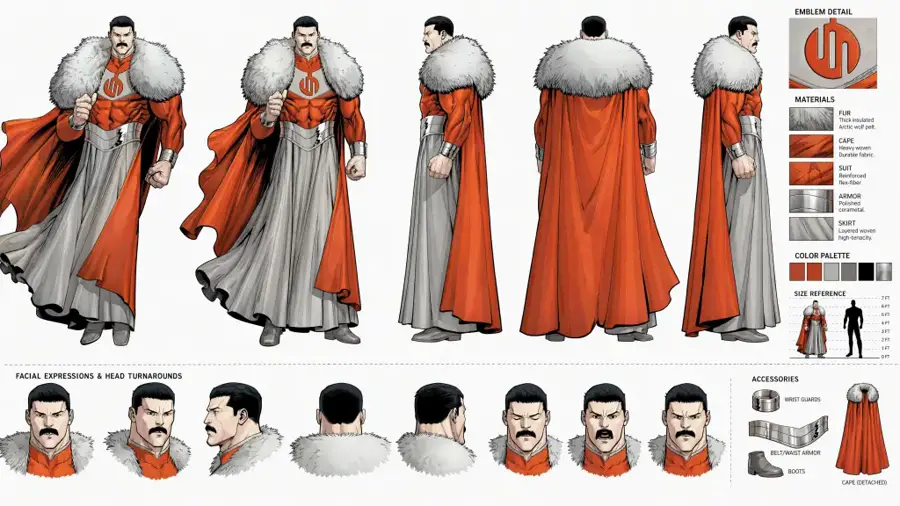
ChatGPT Images 2.0
OpenAI's latest image model for text-to-image generation and high-fidelity edits. Polished stills, strong typography, then move approved frames into motion.
- Strong text-heavy layouts
- High-fidelity reference edits
- Up to 4K, flexible aspect ratios
More models in Viggle
Compare typography, reference control, speed, and motion across the full model lineup. Switch models right from the generation dropdown.
Veo 3.1
Wan 2.7
HappyHorse
Kling 3.0
Nano Banana Pro
Nano Banana 2
Seedream 4.0
Seedream 5.0 Lite
How it works
One workflow, every model. No separate API keys, no setup.
Pick a model
Open Image & Video on Viggle and choose a model from the dropdown. Optionally upload reference images, video, or audio.
Write your prompt
Describe your scene — subject, layout, camera, lighting, sound. Use references to keep characters and products consistent.
Create & download
Hit Create, review the result, and refine with follow-ups. Download the still or hand approved frames into motion tools.
Related tools & models
AI Video Creator
Generate videos from text and images using multiple models.
Try it →AI Animation Generator
Create character animations and motion sequences.
Try it →Image to Video AI
Turn still images into dynamic video clips with AI.
Try it →Motion Control
Fine-tune character movements with physics-aware control.
Try it →Every model.
One Viggle.
Video, images, and audio in a single workflow. Plans from $9.99/month.