Free Image to Video AI Generator
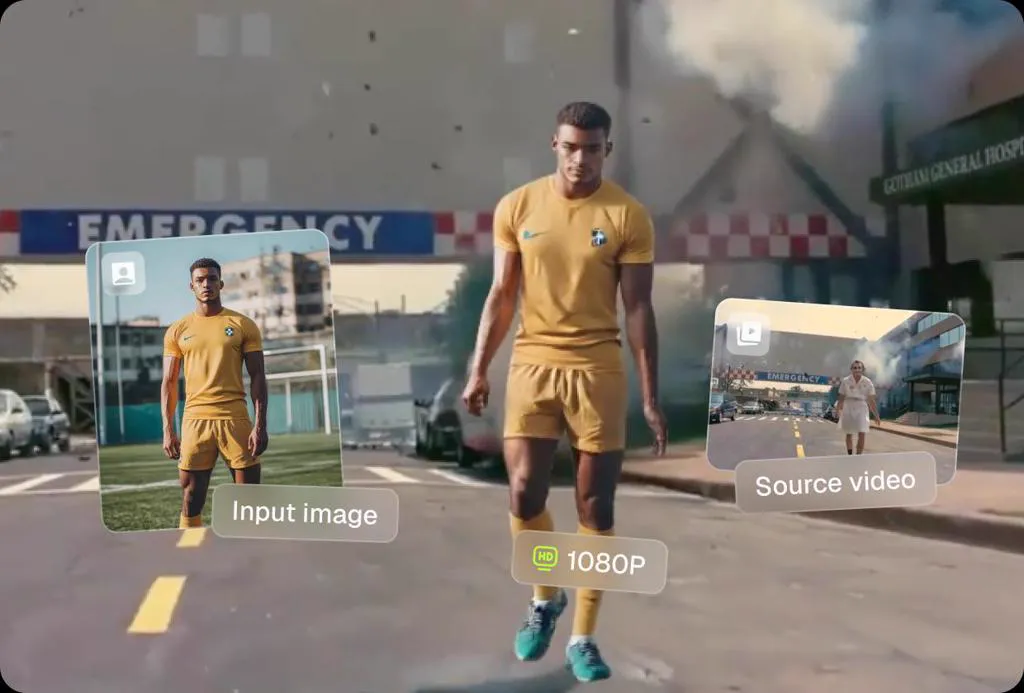
Upload a photo and write a prompt for how it should move. Viggle Video turns it into a clip, and free accounts get five 5-second videos a day. If you want one exact move, use Mix instead: pick a motion template or upload your own clip, and the person in your photo copies it.
How To Turn Image Into Video With Viggle AI
Open MixA prompt is the quickest way. When you want a specific move, use Mix: it takes the motion from a video and puts it on the character in your photo. Pick a motion template or upload your own clip, add your image, and most videos are ready in under a minute.
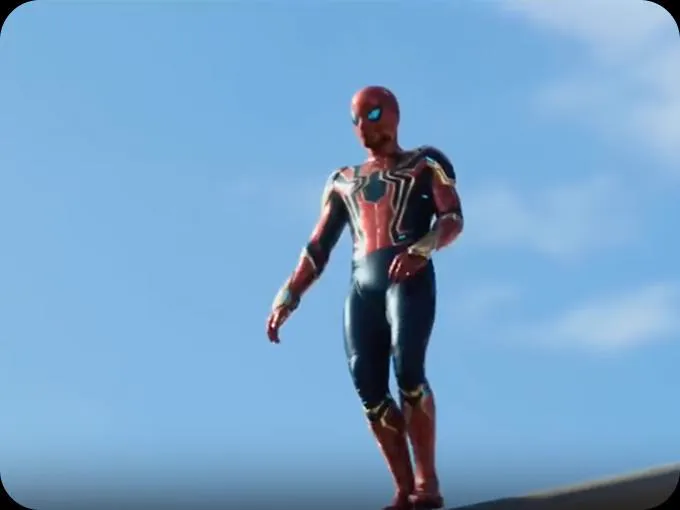
Upload a video
Go to 'Mix', choose a trending video template or upload your own motion clip.
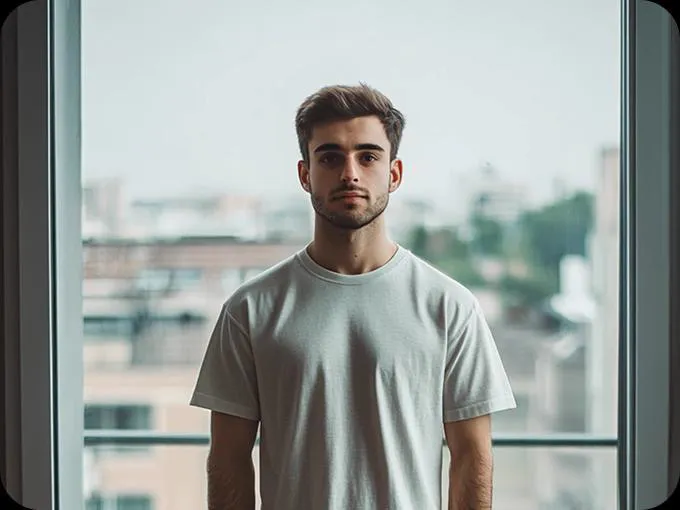
Upload an image
Choose any image you want to animate. It can be a selfie, a portrait, or even an illustration. Our AI picture to video generator works best with clear, high-quality photos.
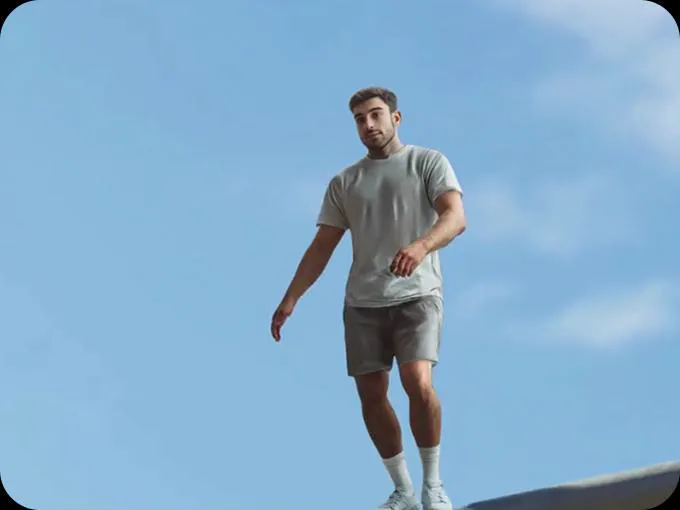
Get your video generated
Viggle generates a video with the character in your image doing the same motion as in the video/template in seconds.
Create AI video from images quickly
Make a VideoCreate AI generated video from photo, up to 1080p
Unlike other AI image to video generators, Viggle doesn't just animate your photo randomly — it maps real motion from a video onto your character. This gives you full control over how your photo and character moves, dances, or acts, resulting in lifelike clips.
Generate video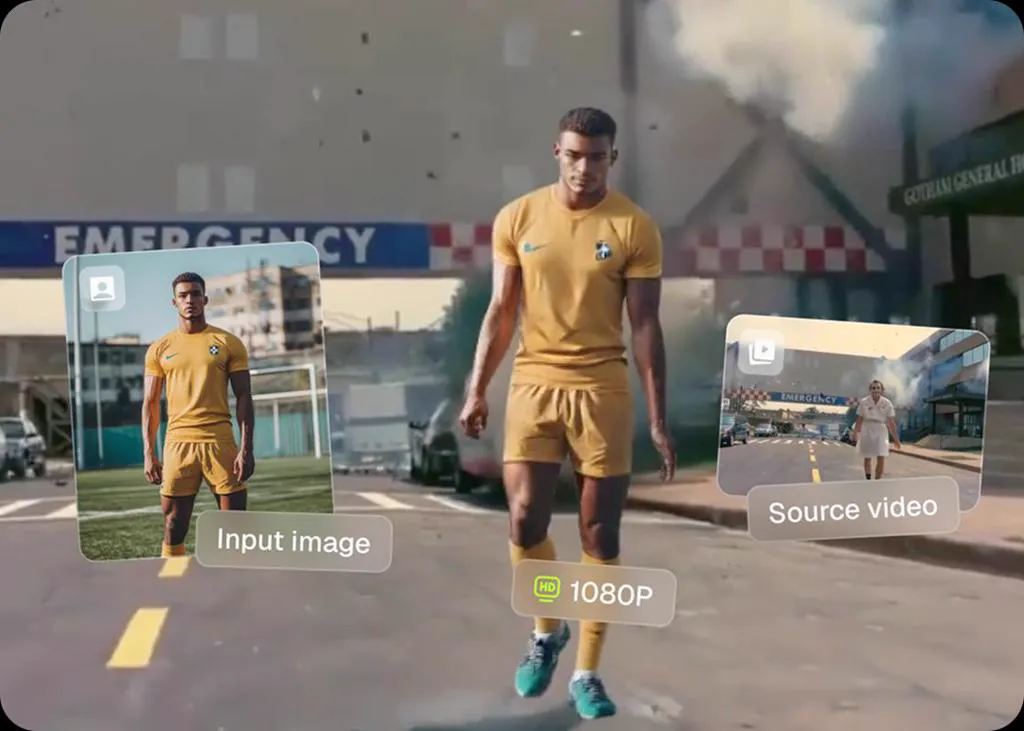
Super simple & faster than other AI tools
With Viggle, creating AI-generated videos from photos is super simple — no need to write long text prompts or describe every detail to make it look good. Just choose a viral video template from our library or upload your own motion clip, and the movement is instantly mapped onto your character. The generation is lightning fast, so you won't be stuck waiting minutes.
Select a Template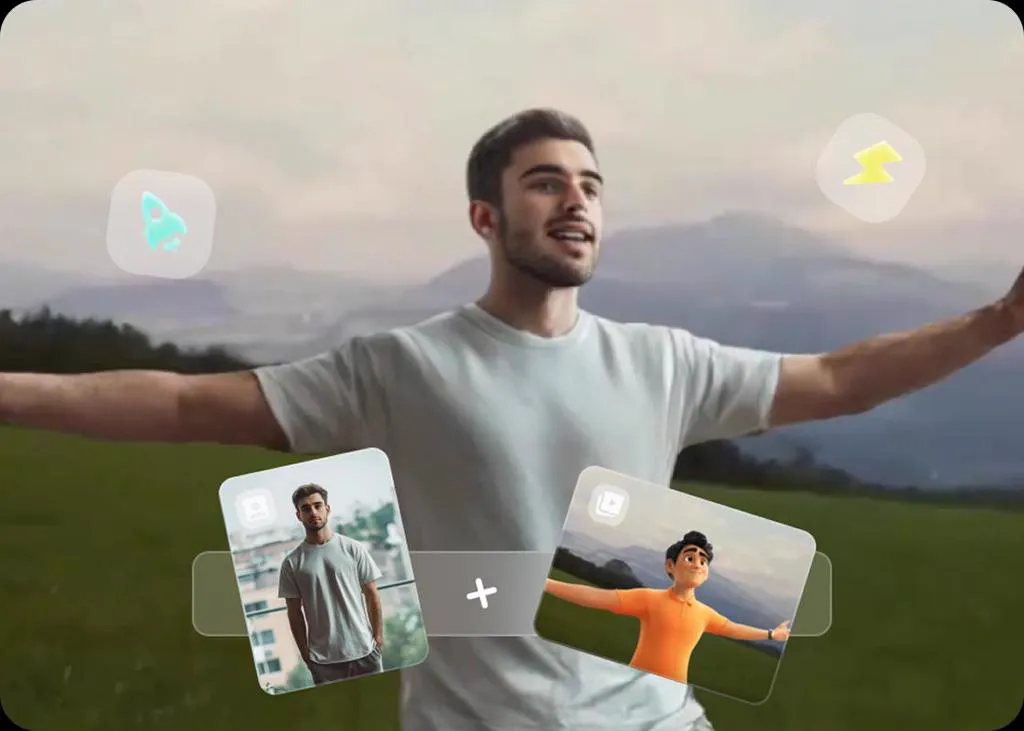
Ready-to-use video templates help you go viral
We've got a massive library of viral videos, memes, and dance clips, all thanks to our amazing community. When you create a video, you can simply pick a template to get started. Templates aren't just fun; they're what spark trends on social media. Just search the trend name in Viggle, swap yourself into the scene, ride the wave of the latest trend and go viral!
Get extra fun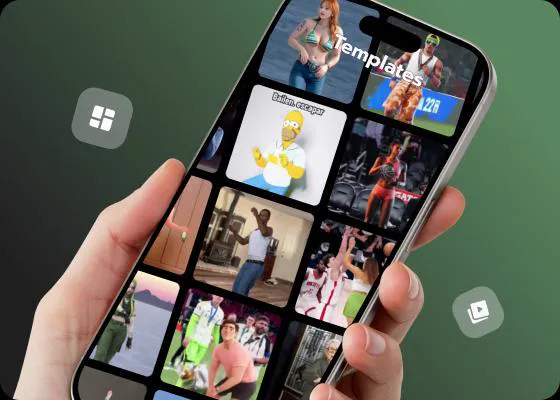
Full Control Over Motion, Even Complex Moves
With Viggle, creators can film motion by themselves or upload a reference clip, then generate a video with their character performing the exact same actions. You get complete control over movement — even high-speed spins, flips, gymnastics, breakdancing, or boxing — the kind of challenging motions most other AI video generators struggle to handle.
Try for Free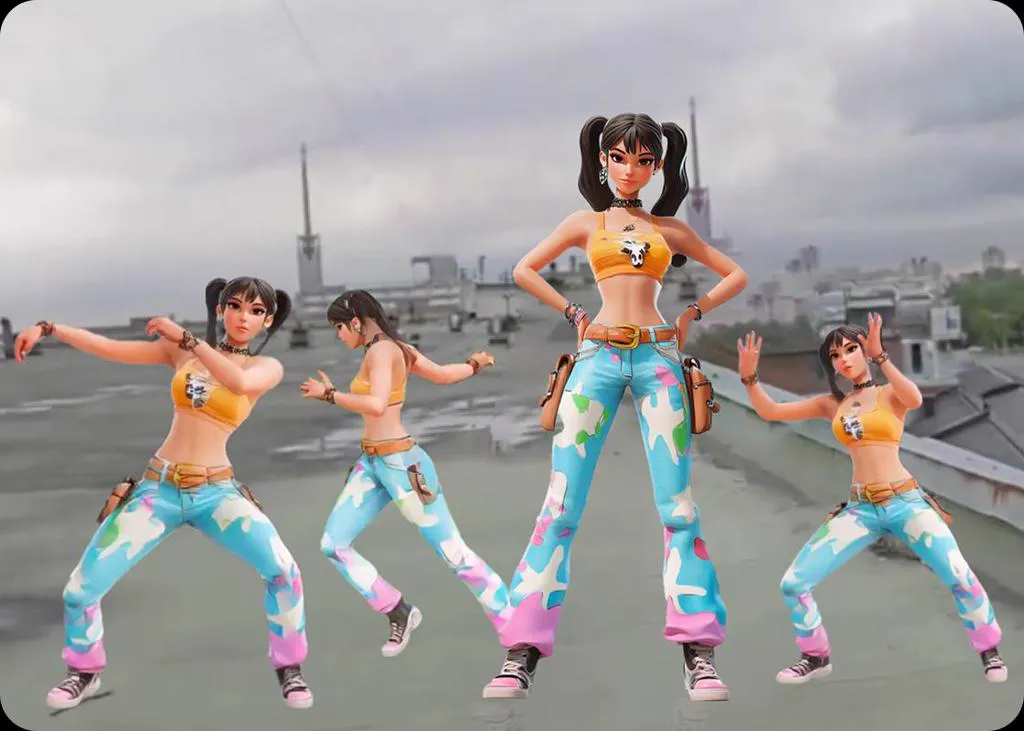
Choose the model that fits your clip
Viggle's Video generator runs several models, so you can pick the one that suits the clip. Free accounts use Viggle-Optimized Minimax H3: five 5-second videos a day, with image references and first-and-last-frame control. Its Standard quality and higher resolutions need a paid plan. Veo 3.1, Wan 2.7, HappyHorse and Kling 3.0 work on any paid plan. Seedance 2.0 and Seedance 2.0 Fast need Live or above.
Explore models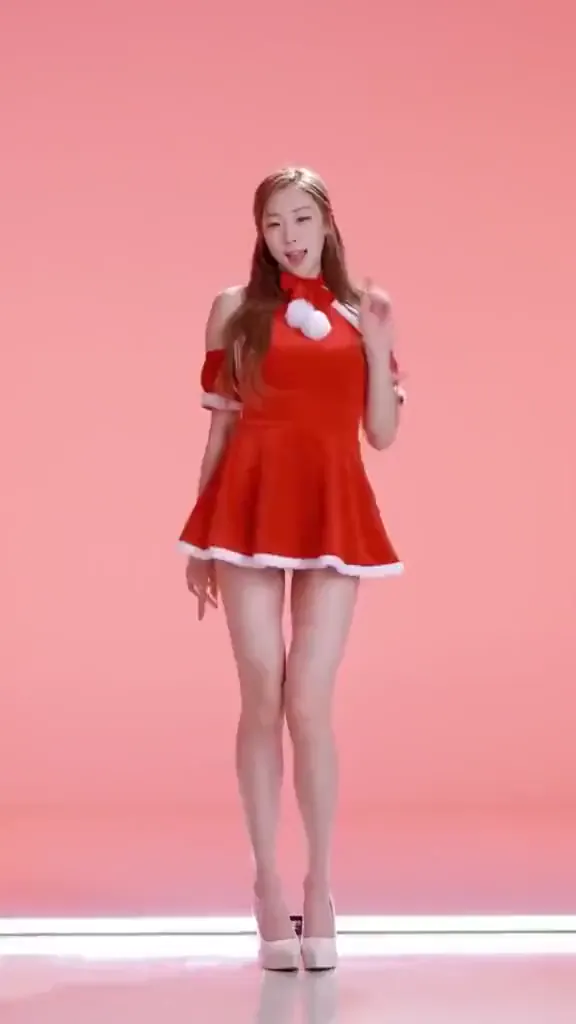
Find More Image to Video Templates
Discover more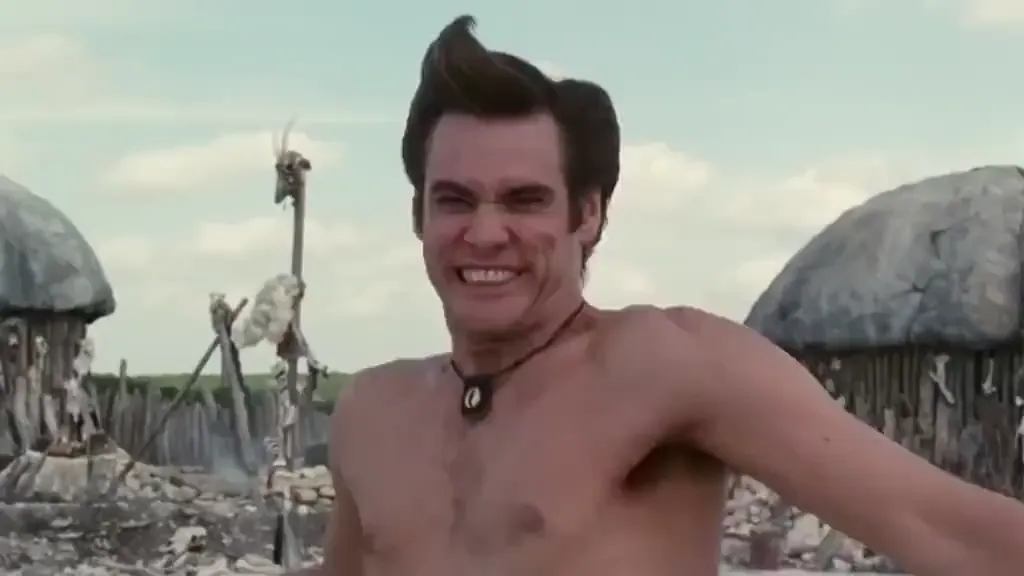
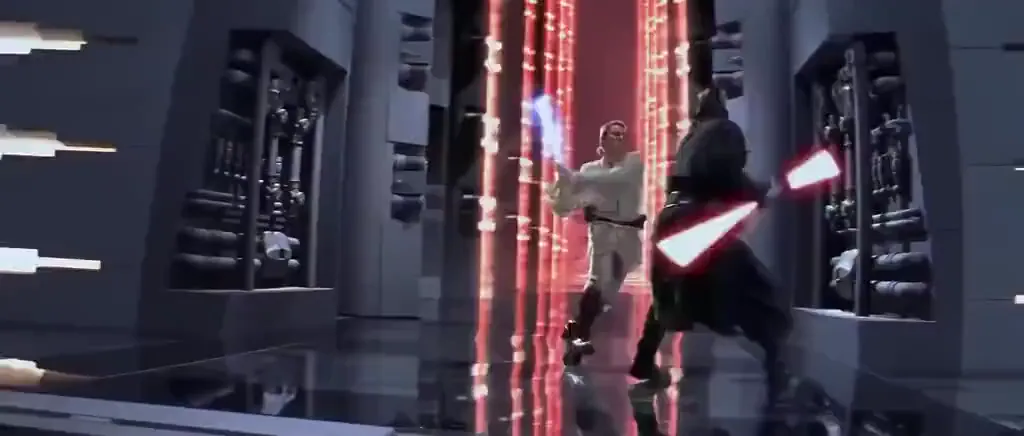
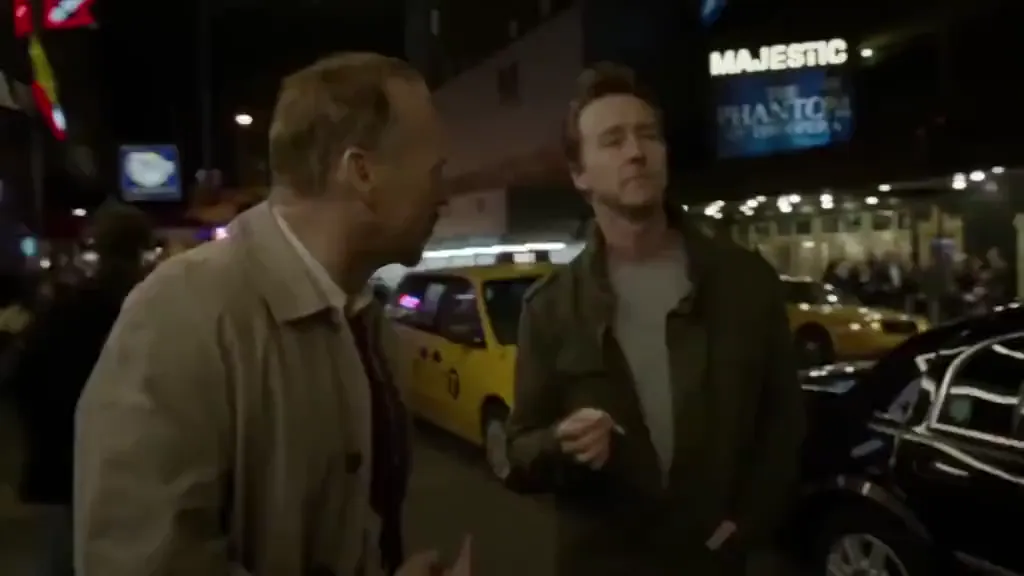
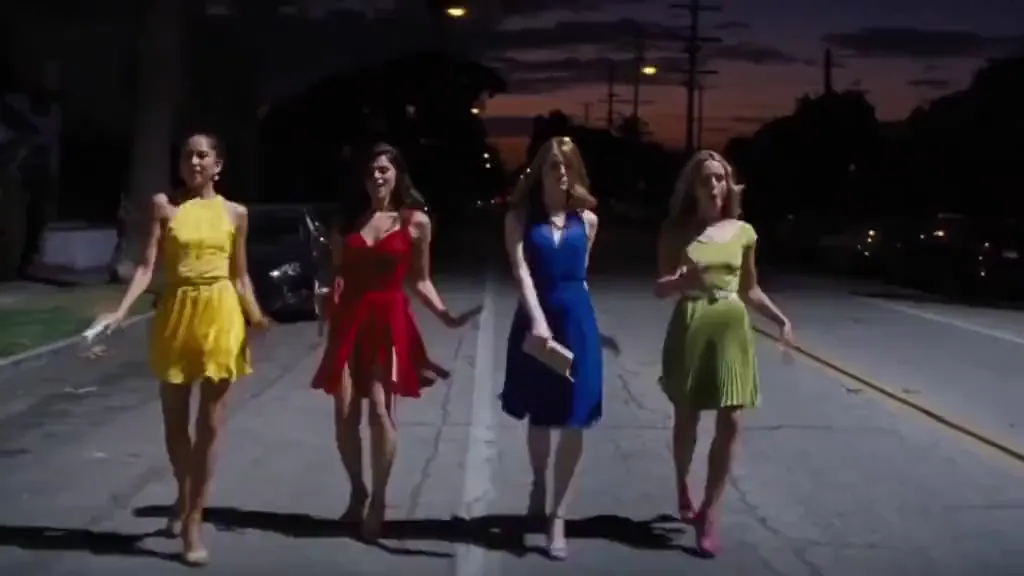
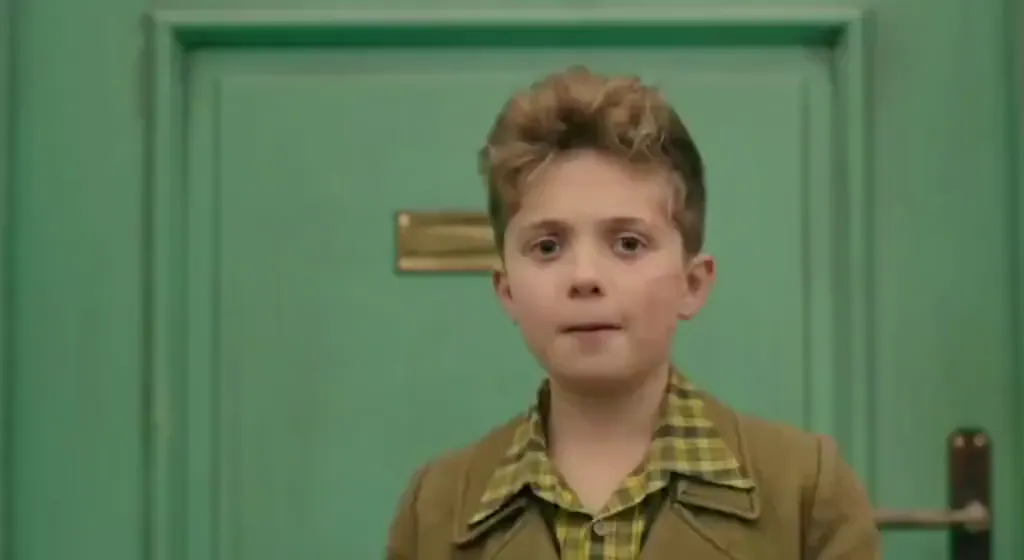
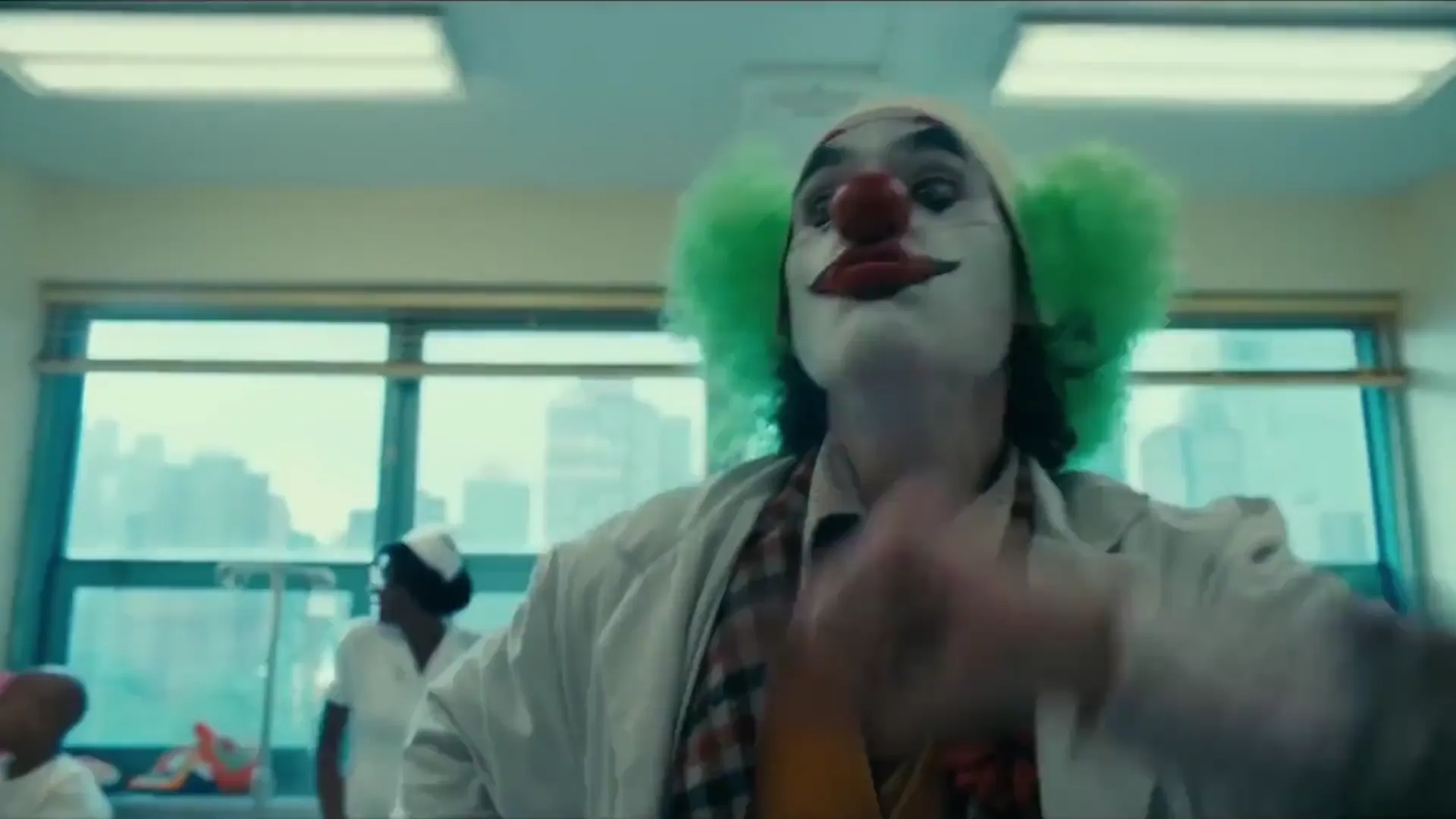
Image to Video AI Frequently Asked Questions
Is Viggle Image to Video AI free to use?
Yes! After signing up, you'll get 5 free videos per day — free exports carry a watermark, and upgrading to Pro, Live, or Live Max removes it while unlocking additional daily videos and premium features.
What image resolution and format work best?
Any standard image format (JPG, PNG, WebP) works. For the sharpest output, use images at least 512px on the shortest side. Pro users can generate up to 1080p video. Front-facing photos with clear lighting produce the most realistic motion mapping — but even side-angle shots and illustrations work well.
How is Viggle different from other image to video tools?
Viggle has two ways in. Video works like most image-to-video tools: you write a prompt and pick a model. Mix is the part other tools lack: it copies real motion from a video onto your character, so you decide exactly how it moves, dances or acts.
Can I upload my own video clip as a motion reference?
Yes! Film any movement you want — a dance, a walk, a flip — and upload it as the motion source. Viggle maps that exact motion onto your character image. This is what makes Viggle different from prompt-based tools: you control the movement precisely, not with text descriptions. You can also choose from 10,000+ community-made templates.
How fast is the video generation?
Most videos are generated in under a minute. Pro users get priority queue access for even faster generation times.
Does Viggle keep my character looking consistent across videos?
Yes. Character consistency is one of Viggle's key strengths. Your character's face, body type, and appearance stay faithful across different videos and motions. For even better results, use Character Refine to generate multi-angle reference images of your character before generating.
Can I turn an image into video on my phone?
Yes. The Viggle mobile app (iOS and Android) supports the full image-to-video workflow — upload directly from your camera roll, browse motion templates, generate, and share. Many creators use mobile because it's faster to snap a photo and generate on the spot. The same account works across phone, tablet, and desktop.
Can I control exactly how my character moves in the video?
That's what makes Viggle special. With controllable video generation powered by JST-1, you pick the exact motion — from 10,000+ templates or your own uploaded video. Your character performs that specific movement, not a random AI-generated motion. You can also fine-tune timing and multi-character scenes in Multi-Track.
Turn Images into Videos
with AI motion control
Create dynamic videos from any image with precise motion mapping. Free to use, no credit card required to start.