Free MiniMax H3 Video Generator
Create five free H3 videos every day. Reference images or videos, control the first and last frames, and generate 5-second videos with audio in up to 1080p.
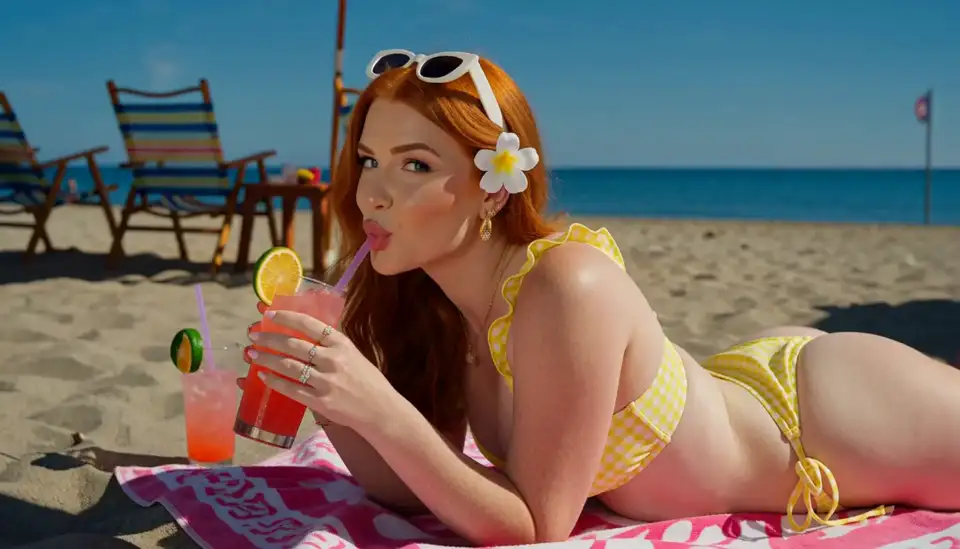
How to Generate MiniMax H3 Videos on Viggle
Try H3 FreeCreate with H3 in three simple steps. No API or complicated setup required.
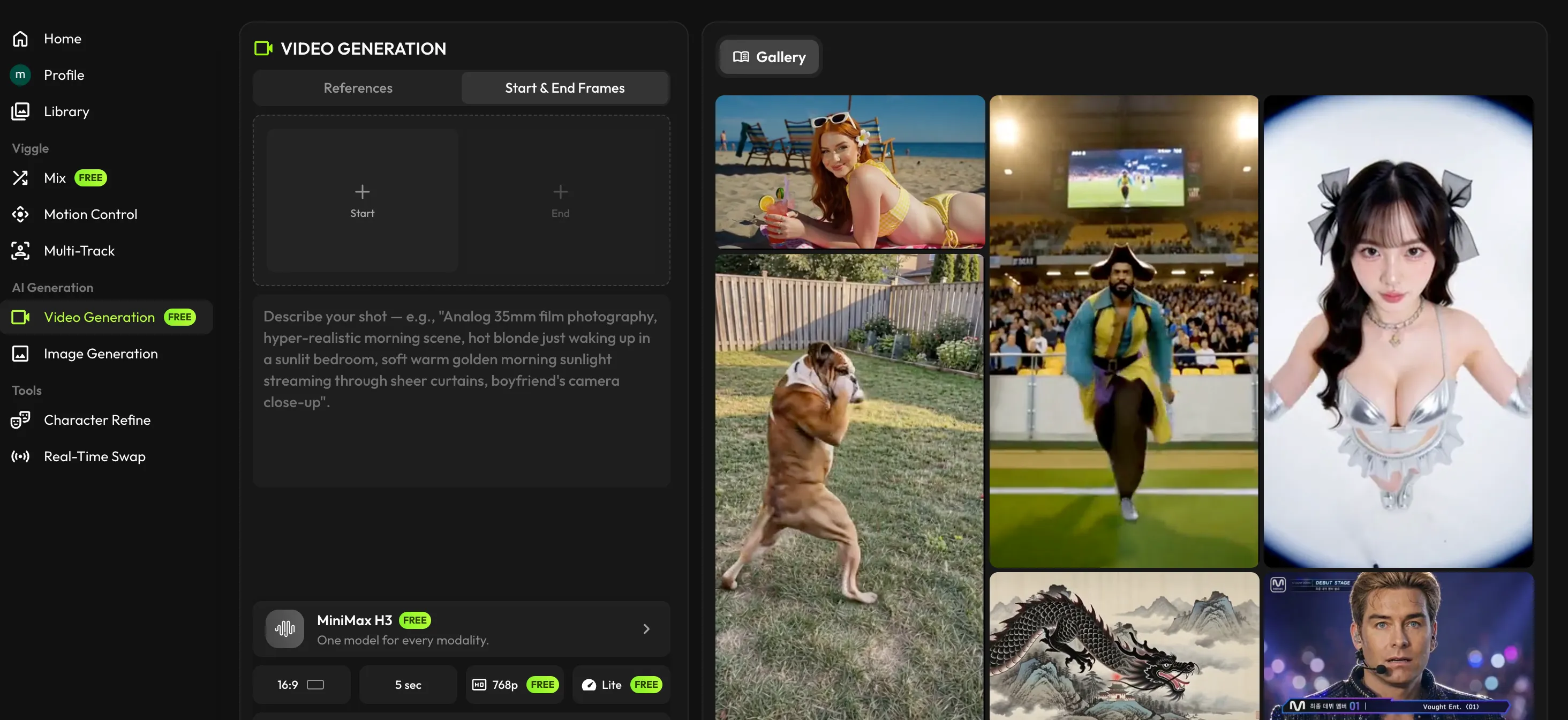
Choose MiniMax H3
Open Video on Viggle and select MiniMax H3 as your generation model.
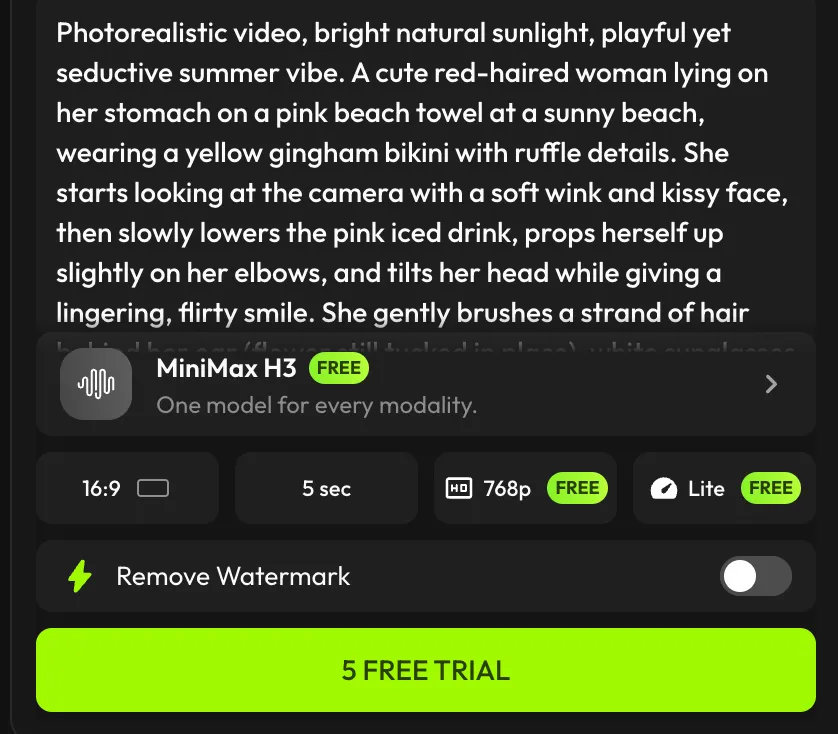
Add Your Prompt and References
Describe your video, upload reference images or videos, or provide first and last frames for more precise control.
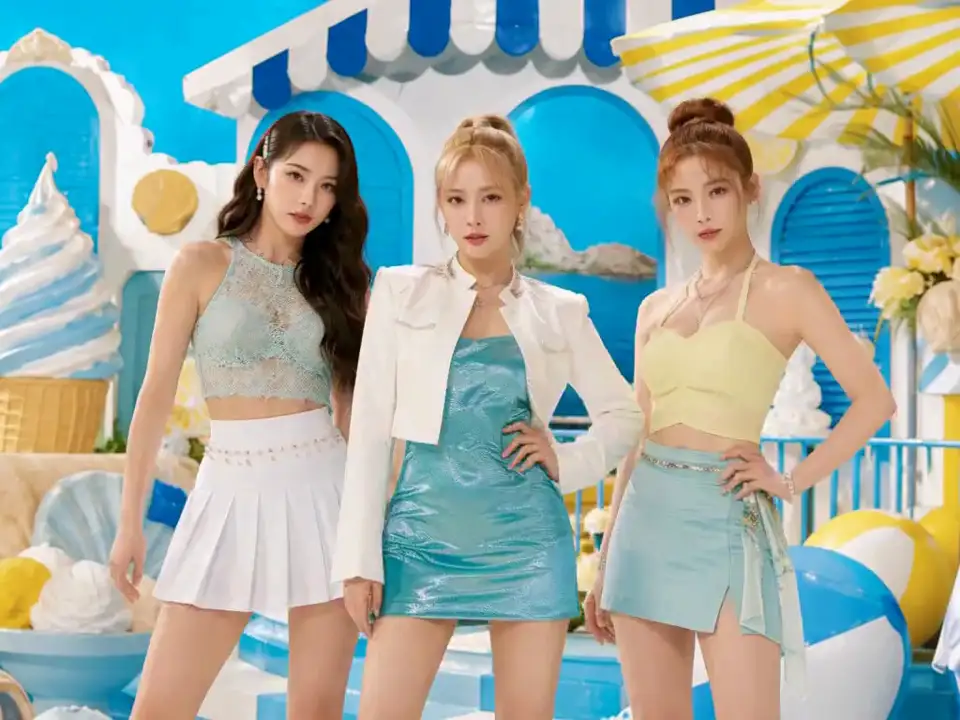
Generate Your Video
Choose 480p, 768p, or 1080p and generate a 5-second video with audio. Subscribers can create up to 15 seconds and unlock 2K.
More Control. More Detail. Free Every Day.
Generate Five Videos Free Every Day
Create five 5-second MiniMax H3 videos every day. Explore prompts, references, resolutions, and creative directions before subscribing.
Generate freeReference Images and Videos
Use images to guide characters, objects, composition, and visual style. Add a reference video to influence motion, camera movement, pacing, or atmosphere.
Add a referenceControl the First and Last Frame
Start with one image or define both ends of the shot. H3 generates the motion between them while preserving your intended beginning and ending.
Control your shotHigh-Resolution Video with Audio
Free users can generate in 480p, 768p, or 1080p, and every output includes audio. Subscribers can create longer videos and generate in up to 2K.
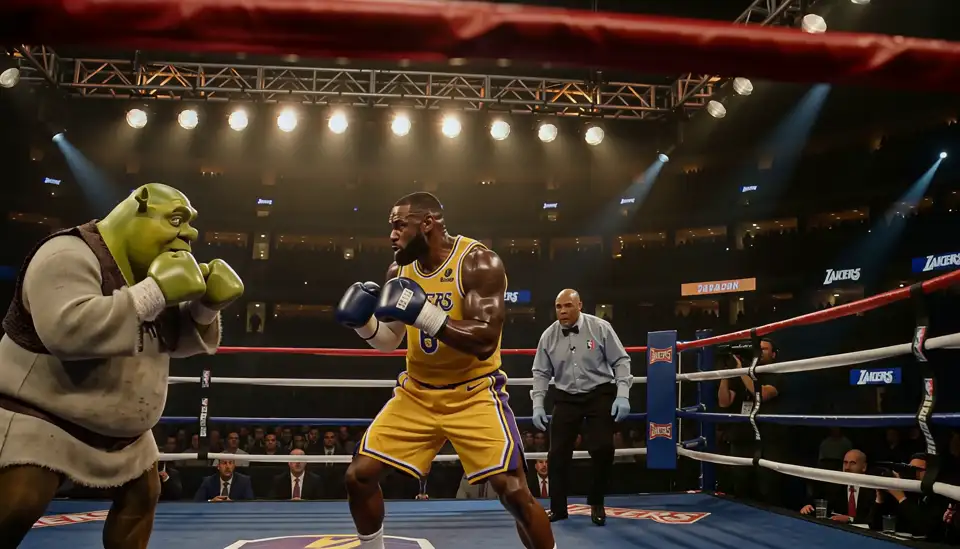
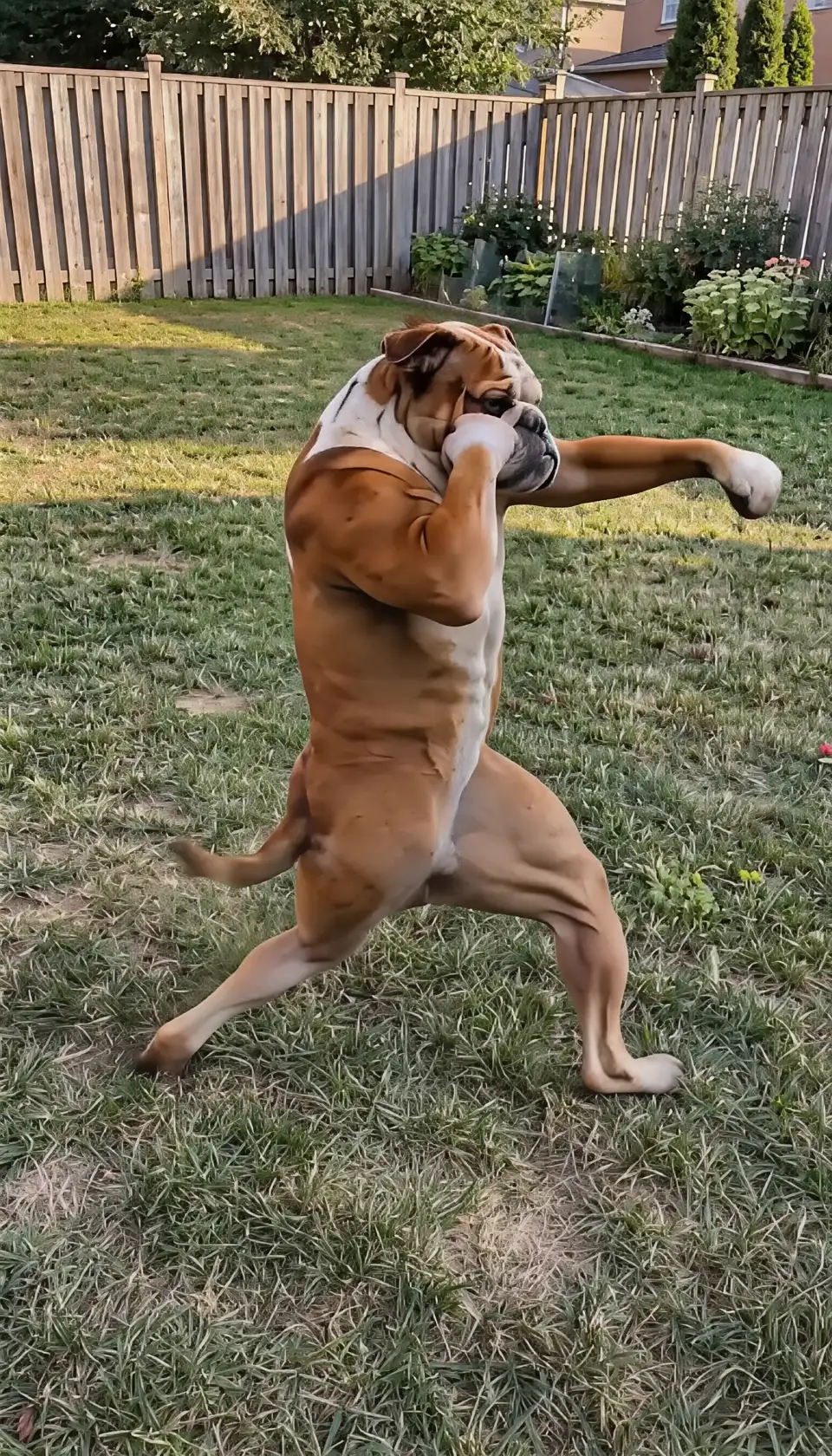
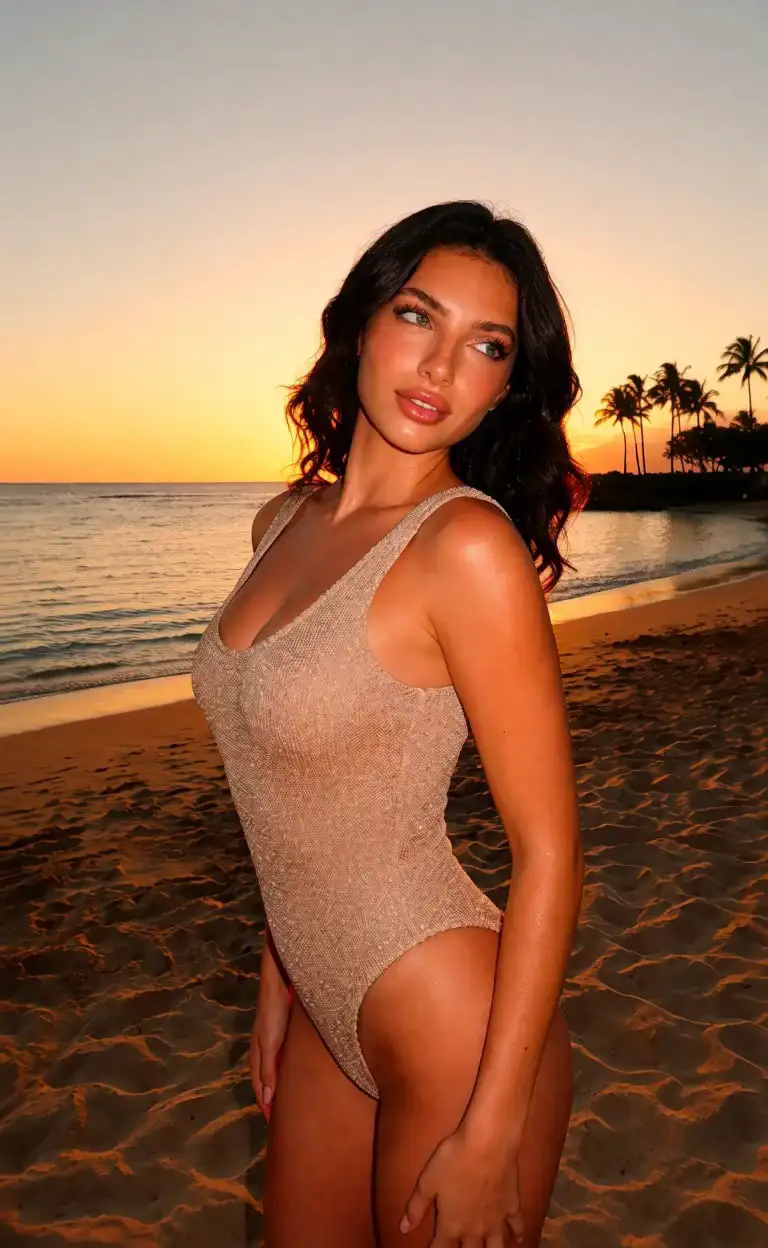
Start creatingSee What MiniMax H3 Can Create
Create Your Own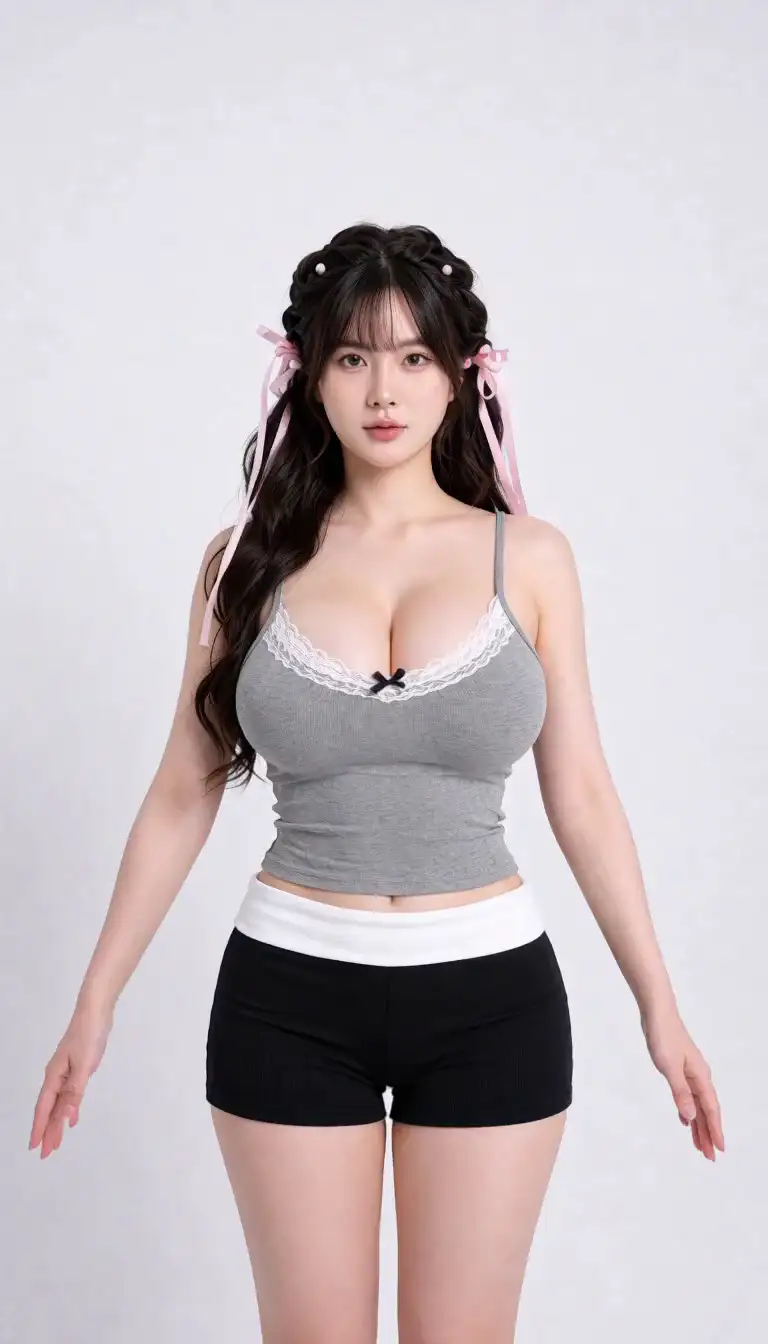

MiniMax H3 FAQ
Is MiniMax H3 free on Viggle?
Yes. Free users can generate five 5-second H3 videos every day.
What resolutions can free users generate?
Free users can choose 480p, 768p, or 1080p. Subscribers can also unlock 2K output.
How long can H3 videos be?
Free generations are 5 seconds long. Subscribers can choose durations from 5 to 15 seconds.
Can I use reference images or videos?
Yes. Image and video Reference are available to free and subscribed users.
Does H3 support first-and-last-frame generation?
Yes. You can provide a first frame or upload both first and last frames to control how the video begins and ends.
Does the generated video include audio?
Yes. MiniMax H3 outputs video with audio on Viggle.
Do I need an API key?
No. Select MiniMax H3 directly inside Viggle and start generating.
What can I create with H3?
H3 works well for social videos, character scenes, product visuals, ads, animated artwork, cinematic shots, motion-driven content, and creative experiments.
Create with MiniMax H3
Free Every Day
Generate five free videos daily with references, frame control, up to 1080p resolution, and audio.