Viggle Remake
The most powerful video remake agent.
Video to video AI that works as an agent: say what to change, keep revising, and the performance, camera and sound stay.
Video to video AI on real footage
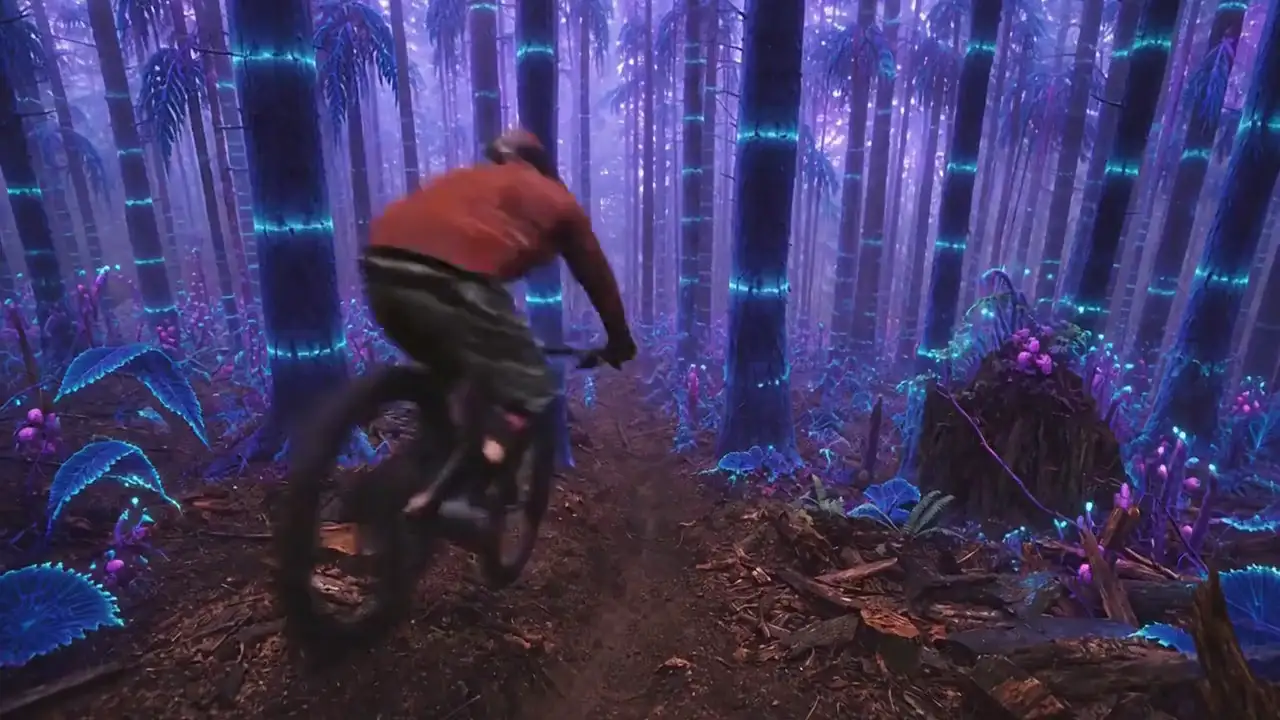
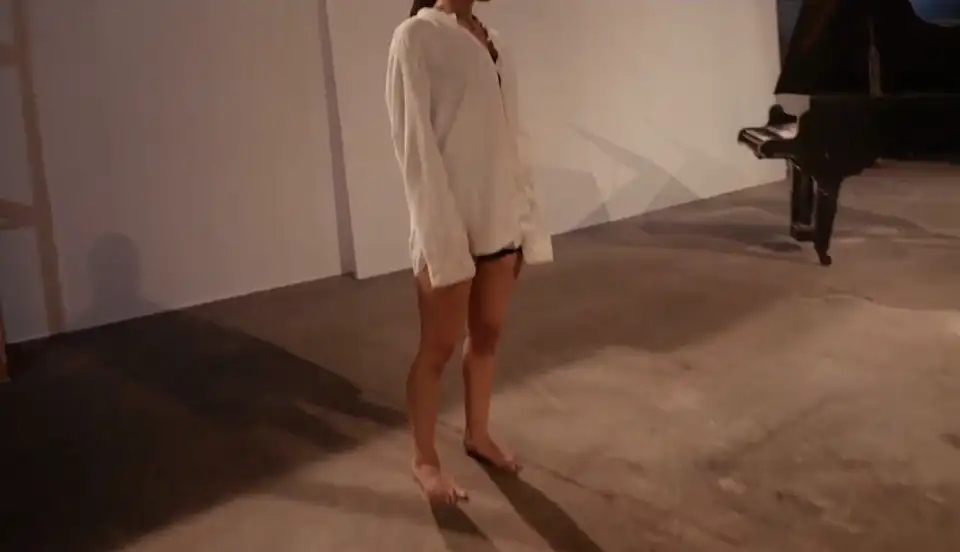
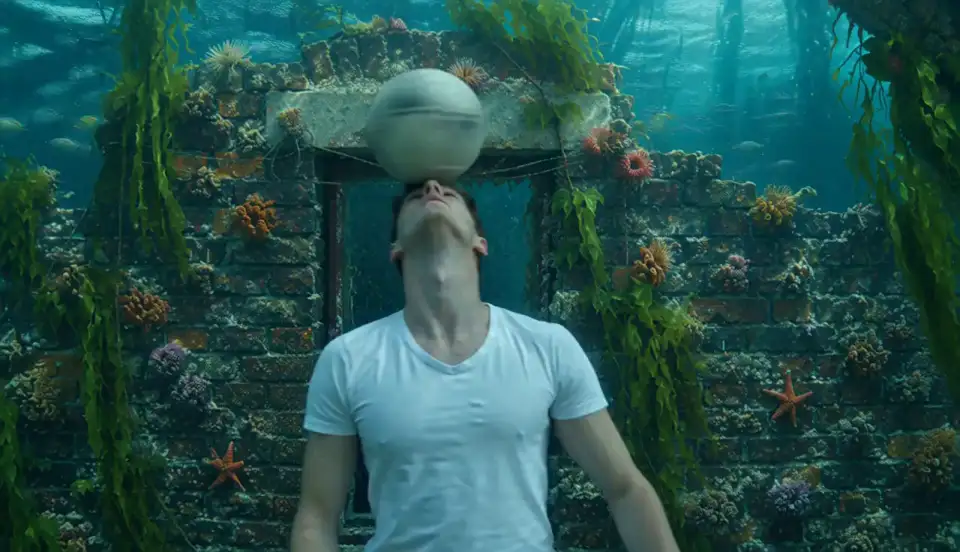
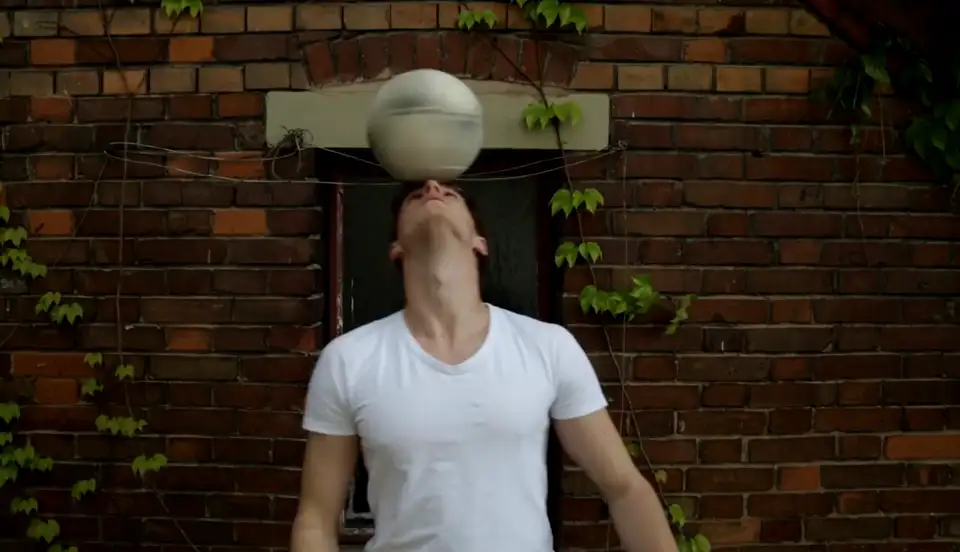
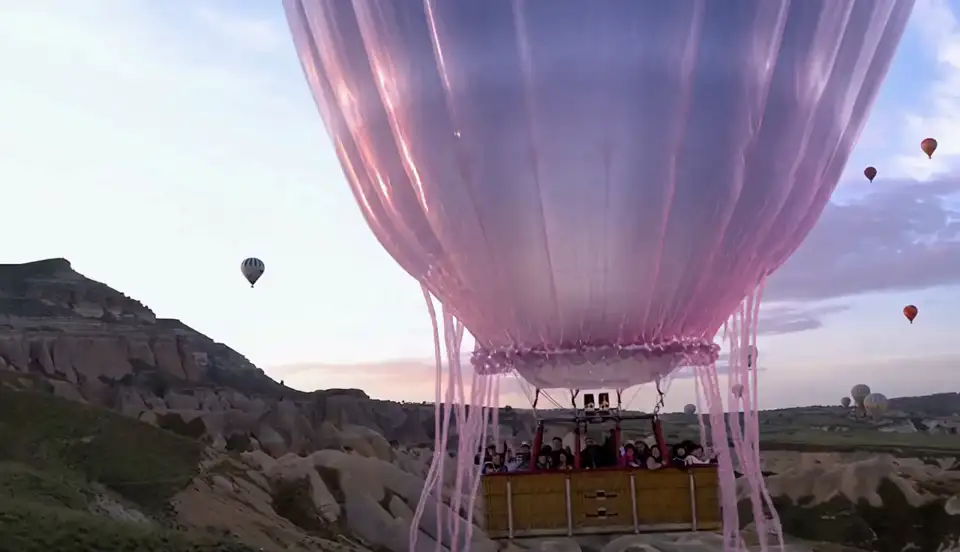
Every clip here is a Remake output from filmed footage or previs. Only what was asked to change is new.
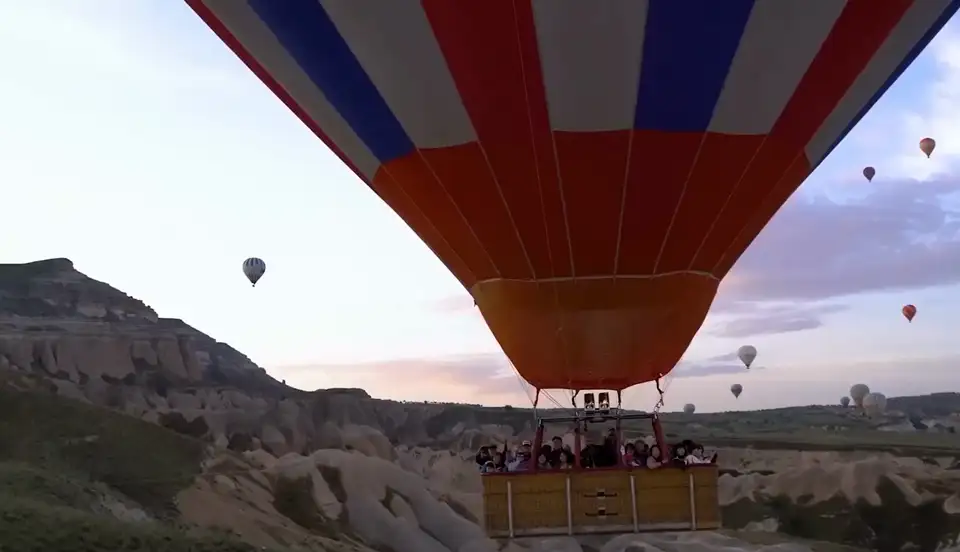
What is Viggle Remake?
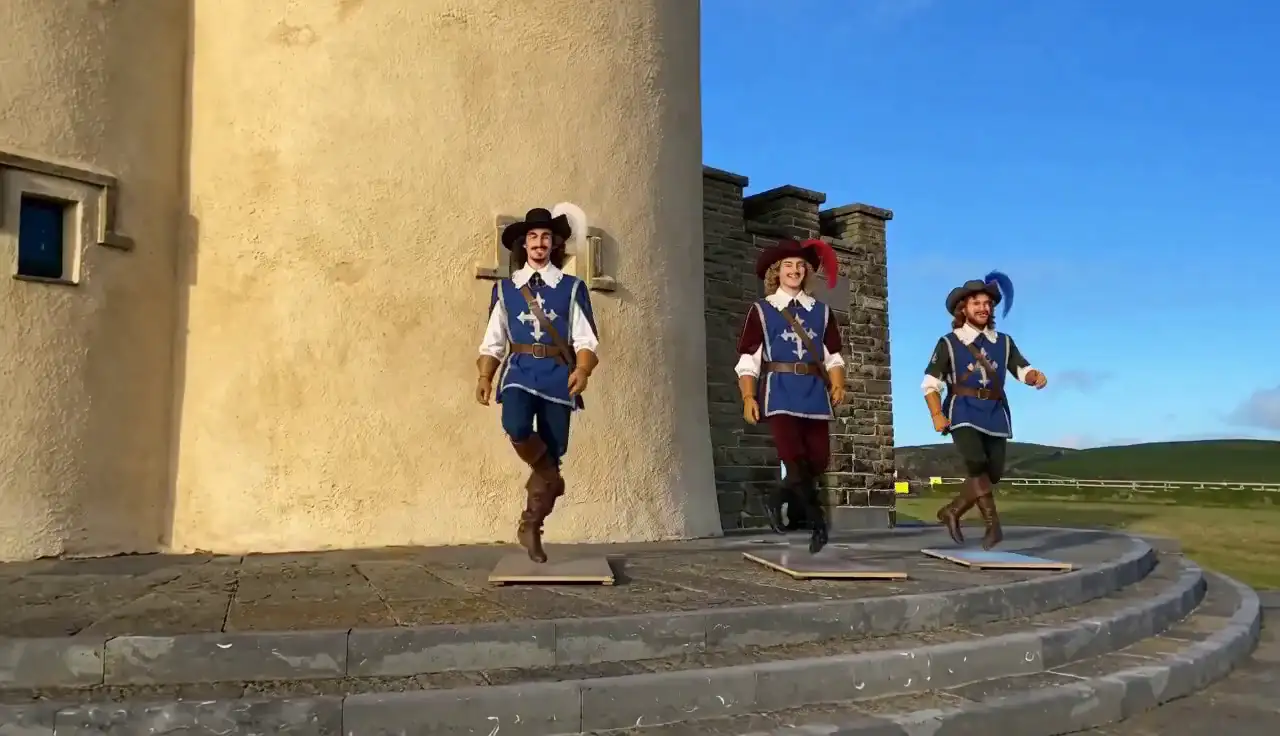
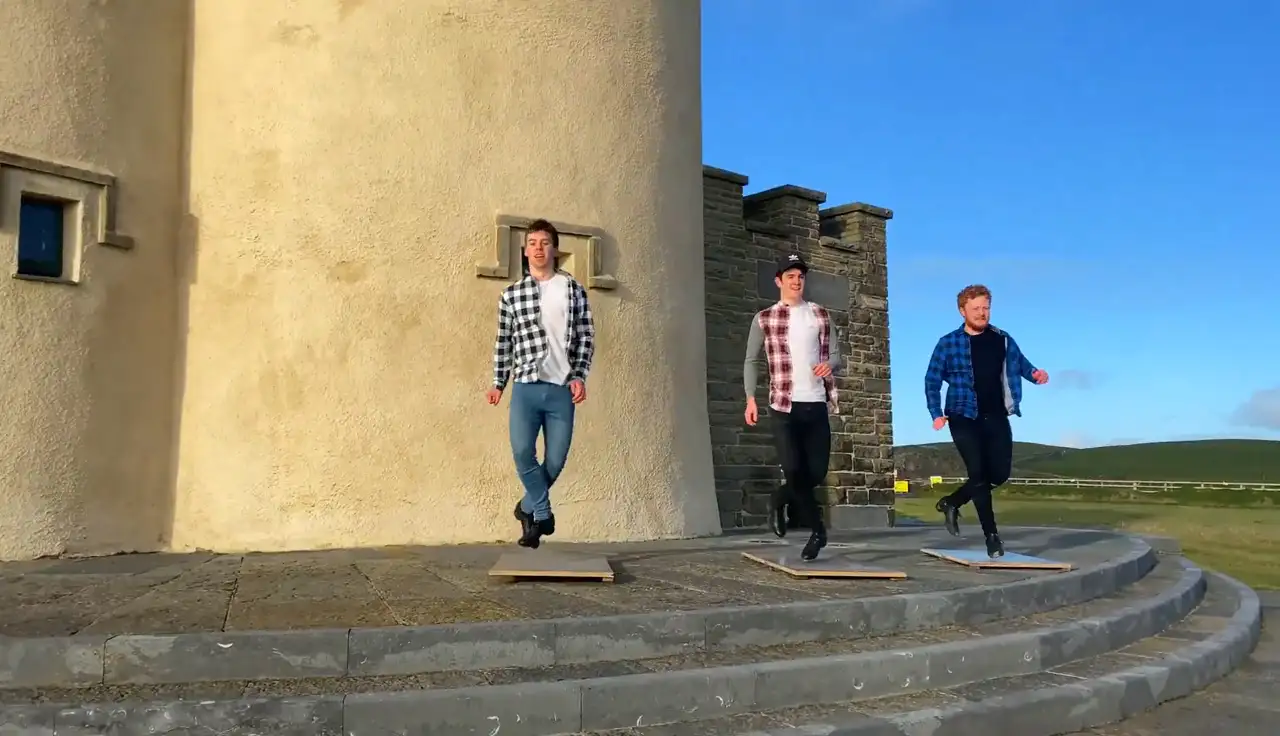
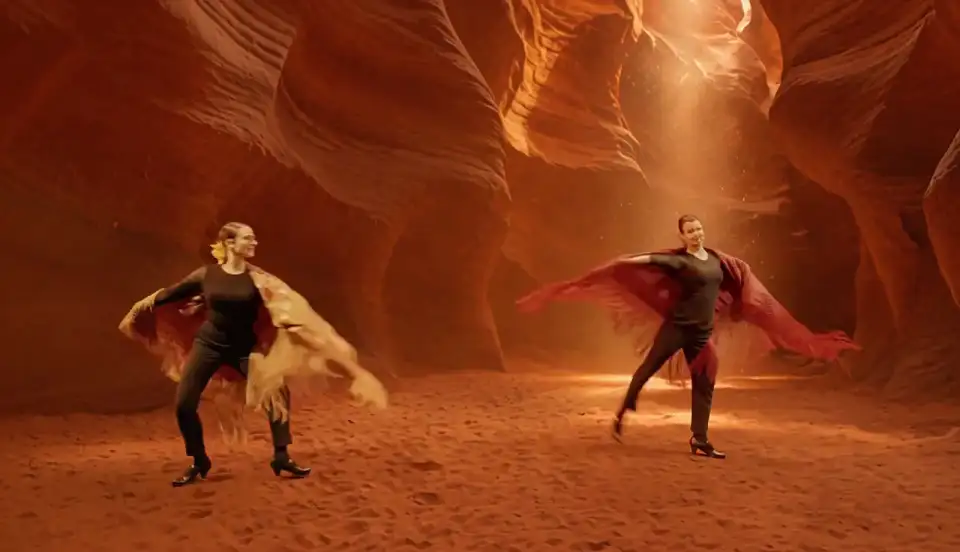
Remake your own clipViggle Remake is the most powerful video remake agent for footage you already shot. You describe the change; it plans the edit, paints one frame per shot, renders the rest to match and picks the best takes, so the performance, camera, cuts and sound stay. A people model handles characters and costumes; a scene model handles objects, sets, weather and style.
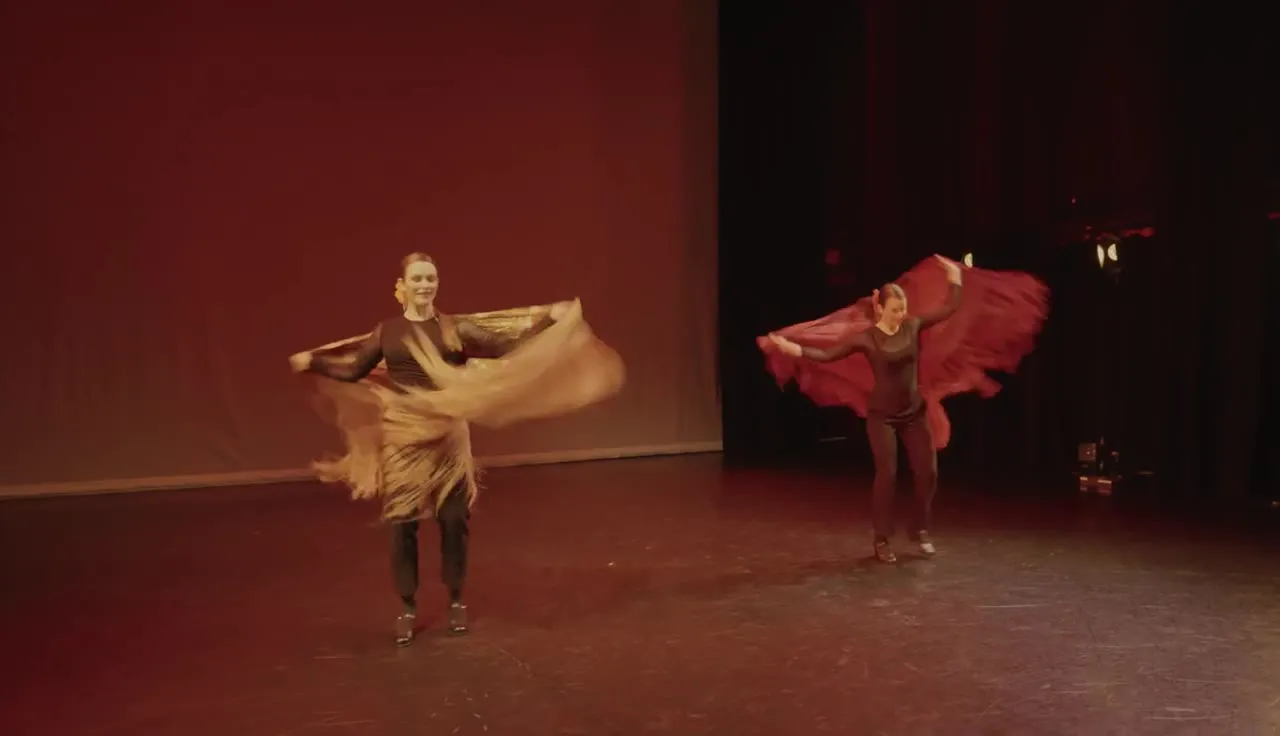
The shot
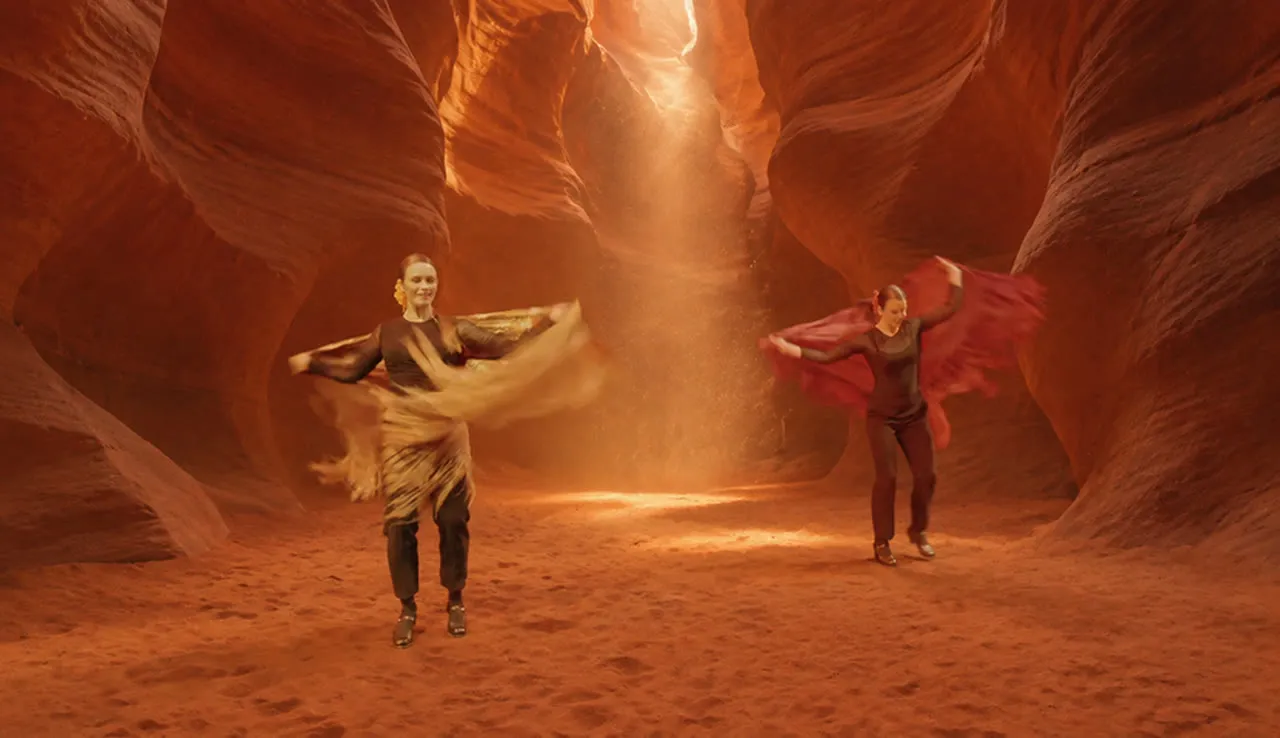
One painted frame
The whole clip
A video editing agent you keep talking to
Start a Remake chatEach reply builds on the last remake, so you reach the cut you want one change at a time.
Brief it like an editor
Say who becomes what and what must stay as filmed, with photos of the new character or object.
Change one part, keep the rest
Keep the cast and swap only the set, or ask for another take of a single shot.
Every version kept
Switch between v1, v2 and v3 of the same remake and keep the one you like.
How to edit a video with Viggle Remake
Upload a videoRemake runs as a chat in the Viggle app. No green screen, no reshoot.
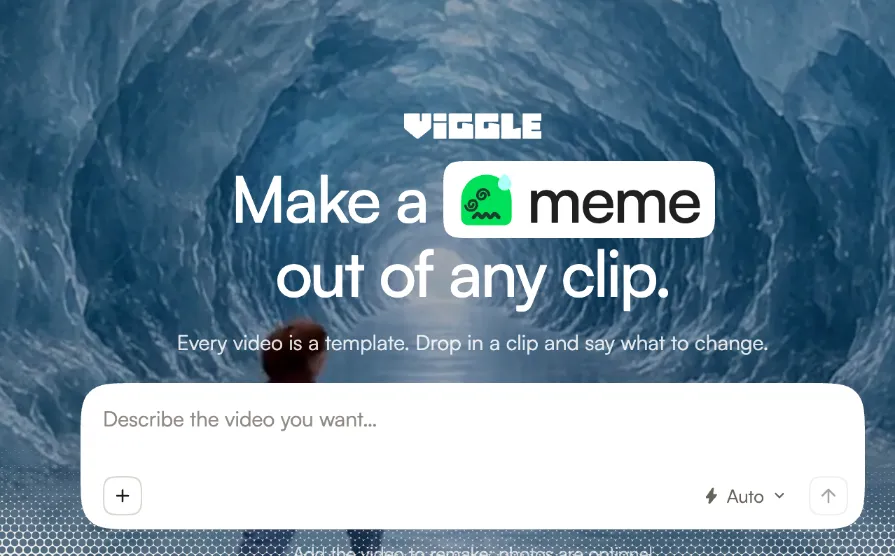
1. Add your video and say what to change
Drop in a clip from 5 to 60 seconds, add photos of the new character or object, and describe the change in the chat.
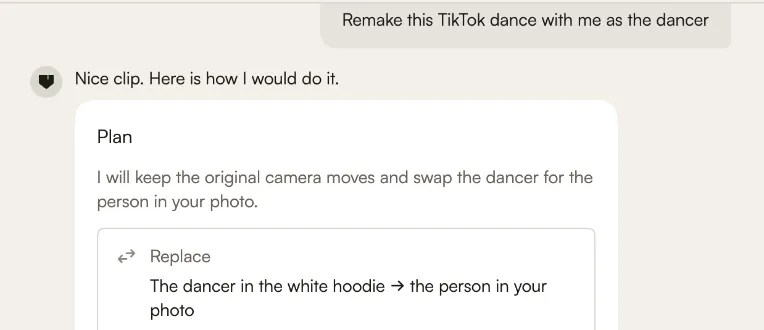
2. Check the plan
Before anything renders, Remake shows its plan: who or what it will replace and what it keeps exactly as filmed. Change the plan in plain words, then start.
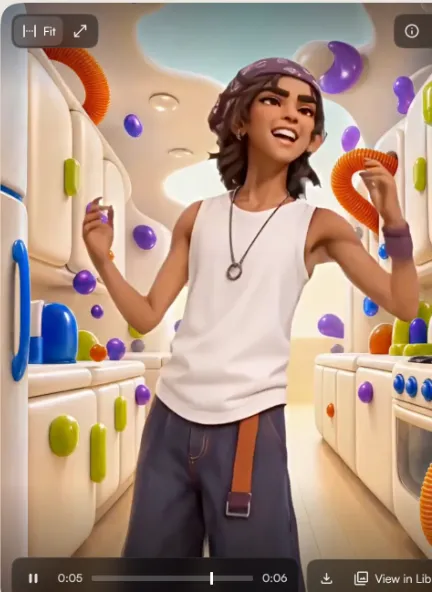
3. Get your remake and revise it
Watch the result, ask for another take or change one part, and switch between versions of the same remake.
Recast one performer or the whole cast
Recast your cast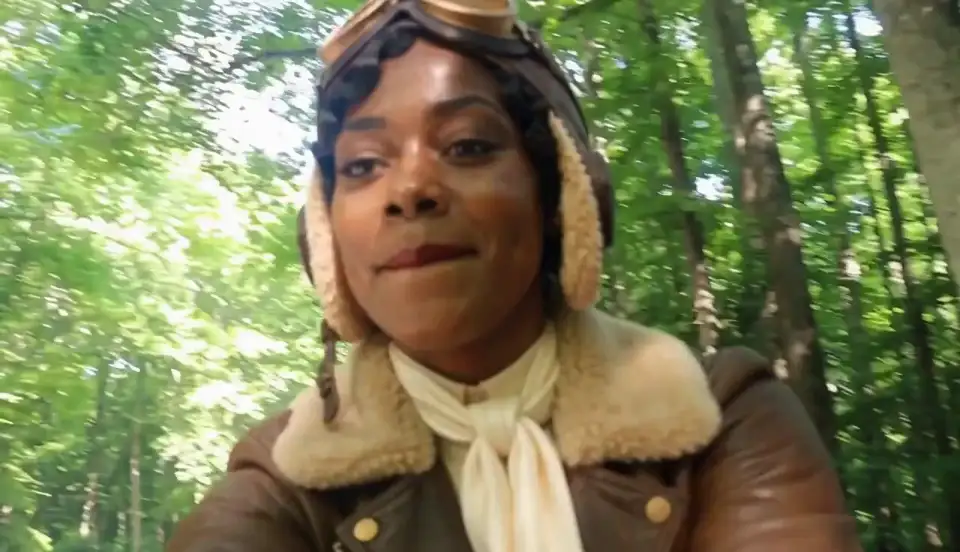
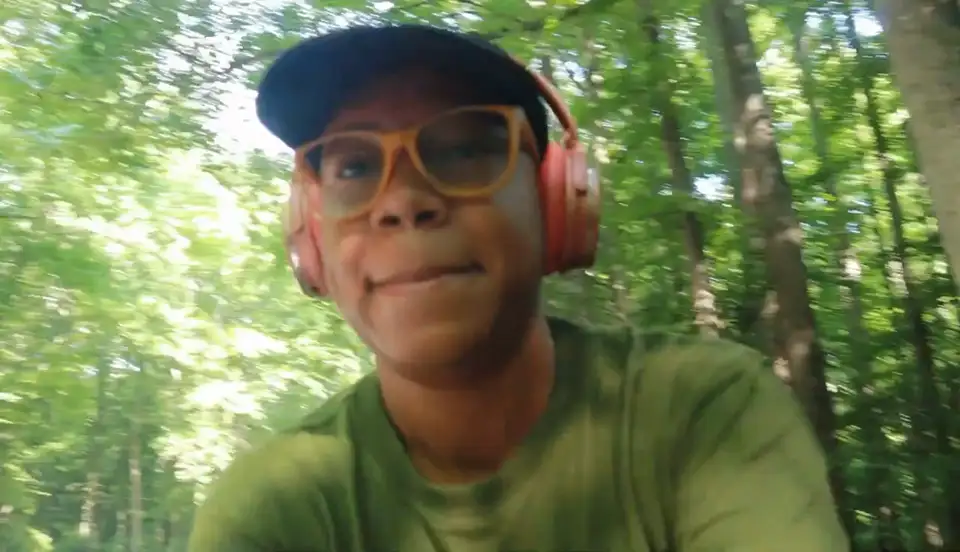
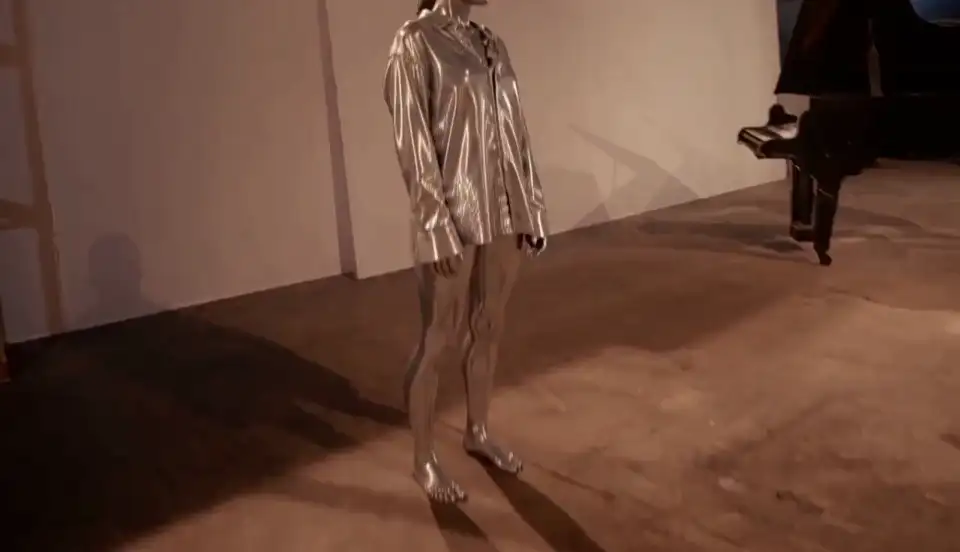
Replace one performer or everyone in the shot: a liquid-chrome dancer, a 1920s aviatrix, two flamingos, a plush mascot. Every step and glance carries over, and each character stays on the right person through turns and cuts.
Swap, remove or add objects in a video
Clean up a shot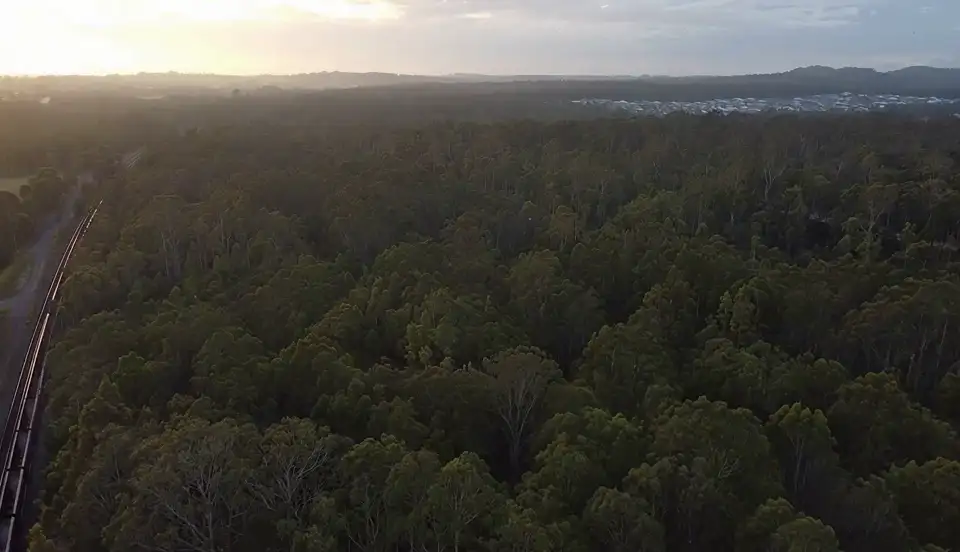
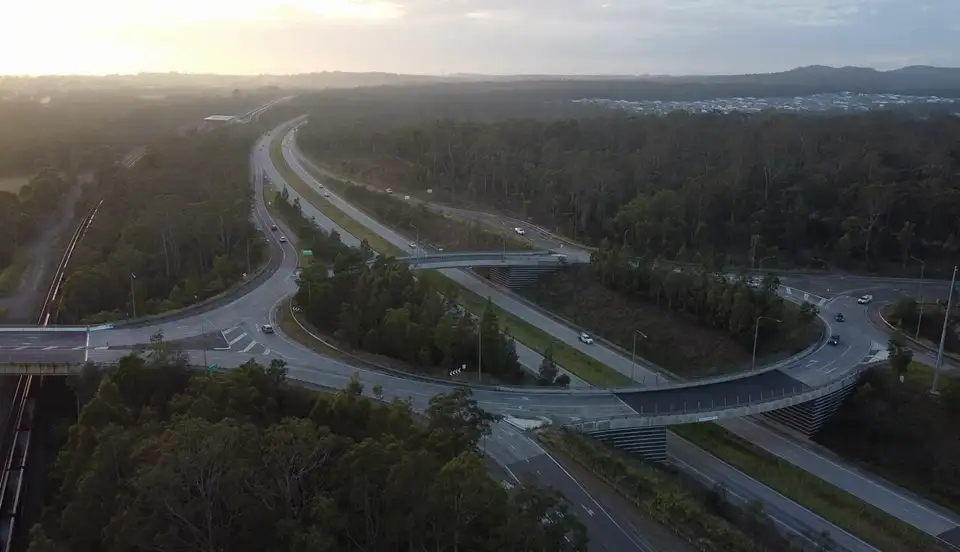
Swap a prop and the new object takes the old one's size, path and physics. Take something out, from overhead wires to a whole highway interchange, and the scene fills in behind it in every frame.
Change the set, the weather or the time of day
Move the set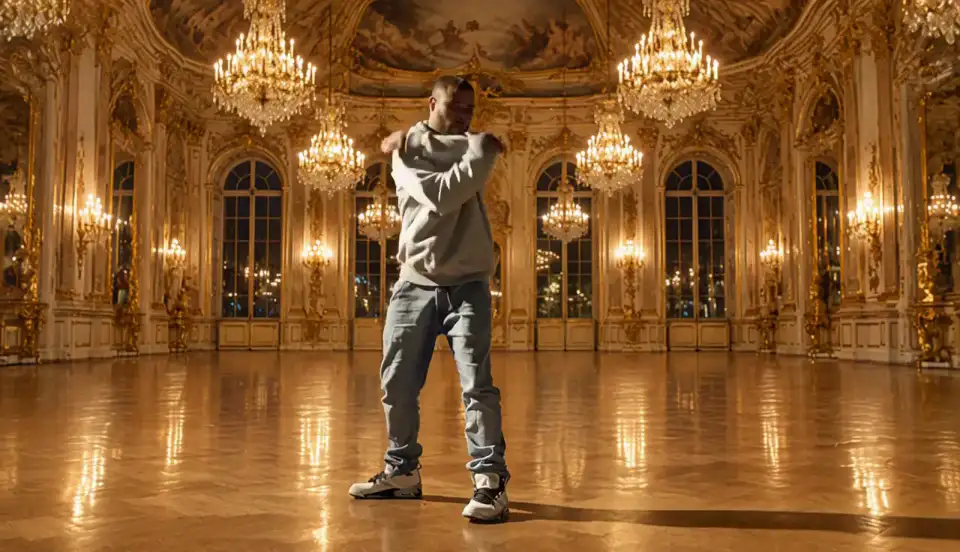
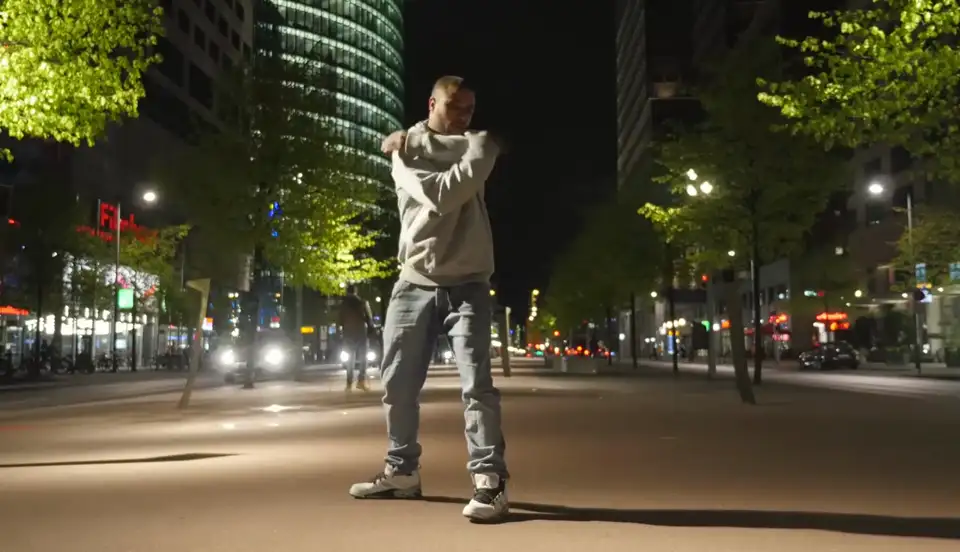
Keep the performers and move the world behind them: an ice cave, a palace ballroom, a tall ship. Or keep the place and change the conditions: a lake frozen over, hills in superbloom, blue sky after a storm.
Video style transfer that keeps the performance
Restyle a clip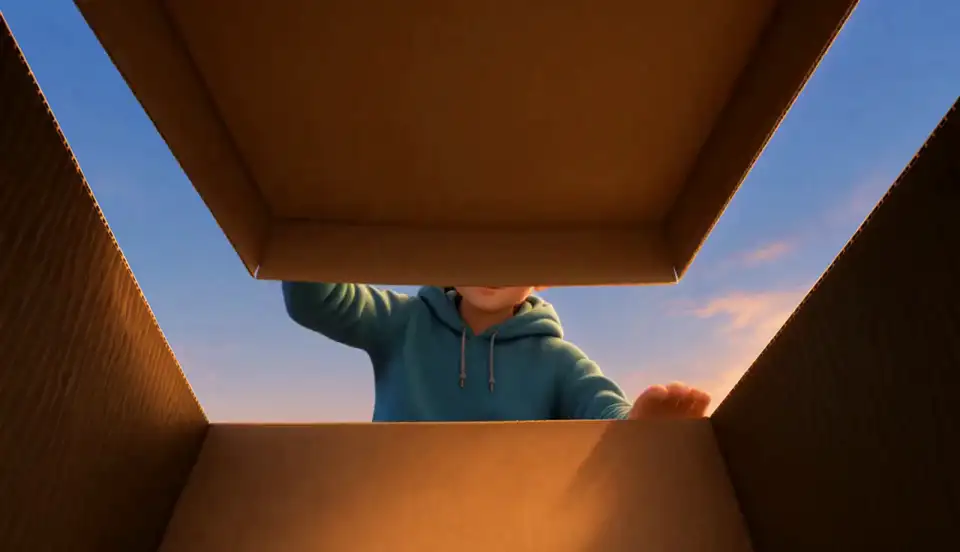
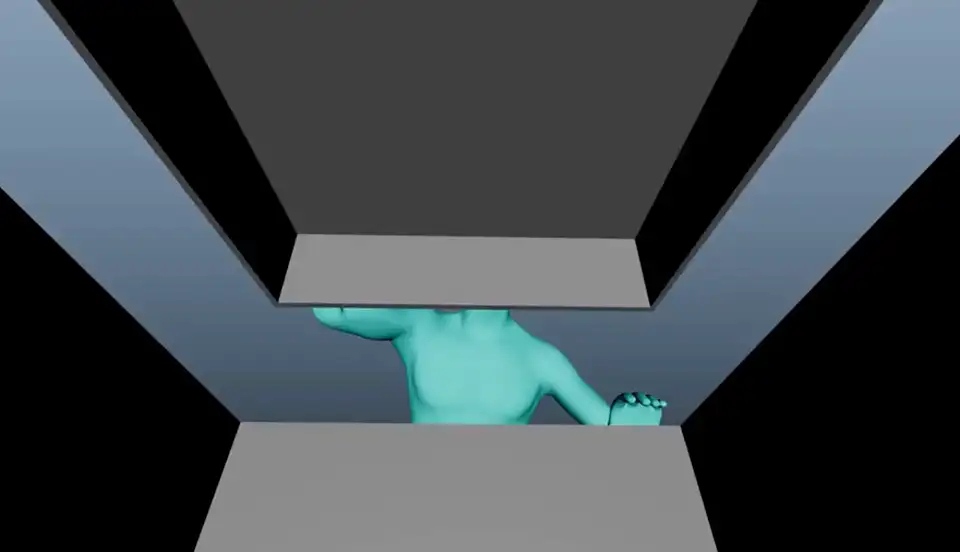
Turn a sequence into anime, oil paint or a comic book, or a cartoon into live action. Hand it a green-screen plate or a grey previs render and it comes back keyed, lit and dressed for pitches and temp shots.
Long video to video edits that stay consistent
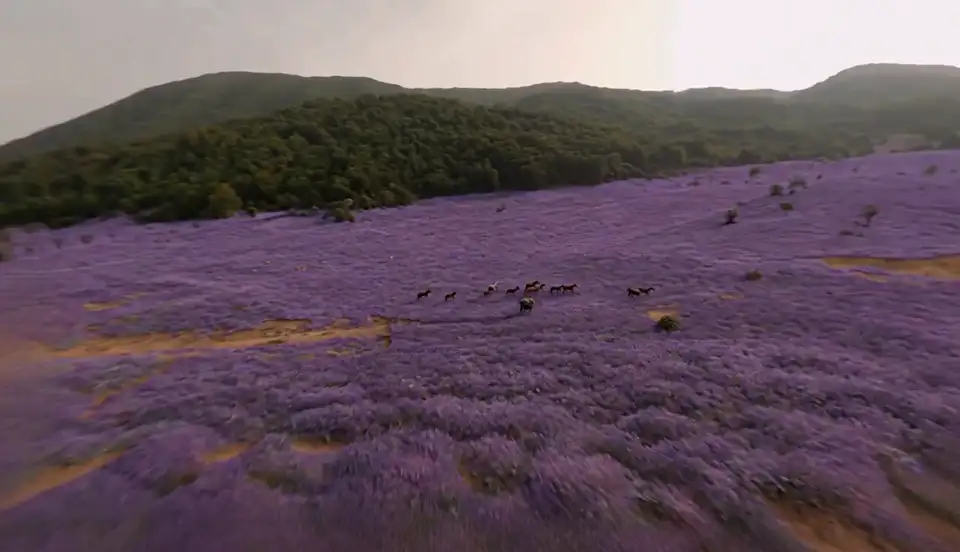
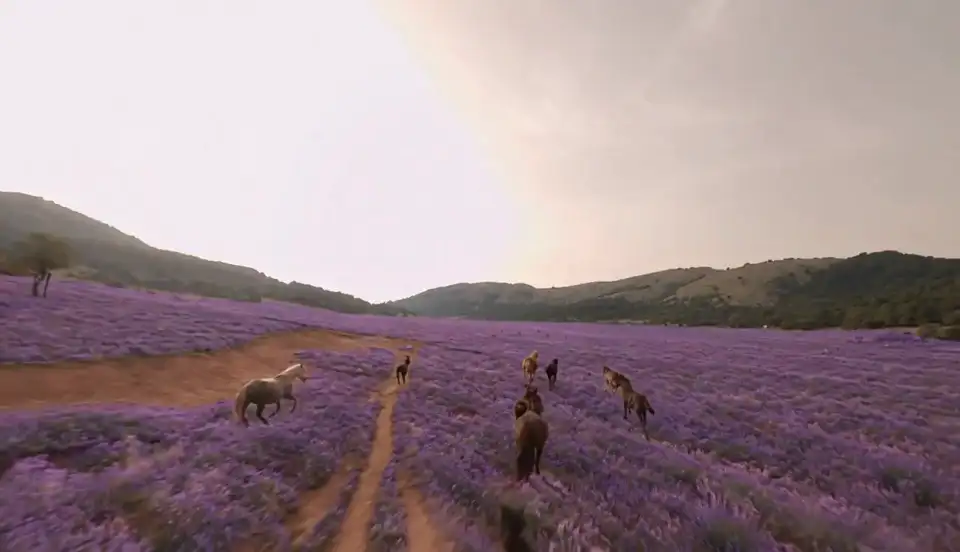
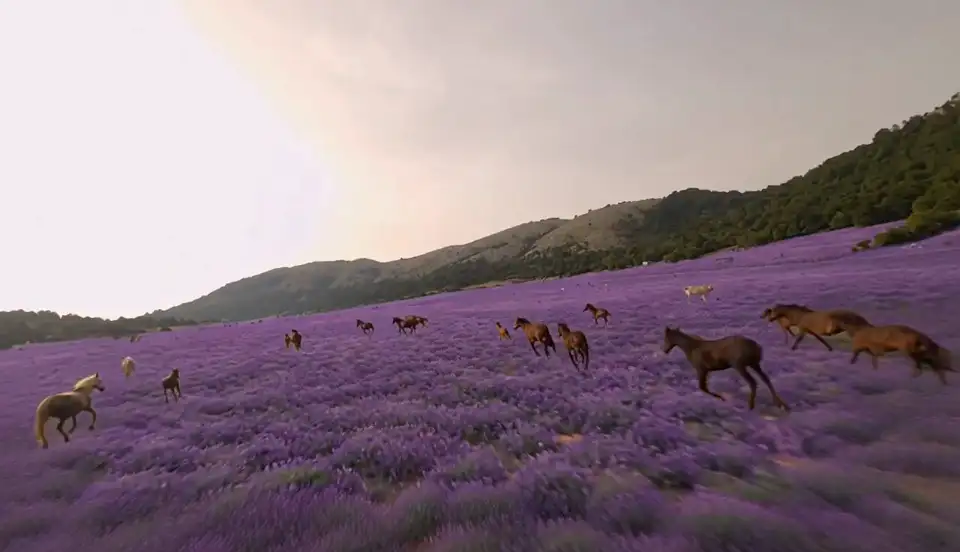
Remake a long clipA 29.5-second FPV flight over galloping horses, with the meadow turned to lavender. Remake renders it in three windows that share keyframes and checks every seam, so the horses, hills and sky stay the same throughout.
Seconds 0 to 10
Seconds 10 to 20
Seconds 20 to 29.5
What to make with Viggle Remake
Remake your footageWhen the shoot exists and the change would otherwise mean filming again.
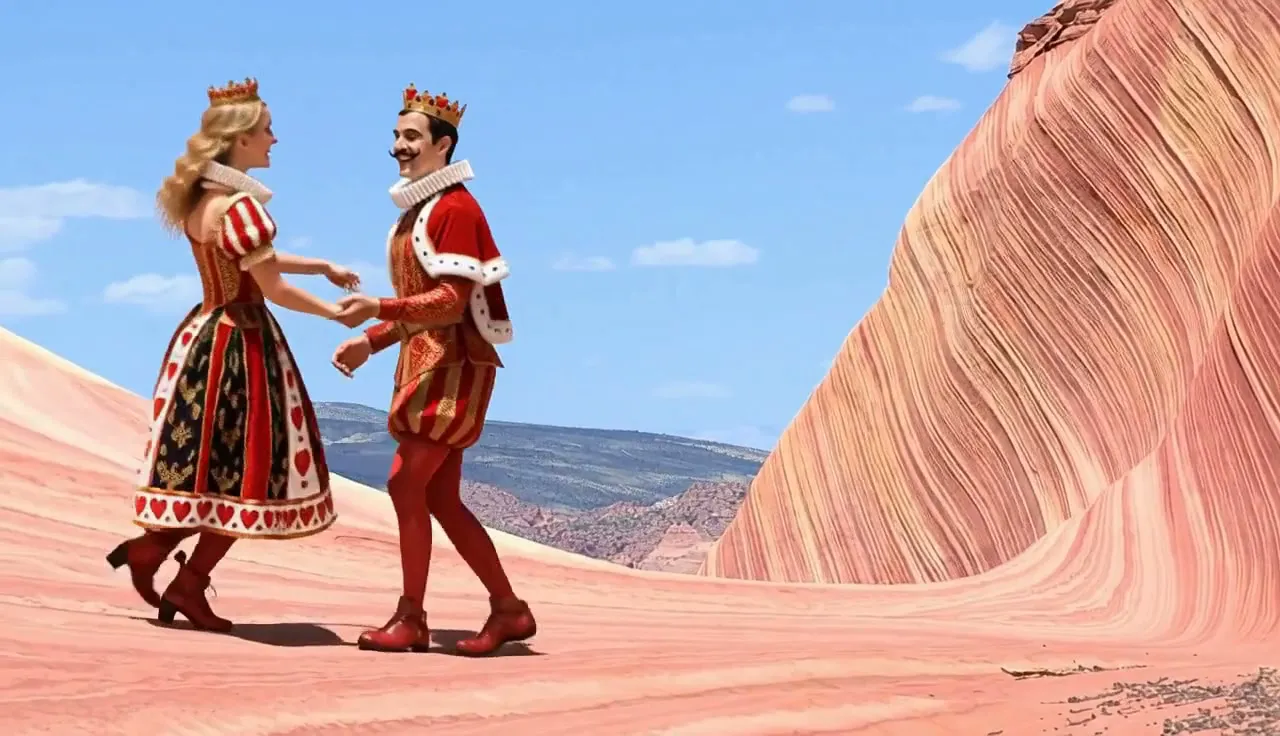
Music videos and dance films
Keep the choreography and the cut, and turn a swing couple into playing-card royals.
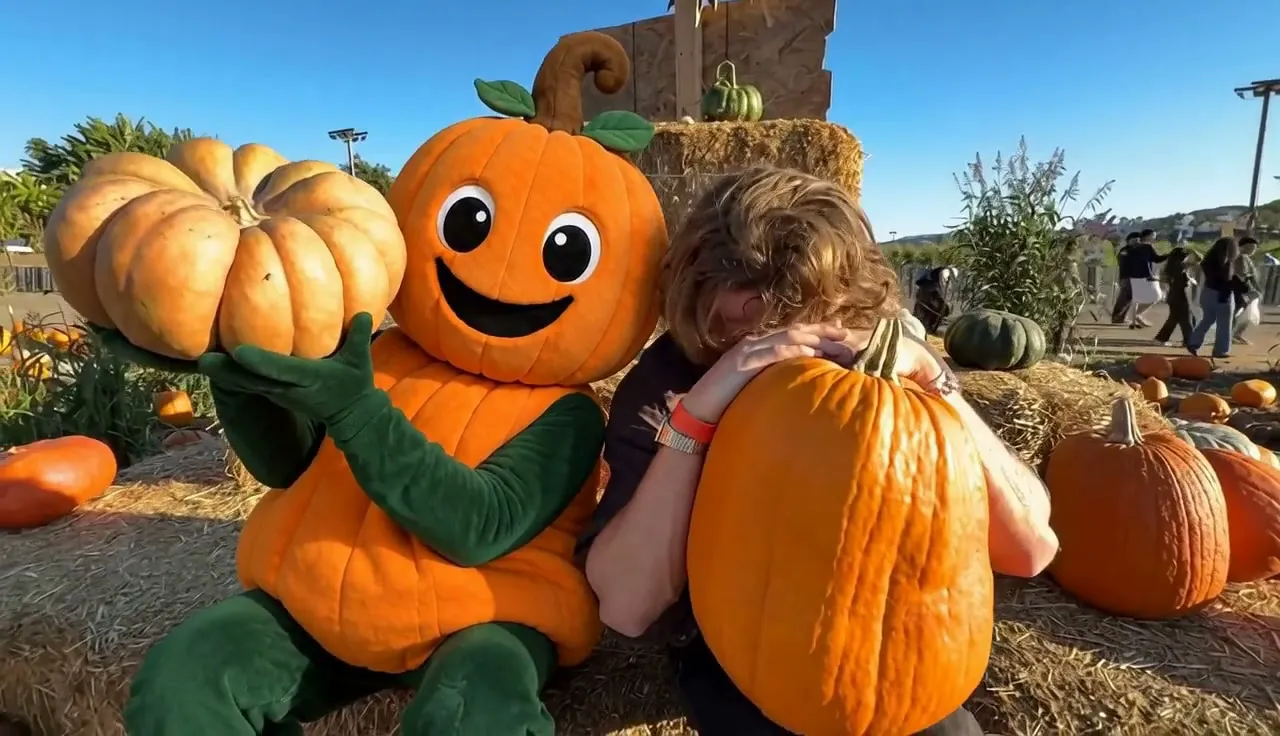
Ads, mascots and product placement
Put a mascot into footage you have, like a plush pumpkin at a pumpkin patch, or swap one product for another.
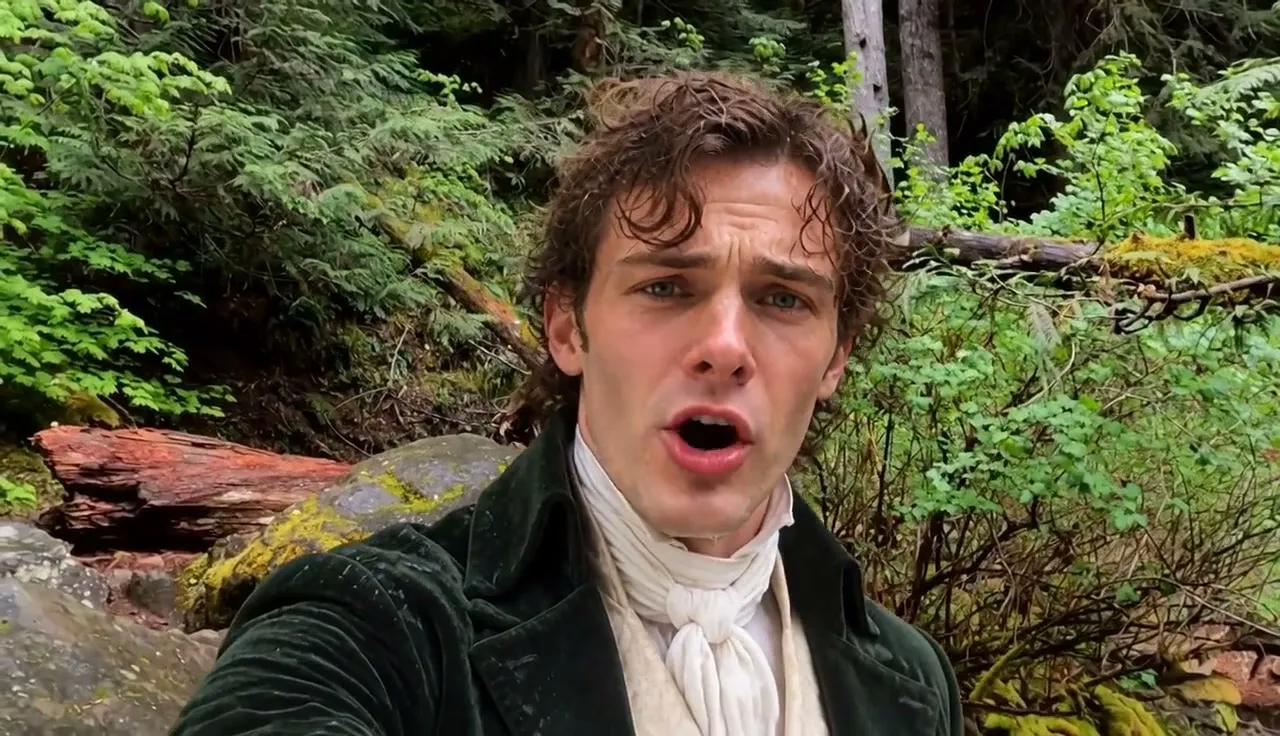
Vlogs and selfie videos
Remake a phone clip, landscape or vertical 9:16, and keep the talking and head turns.
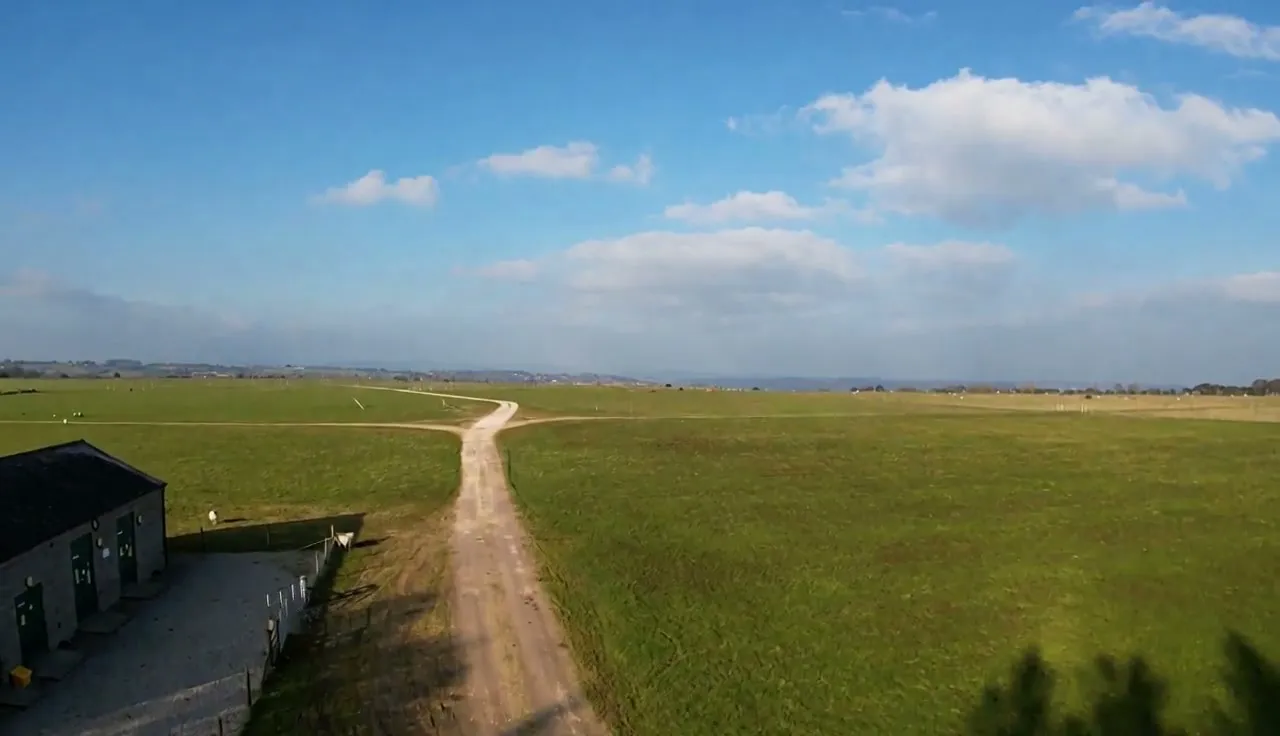
Clean location and drone footage
Take wind turbines, piers, wires or traffic out of a travel or drone shot.
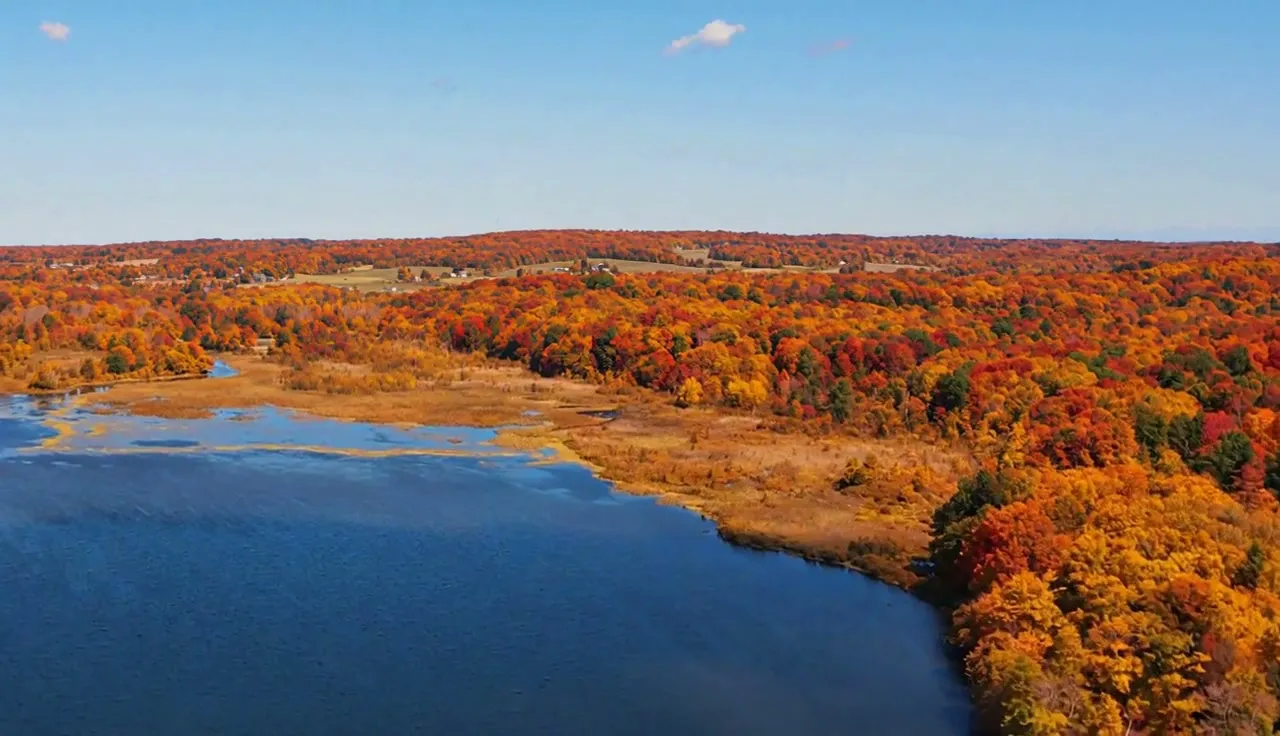
One shoot, every season
Show the same place in autumn colour, after a storm or frozen over, without going back to film it.
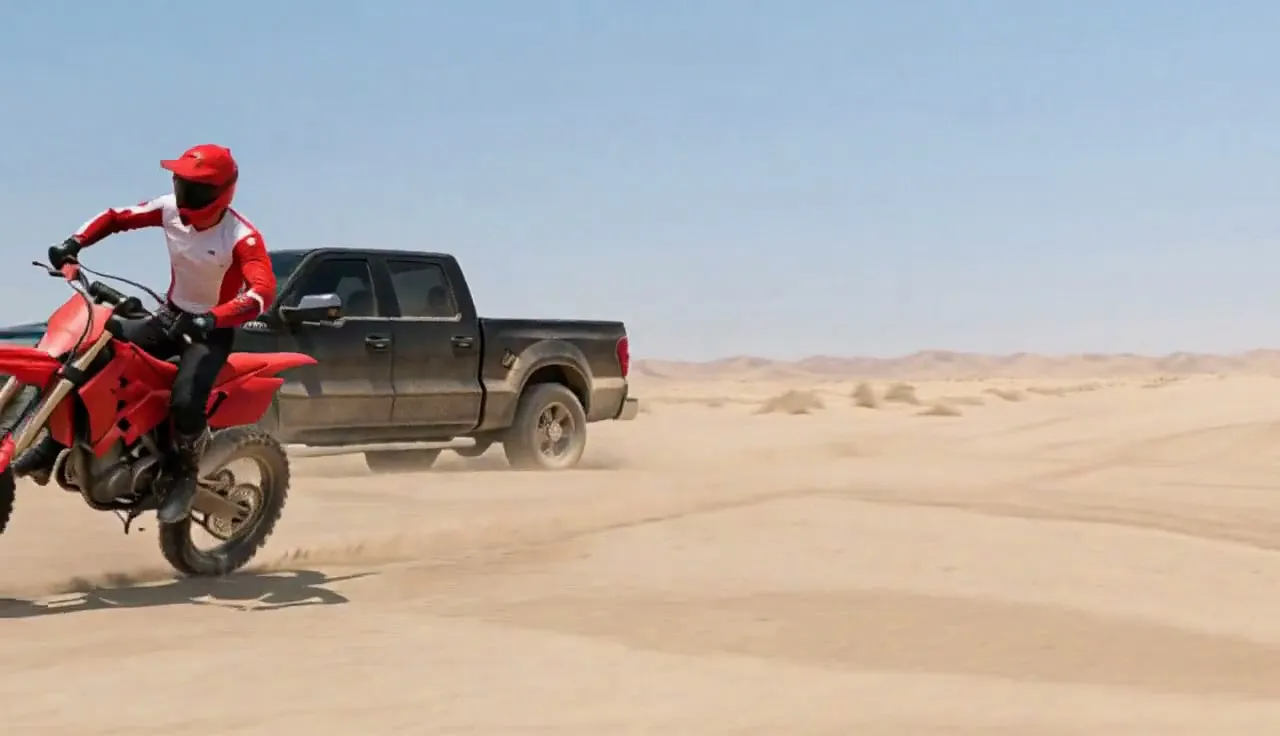
Previs, pitches and VFX shots
Take a grey previs render or a green-screen plate to a finished look for a pitch or an animatic.
Viggle Remake prompt tips
Write your first promptA clear message and the right photos make the biggest difference.
Describe each character once, head to toe
Build, surface, hair and clothes in one paragraph, worded the same every time.
Make characters easy to tell apart
Give each changed person something only they have: a colour, a hat, a side of the frame.
Say what must never come back
Name the original traits to drop, like a hair colour, so they don't creep back.
Call a costume a costume
"Full-body plush pineapple mascot, wearer hidden" keeps it a suit, not a creature.
Say what fills the gap
When you remove something, say what is behind it: sky, sea, pasture, an empty floor.
Anchor new objects to things that stay
"On the green, left of the flag" keeps an added object from drifting.
Viggle Remake specs and formats
| Spec | What it means | |
|---|---|---|
| Video you upload | 5 to 60 seconds | Bring the whole clip |
| Output | 720p, 24 fps, original sound | The audio of your footage stays as recorded |
| Aspect ratio | 16:9 or 9:16 | Landscape films and vertical phone clips |
| People per shot | Several, each a different character | Characters stay on the right person through cuts |
| Before it renders | A plan you can change | Nothing renders until you start |
| After it renders | Revise in the same chat | Every version of a remake is kept |
Viggle Remake pricing: pick a plan
Remake comes with every paid Viggle plan. Credits are shared across Viggle tools.
Free
$0.00
/month
Start creating for free.
Start free- Viggle Remake
- Free credits refresh daily
- 1 video generation at a time
- Limited multi-track sessions
- Limited Real-Time Swap
- 7-day asset & generation storage
Pro
Was $9.99
$7.99
/month
For creators who make more.
Upgrade- Viggle Remake
- 80 credits/month
- Faster video generation
- Up to 4 video generations at once
- Limited Real-Time Swap sessions
- Permanent asset storage
- No watermark
- Unlimited Multi-Track sessions
- Larger motion video uploads
- All models except Seedance
Live
PopularWas $19.99
$15.99
/month
For faster workflows.
Upgrade- Viggle Remake
- 200 credits/month
- Faster video generation
- Up to 6 video generations at once
- Stream 6+ hours in Real-Time Swap
- Permanent asset storage
- No watermark
- Unlimited Multi-Track sessions
- Larger motion video uploads
- Access to all models
Max
Best valueWas $79.99
$63.99
/month
For video production at scale.
Upgrade- Viggle Remake
- 800 credits/month
- Faster video generation
- Up to 10 video generations at once
- Unlimited Real-Time Swap sessions
- Permanent asset storage
- No watermark
- Unlimited Multi-Track sessions
- Larger motion video uploads
- Access to all models
Viggle Remake FAQ
What is video to video AI?
Video to video AI changes what is in a video you already have, instead of generating a new clip from a prompt. Viggle Remake keeps the motion, timing, camera and sound and changes only what you describe.
What is an AI video agent?
An AI video agent takes a goal in plain words and does the steps itself. Viggle Remake plans the edit, paints keyframes, renders, picks takes and revises the result when you ask, in the same chat.
How long can the video be?
Up to 60 seconds. Remake renders windows of about 15 seconds and keeps them consistent; the longest example here runs 55 seconds.
Can it change a video's background without a green screen?
Yes. Describe the new set or attach a photo, and Remake replaces the background in every frame while the performers and camera move stay.
What footage works best with Viggle Remake?
Clips where what you want to change is clearly visible and large in the frame. Full-body costumes hold better than half-costumes.
What are Viggle Remake's limits?
Chrome and glass look approximate, a hand sweeping across a face in a fast spin can briefly merge with it, small text on new objects isn't reliable, and output is 720p.
How is Remake different from AI character swap and the AI video generator?
The AI video generator makes new clips from text or images, and AI character swap puts one photo's person into a video. Remake edits a video you have: people, objects, sets, weather and style.
How does Viggle Remake compare to Runway Aleph?
Runway Aleph 2.0 edits clips up to 30 seconds at 1080p (runway.com/product/aleph-2, checked October 29, 2026). Remake takes clips up to 60 seconds, turns several people into different characters without mixing them up, and keeps revising the same remake in a chat. Aleph is ahead on resolution: Remake outputs 720p.
How does Viggle Remake compare to Higgsfield Genjutsu?
Higgsfield Genjutsu takes 4–30 second clips with up to 30 reference images (higgsfield.ai/genjutsu, checked October 29, 2026). Remake takes clips up to 60 seconds and changes people, objects, sets, weather and style in one chat. Genjutsu accepts more reference images per run.
Is Viggle Remake free?
No. Remake is included in every paid Viggle plan, from $7.99 a month billed yearly.
More AI video tools on Viggle
Swap in a character from one photo, key out a background, or make new clips with MiniMax H3.