Free AI Image Animator
Upload a photo, describe how it should move, and Viggle Video animates it. Free accounts get five 5-second videos a day. To make your photo copy a dance or another motion clip, use Mix with one of 10,000+ motion templates or a clip of your own.
How to Animate An Image with Viggle
Try NowViggle Video animates a photo from a short prompt. If you'd rather have your photo copy a dance or a specific move, open Mix, pick a motion template or upload your own clip, and add your photo.
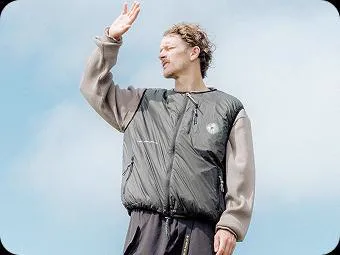
Upload a photo
Open Video and upload the photo or character image you want to animate.
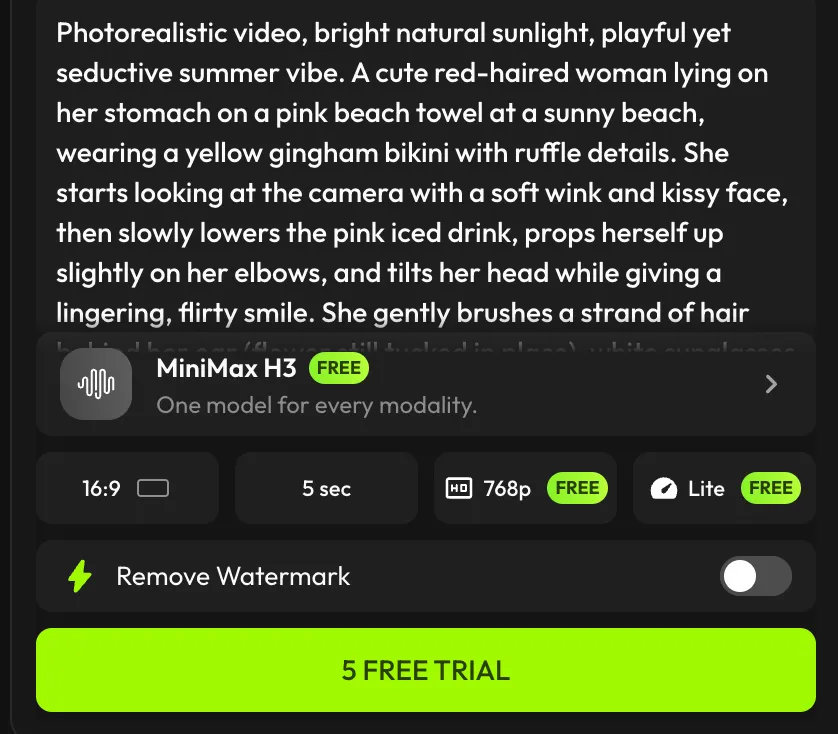
Describe the motion
Write a prompt for how it should move and pick a model. Free accounts use Viggle-Optimized Minimax H3; the other models need a paid plan.
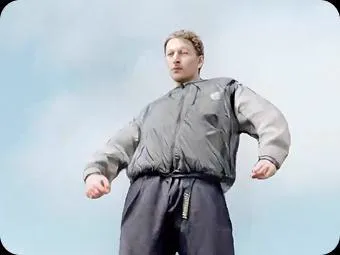
Generate and download
Generate the video and download it. Free exports carry a watermark; paid plans remove it.
Viggle's AI Image Animator Is Unique
Animate an image with Viggle is a no-brainer
Animating your picture with Viggle only takes three steps. Upload your photo, choose a motion, then hit the generate button. No text prompts needed — everything is visual and straightforward. Generation time is usually under one minute.
Animate my pictureBest practices to animate images with Viggle
Viggle's AI image animator works best when your photo has good lighting, is front-facing, and the character isn't blocked by too many objects. Choose a motion source where the person in the video doesn't move too far off-frame for the best results.
Generate videoAchieve precise motion control with 10,000+ templates
What makes Viggle stand out in image animation is its precise motion control. Instead of relying on text prompts that can lead to unpredictable results, Viggle's AI photo animator precisely transfers motion onto your image. This makes it possible to create perfect videos when you already have a clear idea of the movement you want — whether it's a trending dance, running, ballet, spinning, backflipping, sitting, or anything in between.
Browse our templatesOther ways to animate your photo
Mix is one way to animate your image — it places your character into an existing video, matching the same motion as the person in it. You can also use Image & Video, which animates your photo with a chosen motion while keeping the original look. Both methods work great for animating images. If you want your character to appear inside movie scenes, sports highlights, or dance videos — go with Mix. If you want to keep your photo's look and just make it move, use Image & Video.
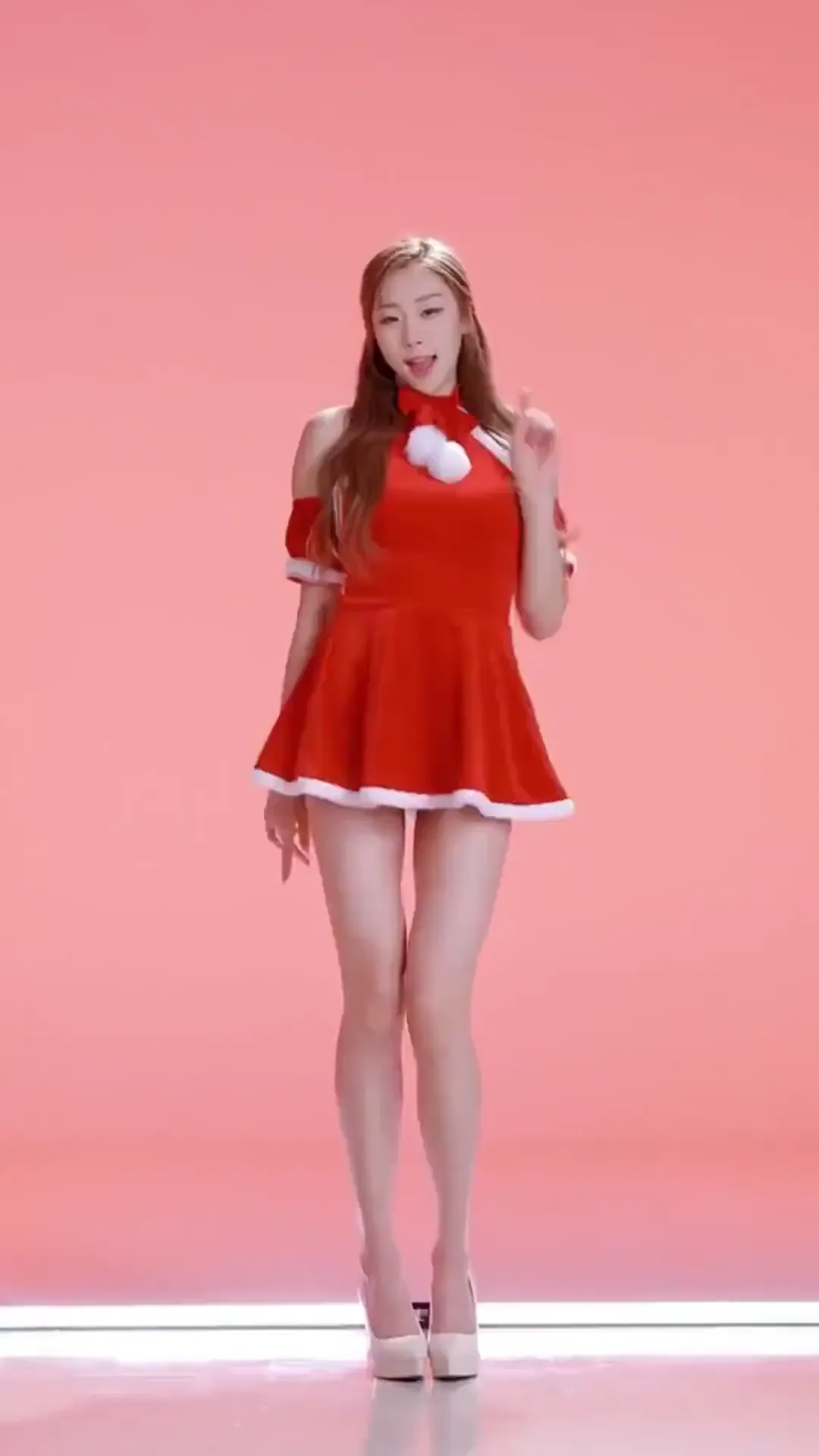
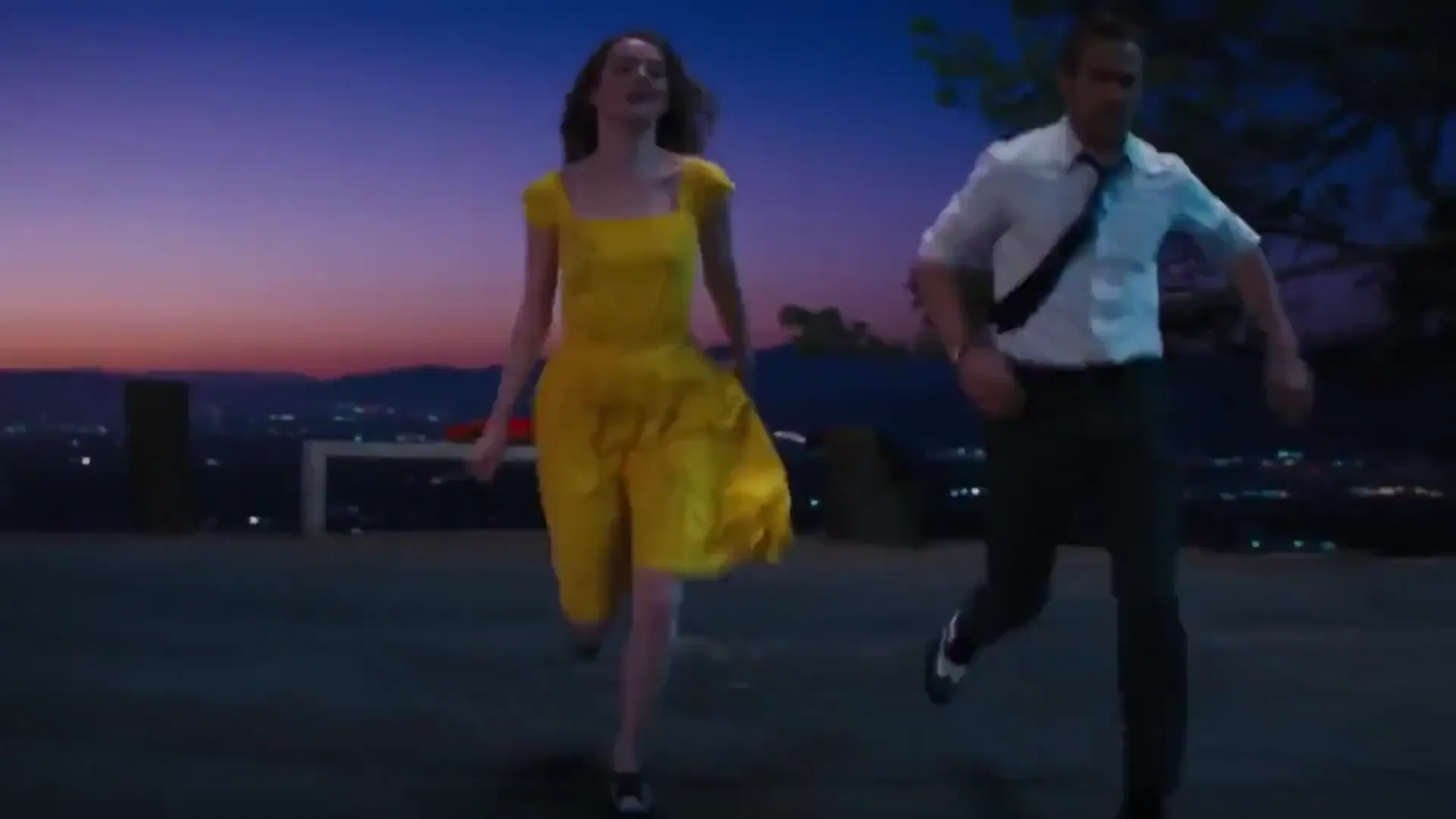
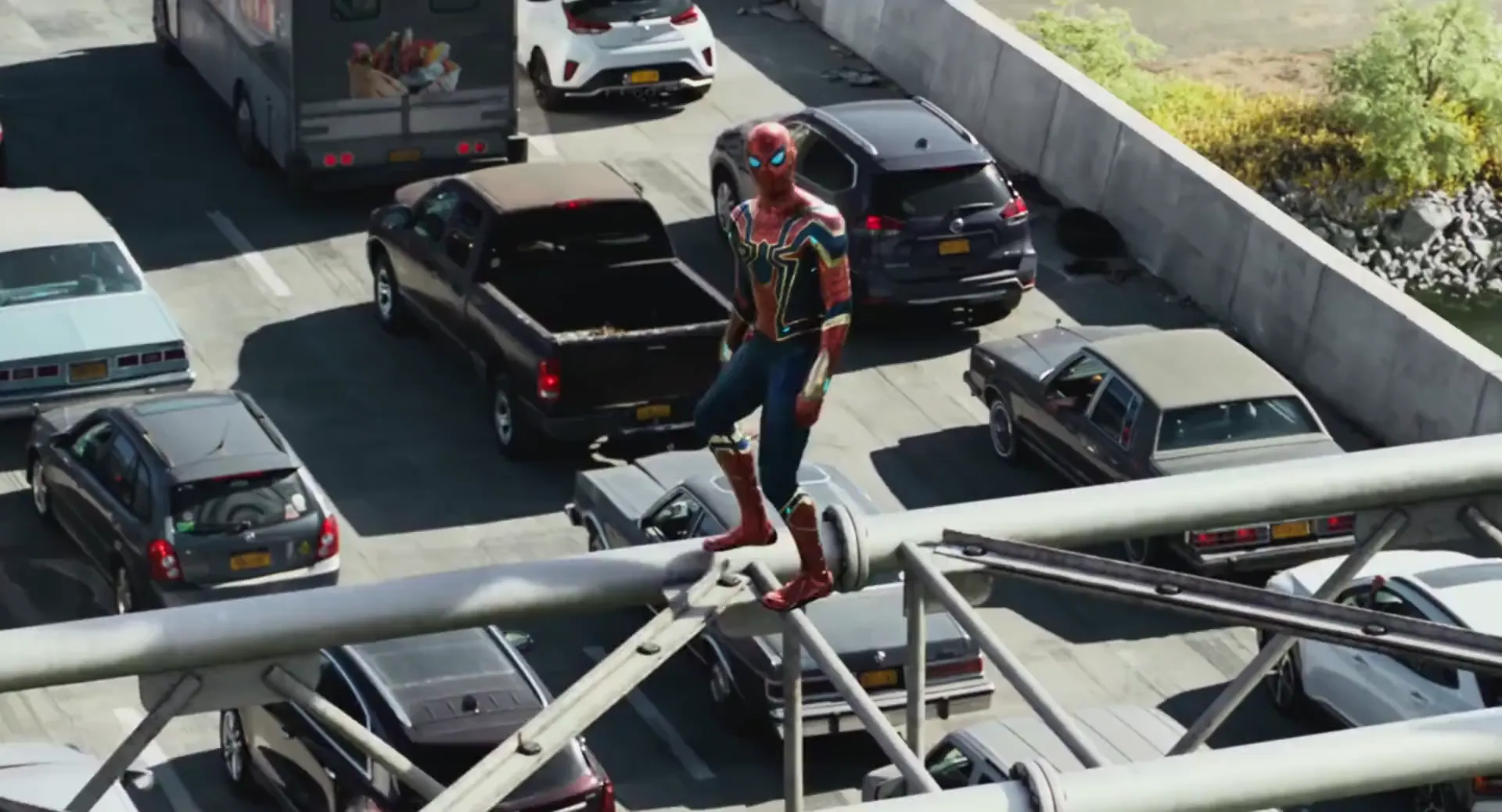
Try for FreeFind More Image Animation Templates
Discover more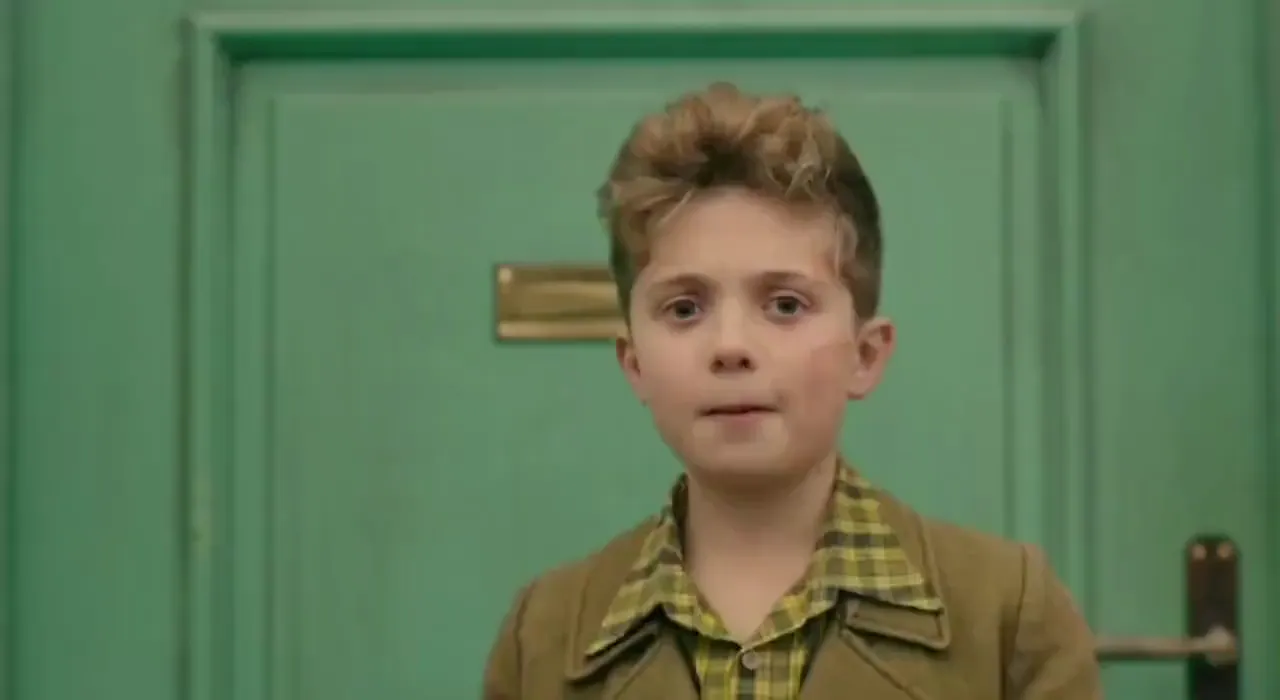
AI Image Animator Frequently Asked Questions
Is Viggle AI Image Animator free to use?
Yes! After signing up, you'll get 5 free videos per day. We want everyone to experience Viggle's core feature — no cost, no strings. Once you use your daily quota, you can upgrade to Pro, Live, or Live Max to unlock additional daily videos and premium features.
What kind of images can I animate with Viggle?
Viggle can animate real photos, anime characters, cartoon illustrations, 3D renders, and even hand-drawn sketches. For best results, use a clear front-facing image with good lighting where the character's body isn't cut off or heavily obscured. Full-body images produce the smoothest animations.
What features can I use to animate images?
Viggle offers two main methods. Mix places your character into an existing video scene, matching the motion of the person in it — perfect for scene integration. Image & Video animates your photo with a chosen motion while keeping the original look — ideal for simple animation.
Can I animate multiple characters in the same video?
Yes. Use Multi-Track to animate up to 7 characters in a single video. You can assign different images to each tracked person — great for group scenes, music videos, or memes with multiple characters. Each character maintains their own identity and motion independently.
How long does it take to generate an animated video?
Most videos are generated in under a minute. If you upgrade to paid plans, you get priority queue access for even faster generation.
Can I animate anime or cartoon characters?
Yes. Viggle works with any character style — real photos, anime, cartoon, 3D renders, illustrations. The AI maps motion onto whatever character you upload. Anime and cartoon characters are hugely popular on Viggle, especially for fandom edits and meme content.
What makes Viggle different from other AI image animators?
Most image animators only move the face or upper body, producing stiff, puppet-like results. Viggle's JST-1 model generates true full-body animation from a single still image — arms, legs, torso, head all move naturally. You also get controllable motion: instead of describing movement with text prompts and hoping for the best, you select the exact motion you want. The character's identity stays consistent throughout, which is why Viggle is used for professional previs and filmmaking, not just memes.
Can I use Viggle for professional animation or filmmaking?
Absolutely. Filmmakers and animators use Viggle as a motion capture alternative — no mocap suit needed, just a single image. It's used for previs, music videos, short films, and brand campaigns. Notable partners include AWA Studios and Massive Studios. Pro plans include 1080p watermark-free exports.
Animate Your Images
with AI motion
Turn any photo into a moving character with precise motion control. Free to use, no credit card required to start.