Free AI Animation Generator
Turn any image or text prompt into an animated video — human, anime, 2D, 3D, cartoon, or non-human. Pick from 10,000+ motion templates or upload your own reference video. No animation skills, no software, no rigging.
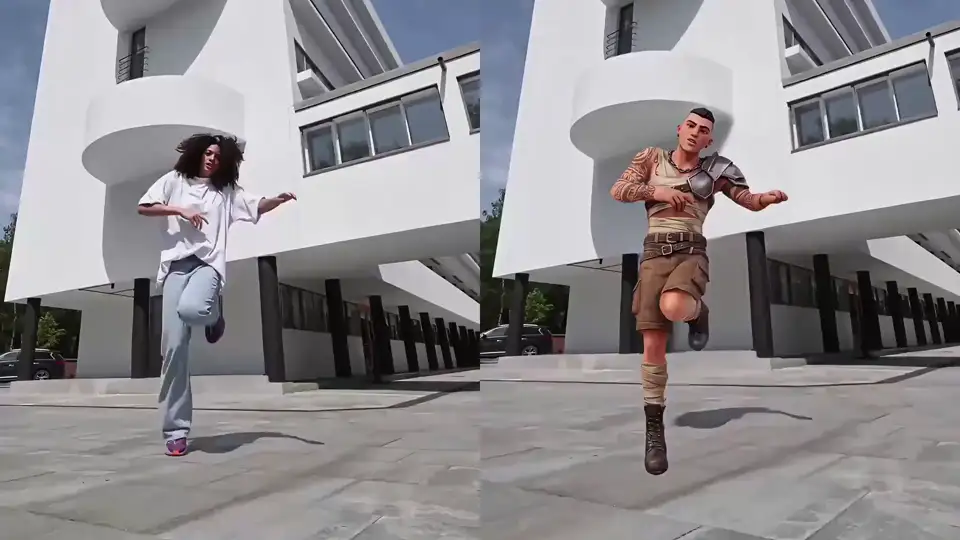
How To Create an AI Animation Online — No Skills Needed
Start now — it's freeAnimating any character with Viggle takes seconds — no animation software, no rigging, no frame-by-frame work. Pick a motion, upload your image or type a text prompt, and your animation is ready.
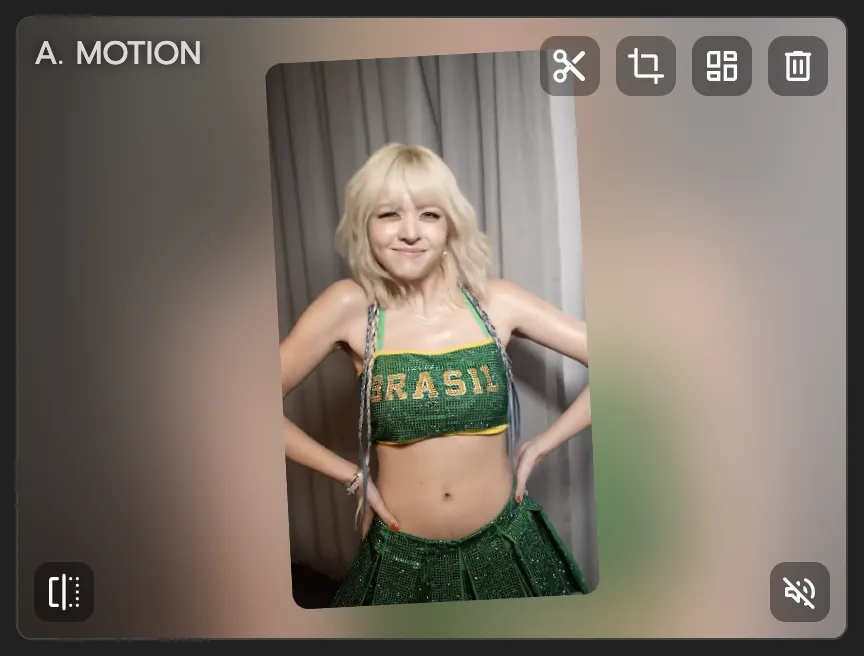
Pick a motion template or upload a reference video
Choose from 10,000+ motion templates — dances, sports moves, anime fight scenes, viral meme clips — or upload your own reference video to define the exact motion you want.
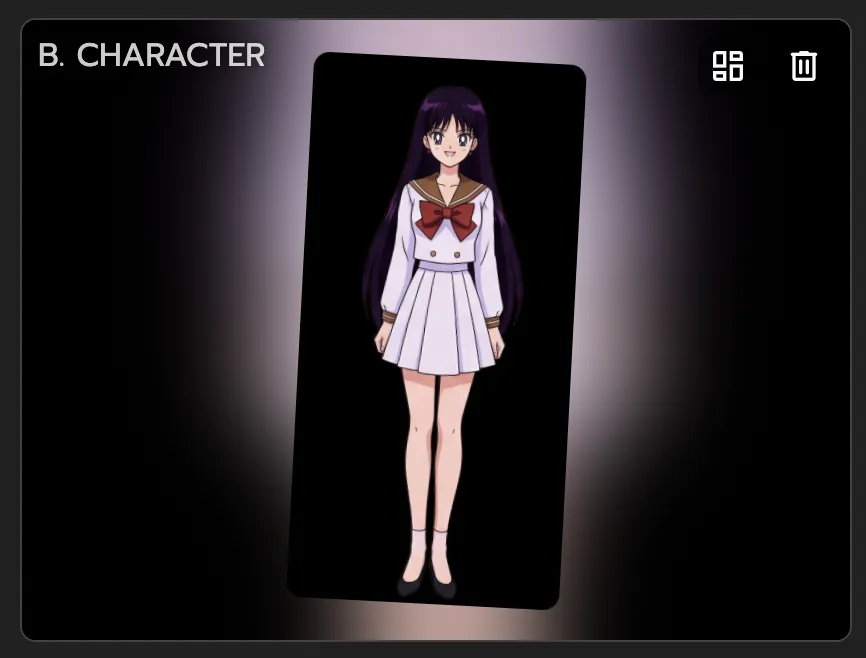
Upload any image to animate
Upload any character image: a photo, anime character, 2D illustration, 3D render, pixel art, cartoon, or even a non-human creature. If it has a body, Viggle can animate it.
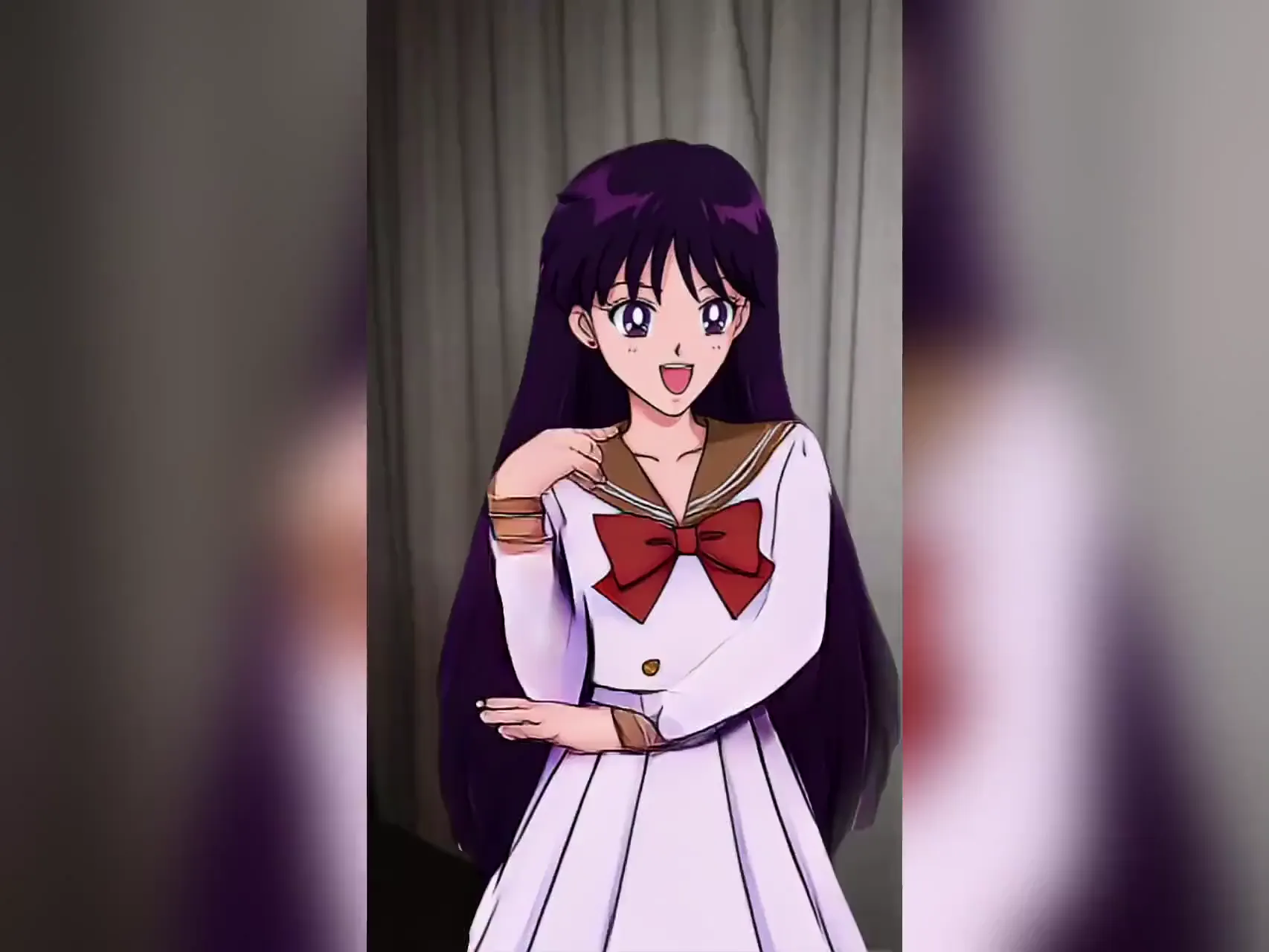
Download your animated video
Viggle's JST-1 model maps the full-body motion onto your character with physics-aware precision. Download and share your animation in under a minute — no watermark on free generations.
Why Viggle Is the Best Free AI Animation Generator
No animation skills or software required — results in seconds
You don't need to know keyframing, rigging, or any animation software to use Viggle. Upload a character image (or describe one via text), pick a motion, and Viggle generates a full animated video in under a minute.
Try it freeFull-body motion animation — not a GIF or style filter
Viggle takes your static image and gives it real full-body motion — arms, legs, torso — using its self-developed JST-1 video-3D foundation model. The result is a proper video of your character moving.
See it in action10,000+ motion templates across every content category
Pick from anime fight sequences, K-pop and TikTok dances, NBA and sports highlights, movie scenes, and viral meme clips. New templates added regularly — or upload your own reference video.
Browse templatesText-to-animation and image-to-video in 2D, 3D, and any style
Type a prompt and generate animated scenes in any art style — 2D, 3D, anime, cartoon, cinematic, or photorealistic. Viggle integrates Veo 3.1, Seedream, and Nano Banana for full text-to-animation capability.
Try text to animationMulti-track editor — animate up to 7 characters at once
Viggle's Multi-Track editor lets you animate multiple characters in the same video: track individual characters, swap them across scenes, and replace objects — all in one timeline.
Try Multi-TrackGo live as your character with Viggle LIVE
Turn any image into a real-time animated character for live streaming. Viggle LIVE mirrors your face and body through your webcam — works with OBS, Streamlabs, Twitch, and Discord.
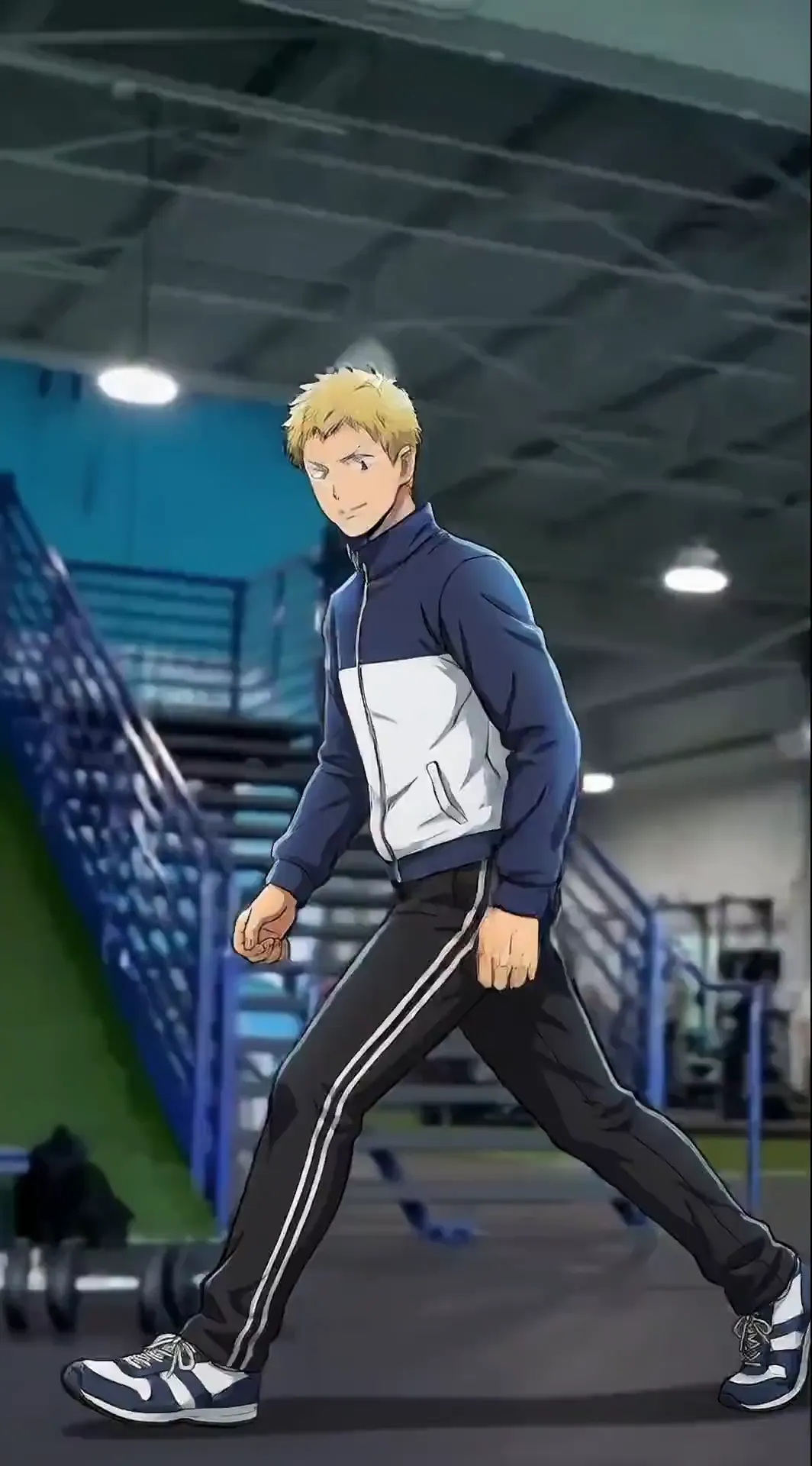
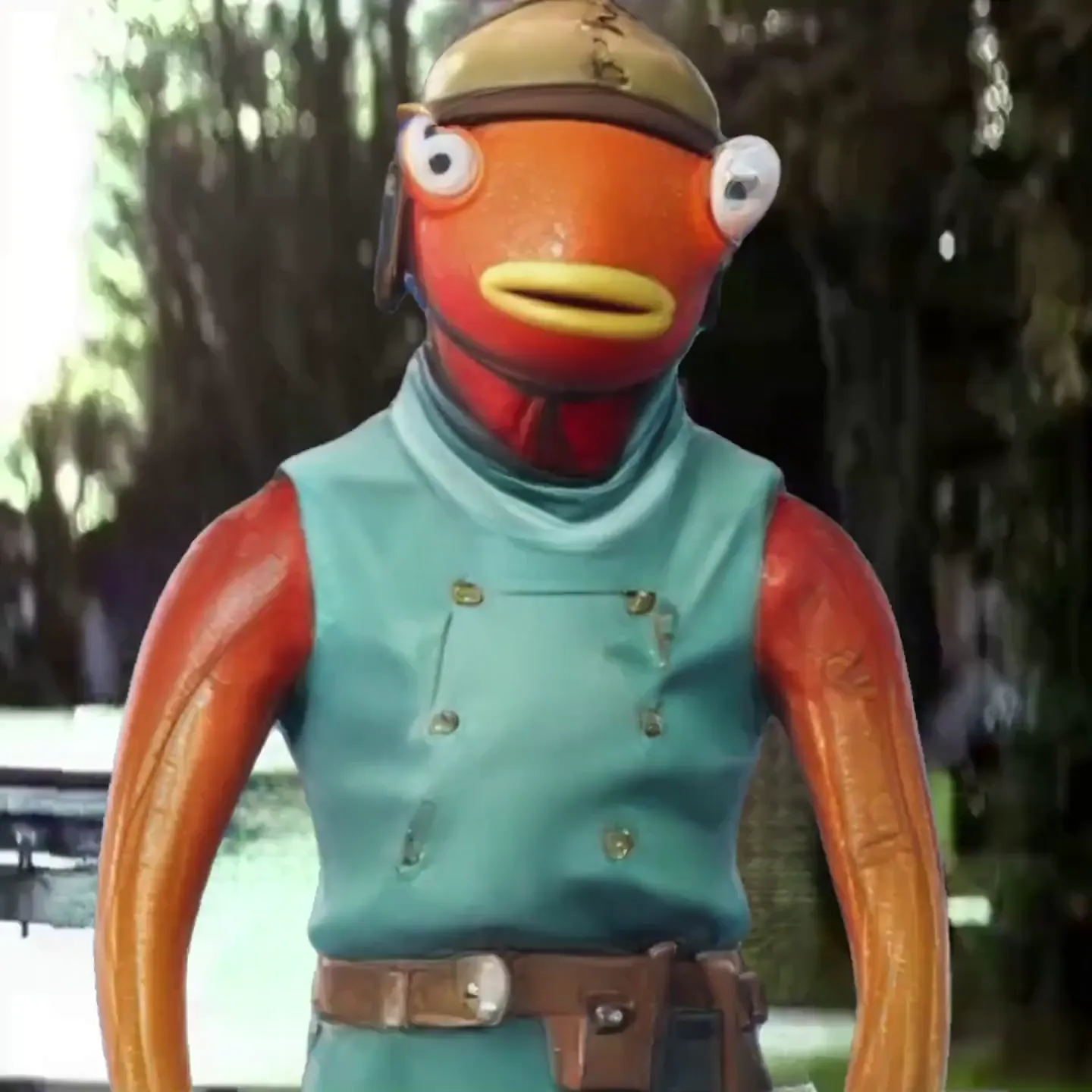
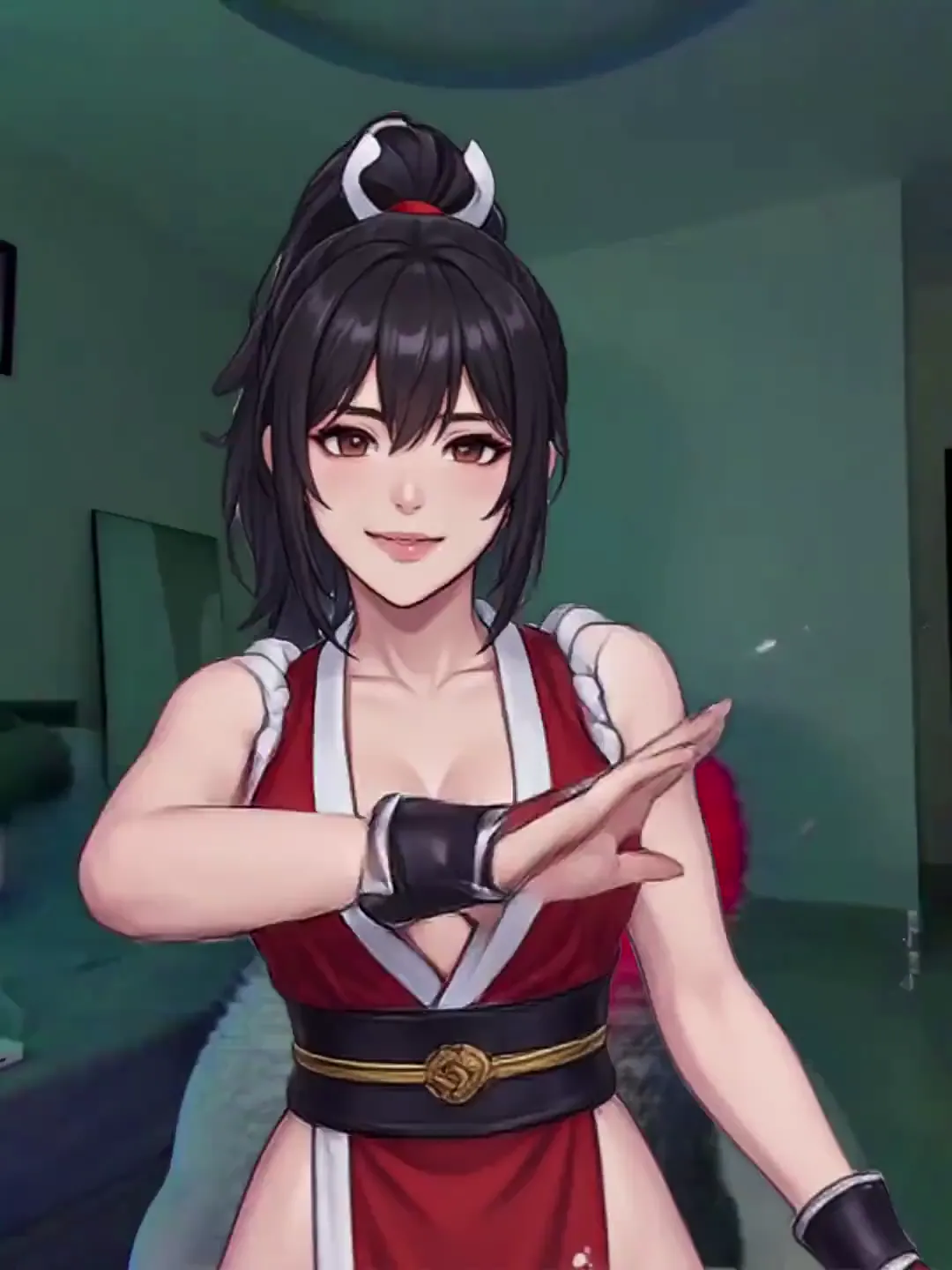
Try Viggle LIVEAI Animations Made with Viggle
Explore More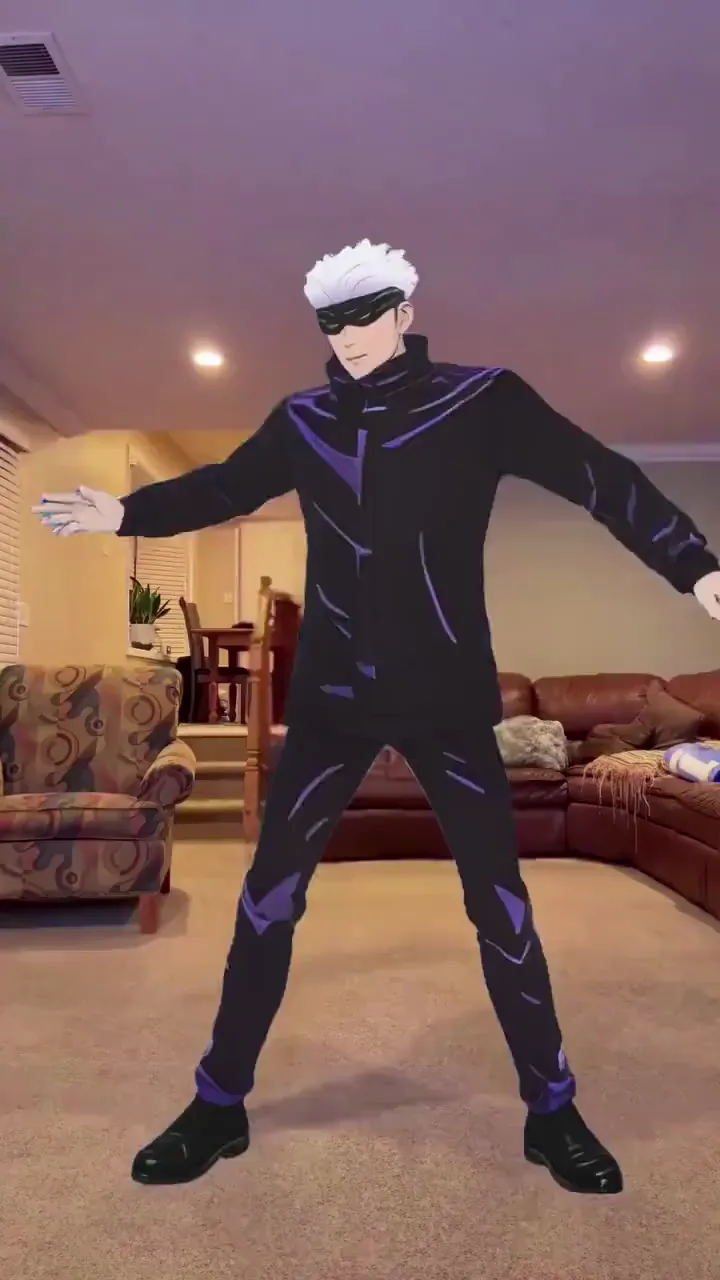
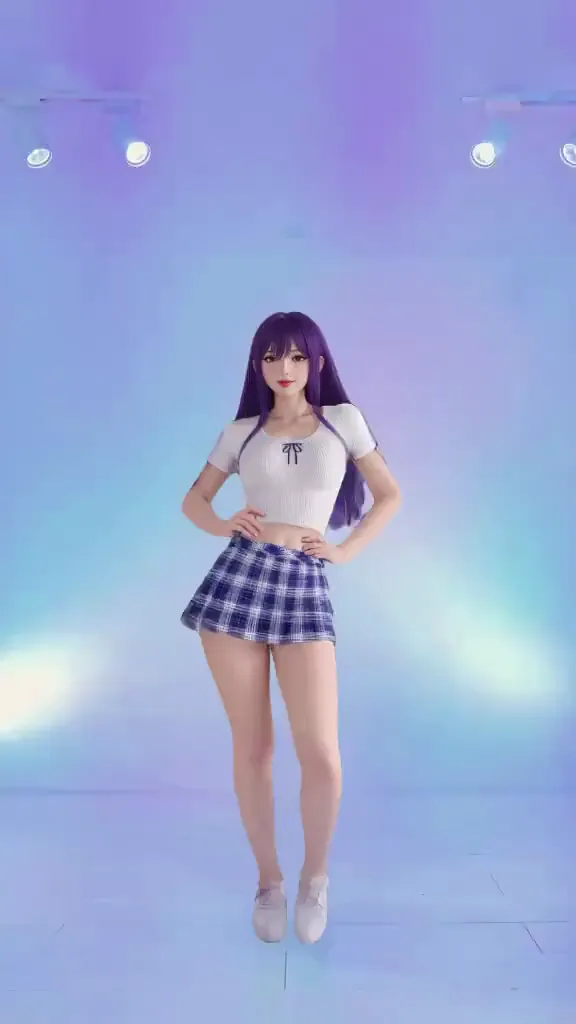
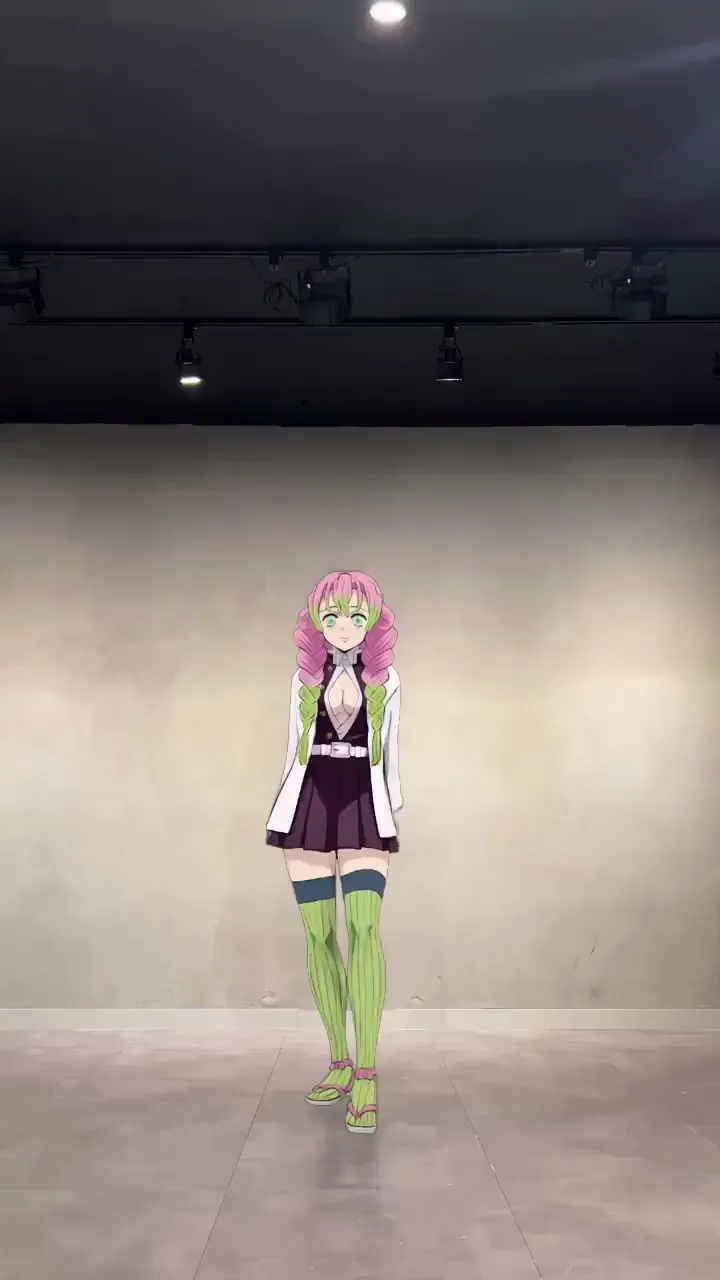
Who Uses Viggle — From Beginners to Pro Animators
Content Creators & Meme Makers
Animate yourself or any character into trending templates — dances, viral clips, meme formats. Drop your image in, pick a motion, and post before the trend peaks.
Marketing Teams & Brands
Animate brand mascots for social campaigns and product launches. Generate character-driven video content at scale — no animation agency, no video shoot.
Animators & Motion Designers
Use Viggle as a mocap alternative. Animate characters from still images and prototype motion sequences — without animation software or a mocap suit.
Educators, HR & Training Teams
Turn scripts, onboarding guides, and training materials into engaging animated videos — without hiring animators. No design skills required.
VTubers & Streamers
Skip the 3D pipeline entirely. Upload one character image and animate it with motion templates — or go live with Viggle LIVE, no rigging needed.
Music Video Creators
Produce full character performances for music videos without a set or camera crew. Upload your artist's image, add choreography from a reference clip, and generate a performance.
Viggle vs Other AI Animation Generators
Try Viggle Free| Feature | Viggle | Runway | Kling AI | Adobe Firefly | Renderforest |
|---|---|---|---|---|---|
| No animation skills required | ✅ | ✅ | ✅ | ✅ | ✅ |
| Full-body character animation from image | ✅ | ⚠️ Limited | ⚠️ Limited | ⚠️ Limited | ❌ |
| Motion template library (10,000+) | ✅ | ❌ | ❌ | ❌ | ⚠️ Limited |
| 3D physics-based animation model | ✅ | ❌ | ❌ | ⚠️ Limited | ❌ |
| Real-time avatar / live streaming | ✅ | ❌ | ❌ | ❌ | ❌ |
| Multi-character swap in one video | ✅ | ❌ | ❌ | ❌ | ❌ |
| Free to use (no credit card) | ✅ | ⚠️ Limited | ⚠️ Limited | ⚠️ Limited | ⚠️ Limited |
AI Animation Generator — Frequently Asked Questions
What is an AI animation generator?
An AI animation generator takes a still image or text prompt and produces an animated video of it — making the character move, dance, or perform. On Viggle, this means full-body motion animation driven by your choice of motion template or reference video, powered by Viggle's self-developed JST-1 video-3D foundation model.
Do I need animation skills to use Viggle?
No. Viggle is designed to be used by anyone — no animation software, no rigging, no keyframing knowledge required. Pick a motion template, upload your character image, and download your animation. If you can upload an image, you can use Viggle.
What animation styles can Viggle create?
Viggle supports virtually any visual style: realistic human animation, anime, 2D cartoon, 3D CGI, pixel art, chibi, fantasy creatures, and non-human characters. The JST-1 model adapts to your character's art style automatically.
Is Viggle free to use as an animation generator?
Yes. Viggle is free — sign up and generate up to 5 animated videos per day. No credit card required. Paid plans provide more daily generations, faster processing, and higher export quality.
Can I animate multiple characters in one video?
Yes. Viggle's Multi-Track editor lets you animate up to 7 characters or objects in the same video. You can track individual characters, swap them across scenes, and replace objects throughout a clip.
Can I use my own reference video instead of a template?
Yes. Instead of picking from the 10,000+ template library, you can upload your own reference video to define the motion. Viggle extracts the motion from your video and applies it to your character image.
Does Viggle work on mobile?
Yes. Viggle is available as a free app on iOS and Android, plus a web app that works in any browser. The mobile app supports the full animation workflow.
Any Image. Any Text Prompt.
Full-Body Animation. Free.
Human, anime, 2D, 3D, cartoon — upload a character or type a prompt and watch it move. No animation skills needed. 50M+ users already animating.