logo

Free AI Animation Generator

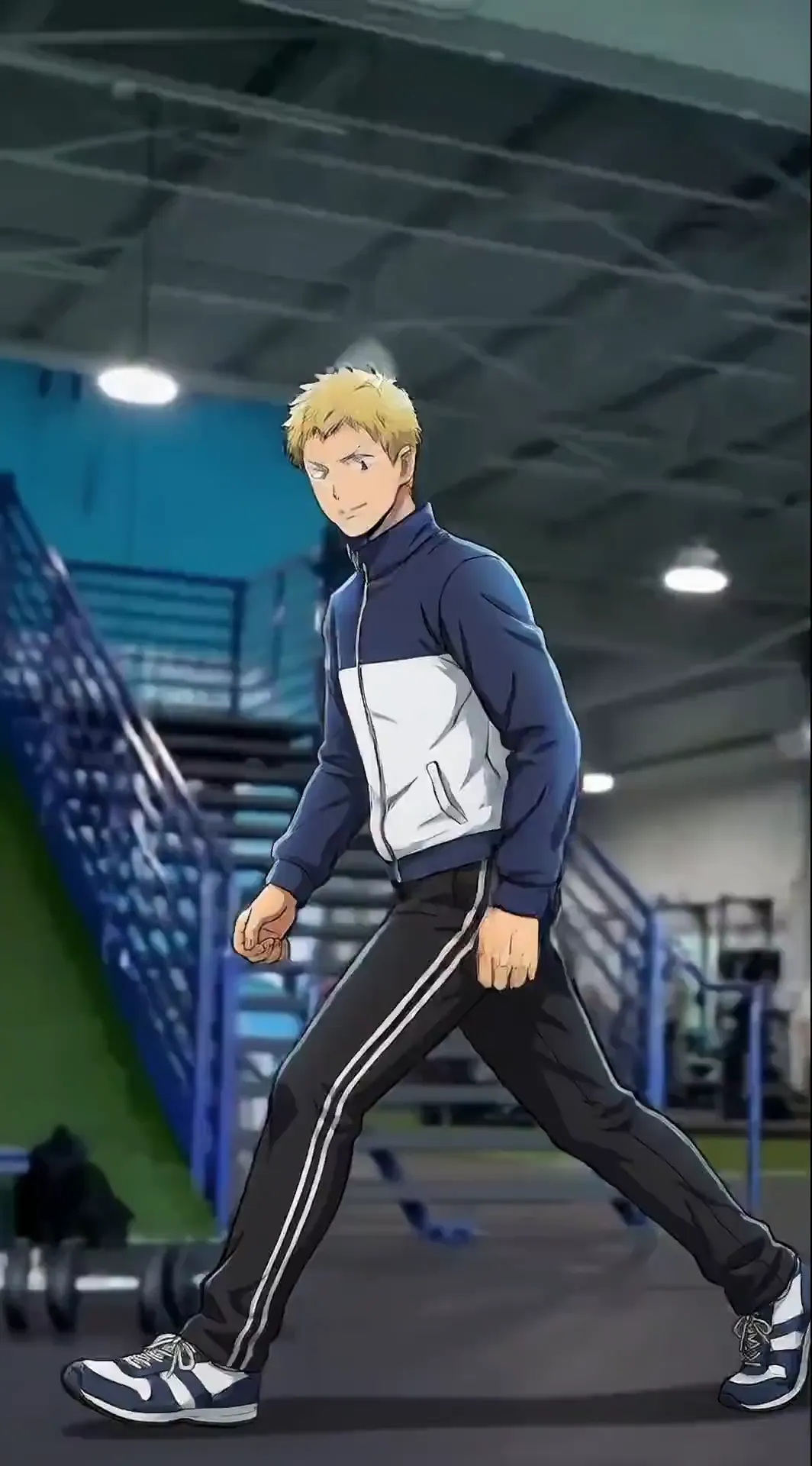
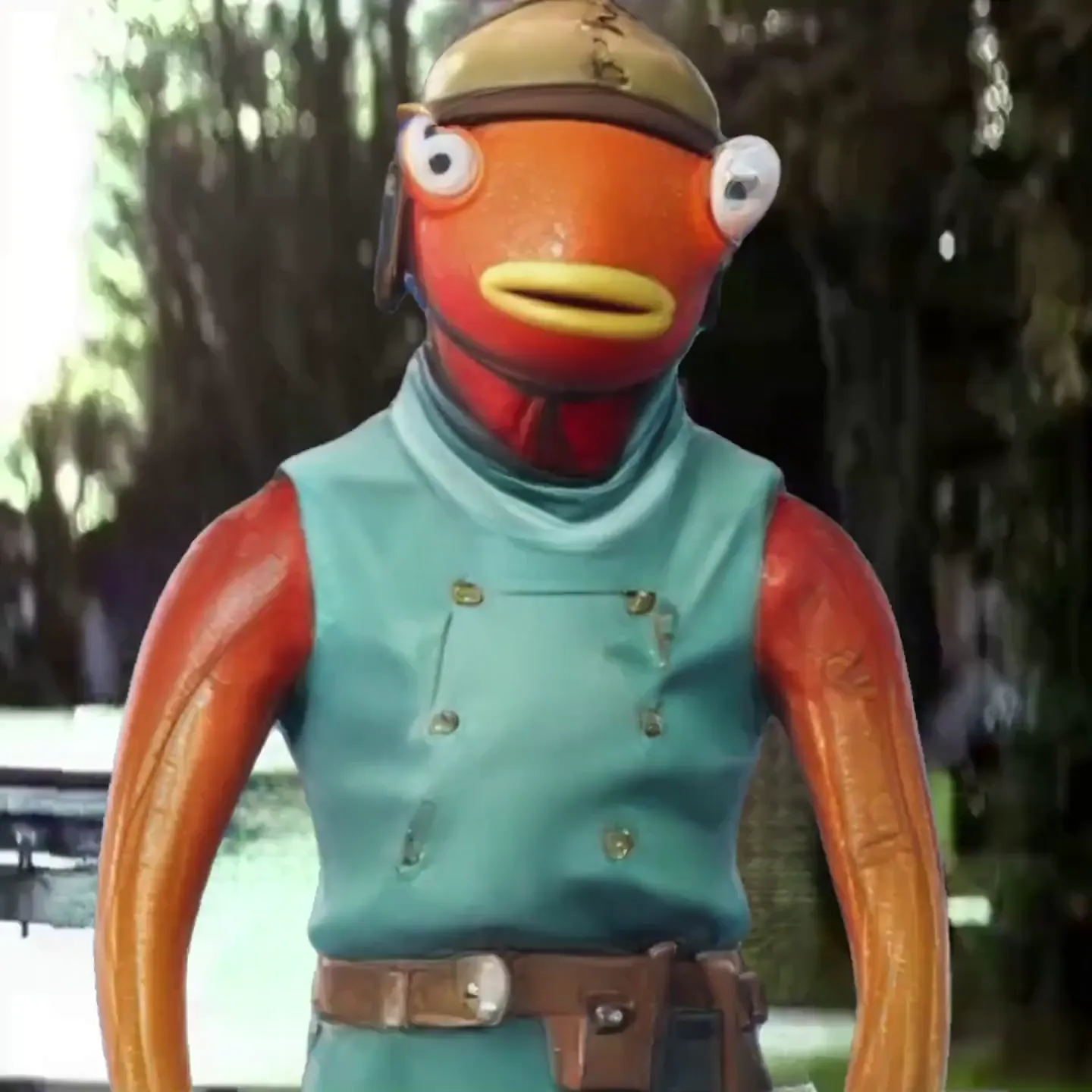
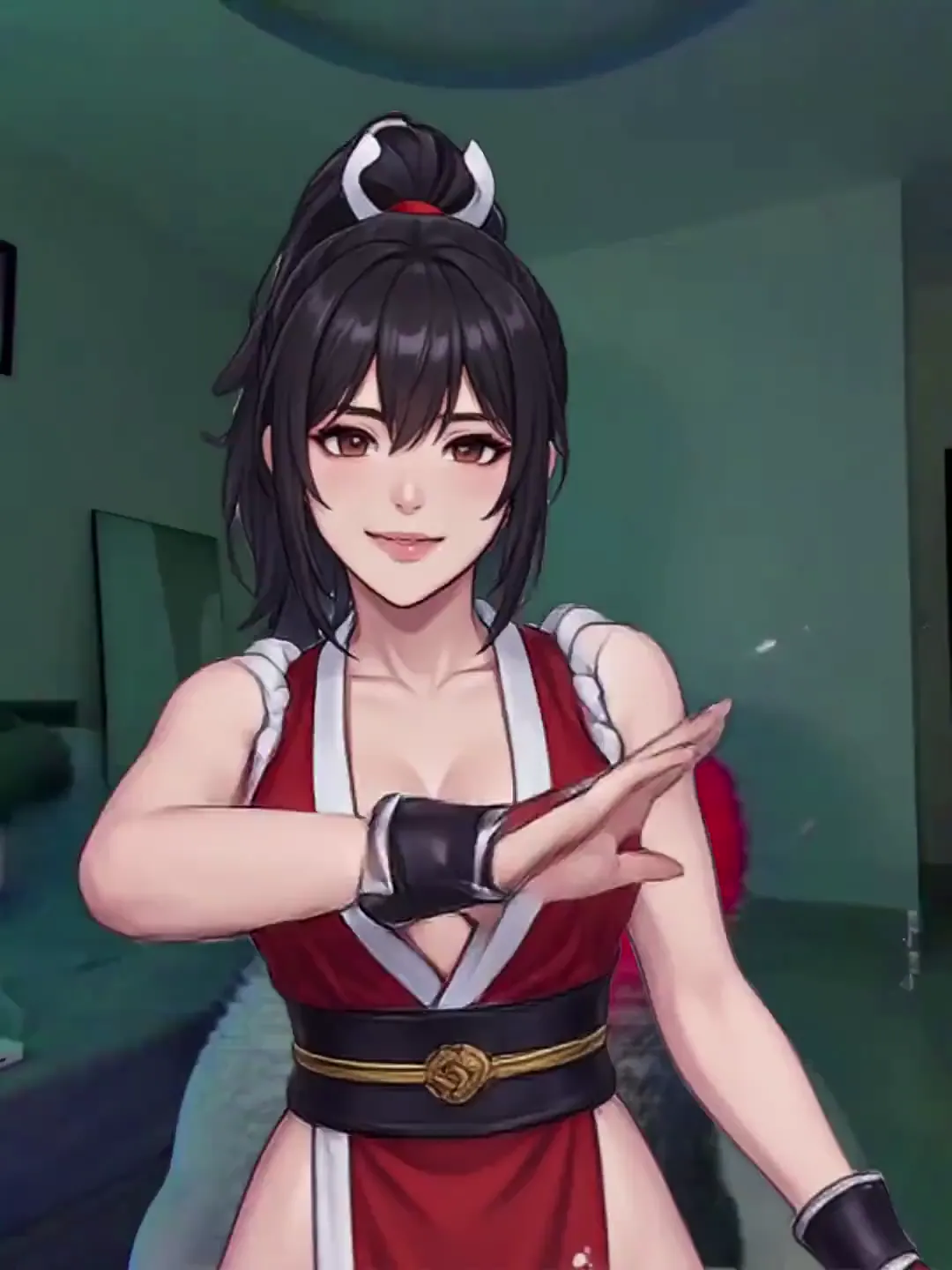
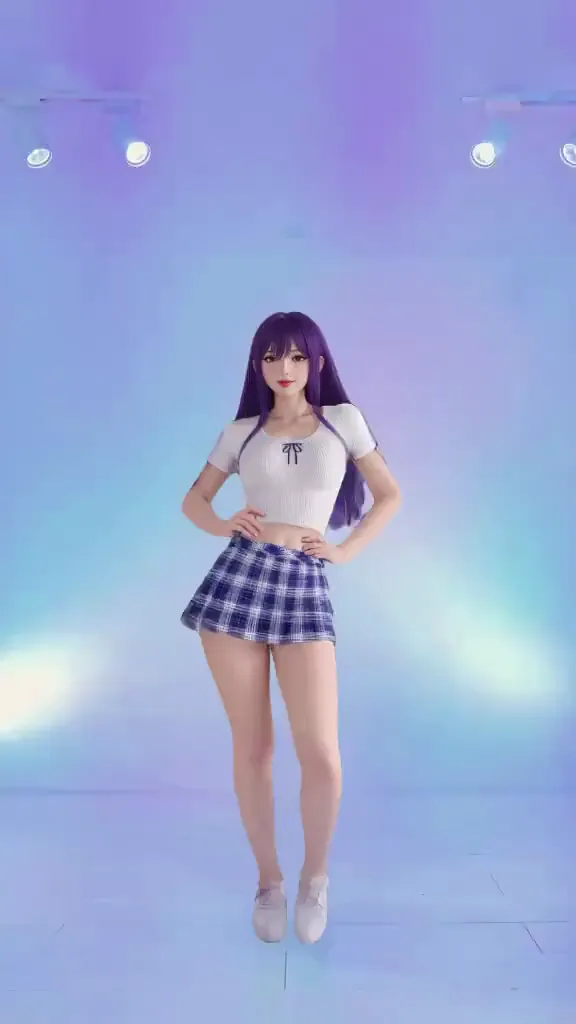
Turn any image or text prompt into an animated video — human, anime, 2D, 3D, cartoon, or non-human. Pick from 8,000+ motion templates or upload your own reference video. No animation skills, no software, no rigging.

40M+ Users4.8★ Rating on App Store

How To Create an AI Animation Online — No Skills Needed

Animating any character with Viggle takes seconds — no animation software, no rigging, no frame-by-frame work. Pick a motion, upload your image or type a text prompt, and your animation is ready.

Step 1
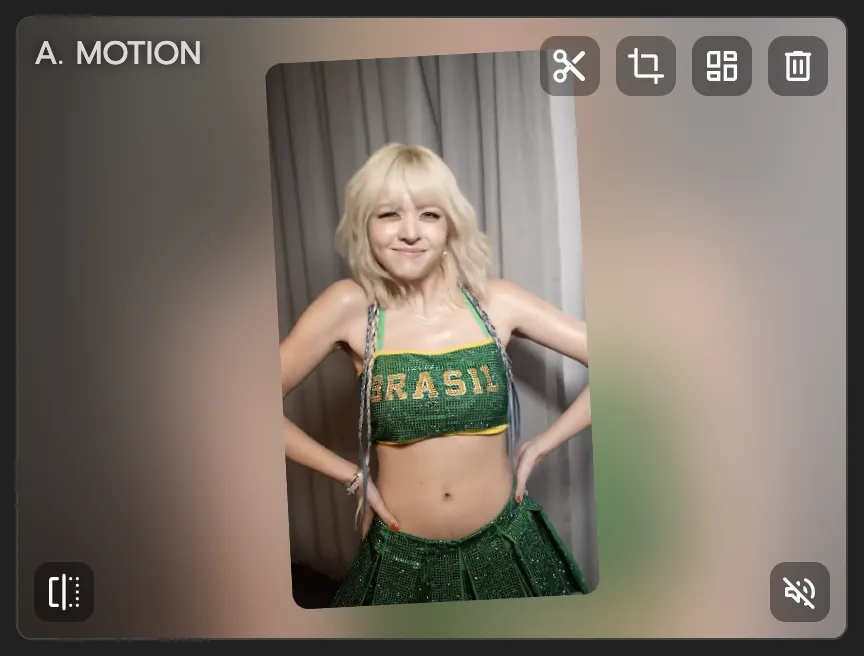
Pick a motion template or upload a reference video

Pick a motion template or upload a reference video

Choose from 8,000+ motion templates — dances, sports moves, anime fight scenes, viral meme clips — or upload your own reference video to define the exact motion you want.

Step 2
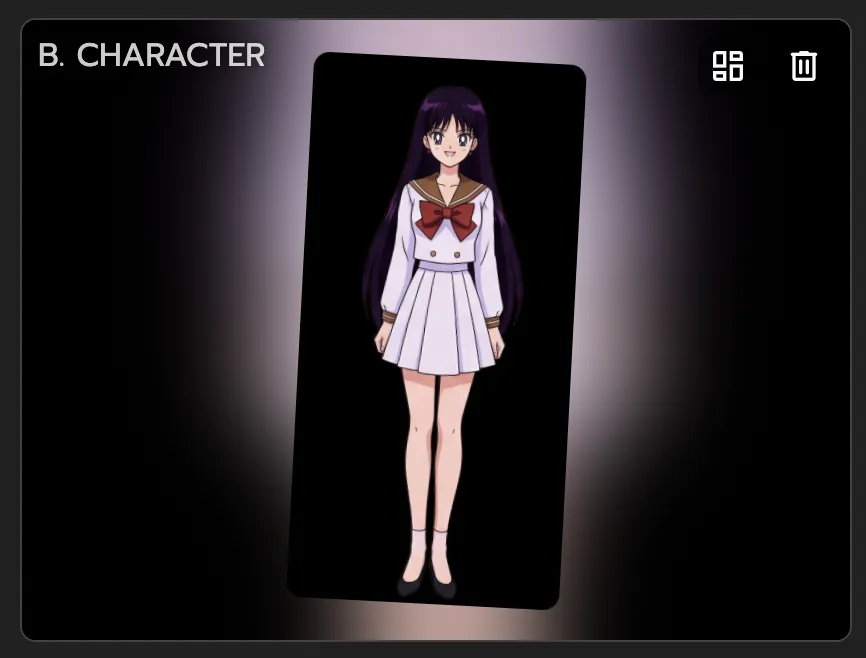
Upload any image to animate

Upload any image to animate

Upload any character image: a photo, anime character, 2D illustration, 3D render, pixel art, cartoon, or even a non-human creature. If it has a body, Viggle can animate it.

Step 3

Download your animated video

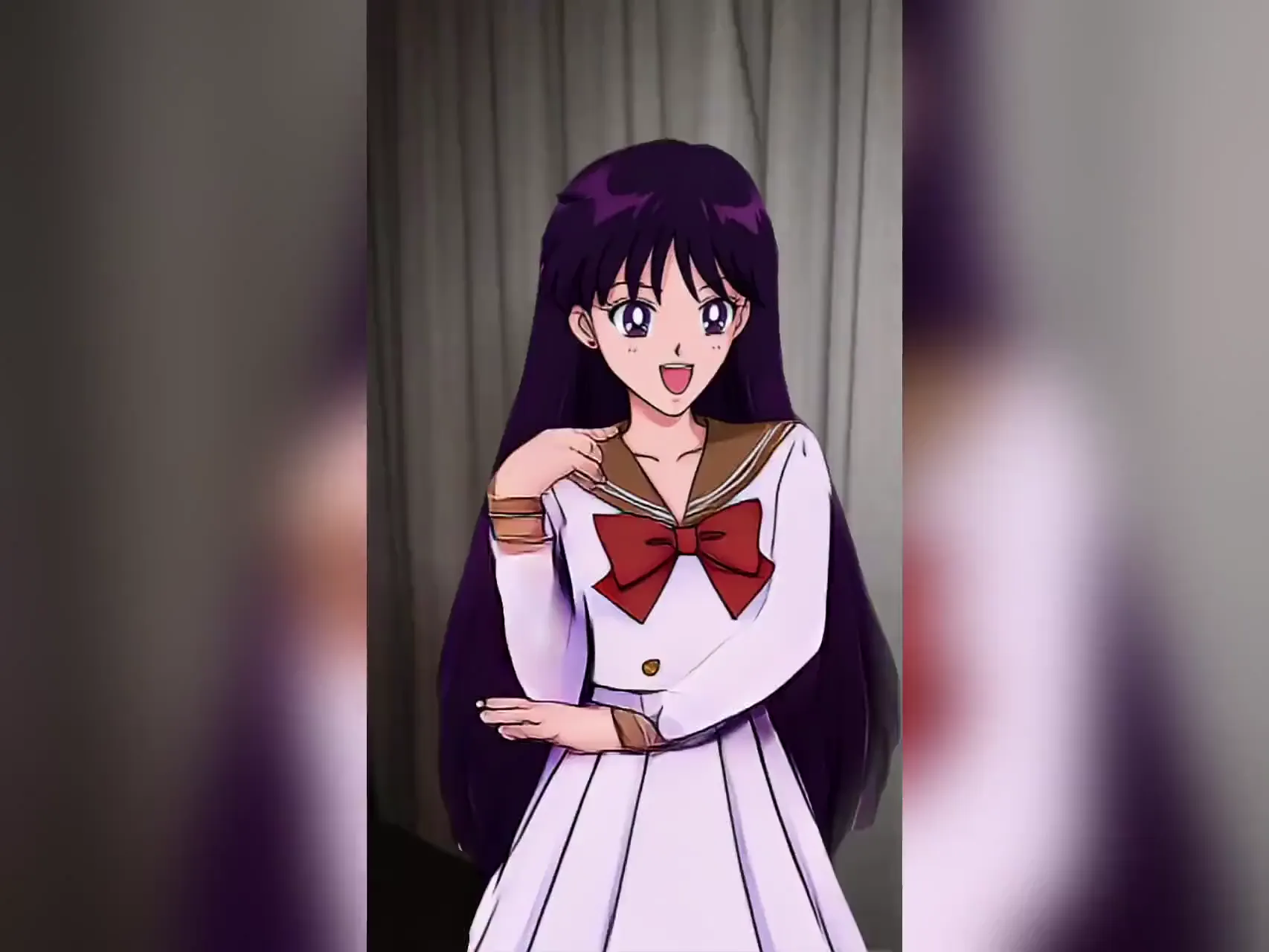
Viggle's JST-1 model maps the full-body motion onto your character with physics-aware precision. Download and share your animation in under a minute — no watermark on free generations.

Why Viggle Is the Best Free AI Animation Generator

No animation skills or software required — results in seconds

You don't need to know keyframing, rigging, or any animation software to use Viggle. Upload a character image (or describe one via text), pick a motion, and Viggle generates a full animated video in under a minute. Beginners and professionals get the same results — the AI handles all the complexity.

Try it free

Full-body motion animation — not a GIF or style filter

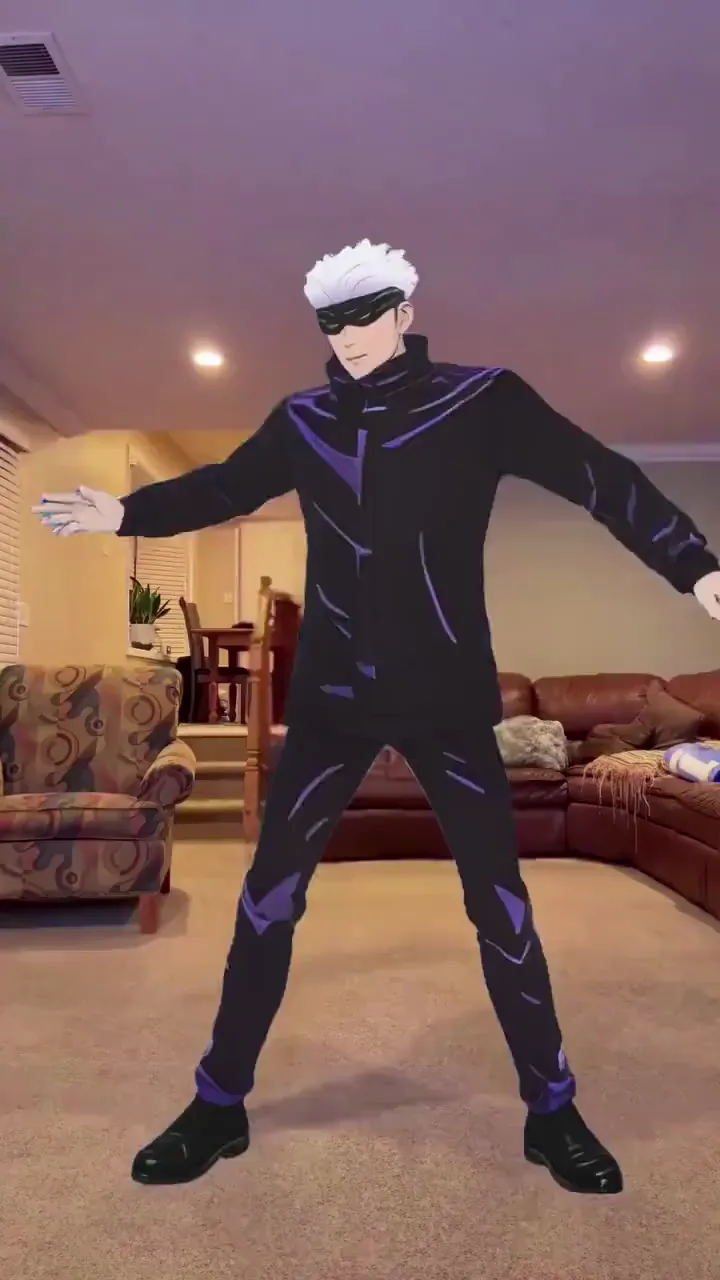
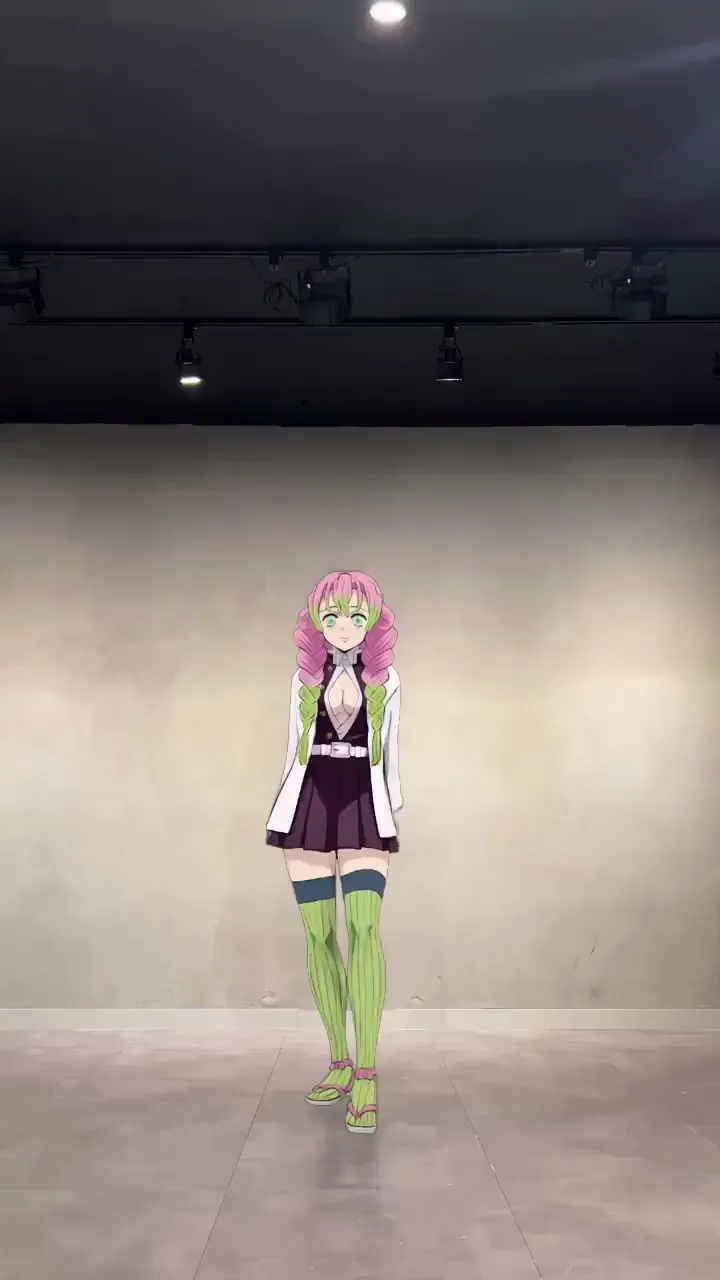
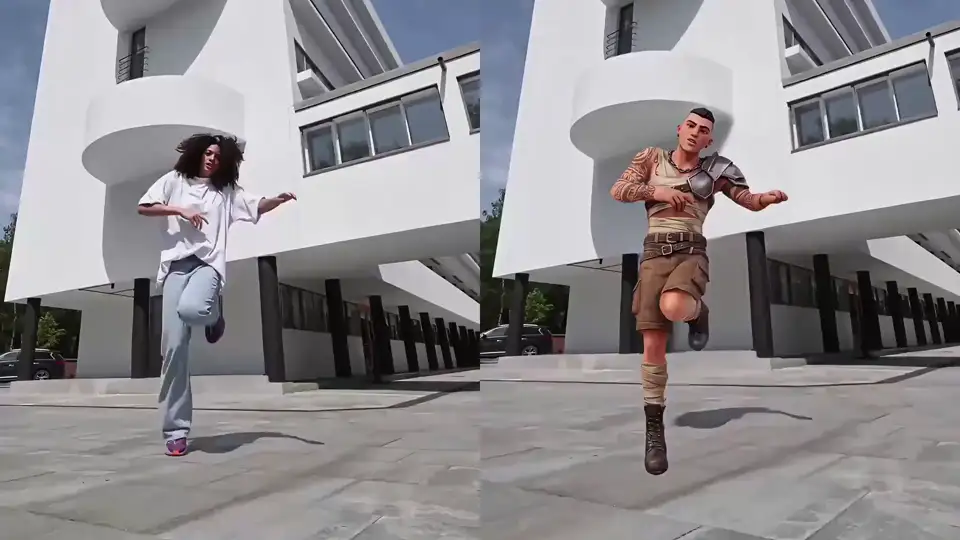
Most 'animation generators' apply a visual style to existing footage or output looping GIFs. Viggle does something fundamentally different: it takes your static image and gives it real full-body motion — arms, legs, torso — using its self-developed JST-1 video-3D foundation model. The result is a proper video of your character moving, not just a stylized clip.

See it in action

8,000+ motion templates across every content category

Pick from anime fight sequences, K-pop and TikTok dances, NBA and sports highlights, movie scenes, and viral meme clips. New templates added regularly. Whatever motion you want your character to do, there's a template for it — or upload your own reference video.

Browse templates

Text-to-animation and image-to-video in 2D, 3D, and any style

Type a prompt and generate animated scenes in any art style — 2D, 3D, anime, cartoon, cinematic, or photorealistic. Viggle integrates Veo 3.1, Seedream 4.5, Seedream 5.0 Lite, and Nano Banana for full text-to-animation capability. Create entirely new animated content without uploading a character, or combine text-to-video with motion control for full creative flexibility.

Try text to animation

Multi-track editor — animate up to 7 characters at once

Viggle's Multi-Track editor lets you animate multiple characters in the same video: track individual characters, swap them across scenes and shots, and replace objects — all in one timeline. Up to 7 characters or objects per video. Perfect for group scenes, music videos, or narrative animation.

Try Multi-Track

Go live as your character with Viggle LIVE

Turn any image into a real-time animated character for live streaming. Viggle LIVE mirrors your face and body movements through your webcam — no 3D modeling, no rigging required. Works with OBS, Streamlabs, Twitch, Kick, Zoom, and Discord.

Try Viggle LIVE

AI Animations Made with Viggle

Who Uses Viggle — From Beginners to Pro Animators

01

Content Creators & Meme Makers

Animate yourself or any character into trending templates — dances, viral clips, meme formats. Drop your image in, pick a motion, and post before the trend peaks. Generation takes under a minute. No animation experience needed.

02

Marketing Teams & Brands

Animate brand mascots for social campaigns and product launches. Generate character-driven video content at scale — no animation agency, no video shoot. Use motion templates to keep your character on-trend and on-brand. Download and publish directly to social media.

03

Animators & Motion Designers

Use Viggle as a mocap alternative. Animate characters from still images, prototype motion sequences, and test how a character moves — without touching animation software or a mocap suit. Works with any art style: 2D, 3D, anime, cartoon, pixel art.

04

Filmmakers & Previs Artists

Block scenes and test motion in seconds. Upload a character reference, apply a motion template, and see how a sequence feels before committing to production. Hollywood directors and indie filmmakers both use Viggle for rapid previs.

05

Educators, HR & Training Teams

Turn written scripts, onboarding guides, and training materials into engaging animated videos — without hiring animators. Generate character-led explainer animations that improve understanding and retention, fast. No design or animation skills required.

06

VTubers & Streamers

Skip the 3D pipeline entirely. Upload one character image and animate it with motion templates for content — or go live with Viggle LIVE, which mirrors your real-time movements through a webcam with no rigging needed.

07

Music Video Creators

Produce full character performances for music videos without a set or a camera crew. Upload your artist's image or a custom character, add choreography from a reference clip, and generate a music video performance — with lip sync if needed.

Viggle vs Other AI Animation Generators

Try Viggle Free
功能Viggle AIRunwayKling AIAdobe FireflyRenderforest
No animation skills required
Full-body character animation from image⚠️ Limited⚠️ Limited⚠️ Limited
Text to animation
Animate your own image⚠️ Limited
Free to use (no credit card)⚠️ Limited⚠️ Limited⚠️ Limited⚠️ Limited
Motion template library (8,000+)⚠️ Limited
3D physics-based animation model⚠️ Limited
Real-time avatar / live streaming
Multi-character swap in one video
Integrated AI video gen models⚠️ Limited⚠️ Limited

AI Animation Generator — Frequently Asked Questions

What is an AI animation generator?

An AI animation generator takes a still image or text prompt and produces an animated video of it — making the character move, dance, or perform. On Viggle, this means full-body motion animation driven by your choice of motion template or reference video, powered by Viggle's self-developed JST-1 video-3D foundation model. Unlike tools that apply a visual style or output GIFs, Viggle generates a real video with physics-accurate character movement.

Do I need animation skills to use Viggle?

No. Viggle is designed to be used by anyone — no animation software, no rigging, no keyframing knowledge required. The platform guides you through three simple steps: pick a motion template (or upload a reference video), upload your character image, and download your animation. Beginners can generate professional-quality animated videos in under a minute. If you can upload an image, you can use Viggle.

What animation styles can Viggle create?

Viggle supports virtually any visual style: realistic human animation, anime, 2D cartoon, 3D CGI, pixel art, chibi, fantasy creatures, and non-human characters. The JST-1 model adapts to your character's art style automatically — you don't need to select a style preset. For text-to-animation, Viggle also integrates Veo 3.1 and Seedream models that let you generate scenes in cinematic, anime, cartoon, or photorealistic styles from a text prompt.

How is Viggle different from Runway, Kling AI, Adobe Firefly, or Renderforest?

Runway and Adobe Firefly are general text-to-video platforms — strong at generating new scenes from prompts, but not purpose-built for animating a specific character image with precise motion control. Kling AI has a motion control feature but uses a 2D-based approach, limiting character consistency on complex motions. Renderforest is a template-based animation tool, not a character animator. Viggle's JST-1 model is 3D-based, giving it superior physics understanding for animating real characters across complex motions like ballet, gymnastics, and martial arts. Only Viggle offers 8,000+ curated motion templates, a multi-track editor (up to 7 characters), and Viggle LIVE for real-time avatar streaming.

What image types and character styles work with Viggle?

Viggle works with any character style: realistic human photos, anime characters, 2D illustrations, 3D CGI renders, pixel art, cartoon avatars, brand mascots, fantasy creatures, and non-human characters. JPG, PNG, and WEBP formats are supported. For best results, use a clear image where the character's full body is visible. Transparent backgrounds (PNG) work especially well for illustrated or cartoon characters.

Can I use AI-generated animations for commercial projects?

Yes. Animations you create on Viggle can be used for commercial purposes — social media campaigns, marketing videos, music videos, product demos, and client work. Review Viggle's terms of service for full details on commercial licensing. Unlike some platforms that restrict commercial use on free plans, Viggle's free tier generates videos without watermarks, making them ready to publish and share immediately.

Is Viggle free to use as an animation generator?

Yes. Viggle is free — sign up and generate up to 5 animated videos per day. No credit card required. Paid plans provide more daily generations, faster processing, and higher export quality if you need higher volume.

Can I animate multiple characters in one video?

Yes. Viggle's Multi-Track editor lets you animate up to 7 characters or objects in the same video. You can track individual characters, swap them across scenes and shots, and replace objects throughout a clip — all in one timeline. Great for group scenes, music videos, or any multi-character animation.

How long does it take to generate an animation?

Most animated videos are ready in under a minute. Generation time depends on clip length and the complexity of the motion template. You can queue multiple generations and Viggle notifies you when each is ready.

Can I use my own reference video instead of a template?

Yes. Instead of picking from the 8,000+ template library, you can upload your own reference video to define the motion. Viggle extracts the motion from your video and applies it to your character image. This lets you animate characters with any movement you film yourself or source from other footage.

Does Viggle work on mobile?

Yes. Viggle is available as a free app on iOS and Android, plus a web app that works in any browser. The mobile app supports the full animation workflow — upload an image, pick a template, and download your animation directly to your camera roll.

Ready to animate any character? No skills needed — upload an image or type a prompt and watch it move, free.

Generate Your Animation Free

Any Image. Any Text Prompt.
Full-Body Animation. Free.

Human, anime, 2D, 3D, cartoon — upload a character or type a prompt and watch it move. No animation skills needed. 40M+ users already animating.