Game Character Animation Without a Mocap Budget
Game character animation on no budget. The full clip set you need, whether to prompt, film or hand key each one, and what it costs against outsourcing.
Viggle
Key Takeaways#
- A shippable character needs somewhere between forty and eighty clips, which is the number that makes this a budget problem rather than a craft problem.
- Outsourced animation runs $400 to $1,600 for a single five to eight second cycle according to studio published pricing, so a full set gets expensive quickly.
- Every clip falls into one of three buckets. Prompt it, film it, or hand key it. Getting that split right is most of the saving.
- PINOC covers both the prompt and film buckets, and every clip lands on the same Mixamo-named skeleton, so one retarget setup runs the whole set.
- Locomotion is the largest category and the easiest to film yourself, which makes capture the cheapest route through it.
- Combat is where filming earns its place, because feel is specific and you have opinions about it.
- Engine wiring is untouched by any of this. Budget the same time for state machines regardless of how the clips were made.
- Hero and signature movement stays hand keyed. That is the work worth protecting the time for.
Game character animation is not hard because any single clip is hard. It is hard because there are eighty of them, and most solo developers discover the real number somewhere around clip fifteen.
This article maps the whole problem before solving any of it. What the full set actually contains, how to decide the production route for each category, and what the arithmetic looks like against paying somebody.
The framing throughout is that you have no mocap budget. Not a small one. None.
What Does a Full Game Character Animation Set Contain?#
Six categories, and the clip counts surprise people. Write the whole list out before starting, because the shape of the problem changes what tooling makes sense.
| Category | What it covers | Rough clip count |
|---|---|---|
| Locomotion | Idle, walk, run, sprint, strafe, turn, stop, crouch variants | 12 to 20 |
| Combat | Attacks, combo steps, blocks, dodges, parries, recoveries | 10 to 25 |
| Reactions | Hit reactions by direction, stagger, knockdown, death | 8 to 15 |
| Idles | Neutral, combat ready, idle breaks and personality variants | 4 to 8 |
| Traversal | Jump, land, climb, vault, mantle, slide | 6 to 12 |
| Transitions | Getting between states without popping | 5 to 15 |
That is forty five to ninety five clips for one character. Now consider the cost of buying them. Game art studio RocketBrush put outsourced 3D character animation at $400 to $1,600 for a single five to eight second cycle in its May 2025 pricing breakdown, with a basic low poly rig at $500 to $2,000 on top.
Even at the bottom of that range, a full set is a five figure line item. That is the budget problem, and it is why the production route per clip matters more than the quality of any individual one.
How PINOC saved Jerron Jacques $10,000 versus a mocap suit while building his game “Erased.” View the original reel on Instagram.
The Prompt Film Key Split#
Every clip goes into one of three buckets, and the decision takes about five seconds per clip once you know the questions. Getting this split right is where the saving actually comes from.
- Prompt it when the move is dynamic and beyond what you can perform, and you can describe it in physical terms. Standard reactions, ambient behavior, attacks and dodges nobody in the room can pull off, anything where competent is the target rather than distinctive.
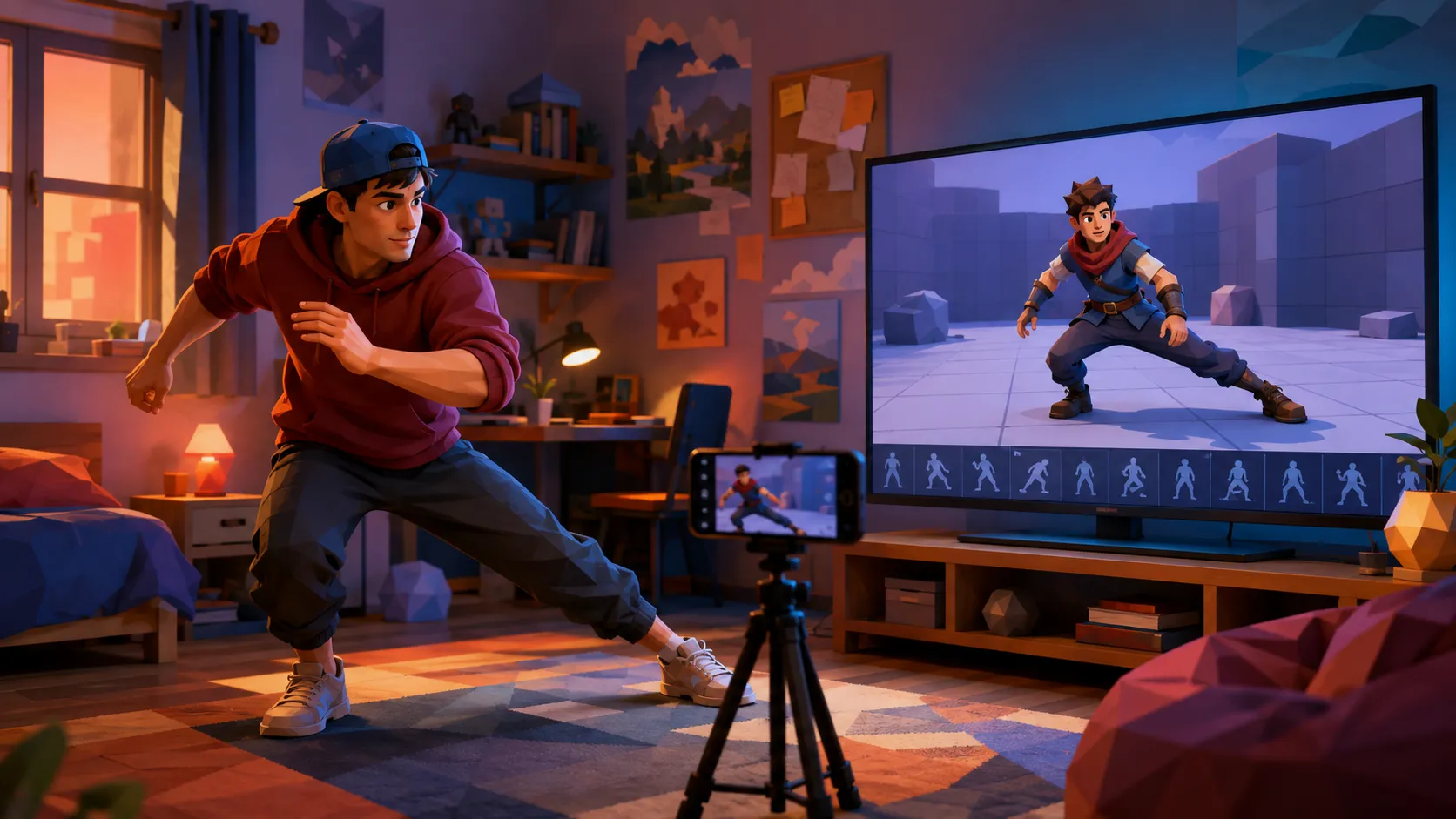
- Film it when you can perform the movement yourself, or when reference already exists. Locomotion, combat timing, character specific gestures, anything where performing it beats describing it. Anyone can film a walk, which is why this is the largest bucket.
- Hand key it when the movement identifies the character, when it is stylized or exaggerated, or when contact precision decides whether it reads. Signature idles, hero attacks, anything held on screen.
The rough distribution for a typical character is half film, forty percent prompt, ten percent hand key. If your hand key bucket is above twenty percent, check whether you are protecting clips that nobody will study.
How Do You Build the Locomotion Set?#
Film it, almost all of it. Locomotion is easy to perform and painful to describe, which makes capture from your own footage the clearest win.
Prototype capture test at 230 FPS, filmed by Jerron Jacques (@jerron_jacques) in collaboration with PINOC. View the original reel on Instagram.
The trap is treating locomotion clips as individually important. They are not. What matters is that they blend together without popping, and that is a state machine problem rather than an animation quality problem.
- Capture the base set first, idle through sprint, before worrying about directional variants
- Keep stride length consistent across speeds, since mismatched strides cause more foot sliding than bad capture does
- Decide root motion or in place before capturing the set, not after, because converting forty clips is worse than converting none
- Capture turns and stops as separate clips rather than expecting a blend tree to invent them
- Hand key nothing here unless the walk is meant to identify the character
How Do You Build the Combat and Reaction Set?#
Film the attacks, prompt the reactions. Combat is where feel is specific enough that describing it in words costs more than performing it.
A readable attack has anticipation, a contact frame, follow through and recovery. Those four beats are what a player reads, and they are much easier to demonstrate than to describe. Filming yourself swinging a broom handle produces better results than three paragraphs of prompt.
Reactions go the other way. Directional hit reactions are generic, needed in quantity, and nobody studies them, which is the exact profile for generation.
- Film each attack once and take the best variant, rather than performing it ten times
- Time reactions against the attack that causes them, since the pairing is what sells impact
- Generate directional variants of each reaction rather than filming four versions of the same flinch
- Keep recovery frames longer than feels natural, because players need the window to read
- Leave hit stop and impact frames for the engine, not the clip
How Does PINOC Cover This Set?#
PINOC handles both the prompt and film buckets, which is what makes it fit this problem rather than half of it.
Real parkour footage captured in PINOC and retargeted onto a 3D character, from Christian Winchell (@winchumbo). Watch on YouTube.
The film route takes a clip you shot on a phone, with one person fully in frame, unobstructed, in reasonable light. The text to motion route takes a written description instead, which covers the moves you cannot perform or film safely.
For a set this size, the property that matters most is consistency. Every clip lands on the same 65 bone rig with Mixamo naming, so you build one retarget setup and run all eighty clips through it. That is the difference between a weekend and two weeks.
- Roughly a minute per run, with several takes returned so you choose a feel rather than regenerate
- If your character is still just an image, upload it and PINOC rebuilds it as an animated Gaussian splat model, so you see motion on your character before spending anything on a rig
- Multi step prompts, so a full beat arrives as one clip rather than three stitched together
- Upload your own mesh, have it rigged and retarget inside the tool, which removes the round trip on a large batch
- FBX and GLB into Unity, Unreal, Blender, Maya, Cinema 4D and Houdini
- The free tier includes credits covering about a minute of motion, enough to build and test a locomotion core
What it does not do is the engine work. State machines, blend trees, transitions and cancel windows are yours regardless, and they are a substantial share of the total effort.
It is worth setting expectations on quality before you build sixty clips on this assumption. Peer reviewed comparisons published in Sensors in June 2026 put markerless capture within roughly two to three degrees of marker based systems on hip and knee flexion, with secondary rotations degrading to six degrees and beyond. Translated into animation terms, the stride and the weight transfer arrive intact while the fine rotational detail does not.
For a locomotion set that is entirely acceptable, because nobody studies the ankle rotation on a jog cycle. For a hero attack held on screen for three seconds it is not, which is the whole reason the hand key bucket exists.
What Does This Actually Cost in Time?#
Days rather than months, with the time redistributed rather than eliminated. Being honest about where it goes is what makes the estimate useful.
For a full set of roughly sixty clips, a realistic split is one day generating and filming, one day retargeting and importing, two to three days on engine wiring, and however long you choose to spend hand keying the ten percent that deserves it.
- Generation and filming. Compressed dramatically. This is where the tooling earns its place
- Retargeting. Compressed if every clip shares a skeleton, brutal if they do not
- Cleanup. Unchanged, and it scales with clip count rather than shrinking
- Engine wiring. Completely unchanged. No tool in this category touches it
- Hand keying the hero clips. Unchanged, and this is the time you were trying to protect
Compare that against the outsourcing arithmetic and the case makes itself for a solo developer. Compare it against a mocap day, priced by MoCap Online at $1,500 to $3,000 for a mid tier stage before cleanup at two to eight times capture length, and the case is similar.
One opinion stated without hedging. The most common failure here is not bad animation, it is scope. Developers who map the full set first and assign a route per clip finish. Developers who start animating at clip one and work forward abandon the character somewhere in the reaction set, having spent their best effort on a walk cycle nobody will notice.
Frequently Asked Questions#
How many animations does a game character need?#
Between forty five and ninety five for a shippable character, spread across locomotion, combat, reactions, idles, traversal and transitions. Locomotion is usually the largest single category at twelve to twenty clips. The count surprises people because they estimate from the clips they can name rather than the ones a state machine actually requires.
Can I make game animations without motion capture?#
Yes, and most solo developers now do. The realistic route is filming the movement you can perform yourself, generating the moves you cannot from written descriptions, and hand keying the small number that identify the character. No suit or studio is involved, and the main cost becomes your own time on retargeting and engine wiring.
How much does it cost to outsource character animation?#
Studio published pricing puts a single five to eight second cycle at $400 to $1,600, with a basic low poly rig at $500 to $2,000 separately. Multiply by a full set and the figure becomes a five figure line item for one character. Regional rates vary substantially, so treat published ranges as indicative rather than fixed.
Which animations should I hand key?#
Anything that identifies the character, anything stylized or exaggerated, and anything where contact precision decides whether the action reads. That usually works out to around ten percent of the set, concentrated in hero attacks and signature idles. If your hand key list is above twenty percent, you are probably protecting clips nobody will study closely.
Does generated animation work in Unity and Unreal?#
Yes, through FBX import, with retargeting as the step that decides how painful it is. Unreal’s IK Retargeter handles bone naming differences well. Unity’s Humanoid system resamples onto its own avatar, so consistent naming across your library reduces how many avatar configurations you maintain. Test this on two clips before generating sixty.
How long does a full animation set take to build?#
Roughly a week for sixty clips, split between a day of generation and filming, a day of retargeting, two to three days of engine wiring, and whatever you spend hand keying the hero clips. Notice that engine wiring is the largest block and is unaffected by how the clips were produced.
Conclusion#
The reason game character animation defeats solo developers is arithmetic rather than skill. Eighty clips at any meaningful cost per clip is a project on its own, and it sits in the middle of a project you were already trying to finish.
What has changed is the cost of the ninety percent that only needs to be competent. That leaves the budget, in time rather than money, for the ten percent that carries the character.
Map the set. Assign a route to every clip. Then spend your real effort where somebody is actually looking.