AI 3D scene generator
Describe a place or add photos. JST‑2, Viggle's world model, builds a Gaussian splat scene you can walk.
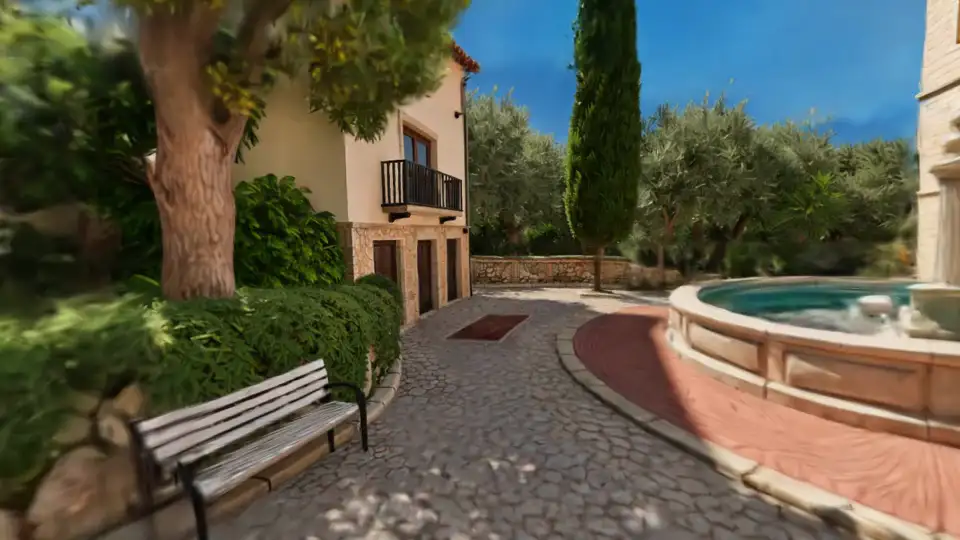
An AI world generator you can walk into
Every scene comes out of JST-2 as a 3D Gaussian splat (SPZ or PLY) plus a GLB collider, not a video or a flat picture. Move the camera and the room stays where it is.
Start from words, photos or a 360° panorama
Write up to 2,000 characters about the place, add up to four photos of the same spot, or drop in a 2:1 equirectangular 360. Photos guide a newly imagined panorama, so PINOC invents what lies around them. A 360 is rebuilt exactly as it was shot.
Expand any view the first pass missed
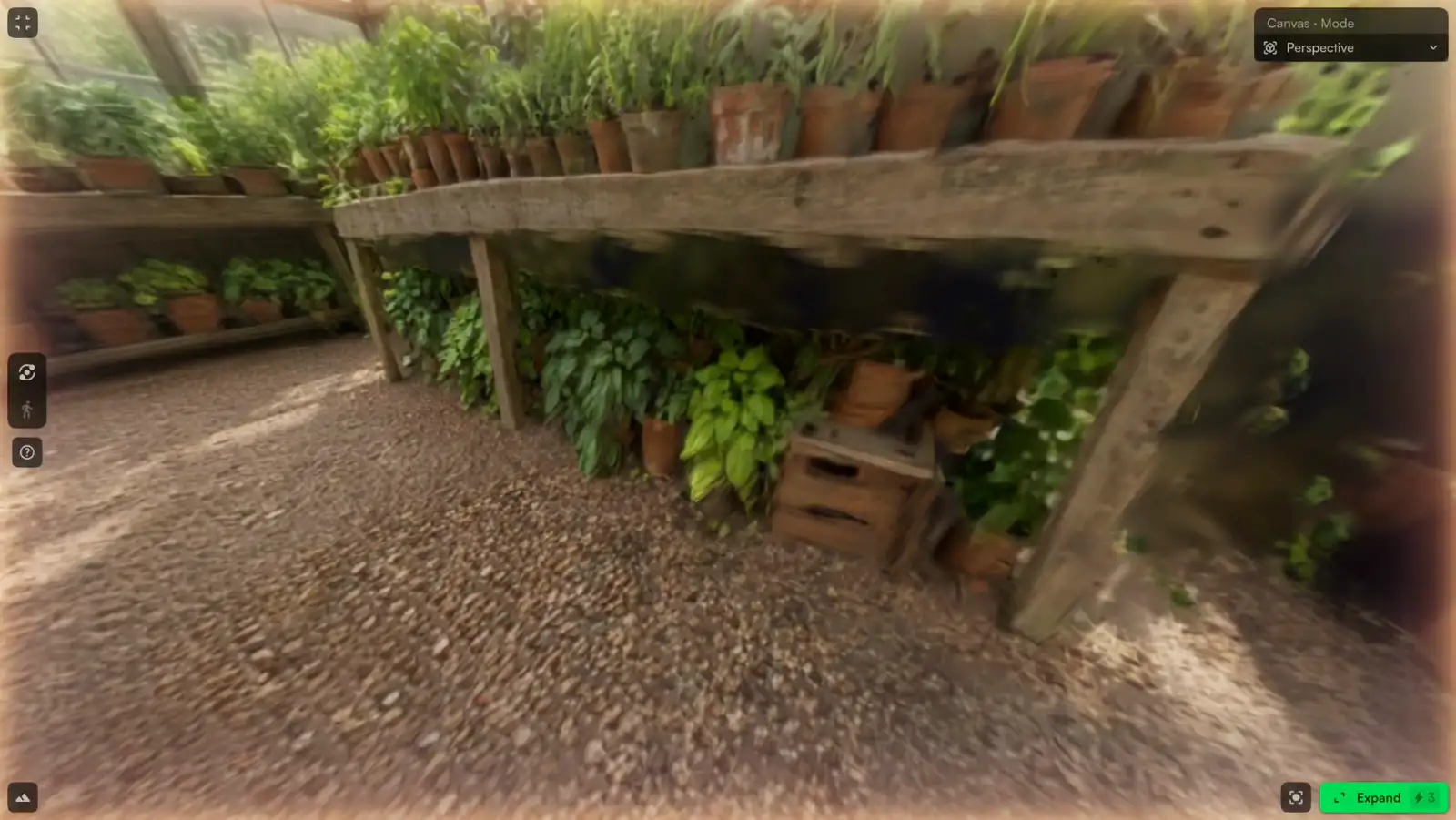
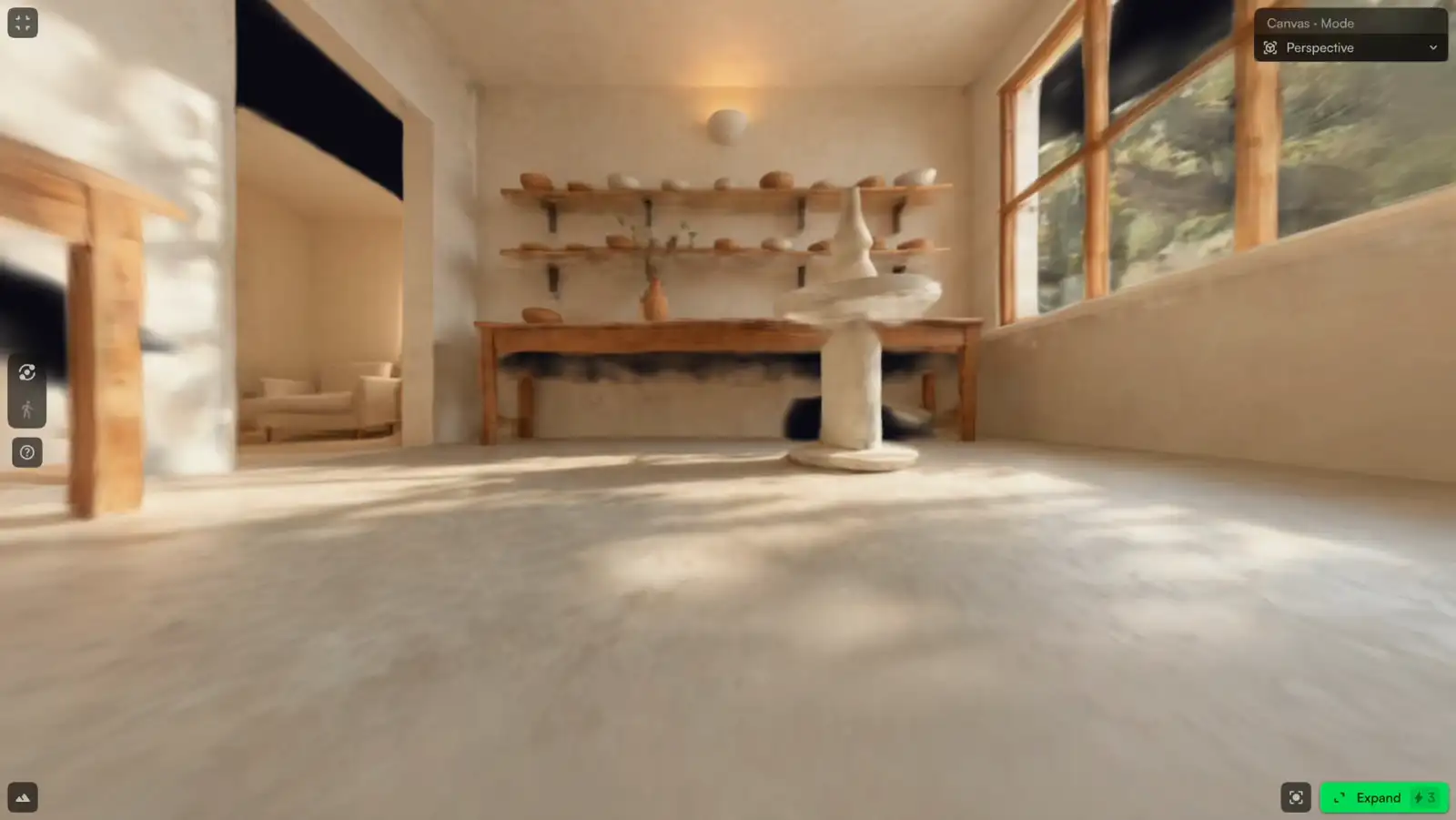
Every scene starts from one viewpoint, so turn far enough and you find holes. Expand rebuilds the place with a new view generated from that camera. JST-2 takes up to 64 views as context, so each one shapes the next. Auto expand runs up to two passes for you.
Cast characters and motion into it
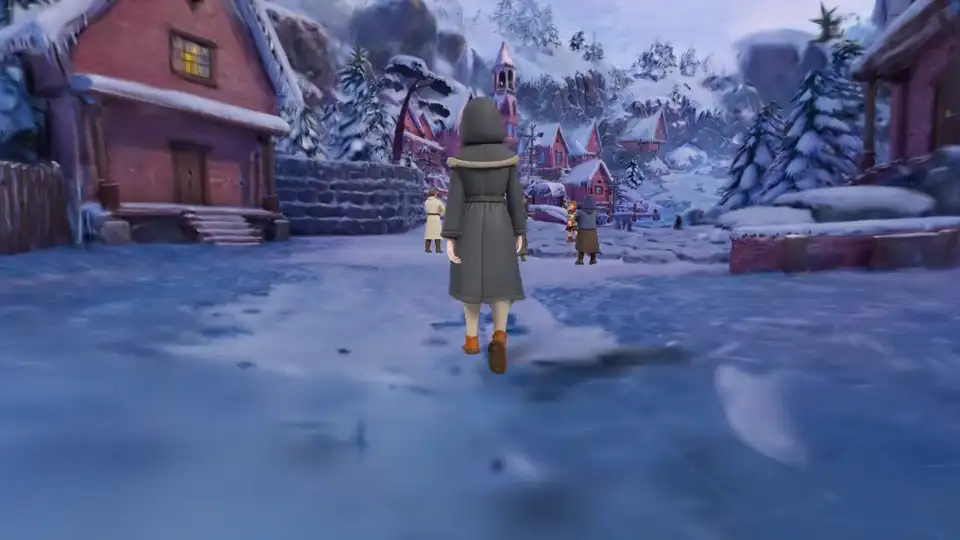
One PINOC canvas holds a scene, a character and a motion. Generate a character from a single image, give it a captured or prompted motion, and walk it through the place you just made. The JST-2 launch world shown here goes further, with several generated characters crossing a snowy village.
Make a 3D character from an image
How to turn text or an image into a 3D scene
The PINOC editor expanding a pottery studio, one view at a time.
- 1Step 1
Describe or upload
Start a new scene in PINOC. Type what the place looks like, add up to four PNG, JPEG or WebP photos of one place, or upload a 2:1 360° panorama.
- 2Step 2
Generate the scene
A scene costs 5 credits. Leave auto expand on and PINOC spends up to two more passes at 3 credits each, so a scene settles at 11 credits at most.
- 3Step 3
Walk it, expand it, export it
Fly through the scene in the browser, expand any view that still has gaps, then export SPZ, PLY or a GLB collider of the ground and walls.
3D scene generator examples made with JST-2
Camera moves through JST-2 scenes from the PINOC gallery.
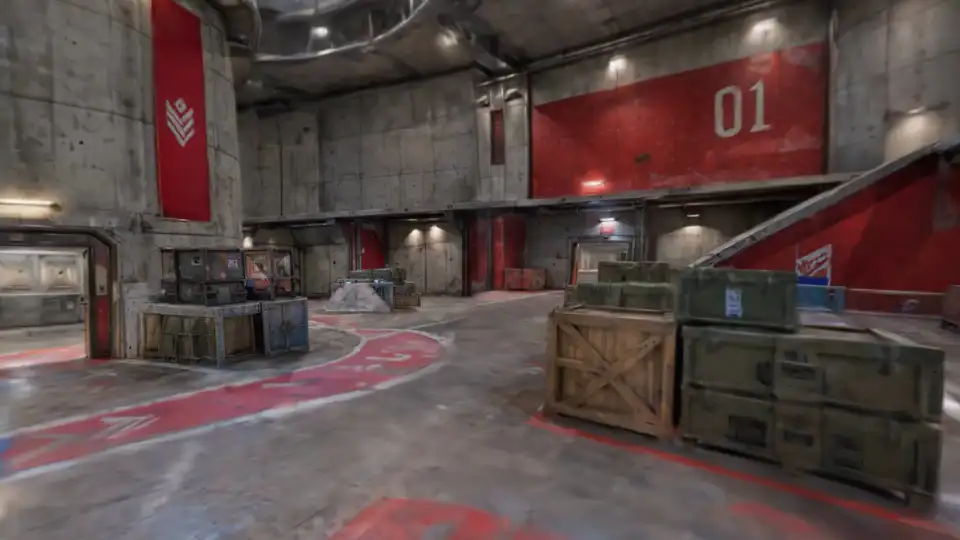
Red vs blue arena
A concrete arena split into a red 01 side and a blue 02 side, with crates for cover and painted lanes; the camera crosses from red to blue.
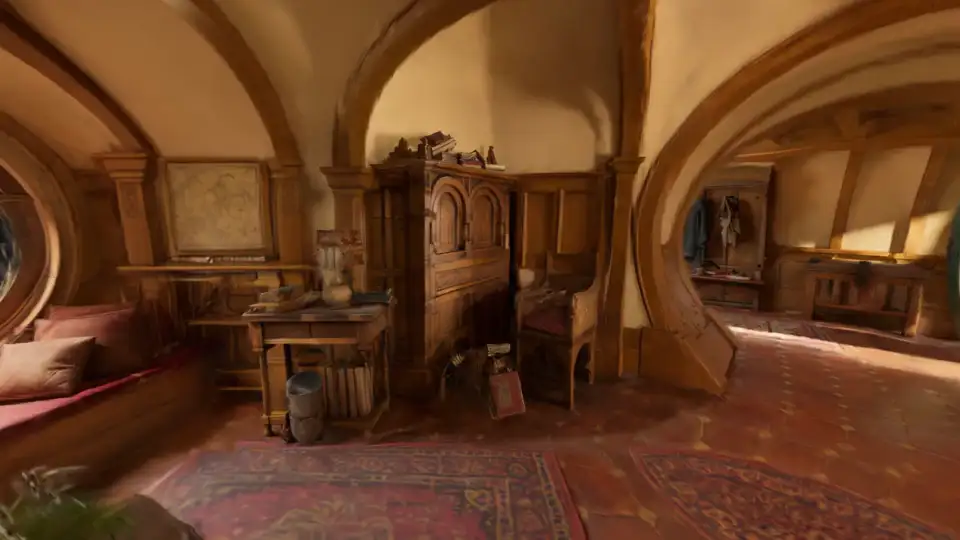
Hobbit hole
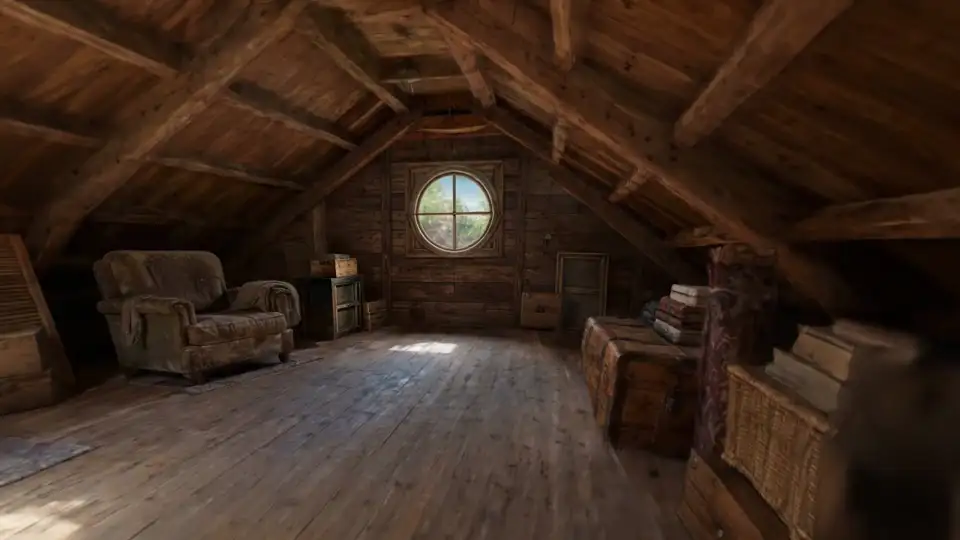
Curved wooden arches, a round green door and a red rug, seen as the camera turns through the room.
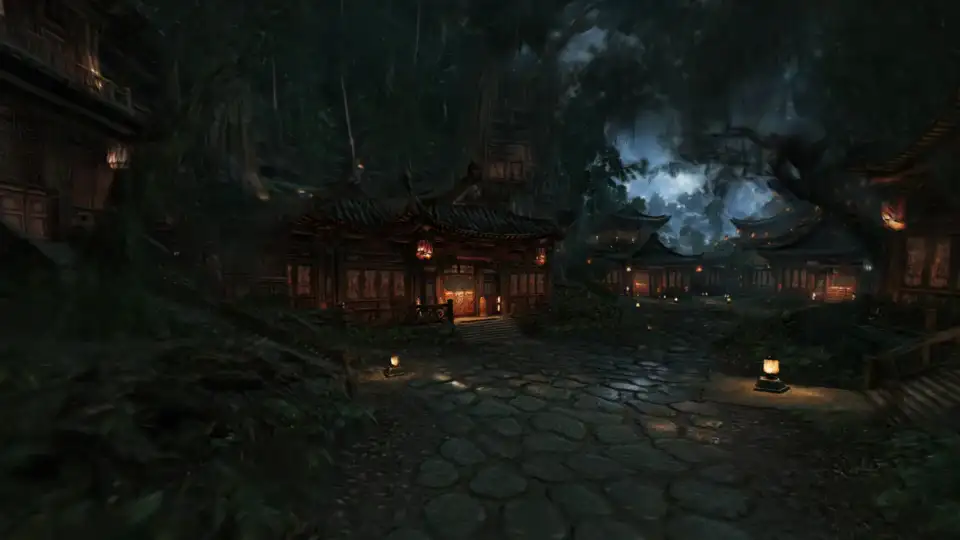
Silent village at night
Lantern-lit wooden houses on wet stone under a stormy sky; the camera drifts across the square.
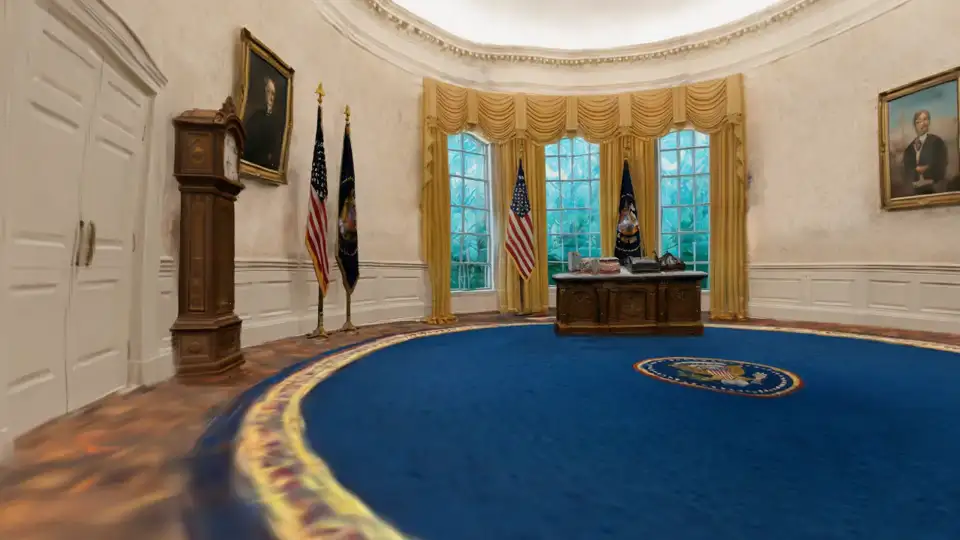
The Oval Office
The blue presidential rug, flags, gold curtains and the desk, as the camera sweeps around toward the fireplace.
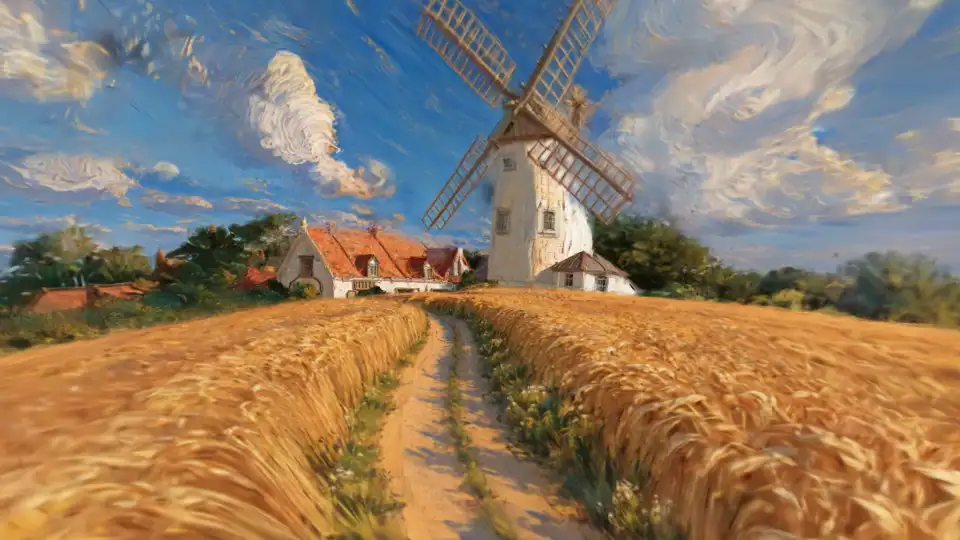
Windmill in the wheat
A painterly wheat field with a dirt track, a white windmill and a farmhouse; the camera moves down the track.
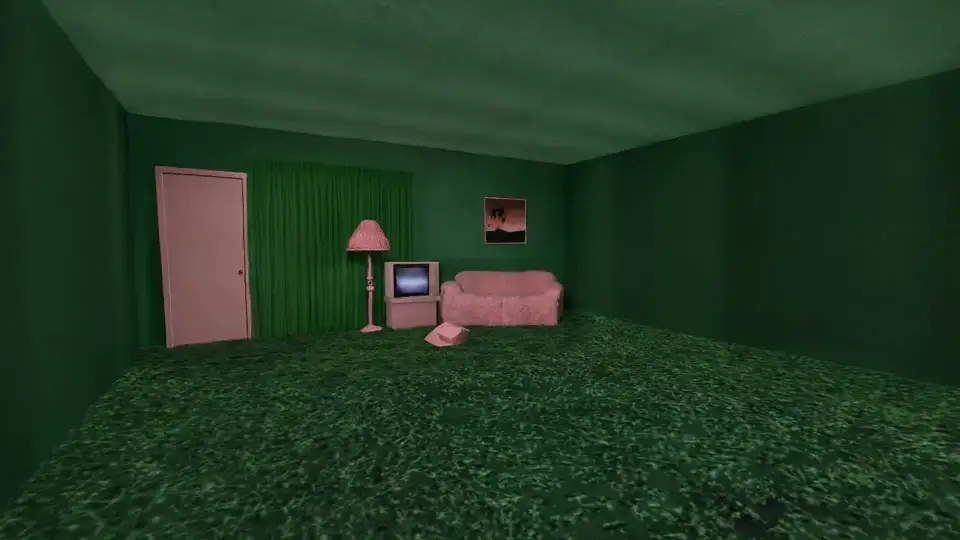
Pink static
A green room with a pink door, a pink sofa, a lamp and an old TV on a grassy carpet; the camera eases closer.
Real places, rebuilt as 3D scenes
To bring a real place into PINOC today, shoot a 360° panorama: PINOC reconstructs it as shot. The JST-2 research also rebuilds rooms from ordinary video, not yet a PINOC upload option.
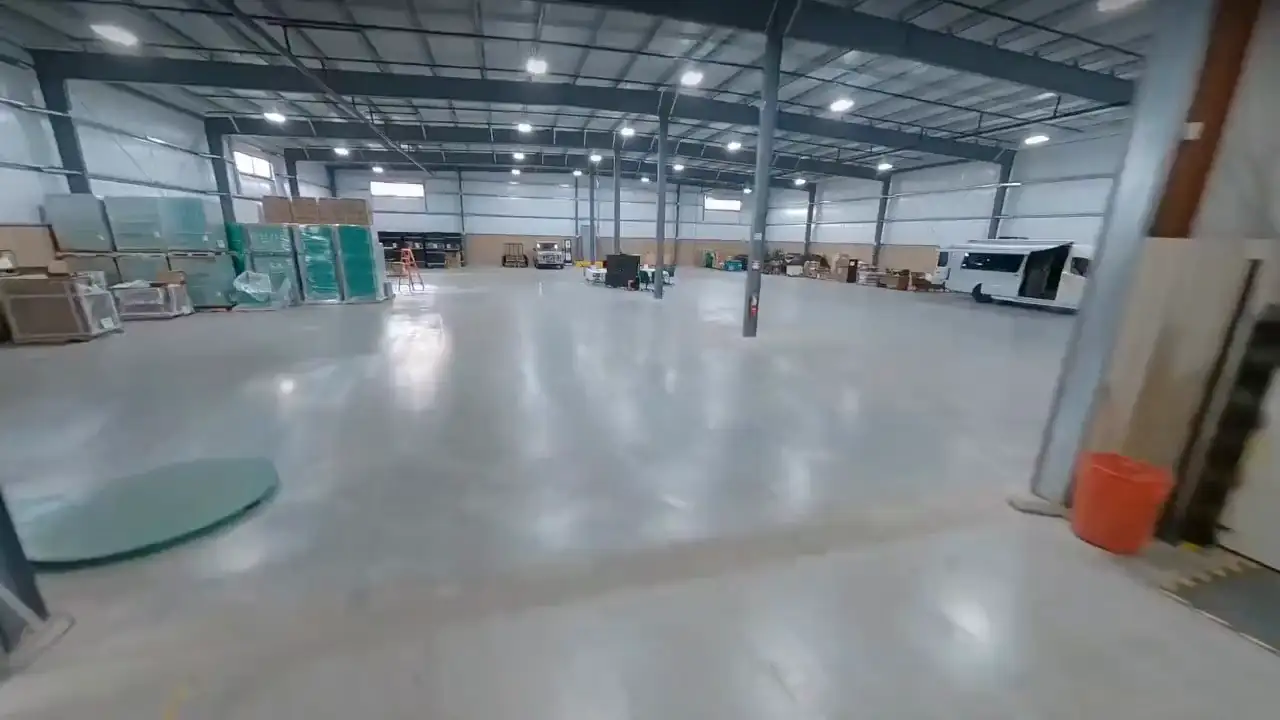
Research demo: a warehouse from 10 seconds of video
The input was 10 seconds of ordinary video. A point-cloud reconstruction of it is full of holes; JST-2 rebuilt the whole warehouse and rendered views the camera never filmed.
Research demo: a kitchen from one 30-second walkthrough
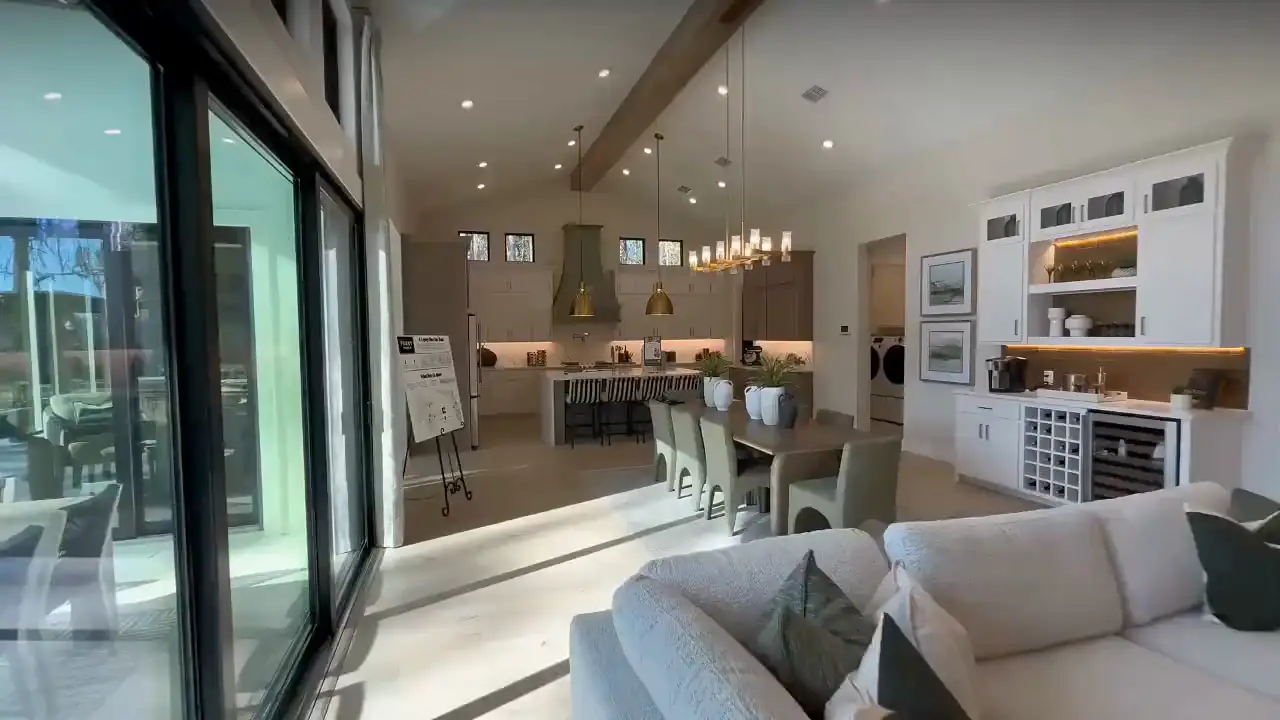
One walkthrough, played here at 4x speed, became a complete kitchen. Away from the filmed path, the generated views keep the island, cabinets and pendant lights where they stand in the real room.
Gaussian splat generator: what you get
JST-2 decodes each scene into 3D Gaussian splats for the browser, and PINOC adds a collision mesh.
| File | Use it for |
|---|---|
| .spz Gaussian splat | Compressed splat for splat viewers and editors; the file PINOC’s own viewer loads. |
| .ply Gaussian splat | The same splat for tools that cannot open SPZ. |
| .glb collider | The ground and walls as a mesh for game engines, so characters walk on the scene instead of through it. |
PINOC vs World Labs Marble
Looking for a Marble alternative? Both turn a prompt or a picture into a Gaussian splat world; here is where they differ.
| Compared | PINOC (JST-2) | World Labs Marble |
|---|---|---|
| Inputs | Text (up to 2,000 characters), up to four photos of one place, or a 2:1 360° panorama | Text, one or more images, video, a panorama, or a coarse 3D layout built in Chisel |
| Output files | SPZ and PLY splats, plus a GLB collider | SPZ and PLY splats, 360 panoramas and collider meshes on Standard; textured GLB mesh on Pro; the Free plan cannot export |
| Generation time | 10 to 30 seconds per scene in the app; JST-2 inference alone is about 1 second on an NVIDIA B200, excluding network | About 5 minutes per world; about 20 seconds for a draft |
| Price | 5 PINOC credits a scene, 11 at most with auto expand; the Free plan has 60 credits | 1,500 credits per Marble 1.1 world, about 1.2 US dollars at the API rate of 1,250 credits per dollar; the API adds 80 to 100 for the panorama step from text, images or video |
| Editing and expand | Expand any view for 3 credits, up to two automatic passes, earlier versions kept | Click and expand (about 5 minutes), panorama edits, variations, and composing several worlds into one |
| Characters in the world | Generate a character from one image, add captured or prompted motion, and walk it through the scene | No in-app character tools; its FAQ says to add characters by exporting to Spark or other software, and its image guide says humans and animals are not well supported by the model yet |
Marble sources: docs.worldlabs.ai (overview and generation times, API pricing, models, Gaussian splat export, image prompt guide, FAQ) and worldlabs.ai/blog/marble-world-model, checked Nov 13, 2026. PINOC: the PINOC app.
How JST-2, the world model behind PINOC, worksGenerating scenes in your own product? JST-2 scenes run behind the Viggle API and the PINOC MCP server.
More of PINOC's 3D tools
AI 3D scene generator FAQ
What is an AI 3D scene generator?
It turns a description or a picture into a 3D place you can move through, instead of a flat image or a video. PINOC, Viggle's 3D creative engine on JST-2, outputs each scene as a 3D Gaussian splat.
Which world model does PINOC's scene generator use?
JST-2, Viggle's physics-native world foundation model. Its generator produces a scene as Physics-Native Tokens and its decoder turns them into 3D Gaussian splats you explore in the browser. JST-2 also powers PINOC's characters and motion.
Can I make a 3D scene or world from an image?
Yes. Add up to four photos of the same place, widest view first. The photos guide a newly generated panorama, so PINOC imagines what surrounds them. A text prompt is optional and helps steer the result.
Can I turn an image into a Gaussian splat?
Yes. Every PINOC scene is a 3D Gaussian splat. Upload up to four photos of one place or a 360° panorama, then export the result as SPZ or PLY, with a GLB collider if you need physics.
How do I turn a real room into a 3D scene?
Shoot a 2:1 equirectangular 360° panorama of it and upload that. PINOC skips the synthesis step and rebuilds the view as it was shot, so the scene matches the real room. Your words are not used on this path.
How long does it take to generate a 3D scene?
JST-2 inference takes about one second per scene on an NVIDIA B200, excluding network time. In PINOC a new scene usually comes back in 10 to 30 seconds, and auto expand keeps improving it over the next couple of minutes.
How many credits does a 3D scene cost?
Building a scene costs 5 credits. With auto expand on, add up to two passes at 3 credits each, so 11 at most; a pass that finds nothing worth filling is not charged. The PINOC Free plan includes 60 one-time credits.
What does expanding a scene do?
A scene is reconstructed from one viewpoint, so anything that point could not see becomes a hole once the camera moves. Expanding generates a new image from a camera inside the scene and rebuilds the place with it. JST-2 accepts up to 64 views as a spatial context window, and earlier versions of the scene are kept.
How does PINOC compare to World Labs Marble?
Per Marble’s docs, a world takes about 5 minutes and 1,500 credits on Marble 1.1 (about 1.2 US dollars at its API rate), accepts video and 3D layouts, and exports textured meshes on the Pro plan. PINOC builds a scene in 10 to 30 seconds for 5 PINOC credits (11 at most); credits are priced differently in each product. PINOC takes text, photos or a 360 and can put a generated character with motion inside it. Source: docs.worldlabs.ai, checked Nov 13, 2026.
What can't the scene generator do yet?
It does not take video input, and it does not output a polygon mesh: scenes are Gaussian splats, with a GLB collider for physics. Text prompts that steer what appears as you expand, and denser scenes with more splats, are planned for upcoming releases.
Can an AI agent generate scenes for me?
Yes. The PINOC MCP server gives Claude, Cursor and other MCP clients generate_environment, suggest_environment_views and expand_environment, at the same credit prices as the app.

Describe a place. Walk into it in 3D.
Build my sceneAsk an AI about PINOC:ChatGPTPerplexityClaude
Built a world with PINOC? Show it in the Viggle Discord.Join the community