Free AI Reel Maker for Instagram
Turn any photo into an Instagram Reel with full-body motion. Pick a trending dance, meme, or motion template — Viggle animates your photo and outputs a vertical video ready to post.

How To Make Instagram Reels With Viggle AI
Start now — it's freeMaking an Instagram Reel with Viggle takes seconds. Choose a motion template, upload your photo, and download a vertical video ready for your feed. Signed-in users get up to 5 free videos per day.
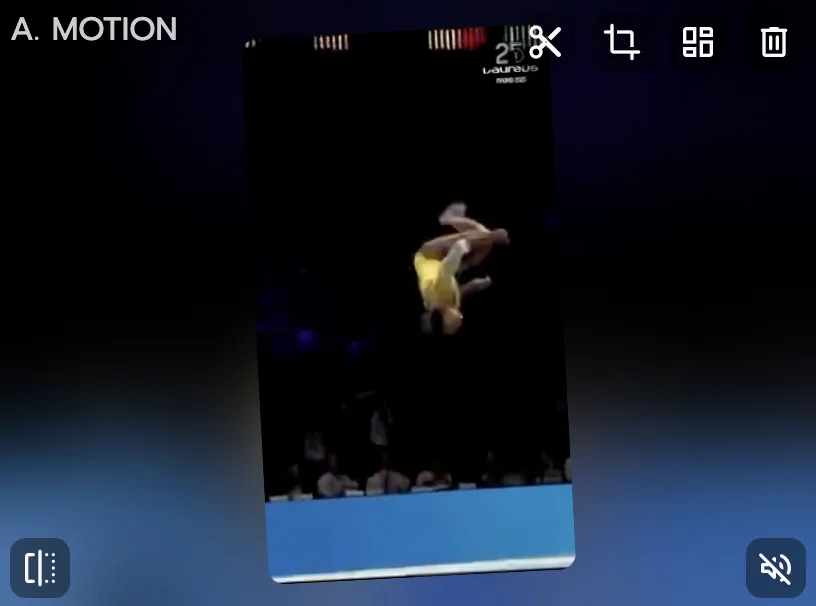
Choose a trending motion template
Browse 8,000+ motion templates — trending dances, meme clips, celebrity moments, sports highlights, K-pop choreo. All optimized for vertical Reels format.
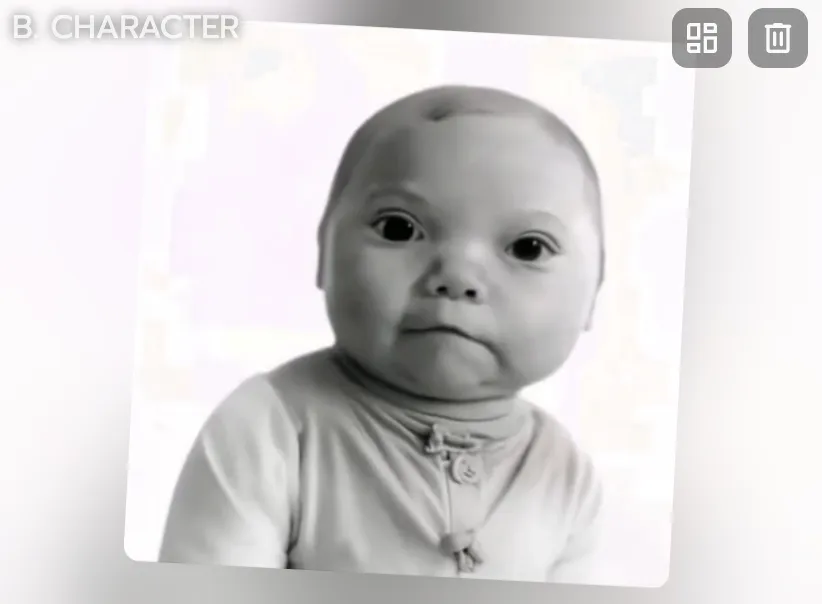
Upload your photo
Drop in a selfie, a full-body shot, an anime character, a brand mascot — anything with a visible body. Viggle handles the animation using physics-aware motion tracking.
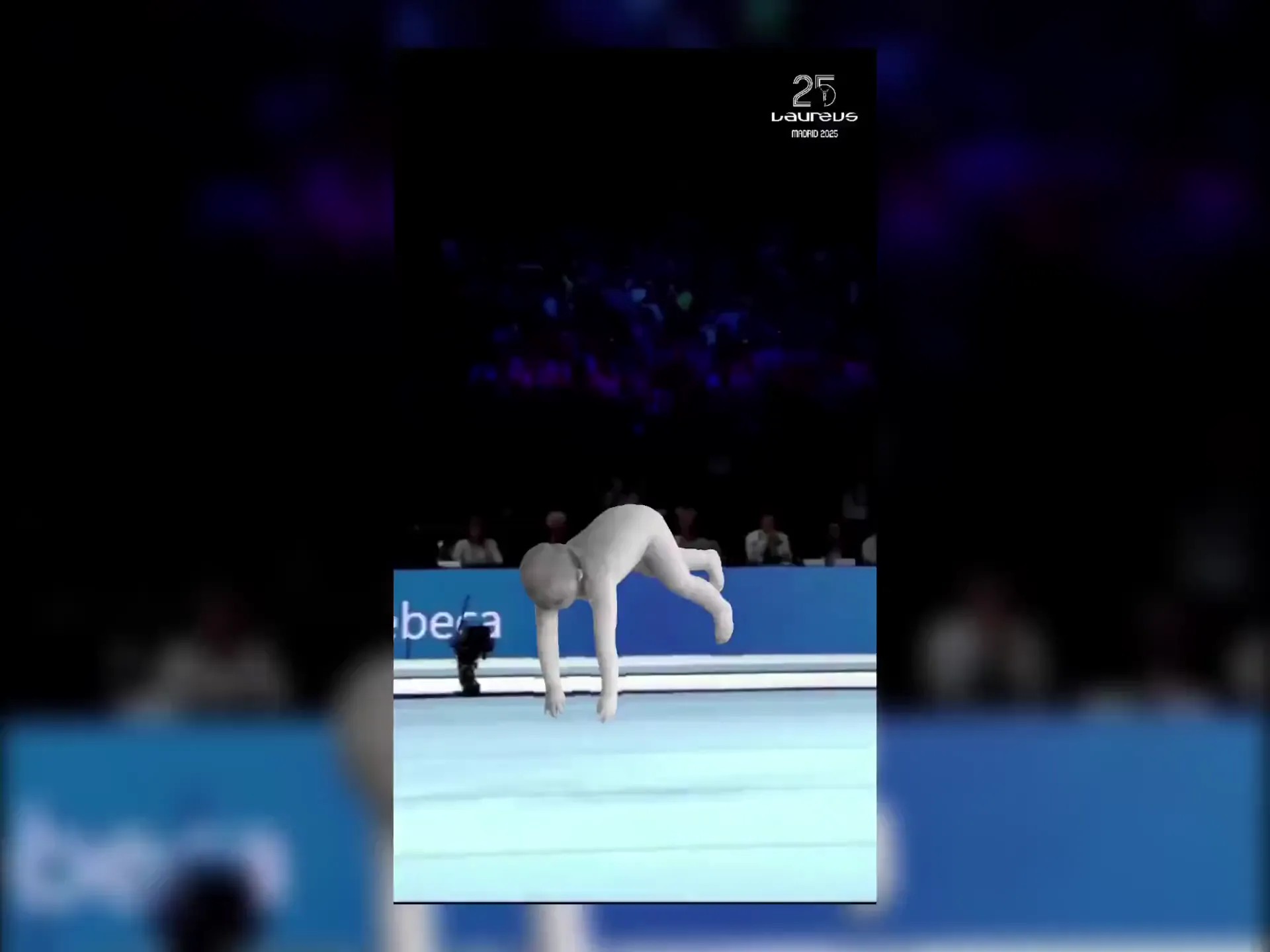
Download and post to Instagram
Your Reel is ready in under a minute. Download the video and post it directly to Instagram — or cross-post to TikTok, YouTube Shorts, and other platforms.
Why Viggle Is the Best Free AI Reel Maker
Trending dances and motions, ready to post
Instagram rewards creators who jump on trends fast. Viggle gives you 8,000+ motion templates — including the latest dance trends — so you can create a Reel and post it while the trend is still hot.
Browse templatesYour photo, real motion — not a filter
Canva and CapCut are video editors — you arrange clips, add transitions, and export. InVideo AI assembles stock footage from text prompts. Viggle's JST-1 model does something different — it generates original full-body character animation from your photo with 3D physics. Your character actually dances, walks, and performs.
Try it freeConsistent characters across your feed
Build a recognizable Instagram presence with a consistent AI character. Use the same photo across multiple Reels with different templates — your audience sees the same character, different content, every time.
Start creatingFrom idea to Reel in under a minute
No editing app, no timeline, no export settings. Pick a template, upload a photo, download the Reel. The whole process takes under a minute — create multiple Reels in a single sitting.
Make a ReelLip sync and voiceover built in
Use Viggle's mic feature to record or type what you want your character to say. It delivers the script with natural lip sync and full-body motion — perfect for commentary Reels, product reviews, or storytelling content.
Try script-to-motionGo live on Instagram with Viggle LIVE
Turn your photo into a real-time avatar for Instagram Live or any streaming platform. Viggle LIVE mirrors your face and body through your webcam — works with OBS, Streamlabs, and more.
Try Viggle LIVEReels Made With Viggle
Explore More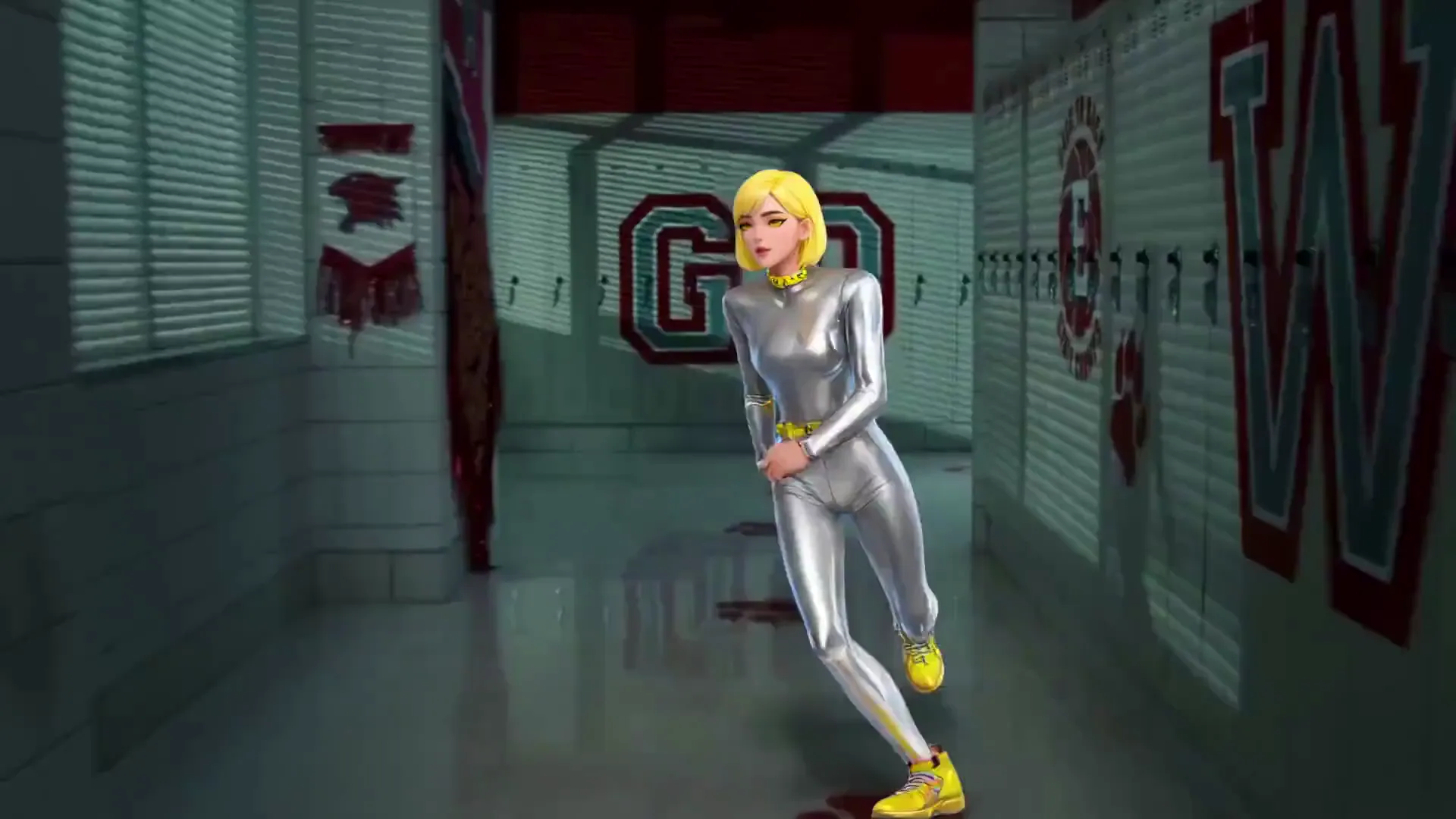
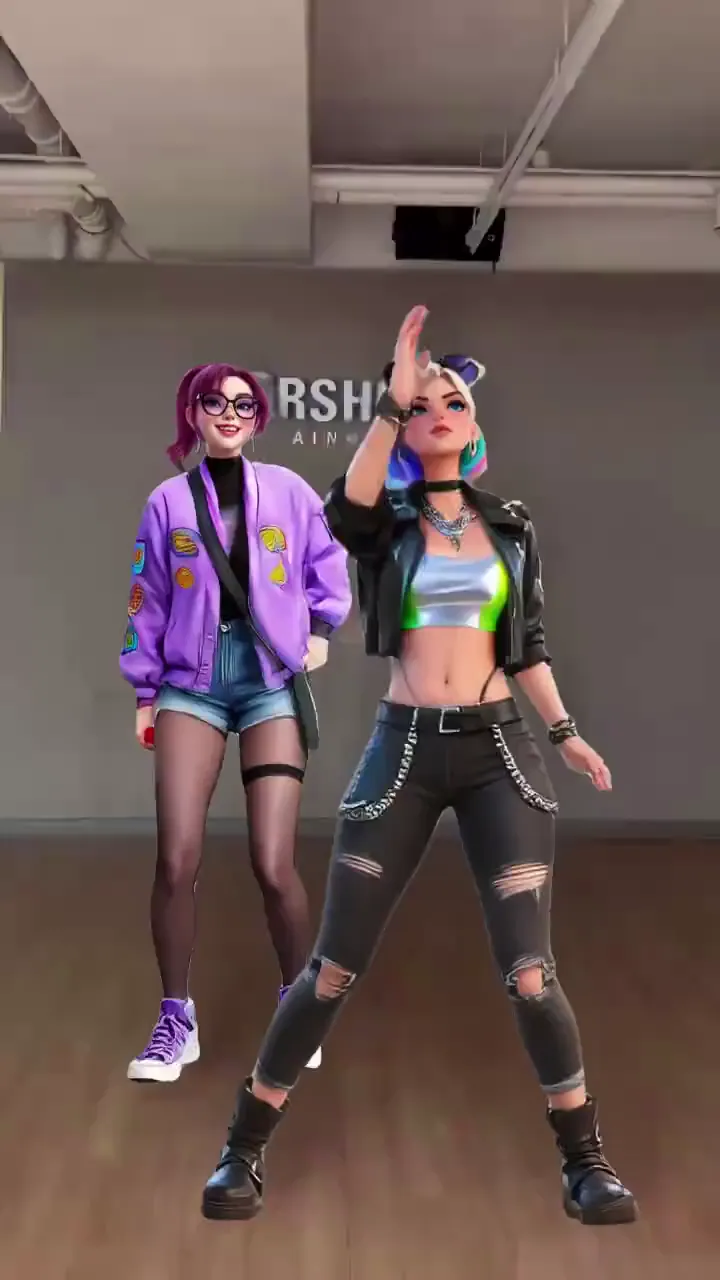
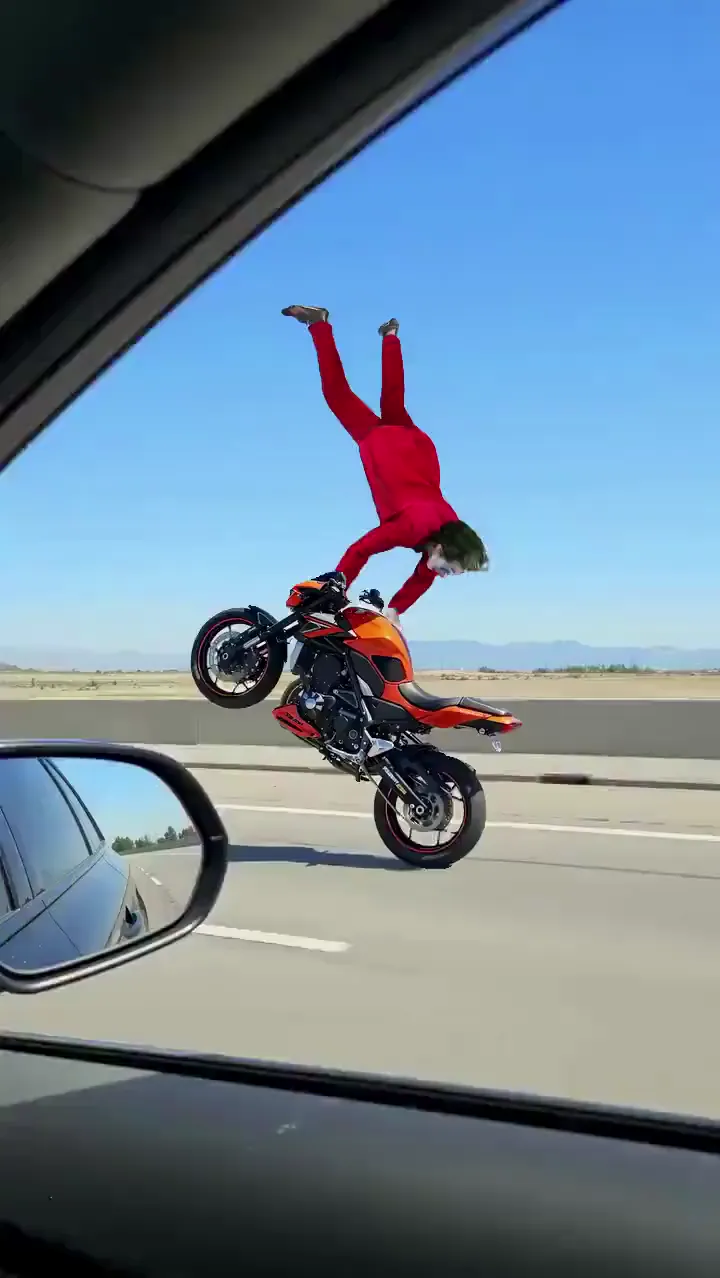
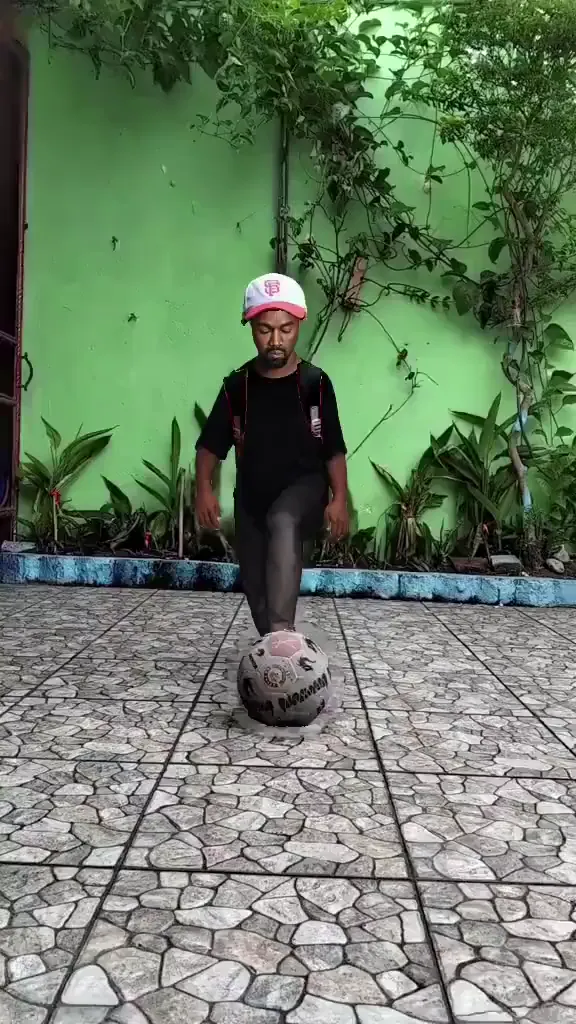
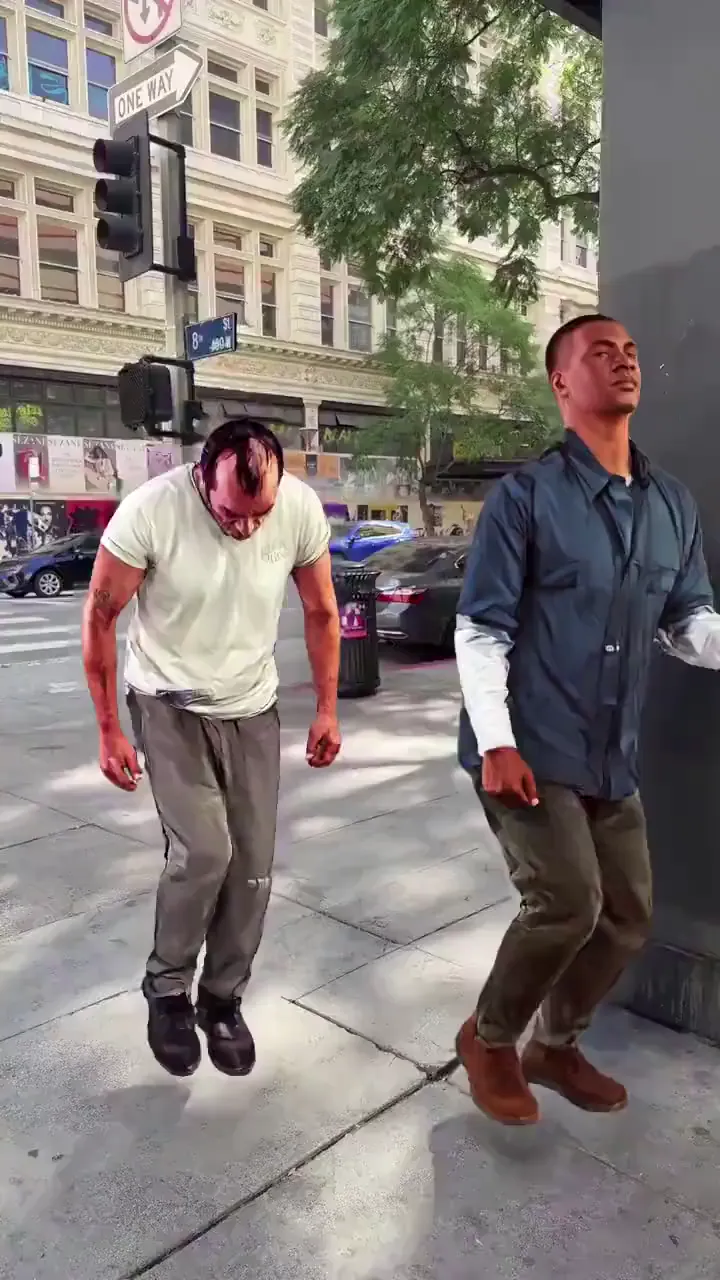
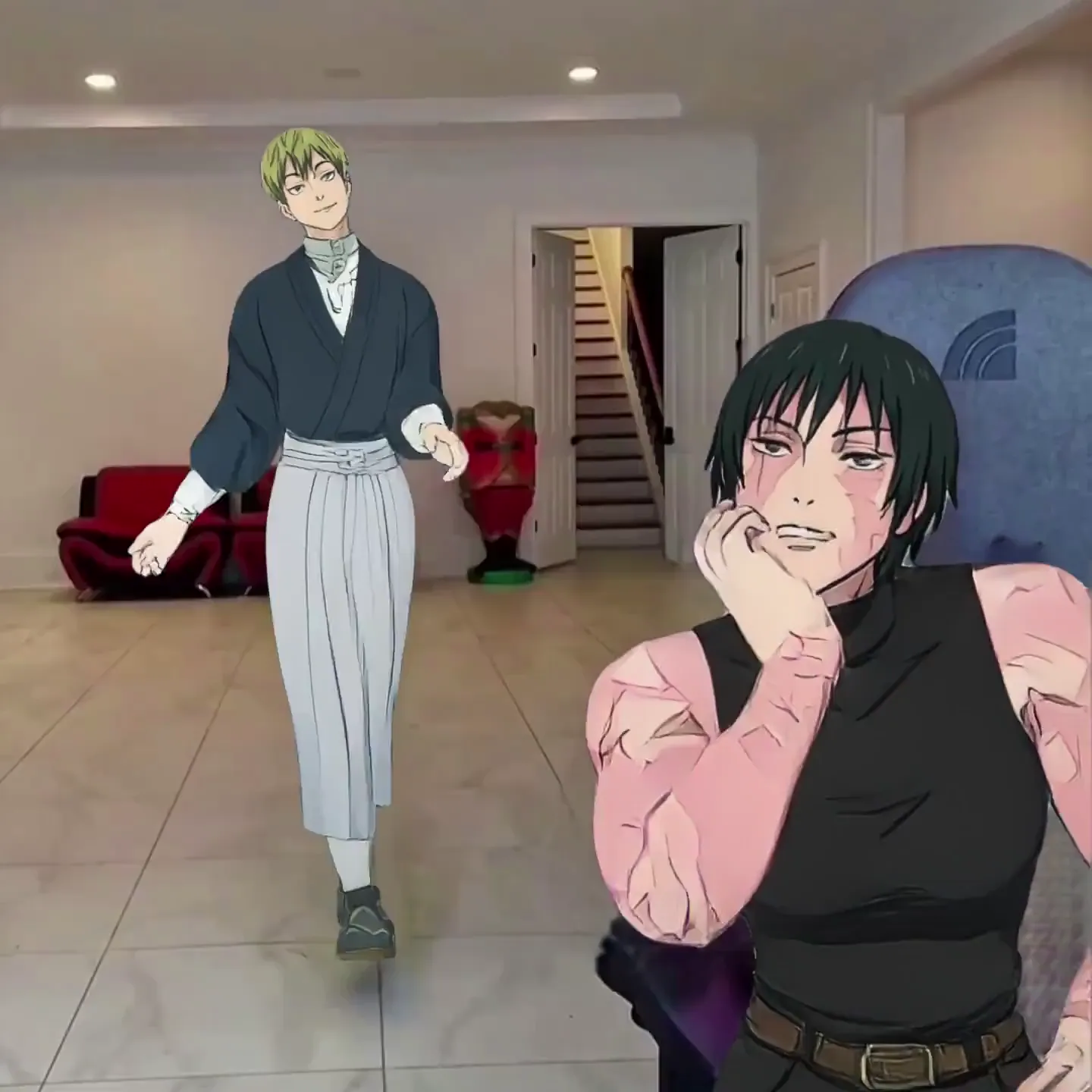
AI Reel Maker Use Cases
Instagram Creators & Influencers
Post Reels daily without daily shoots. Pick trending templates, swap in your photo, and keep your feed active. Your followers see you performing — you never touched a camera.
Dance & Music Content
Every trending dance challenge, every choreo clip — available as a template. Put yourself or your character in it and post. Stay on trend without learning the moves.
Brands & Small Businesses
Create eye-catching Reels for product launches, seasonal promos, or behind-the-scenes style content. Animate your brand mascot or team photos with motion that stops the scroll.
Meme Pages
Run a meme page that pumps out original content. Swap characters into trending clips, recreate viral moments, and post Reels that get shared — all generated in under a minute.
Storytelling & Micro-Series
Build character-driven Reel series with a consistent AI character. Each episode uses a different motion template — same character, different story, ongoing audience hook.
Faceless Commentary
Share opinions, reviews, or educational content through an AI character that speaks with your voice. Script-to-motion gives your Reel personality without you appearing on screen.
Viggle vs Other AI Reel Makers
Try Viggle Free| Feature | Viggle | Canva | CapCut | InVideo AI |
|---|---|---|---|---|
| Generate original motion from a photo | ✅ | ❌ | ❌ | ❌ |
| Full-body character animation | ✅ | ❌ | ❌ | ❌ |
| Free to use | ✅ | ⚠️ Limited | ✅ | ⚠️ Limited |
| 8,000+ motion templates | ✅ | ❌ | ❌ | ❌ |
| Script-to-motion with lip sync | ✅ | ❌ | ⚠️ AI avatars | ⚠️ Voiceover |
| Physics-based 3D motion | ✅ | ❌ | ❌ | ❌ |
| Real-time avatar mode | ✅ | ❌ | ❌ | ❌ |
| No editing skills needed | ✅ | ⚠️ Some | ⚠️ Some | ✅ |
Frequently Asked Questions
What is an AI Reel maker?
An AI Reel maker creates Instagram Reels using artificial intelligence. Viggle goes beyond templates and stock footage — upload any photo and it becomes a full-body animated character that dances, performs, or delivers a script. The output is a vertical video formatted for Instagram Reels.
Is Viggle free for making Instagram Reels?
Yes. Viggle is free — sign up and get up to 5 free videos per day. No credit card required. Download your Reels and post them directly to Instagram.
How is Viggle different from Canva or CapCut for Reels?
Canva and CapCut are video editors — you arrange clips, add text, transitions, and export. Canva has 20,000+ design templates and AI features like Magic Video, but none of them animate a character from a photo. CapCut's auto-reel feature highlights moments from existing footage. Viggle generates the video itself — upload a photo, pick a motion template, and your character performs with full-body animation. It's generation, not editing.
What kind of Reels can I make with Viggle?
Dance Reels, meme recreations, lip sync content, comedy skits, brand promotions, faceless commentary, character-driven series — anything that involves a character moving or speaking. Browse 8,000+ motion templates or use your own reference video.
Can I use Viggle for faceless Instagram content?
Yes. Create a consistent AI character from any image — a drawing, an avatar, a cartoon — and use it across all your Reels. Your audience recognizes the character while you stay off camera. Add voiceover with Viggle's script-to-motion feature.
How fast can I make a Reel?
Under a minute from start to finish. Pick a template, upload a photo, download the video. No editing timeline, no export settings, no rendering wait.
Can my character speak in the Reel?
Yes. Use the mic feature to type or record a script. Your character delivers it with natural lip sync and full-body motion — the entire body moves expressively. Great for commentary, reviews, and storytelling Reels.
Does the Instagram algorithm favor AI-generated Reels?
Instagram's algorithm ranks Reels based on engagement — watches, likes, shares, saves — not how the video was made. Viggle-generated Reels look like native video content, not stock footage slideshows, so they perform like any other Reel. The key is posting consistently with engaging motion content, which Viggle makes fast.
Does Viggle work on mobile?
Yes. Viggle has a free iOS and Android app, plus a web app. Create Reels on your phone and share them directly to Instagram.
Can I cross-post Viggle videos to TikTok and YouTube Shorts?
Yes. Viggle outputs standard vertical video files. Download once and post across Instagram Reels, TikTok, YouTube Shorts, and any other platform that supports short-form video.
Your Photo. Trending Motion.
Reel Ready. Free.
Skip the shoot. Skip the edit. 50M+ creators already making Reels with Viggle.