Free AI YouTube Shorts Generator
Turn any photo into a vertical YouTube Short with full-body motion. Pick a trending template, drop in your image, and download a ready-to-upload Short — no editing skills, no timeline, no green screen.

How To Make YouTube Shorts With Viggle AI
Start now — it's freeCreating a YouTube Short with Viggle takes seconds. Pick a motion template, upload a photo, and download a vertical video ready for your channel. Signed-in users get up to 5 free videos per day.
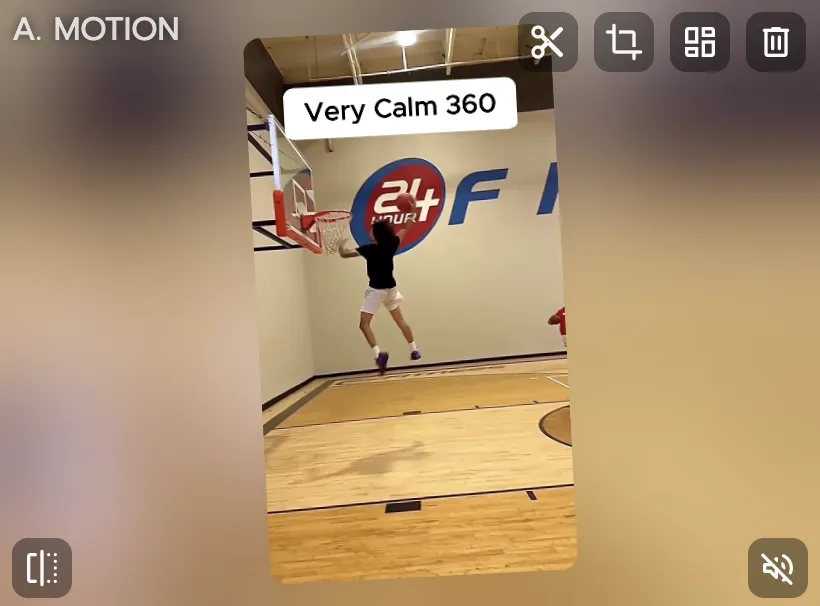
Pick a trending template
Browse 8,000+ vertical video templates — viral dances, meme clips, sports highlights, movie scenes, K-pop choreo. All formatted for YouTube Shorts.
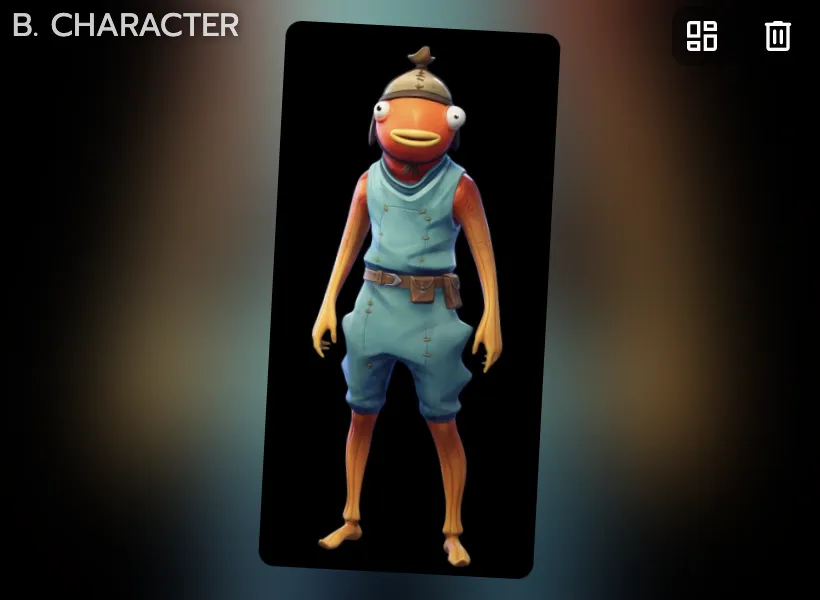
Upload any photo
Drop in a selfie, a character illustration, an anime drawing, or any image with a visible body. Viggle maps the motion onto your photo with full-body tracking.
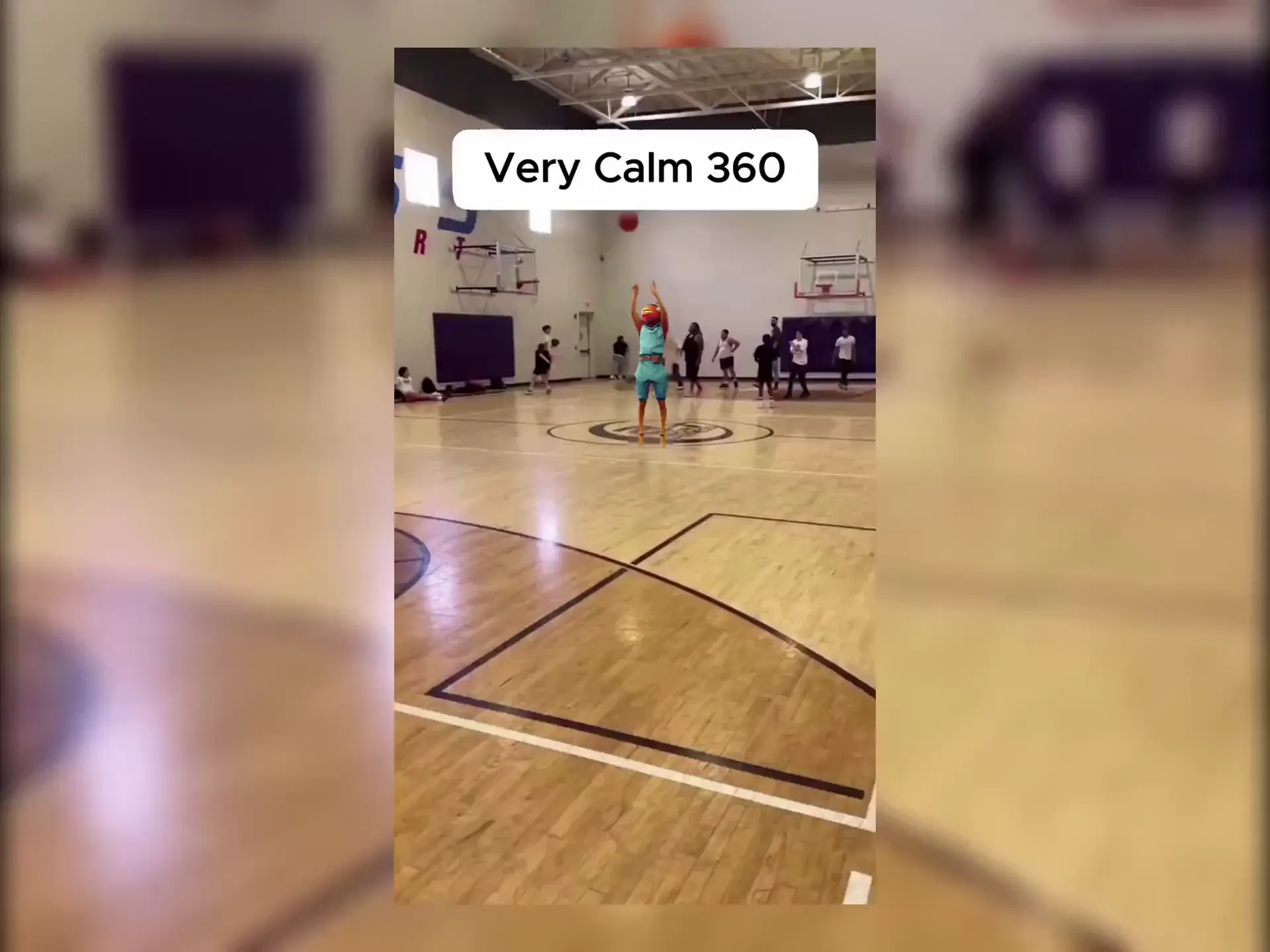
Download and upload to YouTube
Your Short is ready in under a minute. Download the vertical video and upload it straight to YouTube — or share it across platforms.
Why Viggle Is the Best Free AI YouTube Shorts Generator
8,000+ templates built for vertical video
Trending TikTok dances, NBA highlights, K-pop choreo, anime scenes, viral memes — all in 9:16 format ready for YouTube Shorts. New templates added regularly so your content stays fresh.
Browse templatesFull-body motion, not a slideshow
Opus Clip clips existing footage. InVideo AI assembles stock media with voiceover. Viggle's JST-1 model does something different — it generates original full-body character animation from a single photo with 3D physics. Your character dances, runs, and performs with realistic motion. That's what stops the scroll.
See it in actionDrop yourself into any trending clip
See a viral Short you want to recreate? Use it as a motion reference and swap in your own photo. Same moves, your face and body — posted before the trend peaks.
Try it freeReady in under a minute
No timeline editing, no keyframes, no rendering queue. Pick a template, upload a photo, and your Short is generated in under a minute. Batch multiple Shorts in a single session to keep your channel fed.
Start creatingAdd your voice with script-to-motion
Use Viggle's mic feature to type or record a script — your character delivers it with natural lip sync and full-body motion. Commentary Shorts, reaction content, explainers — all without showing your face on camera.
Try script-to-motionAny character style works
Selfies, anime characters, 2D illustrations, 3D renders, cartoon avatars, even pets. If it has a body, Viggle can animate it. Run themed channels with consistent characters across every Short.
Try any characterYouTube Shorts Made With Viggle
Explore More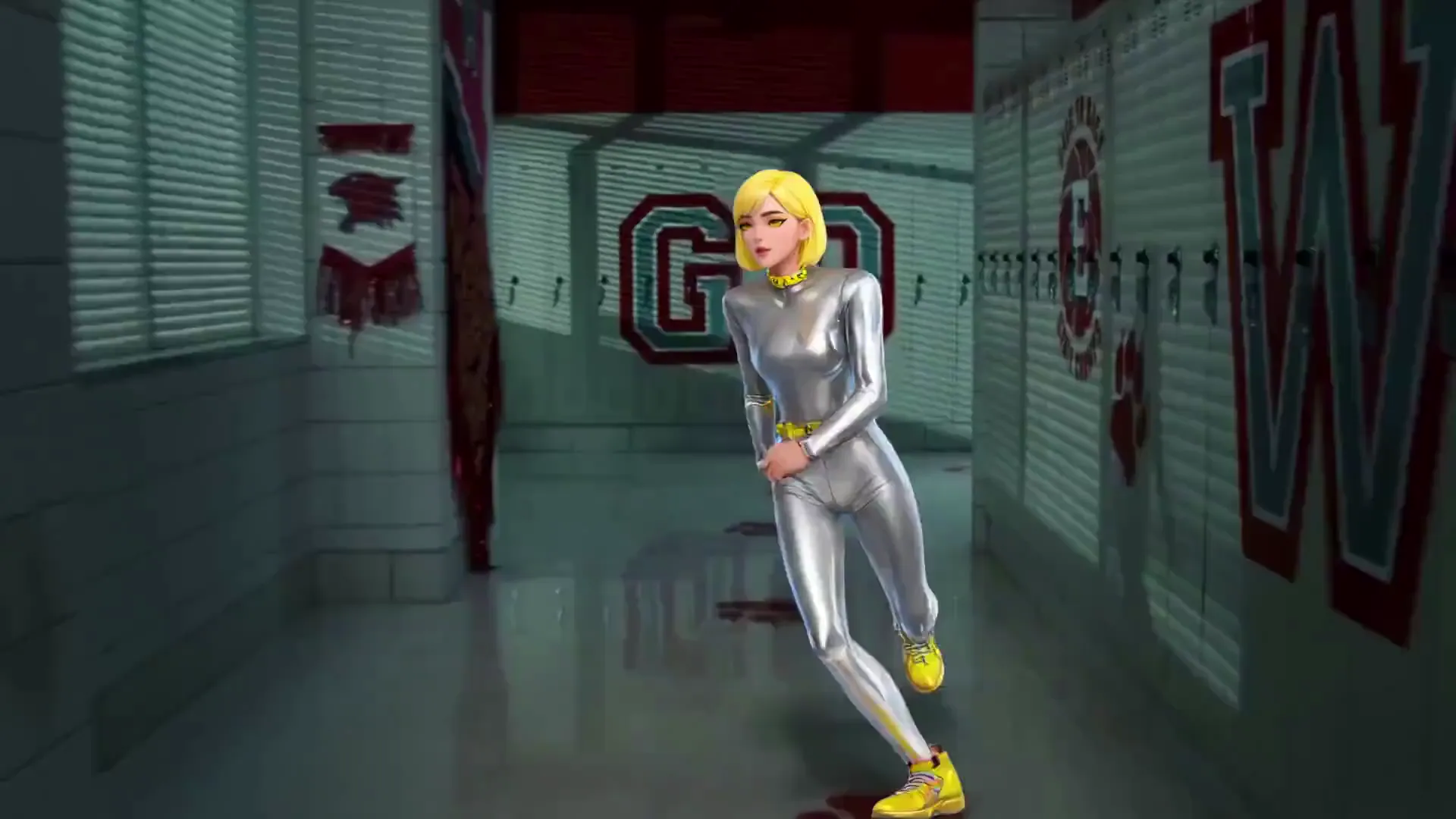
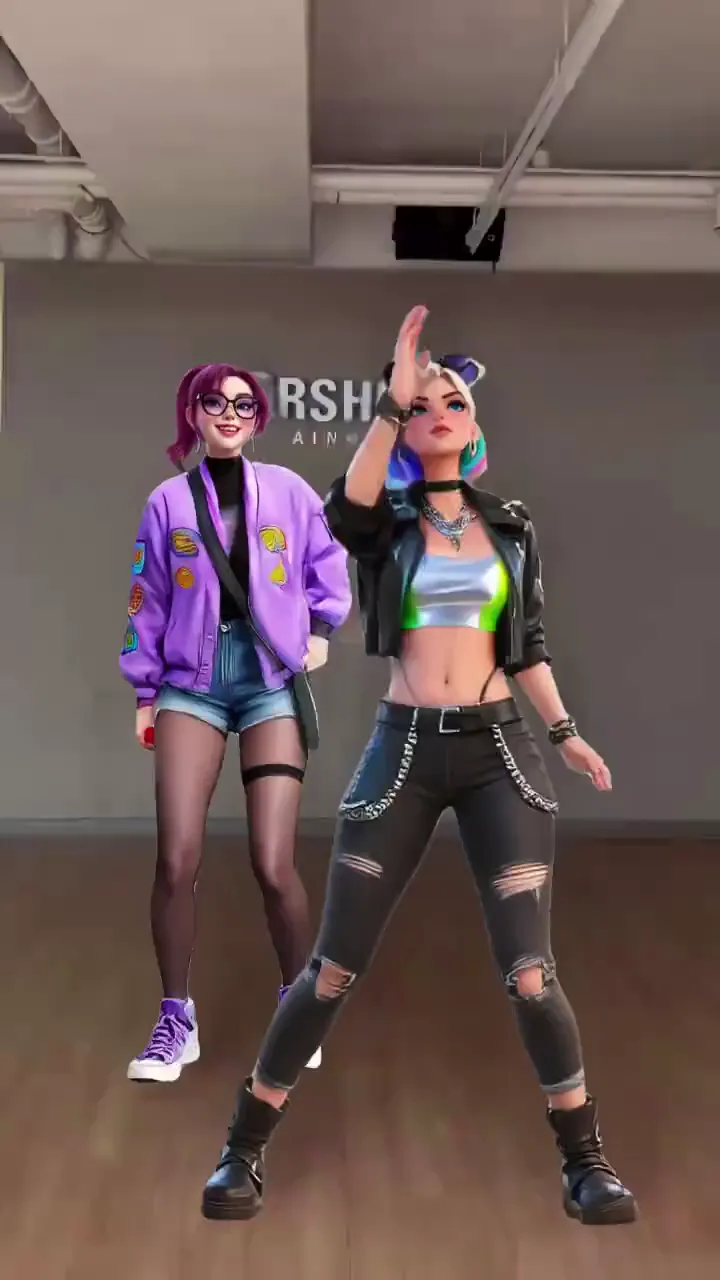
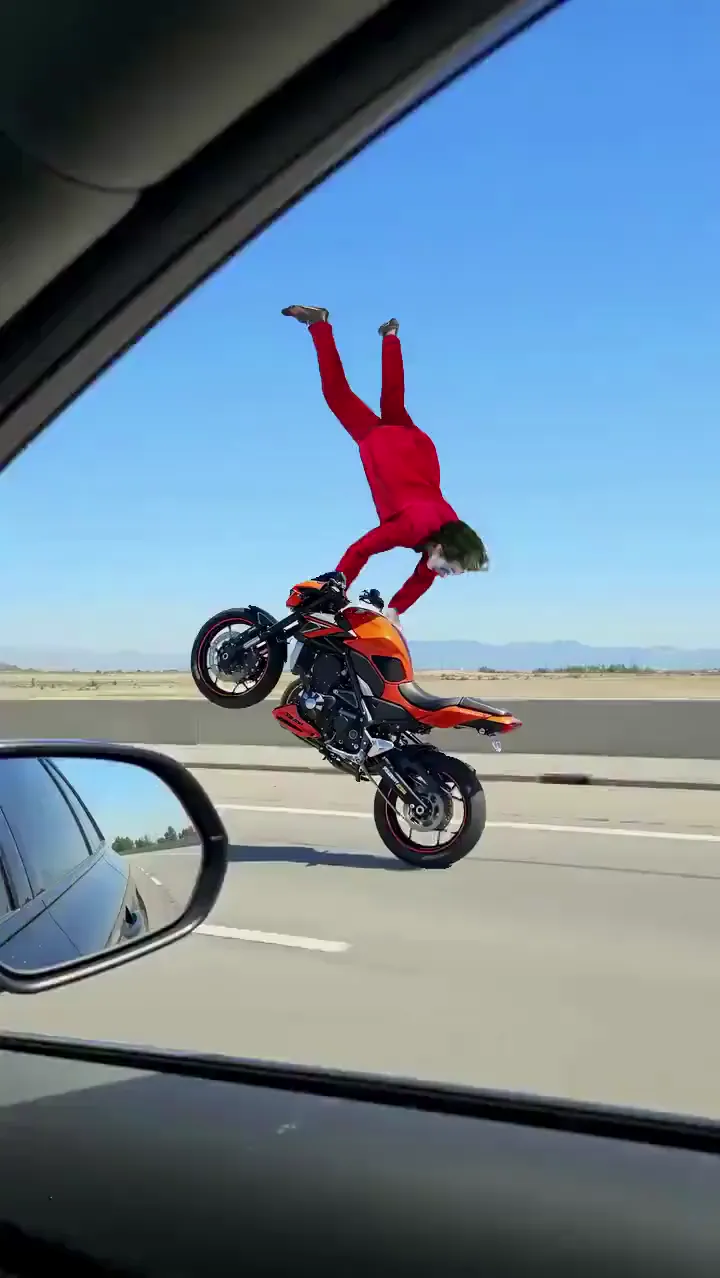
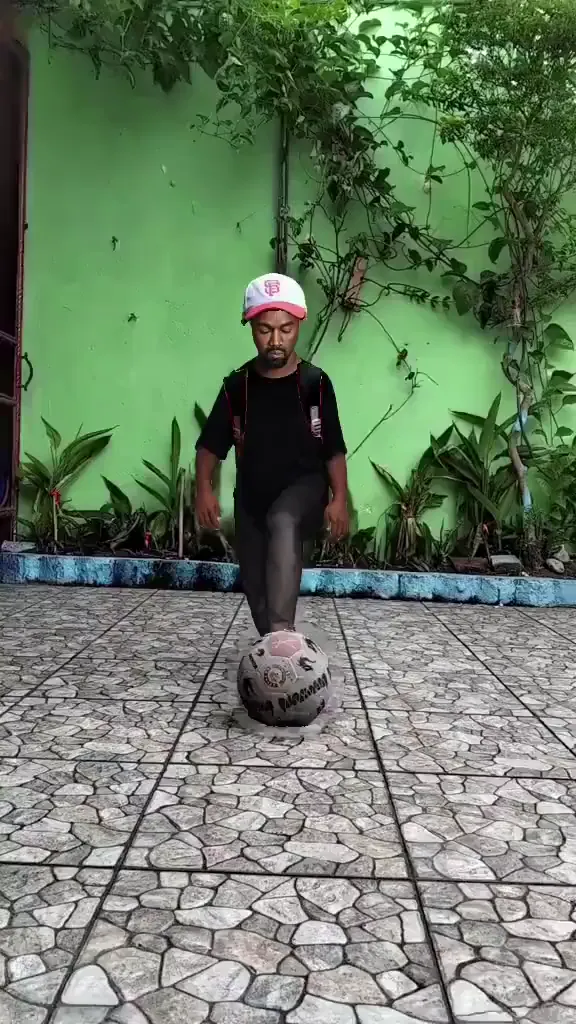
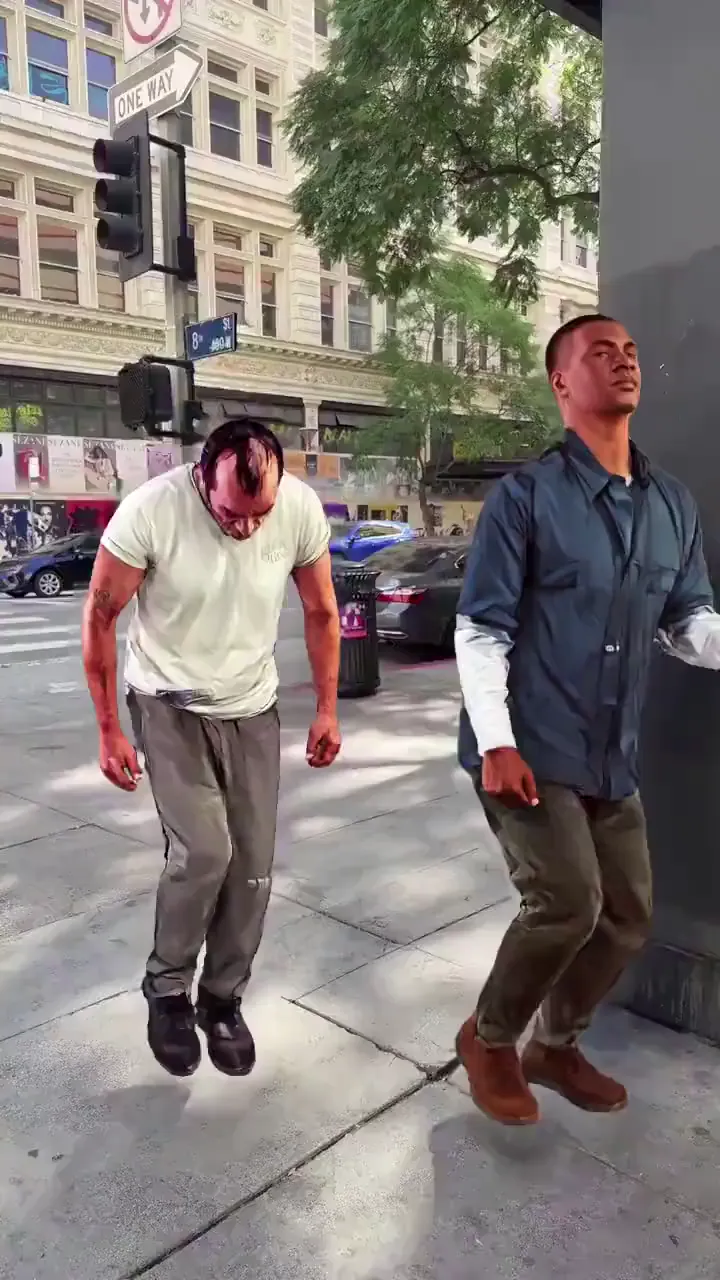
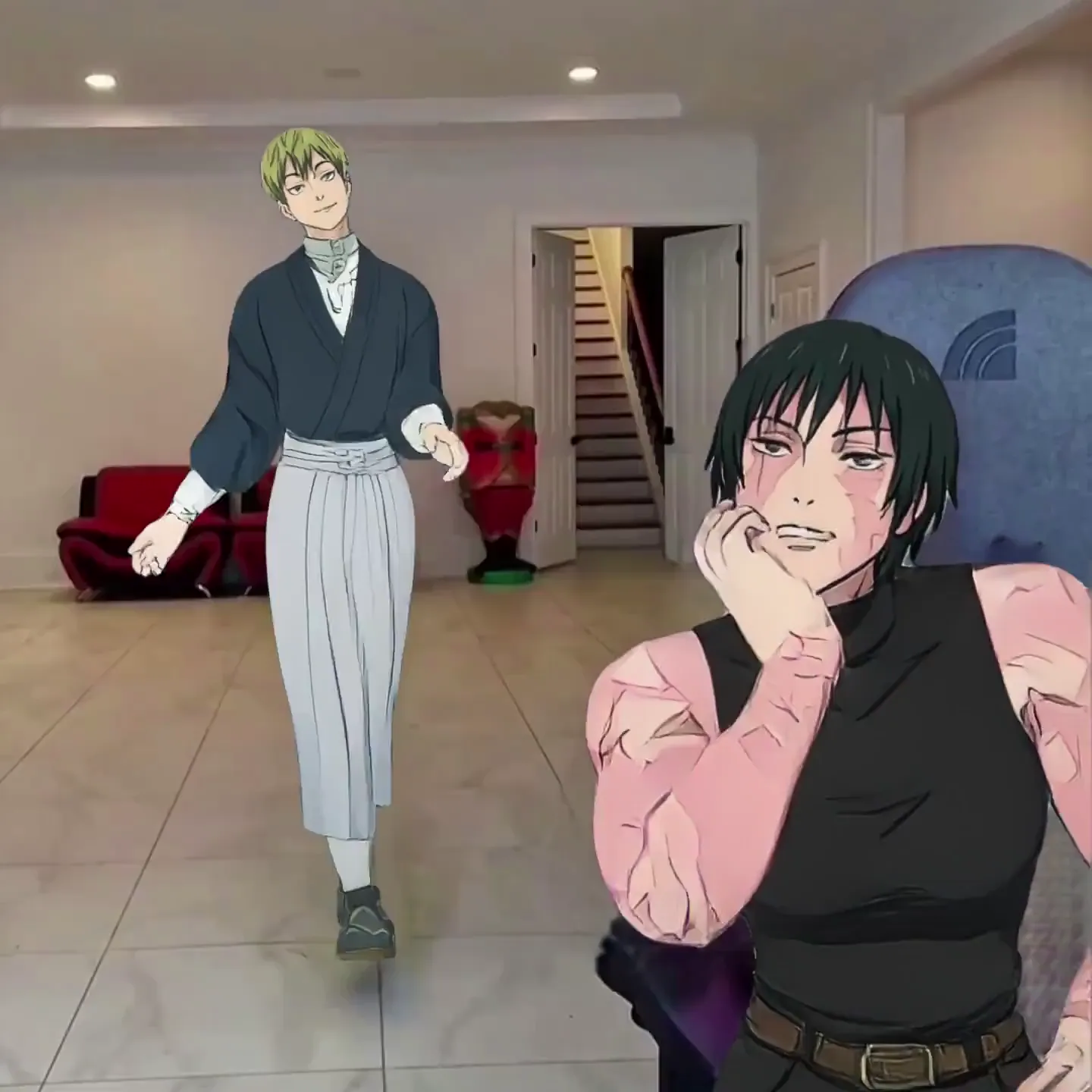
AI YouTube Shorts Generator Use Cases
Faceless YouTube Channels
Run a Shorts channel without ever appearing on camera. Use a consistent AI character or avatar across all your videos — build a recognizable brand without showing your face.
Dance & Trend Channels
Jump on every trending dance clip the moment it blows up. Pick the template, swap in your photo, and post your Short before the algorithm moves on.
Meme & Comedy Creators
Turn yourself or any character into the next viral meme Short. Recreate movie scenes, sports moments, or internet trends with your own twist.
Commentary & Explainers
Use script-to-motion to have your AI character deliver commentary, hot takes, or educational content — with lip sync and expressive body language. No teleprompter needed.
Brand & Product Promotion
Create on-brand short-form content at scale. Animate your mascot or spokesperson across multiple Shorts for product launches, seasonal campaigns, and social proof.
Serialized Storytelling
Build character-driven series on YouTube Shorts. Viggle keeps your character consistent across episodes — same look, different motion templates, fresh content every time.
Viggle vs Other AI YouTube Shorts Generators
Try Viggle Free| Feature | Viggle | Opus Clip | InVideo AI | Runway |
|---|---|---|---|---|
| Generate original motion from a photo | ✅ | ❌ | ❌ | ⚠️ Limited |
| Full-body character animation | ✅ | ❌ | ❌ | ⚠️ Limited |
| Free to use | ✅ | ⚠️ Limited | ⚠️ Limited | ⚠️ Limited |
| 8,000+ motion templates | ✅ | ❌ | ❌ | ❌ |
| Script-to-motion with lip sync | ✅ | ❌ | ⚠️ Voiceover | ❌ |
| Physics-based 3D motion | ✅ | ❌ | ❌ | ❌ |
| Real-time avatar mode | ✅ | ❌ | ❌ | ❌ |
| Works with any character style | ✅ | ❌ | ⚠️ Limited | ✅ |
Frequently Asked Questions
What is an AI YouTube Shorts generator?
An AI YouTube Shorts generator creates short vertical videos using artificial intelligence. Viggle takes it further — upload any photo and it becomes a full-body animated character performing dances, memes, sports moves, or delivering a script. The output is a vertical video ready to upload as a YouTube Short.
Is Viggle free to use for making YouTube Shorts?
Yes. Viggle is free to use — sign up and generate up to 5 videos per day. No credit card required. All generated videos are in vertical format ready for YouTube Shorts.
How is Viggle different from Opus Clip or InVideo AI?
Opus Clip takes existing long-form videos and uses AI to pick highlights and reformat them as Shorts — it doesn't generate anything new. InVideo AI creates videos from text prompts by assembling stock footage with AI voiceovers — no character animation. Viggle generates original full-body character animation from a single photo using its JST-1 3D physics model. If you want a character performing, not existing footage repackaged, Viggle is the tool built for that.
What kind of YouTube Shorts can I make with Viggle?
Dance Shorts, meme recreations, sports highlight parodies, anime scenes, comedy skits, commentary videos with lip sync, character-driven series, faceless channel content — anything that involves a character performing motion. Pick from 8,000+ templates or use your own reference video.
Can I run a faceless YouTube channel with Viggle?
Yes — this is one of the most popular use cases. Create a consistent AI character (from any photo or illustration), use it across all your Shorts, and build a recognizable channel brand without ever showing your face. Use script-to-motion for the character to deliver commentary with lip sync.
Do I need video editing skills?
No. Viggle is not a video editor — it generates the video for you. Pick a template, upload a photo, and download the result. No timeline, no keyframes, no rendering. The whole process takes under a minute.
How long does it take to generate a YouTube Short?
Most videos are ready in under a minute. You can generate multiple Shorts in a single session to build up a content backlog for your channel.
Can AI-generated YouTube Shorts be monetized?
YouTube allows monetization of Shorts through the YouTube Partner Program, including Shorts made with AI tools, as long as the content is original and follows community guidelines. Viggle generates new animated video from your photo — that counts as original content, not re-uploaded clips. Add your own creative angle and stay within YouTube's policies.
Can my character talk in the Short?
Yes. Use Viggle's mic feature to record or type a script. Your character will deliver it with natural lip sync and full-body motion — not just a mouth moving on a still image. The entire body moves expressively as it speaks.
What image formats work?
Viggle accepts JPG, PNG, and WEBP. For best results, use a clear image where the body is visible. Works with selfies, anime characters, illustrations, 3D renders, cartoon avatars — any character style.
Does Viggle work on mobile?
Yes. Viggle is available as a free app on iOS and Android, plus a web app for desktop. Create Shorts on your phone and upload directly to YouTube.
One Photo. One Template.
Viral Short. Free.
Stop editing. Start generating. 50M+ creators already making Shorts with Viggle.