Free AI TikTok Video Generator
Turn any photo into a TikTok with full-body motion. Trending dances, meme clips, lip sync challenges — pick a template, drop in your photo, and get a ready-to-post TikTok in under a minute.

How To Make TikTok Videos With Viggle AI
Start now — it's freeCreating TikTok content with Viggle takes seconds. Pick a trending motion template, upload a photo, and download a vertical video ready to post. Signed-in users get up to 5 free videos per day.
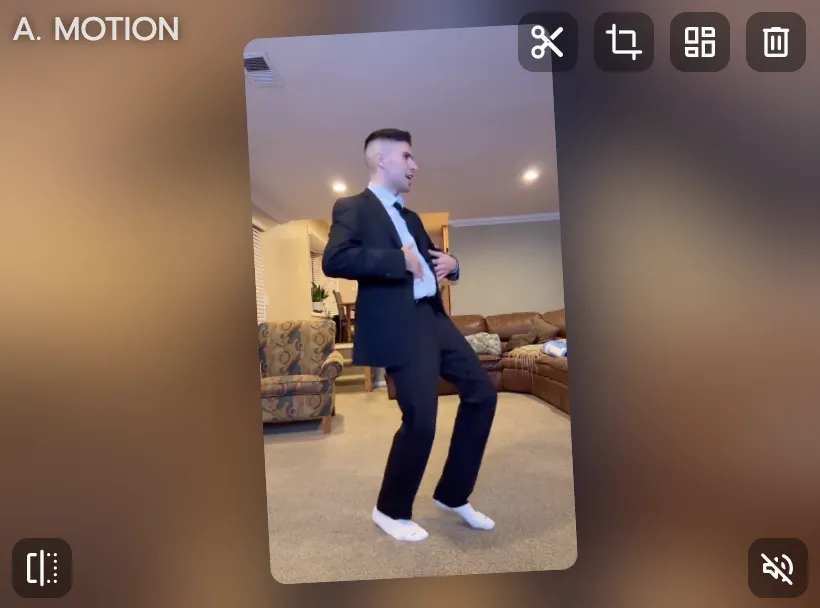
Pick a trending TikTok template
Browse 8,000+ motion templates — viral TikTok dances, meme clips, challenge formats, K-pop choreo, celebrity moments. New trends added regularly.
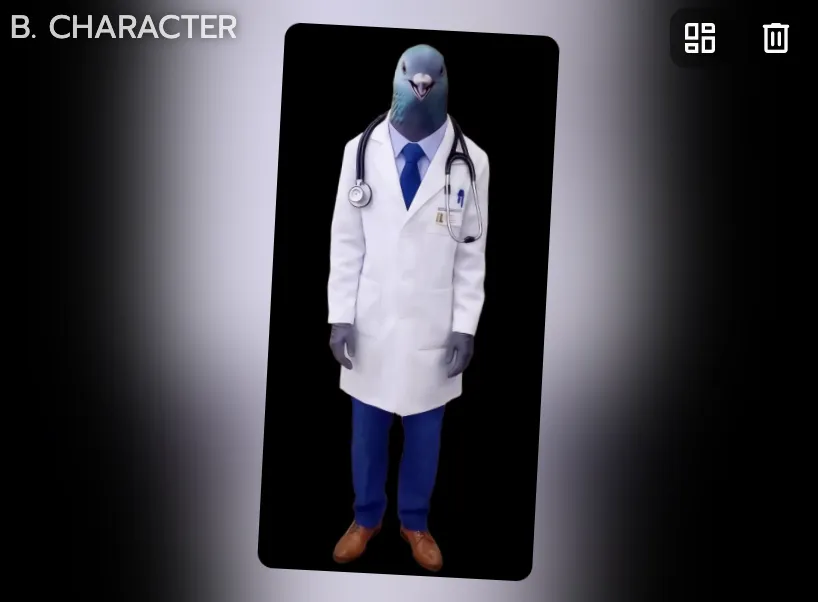
Upload any photo
Drop in a selfie, a character drawing, an anime avatar, a pet photo — anything with a visible body. Viggle maps full-body motion onto your image with physics-aware AI.
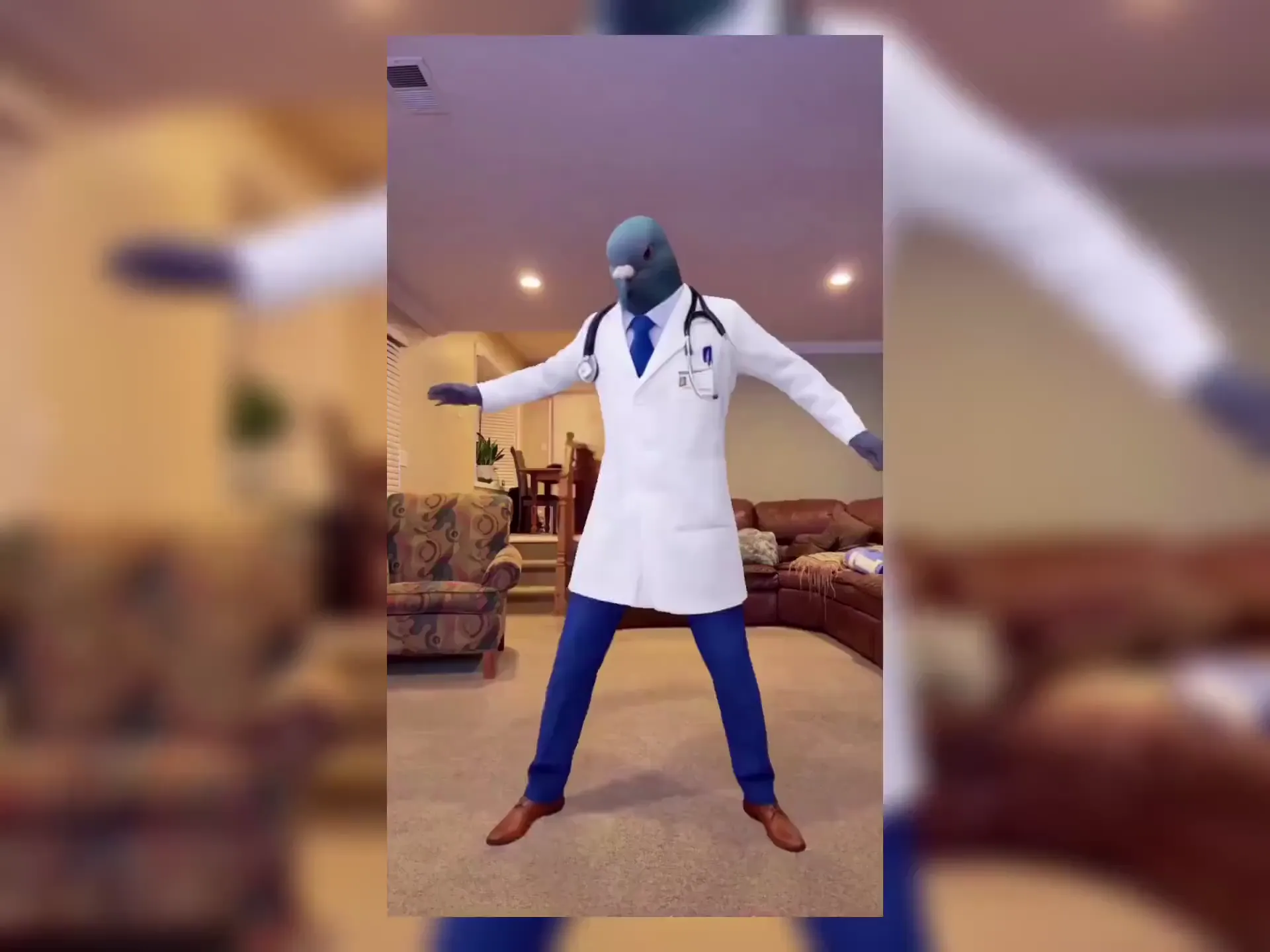
Download and post to TikTok
Your TikTok video is ready in under a minute. Download and post it — or share across Instagram Reels, YouTube Shorts, and anywhere else.
Why Viggle Is the Best Free AI TikTok Video Generator
Every trending dance, one photo away
TikTok moves fast. Viggle has 8,000+ motion templates including the latest viral dances, and new ones get added regularly. Pick a trend, drop in your photo, and post your TikTok before the sound dies. You don't need to learn the choreography — Viggle's AI handles the motion.
Browse templatesFull-body motion — not an AI filter
CapCut is a video editor — you still need footage. InVideo AI and Revid.ai assemble stock media from text prompts. Kling AI has image-to-video but uses a 2D approach. Viggle's JST-1 model generates original full-body character animation from a single photo with 3D physics. Your character actually dances, performs, and moves. That's what stops the scroll.
Try it freeMeme machine — swap into any clip
See a viral TikTok you want to recreate? Use it as a motion reference. Viggle swaps your photo into the motion with full-body tracking. Same energy, your character — posted in minutes.
Make a meme TikTokBatch TikToks in a single session
Each video takes under a minute to generate. Create 5 TikToks in one sitting — different templates, same character or different characters. Keep your posting schedule consistent without daily shoots.
Start creatingLip sync and voiceover for TikTok
Type or record a script and your character delivers it with natural lip sync and full-body motion. React to trends, share hot takes, tell stories — your character performs it. Use Viggle's mic feature to create commentary TikToks without showing your face.
Try script-to-motionGo live on TikTok with Viggle LIVE
Turn any photo into a real-time avatar for TikTok LIVE or any streaming platform. Viggle LIVE mirrors your face and body through your webcam with low latency. Works with OBS, Streamlabs, and direct streaming setups.
Try Viggle LIVETikTok Videos Made With Viggle
Explore More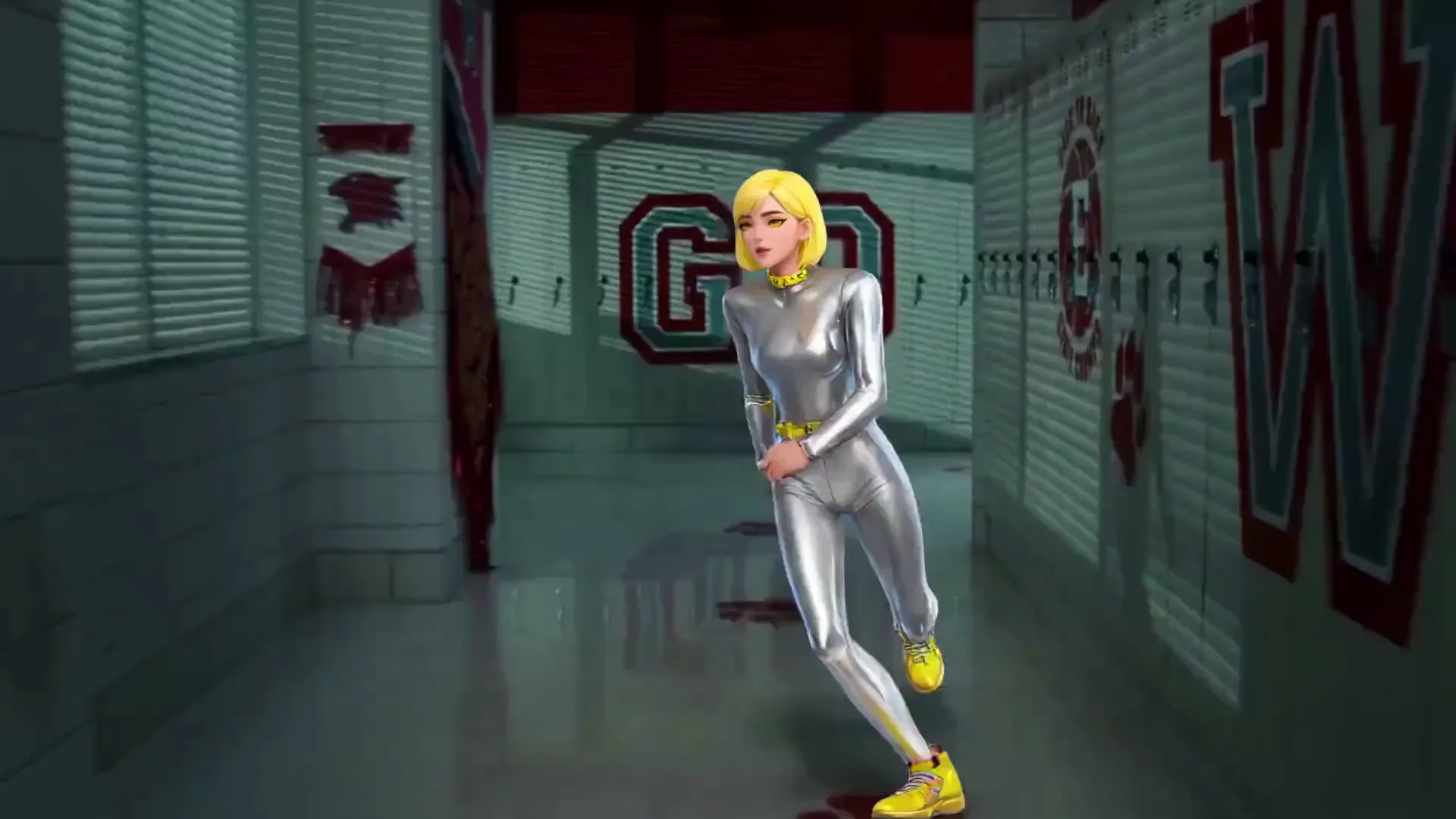
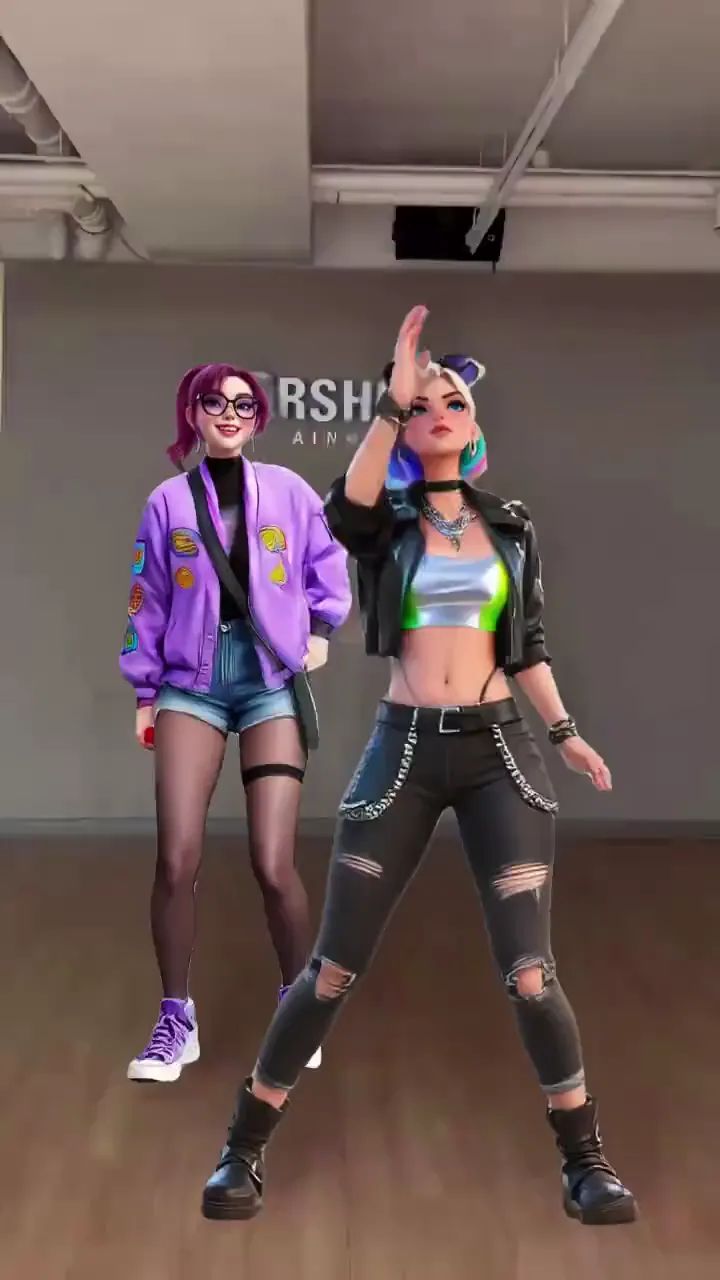
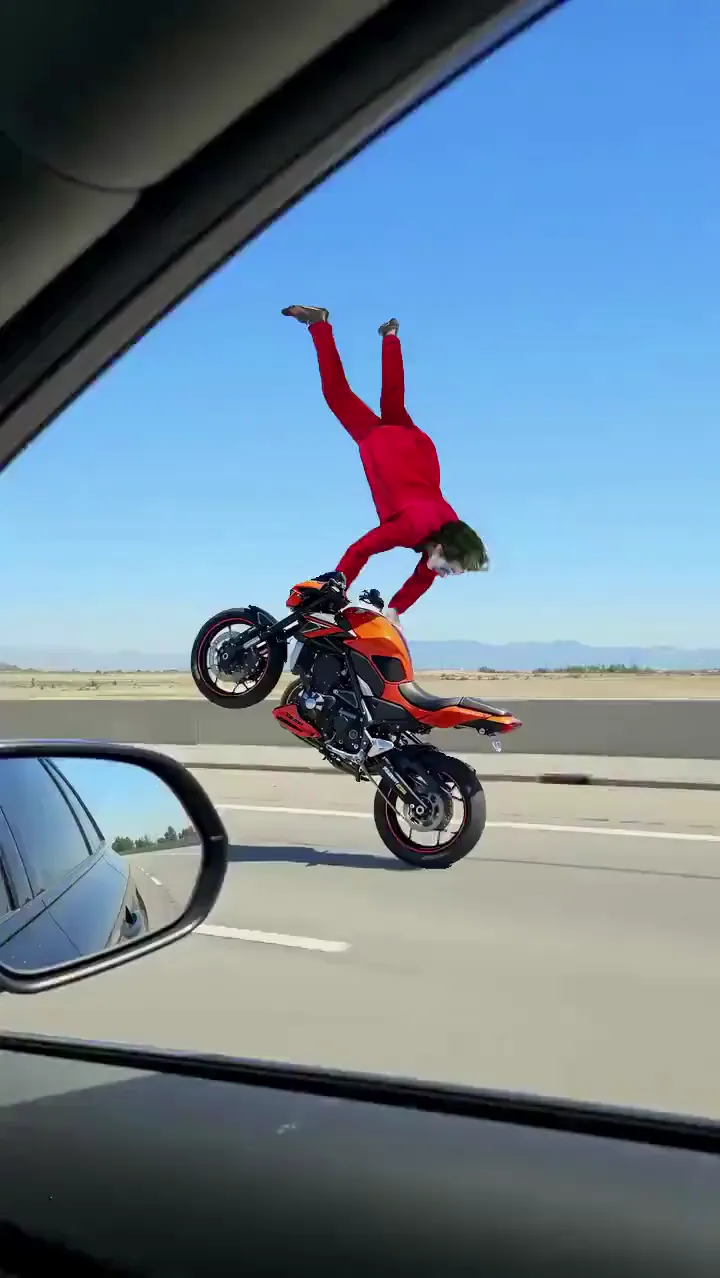
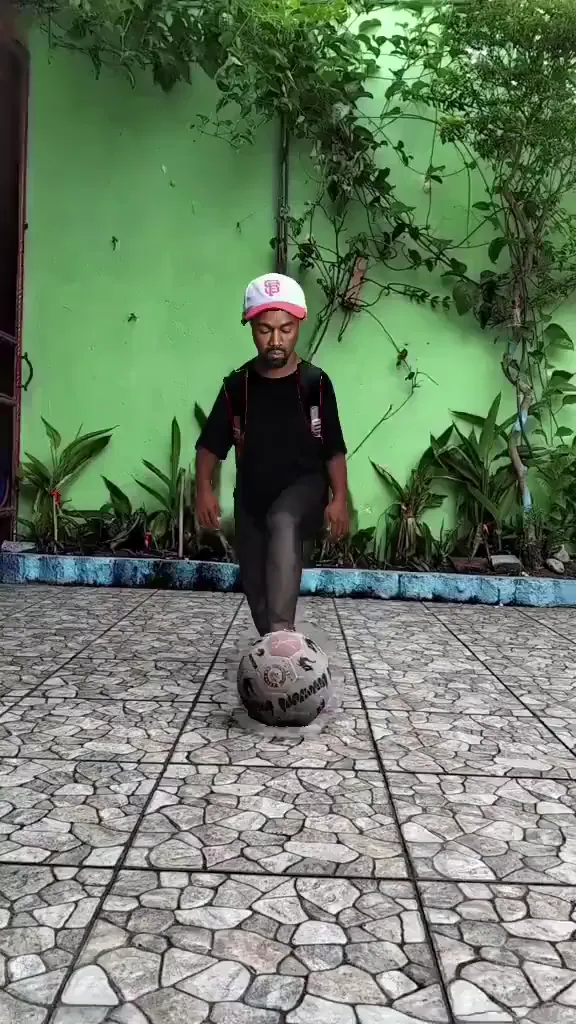
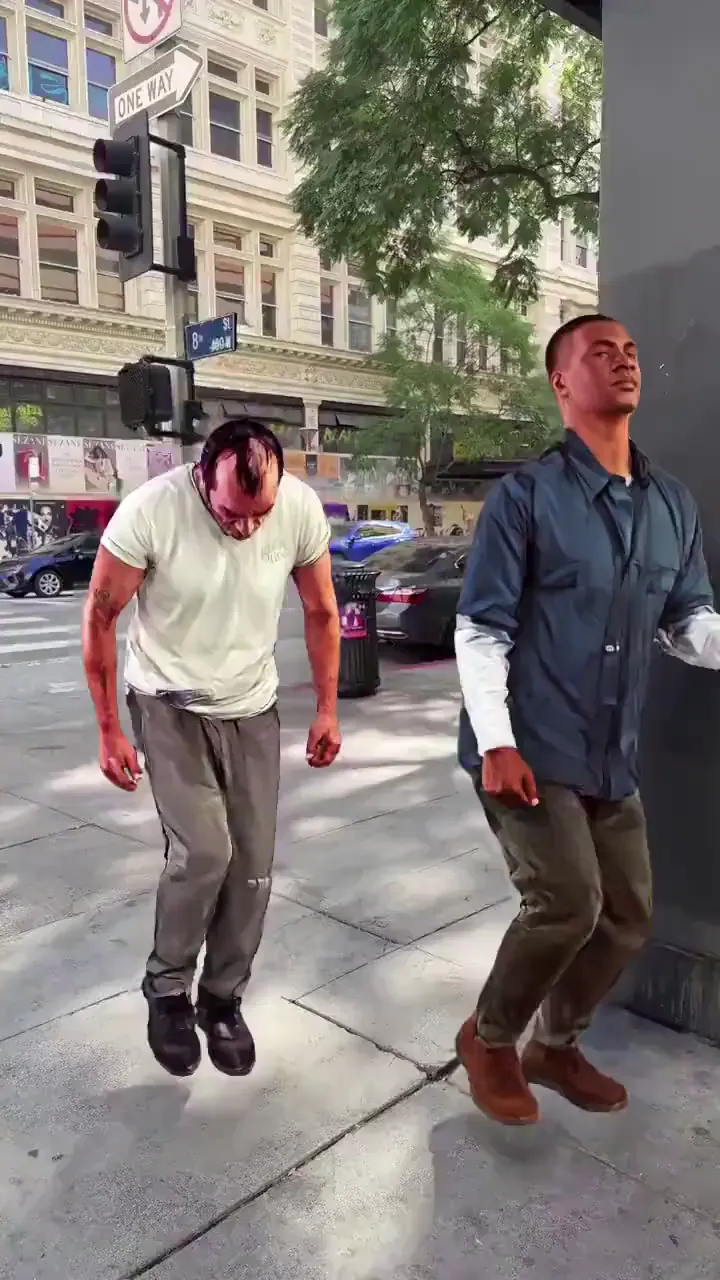
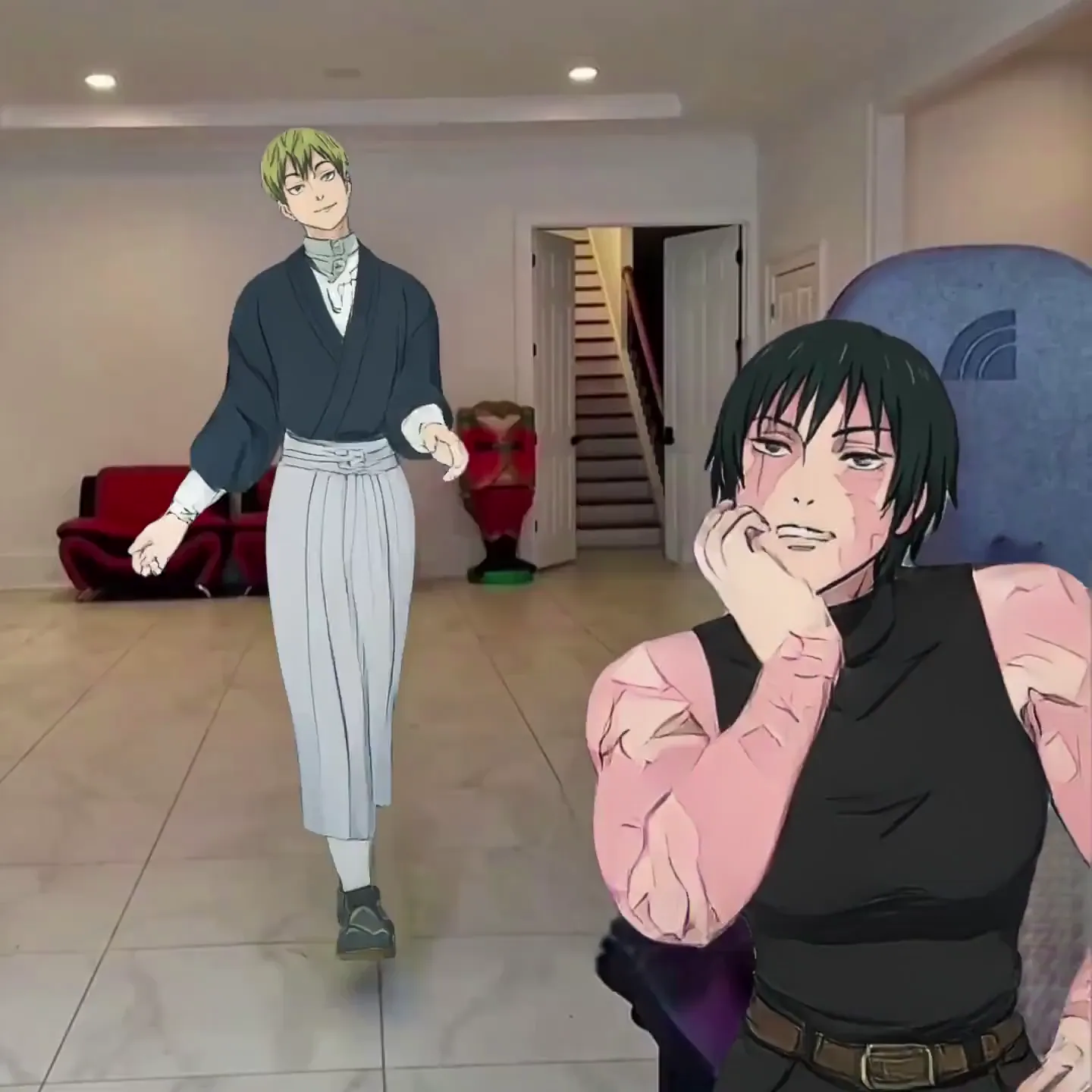
AI TikTok Video Generator Use Cases
TikTok Creators & Influencers
Post daily without filming daily. Pick trending templates, swap in your photo, and keep the content flowing. Your followers think you spent hours — you spent 60 seconds.
Dance Challenge Content
Every new TikTok dance challenge is a template waiting to happen. Don't learn the moves — let Viggle animate your character with the exact choreography. Post it before the trend peaks.
Meme Creators
TikTok runs on memes. Swap yourself or any character into viral clips, recreate trending moments with your twist, and pump out original meme content faster than anyone editing manually.
Commentary & Reaction TikToks
Share opinions, react to trends, or explain topics through an AI character that speaks with your voice. Viggle's script-to-motion creates talking TikToks with full-body expression — not a static talking head.
Brands & E-Commerce
Create native TikTok-style content for product launches, seasonal campaigns, and brand awareness. Animate brand characters or team photos with trending motions that feel organic on the platform.
Faceless TikTok Accounts
Build and grow a TikTok account without ever appearing on camera. Use a consistent AI character across all your posts — recognizable brand, zero camera anxiety.
Viggle vs Other AI TikTok Video Generators
Try Viggle Free| Feature | Viggle | CapCut | InVideo AI | Kling AI |
|---|---|---|---|---|
| Generate original motion from a photo | ✅ | ❌ | ❌ | ✅ |
| Full-body character animation | ✅ | ❌ | ❌ | ⚠️ Limited |
| Free to use | ✅ | ✅ | ⚠️ Limited | ⚠️ Limited |
| 8,000+ motion templates | ✅ | ❌ | ❌ | ❌ |
| Script-to-motion with lip sync | ✅ | ⚠️ AI avatars | ⚠️ Voiceover | ❌ |
| Physics-based 3D motion | ✅ | ❌ | ❌ | ❌ |
| Real-time avatar mode | ✅ | ❌ | ❌ | ❌ |
| Character consistency across videos | ✅ | ❌ | ❌ | ⚠️ Limited |
Frequently Asked Questions
What is an AI TikTok video generator?
An AI TikTok video generator creates TikTok-ready content using artificial intelligence. Viggle takes a different approach from most tools — upload any photo and it becomes a full-body animated character that dances, performs challenges, delivers scripts, and recreates viral moments. The result is a vertical video ready to post on TikTok.
Is Viggle free for making TikTok videos?
Yes. Viggle is free — sign up and generate up to 5 videos per day. No credit card required. All videos output in vertical format ready for TikTok.
How is Viggle different from CapCut for TikTok?
CapCut is a video editor — even with its 2026 AI update, you're assembling clips, transitions, and text. CapCut's auto-reel feature detects key moments in existing footage, and its AI avatars are pre-built, not your photo. Viggle generates entirely new video from a single photo — pick a motion template, upload your image, and your character performs with full-body animation. CapCut edits existing content, Viggle creates new content.
Can I recreate trending TikTok dances?
Yes. Viggle has 8,000+ motion templates including trending TikTok dances, and new templates are added regularly. Pick the dance, upload your photo, and your character performs the full choreography with 3D physics-based motion.
Can I make TikToks without showing my face?
Yes — faceless TikTok accounts are one of the most popular use cases. Create a consistent AI character from any photo, illustration, or avatar and use it across all your TikToks. Add commentary with Viggle's script-to-motion feature for a complete faceless content pipeline.
How long does it take to generate a TikTok video?
Under a minute for most videos. You can create multiple TikToks in a single session — different templates, same or different characters — and build up a content backlog.
Can my character lip sync or talk?
Yes. Use the mic feature to record or type what you want your character to say. Your character delivers it with natural lip sync and full-body motion — the whole body moves expressively as it speaks. Great for commentary, reactions, and storytelling TikToks.
How is Viggle different from TikTok's built-in AI effects?
TikTok's native AI features are face filters, green screen effects, and style transfers — overlays on top of your camera footage. Viggle generates entirely new video from a single photo. Your character performs full-body motion from 8,000+ templates with 3D physics — dances, stunts, fight scenes, lip sync. It's original content generation, not a camera effect.
What kind of photos work?
Any clear image with a visible body — selfies, full-body shots, anime characters, cartoon avatars, 3D renders, illustrations, even pet photos. Viggle works with any character style, not just realistic human photos.
Can I go live on TikTok with Viggle?
Yes. Viggle LIVE turns any single image into a real-time avatar that mirrors your face and body through your webcam. It works with OBS and Streamlabs for TikTok LIVE streams — no 3D modeling or rigging needed.
Does Viggle work on mobile?
Yes. Viggle has a free app on iOS and Android, plus a web app. Create TikTok videos on your phone and post directly to the platform.
One Photo. Trending Motion.
Viral TikTok. Free.
Don't film it. Generate it. 50M+ creators already making TikToks with Viggle.