Free Group Face Swap Video
Group face swap video projects are harder because multiple faces move, overlap, and turn at different times. Start with short clips and clear lighting so tracking stays readable across the scene. Generate variants and keep the take with stable identity on each person. This approach is reliable for multiple face swap video, batch face swap video, and multi person face swap content.
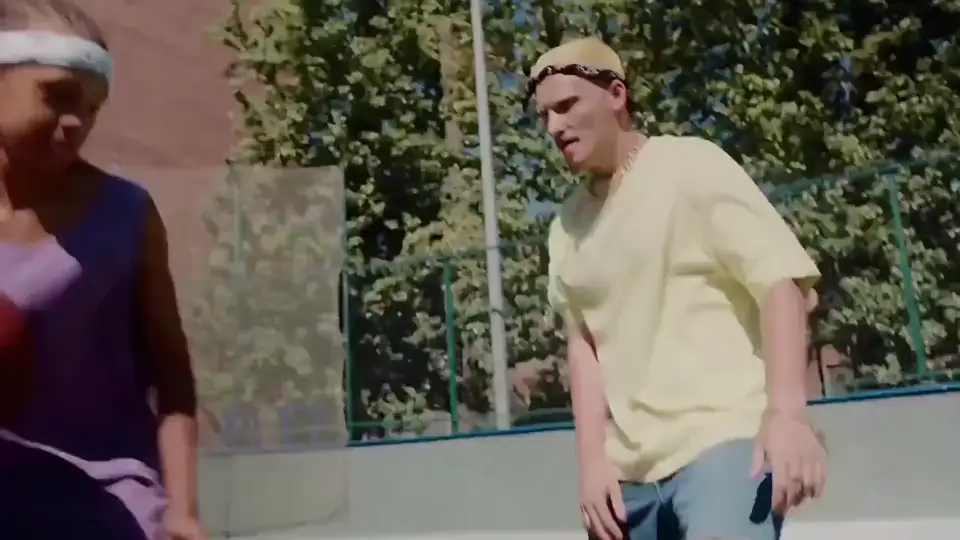
How to get better group face swap video results
Try Viggle FreeKeep shots short, reduce occlusion, and validate each person before long renders. It improves quality for ai group face swap, video face swap multiple people, and group face replacement video workflows.
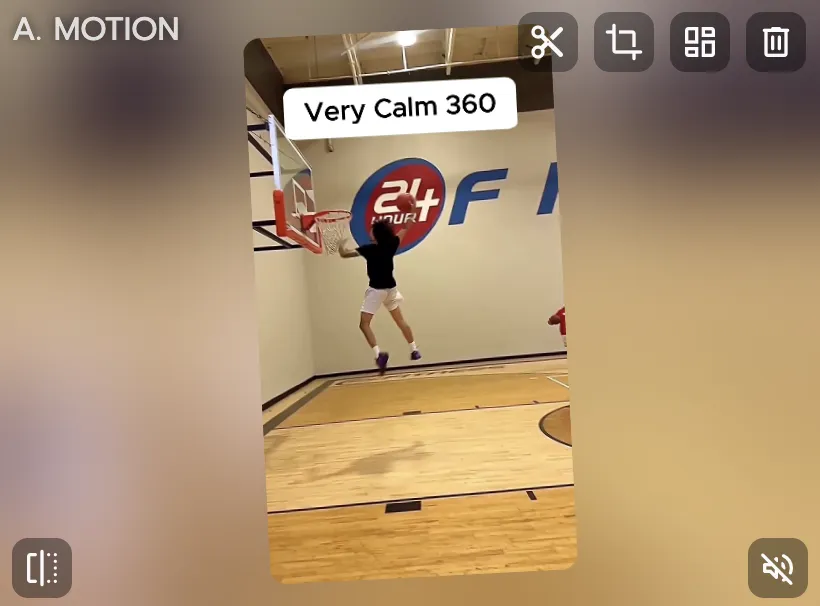
Choose a group clip with stable visibility
Use shots where faces are visible and lighting is consistent. Multi-face swaps degrade quickly when subjects are heavily occluded.
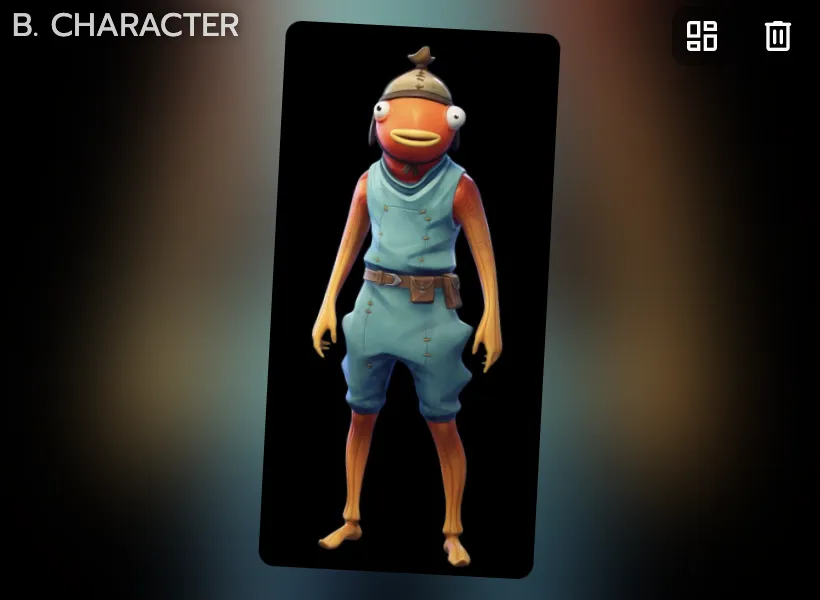
Prepare clear references for each subject
Use separate, high-quality references to improve matching per person. Cleaner references usually help reduce identity drift across the group.
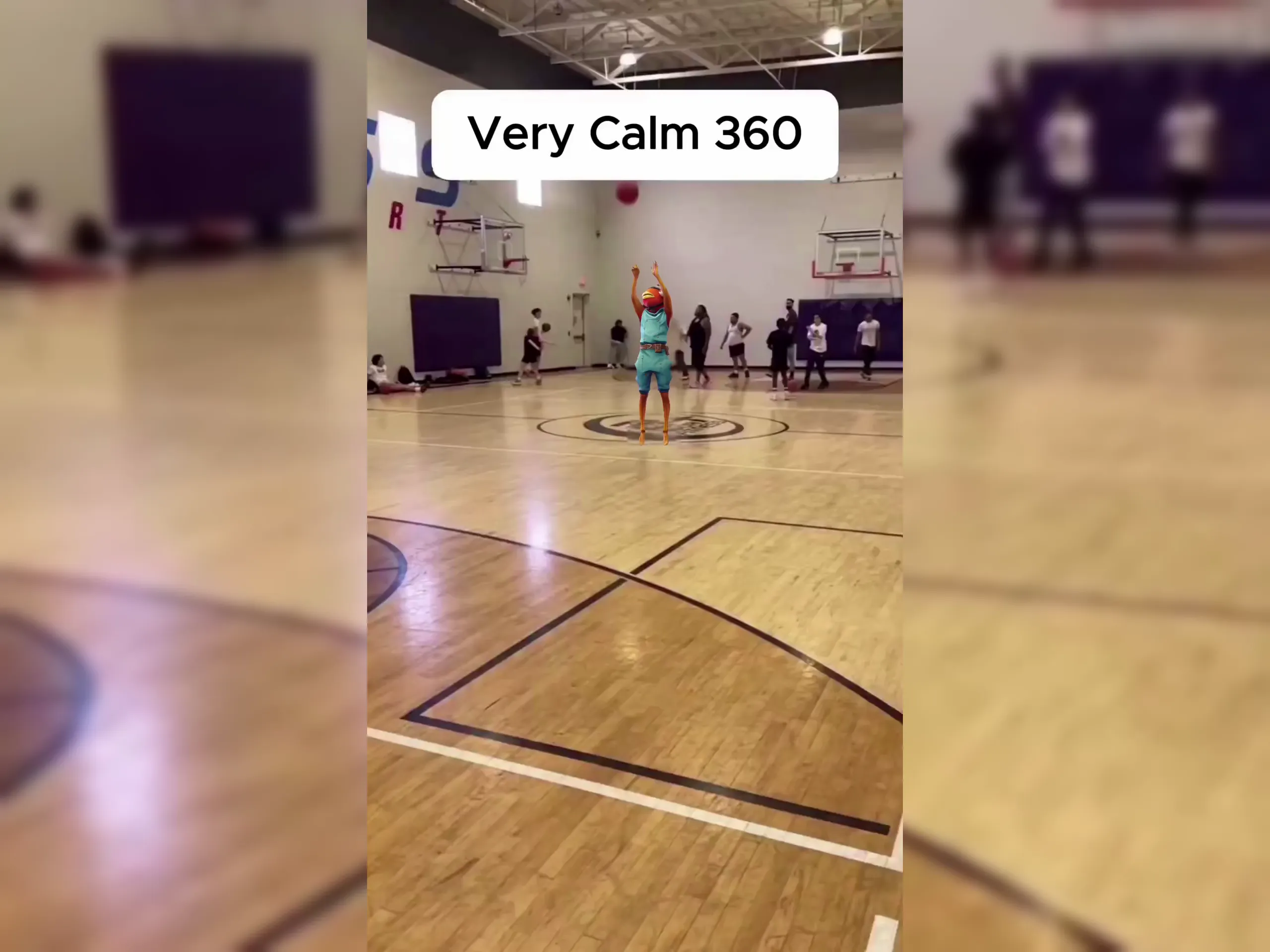
Run multiple passes and evaluate all faces
Pick the take where every participant remains coherent, not just the center subject, then export for short-form posting.
Why group face swap video creators pick Viggle
Designed for multi-subject retry loops
Group swaps require more iterations than single-face edits. Viggle workflows make repeated testing practical without huge setup overhead. That is important when one unstable face can ruin the whole clip.
See WhyMotion-aware base for crowded scenes
JST-1 is built for movement-heavy content where multiple subjects change pose quickly. This helps preserve readability in group motion scenarios. It gives creators a steadier base for final output.
Use ItConsistency when many faces shift angle
Character consistency supports repeated generation while keeping subjects recognizable. In group content, that stability improves perceived quality fast. It also reduces manual correction cycles.
Keep StableMulti-Track helps fix weak segments
You can refine timing and target-level details in one timeline instead of restarting from zero. That saves time on high-volume social workflows. Teams can move from draft to publishable faster.
Refine FasterTemplate speed for group trend formats
8,000+ templates help creators adapt popular multi-person formats quickly. Combined with free daily generation, this supports frequent community posting. It is a practical fit for trend-driven pages.
Ship MoreGroup Face Swap Video Examples
Explore More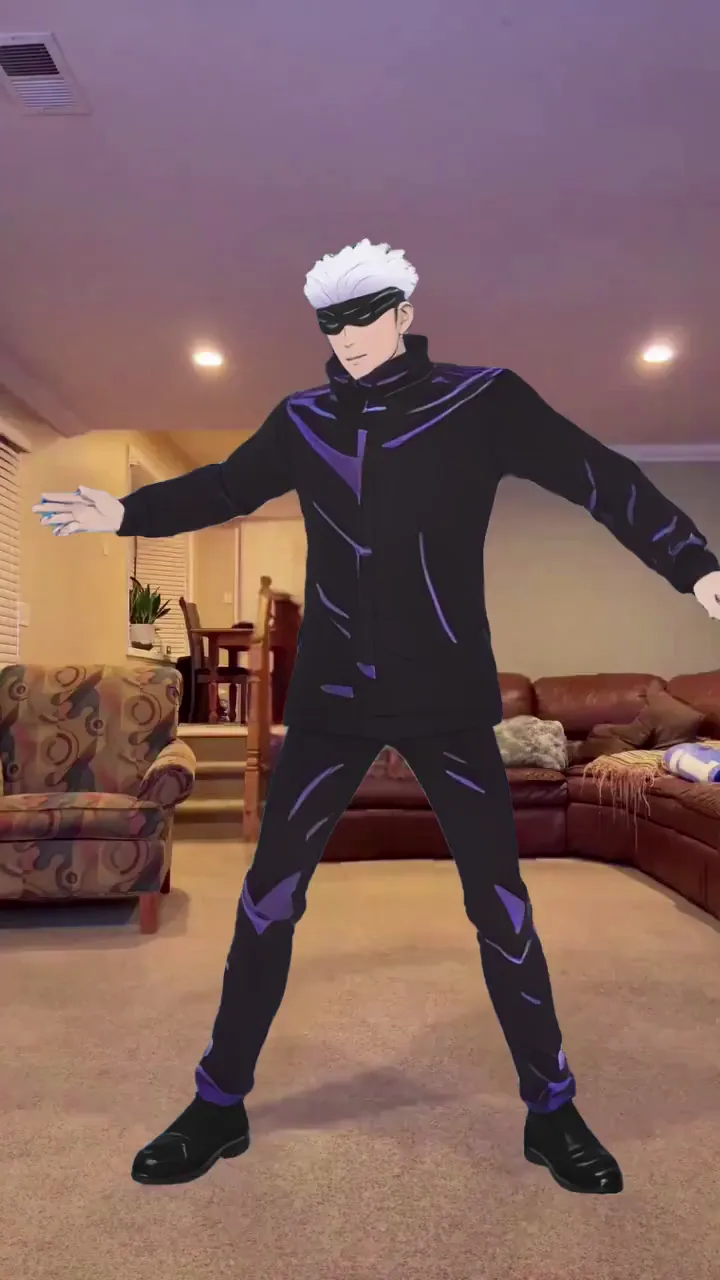
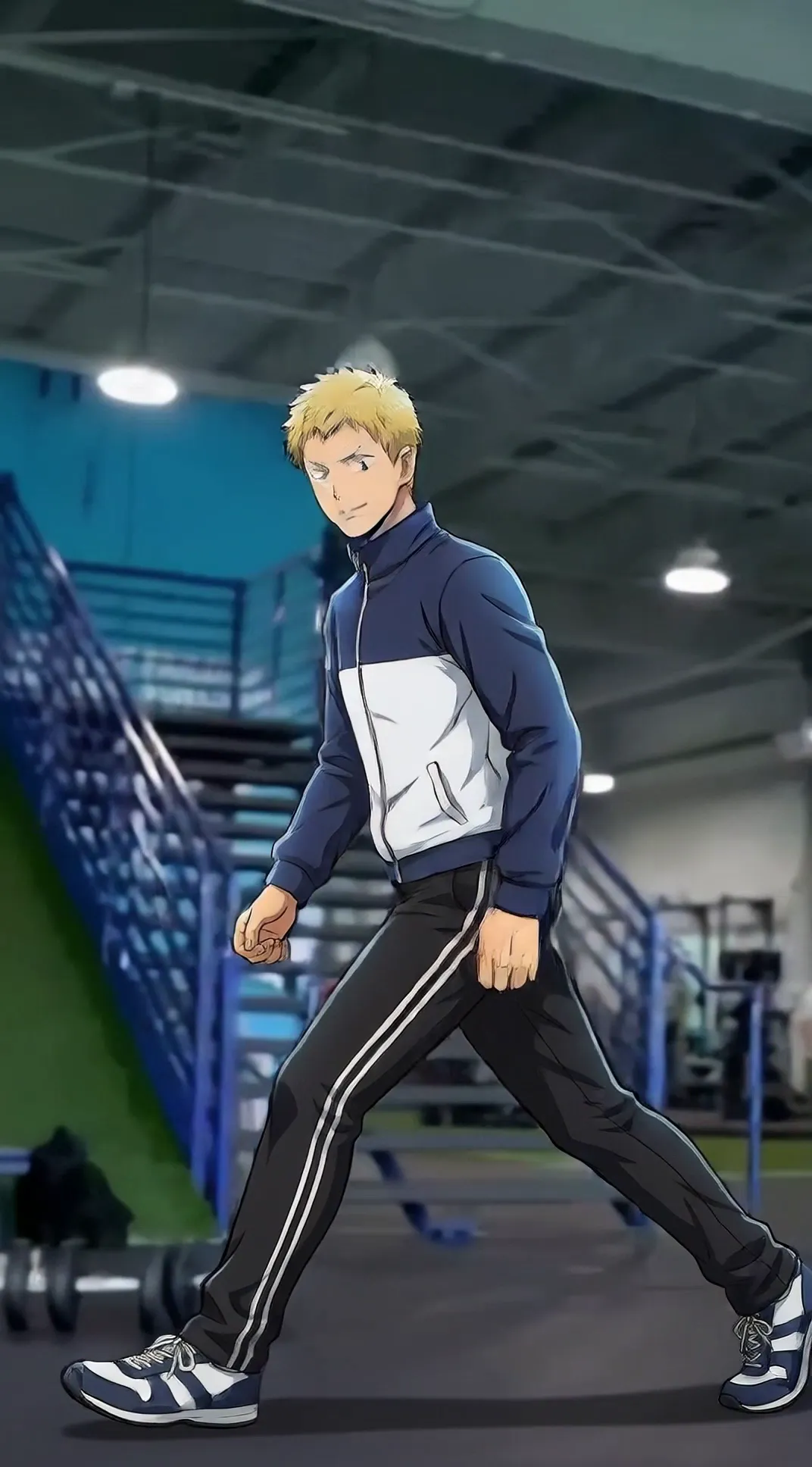

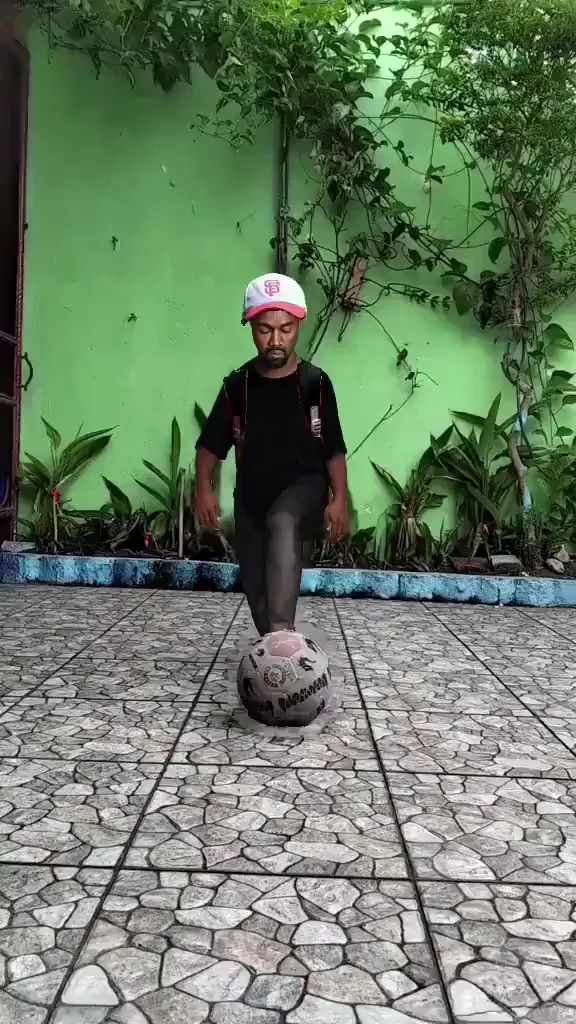
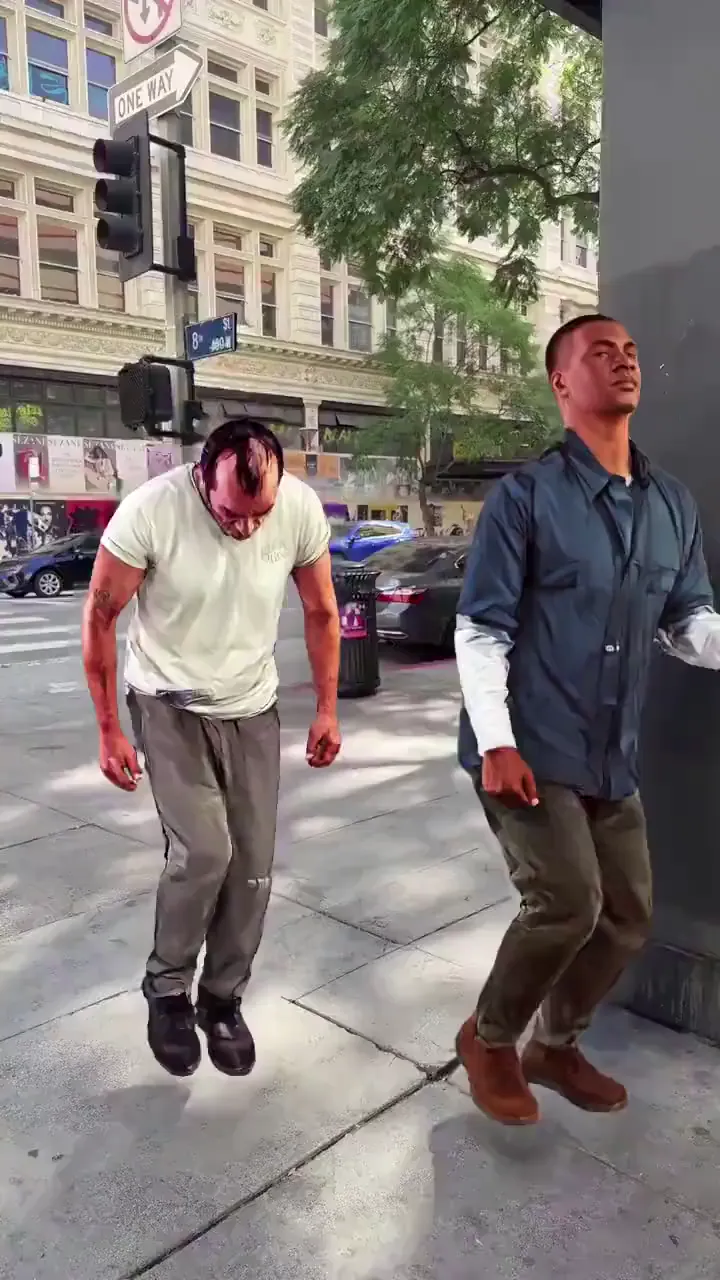
Who Uses Group Face Swap Video
TikTok Group Creators
They produce multi-person trend videos and need stable swaps across all subjects.
YouTube Shorts Creators
They package group reactions and challenge moments into compact clips.
Instagram Reels Creators
They post friend-group edits and event highlights with quick turnaround.
Sports Fan Creators
They remix team celebrations and crowd reactions into shareable multi-face formats.
Dance Content Creators
They need coherent timing across multiple performers in movement-heavy clips.
Meme Page Managers
They run high-frequency group parody formats and optimize for speed.
Viggle vs other group face swap video tools
Try Viggle Free| Feature | Viggle | Magic Hour | AKOOL | Reface |
|---|---|---|---|---|
| Multi-person motion readability | ✅ | ⚠️ Tool dependent | ⚠️ Setup dependent | ⚠️ Preset dependent |
| Consistency across multiple faces | ✅ | ⚠️ Varies | ⚠️ Varies | ⚠️ Limited controls |
| Full-body context handling | ✅ | ⚠️ Not core | ⚠️ Partial | ❌ |
| Timeline control for target cleanup | ✅ Multi-Track | ⚠️ Tool dependent | ⚠️ Limited | ❌ |
| Template speed for group formats | ✅ 8,000+ | ⚠️ Varies | ⚠️ Varies | ✅ Template rich |
| Free start path | ✅ Up to 5 free videos/day | ⚠️ Varies | ⚠️ Varies | ⚠️ Varies |
Group Face Swap Video FAQ
What is a group face swap video?
A group face swap video swaps multiple faces in a single clip. It’s harder than single-face swaps because faces turn, overlap, and get occluded.
How do I swap multiple faces in one video?
Start with a short group clip, use clear face references, and generate multiple variants. Pick the take where all faces look stable before exporting.
Why do group swaps look worse than single swaps?
Multiple faces increase tracking complexity and occlusion. Lighting changes, fast motion, and low resolution amplify artifacts.
What kind of group clip works best?
Stable lighting, minimal motion blur, fewer cuts, and faces that stay visible. Start with 3–6 seconds to validate realism.
How many variants should I generate?
Try 5–10 variants for group clips. More faces usually require more retries to get a clean pass for everyone.
Can I use group face swap for TikTok and Reels?
Yes. Group face swap video is popular for TikTok trends, Reels reactions, and Shorts meme edits.
Does face swap work with side profiles?
It can, but profiles are harder. For best results, use group clips where faces are mostly front-facing or only slightly turned.
What’s the fastest way to improve results?
Replace the weakest face reference first, shorten the clip, and pick a simpler shot. Small changes can significantly improve stability.
Swap multiple faces in one clip
fast
Start short, generate variants, and export a group face swap video that’s ready to post.