Making Music Videos with Viggle AI: A Daring Attempt by Alex Duva of Champman University
Viggle
Making Music Videos with Viggle AI: A Daring Attempt by Alex Duva of Champman University#
Viggle: Can you tell us your perspective on using AI tools for art and filmmaking?
Alex: AI tools like DALL-E have entirely changed how I approach filmmaking and art creation. These tools are here to stay, and rather than fearing them, artists should embrace them as enhancements to creativity. It's like when computer-generated graphics first came out—there was resistance, but now they're a standard. AI is a tool to improve my projects, not replace my creative vision. When used thoughtfully, these tools can bring art to a whole new level.
Viggle: How do you integrate AI tools into your music video projects?
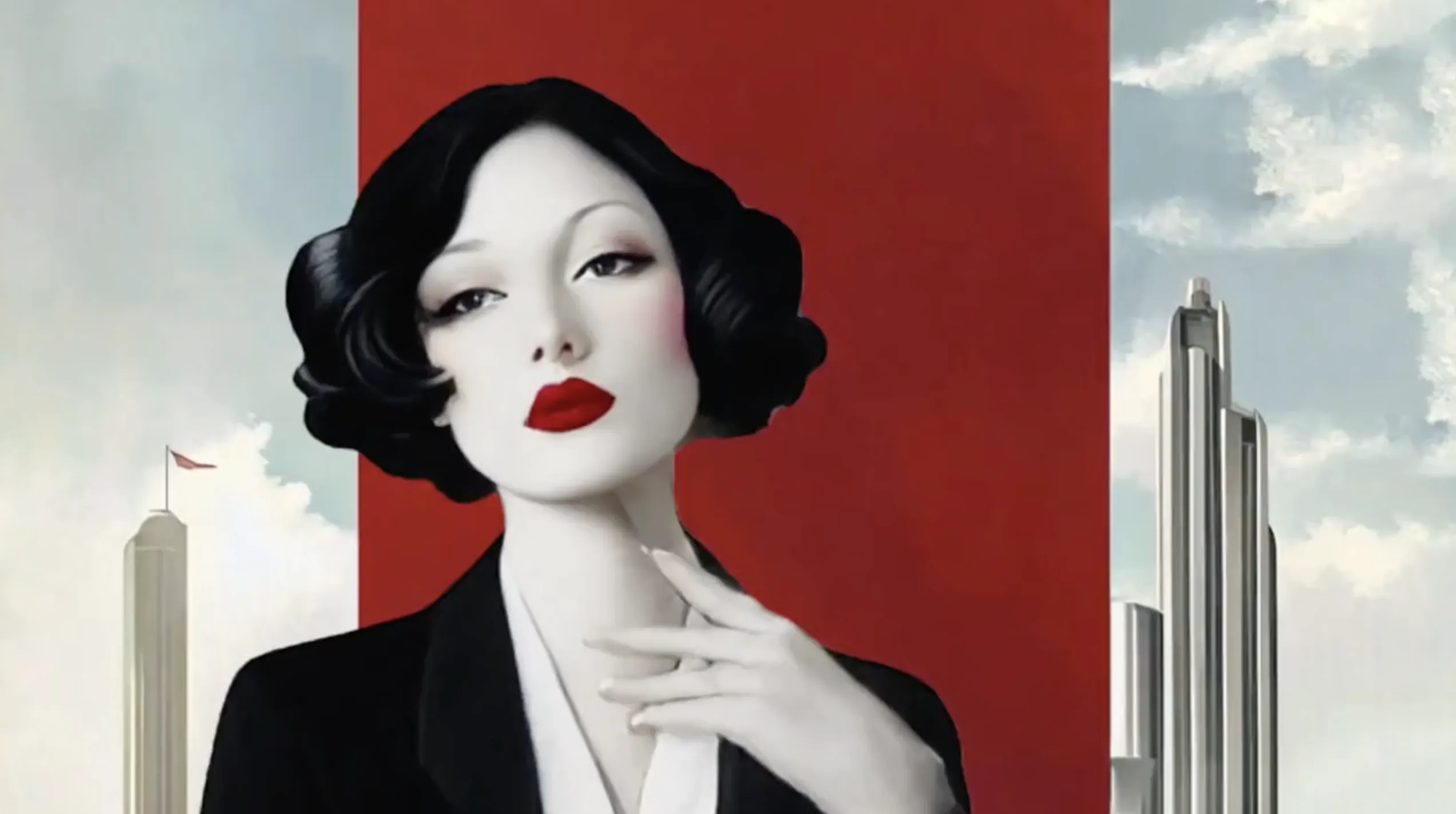
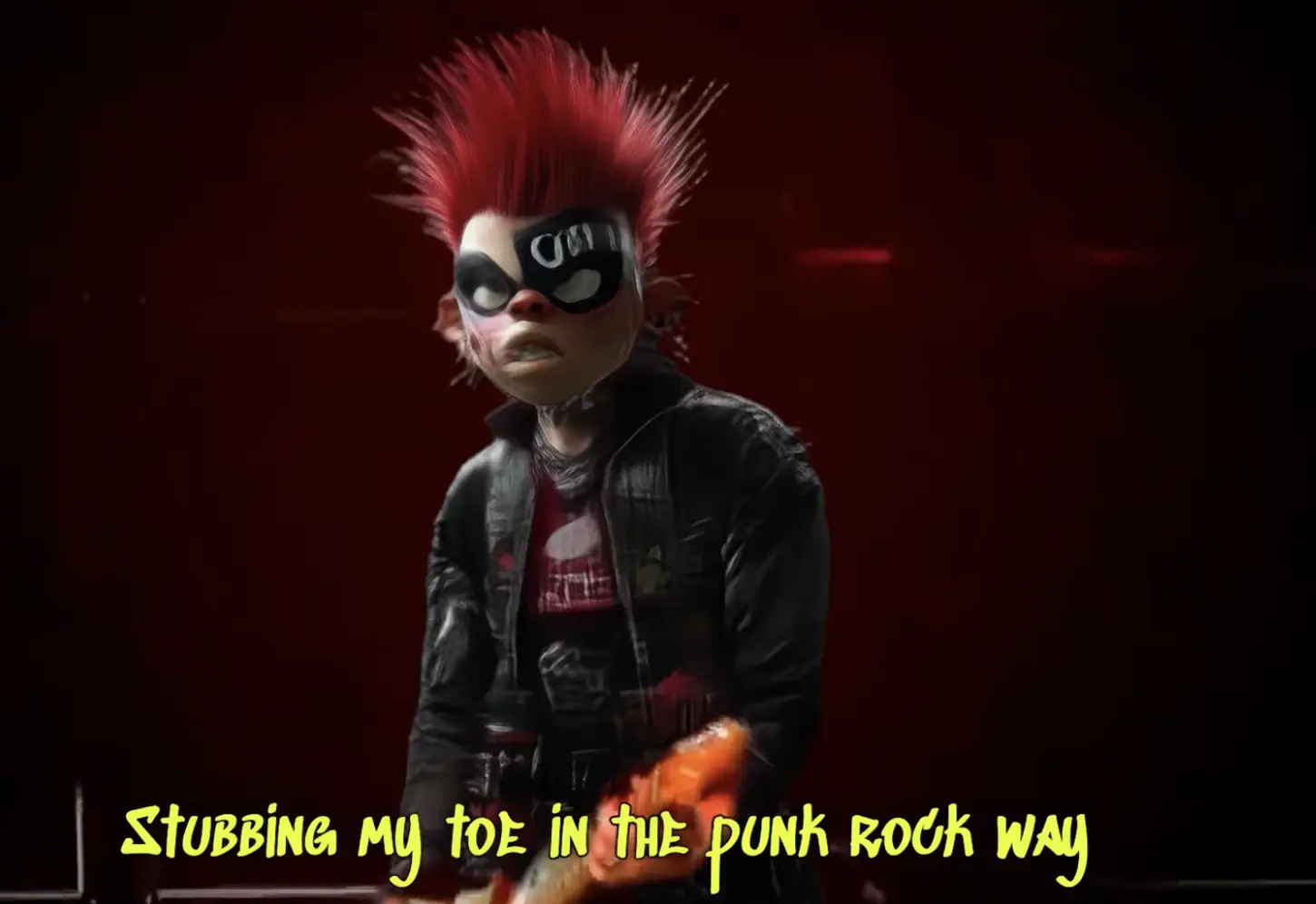
Alex: For my music video projects for my class at Champman University, I like to brainstorm themes and visuals first. I used tools like Udio and MidJourney to generate punk rock-inspired lyrics and visuals. Initially, I aimed for a realistic style but eventually shifted to a 3D CG character approach, which allowed for more creative freedom. I drew inspiration from various punk rock bands and their concert aesthetics, blending those elements into my work.
Viggle: What's your experience with video generation tools?
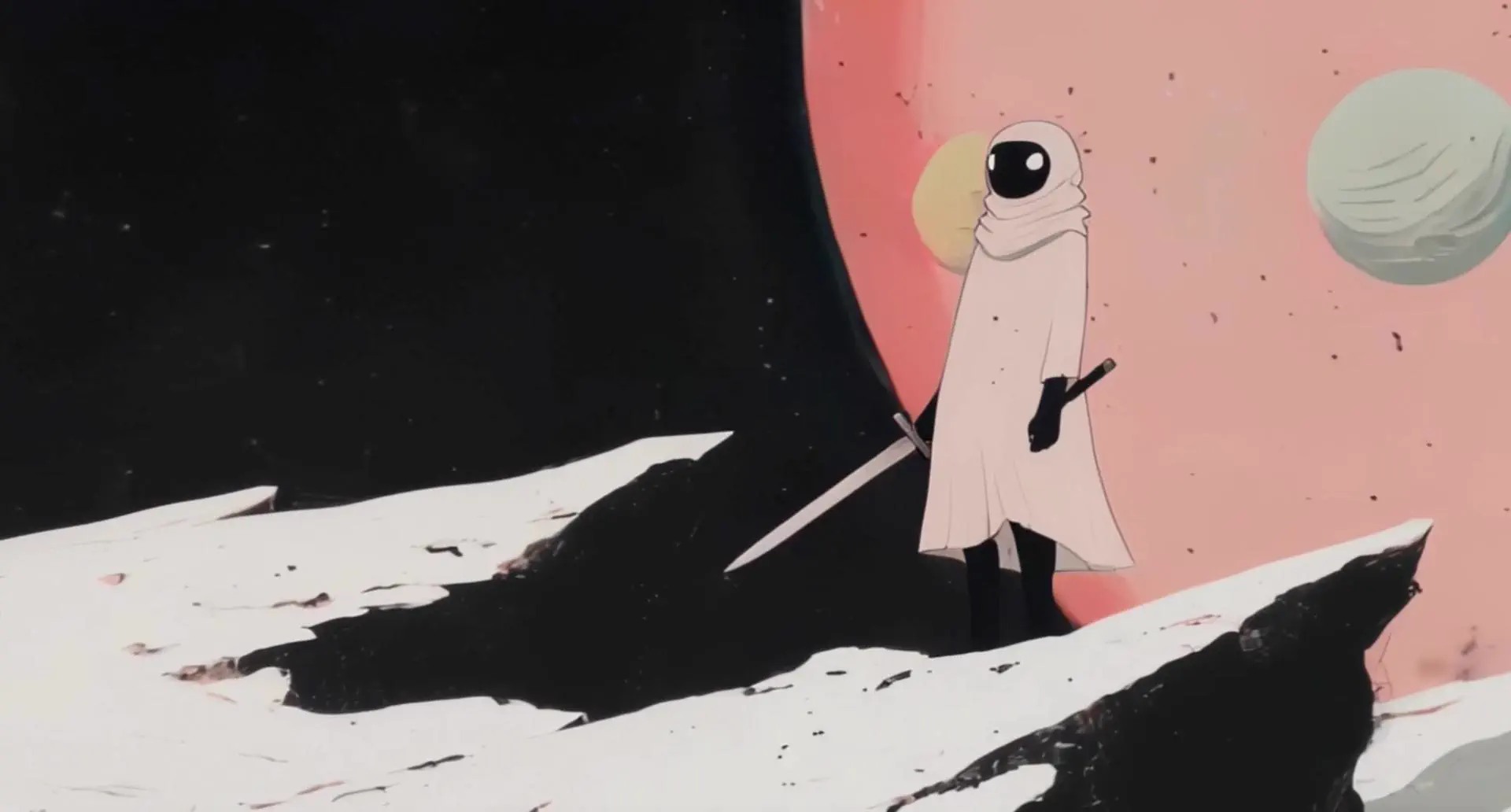
Alex: I've experimented with tools like Stable Video and Runway, but credit limitations meant switching between platforms. One of the happy accidents I encountered was a slight misalignment in a video where a character's movements didn't sync perfectly with the music. It added a unique and unexpected element, which I loved.
Viggle: What was the workflow of creating your recent video project?
Alex: It was one of the most enjoyable projects I've ever worked on.
- I used Adobe Premiere to edit and cut the footage and combined it with visuals from Midjourney.
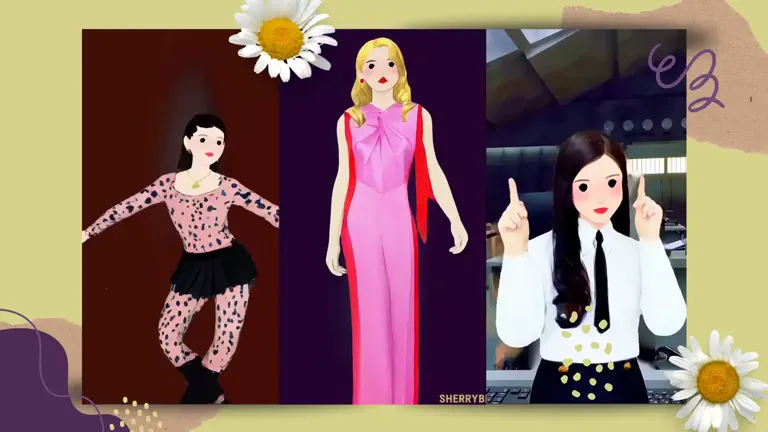
- Then, I used Viggle AI to capture motion and generate videos. The ability to use a pre-recorded video rather than typing out prompts made a huge difference—it allowed me to capture the movements I envisioned more accurately. I also focused on pacing and incorporating a variety of shots to ensure a dynamic and fluid video. The process was seamless, and the results exceeded my expectations.
- Then, I stitched everything together with an editing tool.
- I used Topaz to upscale everything.
Alex: The app has been incredibly helpful, especially with the 6-month trial you provided. I appreciate being able to download assets directly from the web without needing to connect my phone. It's a convenient and efficient tool for big projects.
Viggle: You should share your work on Twitter to connect with the vibrant AI video community!
Alex: That's a great idea! I'll create a Twitter account to showcase my future projects and engage with others in the community.
Viggle: What excites you most about AI's role in art and filmmaking?
Alex: I'm overwhelmingly excited about everything happening right now. AI has made it possible to combine music, visuals, and motion in ways that weren't achievable before. It's a game-changer for creators like me. I'm looking forward to continuing this journey and seeing how AI tools like Viggle evolve to push the boundaries of creativity even further.
Through tools like Viggle, students like Alex are transforming their creative vision into dynamic and immersive experiences. His innovative approach to AI filmmaking highlights the endless possibilities that lie ahead for creators everywhere. Stay tuned for more from this talented artist as he continues to explore the intersection of art and technology.
Join our creator program to enjoy Pro features and the latest product updates!
Reach out to us at [email protected].