Bruce Lee Meets AI: How MadPencil Uses Viggle AI for Dynamic Art Creations
Viggle
Bruce Lee Meets AI: How MadPencil Uses Viggle AI for Dynamic Art Creations#
Follow MadPencil on X.
Viggle: Can you tell us about your background and how you got into art and AI?
MadPencil: I'm just an average guy with a regular day job, but art has always been my passion. It's not something I do professionally—I create because I love it. If I can turn it into a full-time job someday, that'd be a bonus, but for now, it's about enjoying the process.
I've been drawing and sketching since childhood, inspired by comics like DC, Marvel, and Indian comics, as well as cartoons and anime, which I still love. I used to focus on traditional art—sketching and painting—but as life got busier with work and other commitments, it became harder to dedicate time to it.
In late 2022, a friend introduced me to DALL-E, and that was my first encounter with generative AI. I was blown away by the idea of creating an image just by describing it in words. Then, when ChatGPT dropped shortly after, the whole AI landscape shifted overnight. I've always been curious about technology, so it felt natural to dive into this space. From then on, I was hooked, exploring AI art and tools ever since.
Viggle: What was your experience like when you first used Viggle
MadPencil: The first time I used Viggle, it felt like magic. It's such a unique tool that lets you motion capture from any video clip and even replace the character—it was mind-blowing! And the best part? It's so easy to use.
As I got more comfortable with Viggle, I started experimenting with ways to integrate it into my artwork. That's when I discovered that combining Viggle with style transfer tools like Lensgo could produce some truly artistic results. I remember Viggle and Lensgo even partnered for a short movie challenge at one point—Dave won that one, I think.
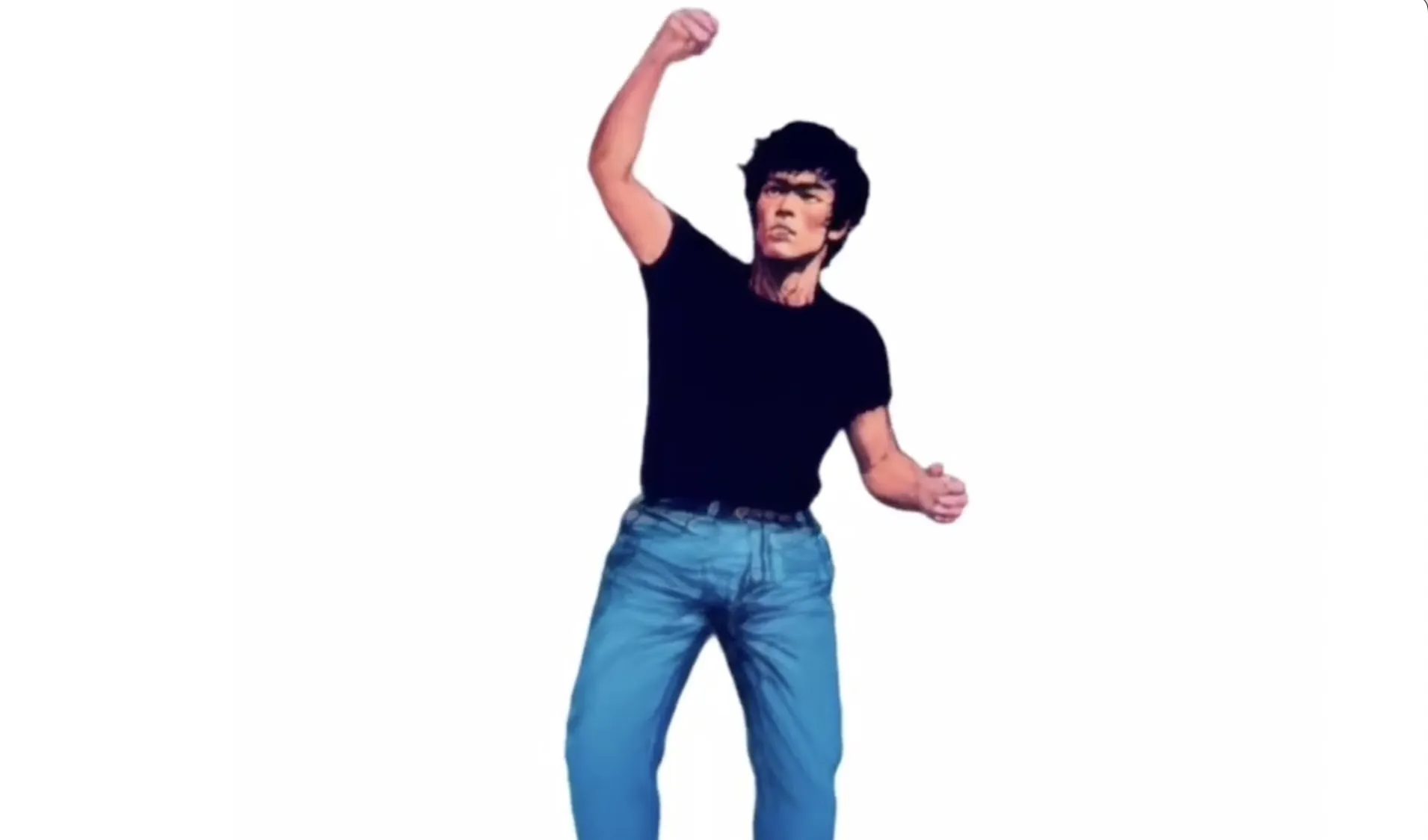
One of my favorite experiments was creating a Bruce Lee-inspired clip. As a kid, I trained in taekwondo, so Bruce Lee was a legend to me. I just had to try bringing one of his action sequences to life with Viggle!
Viggle: Can you walk us through your workflow for the Bruce Lee project?
MadPencil: Sure! Here's the process I followed:
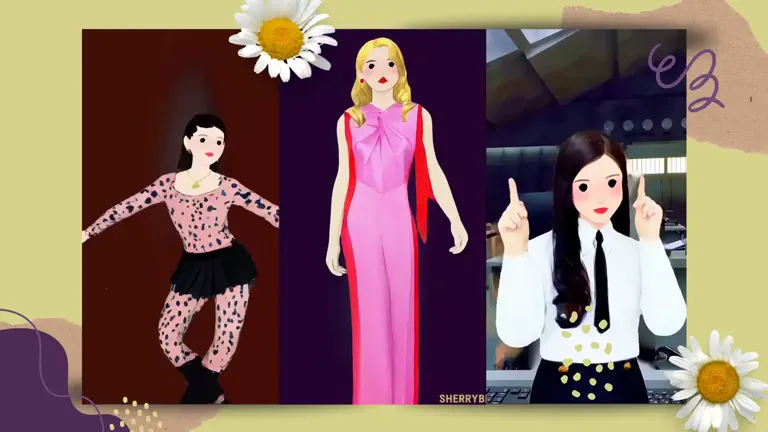
- Templates: I started with three templates from Viggle's library that I thought would work well for the project.
- Image Generation: I created a Bruce Lee image using DALL-E and edited the templates to make them flow as one video.
- Motion Capture: I used Viggle's Mix feature to capture motion from the stitched video and applied it to the Bruce Lee image.
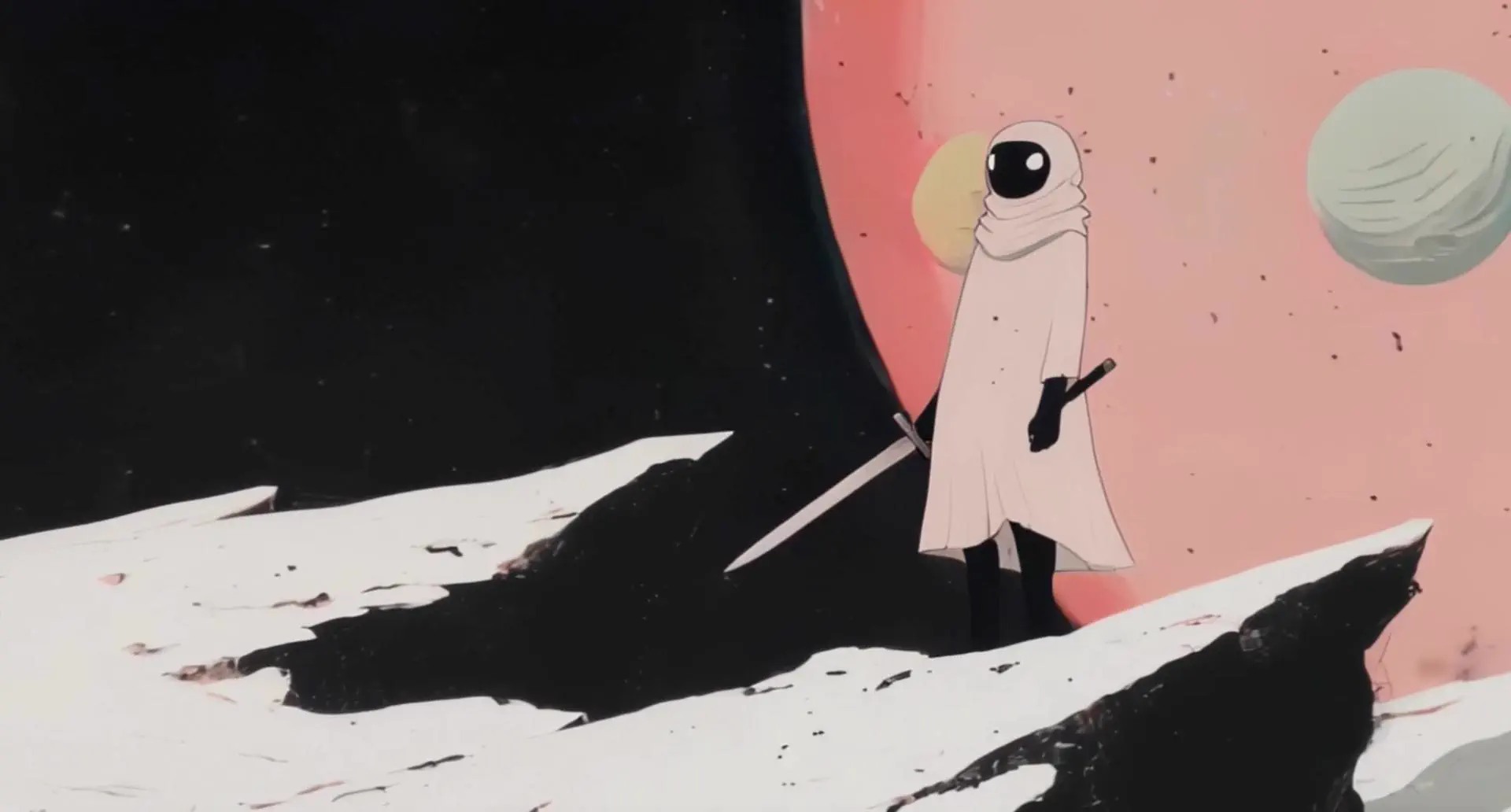
- Style Transfer: Next, I used Lensgo AI for style transfer. I used the same DALL-E-generated Bruce Lee image as the style reference.
- Final Touches: I added music, sound effects, and additional edits using CapCut. And that was it!
Viggle: What's your perspective on AI and its role in creative work
MadPencil: Every AI creative tool has its own unique strengths, so I use whichever helps me achieve my vision. Viggle stands out because of its ability to motion capture from any video clip—it's such a fun app for the masses, but in the hands of skilled creators, it becomes an incredible tool.
There are so many talented creators in the Viggle community, like @8bit_e, @AIWarper, and @0xFramer. They've mastered the craft and are doing amazing work.
I also introduced Viggle to @Art_For_Joy, and now she's a pro. Her clips are so fresh and fun—it's inspiring to see how people are using Viggle to push boundaries in creative expression.
Join our creator program to enjoy Pro features and the latest product updates!
Reach out to us at [email protected].