How VISIONEER is Redefining Creative Boundaries Using Viggle AI
Viggle
How VISIONEER is Redefining Creative Boundaries Using Viggle AI#
Follow VISIONEER on X. VISIONEER available on all music streaming svc's.
Viggle:Tell us about your background, VISIONEER. How did your journey in the creative world begin, and what led you to explore AI-driven tools?
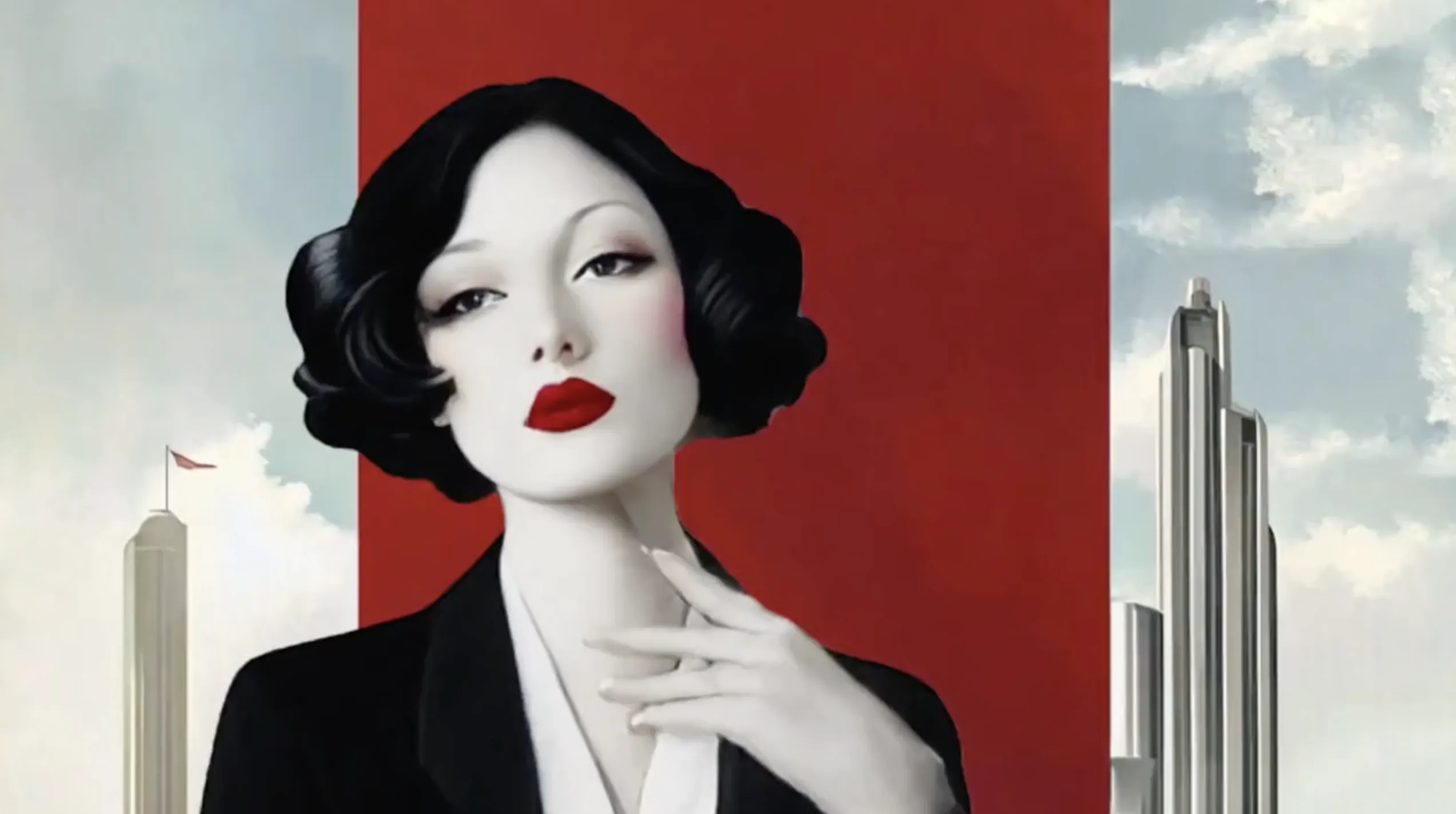
VISIONEER: I've always been immersed in the creative space—music, visuals, and art have always been my world. I started as a graphic designer, but I evolved into a songwriter and music producer over time. My goal has always been to create work that wows viewers, bringing seemingly impossible ideas to life.
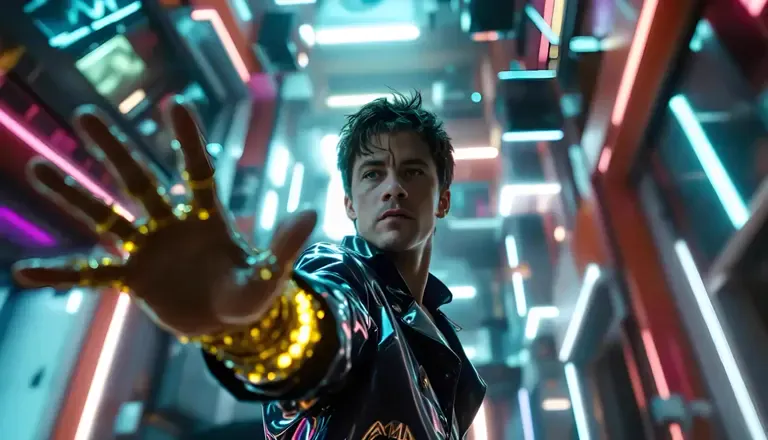
About a year ago, I began experimenting with AI tools like PixVerse and Adobe Firefly and sharing my creations on X. Being part of a community of creators fueled my inspiration, and seeing what others could do with these tools pushed me to explore further. It feels surreal—these tools empower creators to produce Hollywood-level content from home. This is the best time to be a creator; anyone with a vision can bring it to life now.
Source: VISIONEER's X post
Viggle: How did you first get introduced to Viggle, and what has your experience been like?
Source: VISIONEER's X post
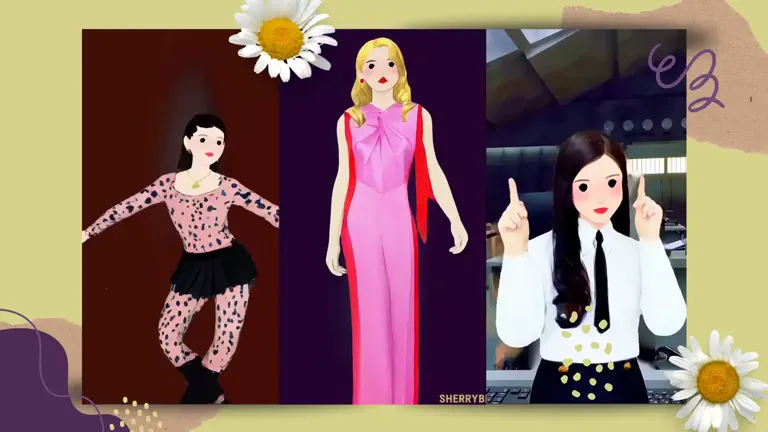
VISIONEER: I discovered Viggle while experimenting with different AI tools, and it quickly became a key part of my process. What I love most about Viggle is that it is much more than dance videos. It's a tool that opens up countless storytelling possibilities. For instance, you can upload your motion videos, which lets me add my own movement to my creations.
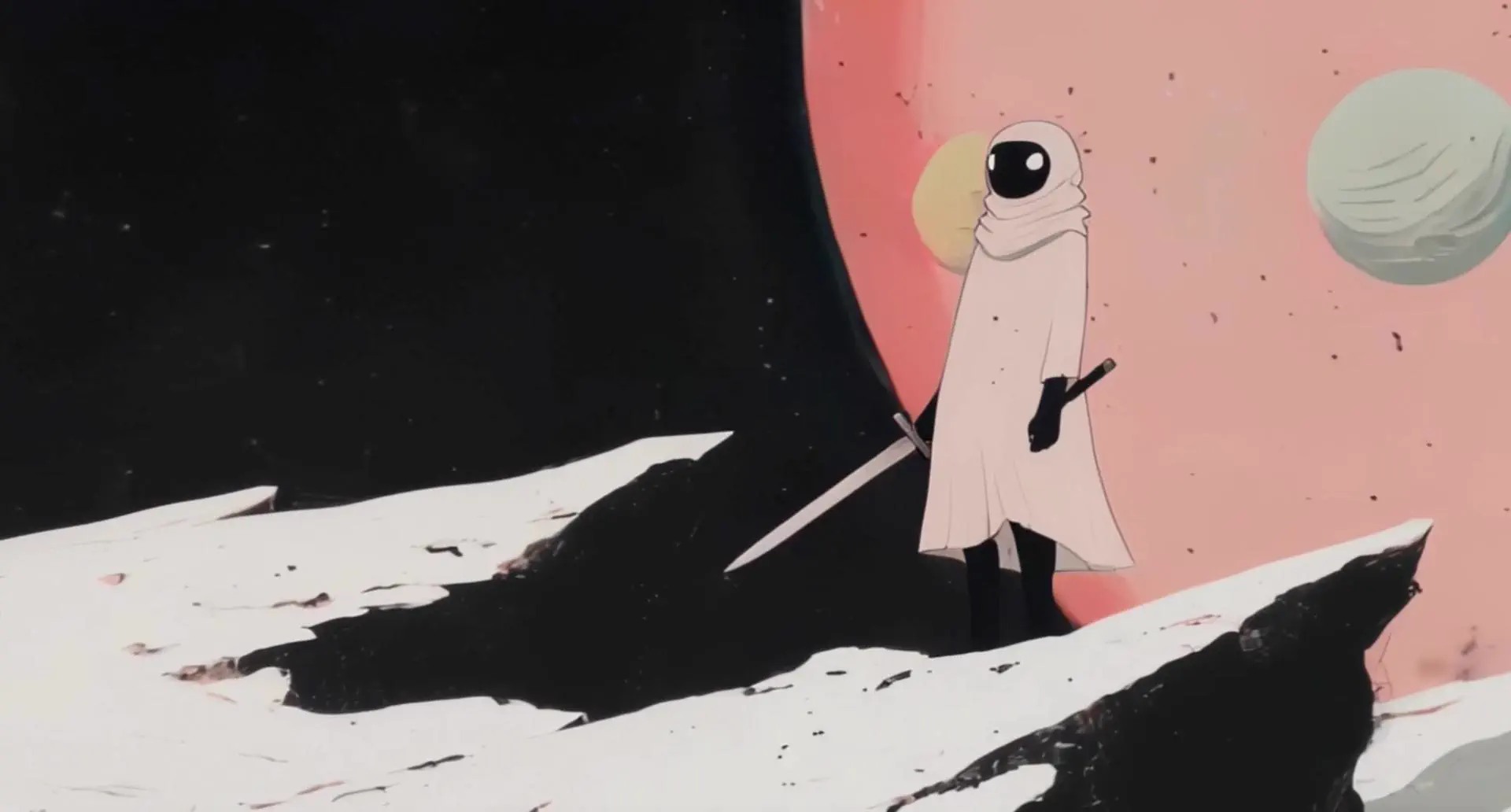
One of my first experiments involved a robot character I made in Freepik. I initially used Viggle's default templates, but then I thought, "Why not take this further?" I set up a green screen, recorded myself doing an action shot, and integrated everything seamlessly using Viggle. Now, I'm working on an entire music video using Viggle, and it's fascinating to see it come together.
Viggle:Can you walk us through your creative workflow?
Source: VISIONEER's X post
VISIONEER: Sure! Here's how I typically approach a project:
- Image Generation: I start by creating my visuals in Freepik and designing characters and backgrounds that fit the concept.
- Viggle Templates: I explore Viggle's templates to find the best fit for my project. This step is crucial, as it helps me understand the tool's capabilities and choose the right style.
- Editing and Upscaling: After generating the base visuals, I edit and upscale them in CapCut. CapCut's online upscale is quite adequate, especially when I begin with high-quality images. I adjust the sharpness to 30-60 before upscaling for the best results.
Viggle: What are your thoughts on AI and its potential impact on the future of creativity?
- VISIONEER: For as long as we can remember, human imagination has pushed the boundaries of what's possible, from paintings and photography to CGI. The fact that we now have CGI-like capabilities at our fingertips is mind-blowing. AI is transforming the landscape of creativity, and I think we're just scratching the surface.
- I envision a future where creating entire immersive experiences is as simple as a voice command: "Alexa, make me a movie." I dream of seeing wild, psychedelic worlds brought to life with VR, where we can experience art in entirely new dimensions. Tools like Viggle are not just making this possible—they're making it accessible. It's an exciting time to be a creator, and I'm thrilled to be part of this movement, exploring what's possible and pushing boundaries every day.
Join our creator program to enjoy Pro features and the latest product updates!
Reach out to us at [email protected].