Select ChatGPT Images 2.0
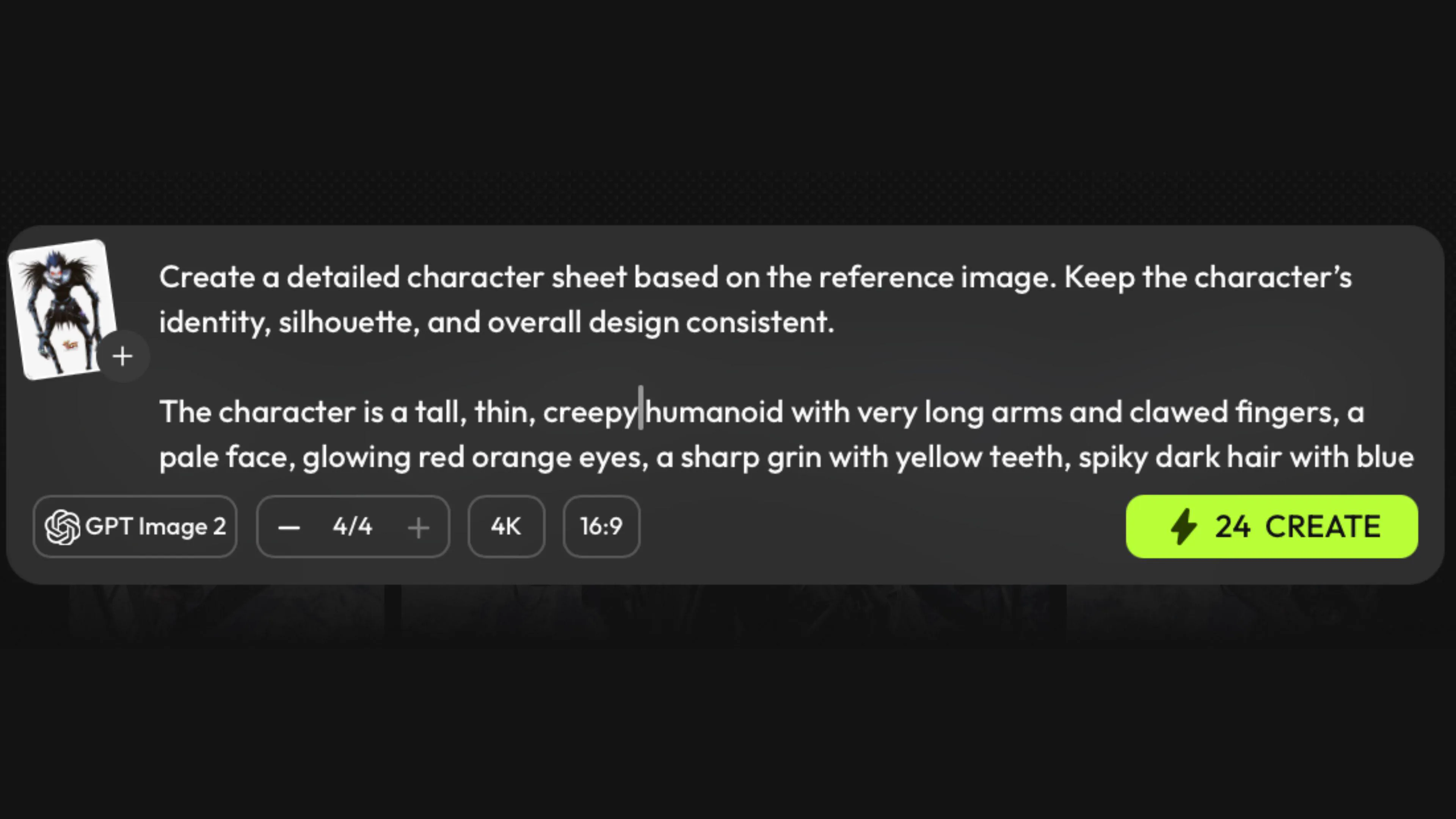
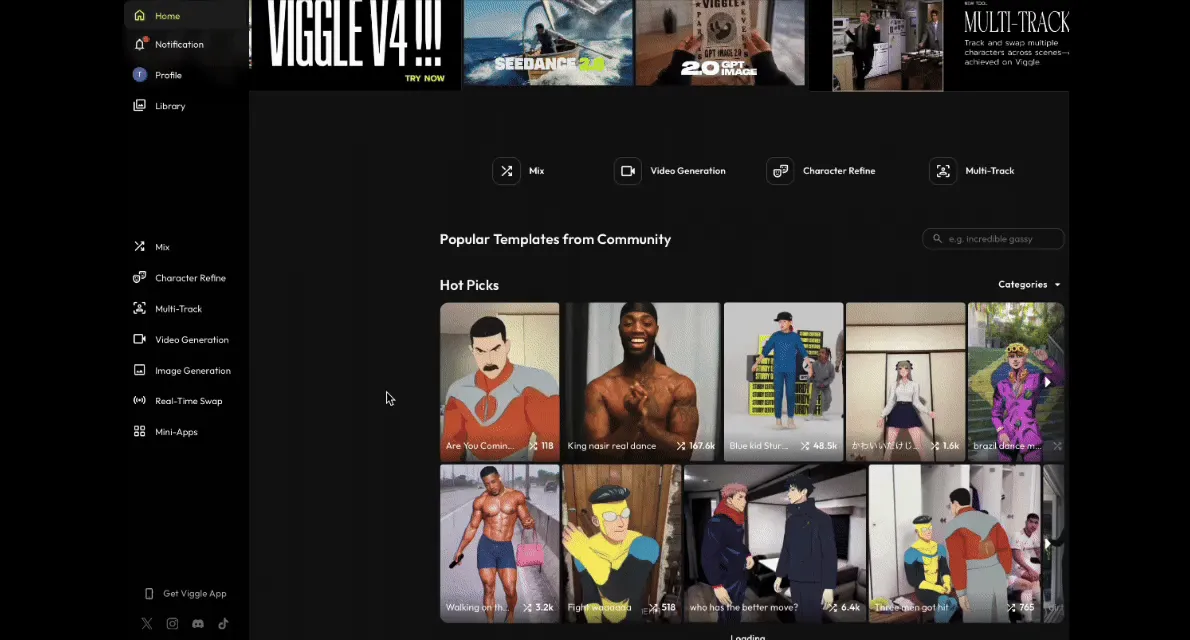
Open Image & Video on Viggle. Pick ChatGPT Images 2.0 from the model list, then upload a reference image if product shape, character identity, or composition must stay fixed.
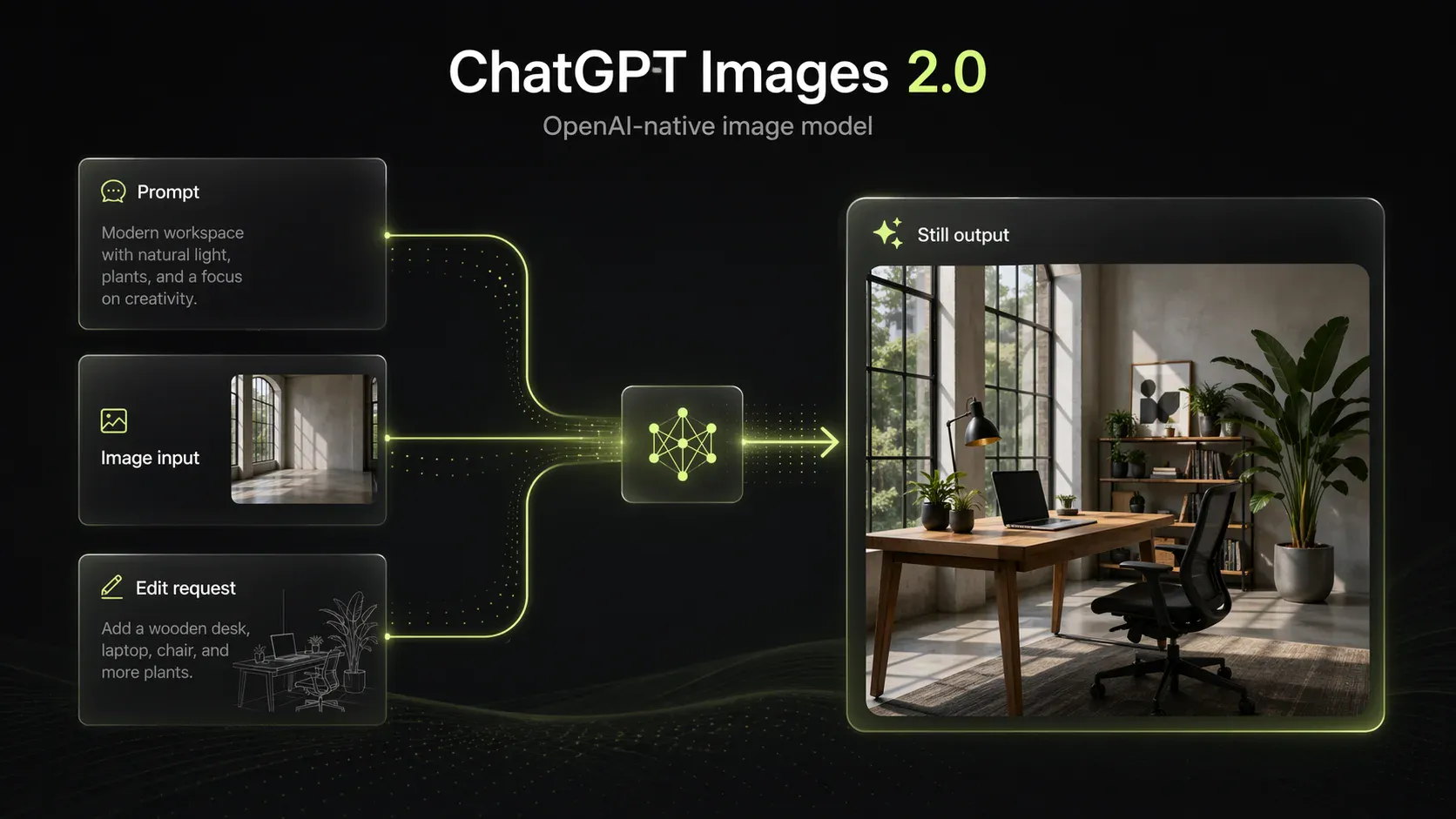
ChatGPT Images 2.0 is OpenAI's latest image model for text-to-image generation and high-fidelity edits. Use it in Viggle's Image & Video workflow for polished stills, then move approved frames into motion tools when needed.


Open Image & Video on Viggle. Pick ChatGPT Images 2.0 from the model list, then upload a reference image if product shape, character identity, or composition must stay fixed.

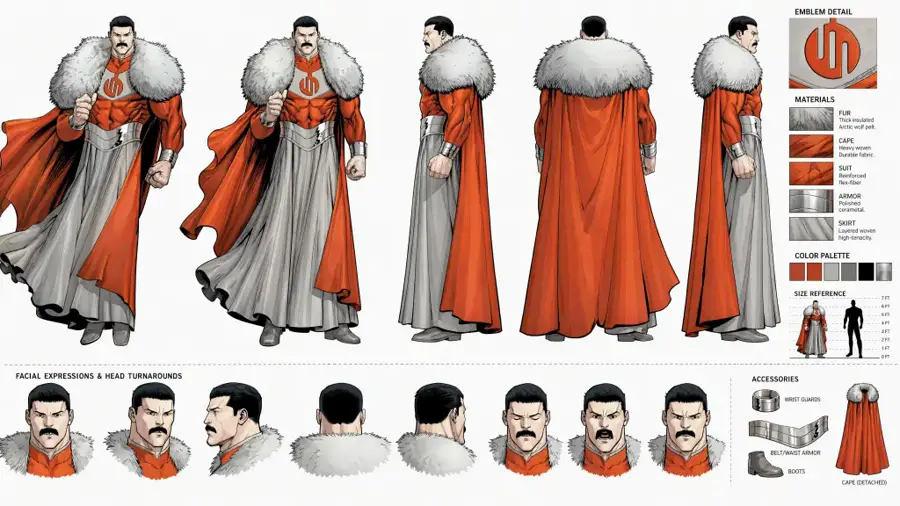
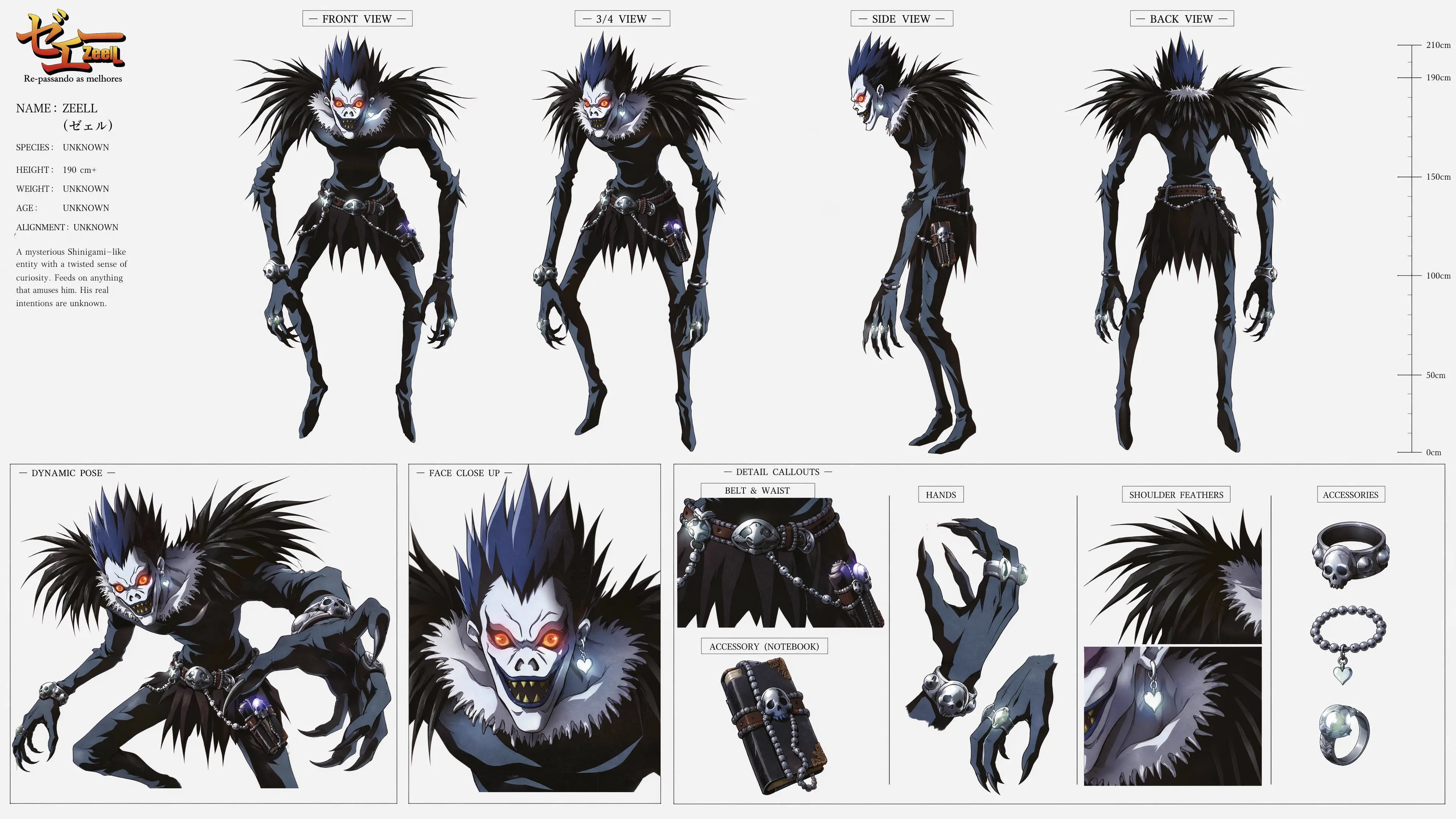
Describe the subject, layout, text, lighting, and aspect ratio. Example: "Create a detailed character sheet from the reference image, keeping the character’s identity, silhouette, and design consistent."

Hit Create, review the image, and refine with follow-up instructions if needed. Download the still or hand it to Mix or Multi-Track for motion.
ChatGPT Images 2.0 is OpenAI’s upgraded image generation and editing experience inside ChatGPT. It can create high quality visuals from prompts, edit existing images, follow reference images more consistently, handle text heavy designs better, and support more structured creative work like posters, character concepts, product mockups, and visual layouts.


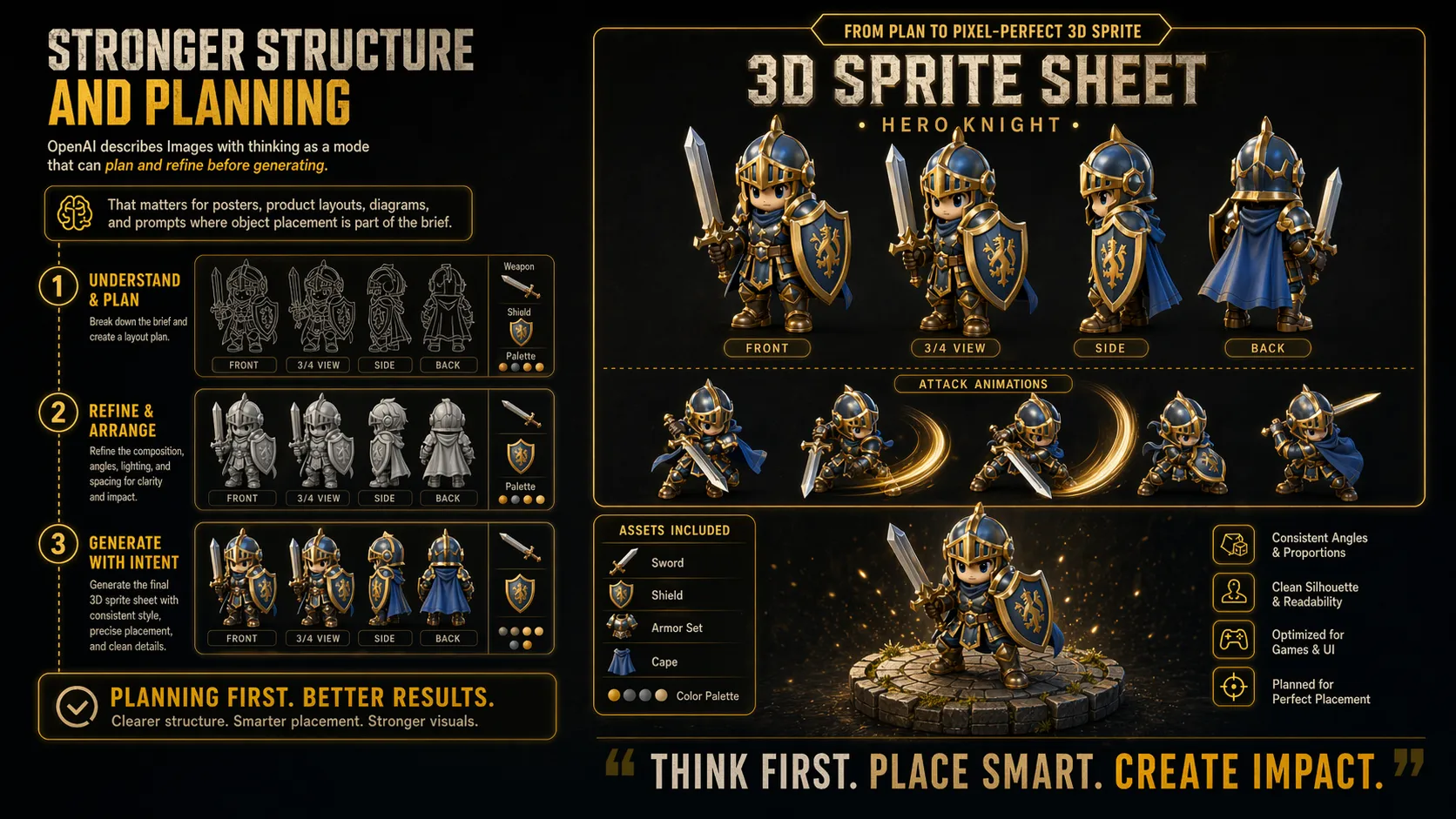
OpenAI describes Images with thinking as a mode that can plan and refine before generating. That matters for posters, product layouts, diagrams, and prompts where object placement is part of the brief.
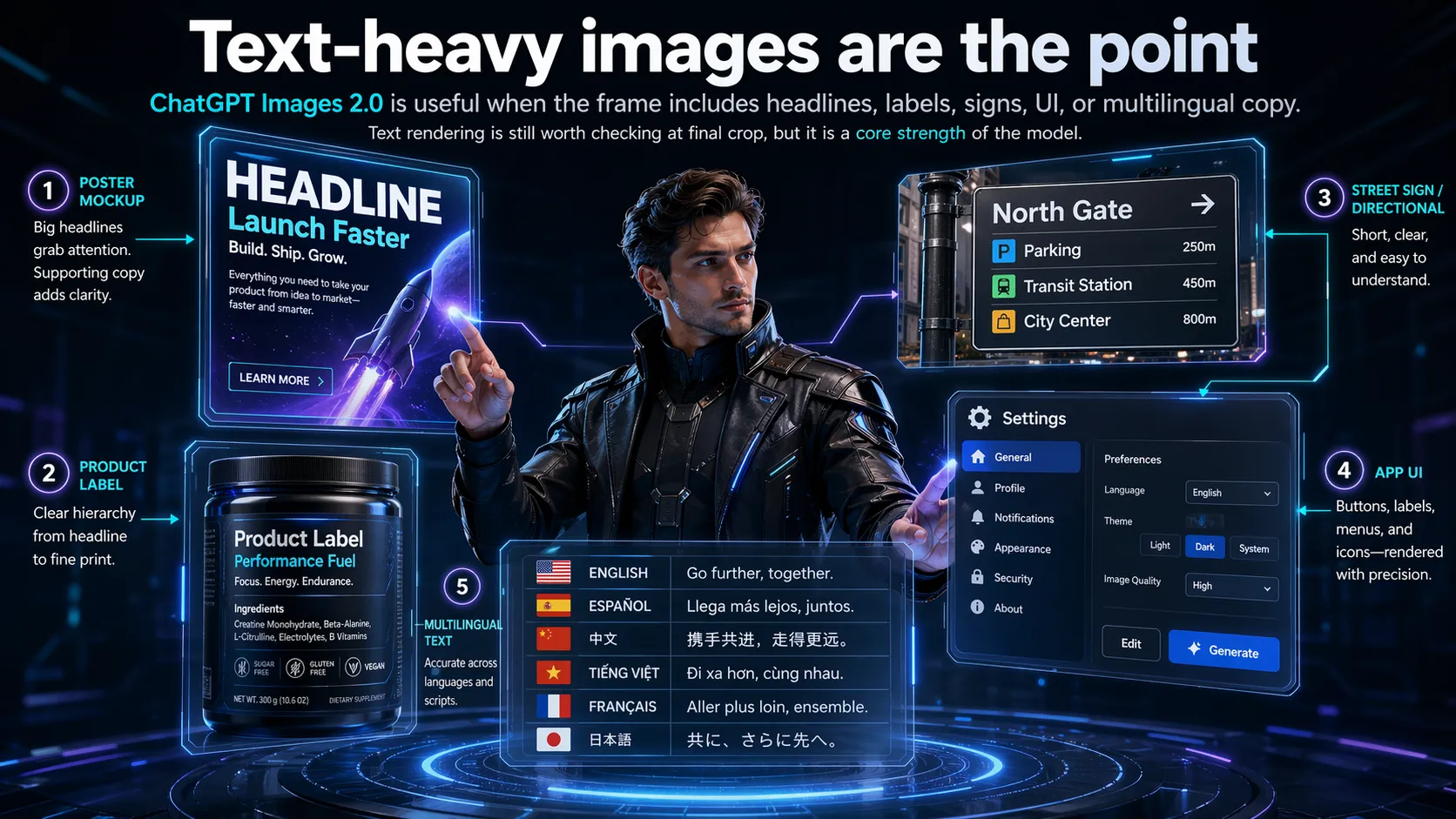
ChatGPT Images 2.0 is useful when the frame includes headlines, labels, signs, UI, or multilingual copy. Text rendering is still worth checking at final crop, but it is a core strength of the model.


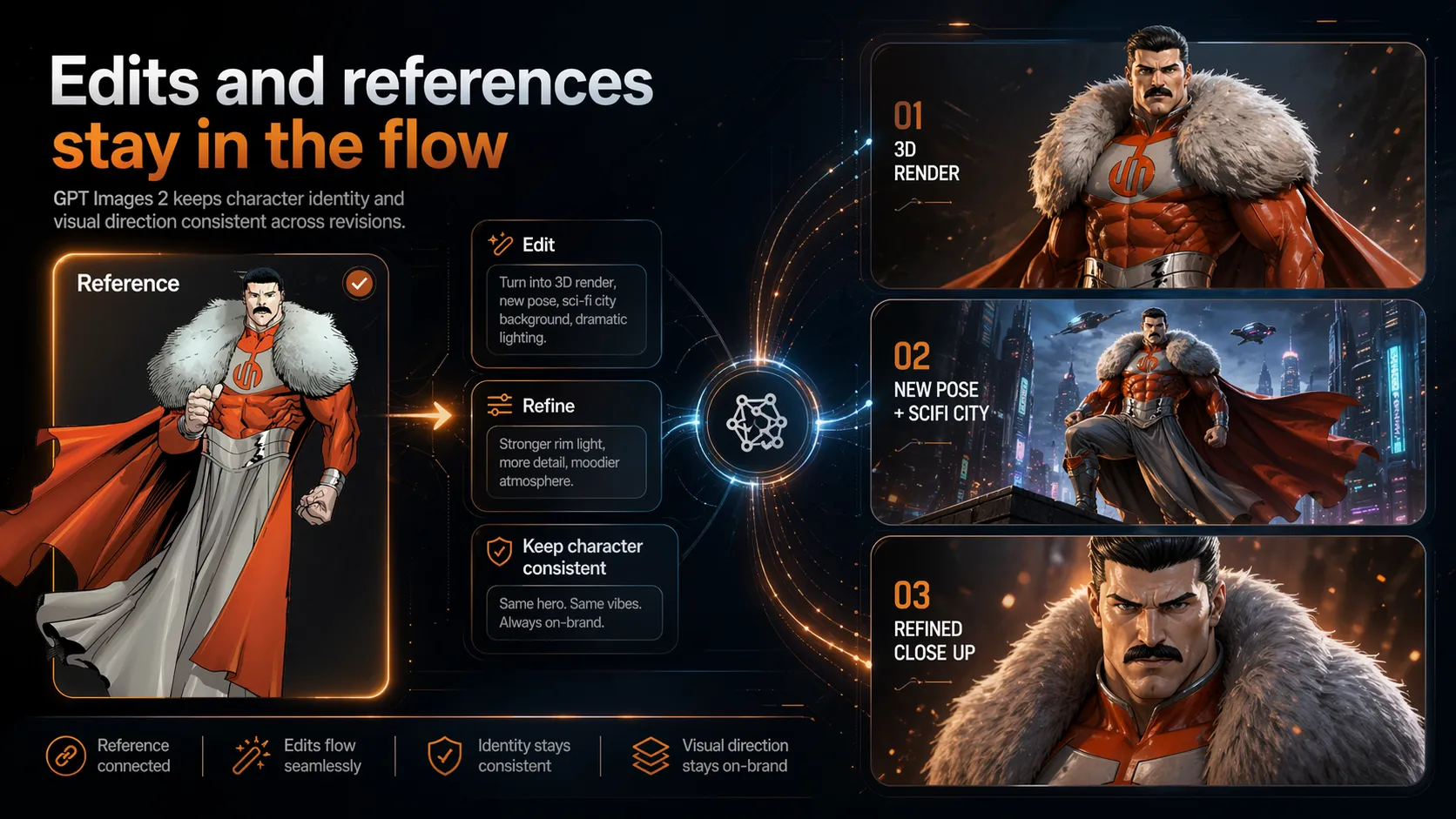
Upload an image, ask for a targeted change, or preserve details from a reference. OpenAI’s Images 2 processes image inputs at high fidelity automatically, which helps product and character references hold up during edits.
Generate campaign stills with product, headline, background, and crop specified in one prompt.
Use reference images to hold shape, material, and label direction while testing lighting and scenes.
Create clean still frames before deciding which shots deserve motion in Mix or Multi-Track.
Batch thumbnails, carousels, and meme panels with consistent tone before resizing for each channel.
Prompt typography, palette, and composition for music drops, events, and fan edits.
Explore characters, environments, UI treatments, and visual systems before moving into production.
Creators use Viggle when still generation, edits, and motion handoff need to stay in one workflow.
“We use it for first-pass ad layouts. If the copy and product angle work, the frame goes straight into motion tests."
“The useful part is editing in place. I can keep the product shot and ask for a new setting without rebuilding the prompt."
“Text-heavy poster drafts finally survive review. I still check the small type, but there is much less cleanup."
“Our storyboards start as stills now. The approved frames become the shot list before we animate anything."
“I can test cover art, thumbnail crops, and short-form backgrounds in one place instead of exporting between tools."
ChatGPT Images 2.0 is OpenAI’s newest image generation and editing experience inside ChatGPT. It can create and edit images from prompts and reference images, with better text rendering, multilingual support, stronger layout control, better realism, and stronger instruction following. In the API, the related model is called gpt-image-2, which OpenAI describes as its state of the art image generation model for fast, high quality image generation and editing.
OpenAI image generation and edits in one workflow. Plans from $9.99/month.